

Telegram
Download for Android This app is available for Android only.- Category:Social
- Rating: 4.4
- Language:English
- Updated:2026-08-17
Screenshots
Introduction
Telegram is a highly efficient and secure social communication software. Users can log in to their accounts on various mobile devices, tablets, and computers, seamlessly connecting their chat history and messages. They can also freely send files, photos, and videos of various types and sizes, thus improving social efficiency. Users can create their own groups, accommodating nearly 200,000 members for interaction. You can set up bots to manage groups, automatically blocking sensitive words or muting members, meeting diverse user needs. Security is also guaranteed; the software protects users' chat history and account information in real time, and security technology is continuously updated, allowing users to socialize with peace of mind.
Features of Telegram:
Fast delivery on weak connections: Telegram uses a distributed network to route messages quickly. You can send texts, media, and stickers with minimal delay, even when bandwidth is limited. This keeps conversations readable and reduces retries during travel or crowded events on Telegram for Android.
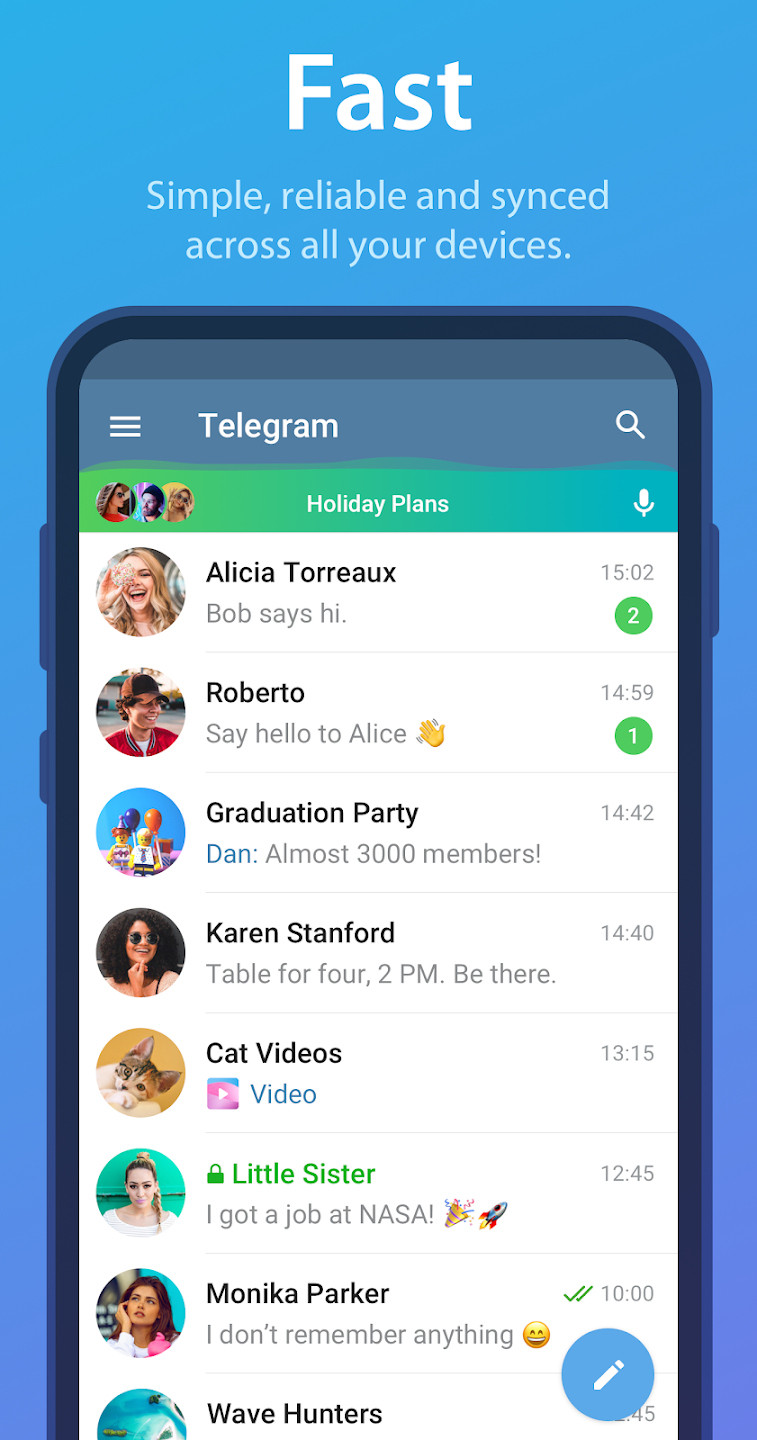
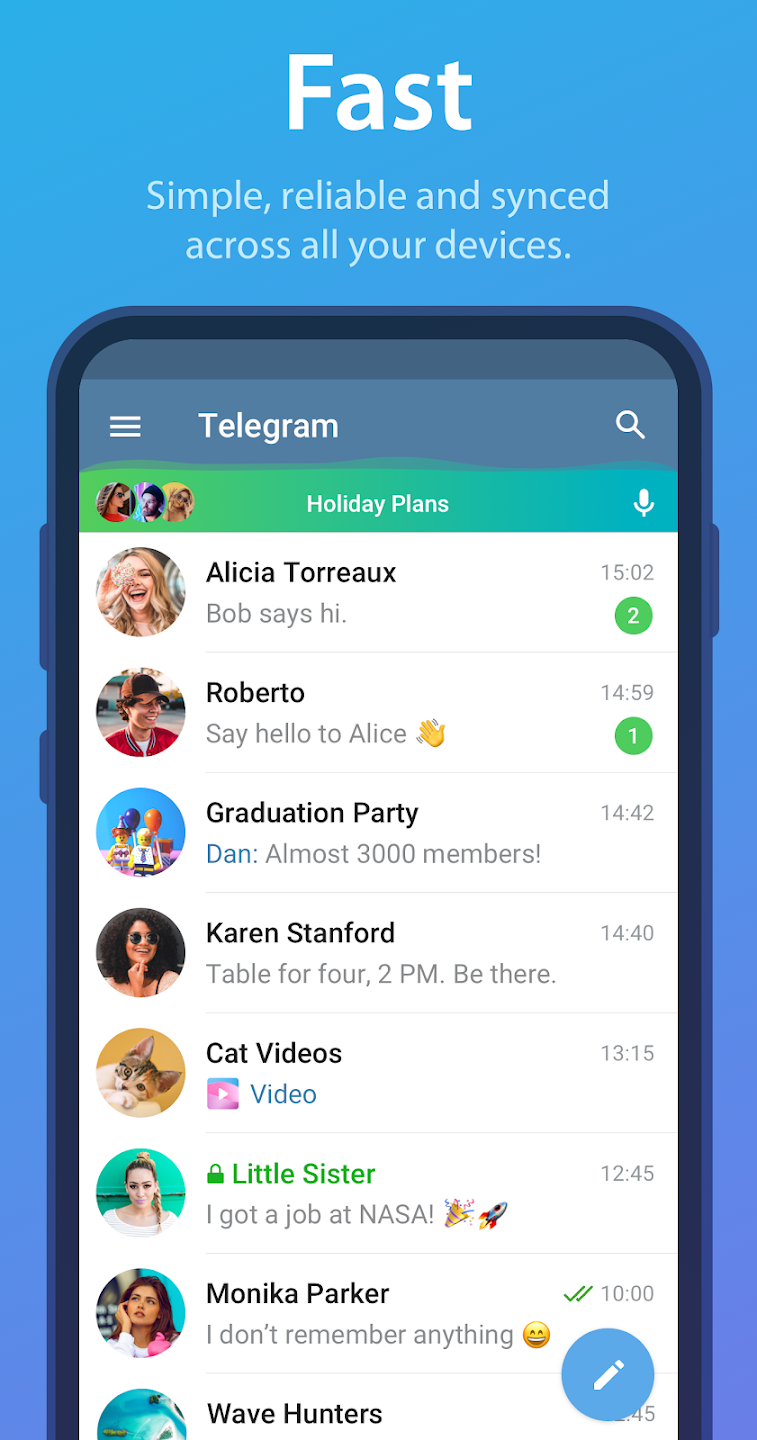
Cloud sync across all devices: Telegram stores chat history in the cloud, so you can continue a chat on desktop or web without keeping your phone online. Your messages and media are accessible from any signed in device. This design supports flexible work and study routines and reduces friction when switching screens.
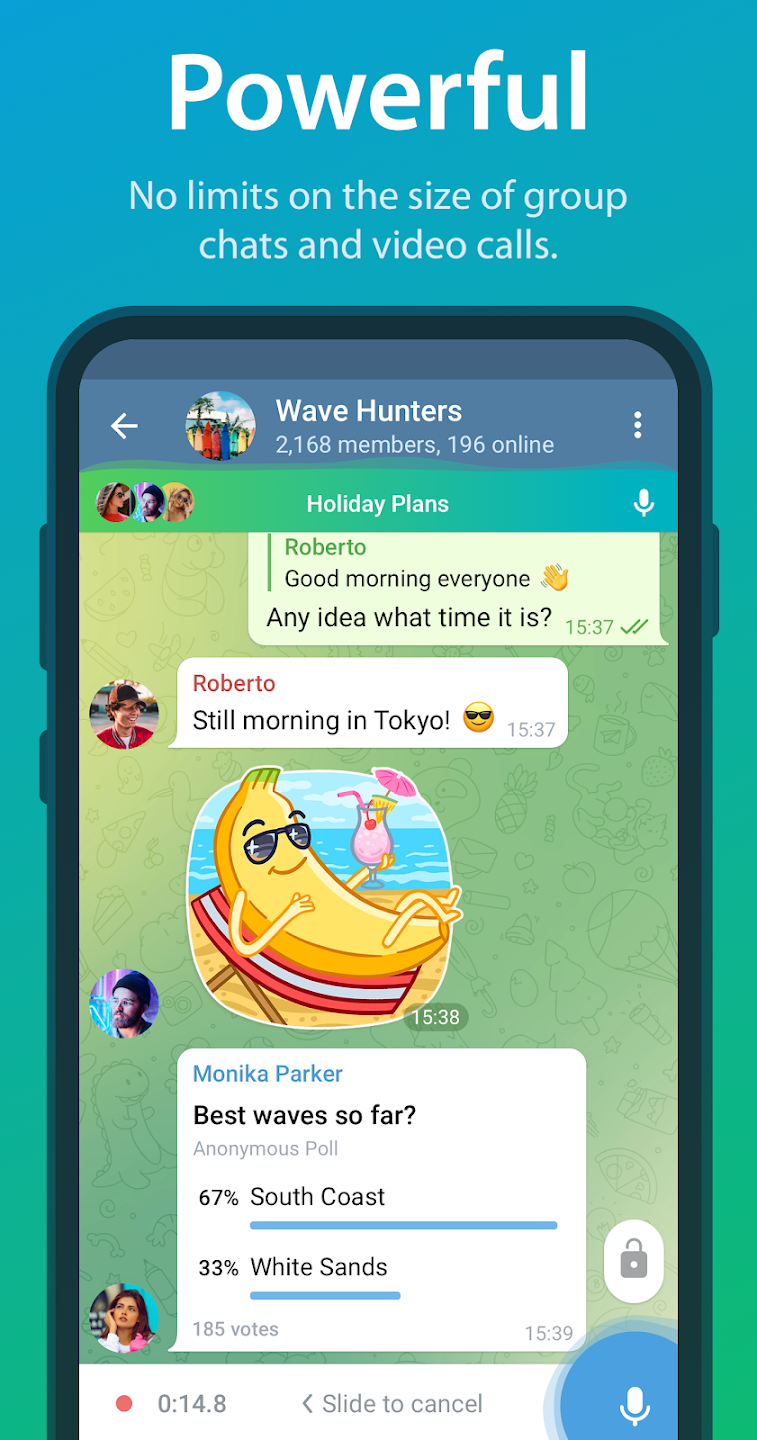
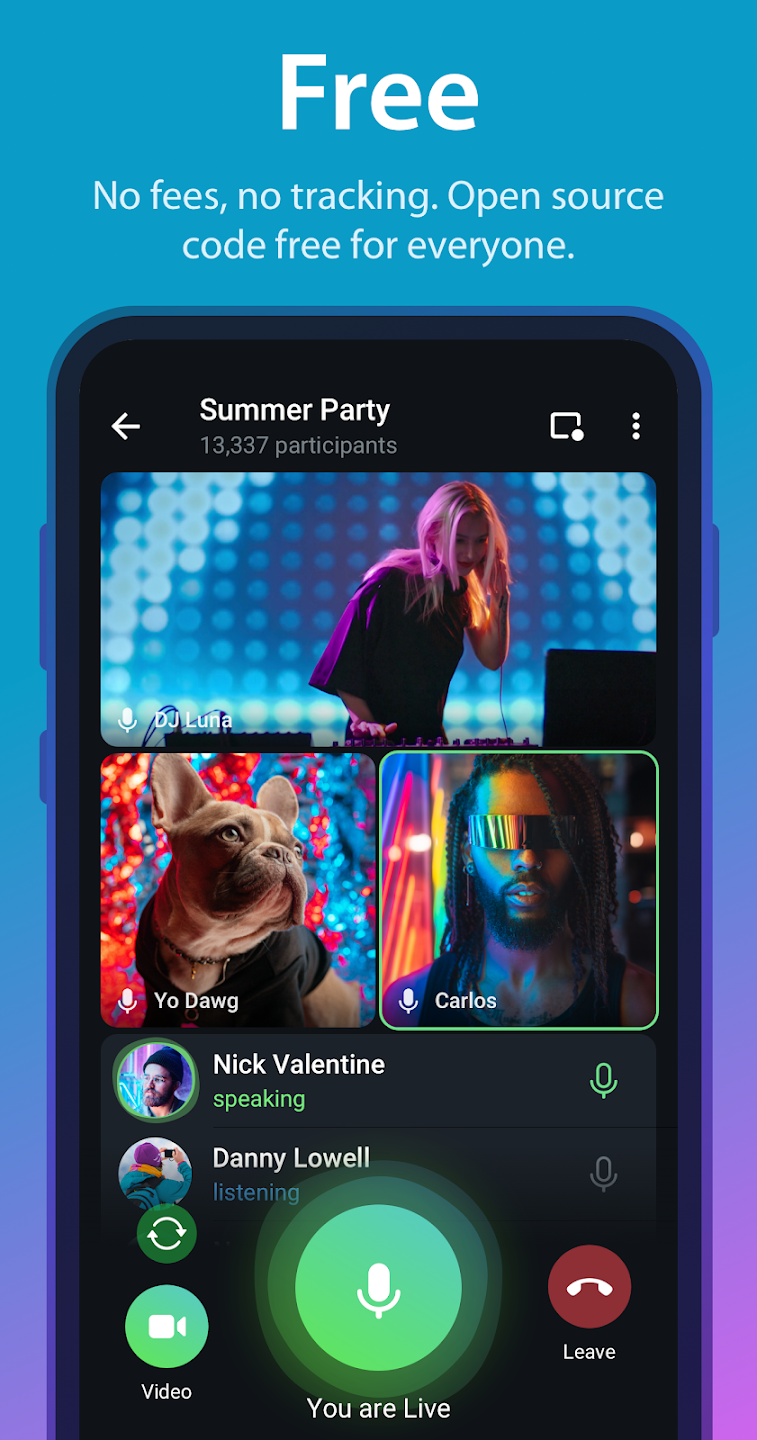
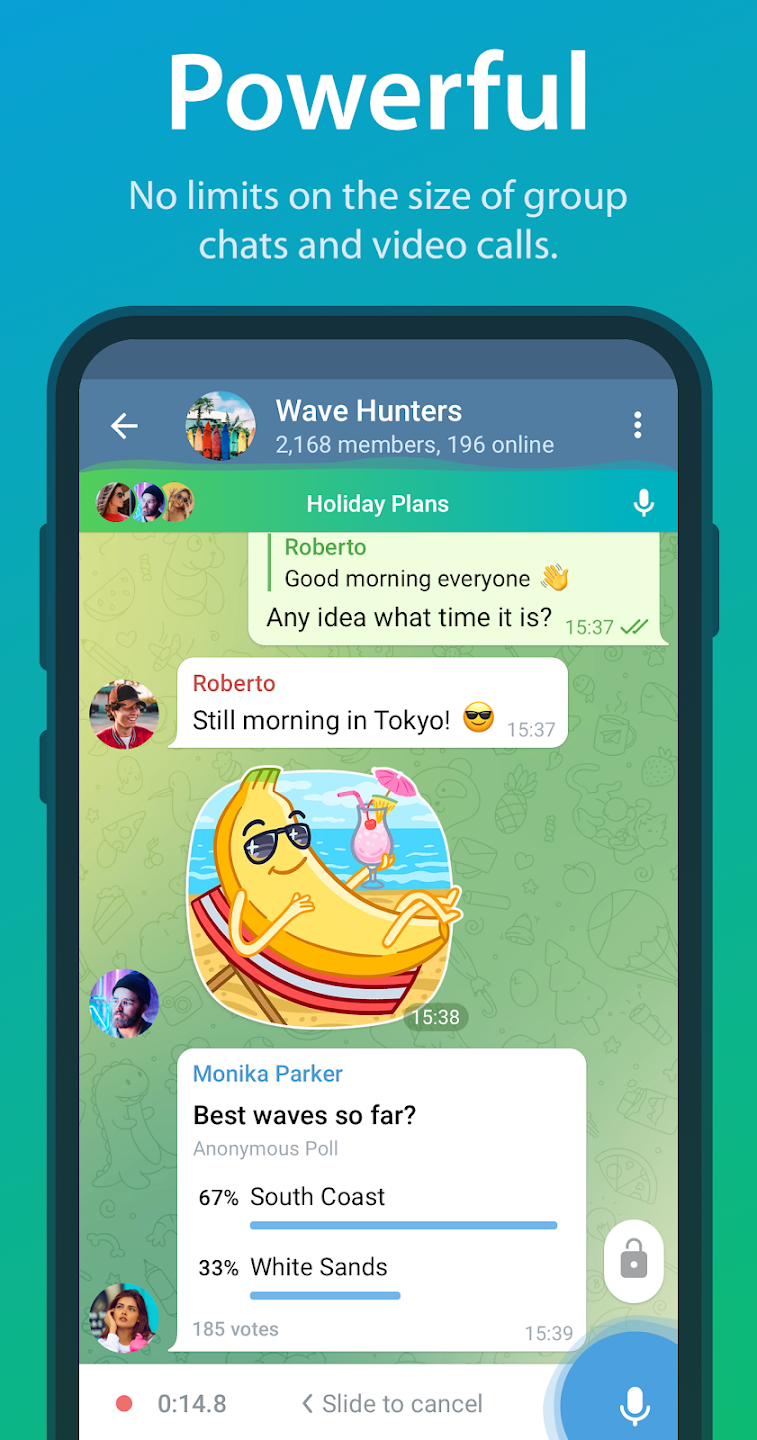
Tools for large communities: Telegram lets you run groups with up to 200,000 members and broadcast channels with unlimited subscribers. You can post updates, run polls, and start live video when announcements need real time attention. These tools help classes, creators, and teams organize discussion without fragmenting audiences.
Share big files and save space: Telegram supports any file type up to 2 GB per file. Files are stored in the cloud, so you can remove local copies and fetch them later when needed. This helps manage storage on phones and keeps project assets available from anywhere when you sign in.
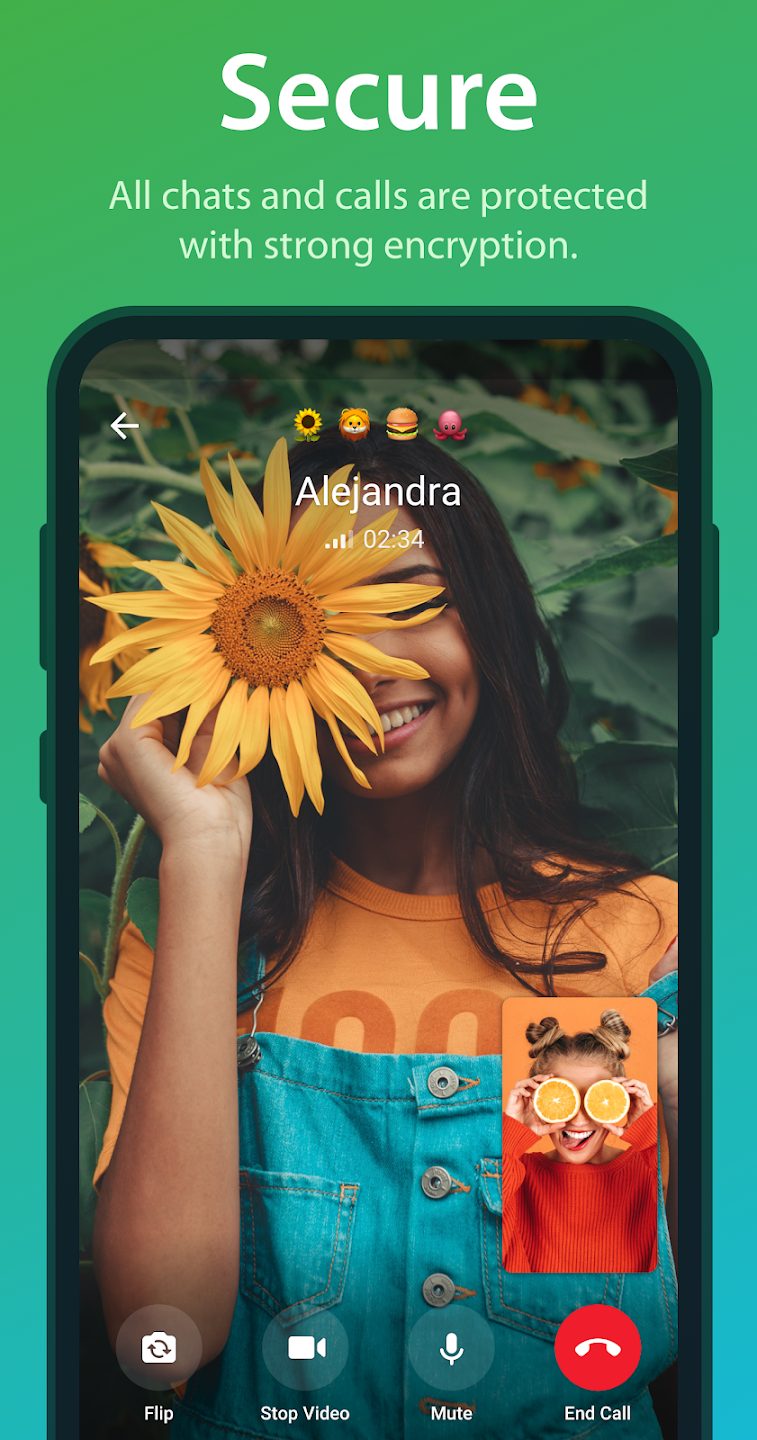
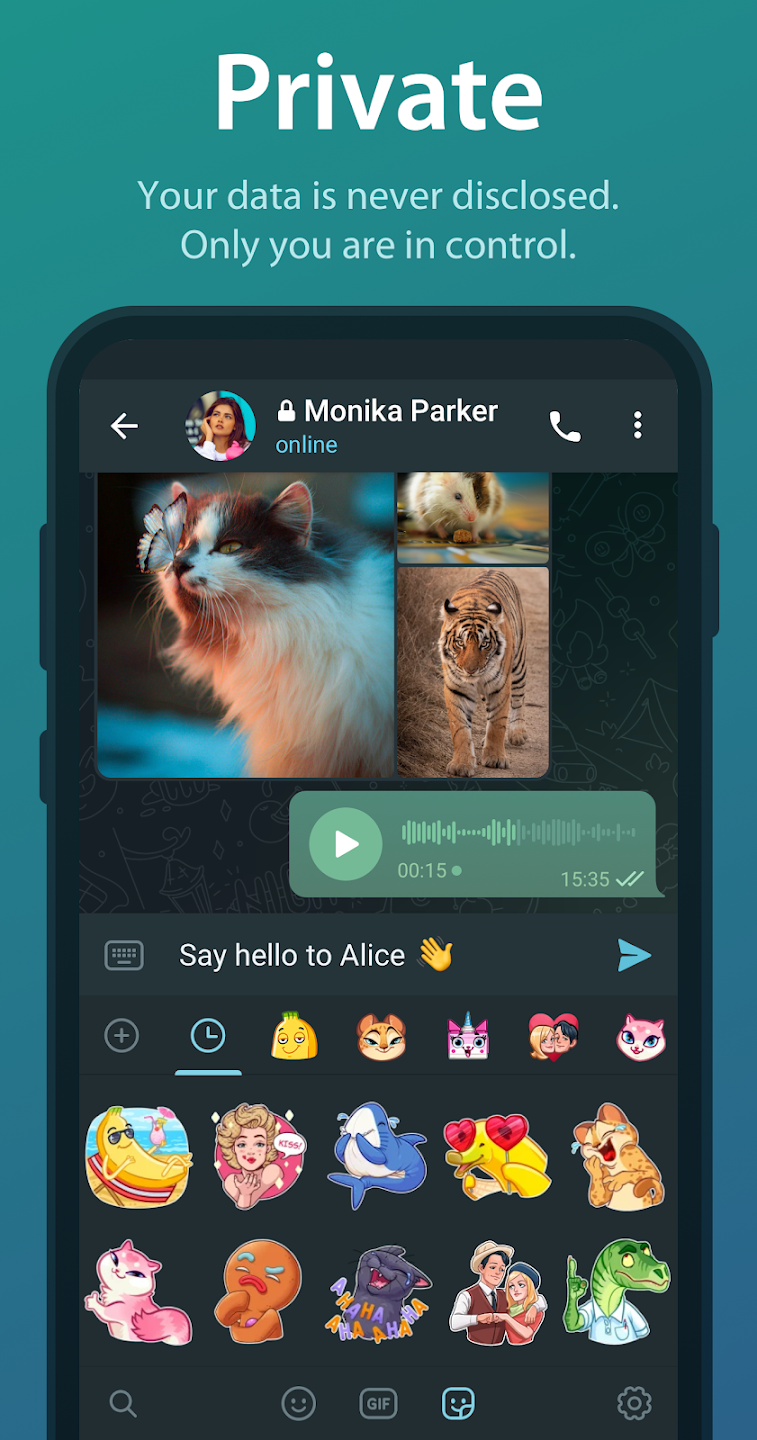
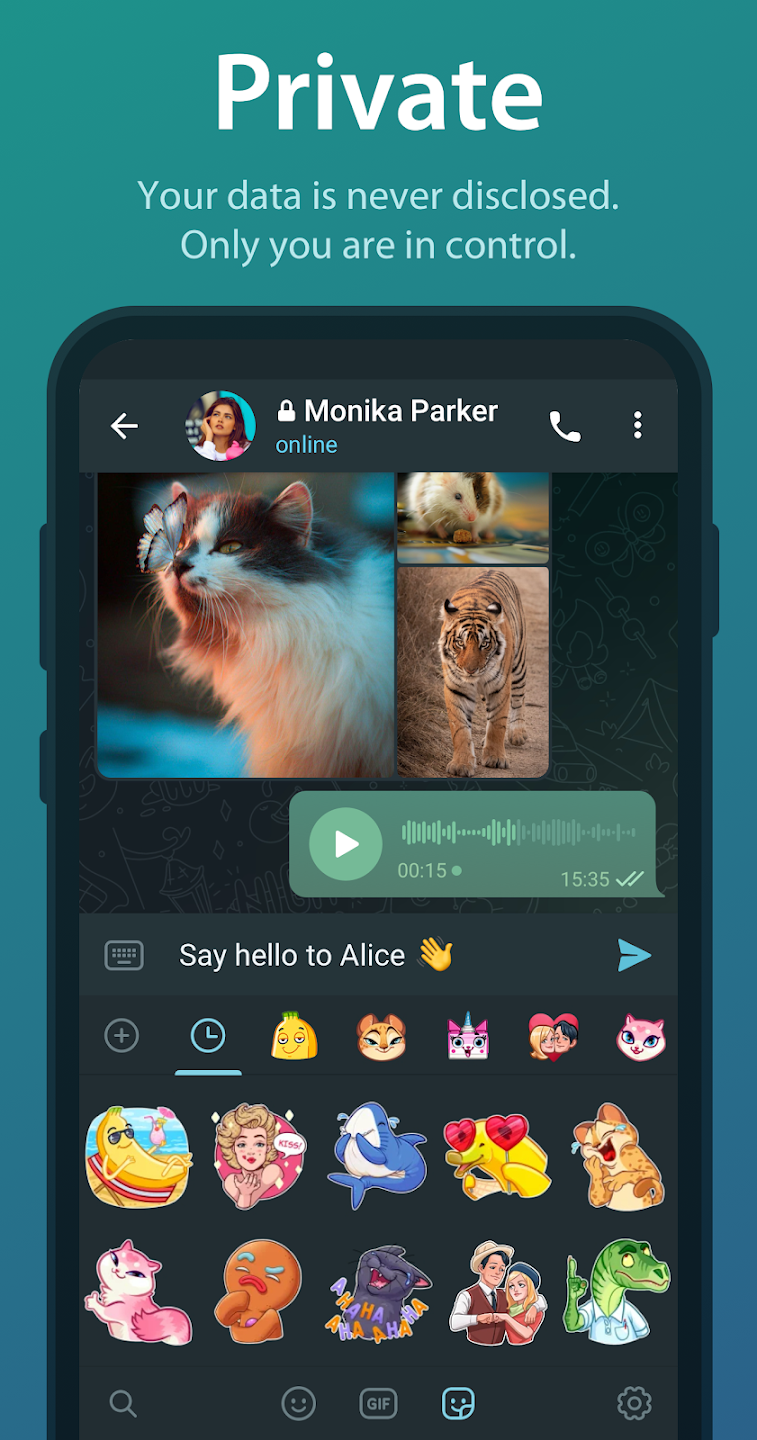
Privacy controls and Secret Chats: Telegram offers strong encryption and multiple privacy settings. Secret Chats use end to end encryption and can include self destruct timers for sensitive exchanges. You can use usernames to chat without sharing your phone number and add two step verification to protect account access.
Useful Tips of Telegram:
Keep Your Chats Organised: Our first tip for using Telegram effectively is to organize messages. Messaging apps can get messy owing to the sheer volume of personal chats and group chats one may be part of. Chat Folders in Telegram is an extremely nifty feature that allows you to keep your personal chats, group chats, and Telegram channels organized. Having all of these chats in one panel can get chaotic and messy pretty quickly, so making use of Chat Folders will allow for a more streamlined experience. You can categorize your chats into different labels by opening the hamburger menu and then heading over to Settings > Folders. Now click on Create New Folder’ and name it (Personal, Work, Family, etc.). After that, you can add the corresponding chats to the newly created folders. Now, in the chat menu, you will have a tabbed Ul with different labels allowing you to easily find important chats.
Edit Sent Messages: Unlike many popular messaging apps, Telegram allows you to edit an already sent message, to maybe fix a typo or something similar. You can use this feature to use Telegram effectively. Simply press and hold the message you’d like to edit and tap on the pencil icon on the top bar of the screen to edit the message. Do note that an edited label will show up next to the message when you’ve fixed it. The best part is you can edit messages up to 48 hours after sending them.
Send Silent Messages: There are some instances where you want to send a message to someone without necessarily disturbing them with the message notification tone or vibration, especially in situations where the receiver is in an important meeting or sleeping. To this end, Telegram allows users to send Silent Messages that will not make any sound or vibration even if the recipient hasn’t turned on Do Not Disturb. Simply type your message, tap and hold the send button and now, choose to Send without sound! Anybody can use this unique feature to use Telegram effectively.
Add Nearby People: Our next tip for using Telegram effectively is to add people based on location. Telegram also has a pretty helpful feature that allows you to find Telegram users and groups based on your location. It’s a pretty nifty feature, from the security standpoint as well, since you don’t need to share your phone number to add someone. Additionally, if you are going to a certain event, you can add groups related to that event. To add nearby users or groups, open the Telegram hamburger menu and head to Contacts. Now, tap on ‘Find People Nearby. You will now see a list of people using Telegram near you and groups in the area.
SSHH: While normal Telegram chats have user-to-server encryption, you can take this one step further by enabling something called Secret Chats, which provide user-to-user encryption, so they aren’t even stored on Telegram’s servers. To start a Secret Chat, you can either go to the hamburger menu and click on ‘New Secret Chat’, or you can go to an existing chat, click the person’s profile icon, and then click on the three-dot menu where you can find the ‘Start Secret Chat’ option. Once you have started the chat, the person on the other end will have to accept your request for a Secret Chat.
User Reviews of Telegram:
it's just a nice replacement for the regular messages app or FB messenger, not to mention it's more user friendly. The one element i like the most is the ability to edit a message after its sent mid-conversation. You can also erase a message like it was never there. also the app offers a vanishing photo aspect that is great. once you open the photo and then close out of it, it instantly disappears. pretty cool app. I've enjoyed the app to this point and have zero complaints. Told friends also.
I would enjoy Telegram even more if we had the ability to set Group Call on auto record so that whenever the video chat is started, it automatically activates the recording function. Would eliminate the instances where one forgets to start recording important conversations. But all in all, Ienjoy using Telegram. It is easy to navigate, the ability to see a trail of posts that were made on a particular group before I got added is just amazing. The group call experience is also off the charts.
Telegram is one of the best messaging apps I've ever used. It's fast, reliable, and packed with useful features like cloud sync, large file sharing, channels, groups, and bots. The interface is clean and easy to navigate, and I can access my chats seamlessly across all my devices. Overall, it's an excellent app for both personal and professional communication. Highly recommended!
I’ve been using Telegram for a couple of years now, and honestly, nothing else comes close. It’s insanely fast, super smooth, and the cloud storage feature is a life-changer—I can access all my files and chats on my phone, laptop, or tablet without missing a beat. Customization options and channels are a huge bonus too. Highly recommend.
FAQs of Telegram:
Q: Who are the people behind Telegram?
Telegram is supported by Pavel Durov and his brother Nikolai. Pavel supports Telegram financially and ideologically while Nikolai's input is technological. To make Telegram possible, Nikolai developed a unique custom data protocol, which is open, secure and optimized for work with multiple data-centers. As a result, Telegram combines security, reliability and speed on any network.
Q: There's illegal content on Telegram. How do I take it down?
All Telegram apps have 'Report' buttons that let you flag illegal content for our moderators — in just a few taps.On Telegram for Android, tap the message and select Report from the menu. On iOS, press and hold the message. On Telegram Desktop, Web or Telegram for macOS, right-click the message and select Report. Then choose an appropriate reason.You can also use our automated takedown email address abuse@telegram.org. If you're sending an email takedown request, please make sure to include links (like t.me/... or @...) to the content on Telegram which you think needs attention from our moderators.Users from the EU are welcome to study the User Guidance for the EU Digital Services Act for the relevant reporting options.
Q: A bot or channel is infringing on my copyright. What do I do?
Private groups and chats on Telegram are private amongst their participants. We do not process any requests related to them. However, Telegram also supports sticker sets, bots, channels and groups that are publicly available.If you see a bot, channel, sticker set, or other content that is a part of Telegram’s public platform and is infringing on your copyright, kindly submit a complaint to dmca@telegram.org. Please note that such requests should only be submitted by the copyright owner or an agent authorized to act on the owner’s behalf.
Q: My bot or sticker set was banned unfairly, what do I do?
If you think we banned your bot, channel, or sticker set for no apparent reasons, drop us a line at abuse@telegram.org.
Q: Do you process data requests?
Secret chats use end-to-end encryption, thanks to which we don't have any data to disclose.To protect the data that is not covered by end-to-end encryption, Telegram uses a distributed infrastructure. Cloud chat data is stored in multiple data centers around the globe that are controlled by different legal entities spread across different jurisdictions. The relevant decryption keys are split into parts and are never kept in the same place as the data they protect. As a result, several court orders from different jurisdictions are required to force us to give up any data.Thanks to this structure, we can ensure that no single government or block of like-minded countries can intrude on people's privacy and freedom of expression. Telegram can be forced to give up data only if an issue is grave and universal enough to pass the scrutiny of several different legal systems around the world.To this day, we have disclosed 0 bytes of user messages to third parties, including governments.
Conclusion:
Telegram offers a powerful, privacy-conscious messaging platform that caters to both casual and advanced users. With seamless cross-device syncing, generous file-sharing limits, and customizable features, it excels in flexibility and efficiency. While its regular chats lack full end-to-end encryption, its balance of speed, security, and functionality makes it a top-tier desktop messaging solution.
More Information
- Size:78.9MB
- Version:12.9.2
- Requirements:Android
- Votes:312
- Package Name:org.telegram.messenger.web
- Signature:b41d0f07f871865df64d76657d9aa0ff
- Content Rating:Mature 18+ · Includes adult Themes
Related Versions




Related topics
-
Virtual dating apps are digital platforms that allow users to connect, socialize, and build relationships in immersive online environments. By leveraging cutting-edge technologies like VR (virtual reality), AR (augmented reality), live video chat, and gamified interactions, these apps create engaging and lifelike dating experiences. Whether through virtual dates in digital worlds, interactive games, or AI-powered matchmaking, they offer a fresh and exciting way to meet new people. Ready to explore? Dive into the virtual dating scene and discover meaningful connections in a whole new way!
-
![AeroInsta]()
AeroInsta
-
![Bermuda Video Chat]()
Bermuda Video Chat
-
![Kachi]()
Kachi
-
![Hiya]()
Hiya
-
![Twitter Mod]()
Twitter Mod
-
![Meetany]()
Meetany
-
![Michat Lite]()
Michat Lite
-
![muzmatch]()
muzmatch
-
-
In today's digital era, many people find dating apps to be an incredibly effective way to expand their social networks. As one of the most convenient tools for modern socializing, these platforms offer users diverse opportunities to connect with others. Our curated selection of dating apps provides high-quality matching services, helping users quickly find like-minded people for meaningful interactions. Whether you're looking for friendship or romance, these apps empower you to meet new people in ways that suit your personal preferences and social style, making the journey of connection both enjoyable and rewarding!
-
![Tapatalk]()
Tapatalk
-
![AeroInsta]()
AeroInsta
-
![Kachi]()
Kachi
-
![Yoho]()
Yoho
-
![Yola]()
Yola
-
![Twitter Mod]()
Twitter Mod
-
![Meetany]()
Meetany
-
![muzmatch]()
muzmatch
-
-
Nowadays, various social media apps are constantly being launched, enriching people's ways of making friends in their daily lives. People can meet people from all over the world online without leaving their homes. At the same time, the software adopts real name authentication, allowing everyone to make safe friends. This collection integrates numerous popular social media apps. Interested friends, come and download it now!
-
![Hornet]()
Hornet
-
![Followers for instagram likes+]()
Followers for instagram likes+
-
![Neutrino+]()
Neutrino+
-
![SKEDit]()
SKEDit
-
![ZenUI Dialer & Contacts]()
ZenUI Dialer & Contacts
-
![Google Voice]()
Google Voice
-
![Mingle2]()
Mingle2
-
![AndChat]()
AndChat
-
















Latest Updated

Popular Apps








Popular News
More+-
![Tomie Wants to Get Married Full Walkthrough, All Choices and Ending Guide]()
Tomie Wants to Get Married Full Walkthrough, All Choices and Ending Guide
2026-05-22
-
![Karryn’s Prison Gameplay Walkthrough & Strategy Guide]()
Karryn’s Prison Gameplay Walkthrough & Strategy Guide
2025-10-28
-
![Life in Santa County Game Guide & Complete Walkthrough]()
Life in Santa County Game Guide & Complete Walkthrough
2025-10-28
-
![Dreams of Desire Complete Walkthrough and Game Guide]()
Dreams of Desire Complete Walkthrough and Game Guide
2025-10-28
-
![Era Hunter Gameplay Guide & Full Walkthrough]()
Era Hunter Gameplay Guide & Full Walkthrough
2025-10-28




