

Lithium
Download for Android This app is available for Android only.- Category:Comic & Novel
- Rating: 4.8
- Language:English
- Updated:2026-06-22
Screenshots
Introduction
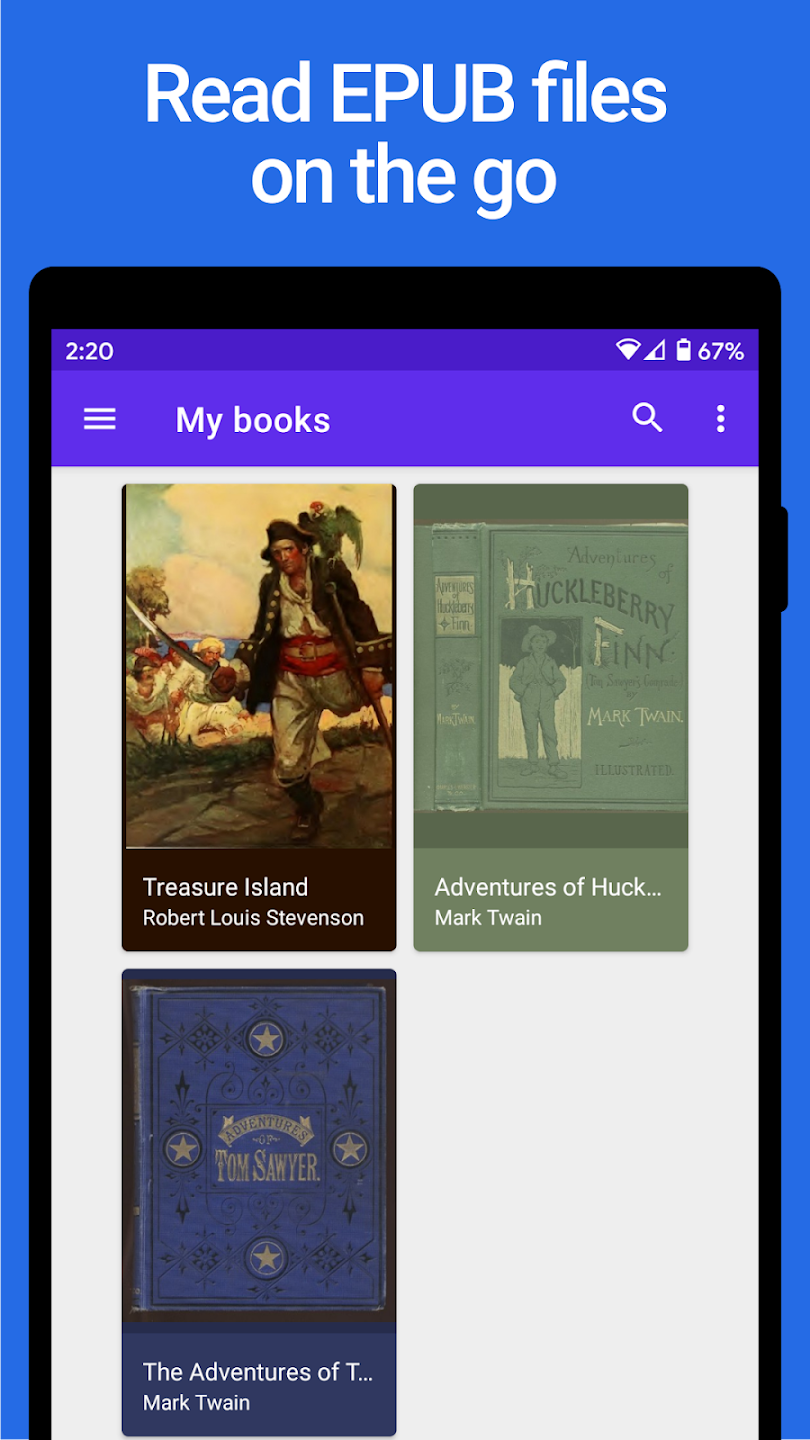
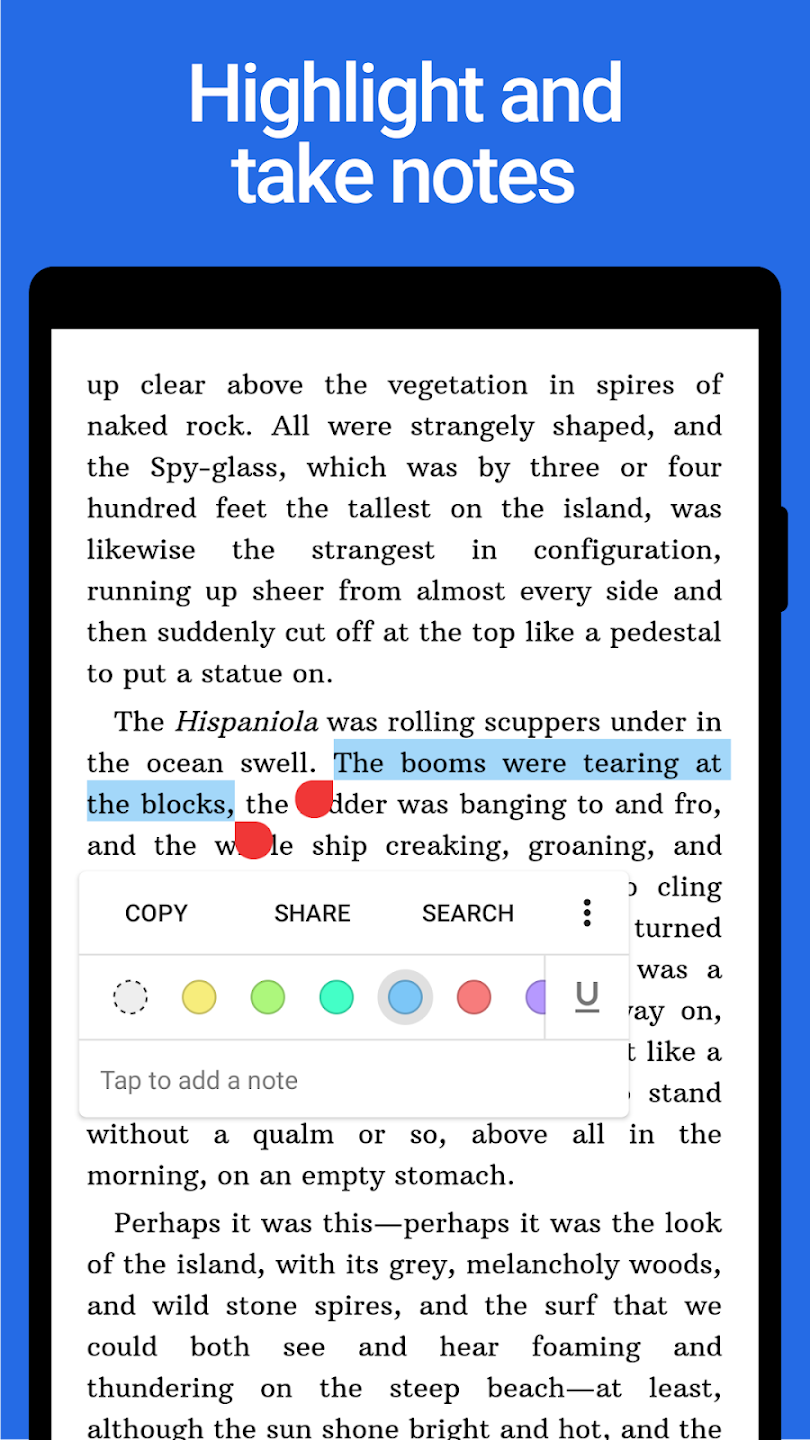
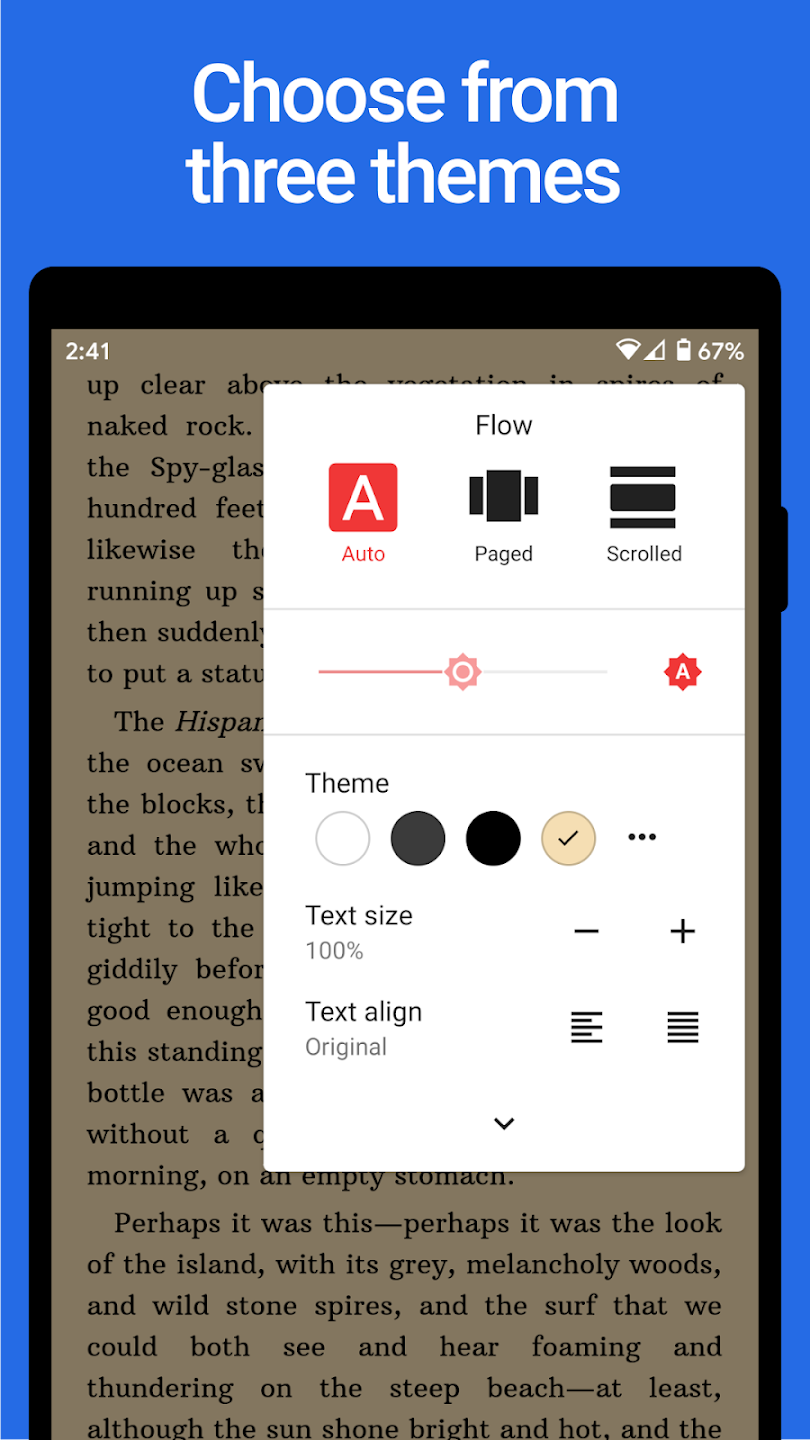
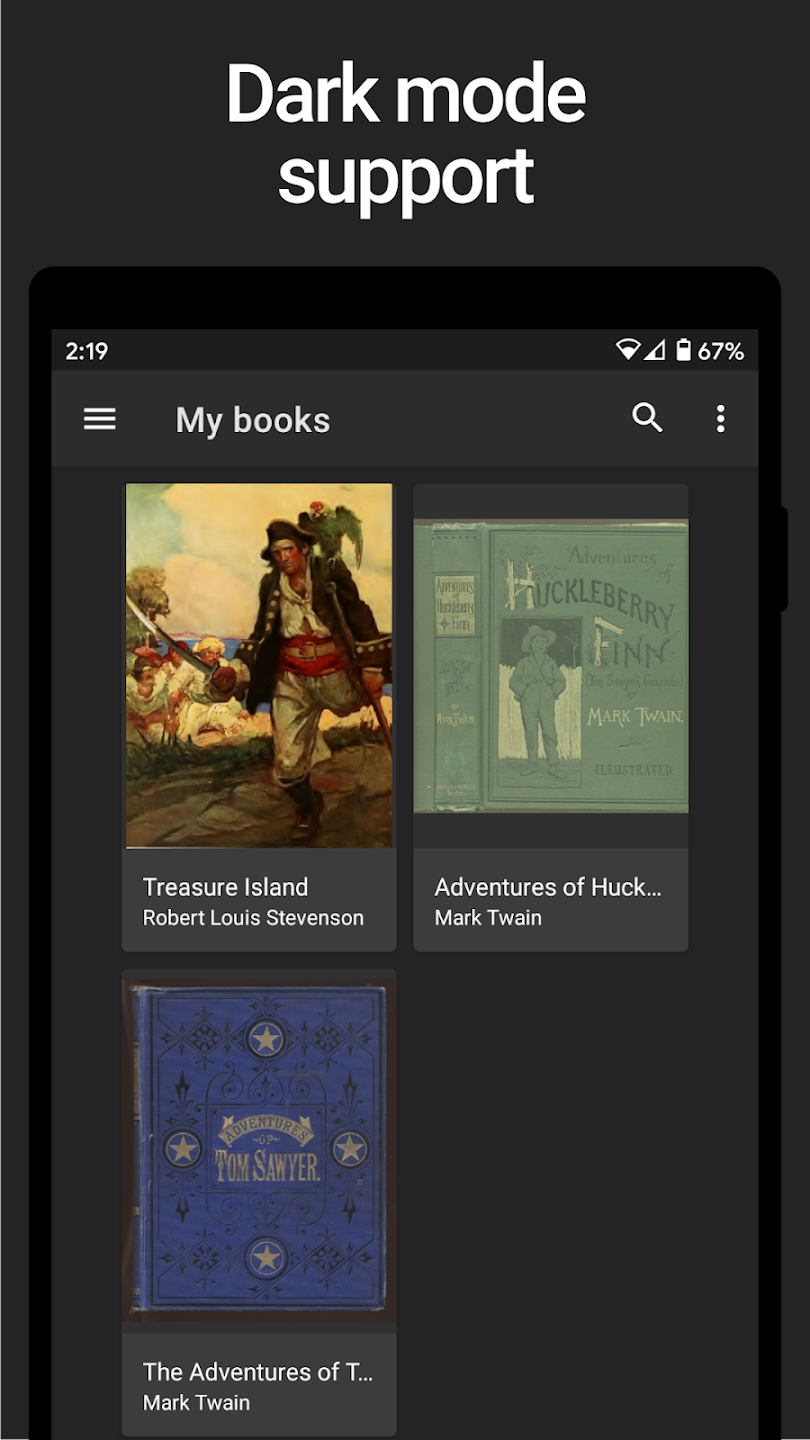
Lithium is an e-book management software designed for reading enthusiasts. Users can easily display e-books from their devices within the software, and customize their reading experience by moving books, creating new folders, deleting, and renaming them. The software offers rich customization options, allowing users to adjust font size, color, style, background, theme, and page-turning speed at any time, creating a comfortable reading environment. It also supports a note-taking function, allowing users to easily jot down inspirations and important information for later review.
Features of Lithium:
Time-saving import: You do not need to import the book fragments you want to read into the app to be able to read online. You can find your favorite book in the app itself.
Complete library access: The Ebooks have been updated by the developers into the app so you can experience reading immediately when you first download the app.
Comprehensive book management: With comprehensive book management, you will no longer worry about losing your favorite books.
Active reading promotion: Users can read books more actively because the app allows them to interact with each word on the app.
Easy content review: With the tools provided by the app, you can easily review and memorize important passages without difficulty.
Personal insight capture: Because you can also interact with the passages contained in this app, it is not uncommon for users to add their comments or annotations on a passage when using the app.
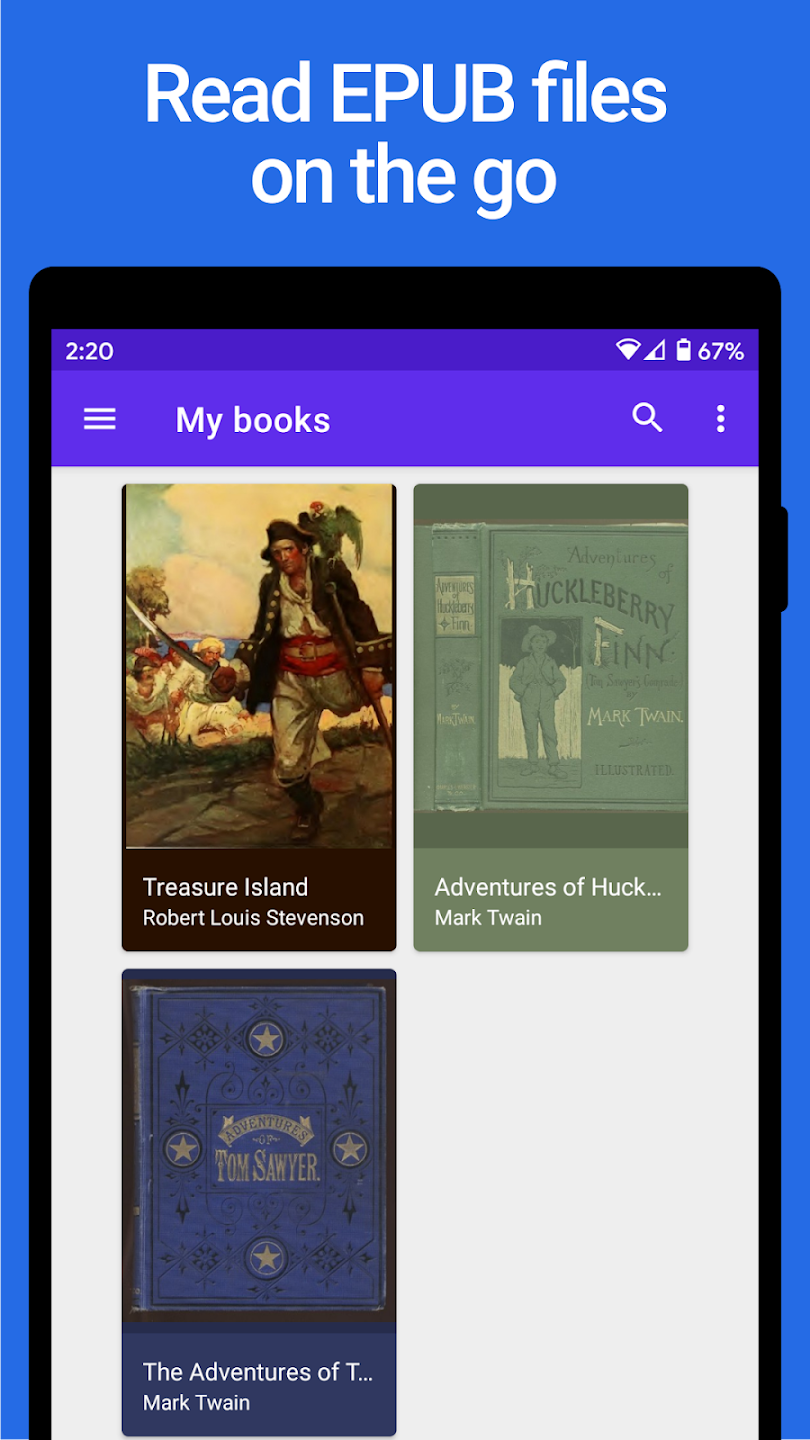
Functions of Lithium:
Various topics: Make the reader not bored. Because the topics offered are extremely diverse. Let readers choose whatever stories they like. Read on and get more personal opinions. Lithium synthesizes every book you want. It’s not too difficult to find what to read. Each topic brought will satisfy all understanding for users. Offers a variety of themes just for you. Read together with Lithium and see what is on each page of the book. One of the many apps that won’t let you down. Suppose you are tired of holding books or going to the library to read. Then Lithium is a convenient medium that brings many new experiences through reading online.
Reading mode: The pages of the book are displayed clearly. So that users will be able to follow a series of good book pages. The book categories are arranged for easy search. Choose any content you want. Unlimited reads and hits. The application also allows you to copy the sentences on that page. A perfect reading mode keeps the reader engaged. Easily switch between pages you’ve read. Lithium will bring a new way of reading useful books. Highly appreciated and more and more people choose. Together as a companion and read anywhere. Walking around the lake, walking, sitting on the bus… Any place and at any time. Just have a phone and Lithium; everything you want to read is available.
Explore rich books: Want to find and know more books. Lithium should be all you’re looking for. Bringing huge bookstores. Read and find the most diverse content like a miniature library. Users will be able to explore thousands of individual genres. Are you ready to step into Lithium? Surely you will no longer want to get out of Lithium when Lithium is the place for you to step to and conquer those pages. Read and type pages, take notes right on the device. There are no ads when you visit. Includes autoplay books. Many features and offers modes to read and select the most loved books. Download Lithium mod book reader with multi-genre.
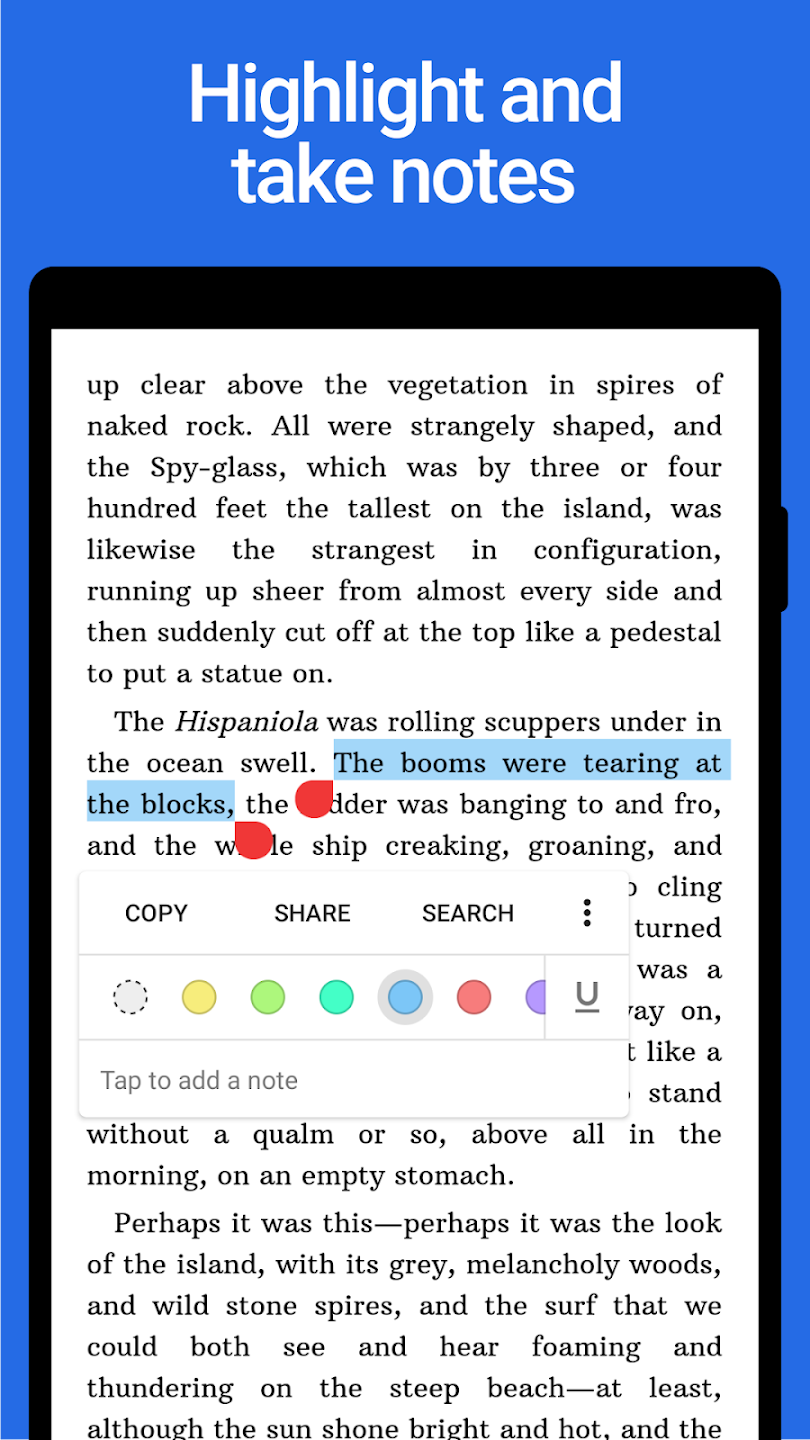
User Reviews of Lithium:
LITERALLY THE BEST EREADING APP EVER. it even gets better when you purchase the pro version (which is affordable and worth it!!) because i get to sync my bookmarks, highlights, everything across multiple devices, and i get to customize the colors of the background, text and links in the books i'm reading. it's such a fun experience for readers who love to organize and personalize their reading materials. i was quite worried when this was gone from the store for a while, but it's back!
ok so I love this app! super easy to use. I would've already bought the pro version (it's really affordable!) but there doesn't seem to be any way to reorder books in your library or in the custom lists. they automatically switch around putting whatever you read last on top. would love more control organising lists and renaming books once they're added please!
Very easy to use, and no ads. I can also adjust the settings to my preferences, but I wish there's a feature that can mark the book finished or unfinished to help with the organization, although putting it to category section may work its not the same to other books that are already in other categories. Overall, one on the best that I have use.
Like others I used Lithium for free for years. I don't really need the upgraded features but just wanted to show support. Lithium just works. In the best sense of the word. There's no fluff and irrelevant features that clog your phone up. Just straight up file reading and rendering from any accessible user directory. All a phone ebook reader needs to do and nothing more. Perfect.
Final words:
Lithium delivers a reliable and straightforward e-book experience tailored for Android users. Its automatic detection of EPUB files and core personalization options make reading accessible and adaptable. The absence of ads and a simple interface support focused use. The lack of detailed information on system requirements and additional Pro version features may require users to explore further before installation, but the app remains a practical choice for those seeking a clean EPUB reader.
More Information
- Size:7.1MB
- Version:0.24.6.1
- Requirements:Android
- Votes:316
- Package Name:com.faultexception.reader
- Signature:1f708912fb66a6ab6f05b7f15342672209e960c2
Related topics
-
Discover the best tools to enhance your fiction-reading experience in 2024! This curated collection features top-tier e-reader apps, audiobook platforms, and digital library services, designed for book lovers of all kinds. Whether you prefer immersive e-books, hands-free audiobooks, or customizable reading interfaces, our selection covers every need-from offline reading to AI-powered recommendations. Dive into your next literary adventure with the perfect software tailored for fiction enthusiasts!
-
![Novelme]()
Novelme
-
![KBM App - Baca Novel dan Buku]()
KBM App - Baca Novel dan Buku
-
![Ebook Reader]()
Ebook Reader
-
![Pratilipi]()
Pratilipi
-
![LitRes]()
LitRes
-
![Islam 360]()
Islam 360
-
![Noel Novel]()
Noel Novel
-
![Tapon]()
Tapon
-
-
If you’re like many parents, teaching your child to read and searching for the best reading programs for kids can feel overwhelming. Maybe you’ve tried several different programs, only to find that your child still isn’t connecting with the material. Or worse, perhaps your child is frustrated and wants to give up entirely. It’s hard to know what’s right when so much advice is out there. Luckily, our program is here to simplify the process for you and make learning to read more enjoyable for your child. We’re here to guide you on how to teach a child to read and give your child A Good Start.
-
![Novelme]()
Novelme
-
![Read Along by Google]()
Read Along by Google
-
![Islam 360]()
Islam 360
-
![Yarn - Chat Fiction]()
Yarn - Chat Fiction
-
![Alarido]()
Alarido
-
![Z library]()
Z library
-
![BoxNovel]()
BoxNovel
-
![Sky Tonight]()
Sky Tonight
-
-
Defining what makes a game truly excellent is a subjective matter, as each player has their own criteria for what they value most. However, one undeniable factor that brings a game closer to excellence is a unique and captivating storyline. A well-crafted narrative has the power to engage the player on a deeper emotional level, stirring their soul and leaving a lasting impact. Such a storyline can evoke strong feelings, make the player reflect on the experience, and create a bond that enhances the overall gaming journey. In essence, a game with a compelling story can transcend mere entertainment and become a truly memorable experience.
-
![Ebook Reader]()
Ebook Reader
-
![WebNovel]()
WebNovel
-
![Scribd: 300M+ documents]()
Scribd: 300M+ documents
-
![jilkatha]()
jilkatha
-
![Storytel]()
Storytel
-
![Bookmate]()
Bookmate
-
![MTLNATION]()
MTLNATION
-
![NovelMaster]()
NovelMaster
-









Latest Updated






Popular Apps


Popular News
More+-
![Tomie Wants to Get Married Full Walkthrough, All Choices and Ending Guide]()
Tomie Wants to Get Married Full Walkthrough, All Choices and Ending Guide
2026-05-22
-
![Karryn’s Prison Gameplay Walkthrough & Strategy Guide]()
Karryn’s Prison Gameplay Walkthrough & Strategy Guide
2025-10-28
-
![Life in Santa County Game Guide & Complete Walkthrough]()
Life in Santa County Game Guide & Complete Walkthrough
2025-10-28
-
![Dreams of Desire Complete Walkthrough and Game Guide]()
Dreams of Desire Complete Walkthrough and Game Guide
2025-10-28
-
![Era Hunter Gameplay Guide & Full Walkthrough]()
Era Hunter Gameplay Guide & Full Walkthrough
2025-10-28




