
zeta
Download for Android This app is available for Android only.- Category:Lifestyle
- Rating: 4.7
- Language:English
- Updated:2026-06-03
Screenshots


Introduction
Zeta is a social chat app that integrates the latest AI models. It's completely free, and users can customize different personalities, from domineering CEOs to gentle princesses. Simply add your name, personality, and a brief description to create a corresponding character and image, and start your chat journey anytime, anywhere. Users can choose to share their character with others or set it as their private character, creating a story unique to you. Privacy is also extremely important. The software protects users' personal information and chat history in real time and continuously optimizes its AI model to provide a more comfortable user experience.
Features of zeta:
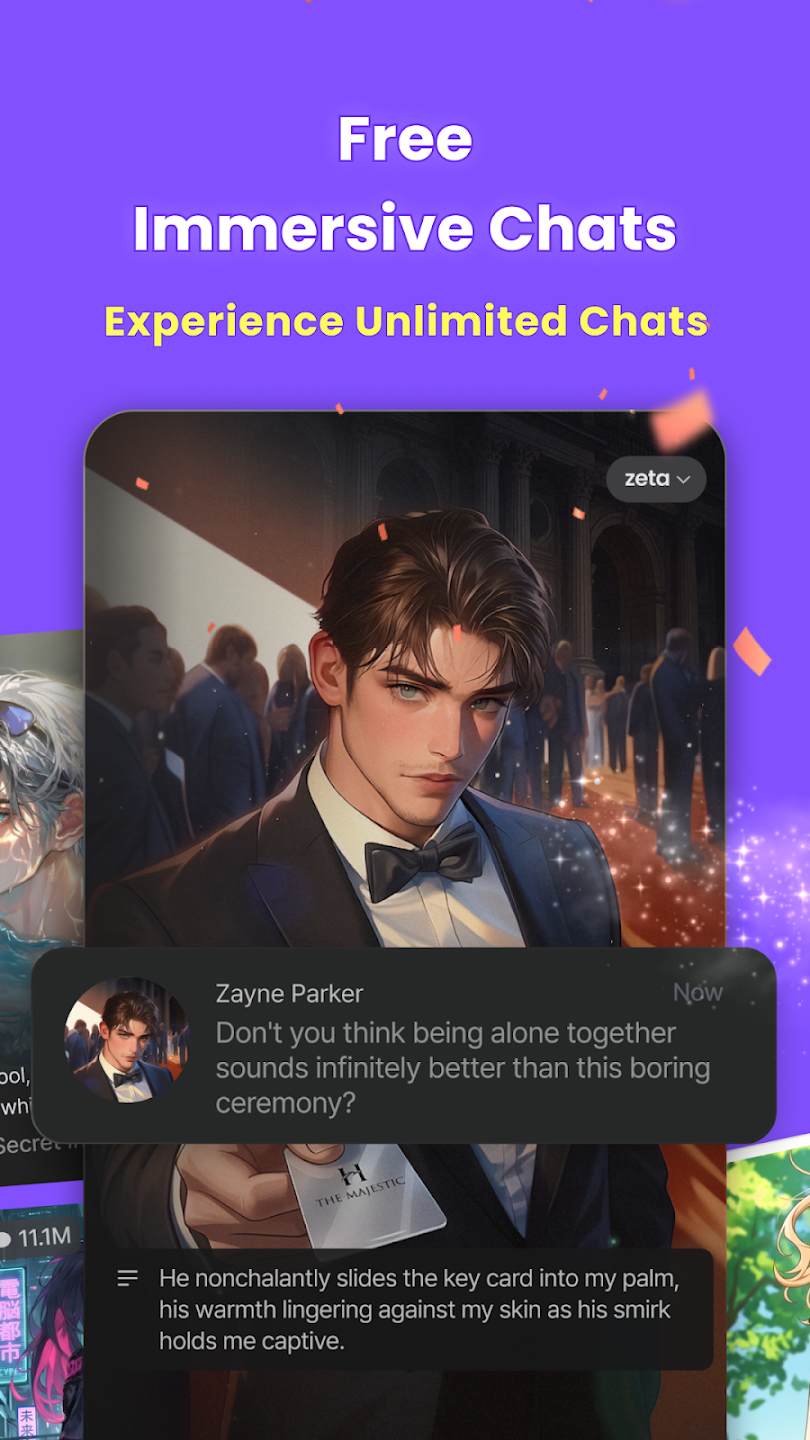
Unlimited chats and real time image generation: You can chat without per message charges and generate images from keywords or selected images as you go. This helps you keep a scene moving while you add visuals that match the moment. Images appear as you enter prompts or attach a reference, so the flow of the Zeta AI chat stays intact.
Build and control your own characters: You define name, description, and behavior to shape how a character speaks and reacts. You can keep a profile private for personal drafts, or share it with the community for others to discover and chat with. Over time, you can refine prompts and boundaries to guide consistent responses that match your intent.
Choose any genre or setup: From romance and rivalry to martial arts, RPG quests, fantasy courts, obsession, jealousy, or CEO contract relationships, Zeta supports varied setups. You can start a slice of life scene or jump into high stakes confrontations, then switch settings as your outline evolves. This flexibility helps you test ideas quickly without creating a new workspace.
Dynamic AI characters across popular tropes: Zeta responds in real time through personas such as a two faced student council president, yandere, tsundere, femme fatale, BL triangle, and more. You can adjust tone or escalate stakes mid conversation, and the character adapts to new directions without breaking context. This makes it simple to explore light banter, dramatic twists, or slow burn arcs in one place.

Highlights of zeta:
User-Controlled Storytelling: It allows users to insert themselves as the main character and control the story's unraveling, including creating plot twists and defining character interactions. This caters to the target audience's desire for personalized, emotionally engaging experiences and creative expression.
Memory-Retaining AI Companions: The app provides characters that remember tiny quirks, secrets, and forgotten moments, fostering a connection that goes beyond just conversation. This aligns with the target audience's search for emotionally engaging experiences and a sense of genuine interaction.
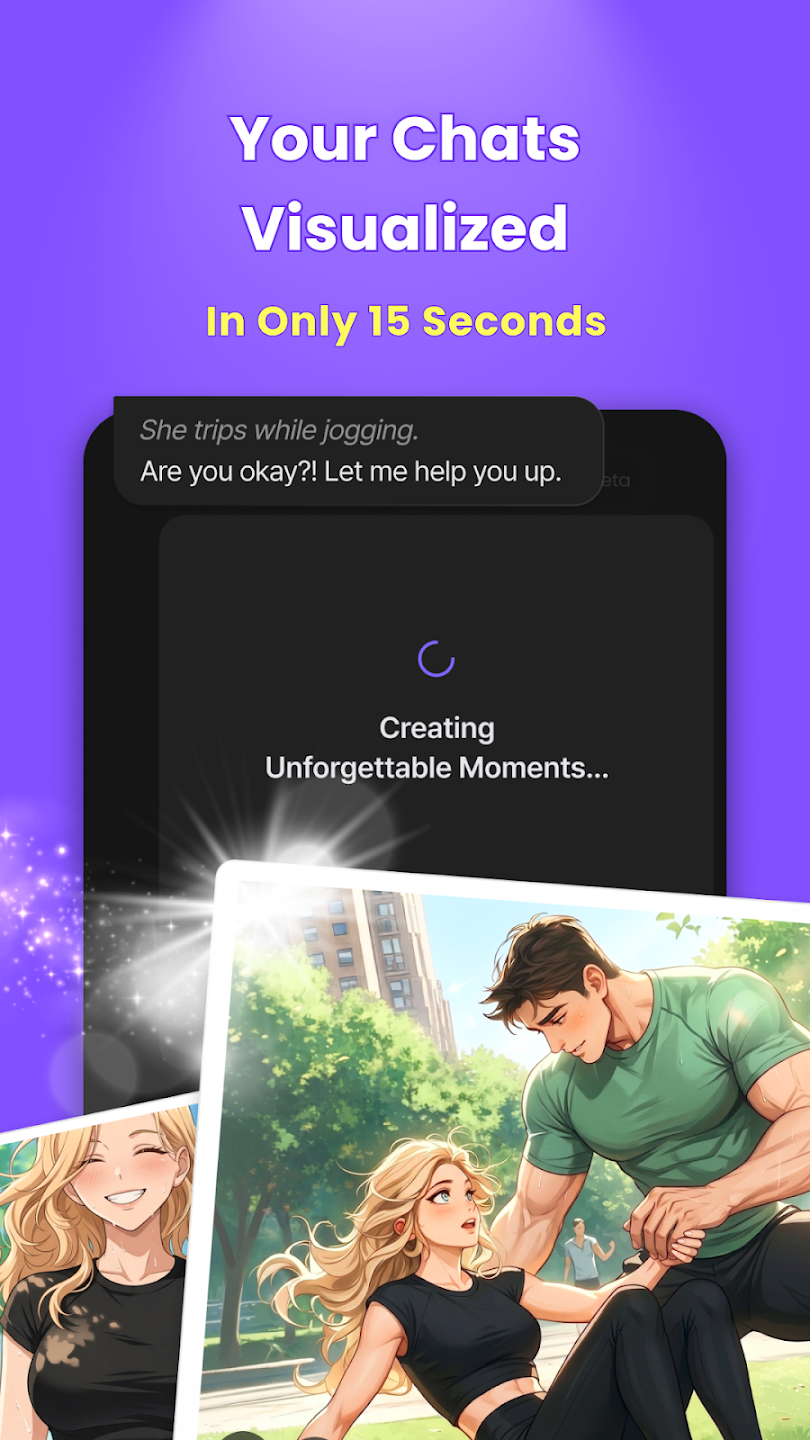
AI Image Generation: It allows users to receive high-quality images reenacting their conversations in just 15 seconds, bringing their imagination to life through illustrations. This appeals to the visual preferences of the target audience and enhances their immersive storytelling experience.
Smart Reply Assistance: This tool features a 'Smart Reply' option to help users stay immersed in chatting without interruption, especially when they don't know what to say. This supports the seamless and continuous nature of interactive storytelling that the target audience values.

User Reviews of zeta:
As far as I've seen, it's pretty good. I like that there is a completely free option. However, it does seem to have a bit of trouble keeping extended chats. It sometimes renames people mid conversation, or uses someones last name as a completely different person. In short, it has a little trouble staying consistent. Still, it's decent overall.
My opinion? it's absolutely great, like omg. I got slapped when I first downloaded it. the replies are so long, exactly how I like it. also, whenever you mention a character, it'll have a separate uhh what do you call it, chat. like a group chat or something with a lot of people in it. Uh, my only ick is the ads, too many but I guess for them to get a profit, you gotta give lots of ads.
As a C.ai refugee, good is very good, few adds, and great storytelling ability. There are a few things that I saw should be improved on. I'd love a voice feature, but I could live without. More importantly, there aren't as many characters as there are on other ai chat apps, but I'm sure in time more people will make more bots. All in all great app, and a great place to migrate from after C.ai went greedy.
it's awesome! dialogue and anything else is natural and far from repetitive. you get something new with every swipe. the ads are NOT intrusive if you play less than ~2hrs, and even after that... still not as bad as a certain competitor. as much as i wish free users could get more than one private bot, the app is so generous with everything else that i really can't care all that much.
FAQs of zeta:
I accidentally deleted my Google/Apple accout?
Once a login link method has been set up in zeta, it cannot be changed later.Additionally, if the linked account is deleted, you will no longer be able to log back into zeta.We are working to improve the stability of the app, but at this time behavior can still be unstable, and there may be cases where your login state is cleared while using the service and re-login is required, or where re-login is required after a forced app update.If You've Deleted Your Linked Account, There Are Two Ways to Recover:Immediately restore the linked account (Google/Apple),Create a new zeta account.
My account was reset?
If your account appears to be reset after logging back in, you may have logged in using a different login method than before.Please select the same sign-up method you used when you first joined, then log in.If your account appears reset even though you are using your existing account.Please contact customer support with your previous @zeta ID.We will check the status of your account.
What happens to the plots I created after I delete my account?
Even if you delete your account, the plots you created will not be automatically deleted and will remain publicly available.This is because, once a plot is uploaded to the zeta server, other users can continue using that plot for conversations.Therefore, if you wish to delete plots you've created, please delete them yourself before completing the withdrawal procedure.
What is a plot?
A plot is the basic unit of content on zeta. As of March 12, 2026, what was previously called a "character" has been renamed to "plot."Over the past two years, zeta's content has evolved into "a single story" that includes not just one character, but worldviews, multiple characters, and detailed settings. To more accurately represent this scope, we have started calling the unit of content a "plot."Note that "character" will continue to be used to refer to the people who appear within a plot. There are no changes to existing content or features, so please rest assured.
How do I create a plot?
Try creating your very own plot on zeta!
Open the zeta app
Tap the "+ (Create)" button at the bottom of the screen
Review the notes for creation
Set the title, character names, public/private setting, profile image, etc., and proceed with creation
By following the above steps, you can quickly and easily create a plot.
Please try creating your own unique characters!
Conclusion:
Download the zeta APK and have fun talking to characters of all kinds. Through this app, you can have endless conversations with any AI. You can play different role-playing games, exchange images, and, in short, spend time doing whatever you like.
More Information
- Size:199.6MB
- Version:3.38.6
- Requirements:Android
- Votes:303
Related topics
-
A healthy lifestyle is about more than just proper nutrition and consistent exercise. Getting enough sleep, taking care of your body and mind, and managing things like medications and doctor’s appointments also play important roles in staying healthy. A good app can be a great way to manage it all. That’s why Healthline tested a variety of different healthy lifestyle apps. We chose the year’s best based on content, reliability, and user reviews.
-
![Daylio Journal]()
Daylio Journal
-
![BeatO]()
BeatO
-
![Study Bunny]()
Study Bunny
-
![TATA 1mg]()
TATA 1mg
-
![Dog Scanner]()
Dog Scanner
-
![GasBuddy]()
GasBuddy
-
![Procreate Mod]()
Procreate Mod
-
![freenet]()
freenet
-
-
Nowadays, people's lives not only rely on mobile phones, but also on various apps. In addition to shopping apps and video watching apps, there are also many lifestyle apps that are commonly used by people. Today, I will share with you the apps for daily life? If you also want to make your life more convenient, you should really understand it well, which is also essential for everyone.
-
![LifePoints]()
LifePoints
-
![Swiggy APK]()
Swiggy APK
-
![Windy.com]()
Windy.com
-
![Earneasy24]()
Earneasy24
-
![GasBuddy]()
GasBuddy
-
![Procreate Mod]()
Procreate Mod
-
![Kindu]()
Kindu
-
![Go Daily]()
Go Daily
-













Latest Updated

Popular Apps




Popular News
More+-
![Tomie Wants to Get Married Full Walkthrough, All Choices and Ending Guide]()
Tomie Wants to Get Married Full Walkthrough, All Choices and Ending Guide
2026-05-22
-
![Karryn’s Prison Gameplay Walkthrough & Strategy Guide]()
Karryn’s Prison Gameplay Walkthrough & Strategy Guide
2025-10-28
-
![Life in Santa County Game Guide & Complete Walkthrough]()
Life in Santa County Game Guide & Complete Walkthrough
2025-10-28
-
![Dreams of Desire Complete Walkthrough and Game Guide]()
Dreams of Desire Complete Walkthrough and Game Guide
2025-10-28
-
![Era Hunter Gameplay Guide & Full Walkthrough]()
Era Hunter Gameplay Guide & Full Walkthrough
2025-10-28




