
Whats Web
Download for Android This app is available for Android only.- Category:Social
- Rating: 4.9
- Language:English
- Updated:2026-07-15
Screenshots
Introduction
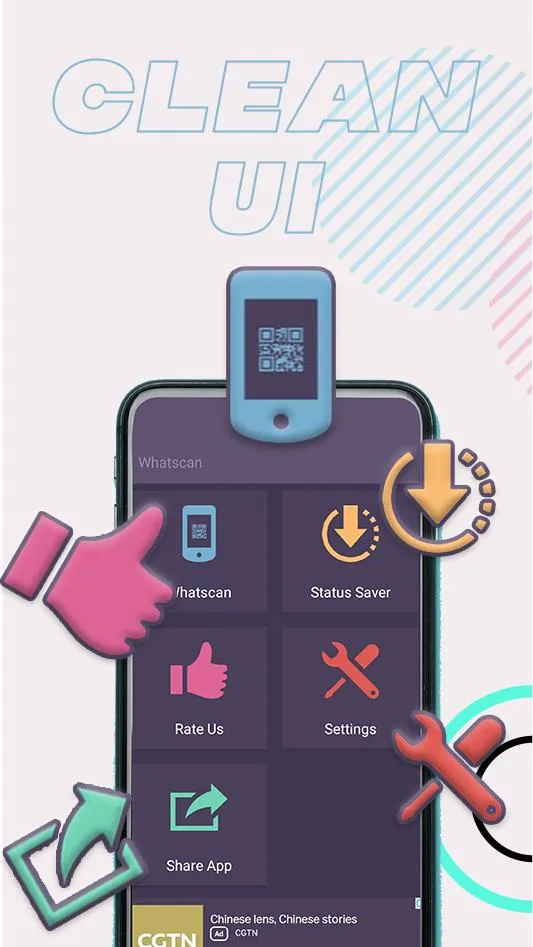
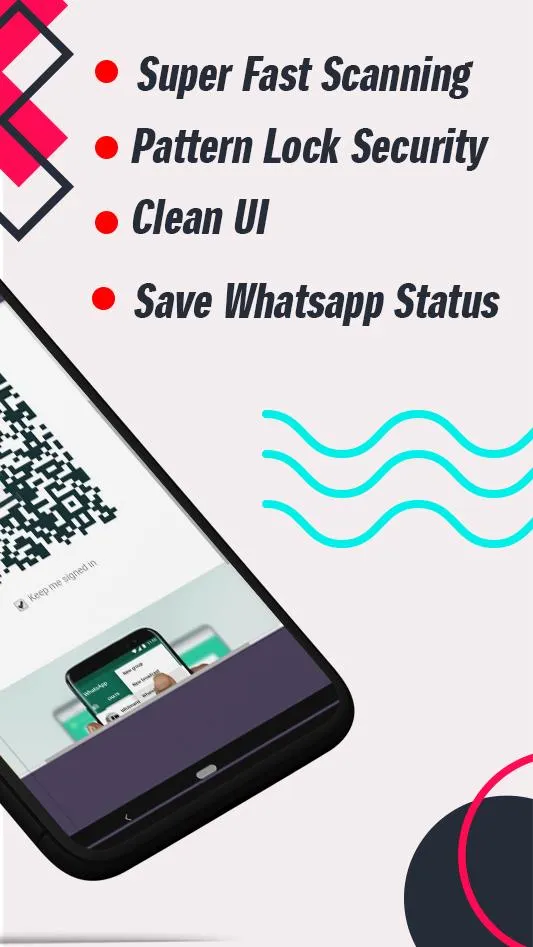
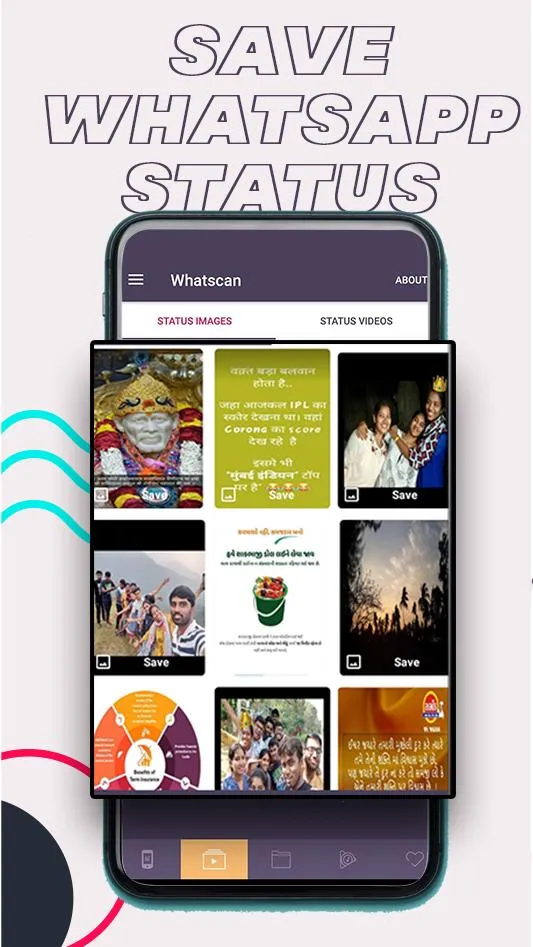
Whats Web is a comprehensive utility application. It boasts powerful features, allowing users to operate multiple WhatsApp accounts on a single device and easily scan the WhatsApp Web QR code within the app to open two accounts simultaneously. With Whats Web, you can easily download and save any WhatsApp status, whether it's an image or a video, with just one click. Additionally, the app includes a cleaner that helps you delete unnecessary junk images, GIFs, videos, etc., from WhatsApp, thus optimizing your device's storage space.
How to Use:
Use Whatsweb App account on another smartphone or tablet.
Whatsweb for Whatscan Pro auto-sync all the chat.
See all the conversations using this Whatscan for Whatsweb app.
Reply to all chats Whatsweb app box.
Get response back in your Whatscan for Whatsweb app through your chats.
Having same Whatscan account on mobiles and tablets is the salient feature of this Whatscan for Whatsweb app.
Features:
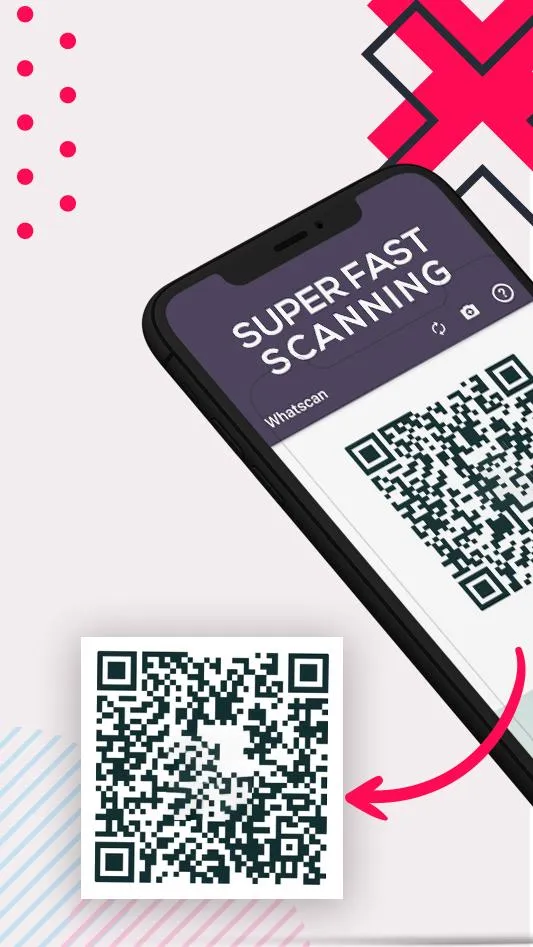
Streamlined QR Code Login
Logging in is a straightforward process that uses the official WhatsApp QR code system. You simply open the app and point your phone’s camera at the QR code displayed on web.whatsapp.com. The session establishes a secure connection, mirroring your account onto the mobile interface. This process is identical to the standard web login, ensuring your data remains protected.
Optimized Mobile Browsing Experience
While providing access to the web client, the app is tailored for mobile interaction. It handles zooming, scrolling, and navigation in a way that makes the desktop site comfortable to use on a smaller screen. The interface is adjusted to reduce excessive pinching and zooming that can occur when visiting desktop sites on mobile browsers. This creates a more native app-like feel for the user.
Independent Session Management
Your WhatsApp Web session within the app operates separately from your primary phone’s WhatsApp application. This allows the phone app to be used normally for calls or other tasks while the web session remains active for messaging. It effectively turns your device into a dual-purpose tool for communication. This is ideal for users who need to keep a chat window open without interrupting other mobile functions.
Built-in video player:
Play videos in a floating window while using other apps.
Support popular formats and automatically detect files on the device and SD card.
Control volume, brightness, and playback progress with simple gestures.
Manage files, mark favorites, share, or delete items.
Adjust playback speed and choose stretch or normal view.
Changelog:
Media Download Supported
New Features For PRO Users
Fast Loading
Screenshot Supported
Dark Mode Added
Final Words:
Once you have it installed, you can just open it and use it. The first thing you need to do is open it and enter the username and password of the account you want to access. This is the same account that you use on WhatsApp. You will now be able to send and receive messages, as well as make video calls and voice calls. You can also add and delete contacts. The second thing you need to do is enter the login code that you received from the person that owns the device you want to use.
More Information
- Size:17.79MB
- Version:17.0.6
- Requirements:Android
- Votes:109
- Package Name:com.whatswebscan.whats.web.scan
- Signature:d7fa367eef8e9f41119bb0271ada3ac530a8fe73
Related Versions
-
 Download
Version:2.0.2Size:17MB
Related topics
-
With the continuous development of the internet, the times have undergone earth shaking changes, and many social chat apps have emerged. These apps have extremely high flexibility and are more flexible and cost-effective compared to traditional SMS communication methods. And through these software, you can meet friends from all over the world. You can chat about things you like, share your feelings and experiences, and in short, make friends who are close to you here. So what social chat apps are better to use?
-
![ParaU]()
ParaU
-
![Emerald Chat]()
Emerald Chat
-
![GBTelegram]()
GBTelegram
-
![WhatsApp Transparent]()
WhatsApp Transparent
-
![MBWhatsApp]()
MBWhatsApp
-
![WhatsApp GB Pro]()
WhatsApp GB Pro
-
![Tagged - Meet, Chat & Dating]()
Tagged - Meet, Chat & Dating
-
![Paradot]()
Paradot
-
-
In today's internet age, various chat apps have been launched, which have many advantages. They can chat and interact with family and friends who are thousands of miles away in real time, facilitate communication with colleagues at work, and also play a significant role in dating. What are the good chat apps. Today, we will give a brief introduction to these useful chat apps one by one.
-
![ComHub]()
ComHub
-
![Gobi - Interactive stories]()
Gobi - Interactive stories
-
![Emerald Chat]()
Emerald Chat
-
![LivU]()
LivU
-
![GBTelegram]()
GBTelegram
-
![Fachat]()
Fachat
-
![GOGO Live]()
GOGO Live
-
![exteraGram]()
exteraGram
-












Latest Updated








Popular Apps








Popular News
More+-
![Tomie Wants to Get Married Full Walkthrough, All Choices and Ending Guide]()
Tomie Wants to Get Married Full Walkthrough, All Choices and Ending Guide
2026-05-22
-
![Karryn’s Prison Gameplay Walkthrough & Strategy Guide]()
Karryn’s Prison Gameplay Walkthrough & Strategy Guide
2025-10-28
-
![Life in Santa County Game Guide & Complete Walkthrough]()
Life in Santa County Game Guide & Complete Walkthrough
2025-10-28
-
![Dreams of Desire Complete Walkthrough and Game Guide]()
Dreams of Desire Complete Walkthrough and Game Guide
2025-10-28
-
![Era Hunter Gameplay Guide & Full Walkthrough]()
Era Hunter Gameplay Guide & Full Walkthrough
2025-10-28




