

Vip Proxy Server
Download for Android This app is available for Android only.- Category:Tools
- Rating: 4.7
- Language:English
- Updated:2026-08-29
Screenshots
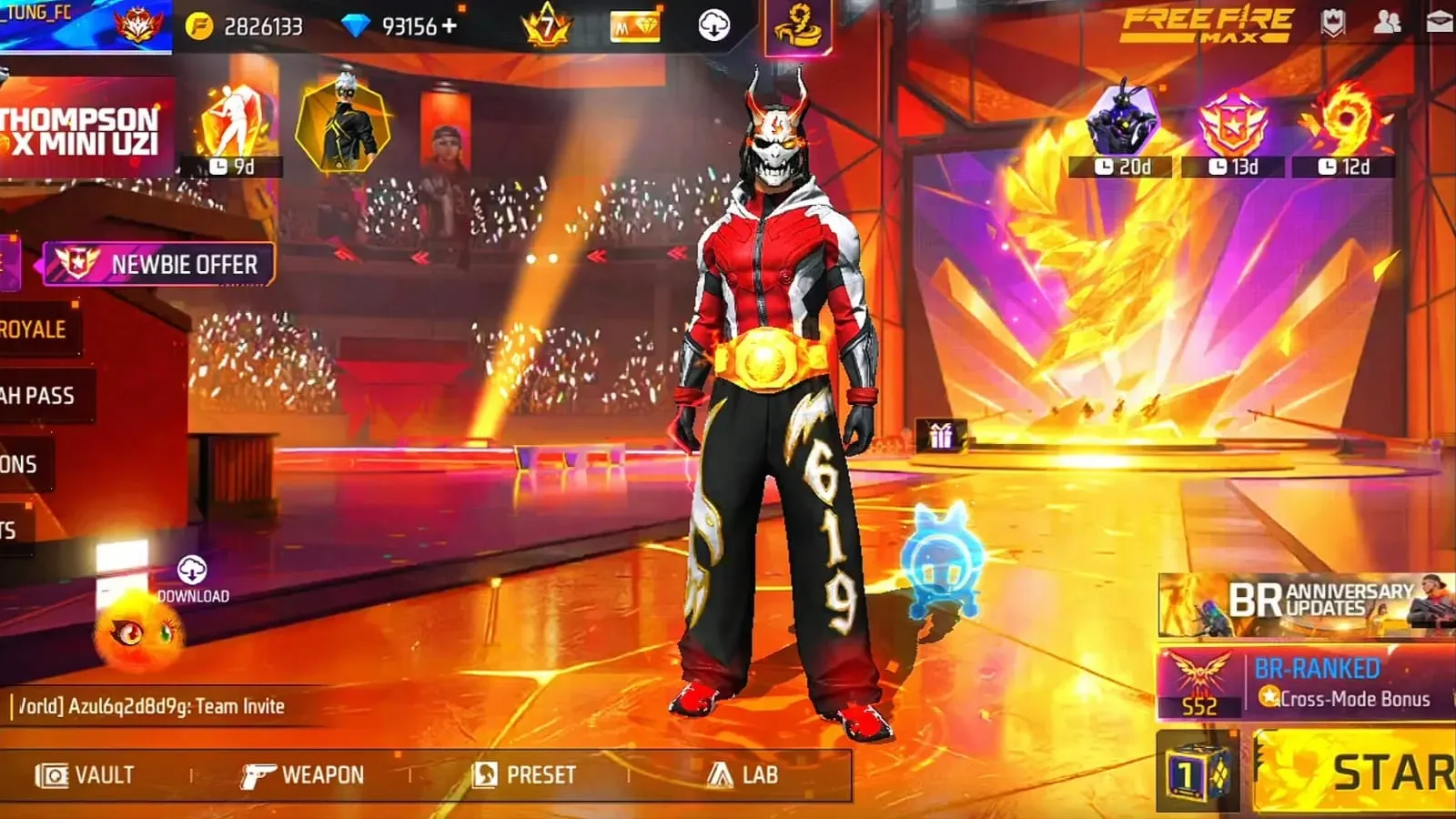
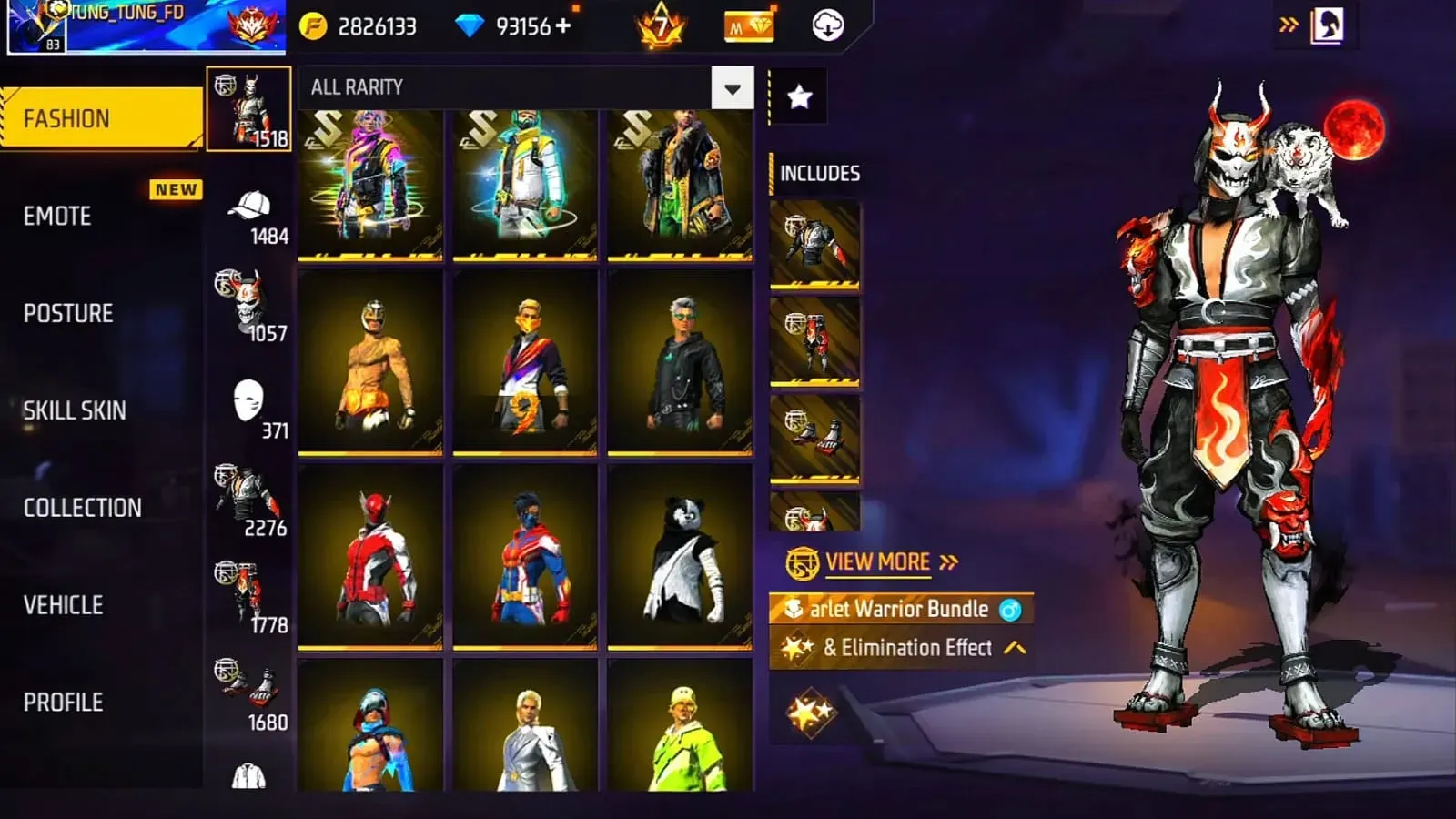
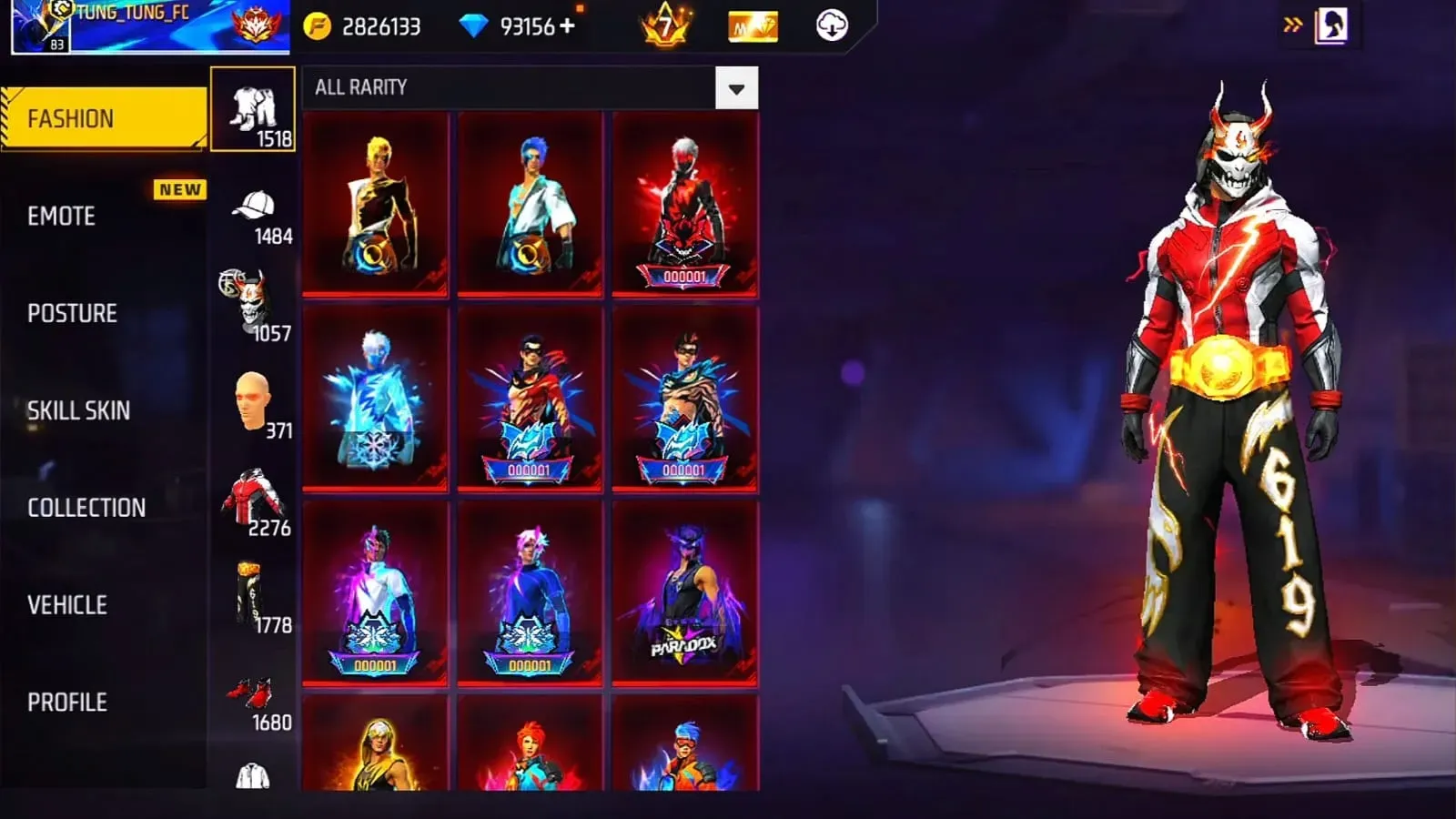
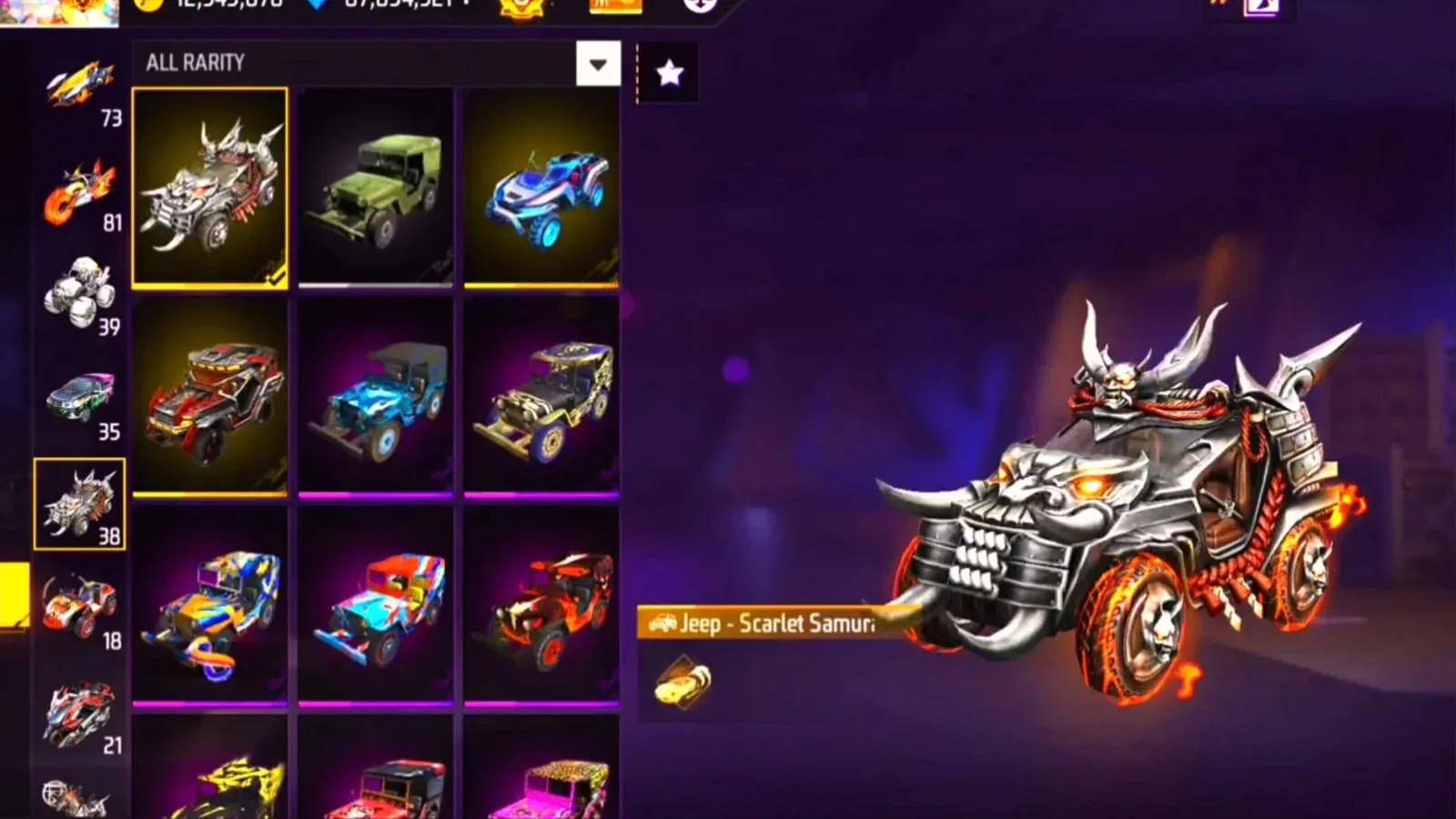
Introduction
Vip Proxy Server is a gaming tool specifically designed for action games like Free-to-Play. It not only features a built-in VPN to help users connect to servers from different regions for faster network speeds and frame rates, but also offers a variety of mods to help users easily defeat opponents in the game. Regarding security, users don't need to worry; it not only blocks the user's real IP address but also protects account security in real time to prevent bans. With just a click, users can achieve features like automatic enemy targeting, unlimited ammo, and full map display, helping them dominate the game and enjoy a smooth gaming experience. The software is also constantly being updated, releasing more high-quality mods and optimizing anti-ban technology to ensure a superior gaming experience.
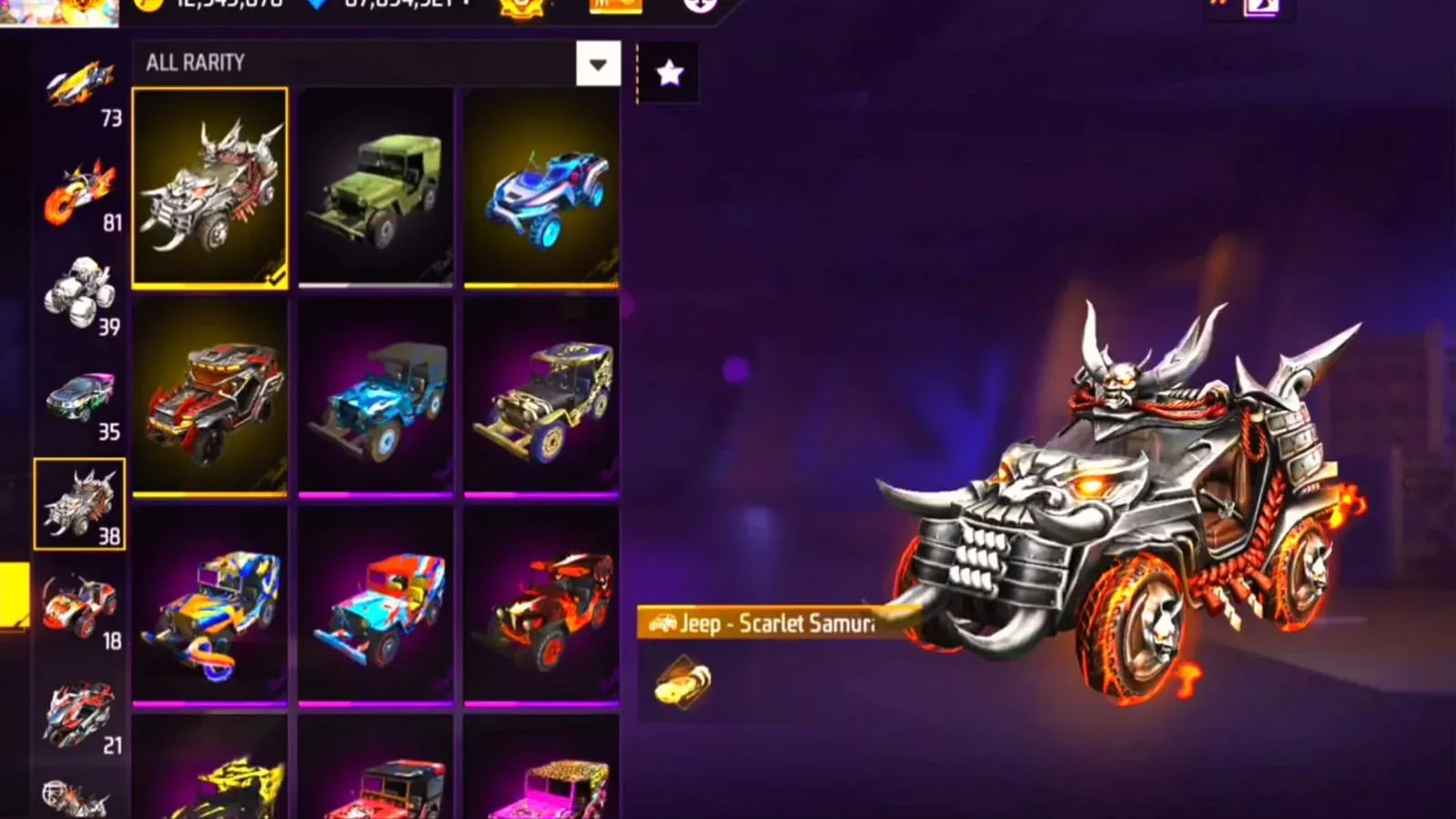
Features of Vip Proxy Server:
Low Latency Routing: VIP Proxy Server uses a better network route to connect your device to the game server. This can help reduce ping and improve response time in some situations, especially if your internet provider has poor routing.
High-Speed Servers: It uses powerful servers with higher bandwidth to handle network traffic efficiently. This can improve connection stability compared to many free proxy tool apps.
Multiple Server Locations: The best part is that VIP Proxy Server lets players choose from different server locations worldwide. Selecting a server closer to your region provides better performance and lower latency.
Better Privacy: It hides your original IP address by routing your traffic through another server. This adds an extra layer of privacy while you are connected to the internet.
Easy Set-up: It has a simple setup process that only takes a few minutes. After installing the app and configuring the settings, you can connect to a server and start using it quickly in your Free Fire accounts.
Stable Network Connection: It aims to provide a more consistent connection while playing Free Fire or Free Fire MAX. This may reduce sudden ping spikes and help you enjoy smoother gameplay, especially on low-end devices.
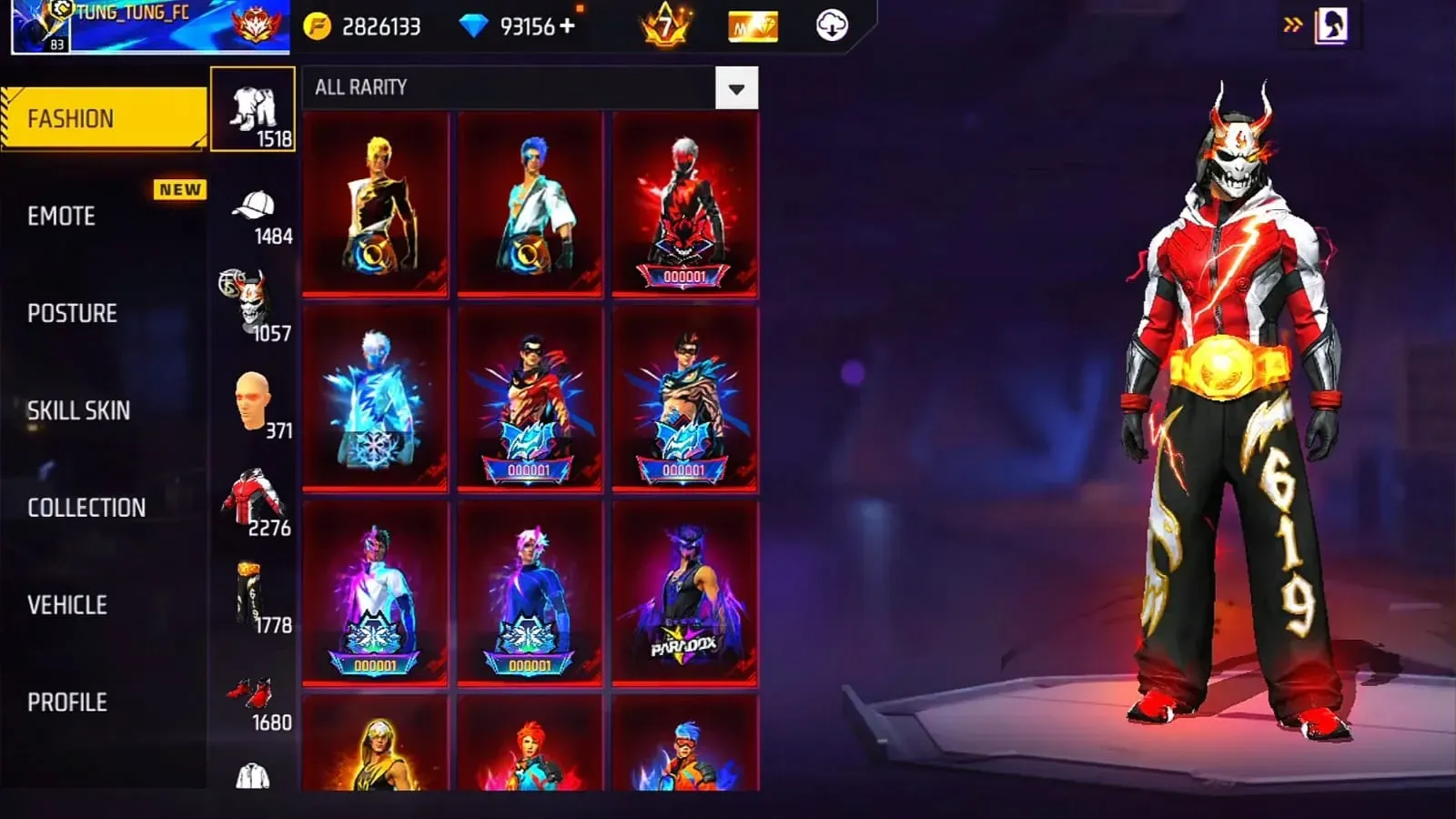
Useful Tips of Vip Proxy Server:
To get the best out of Vip Proxy Server, here are some professional-level tips and tricks that every serious gamer should know:
Choose the Closest Server Region: Always start by connecting to the region physically nearest to you—usually Singapore or India for Asian players. This minimizes transmission time and ensures stable ping.
Monitor Ping Before Every Match: Open the app and check live latency readings before launching Free Fire. If your ping is above 100ms, switch servers until it drops below 60ms for optimal gameplay.
Use During Peak Hours: When local servers are overloaded (evening or weekend hours), Vip Proxy Server helps reroute your connection through less congested regions, keeping your gameplay smooth.
Stay Updated: Regularly update the app to access the latest servers, bug fixes, and performance improvements. Each new version often enhances routing precision.
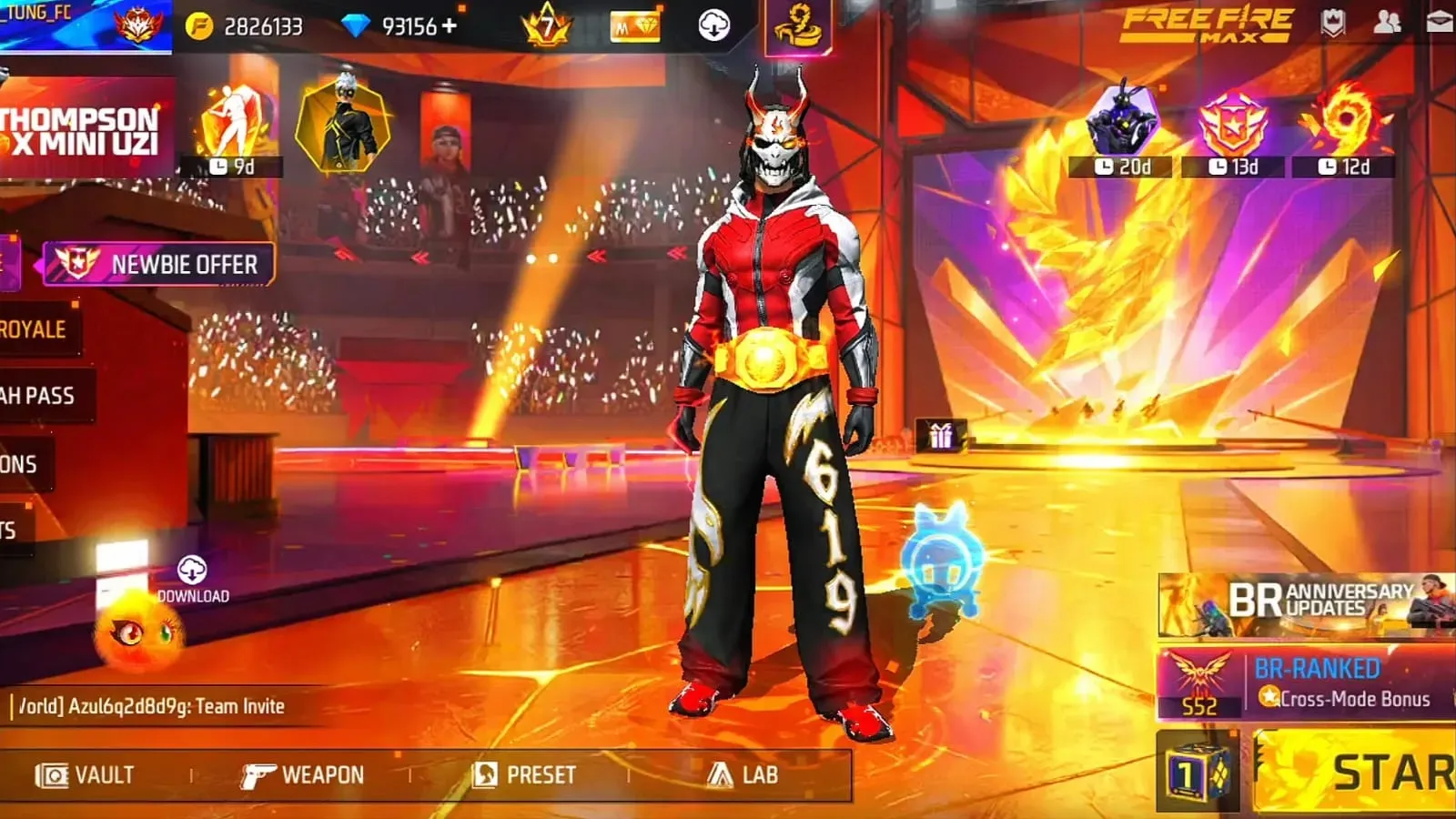
Common Errors of Vip Proxy Server:
You may encounter some installation errors while setting up the app. But if you face any issues, you can easily solve them using the solutions provided below.
If the app is not installed, clear your device’s cache and storage, then try reinstalling the app.
If you are facing a network error, switch to a different Wi-Fi network or use mobile data to resolve connectivity issues.
If the game is not loading, try selecting a different proxy server location or restarting the app to fix loading problems.
If the app crashes while loading or during gameplay, make sure your device’s software is up to date. You can also try clearing the app’s cache or uninstalling and reinstalling the app.
If you cannot connect to the proxy server, check your internet settings to make sure the proxy is configured correctly. You can try a different proxy server or update the proxy app to the latest version.
Final words:
Vip Proxy Server suits Free Fire players who deal with random ping spikes, delayed shots, or unstable routing even when their internet speed looks fine. It is most useful for players on crowded mobile networks, shared Wi-Fi, or regions where server communication feels inconsistent.
More Information
- Size:569.33MB
- Version:66.48.0
- Requirements:Android
- Votes:417
- Package Name:com.dts.freefireadv
- Signature:46487bedf710d921082bf89f0d631d17
Related topics
-
Utility apps are indispensable in our lives, making our daily routines more convenient. To help you find these apps more easily, this site has created a collection. This collection brings together a series of practical tools covering various aspects of life, work, and education, meeting all your needs. What are you waiting for? Try these apps now and make your life easier!
-
![Drag Headshot Panel]()
Drag Headshot Panel
-
![Painel SADX]()
Painel SADX
-
![DarkStuff in]()
DarkStuff in
-
![NG Injector Free Fire]()
NG Injector Free Fire
-
![MACRO MSI]()
MACRO MSI
-
![Fliqlo]()
Fliqlo
-
![BNESIM]()
BNESIM
-
-
Transform your mobile device into a powerhouse of efficiency with these handpicked essential tools. Whether you need professional-grade photo editing, seamless file organization, smart task management, or real-time weather updates, our curated selection of premium apps delivers unbeatable performance. Streamline your daily routine, automate repetitive tasks, and boost your productivity with intuitive interfaces and powerful features. Designed for both professionals and casual users, these editor-approved applications will revolutionize how you work and play. Don't settle for an ordinary phone - upgrade your digital experience today and unlock your device's full potential!
-
![DarkStuff in]()
DarkStuff in
-
![NG Injector Free Fire]()
NG Injector Free Fire
-
![Fliqlo]()
Fliqlo
-
![BNESIM]()
BNESIM
-
![Tween Craft]()
Tween Craft
-
![Mojo Launcher]()
Mojo Launcher
-








Latest Updated







Popular Apps








Popular News
More+-
![Tomie Wants to Get Married Full Walkthrough, All Choices and Ending Guide]()
Tomie Wants to Get Married Full Walkthrough, All Choices and Ending Guide
2026-05-22
-
![Karryn’s Prison Gameplay Walkthrough & Strategy Guide]()
Karryn’s Prison Gameplay Walkthrough & Strategy Guide
2025-10-28
-
![Life in Santa County Game Guide & Complete Walkthrough]()
Life in Santa County Game Guide & Complete Walkthrough
2025-10-28
-
![Dreams of Desire Complete Walkthrough and Game Guide]()
Dreams of Desire Complete Walkthrough and Game Guide
2025-10-28
-
![Era Hunter Gameplay Guide & Full Walkthrough]()
Era Hunter Gameplay Guide & Full Walkthrough
2025-10-28




