
Egg NS
Download for Android This app is available for Android only.- Category:Casual
- Rating: 4.9
- Language:English
- Updated:2026-07-27
Screenshots
Introduction
Egg NS is a Nintendo game emulator software that allows players to play many Nintendo Switch games without having to buy a console or other peripherals. The intuitive interface makes it easy for users to get started, and it's especially compatible with phones equipped with a Snapdragon 855 processor, ensuring all games run at full capacity. The software also supports game and Bluetooth handle control, allowing users to immerse themselves in the game and relive their childhood.
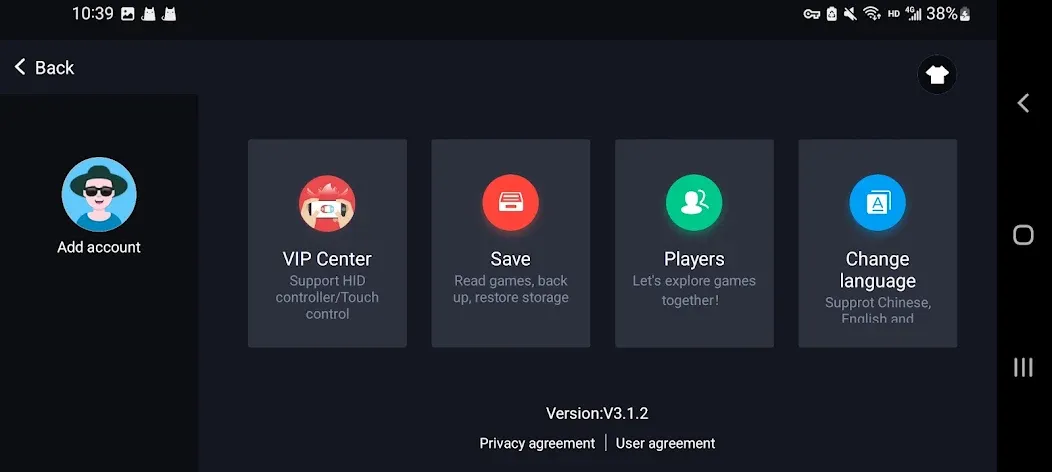
Function
Scanning and indexing of ROMs
Touch controls have been optimized
Slots for quick save/load
Zipped ROM support
Simulation of LCD/CRT displays
Support for fast-forwarding
Support for gamepads
Support for tilting to stick
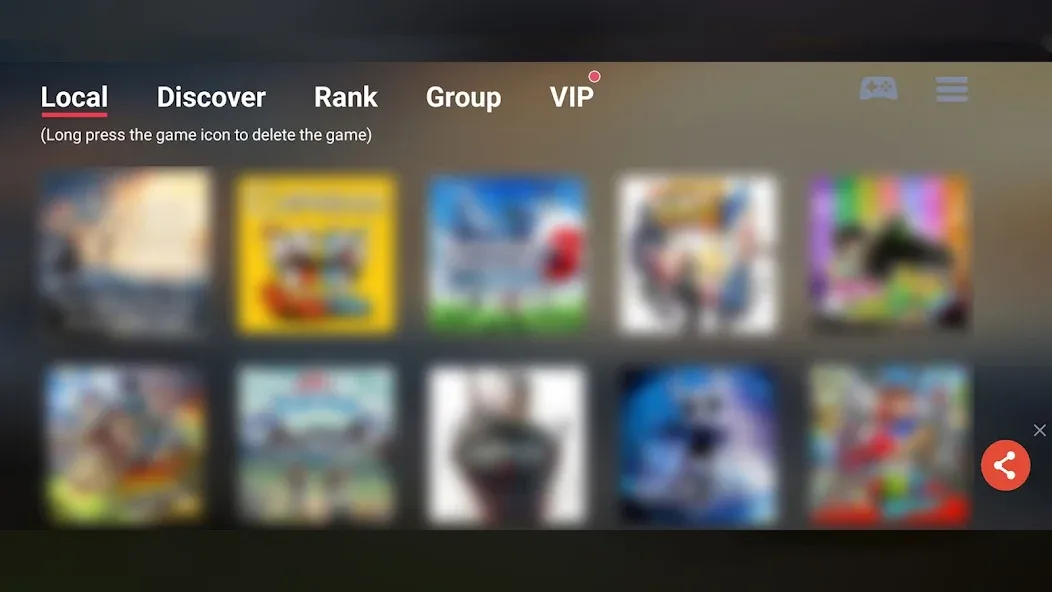
Features
Compatibility
Egg NS Emulator is compatible with thousands of Nintendo Switch games, including popular AAA titles. Simply load the game’s NSP or XCI files into the emulator, and you’ll be ready to play. Enjoy access to a wide variety of games, from indie hits to blockbuster titles, all on your Android device.
Simple & Easy to Use
Egg NS Emulator is designed with simplicity in mind, offering a quick setup process and a user-friendly interface. Whether you’re a beginner or a seasoned gamer, the intuitive UI makes it easy to load and play even the most demanding Nintendo Switch titles, bringing a seamless gaming experience to your Android device.
Performance
Experience top-tier performance with Egg NS Emulator, designed to run smoothly across a range of Android devices with optimized settings. Game fluency will vary based on your phone’s model, but with a chip equivalent to Snapdragon 855 or higher, most games can achieve full FPS, ensuring an immersive and high-quality gaming session.
Customizable Controls
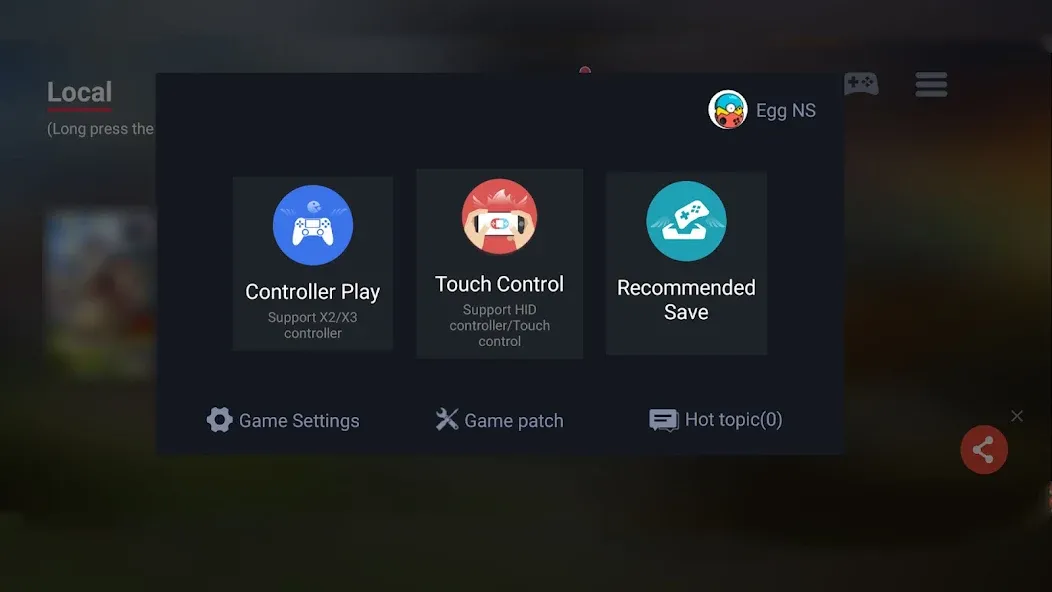
Egg NS supports both touch screen controls and Bluetooth controller compatibility, giving you the flexibility to choose your preferred mode for the ultimate gaming experience. Personalize your setup and enjoy seamless gameplay, whether you prefer on-screen controls or a physical controller.
How to Use
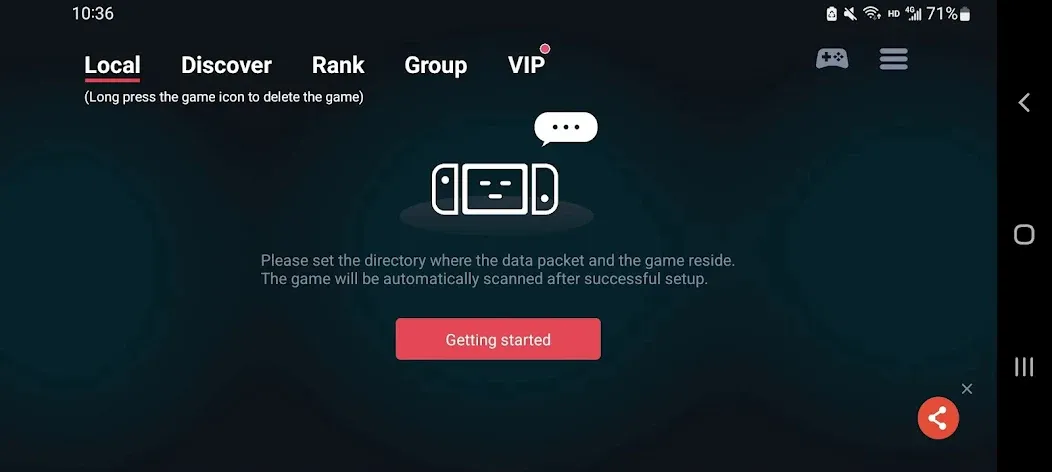
1. Download the "switchdroid" compressed file. After downloading, connect your phone to your computer and copy the entire extracted "switchdroid" folder to the root directory of your phone.
2. The "switchdroid" folder contains three folders: game, keystore, and nand, along with a bin file. Place the pre-downloaded game ROM file (xci or nsp format) into the game folder.
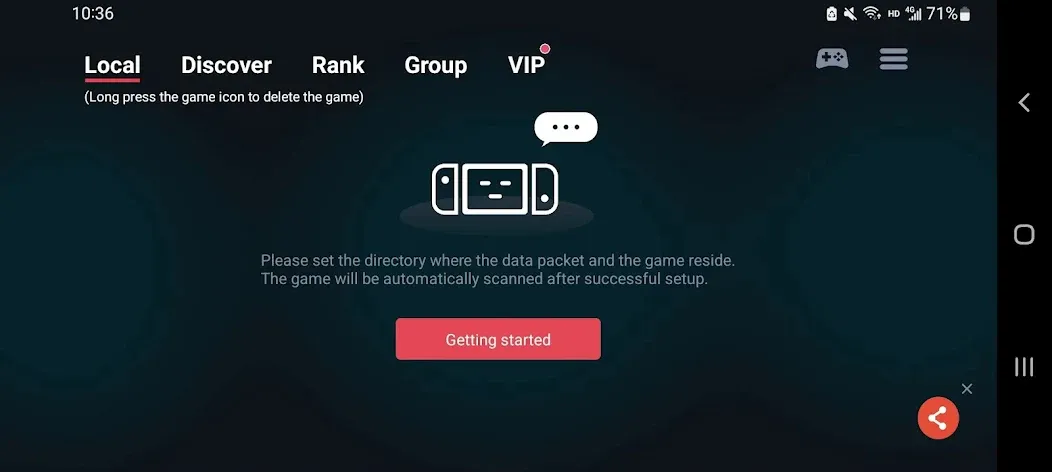
3. Locate the game's runtime environment files. A pop-up window will appear, prompting you to locate the directories of the game, key files, and font files. Click "Settings."
4. Add the keystore folder within the SwitchDroid folder (key folder location: root directory - select the switchdroid folder - check the keystore folder).
5. Add the font bin file (font file location: root directory - select the switchdroid folder - check shared_font_new.bin).
6. Finally, return to the application interface to see the game image. Click the image to log in and play.
FAQs
What is Egg NS Emulator?
Egg NS Emulator is an Android app that lets you emulate Nintendo Switch games on your smartphone or tablet. It supports ROMs in NSP and XCI file formats and offers customizable controls.
How do I install Egg NS Emulator?
To install Egg NS Emulator, download the latest APK file from this website. Then, enable “Install from Unknown Sources” in your device’s settings and follow the on-screen instructions to complete the installation.
Does the Egg NS Emulator require a controller?
No, you don’t need a controller to play games on the Egg NS Emulator, as it supports touch controls. However, if you prefer using a physical controller, you can connect X2/X3 controllers to the emulator.
Can Egg NS Emulator run all Nintendo Switch games?
No, Egg NS Emulator may not support all Nintendo Switch games. Compatibility varies depending on the game, and some games may not work properly or at all.
Summarize
Egg NS Emulator is an Android application that allows you to emulate Nintendo Switch games on your smartphone or tablet. It supports both NSP and XCI ROM files, letting you enjoy a wide variety of Nintendo Switch games. This emulator is designed for smooth operation on various Android devices and is optimized for performance. For the best experience, it is recommended to use a device with a Snapdragon 855 or higher processor to ensure most games reach full frame rate. The application has a user-friendly interface and a simple setup process, making it easy for even beginners to use, quickly load, and play games.
More Information
- Size:169.94MB
- Version:4.2.5
- Requirements:Android
- Votes:520
- Package Name:com.xiaoji.gamesirnsemulator
- Signature:8346a091846e3ed74dc867bee394a334
Related topics
-
A sandbox game is a video game genre that gives players a free and open world to explore. Instead of following a strict storyline, these games focus on player freedom, encouraging you to experiment, create, and shape the game world as you see fit.
-
![Pocket God]()
Pocket God
-
![Sand:box]()
Sand:box
-
![Madout2]()
Madout2
-
![Dude Theft Wars: Offline games]()
Dude Theft Wars: Offline games
-
![Minicraft 2]()
Minicraft 2
-
![Minecraft Dream It Build It]()
Minecraft Dream It Build It
-
![Dude Theft Wars]()
Dude Theft Wars
-
![WorldBox MOD]()
WorldBox MOD
-
-
Games have the unique ability to offer us both an escape from reality and a reflection of it. On one hand, they provide a refuge-a place where we can immerse ourselves in a virtual world, away from the pressures and challenges of our everyday lives. On the other hand, games can also bring us face-to-face with the complexities of real life, allowing us to experience its highs and lows, its moments of joy and sorrow, all within a controlled environment. This dual nature of gaming-offering both an escape and a confrontation with reality-is what makes it so deeply connected to the essence of the human experience. It allows us to explore, learn, and grow, while also providing a space for reflection and personal discovery.
-
![My Fishing World]()
My Fishing World
-
![Jurassic World: The Game]()
Jurassic World: The Game
-
![Pocket God]()
Pocket God
-
![Hello Kitty Nail Salon]()
Hello Kitty Nail Salon
-
![Green Farm 3]()
Green Farm 3
-
![Decor Life]()
Decor Life
-
![Cats & Soup]()
Cats & Soup
-
![Bucket Crusher]()
Bucket Crusher
-
-
What do you want to be when you grow up? This timeless question has shaped countless childhood conversations. Some have known their calling since they were young, passionately pursuing a single dream with unwavering focus. Others find themselves at a crossroads, overwhelmed by the vast array of possibilities the world offers. With endless careers to explore-each with its own challenges, rewards, and unique appeal-how do you discover the path that truly resonates with you? The journey of self-discovery continues, but the right choice is out there, waiting to inspire you.
-
![Jurassic World: The Game]()
Jurassic World: The Game
-
![Pocket God]()
Pocket God
-
![Harvest.io]()
Harvest.io
-
![Decor Life]()
Decor Life
-
![House Flipper: Home Design]()
House Flipper: Home Design
-
![Sand:box]()
Sand:box
-
![Toca Kitchen]()
Toca Kitchen
-
![Go Convenience Store Ready]()
Go Convenience Store Ready
-












Latest Updated





Popular Games








Popular News
More+-
![Tomie Wants to Get Married Full Walkthrough, All Choices and Ending Guide]()
Tomie Wants to Get Married Full Walkthrough, All Choices and Ending Guide
2026-05-22
-
![Karryn’s Prison Gameplay Walkthrough & Strategy Guide]()
Karryn’s Prison Gameplay Walkthrough & Strategy Guide
2025-10-28
-
![Life in Santa County Game Guide & Complete Walkthrough]()
Life in Santa County Game Guide & Complete Walkthrough
2025-10-28
-
![Dreams of Desire Complete Walkthrough and Game Guide]()
Dreams of Desire Complete Walkthrough and Game Guide
2025-10-28
-
![Era Hunter Gameplay Guide & Full Walkthrough]()
Era Hunter Gameplay Guide & Full Walkthrough
2025-10-28




