

AppLock Fingerprint
Download for Android This app is available for Android only.- Category:Tools
- Rating: 4.6
- Language:English
- Updated:2026-06-02
Screenshots



Introduction
AppLock Fingerprint is an app protection software designed specifically for mobile devices. Users can lock specific apps using passwords, fingerprints, facial recognition, and other methods to protect their privacy. If someone accesses the corresponding application without permission, the software will automatically take a photo of their face and send it to the user's email. In addition to app locking, the software also supports message locking and home screen locking. Users can also set multiple passwords to further enhance their shopping security.

Features of AppLock Fingerprint:
AppLock: Lock the app with a password to protect your privacy.(app locker) e.g) SMS, Messenger, Whatsapp, Snapchat, LINE and any apps
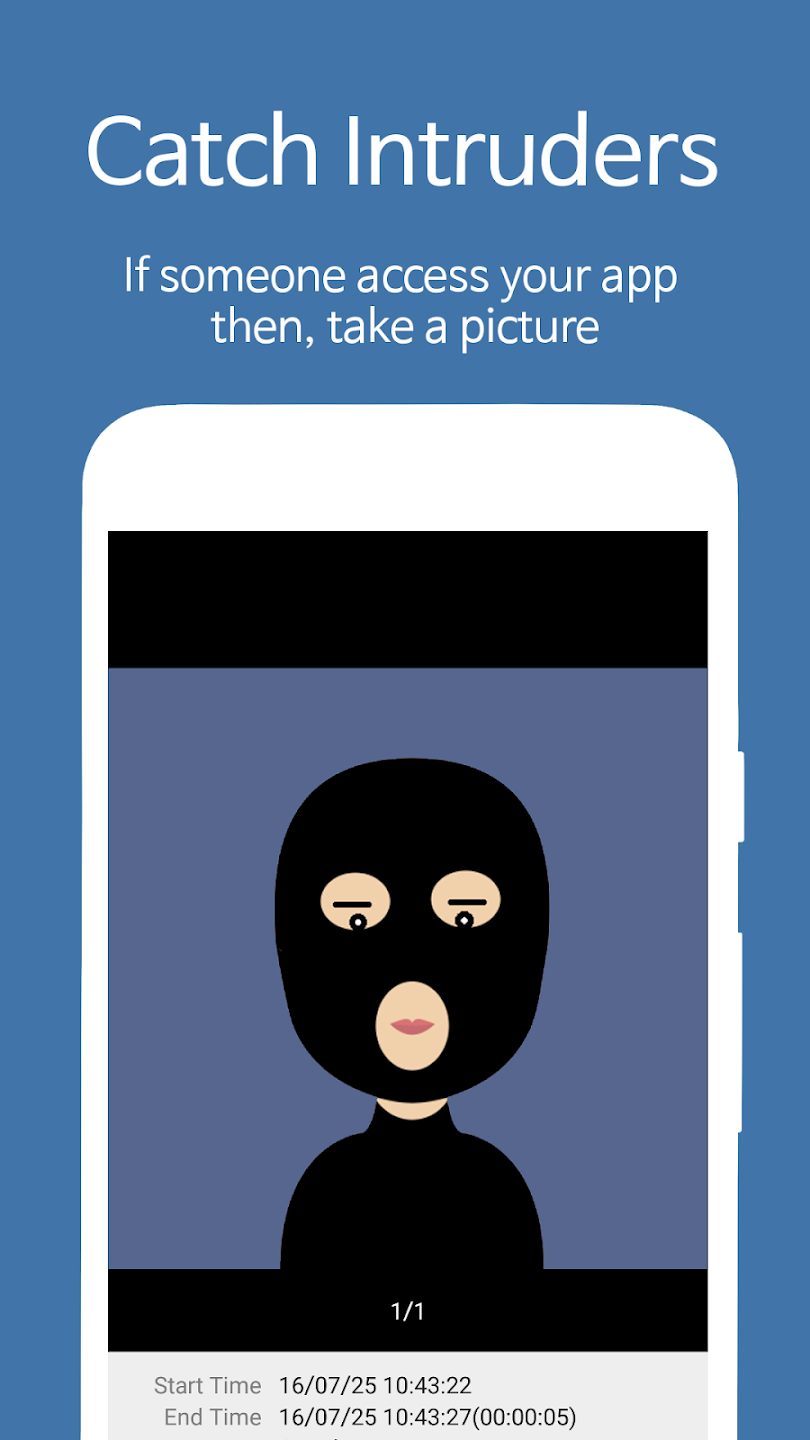
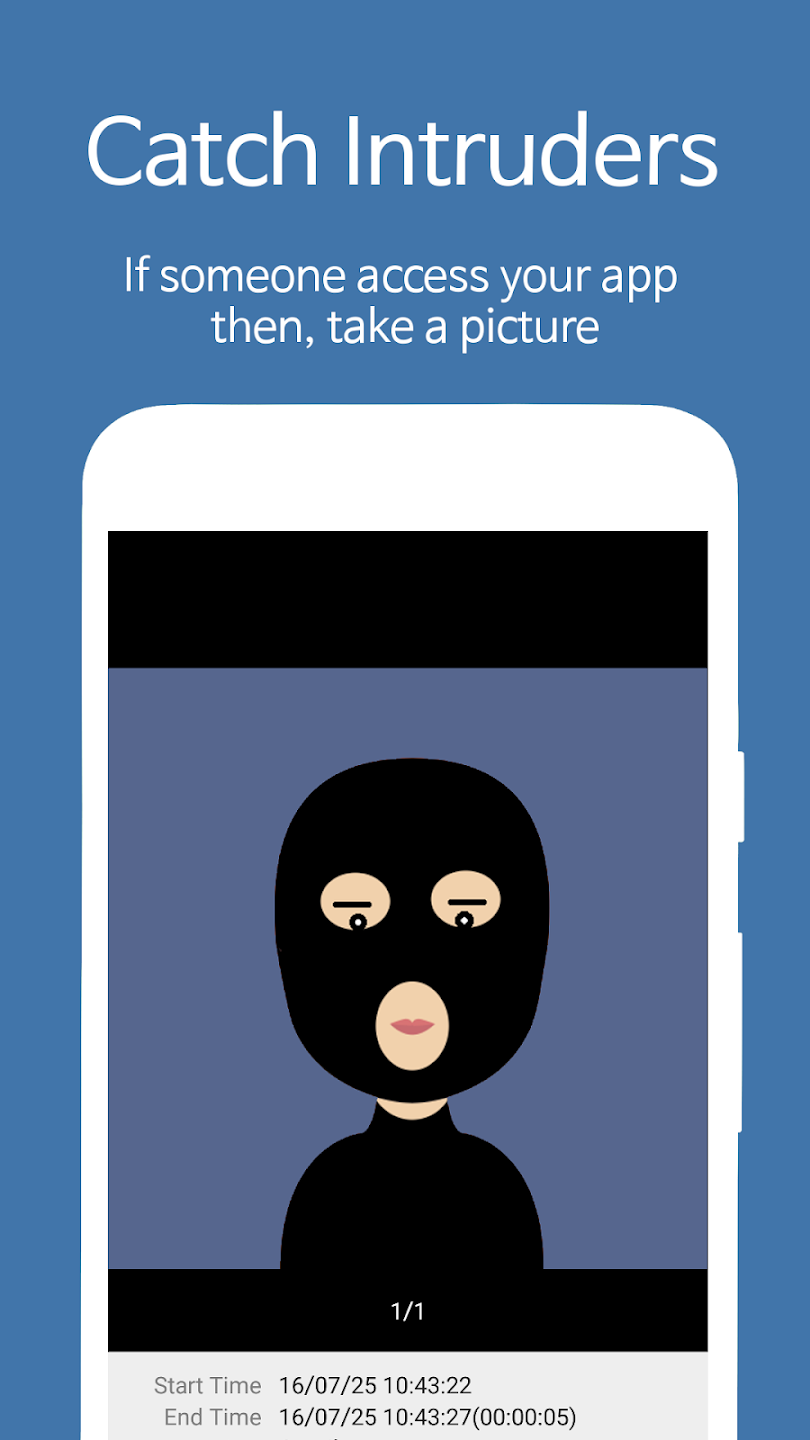
Catch Intruders: If someone access your app then, take a picture, video and send to your email.
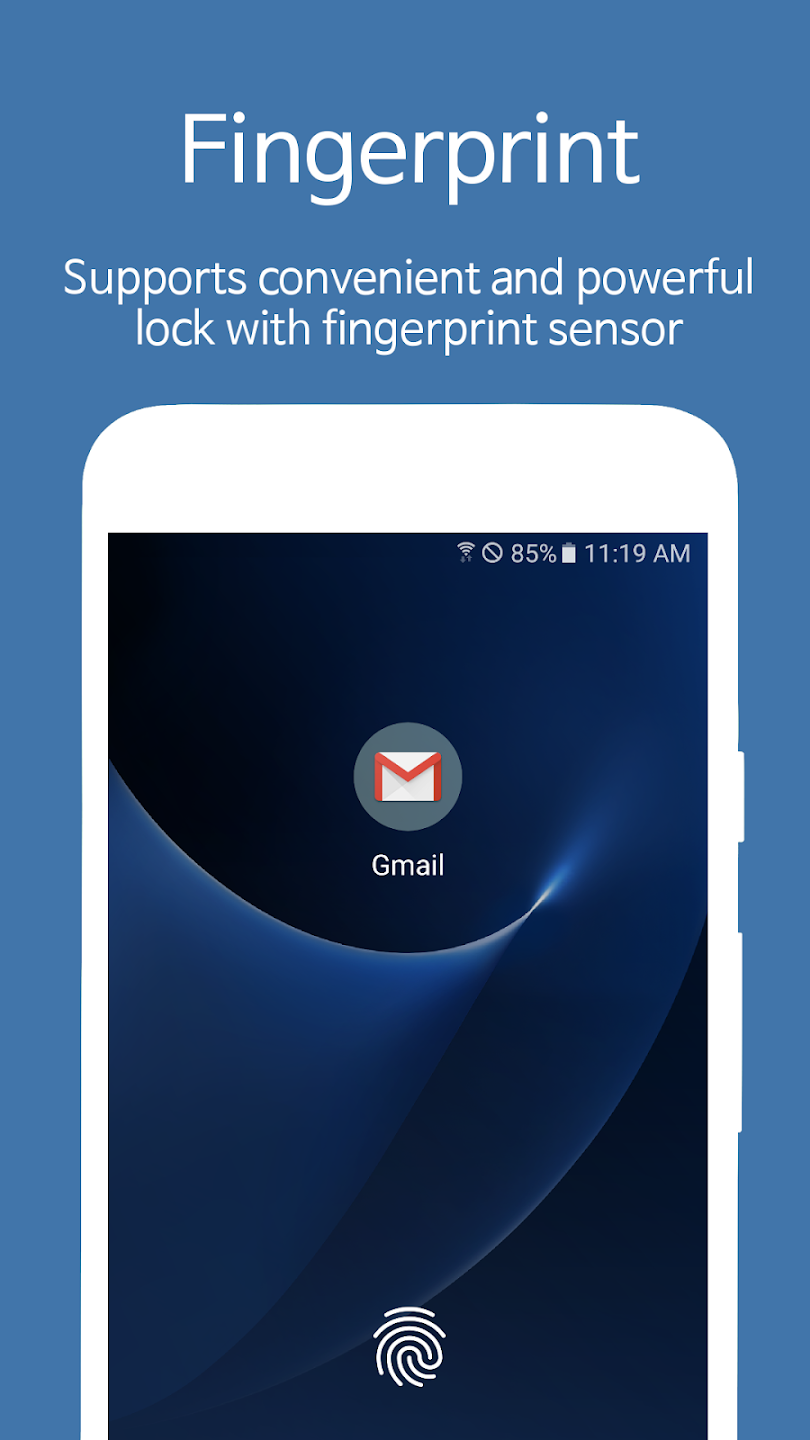
Fingerprint, Face recognition: Supports convenient and powerful lock with fingerprint, face recognition.(If your device supports it)
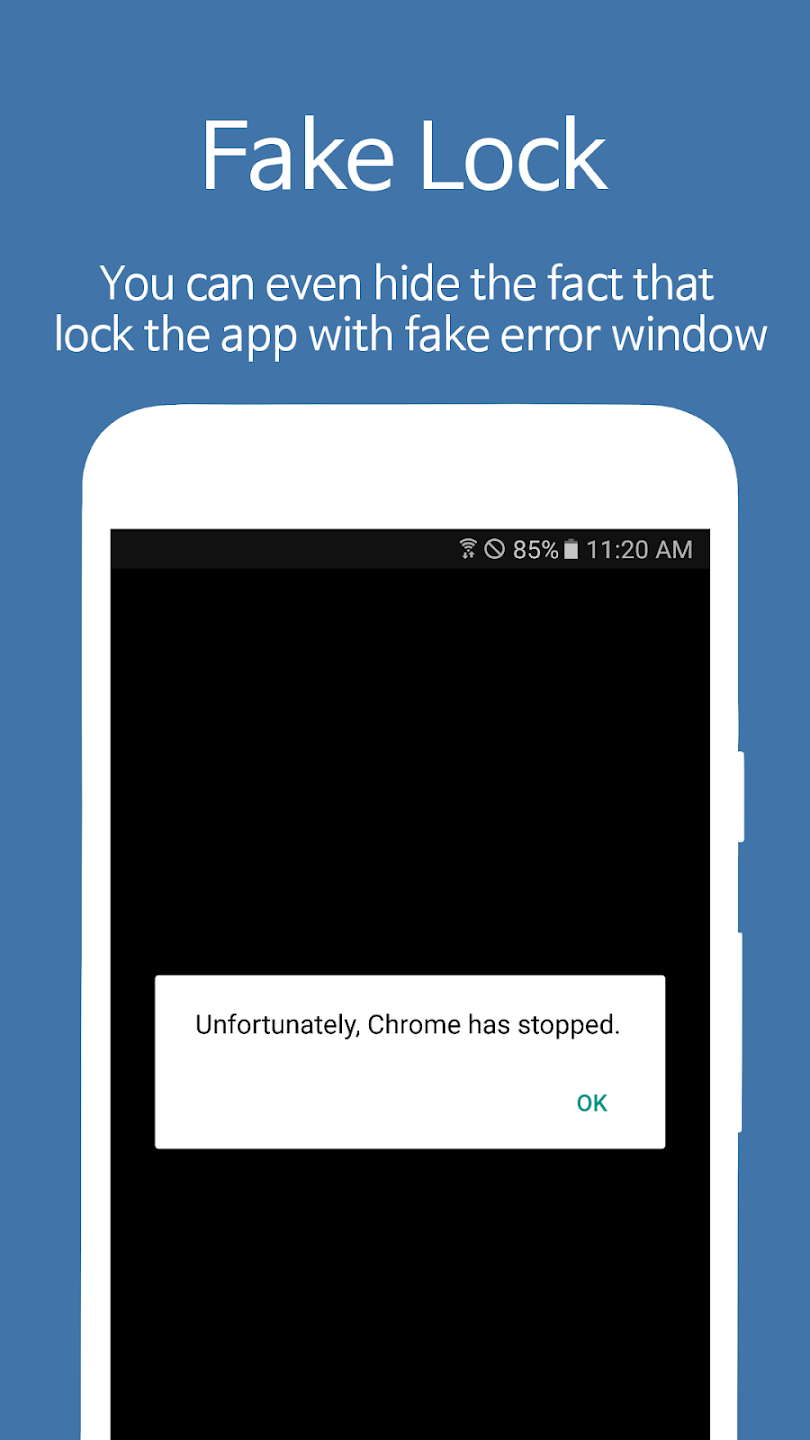
Fake Lock: You can even hide the fact that lock the app with fake error window.
Notification Lock: Blocks the locked app's notification message in the top notification bar
Screen Lock: Prevents the screen turns off when running certain apps.(make use of Internet, E-Book, Game)
Smart Lock: Lock only specific time or auto-unlock when connected to specific WiFi or Blutooth.
Highlights of AppLock Fingerprint:
To prevent potential tampering, AppLock has built-in protections that automatically lock access to the app's settings after it is opened. This feature is crucial for maintaining the integrity of the application and preventing unauthorized users from uninstalling it.
For individuals concerned about unauthorized access attempts, AppLock includes a data security option that deletes app data after a predetermined number of failed login attempts. This feature deters potential intruders by ensuring that sensitive information cannot be easily accessed.
Users can also take advantage of the option to hide apps from the phone's desktop. This feature allows users to keep certain applications entirely invisible, providing an additional layer of security. Instead of appearing on the main screen, these apps can be accessed exclusively through the AppLock interface.
The app is designed to be user-friendly, with straightforward navigation that makes setting up and managing locks simple. Users can easily change their password or unlock methods by accessing the app's settings. Should a user forget their password, AppLock provides a recovery option through a security email, ensuring that users can regain access to their locked applications.
User Reviews of AppLock Fingerprint:
I absolutely love this application. For something that doesn't have many options, it sure gets the job done. Very easy to use. Lightweight, no glitching (2 years so far), doesn't slow down your phone, is very responsive and I can't even remember the last time I was disrupted by an advertisement. I Honestly, you really don't need much more from the app as it does exactly what it's supposed to. Also, I would recommend trying to use it together with Microsoft Authenticator and a 2FA app.
I've been using this app for many years now to keep private data safe, from chat apps to photo galleries to file managers. Basically any app that should have this feature built in, but doesn't. Really nice is the profile feature, where you can keep apps open when, say, at home for instant access, but lock them when not at home. It's reliable, fast, and doesn't get in the way. Well worth the money. Even if you don't care about ads, support the dev!
So far I like the app a lot but haven't had it long! I feel like you can block some good bypasses by being able to lock settings and pretty much everything. Also so far, when I reset my note 20 ultra, it takes like 10 seconds to load but there is a delay on the lock for the apps but does eventually pop up. For my phone, everything else pops up as locked instantly after initial startup. For the screen repair place having full access to my phone, I've locked everything. So far this is good for me!
After trying several app locks, this is without a doubt, the absolute best. I've been using for more than a year & I'm impressed with its functionality. For those complaining about the update: uninstall and reinstall the app, & your problems will be solved. For those complaining about the app stopping after a few minutes: lock the app to the RAM. This will stop your phone from closing it down. Some phones close down apps to save battery & RAM space. Locking the app to the RAM will stop this.
Final Verdict:
Having to go through two layers of locks might be time consuming but installing Smart App Lock to your mobile device can be very useful, especially if you have an online banking app or apps that involve sensitive data. This app can give you that extra piece of mind when it comes to your security. It’s a very handy and reliable application to have. With Smart App Protector you can be sure that what’s on your phone, stays on your phone.
More Information
- Size:7.7MB
- Version:7.9.40
- Requirements:Android
- Votes:533
- Package Name:com.sp.protector.free
- Signature:6eb66b75b56c95d61456d6825a8204ccb575b677
Related topics
-
Utility apps are indispensable in our lives, making our daily routines more convenient. To help you find these apps more easily, this site has created a collection. This collection brings together a series of practical tools covering various aspects of life, work, and education, meeting all your needs. What are you waiting for? Try these apps now and make your life easier!
-
![NES.emu]()
NES.emu
-
![Screen Mirroring]()
Screen Mirroring
-
![MEye]()
MEye
-
![MiXplorer Silver File Manager]()
MiXplorer Silver File Manager
-
![HideX]()
HideX
-
![Parrot Downloader]()
Parrot Downloader
-
![RemakeFace]()
RemakeFace
-
![Avast Antivirus]()
Avast Antivirus
-
-
Transform your mobile device into a powerhouse of efficiency with these handpicked essential tools. Whether you need professional-grade photo editing, seamless file organization, smart task management, or real-time weather updates, our curated selection of premium apps delivers unbeatable performance. Streamline your daily routine, automate repetitive tasks, and boost your productivity with intuitive interfaces and powerful features. Designed for both professionals and casual users, these editor-approved applications will revolutionize how you work and play. Don't settle for an ordinary phone - upgrade your digital experience today and unlock your device's full potential!
-
![NES.emu]()
NES.emu
-
![Screen Mirroring]()
Screen Mirroring
-
![MEye]()
MEye
-
![MiXplorer Silver File Manager]()
MiXplorer Silver File Manager
-
![HideX]()
HideX
-
![Parrot Downloader]()
Parrot Downloader
-
![RemakeFace]()
RemakeFace
-
![Alarmy]()
Alarmy
-









Latest Updated



Popular Apps








Popular News
More+-
![Tomie Wants to Get Married Full Walkthrough, All Choices and Ending Guide]()
Tomie Wants to Get Married Full Walkthrough, All Choices and Ending Guide
2026-05-22
-
![Karryn’s Prison Gameplay Walkthrough & Strategy Guide]()
Karryn’s Prison Gameplay Walkthrough & Strategy Guide
2025-10-28
-
![Life in Santa County Game Guide & Complete Walkthrough]()
Life in Santa County Game Guide & Complete Walkthrough
2025-10-28
-
![Dreams of Desire Complete Walkthrough and Game Guide]()
Dreams of Desire Complete Walkthrough and Game Guide
2025-10-28
-
![Era Hunter Gameplay Guide & Full Walkthrough]()
Era Hunter Gameplay Guide & Full Walkthrough
2025-10-28




