

Audio Editor Pro
Download for Android This app is available for Android only.- Category:Media & Video
- Rating: 4.9
- Language:English
- Updated:2026-07-03
Screenshots
Introduction
Audio Editor Pro is a powerful audio processing tool. This application boasts an innovative interface and precise operation, with a built-in audio player and waveform graph, allowing users to trim music and songs to the desired precise length. With Audio Editor Pro, users can easily customize songs and create unique ringtones using dozens of different tools. Furthermore, you can easily combine songs or audio files of different formats, combining numerous audio files, effects, and songs in a linear and orderly manner.
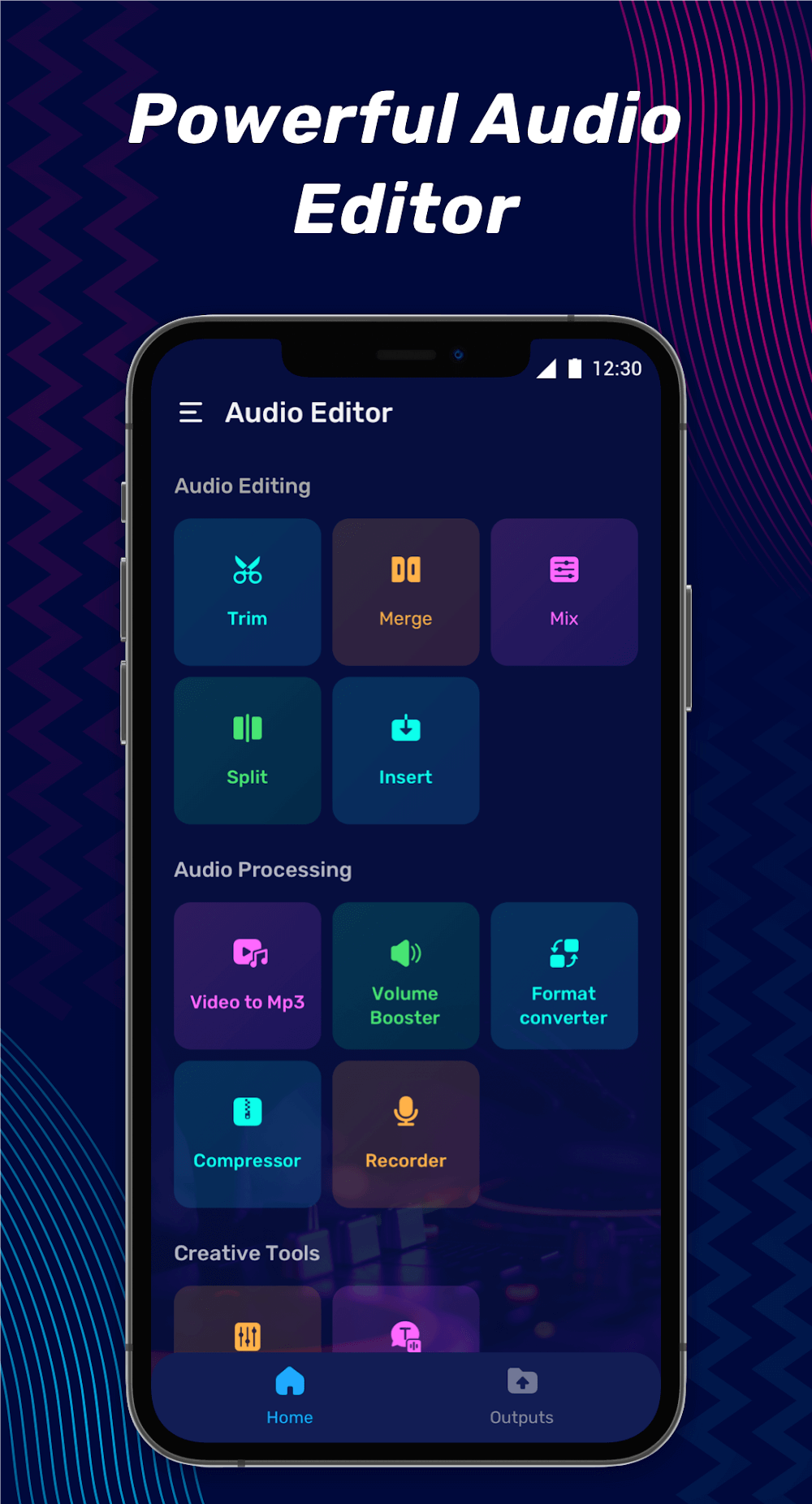
Highlights:
Cut audio, cut MP3, and cut songs very accurately to create perfect music, and users have good music without having to do too much.
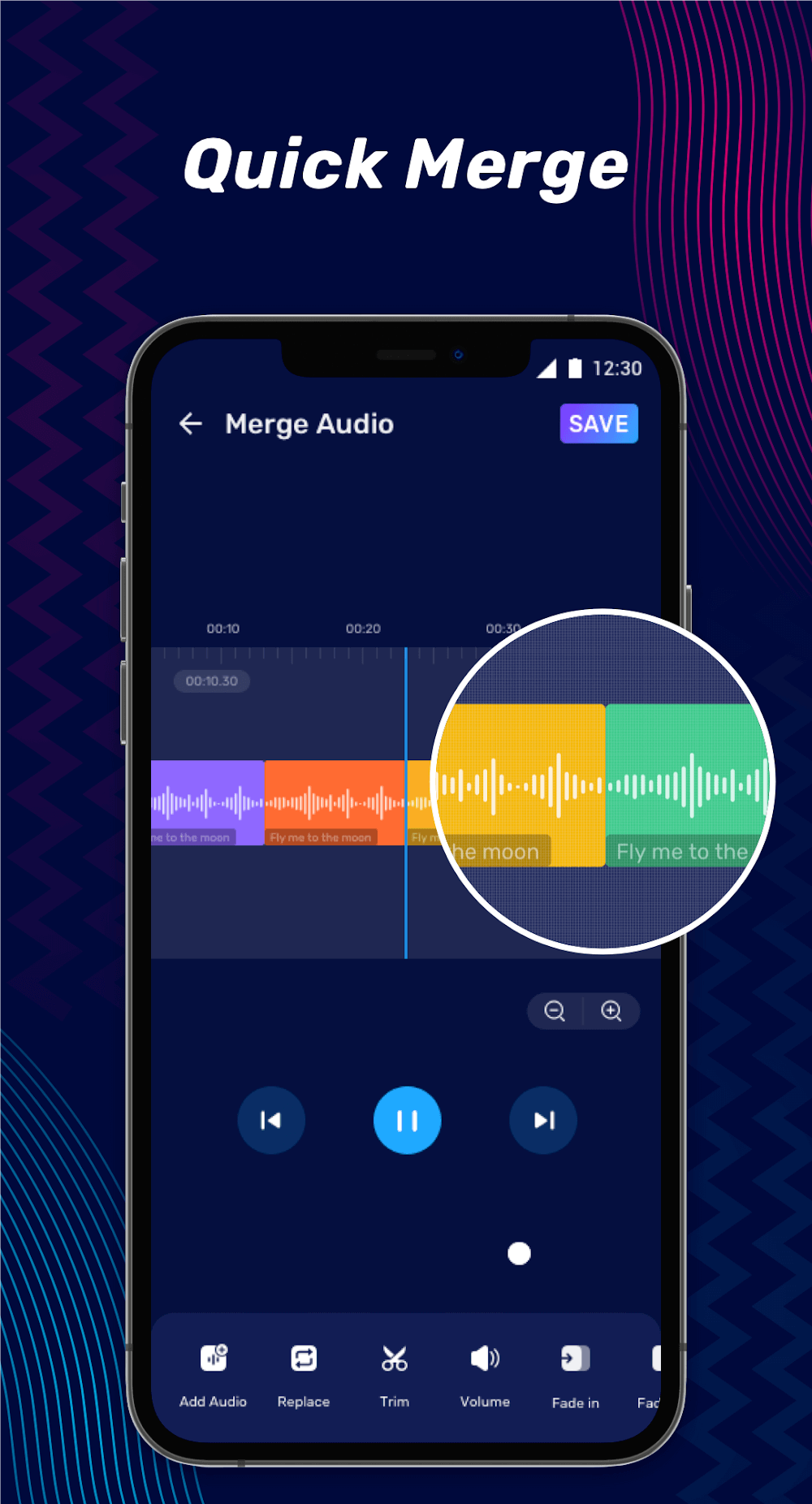
You can edit songs, combine music and merge sounds with many different formats to get a complete track.
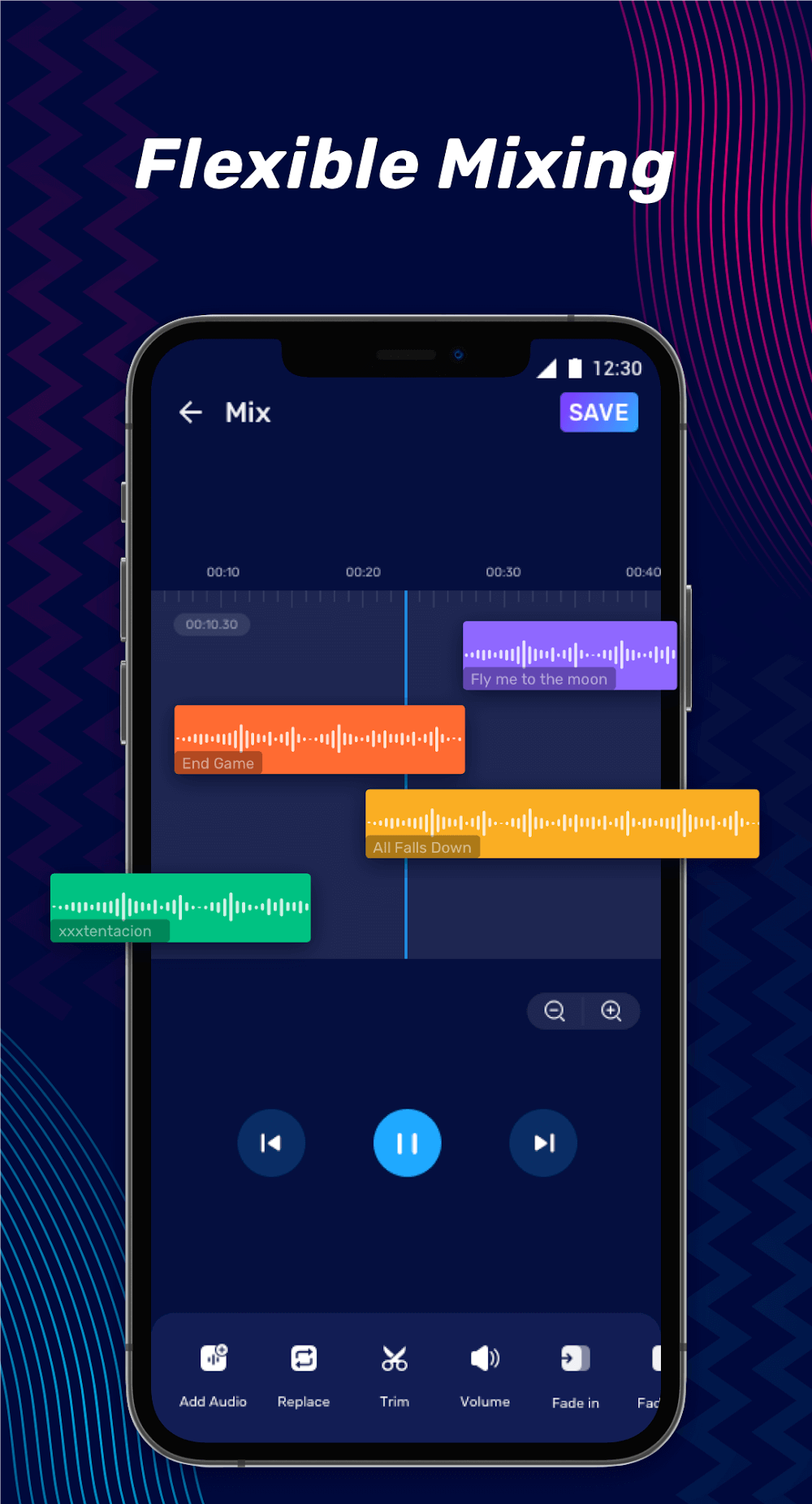
Mixing sounds together to make a superb mashup and can even insert sounds or mix sounds together.
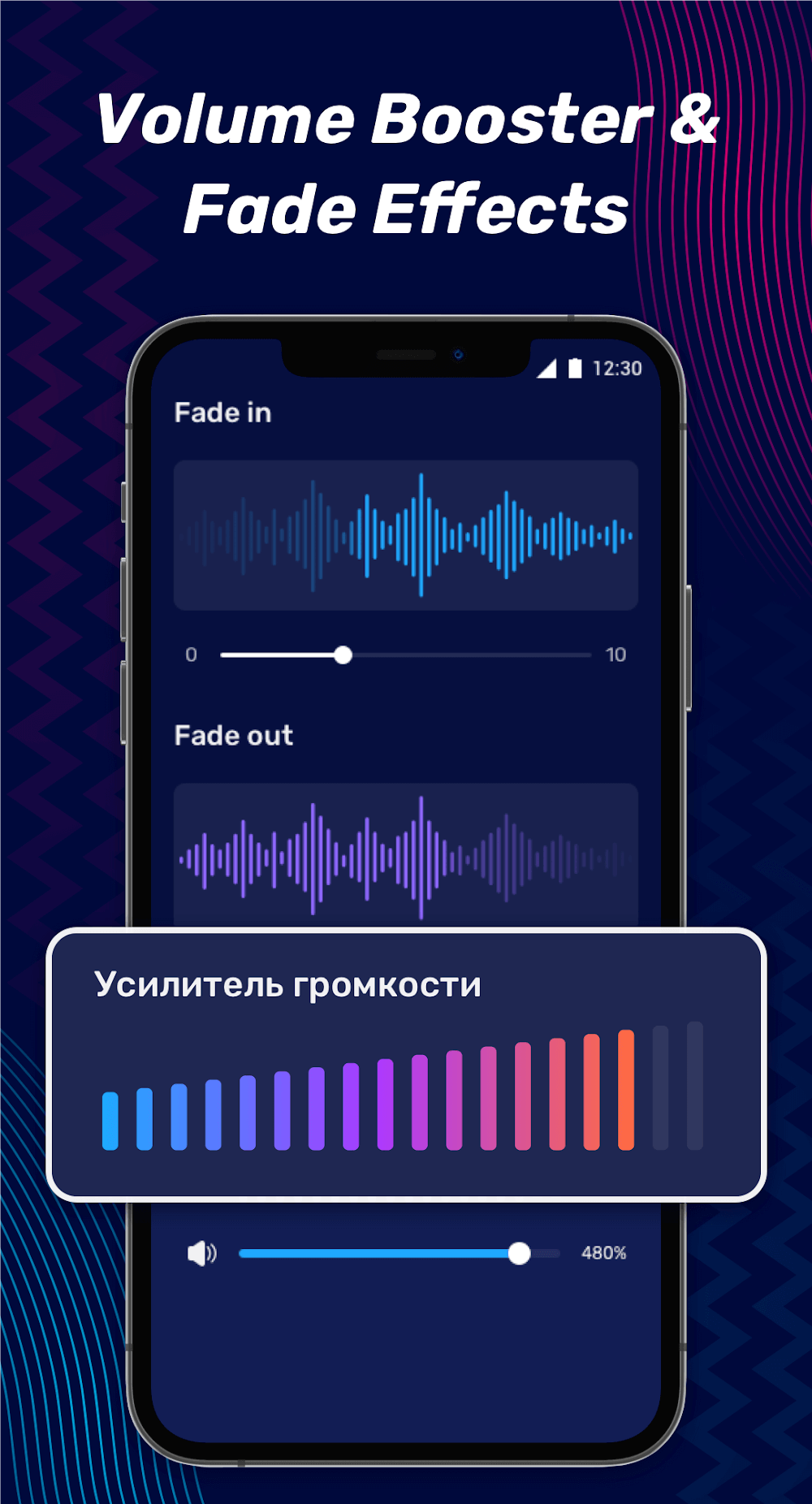
Help users adjust the song’s volume accordingly through the volume amplifier.
Can convert video formats and compress audio files; voice editor is also extremely good.
Features:
- Trim Audio: Crop a part of the audio as a ringtone, alarm, and notification tone.
- Merge/Join Audio: Join or merge multiple audio files into a single one.
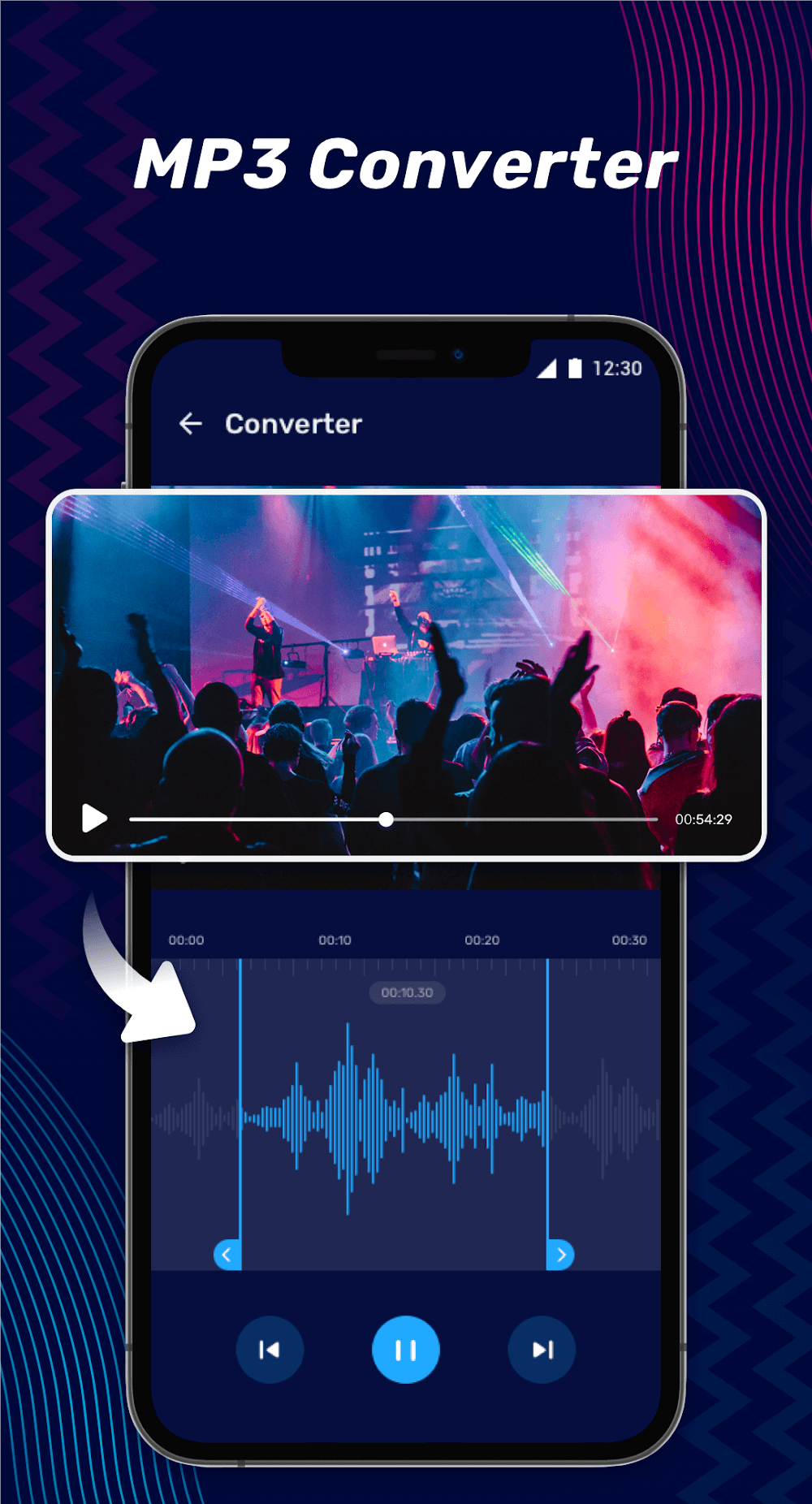
- Convert Audio: Change music format like AAC to MP3, M4A to MP3, MP3 to WAV, and so on.
- My Creations: All processed audio files will be displayed here, you can re-edit, delete or share them.
- Mix Audio: You can mix two music and create one file to adjust the volume level of the music.
- Compress Audio: You can compress audio by changing the channel, sample rate, and bit rate.
- Tag Editor: You can change the metadata of audio, such as title, album, composer, year, and cover.
- Split Audio: If you need to split audio into two parts, you can use this feature.
- Reverse Audio: Reverse the audio and plays it in reverse.
- Speed Editor: Edit audio speed, fast forward, slow down.
- Remove Part: Remove a part of the audio.
- Mute Part: Part of the audio can be muted.
- Volume Booster: You can change the volume level of audio.
FAQs:
Can I edit audio files from my device's memory?
Yes, you can easily edit audio files stored on your device by syncing the app with your device's memory. Simply select the song you want to edit, and you're ready to start customizing it.
Can I create my own ringtones using this app?
Absolutely! Audio Editor & Music Editor allows you to create personalized ringtones by cutting out the parts of the song that you desire. With this app, you can have unique and customized ringtones that reflect your style.
Can I extract audio from videos?
Yes, you can extract audio from videos using this app. Whether it's a music video or any other video that contains audio, you can easily separate the audio from the video and save it as an MP3 file. This feature is perfect for creating custom playlists or using the audio for other projects.
Changelog:
Easy-to-use Audio Editor
Rich Music Editing Functions
MP3 Converter & Volume Booster
Music Trimmer, Merger & Mixer
Final Words:
The application is not just for playback; it reinvents how music and sound are approached, promising a music player experience that transcends typical listening sessions. Users can customize ringtones, fine-tune sound with an intuitive equalizer, and enhance audio without distortion using this all-encompassing audio lab. Dive into a dynamic world of sound with Audio Editor Pro, where innovation in audio editing and music creation awaits.
More Information
- Size:67.06MB
- Version:2.01.59.0623
- Requirements:Android
- Votes:412
Related Versions
-
Download
Version:1.01.63.0217Size:60MB
Related topics
-
Video Editor is a powerful software tool designed for crafting, refining, and enhancing video content. It enables users to transform raw footage into compelling visual narratives or effective communication platforms. As digital media continues to evolve, video editing has grown in significance - no longer just a professional necessity but also an accessible skill for everyday creators. Modern editing tools now offer intuitive interfaces, AI-powered features, and cross-platform compatibility, making high-quality video production achievable for both experts and casual users alike.
-
![Vidmix]()
Vidmix
-
![Funimate]()
Funimate
-
![Vivavideo]()
Vivavideo
-
![Faceplay Face Swap Video]()
Faceplay Face Swap Video
-
![NodeVideo]()
NodeVideo
-
![Edits Video Editor]()
Edits Video Editor
-
![Storybeat]()
Storybeat
-
![MVideo]()
MVideo
-








Latest Updated








Popular Apps





Popular News
More+-
![Tomie Wants to Get Married Full Walkthrough, All Choices and Ending Guide]()
Tomie Wants to Get Married Full Walkthrough, All Choices and Ending Guide
2026-05-22
-
![Karryn’s Prison Gameplay Walkthrough & Strategy Guide]()
Karryn’s Prison Gameplay Walkthrough & Strategy Guide
2025-10-28
-
![Life in Santa County Game Guide & Complete Walkthrough]()
Life in Santa County Game Guide & Complete Walkthrough
2025-10-28
-
![Dreams of Desire Complete Walkthrough and Game Guide]()
Dreams of Desire Complete Walkthrough and Game Guide
2025-10-28
-
![Era Hunter Gameplay Guide & Full Walkthrough]()
Era Hunter Gameplay Guide & Full Walkthrough
2025-10-28




