

Background Video Recorder
Download for Android This app is available for Android only.- Category:Tools
- Rating: 4.6
- Language:English
- Updated:2026-07-17
Screenshots
Introduction
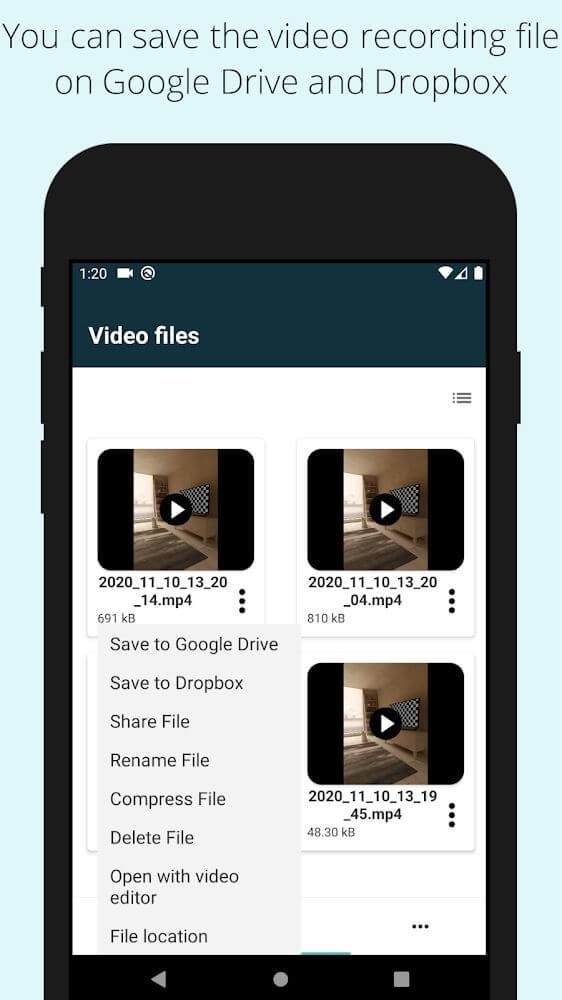
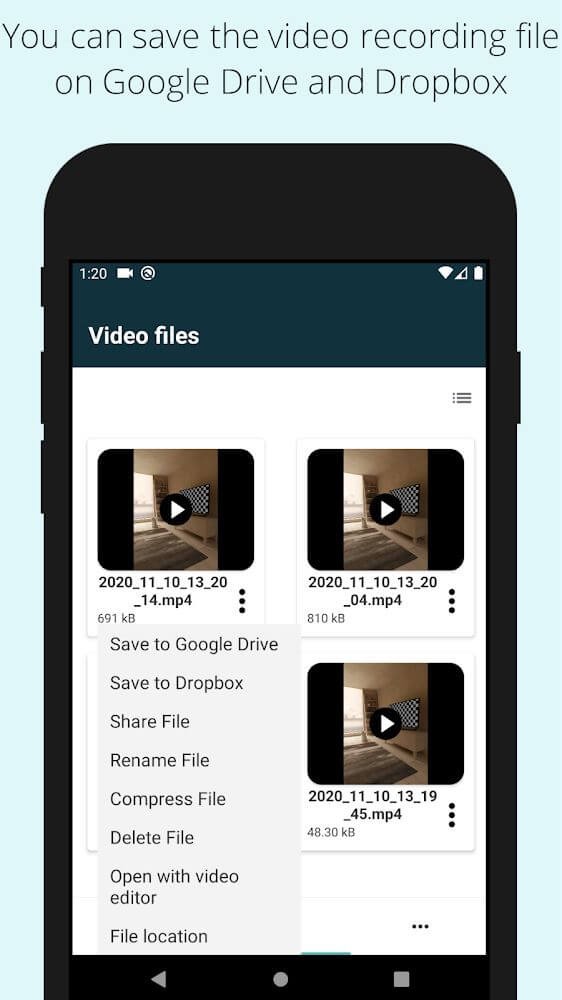
Background Video Recorder is a video recording software that prioritizes user privacy and security. Users can easily record their screen in the background with a simple click, freely choose the recording resolution, and quickly save the video to their device or the cloud. Recorded videos can be password-protected to safeguard user privacy. The software is completely free. Users can set recording times to start at specific times or when a specific face is detected, and choose whether to display the recording time, catering to diverse user needs.
Features of Background Video Recorder:
Privacy and data security are prioritized in Background Video Recorder. The app saves all recorded videos locally on the device and does not create backup copies, ensuring that users maintain control over their personal content. Additionally, the app offers a password feature, allowing users to protect access to the application from unauthorized individuals. This level of security provides peace of mind for users concerned about privacy.
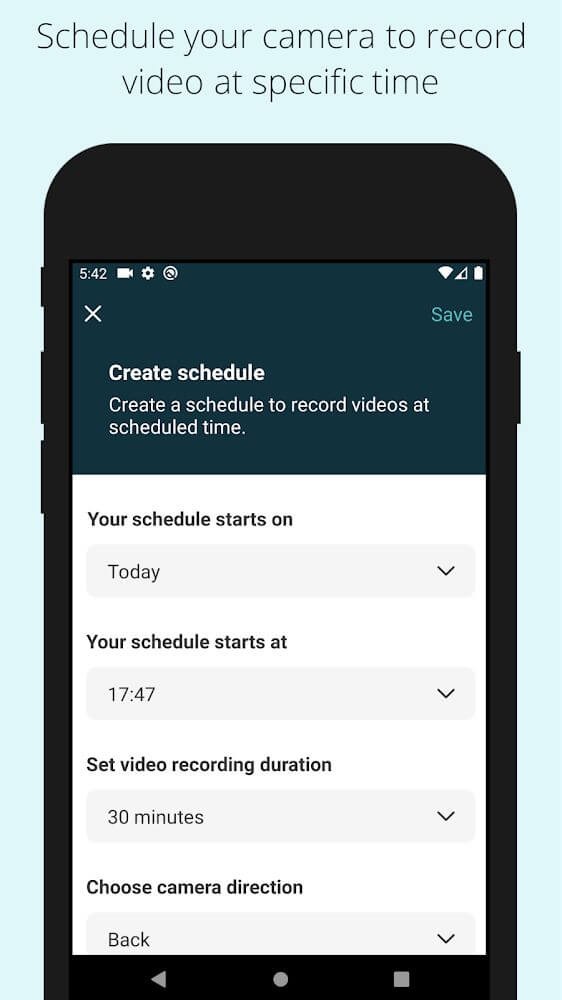
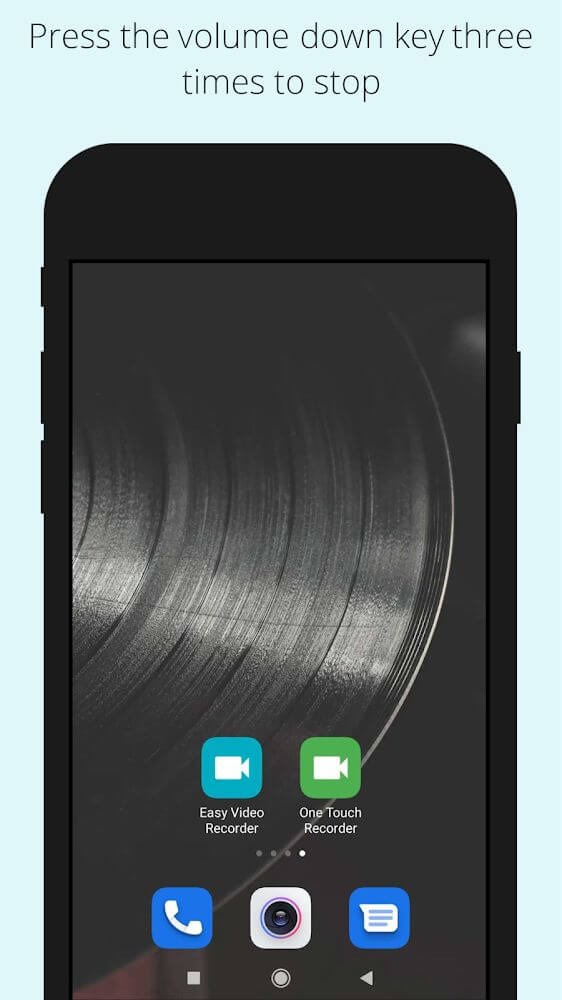
Advanced features enhance the user experience significantly. The Scheduler allows users to set specific times for the camera to start recording, making it convenient to capture moments without manual intervention. The Launcher Icon Starter provides an easy way to start or stop video recording by simply tapping a green icon, eliminating the need to open the app itself.
For those who utilize voice commands, the app is compatible with Google Assistant. Users can easily start video recording by issuing a command, such as “start video recording using Background Video Recorder application.” This voice activation capability adds an extra layer of convenience for users who prefer hands-free operation.
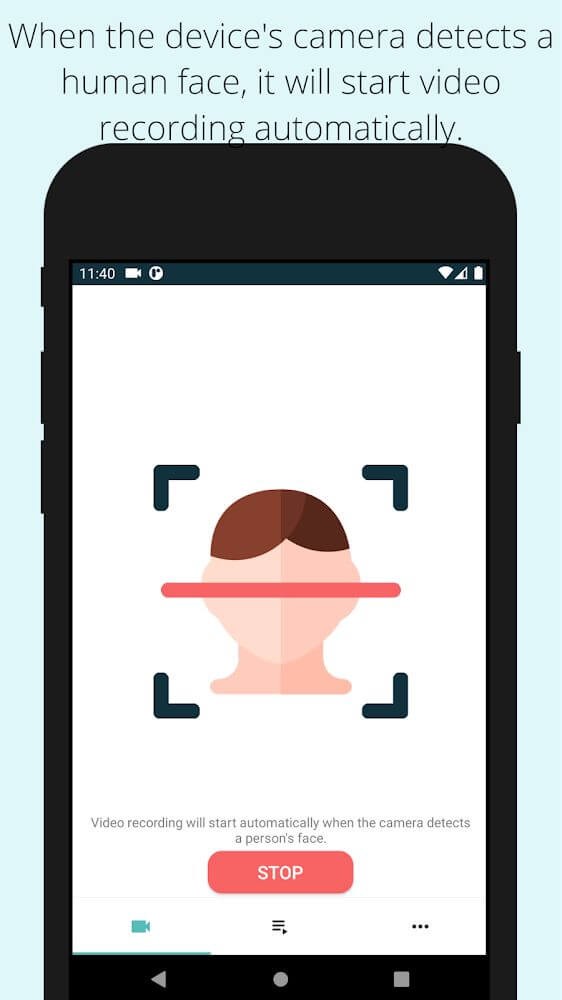
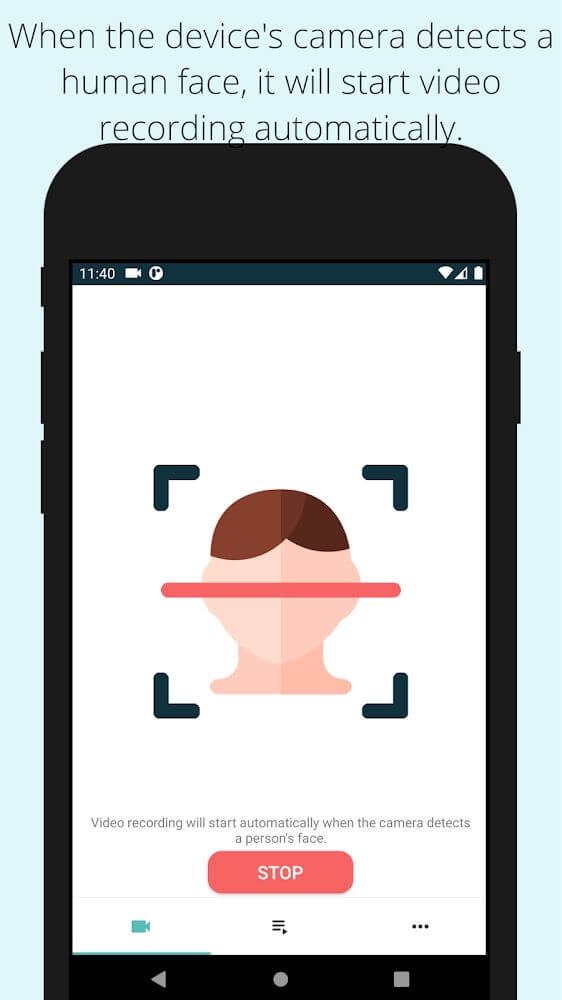
Background Video Recorder also incorporates machine learning technology to detect human faces. When a face is detected, the app automatically begins recording, ensuring that significant events are captured without any delay. This intelligent feature is particularly beneficial in situations where spontaneity is essential.
Camera functionalities within the app are robust, offering options for auto white balancing and various advanced settings to suit diverse recording environments. Users can also choose to enable or disable camera preview views and shutter sounds, tailoring the experience to their needs.
Functions of Background Video Recorder:
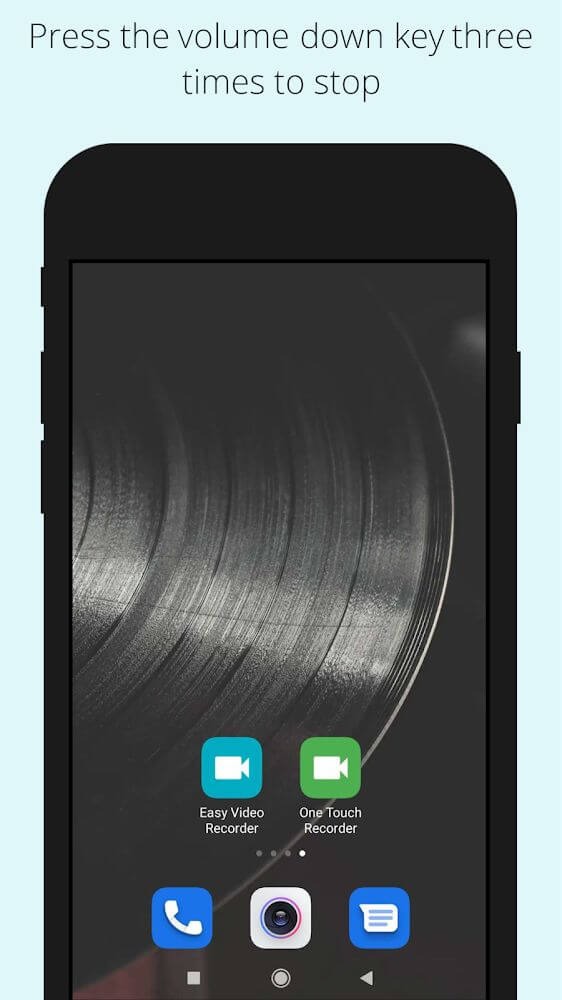
Fast Start: Easily initiate video recording using the volume keys, power key, or by shaking your device.
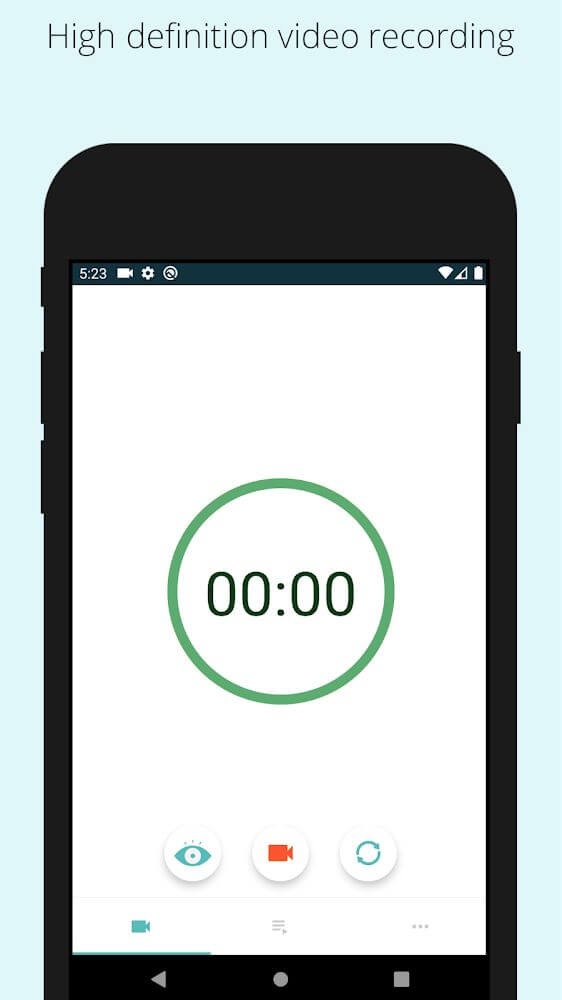
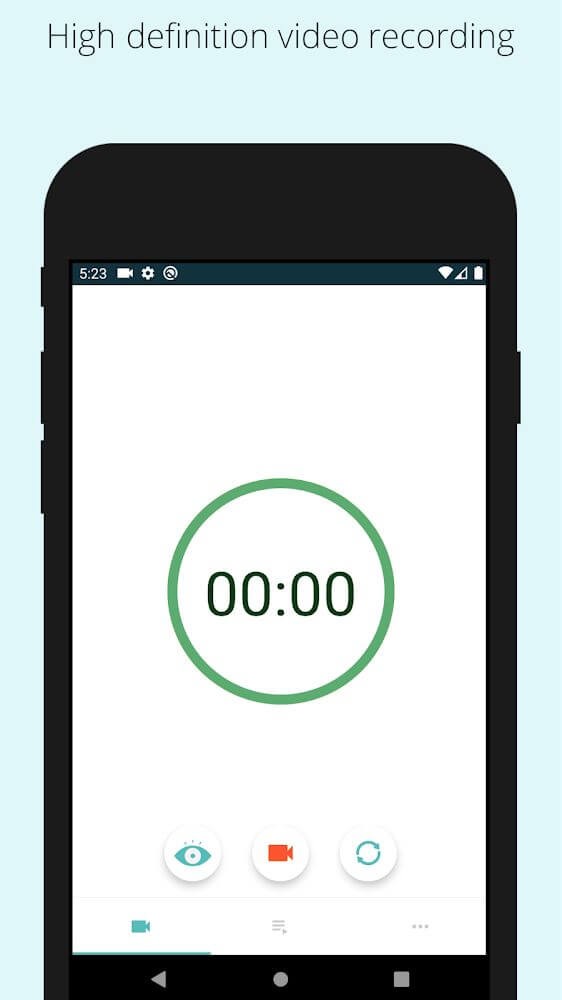
High-Quality Videos: The app supports various resolutions, including 4K, 1080P, 720P, and 480P.
Long Video Recording Mode with Date and Timestamp: Record videos for extended periods without worrying about size or length. After 30 minutes, the app automatically creates new files for uninterrupted recording. Additionally, the date and time stamp are displayed on the video.
Scheduler: Schedule video recordings at specific times.
Launcher Icon Starter: Start or stop video recording with a simple tap on the green launch icon, without opening the app.
Machine Learning: The app can detect human faces and automatically start recording.
User Reviews of Background Video Recorder:
In 2022, I think I used this app. I would definitely recommend it, it was great for me. The video quality was clear, and the sound was uninterrupted. And no one knew I was recording, even though my phone screen was off. So it was safe for me personally, but unfortunately... The memory capacity on my phone at the time wasn't sufficient, so I uninstalled it.
It's really a great app. works great. You can install it and use it hassle free. The audio and video quality are super as per your mobile camera specifications. But I accidentally deleted some data from it. And it's very important for me. Please suggest, if there is any method to retrieve it. Please.
This app is super....but recently I have lost my recorded data automaticly from your app after one day, I thought, is there any hackers on your apps at developer side...? Because i just want to know that, is this your application safe or not for our privacy..... one more question I have, is there any data recovery option in your application, plz let me know......
Great app. Works well. There should be a different vibration for start & stop. Now the vibration is the same and I can't tell if it is starting or ending. I many times it was accidentally started recording. Should hv a short vibration on start and long vibration for stop.
Summary:
In conclusion, Background Video Recorder offers an array of features that simplify the video recording process. Its ability to record in the background with or without previews, schedule recordings, and provide options for customization makes it a versatile tool. While some technical issues have been reported, the overall functionality and user-friendly interface of the app make it a worthy choice for capturing videos conveniently and effectively.
More Information
- Size:65.6MB
- Version:5.0.8
- Requirements:Android
- Votes:143
- Package Name:com.coolncoolapps.easyvideorecorder
- Signature:d1b8112c8ce45e892f8736aaa1282e1f13658eba
Related Versions
-
 Download
Version:3.38Size:42.66MB
Related topics
-
Utility apps are indispensable in our lives, making our daily routines more convenient. To help you find these apps more easily, this site has created a collection. This collection brings together a series of practical tools covering various aspects of life, work, and education, meeting all your needs. What are you waiting for? Try these apps now and make your life easier!
-
![NES.emu]()
NES.emu
-
![Screen Mirroring]()
Screen Mirroring
-
![MEye]()
MEye
-
![MiXplorer Silver File Manager]()
MiXplorer Silver File Manager
-
![HideX]()
HideX
-
![Parrot Downloader]()
Parrot Downloader
-
![RemakeFace]()
RemakeFace
-
![Avast Antivirus]()
Avast Antivirus
-
-
Transform your mobile device into a powerhouse of efficiency with these handpicked essential tools. Whether you need professional-grade photo editing, seamless file organization, smart task management, or real-time weather updates, our curated selection of premium apps delivers unbeatable performance. Streamline your daily routine, automate repetitive tasks, and boost your productivity with intuitive interfaces and powerful features. Designed for both professionals and casual users, these editor-approved applications will revolutionize how you work and play. Don't settle for an ordinary phone - upgrade your digital experience today and unlock your device's full potential!
-
![NES.emu]()
NES.emu
-
![Screen Mirroring]()
Screen Mirroring
-
![MEye]()
MEye
-
![MiXplorer Silver File Manager]()
MiXplorer Silver File Manager
-
![HideX]()
HideX
-
![Parrot Downloader]()
Parrot Downloader
-
![RemakeFace]()
RemakeFace
-
![Alarmy]()
Alarmy
-









Latest Updated



Popular Apps








Popular News
More+-
![Tomie Wants to Get Married Full Walkthrough, All Choices and Ending Guide]()
Tomie Wants to Get Married Full Walkthrough, All Choices and Ending Guide
2026-05-22
-
![Karryn’s Prison Gameplay Walkthrough & Strategy Guide]()
Karryn’s Prison Gameplay Walkthrough & Strategy Guide
2025-10-28
-
![Life in Santa County Game Guide & Complete Walkthrough]()
Life in Santa County Game Guide & Complete Walkthrough
2025-10-28
-
![Dreams of Desire Complete Walkthrough and Game Guide]()
Dreams of Desire Complete Walkthrough and Game Guide
2025-10-28
-
![Era Hunter Gameplay Guide & Full Walkthrough]()
Era Hunter Gameplay Guide & Full Walkthrough
2025-10-28




