
Proton VPN
Download for Android This app is available for Android only.- Category:Tools
- Rating: 4.8
- Language:English
- Updated:2026-07-26
Screenshots
Introduction
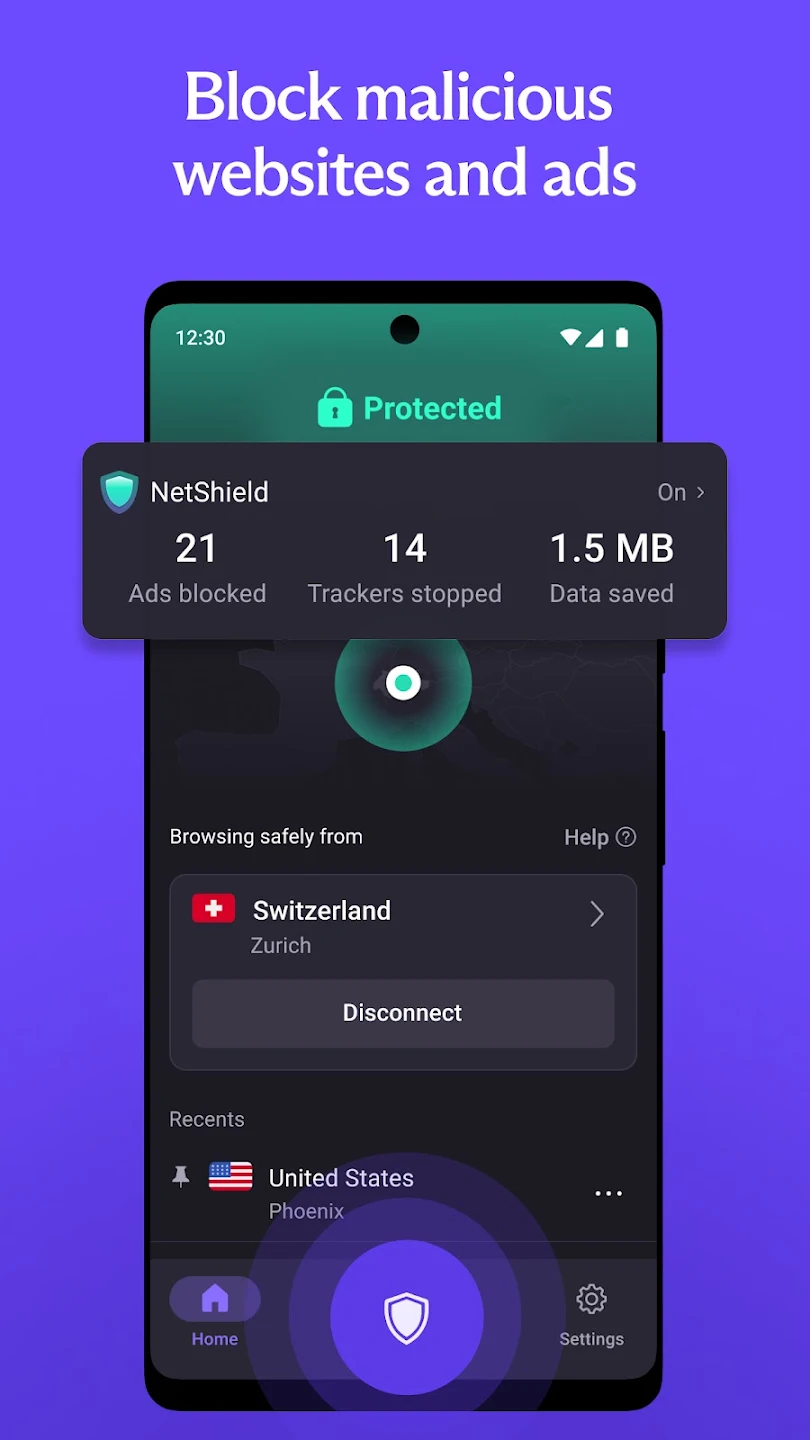
Proton VPN is a secure and user-friendly internet proxy software. With its global service areas and high-speed nodes, users can easily bypass geographical restrictions to access various websites and download content. The software automatically filters malware and ads, helping users enjoy a smooth network and gaming experience. Users can use the same subscription link simultaneously on different devices without affecting each other's network environment or download speed. Of course, security is paramount. It strictly adheres to a no-logs policy and uses advanced encryption technology to constantly protect users' IP addresses and data security, ensuring worry-free use.
Features of Proton VPN:
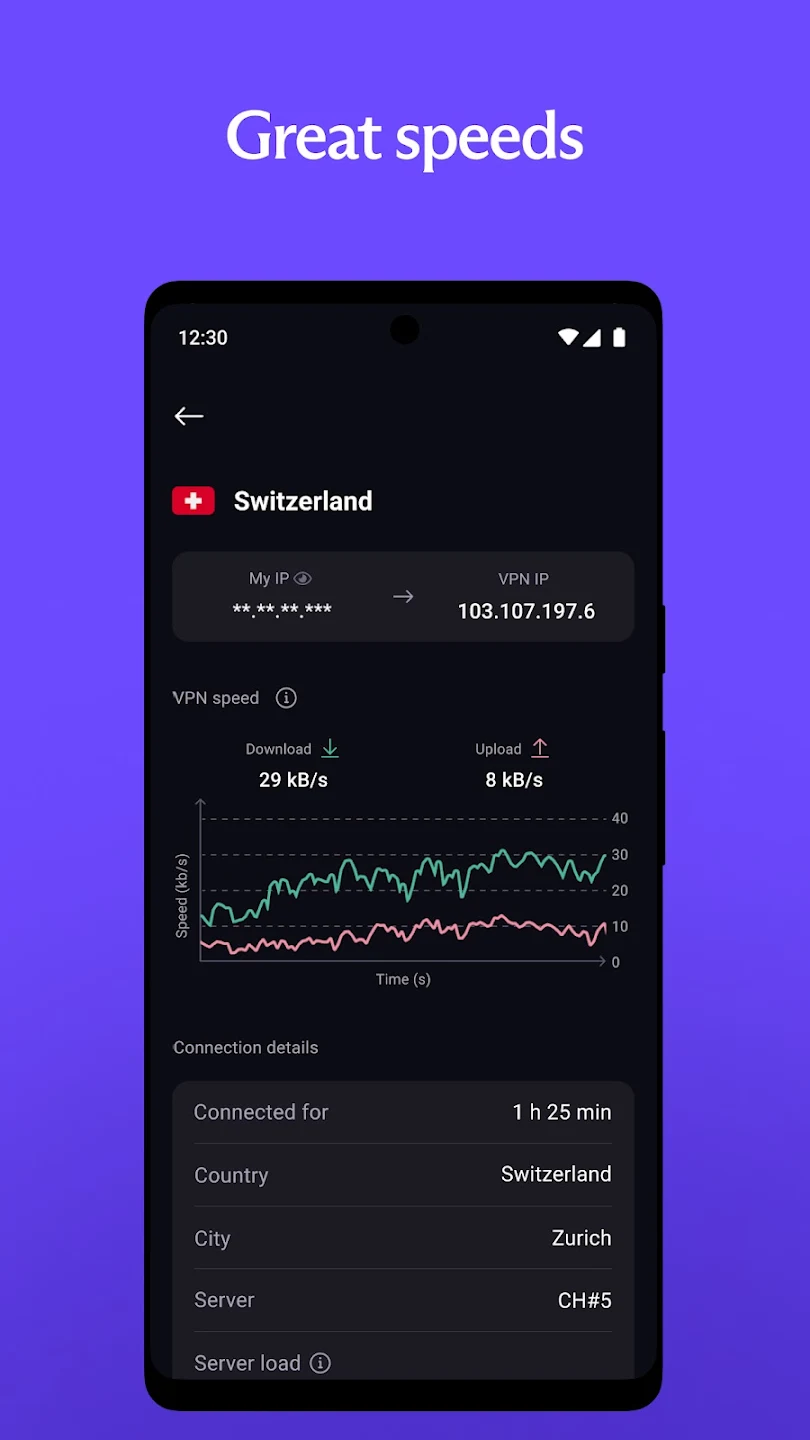
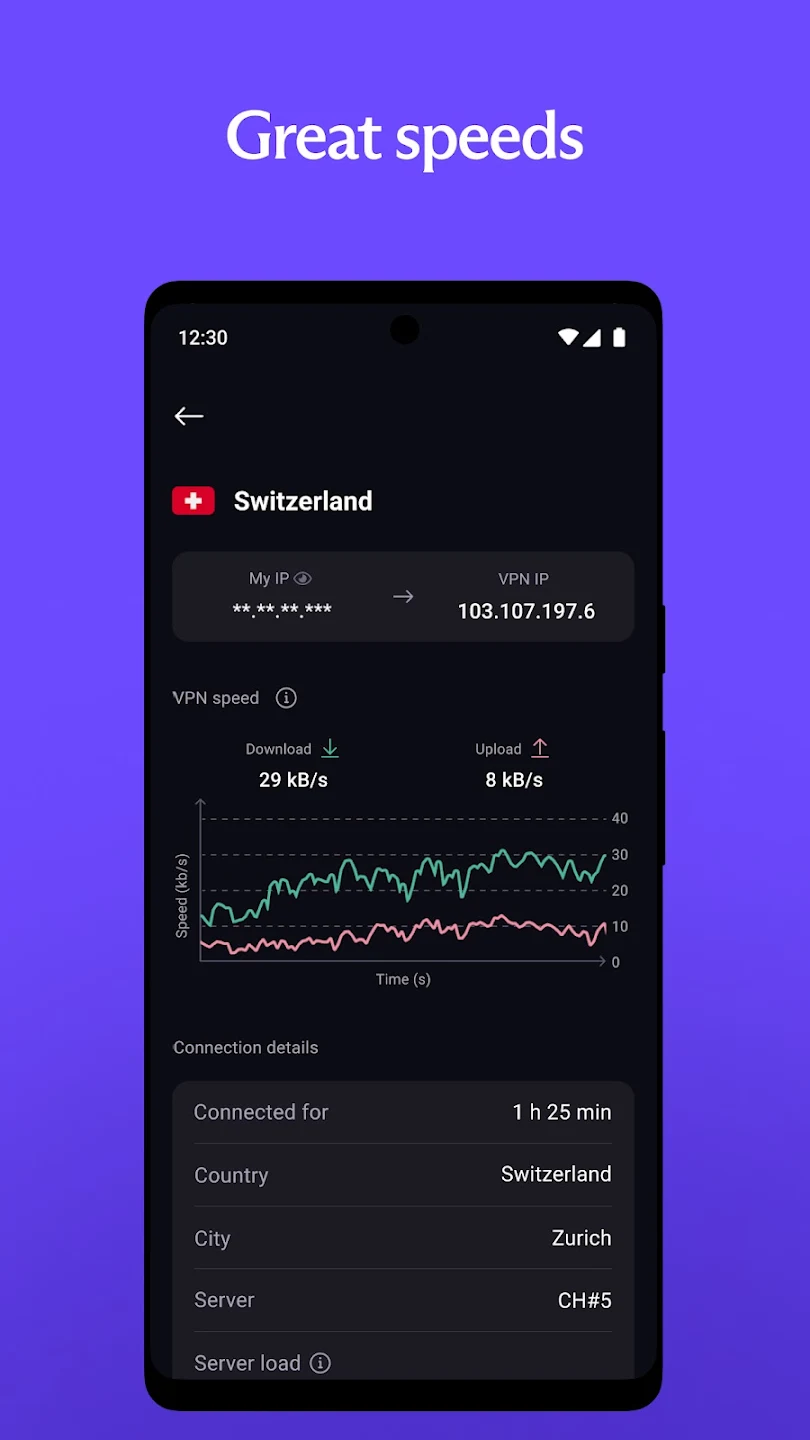
One of the significant advantages of Proton VPN is its fast server network, which delivers connections of up to 10 Gbps. This high-speed capability allows for seamless streaming, browsing, and downloading, enhancing the overall user experience. The inclusion of a VPN Accelerator further boosts the app's speeds by up to 400%, ensuring that users can enjoy a faster browsing experience.
Proton VPN supports file-sharing and peer-to-peer (P2P) activities, making it a suitable choice for users who wish to share large files securely. The app also includes split tunneling features, which enable users to select specific applications that will utilize the VPN connection. This flexibility allows for more efficient internet usage, as users can choose which apps benefit from the additional security.
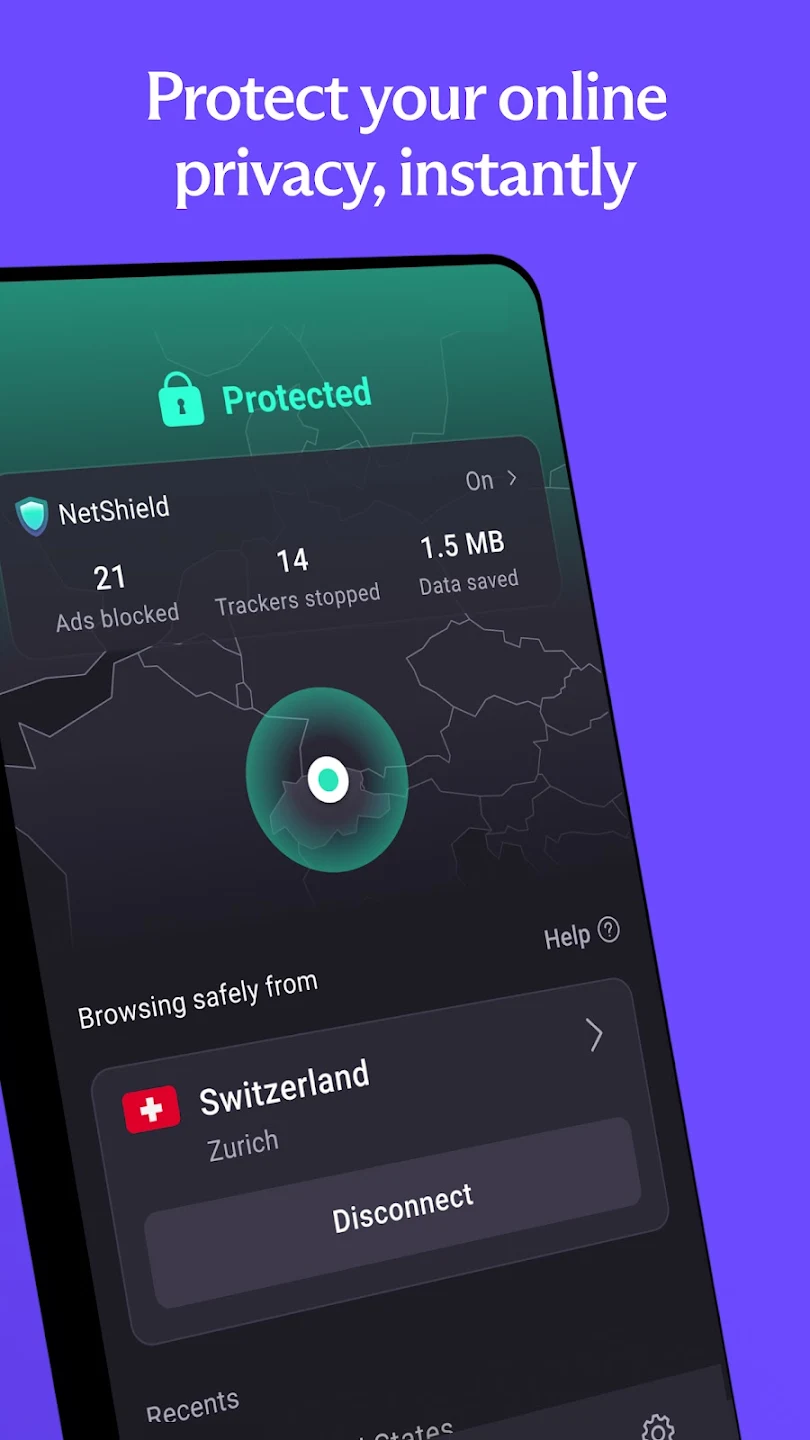
The app offers a built-in ad blocker, known as NetShield, which protects users from malware and prevents unwanted ads while browsing. This feature enhances the overall security of the internet experience. Additionally, Proton VPN ensures DNS leak protection by encrypting DNS queries. This measure prevents any potential exposure of browsing activities through DNS leaks, further safeguarding user privacy.
Another important aspect of Proton VPN is its Secure Core servers. These specialized servers provide an extra layer of protection by routing internet traffic through multiple locations before reaching the final destination. This multi-hop VPN feature is particularly beneficial for users concerned about network-based attacks and provides enhanced security for sensitive activities.
Highlights of Proton VPN:
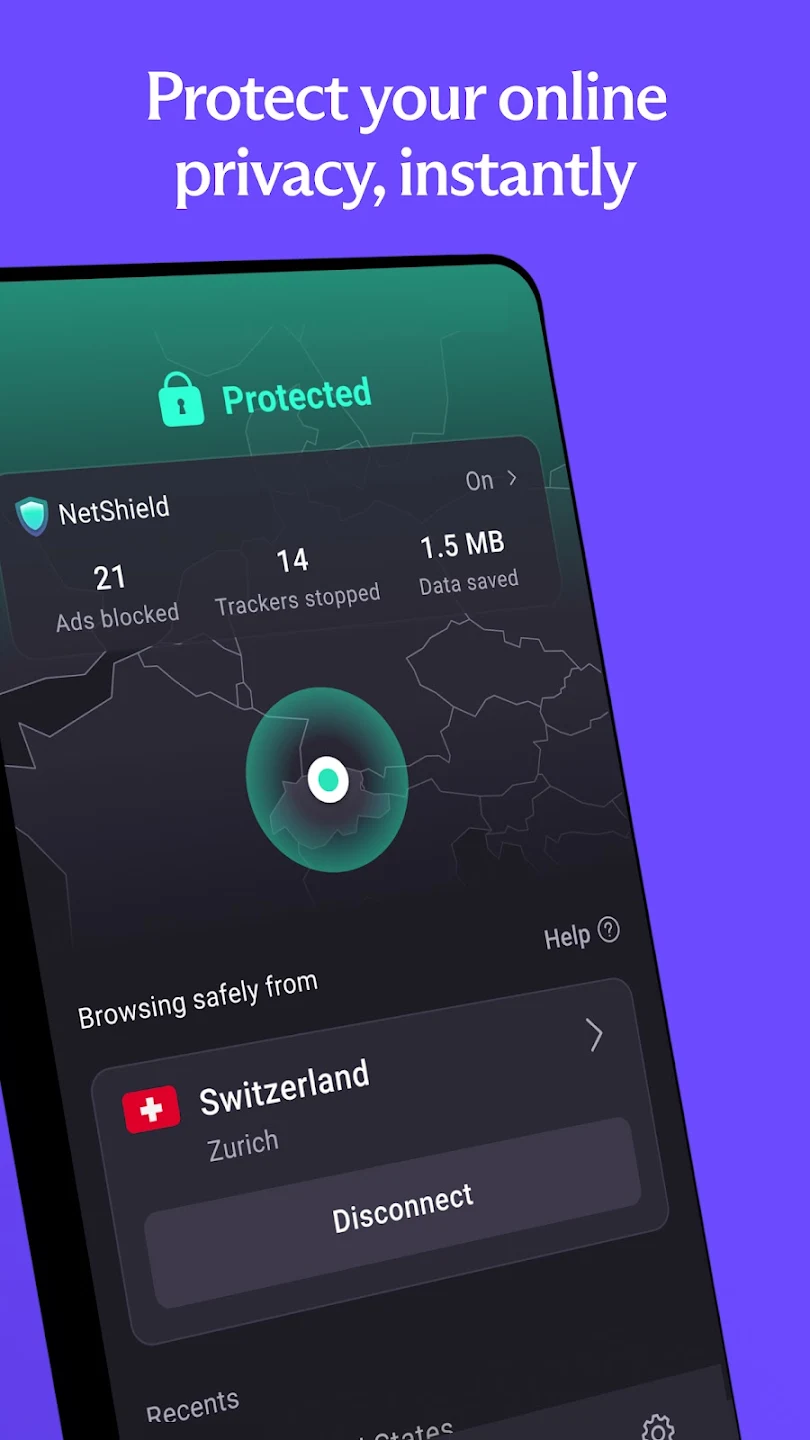
The application’s main feature is top security and safety when connecting to VPN servers, and its capabilities are wide to give users peace of mind. That includes anonymity when accessing the internet, erasing all user activity, and hiding information about internet access history. In addition, it helps protect against background attacks, and you will not know their presence because the application always automatically blocks everything and, at the same time, keeps your information secure.
The overview interface of the application is designed to be simple and user-friendly, along with detailed displays in each category for you to have a gentle interaction. Each content is also displayed neatly, and you can tap on everything to see specific information or change interface settings with just a few taps. You can customize the interface in many styles, and the system can minimize the notification bar so that you can quickly and conveniently interact with the VPN tool instead of accessing the native app.
Ads or malware always lurk on many web pages secretly and are hard to detect, and they will automatically attack users when they detect them. Therefore, the application can automatically block any ads or malware, allowing you to have the smoothest and most peaceful internet experience. Anti-ad also applies to YouTube or other streaming platforms, so you can always enjoy all your favorite content without being bothered by ads.
Connecting to a VPN is simple as the application currently has more than 1000 servers located in over 60 major countries to stabilize your connection to any location. The system can connect automatically on your behalf, finding the closest and most stable servers to connect to and giving you all the power to manage the process. A manual connection is also possible as you can instantly select the desired country and change your personal information to serve many personal purposes on the internet.
User Reviews of Proton VPN:
Really good VPN overall! I am using their paid plan, so I cannot comment much about the free experience, but I have loved using this so far. It seems pretty good on battery usage too, usually using less than 5% of a 85-15% discharge cycle on my S21 Ultra in the background. I love that there is a button in the drop-down menu, instead of having to open the app manually as is necessary with some other apps. I wish for an automatic reconnect though if the server is at high load and slow.
I don't usually write reviews, but I HAD to write this one. This app is geniunely THE BEST vpn ever without any doubt. It has no ads, it works really smoothly and well. The only thing I don't like is some restrictions, but I get it, even while using the app as it's free version, it doesn't disappoint me at all, infact, it's shocking that they're providing this service for free. really great app! keep up the good work app makers!
I tried many VPNs before and none of them worked properly. They were either slow or kept disconnecting. Then I started using Proton VPN and it made everything easy. It connects fast and the speed is really good. I can use Every Apps and browser without any problem. The best thing is that it's completely free and very easy to use. Just one tap and you're connected. No ads, no issues. I really recommend Proton VPN. It's the best free VPN I have used.
Best free VPN with unlimited data for unpaid users and extremely high speeds (depending on ur config) with what i find the greatest Anti-Censorship/Firewall features. Tho i dont like the need to sign in to acess it for laptops, since if your country blocks the actual one, its basically impossible since the access to the servers are blocked. (edit: its also open source)
FAQs of Proton VPN:
How to choose the best VPN for Android?
The Proton VPN has been specifically engineered to be secure, fast, and easy to use. You can use Proton VPN to stream your favorite shows, share files over BitTorrent, access censored content and protect your privacy.Proton VPN is a community-supported VPN service and our mission is to create an internet where privacy is the default. Founded by CERN scientists to ensure everyone can protect their right to privacy, Proton VPN offers one of the only free VPN services with no data limits, no logs, and no privacy-invading ads.
How to install a VPN on Android?
The easiest way to install our app is from the Play Store(new window). If visiting the Play Store page from your desktop, you can select your Android phone or tablet when asked to "Choose a device". If you prefer to avoid Google, then our Android app is also available on F-Droid(new window) or can be downloaded as an APK on GitHub.
How to easily connect to a VPN server on Android?
Sign in to the app and touch the Quick Connect button at the bottom right of your screen. It's as easy as that. Alternatively, you can pick a particular country or specialized server (P2P or Tor).
How to access blocked content with a VPN on Android?
You can use the Proton VPN Android app to access content that has been blocked by your internet service provider, government, workplace, or college. To access it, simply connect to a VPN server in an area where that content is not censored. If you have a VPN Plus or Proton Unlimited account, you can also access popular streaming services by connecting to a Plus server.
What is the fastest VPN for Android?
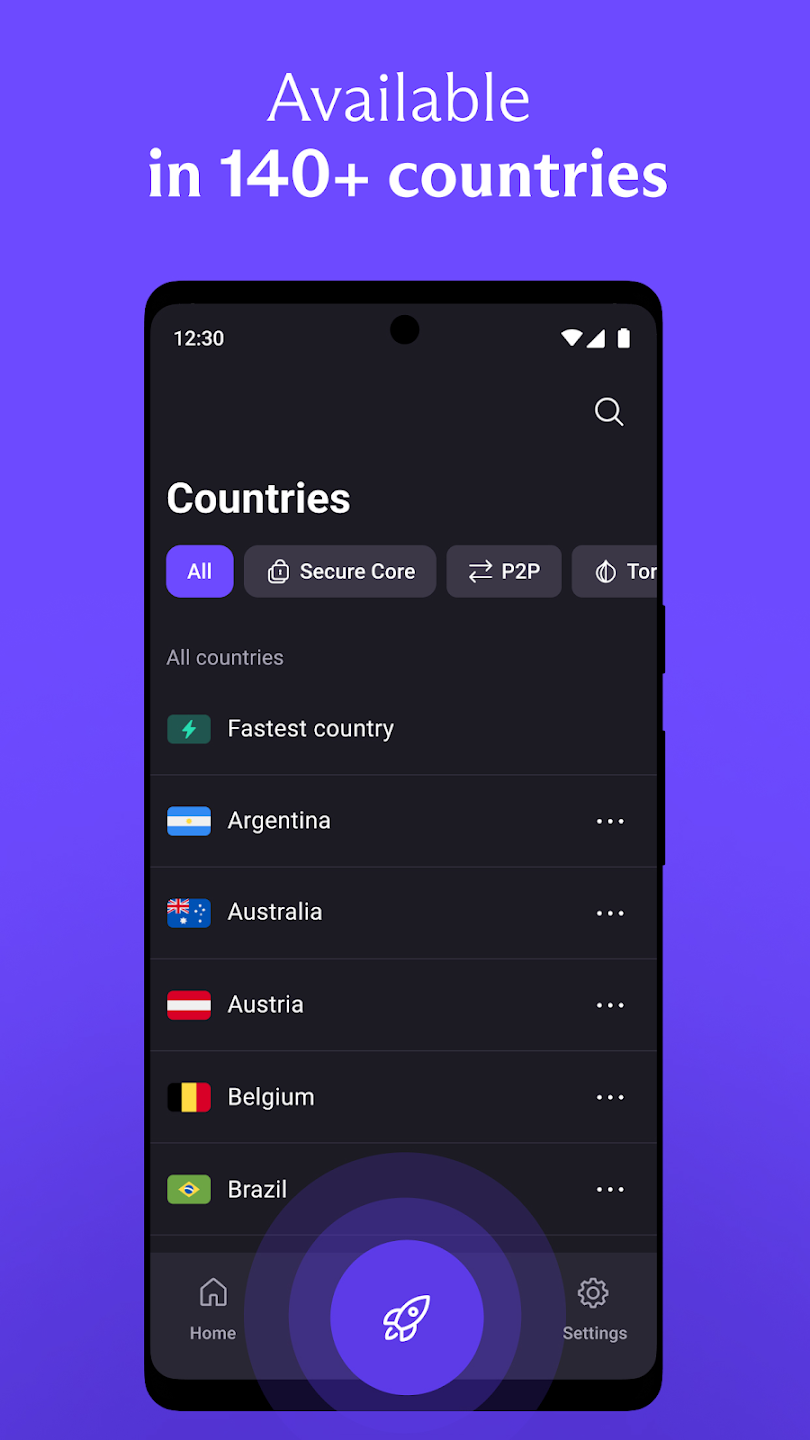
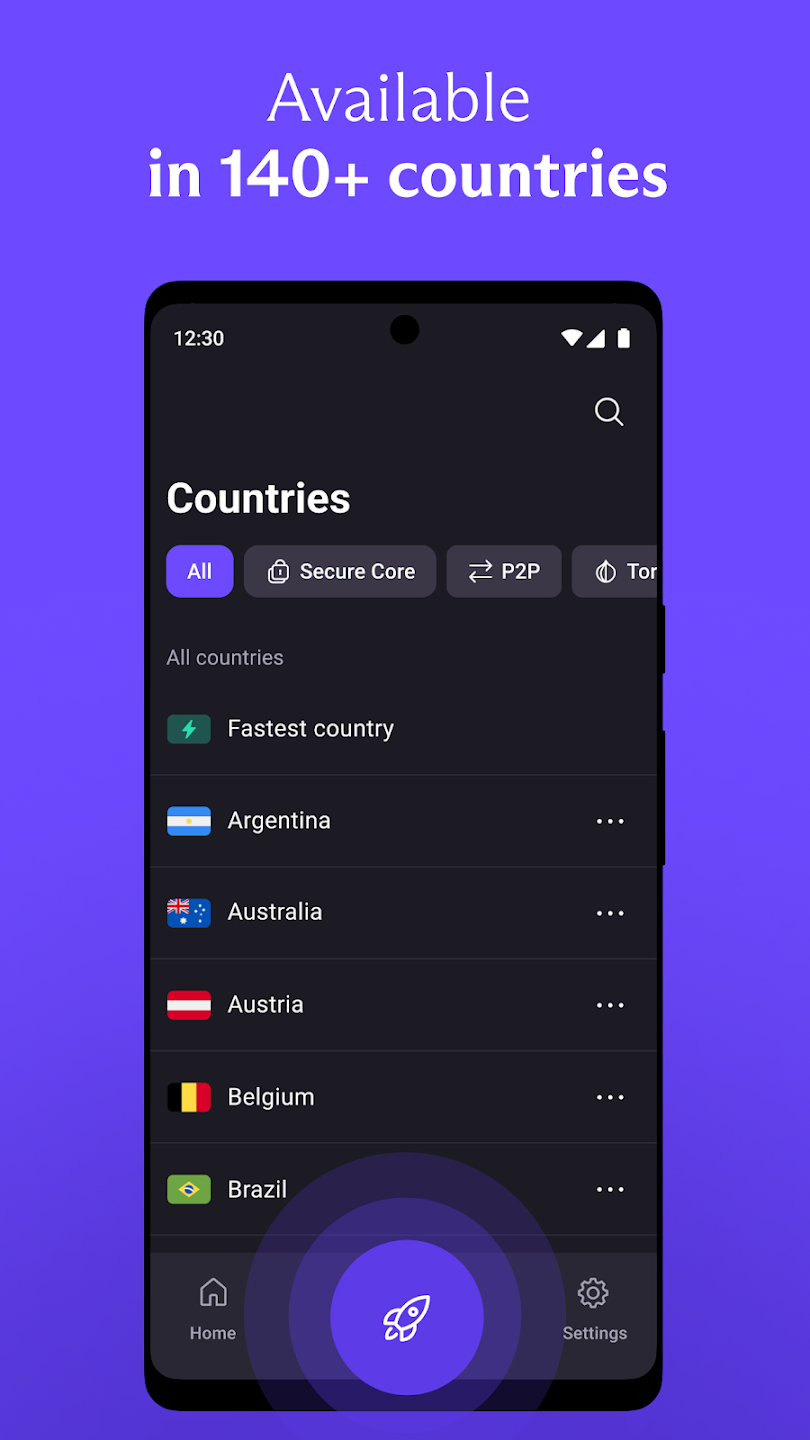
Proton VPN operates over 20,000 servers in more than 140 countries around the world, so there will always be a VPN server nearby to provide you with a secure, fast connection. Users with a VPN Plus or Proton Unlimited plan can access our large and expanding network of high-speed 10 Gbps Plus servers.The "Quick Connect" feature in our Android app automatically chooses the fastest server available for your location. You can also use the server load information shown next to each server's name to help you manually select the fastest server for your needs.
Final words:
Proton VPN offers a huge collection of servers across the world, and allows users to select the server of their own choice; otherwise, it will automatically connect them with the nearest server. No-log policy, no-selling data to third parties, and avoiding ads are the most powerful features that any user who browses online loves to have.
More Information
- Size:34.6MB
- Version:5.19.16.0
- Requirements:Android
- Votes:145
Related Versions



Related topics
-
Enjoy unrestricted internet access anywhere in the world with these top-rated free VPNs for Android. Securely browse in private, bypass geo-blocks, and unlock censored websites in just a few taps. These powerful apps encrypt your connection, mask your IP address, and protect your data-especially on risky public Wi-Fi. Whether you're streaming global content, accessing restricted platforms, or simply safeguarding your privacy, these trusted VPNs deliver fast, reliable performance. Discover the most popular free VPN downloads and experience true online freedom today-no limits, no compromises!
-
![Supervpn]()
Supervpn
-
![ProtonVPN]()
ProtonVPN
-
![Kiwi Vpn Connection Ip Changer]()
Kiwi Vpn Connection Ip Changer
-
![Lucky Vip Proxy]()
Lucky Vip Proxy
-
![VPN.lat]()
VPN.lat
-
![UPX]()
UPX
-
![Touch VPN]()
Touch VPN
-
![Power VPN Free VPN]()
Power VPN Free VPN
-
-
In 2024, privacy and security on mobile devices are more important than ever, and a reliable VPN can help protect your data while browsing. The best free VPNs for Android offer a solid balance of speed, security, and user-friendly features without costing a dime. These VPNs allow you to browse anonymously, bypass geo-restrictions, and safeguard your personal information on public Wi-Fi networks. While free options may have certain limitations, such as data caps or fewer server locations, they still provide essential privacy protection. With strong encryption, zero-logging policies, and a simple setup, these free VPNs ensure your online activities remain private and secure while using your Android device.
-
![Ninja VPN]()
Ninja VPN
-
![Supervpn]()
Supervpn
-
![ProtonVPN]()
ProtonVPN
-
![Kiwi Vpn Connection Ip Changer]()
Kiwi Vpn Connection Ip Changer
-
![Lucky Vip Proxy]()
Lucky Vip Proxy
-
![VPN.lat]()
VPN.lat
-
![Touch VPN]()
Touch VPN
-
![Turbo VPN - Fast & Secure VPN]()
Turbo VPN - Fast & Secure VPN
-





Latest Updated








Popular Apps








Popular News
More+-
![Tomie Wants to Get Married Full Walkthrough, All Choices and Ending Guide]()
Tomie Wants to Get Married Full Walkthrough, All Choices and Ending Guide
2026-05-22
-
![Karryn’s Prison Gameplay Walkthrough & Strategy Guide]()
Karryn’s Prison Gameplay Walkthrough & Strategy Guide
2025-10-28
-
![Life in Santa County Game Guide & Complete Walkthrough]()
Life in Santa County Game Guide & Complete Walkthrough
2025-10-28
-
![Dreams of Desire Complete Walkthrough and Game Guide]()
Dreams of Desire Complete Walkthrough and Game Guide
2025-10-28
-
![Era Hunter Gameplay Guide & Full Walkthrough]()
Era Hunter Gameplay Guide & Full Walkthrough
2025-10-28




