

AntiSplit M
Download for Android This app is available for Android only.- Category:Tools
- Rating: 4.9
- Language:English
- Updated:2026-08-05
Screenshots
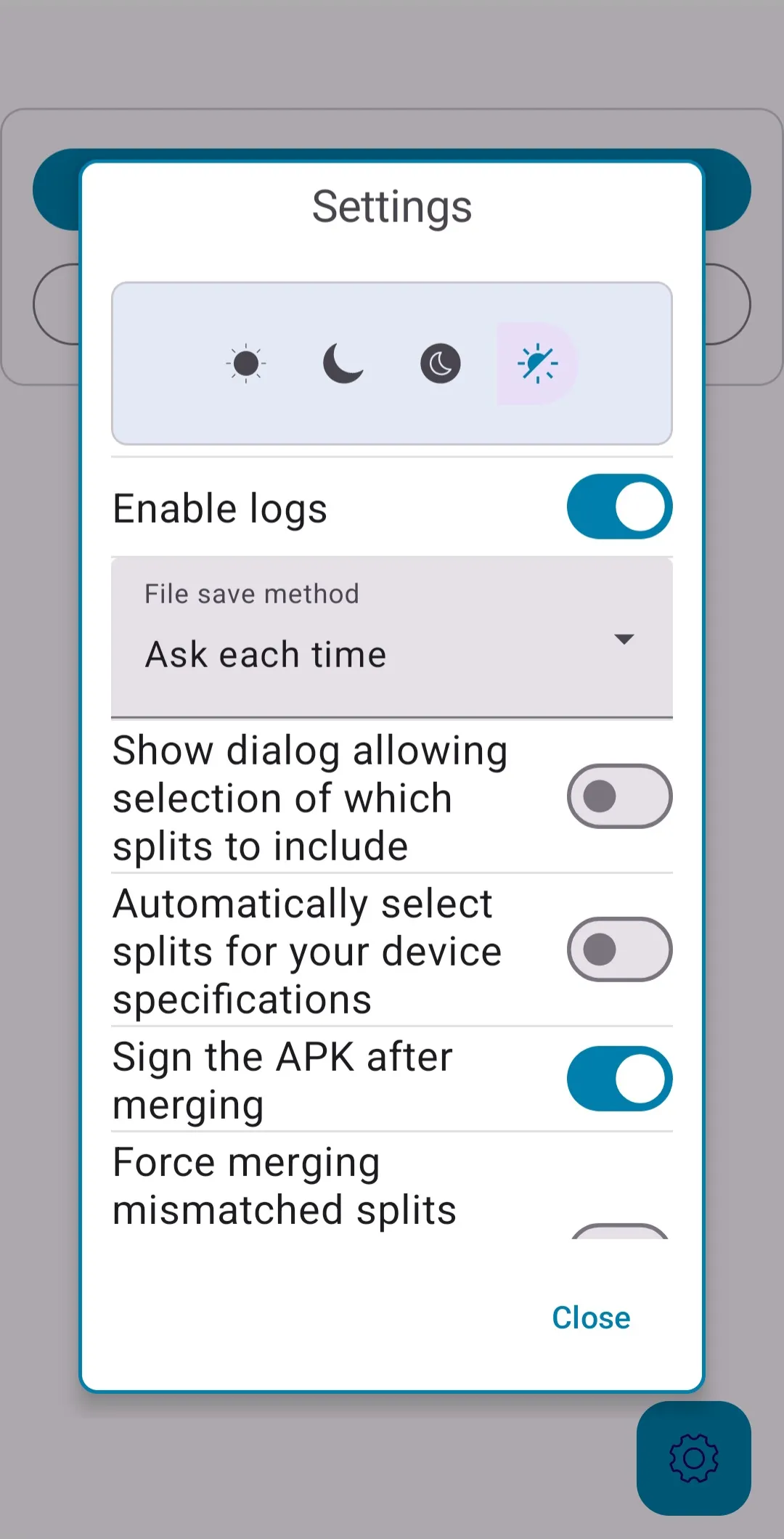
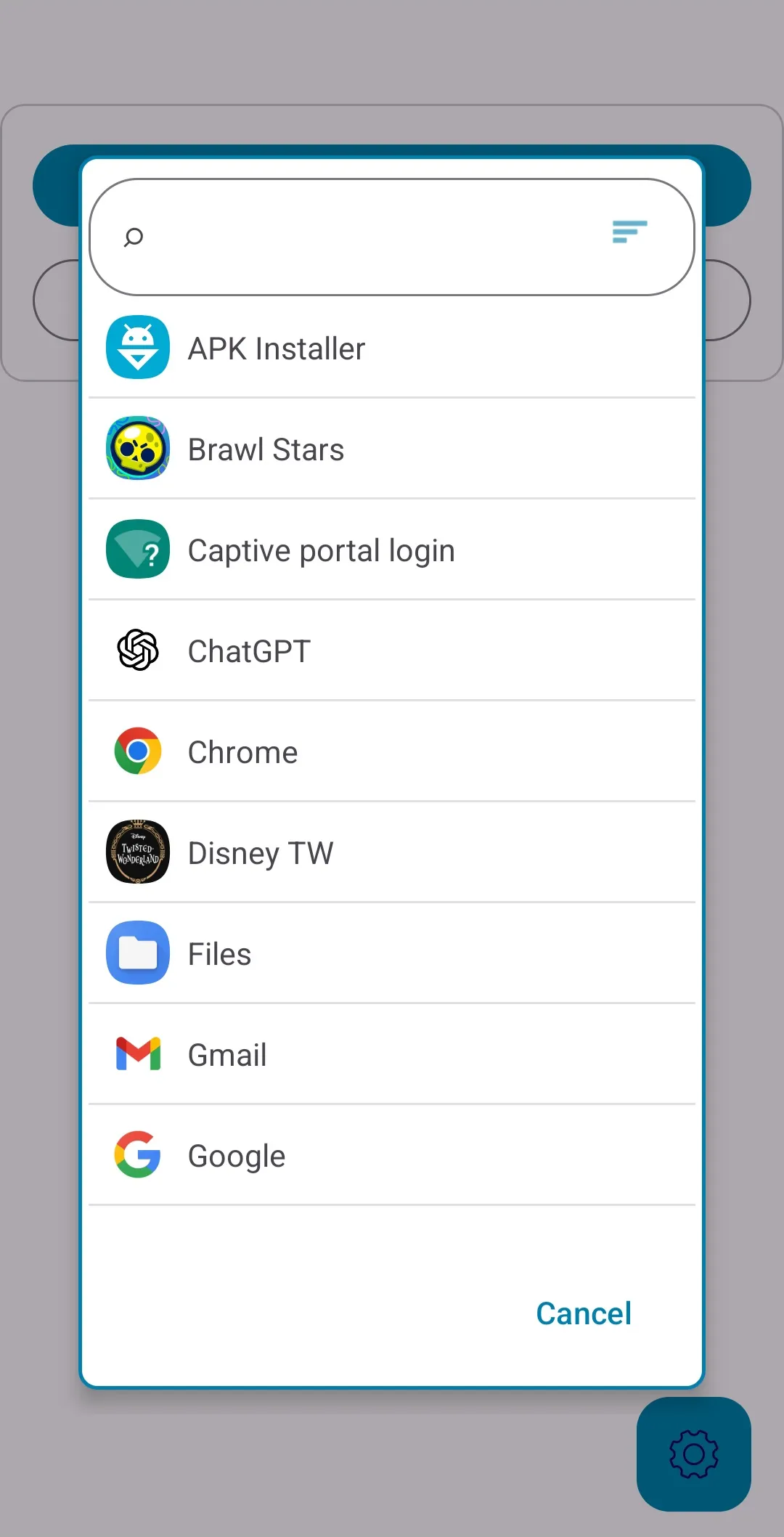
Introduction
AntiSplit M is a powerful system tool. This application offers a variety of powerful features that allow users to reduce the clutter of the installation process by merging split installation packages into a single, easier-to-store and install file. With AntiSplit M, you can simplify the tedious steps of dealing with complex file structures, allowing applications to run and install directly, saving unnecessary waiting time. Furthermore, it does not require root access and runs on most devices, helping users merge multiple fragmented installation packages to generate a single APK file that can be directly installed onto the device.
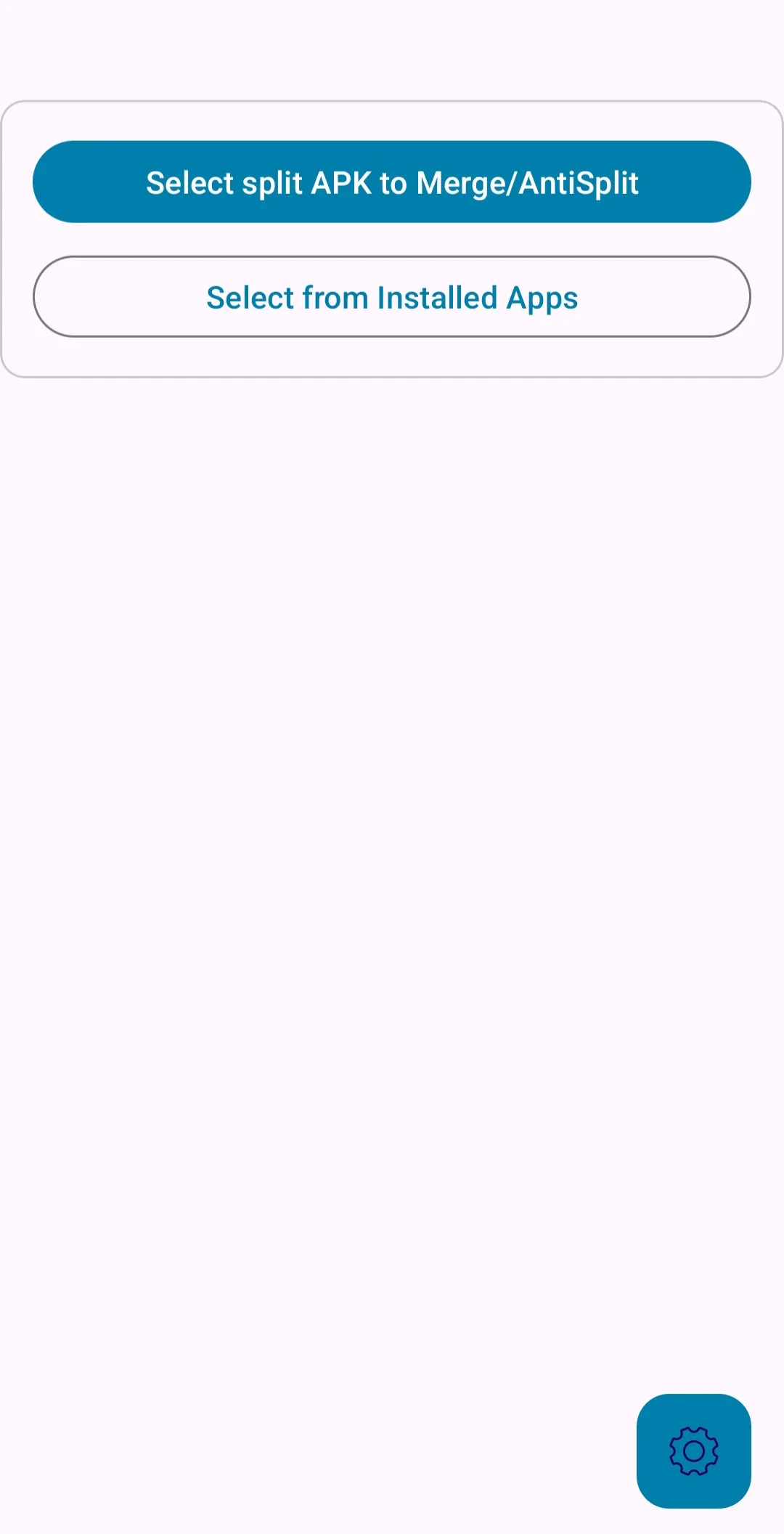
Highlights:
Merge APK files split into APKS, XAPK, and APKM formats into a single installable APK.
Simple and easy-to-use interface, no complex commands required.
Fast and efficient process, optimized for Android.
It does not require root access, accessible to any user.Open source app with constant updates.Automatic detection of split files in the device's memory.
Features:
Automatic file detection
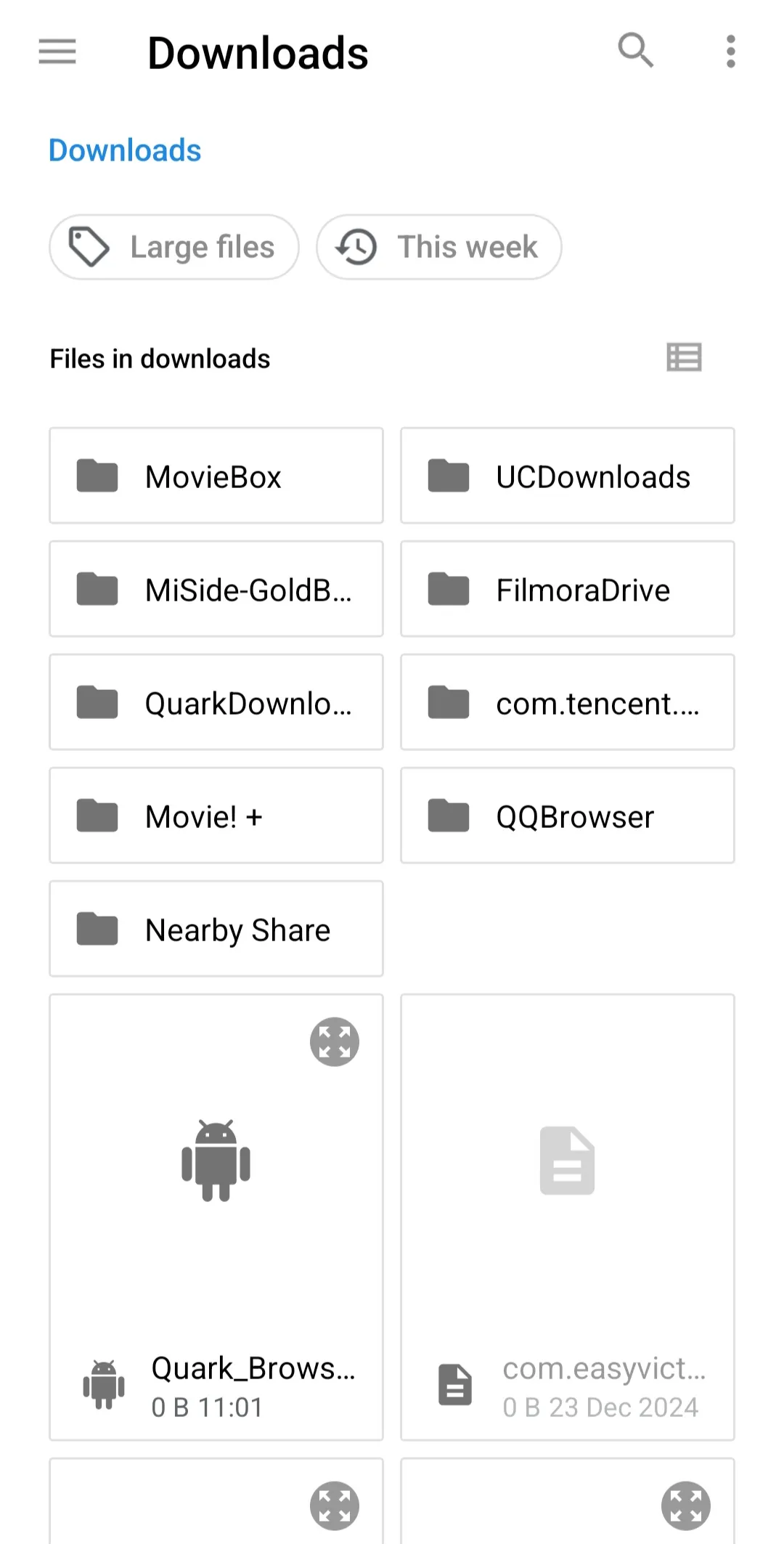
Detects matching split files on your device. Groups related parts for quick selection. Minimizes manual searching before you merge.
Quick merging, no root required
AntiSplit-M is optimized for Android, so the merging process is fast on most devices. You do not need root access, which makes it usable on standard configurations and shared devices. It works on Android 4.4 and above.
Open source with ongoing updates
Development is open to the community, and updates aim to improve stability and compatibility. This approach helps the tool stay aligned with new app distribution formats and device changes.
FAQs:
What is AntiSplit M?
AntiSplit M is an Android utility tool that merges split APK files like XAPK, APKM, and APKS into a single installable package.
How does AntiSplit M work?
It automatically detects fragmented app files and combines them into one APK, making installation easier and reducing errors.
Who should use AntiSplit M?
It’s most useful for Android users installing apps from third-party sources, developers testing apps, or anyone handling split APK formats.
What formats does AntiSplit M support?
The tool supports APKS, XAPK, APKM, and standard APK files across Android 1.6 and newer devices.
Changelog:
Add theme description toast message on long hold of theme button
Fix: Add back ability to select multiple files (It was accidentally disabled)
Fix black screen when show splits selection dialog or select splits for device is on
Fix processing stopping when screen is rotated while system theme option is on
Fix that on multiple files with an error in one, then multiple selected again it was always throwing the same error
Conclusion:
However, the main disadvantage of this is that when an app is recompiled into a single file, the file's signature is changed. This can lead to conflicts when updating the app or license validation problems when a modified APK file is created. Download AntiSplit M's APK to easily and efficiently convert split APK files into a single conventional APK.
More Information
- Size:5.9MB
- Version:2.3.2
- Requirements:Android
- Votes:367
- Package Name:com.abdurazaaqmohammed.AntiSplit
- Signature:26197efdea929ac0030abb0272e1ca97d51b683a
Related topics
-
Utility apps are indispensable in our lives, making our daily routines more convenient. To help you find these apps more easily, this site has created a collection. This collection brings together a series of practical tools covering various aspects of life, work, and education, meeting all your needs. What are you waiting for? Try these apps now and make your life easier!
-
![NES.emu]()
NES.emu
-
![Screen Mirroring]()
Screen Mirroring
-
![MEye]()
MEye
-
![MiXplorer Silver File Manager]()
MiXplorer Silver File Manager
-
![HideX]()
HideX
-
![Parrot Downloader]()
Parrot Downloader
-
![RemakeFace]()
RemakeFace
-
![Avast Antivirus]()
Avast Antivirus
-
-
Transform your mobile device into a powerhouse of efficiency with these handpicked essential tools. Whether you need professional-grade photo editing, seamless file organization, smart task management, or real-time weather updates, our curated selection of premium apps delivers unbeatable performance. Streamline your daily routine, automate repetitive tasks, and boost your productivity with intuitive interfaces and powerful features. Designed for both professionals and casual users, these editor-approved applications will revolutionize how you work and play. Don't settle for an ordinary phone - upgrade your digital experience today and unlock your device's full potential!
-
![NES.emu]()
NES.emu
-
![Screen Mirroring]()
Screen Mirroring
-
![MEye]()
MEye
-
![MiXplorer Silver File Manager]()
MiXplorer Silver File Manager
-
![HideX]()
HideX
-
![Parrot Downloader]()
Parrot Downloader
-
![RemakeFace]()
RemakeFace
-
![Alarmy]()
Alarmy
-









Latest Updated



Popular Apps








Popular News
More+-
![Tomie Wants to Get Married Full Walkthrough, All Choices and Ending Guide]()
Tomie Wants to Get Married Full Walkthrough, All Choices and Ending Guide
2026-05-22
-
![Karryn’s Prison Gameplay Walkthrough & Strategy Guide]()
Karryn’s Prison Gameplay Walkthrough & Strategy Guide
2025-10-28
-
![Life in Santa County Game Guide & Complete Walkthrough]()
Life in Santa County Game Guide & Complete Walkthrough
2025-10-28
-
![Dreams of Desire Complete Walkthrough and Game Guide]()
Dreams of Desire Complete Walkthrough and Game Guide
2025-10-28
-
![Era Hunter Gameplay Guide & Full Walkthrough]()
Era Hunter Gameplay Guide & Full Walkthrough
2025-10-28




