

Chromecast built-in
Download for Android This app is available for Android only.- Category:Media & Video
- Rating: 4.9
- Language:English
- Updated:2026-08-17
Screenshots
Introduction
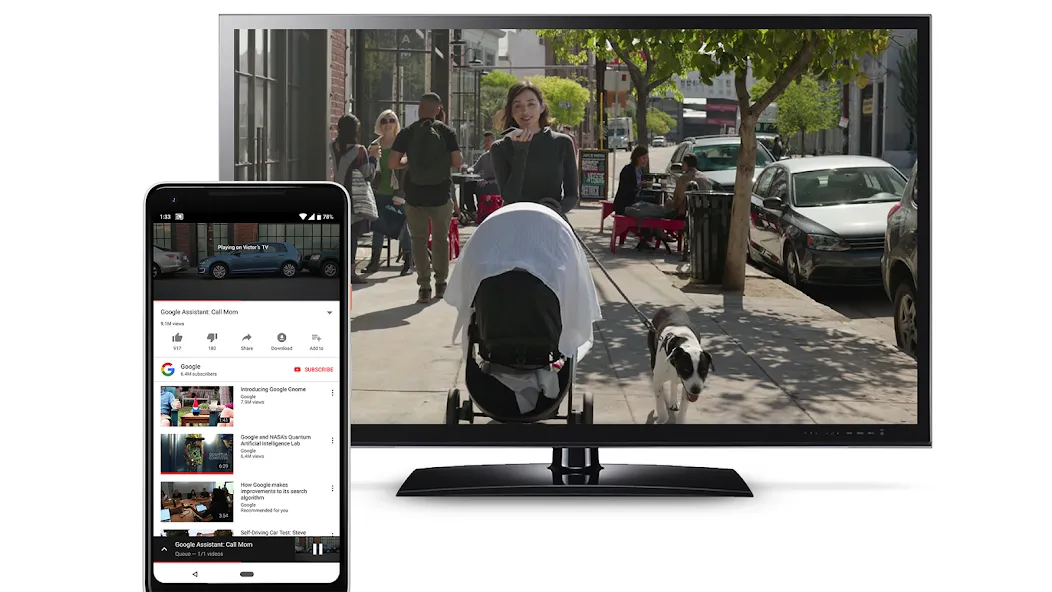
Chromecast built-in is a utility app designed specifically for Android TV. It offers a wealth of features that significantly enhance the connectivity and functionality of modern televisions, allowing users to cast video content from their smartphones to the TV screen. With Chromecast built-in, you can cast content from your Android device to the big screen simply by connecting both devices to the same Wi-Fi network. Once set up, a single tap is all it takes to watch videos on the big screen, making your viewing experience effortless and convenient.
Highlights:
You can enjoy a multi-screen experience with ease thanks to Chromecast built-in, a useful tool.
By using the application, you can share your screen and manage content on a variety of devices, from small screens like a phone, tablet, or laptop to large screens like a television.
You can enjoy your content on a big screen in a convenient and efficient manner with the help of this app.
The Chromecast built-in application comes with a user-friendly interface for ease of navigation for every user.
It also offers basic features for accessibility and controls to make its utilization free of hassle.
Features:
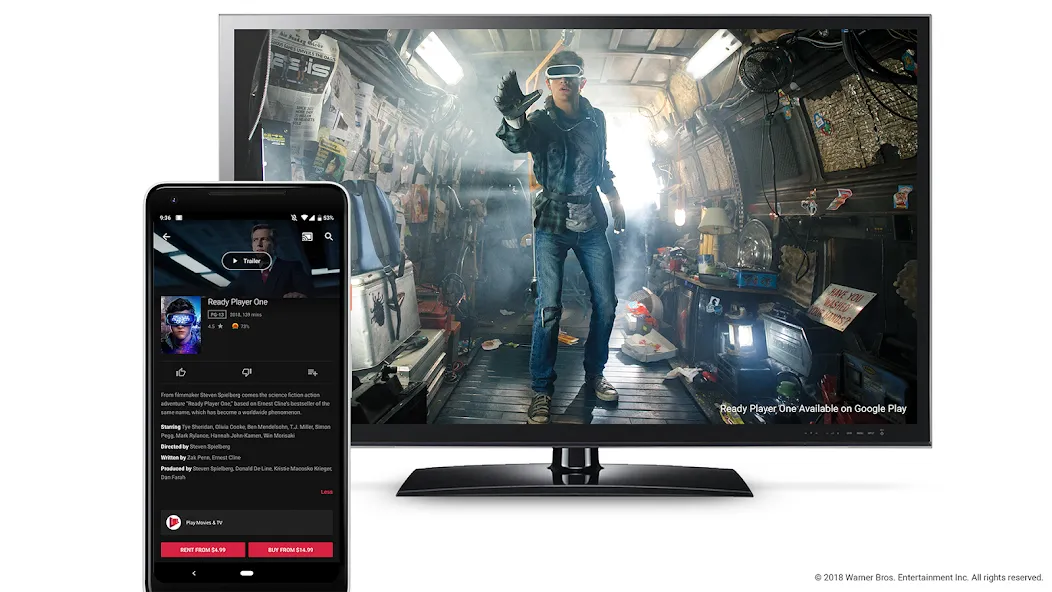
Cast video and audio from your apps
You can cast video and music from Android, iOS, or web apps to a TV or speaker. Google Cast lets your device play, pause, seek, rewind, and stop without changing inputs on your TV. This keeps control in your hand while the big screen handles playback.
Chromecast built in for Android TV
On certified Android TV devices, Google Cast is the receiver component that is preinstalled. Your TV appears as a cast target right away, so compatible apps can connect without extra setup. In everyday use, this helps you start a session quickly from your phone or laptop.
Cast Connect for richer TV app behavior
With Cast Connect, Android TV apps can receive messages and report playback status like a Chromecast. Google Cast works with these apps to provide transport controls and progress that feel native to the TV. This allows TV apps to show accurate media information while you control content from your phone.
Broad media format support
Google Cast supports many common formats, protocols, and codecs used by modern media apps. This flexibility helps developers integrate casting and gives users reliable playback on supported devices. As formats vary, the sender app and TV app coordinate to deliver stable streams.
Multi device control and voice integration
You can start a session on your phone and continue control from a Nest display or another connected device. Google Cast also works with Nest Hub or Nest Audio for voice commands to speakers or Chromecast connected TVs. Consequently, you maintain control as you move around the home.
Tips and Tricks:
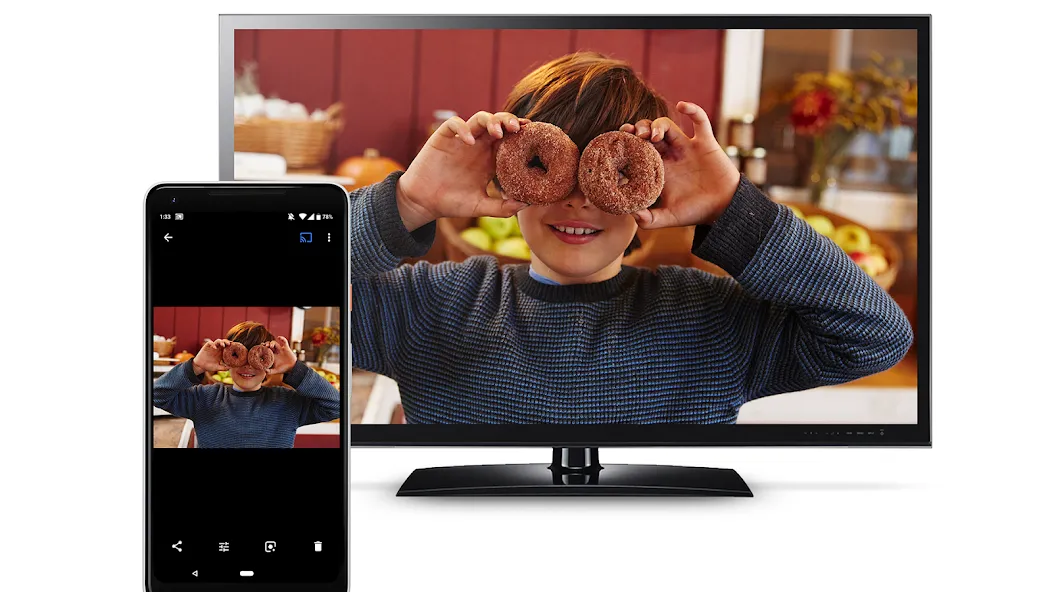
Use a supported app to tap the Cast button and select a nearby device; the cast session runs on the TV so you can continue using your phone for other tasks.
Chromecast built-in devices are often integrated into smart TVs and streaming hardware, and you can manage and configure them from the Google Home app on your mobile device.
Stream video and music from supported apps to your TV, control playback, volume, and captions from your mobile device, mirror your Android screen to compatible displays, and manage multiple devices and settings in the Google Home app.
Chromecast built-in makes it simple to switch between apps and keep using your phone while content plays on the TV.
Final Words:
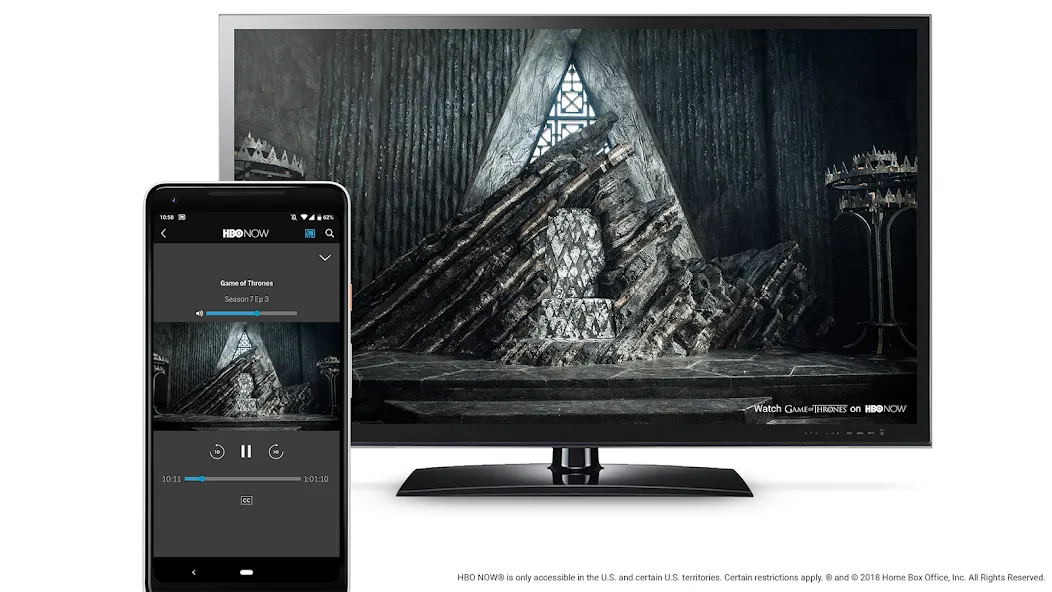
Enjoy multimedia content on your Smart TV and view it on the big screen in a matter of seconds, thanks to Chromecast built-in, a convenient, simple and great tool that lets you watch your favorite videos on TV and control the display using your Android as if it were a remote control.
More Information
- Size:142.3MB
- Version:3.72.446070
- Requirements:Android
- Votes:216
- Package Name:com.google.android.apps.mediashell
- Signature:2927272117827450f3cfbf315bab3ae3fb3b5727
Related topics
-
Today, many popular movie streaming apps like Netflix, Disney+, and Hulu have reached millions of viewers. And they have done this without relying heavily on additional promotions. People no longer need to stick to some random, specific TV schedules to enjoy their favorite shows and movies. Thanks to the internet, viewers can easily find new and entertaining content without any hassle. Not to mention, the leading movie streaming solution like Netflix has become incredibly popular because they understand and cater to audience preferences worldwide.
-
![NETFLY]()
NETFLY
-
![KissKH]()
KissKH
-
![Drakor.Id]()
Drakor.Id
-
![Zaltv]()
Zaltv
-
![Tivimate]()
Tivimate
-
![DeepCine]()
DeepCine
-
![Melolo]()
Melolo
-
![Hulu TV]()
Hulu TV
-
-
Is it safe to say the movies are back? Admittedly, they never really left. But it seems in this decade where every year throws up new challenges and hiccups in the industry, folks become convinced the sky is falling and cinema’s days are numbered. Still, here we are back at the end of the year. And once again, there seems plenty to be thankful for as new cinematic images burrow their way into the collective subconscious for years to come. Whether it’s the sight of Muad’Dib standing before a nation of radicalized disciples as if he were a space-aged T.E.
-
![Animeplay]()
Animeplay
-
![GoodShort]()
GoodShort
-
![YouTube Pro]()
YouTube Pro
-
![Xx1 Lite]()
Xx1 Lite
-
![Bollywood Movies Hindi Movies]()
Bollywood Movies Hindi Movies
-
![Sax Video Player]()
Sax Video Player
-
![MoviePro - Discover and Track TV Shows]()
MoviePro - Discover and Track TV Shows
-
![Sax Video Player]()
Sax Video Player
-
-
Media player with multimedia capabilities is one of the important features in today’s smartphones. Most of the video content is consumed on smart devices and viewers continue their tasks like sending emails, surfing apps keeping the video playback on through Picture-in-Picture mode. Playing audio/video on an Android app has become a basic function with android video players becoming more and more customizable. Some of the best video players for Android offer multi format support, easy customizations, hardware acceleration, subtitle support and much more. In this blog, we have compared the best video player for Android based on speed, battery consumption, streaming capabilities, resource usage and more.
-
![DramaBox Lite - Mini Drama TV]()
DramaBox Lite - Mini Drama TV
-
![GoodShort]()
GoodShort
-
![Poweramp Full Version Unlocker]()
Poweramp Full Version Unlocker
-
![Chromecast built-in]()
Chromecast built-in
-
![Amazon Freevee]()
Amazon Freevee
-
![WeTV]()
WeTV
-
![YouTube Premium Vanced]()
YouTube Premium Vanced
-
![Zili]()
Zili
-
















Latest Updated




Popular Apps





Popular News
More+-
![Tomie Wants to Get Married Full Walkthrough, All Choices and Ending Guide]()
Tomie Wants to Get Married Full Walkthrough, All Choices and Ending Guide
2026-05-22
-
![Karryn’s Prison Gameplay Walkthrough & Strategy Guide]()
Karryn’s Prison Gameplay Walkthrough & Strategy Guide
2025-10-28
-
![Life in Santa County Game Guide & Complete Walkthrough]()
Life in Santa County Game Guide & Complete Walkthrough
2025-10-28
-
![Dreams of Desire Complete Walkthrough and Game Guide]()
Dreams of Desire Complete Walkthrough and Game Guide
2025-10-28
-
![Era Hunter Gameplay Guide & Full Walkthrough]()
Era Hunter Gameplay Guide & Full Walkthrough
2025-10-28




