

WIN-10 Simulator
Download for Android This app is available for Android only.- Category:Tools
- Rating: 4.6
- Language:English
- Updated:2026-08-18
Screenshots
Introduction
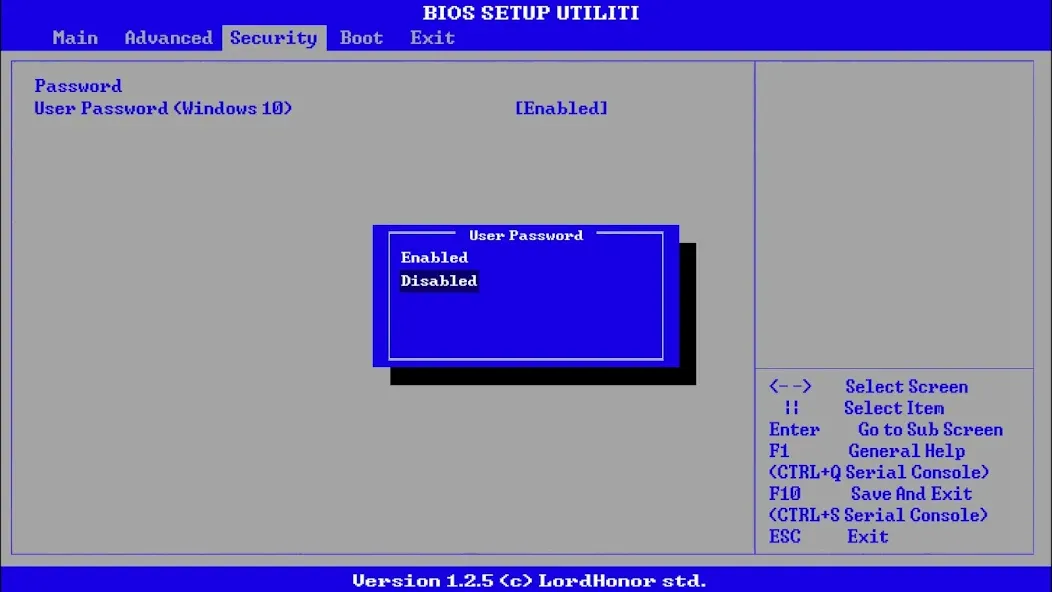
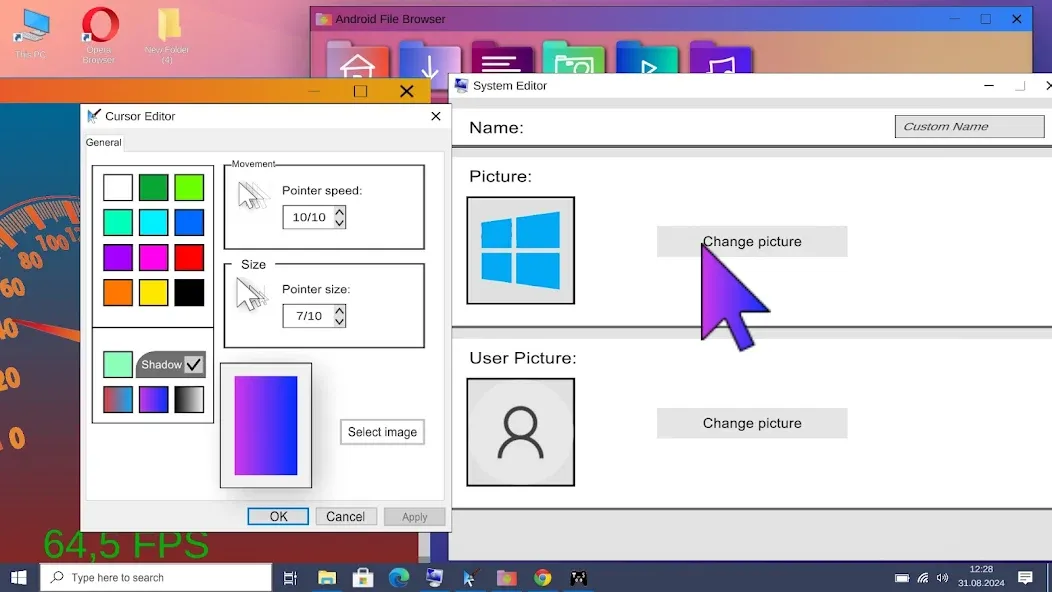
WIN-10 Simulator is a greenhouse-style simulator designed to teach users how to navigate the Windows 10 operating system. It provides a safe practice environment, eliminating the risk of damaging the actual OS. The app supports camera functionality and multiple languages, and it is free from annoying full-screen ads. Users can set a password, adjust brightness, and toggle between night mode and eye-protection mode. It features fully interactive desktop elements and allows for screen recording and taking photos within the simulated environment, adding a fun, realistic touch. It also incorporates familiar system sound effects.
Features
Install Wins 10 on your first login.
Chance to control with mouse or touch.
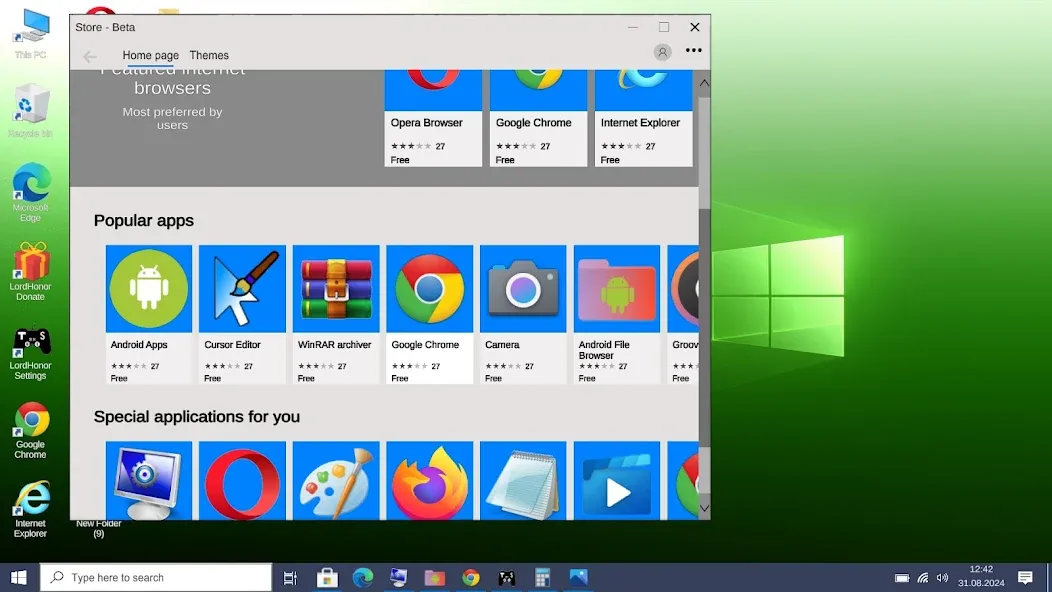
Surf the internet with Google Chrome and Edge.
Access your apps from the start menu and search bar.
Access your background, Wins colors and many features from settings.
Real computer fan and Wins 10 sounds.
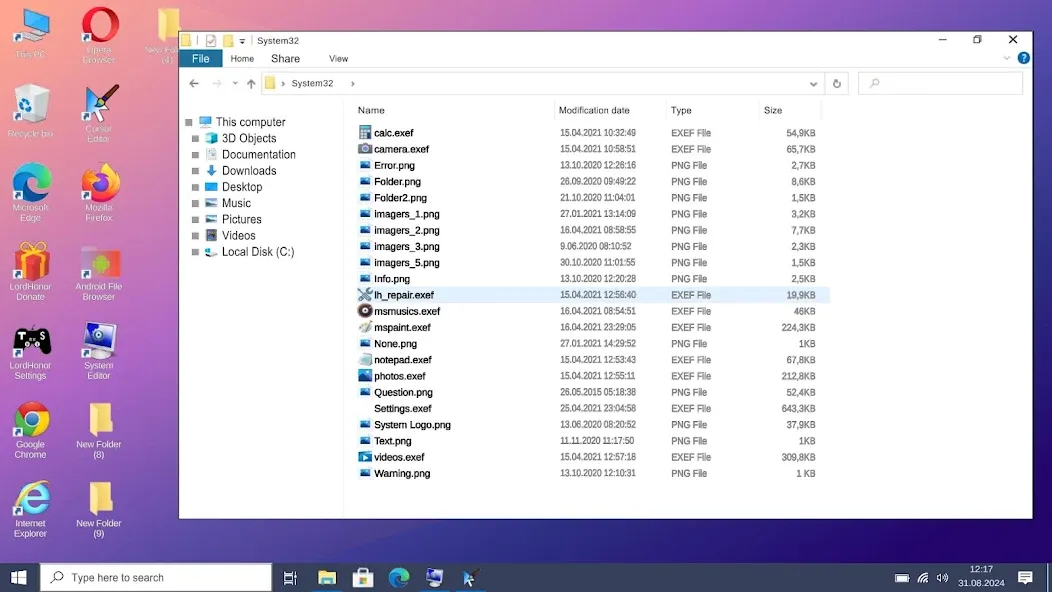
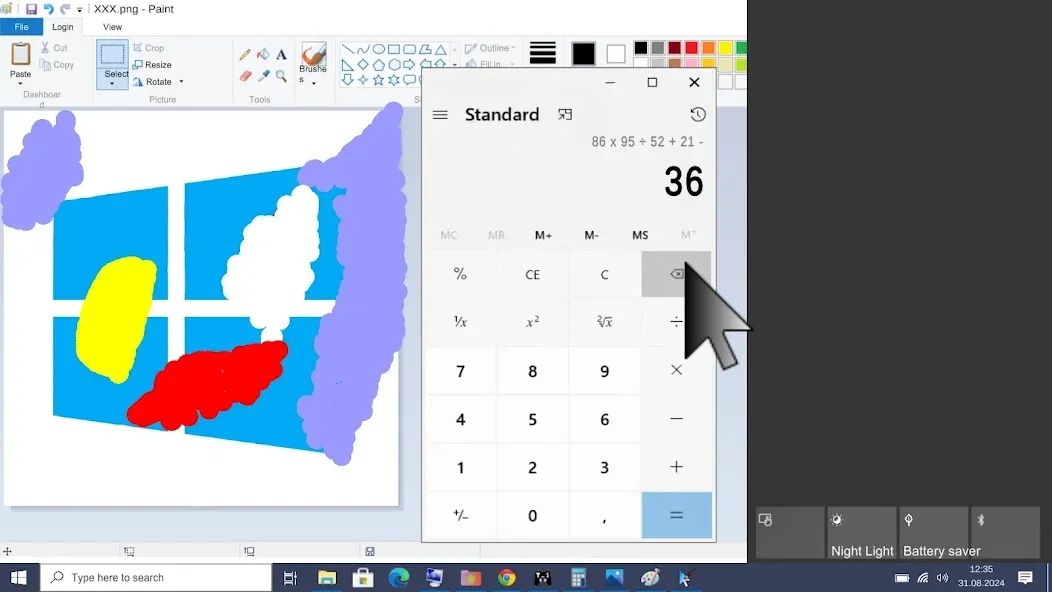
Take photos from the camera app or open videos, photos and music from file explorer.
Supports many languages.
No annoying full screen ads.
Use LordHonor Settings app to access Android settings.
Desktop launch bar apps.
Add a password to your personal computer.
Bios menu.
Changing the brightness and night glow.
Turn off or restart your computer.
Adjust the size and speed of your mouse with the LordHonor Settings application.
Play games via internet browser (Downloadable apps will be added soon)
Advantages and disadvantages
Pros
Realistic simulation of Windows 10 operating system
Great for training purposes or learning how to use Windows 10
Provides a safe environment to practice without the risk of damaging real operating system
Frequent updates to keep up with changes in Windows 10
Cons
Not suitable for advanced users or professionals as it is a simulated environment
Lacks certain features and functionalities of the
Highlights
Interactive and Functional Desktop Elements
One of the key strengths of Wins 10 Simulator is its interactive nature. Users can launch common applications such as Chrome and Edge browsers, use the file explorer to view media files, or open various simulated Windows apps directly from the famed Windows Start Menu. The application also lets users utilize their smartphone camera as a "webcam," allowing them to take photos or videos within the simulated Windows environment, adding an enjoyable touch of authenticity.
An intriguing extra feature in Wins 10 Simulator is the inclusion of authentic Windows 10 audio cues and effects. Users may activate recognizable system sounds, notifications, and even the humming noise of a typical PC fan. This attention to subtle details helps create a more believable simulation experience.
Simulated Experience: Not a Complete Replacement
While the app delivers on visual realism and interactivity, users should keep their expectations in check. Wins 10 Simulator provides a visual demonstration and virtual recreation of Windows 10 rather than fully functioning software. Functionalities such as program installations, advanced settings adjustments, or certain productivity features are limited or absent.
Moreover, actual Windows software or apps suitable for PC will not run within this simulation. It provides a sample experience intended primarily for demonstration, education, and enjoyable exploration purposes, without actual productivity capabilities.
A Fun and Educational Tool
Overall, Wins 10 Simulator stands out as a quality simulation app that captures essential features of the renowned Windows 10 operating system. While clearly not a fully operational Windows installation, the variety of interactive elements, authentic audio effects, and immersive visuals provide a fun and informative opportunity for those curious about the Windows desktop experience.
User comments
Thank you! It's amazing, I'm gonna prank my friends to record a real computer, Thank you, but there are some bugs in, 1, I can open Internet Explorer but I can't change the link it doesn't let me to, 2, the mouse is glitching a little bit, 3, exiting windows is taking too long, it's been like an hour, so that's it, if you not fixing this issue, The controls are really hard. I suggest you to make volume button up on mobile as right mouse button, and volume button down as left mouse button.
In this simulater cutting, copying, pasting or moving the file or folder is impossible try to develop it and we can't add file or folder shortcut. One feature should be updated that mouse should be controlled by both the touch screen and with volume buttons as it helps in left and right click of the mouse. If all this is will get updated then I'll change the rating to 5-stars.
hear me out and listen carefully this is great I love the emulator and all that but you have to make games playable in it and add controller to make it fun add customizable button so we can match the controls to the game with saved controller presets and after that boom you become the most used app in phones because imagine playing games on this but make sure to add storage so if download stuff there it takes it from ur phone and I hope you guys do that
Summarize
Explore Wins 10 Simulator, an innovative app designed to emulate the Windows 10 interface on your phone. Experience what it would be to utilize a virtual computer in the palm of your hand, tailored for users seeking accessibility and familiarity. It brands itself as a premium choice for those who wish to navigate through a simulated desktop environment on their mobile devices.
More Information
- Size:92.03MB
- Version:14
- Requirements:Android
- Votes:520
- Package Name:com.MALGOW.Win10Simulator
- Signature:5fc8c24a39db5b7e16adbd8ad0d7f85f
Related topics
-
Looking for more newly added Android apps and games? BrowseAPKBA Latest Android APK Downloads for recently updated APK pages with version details, package names, safety notes, and download pages.
-
![Hallobumil Aplikasi Kehamilan]()
Hallobumil Aplikasi Kehamilan
-
![Sticker.ly]()
Sticker.ly
-
![Widgetable]()
Widgetable
-
![Speedtest by Ookla]()
Speedtest by Ookla
-
![Nicoo]()
Nicoo
-
![Camera Connect]()
Camera Connect
-
![Key Mapper]()
Key Mapper
-
![Helvetica Neue FlipFont]()
Helvetica Neue FlipFont
-
-
Stay updated with the latest and hottest apps in one place! Our carefully curated ranking features the most trending, high-rated, and must-have apps across various categories, including entertainment, productivity, social media, and more. Whether you're looking for new tools, fun games, or innovative utilities, this list ensures you never miss out on top-performing apps. Explore the most downloaded and highly recommended applications, all available for instant download. Discover, download, and enjoy the best apps today!
-
![Hallobumil Aplikasi Kehamilan]()
Hallobumil Aplikasi Kehamilan
-
![Sticker.ly]()
Sticker.ly
-
![Widgetable]()
Widgetable
-
![Speedtest by Ookla]()
Speedtest by Ookla
-
![Camera Connect]()
Camera Connect
-
![Key Mapper]()
Key Mapper
-
![Helvetica Neue FlipFont]()
Helvetica Neue FlipFont
-
![NoteCam Lite - GPS]()
NoteCam Lite - GPS
-









Latest Updated








Popular Apps








Popular News
More+-
![Tomie Wants to Get Married Full Walkthrough, All Choices and Ending Guide]()
Tomie Wants to Get Married Full Walkthrough, All Choices and Ending Guide
2026-05-22
-
![Karryn’s Prison Gameplay Walkthrough & Strategy Guide]()
Karryn’s Prison Gameplay Walkthrough & Strategy Guide
2025-10-28
-
![Life in Santa County Game Guide & Complete Walkthrough]()
Life in Santa County Game Guide & Complete Walkthrough
2025-10-28
-
![Dreams of Desire Complete Walkthrough and Game Guide]()
Dreams of Desire Complete Walkthrough and Game Guide
2025-10-28
-
![Era Hunter Gameplay Guide & Full Walkthrough]()
Era Hunter Gameplay Guide & Full Walkthrough
2025-10-28




