
GeForce NOW
Download for Android This app is available for Android only.- Category:Tools
- Rating: 4.6
- Language:English
- Updated:2026-08-25
Screenshots
Introduction
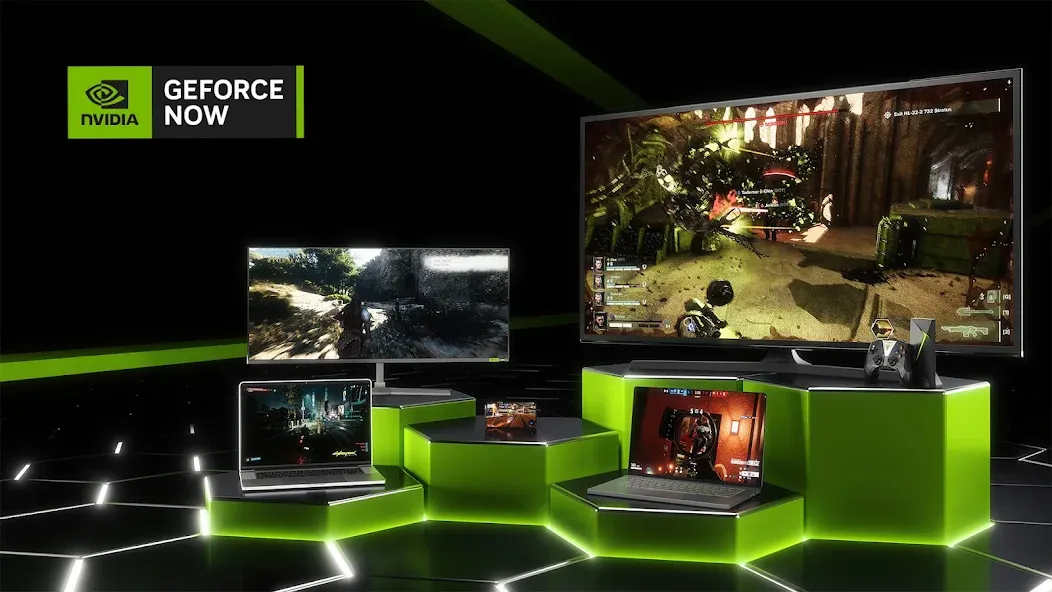
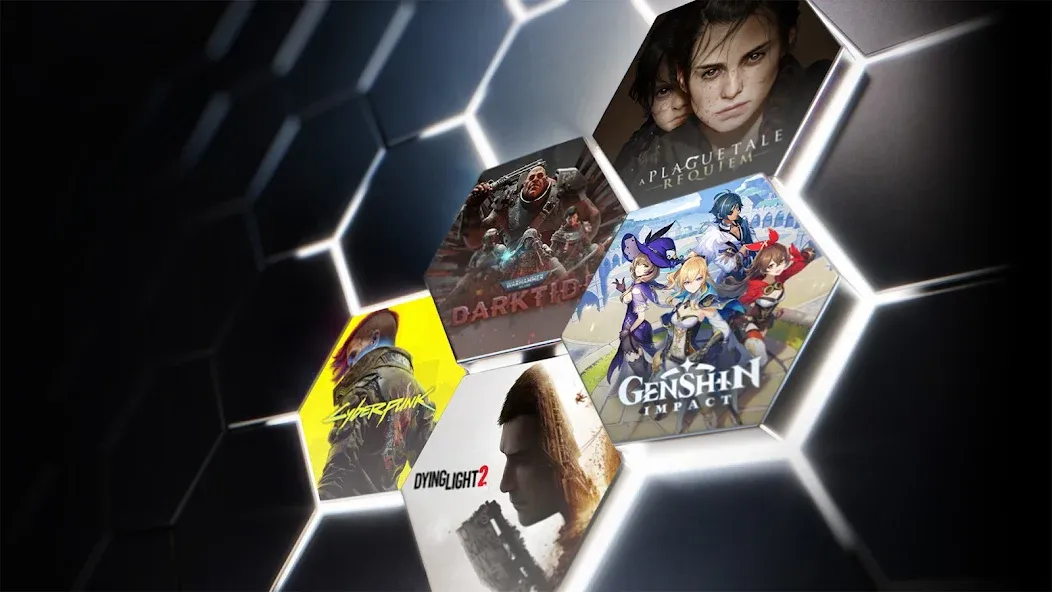
GeForce NOW is a cloud gaming software designed for Android devices, allowing users to enjoy a variety of PC games on their mobile devices. Users simply log in to their account, and their game progress is synchronized across different devices, making it convenient to start playing anytime, anywhere. All games are free to play, but there may be some queue time. The software also has a built-in search function; simply enter the game name to find games you're interested in. The software also supports gamepad controls; after customizing your gamepad settings, you can begin your comfortable gaming experience.
Features of GeForce NOW:
Play your PC games: GeForce NOW connects to your game accounts from Steam, Epic Games Store, Ubisoft Connect, and EA. After linking, you can launch supported titles you already own on your Android device. This keeps progress tied to your original accounts and avoids reinstalling games.
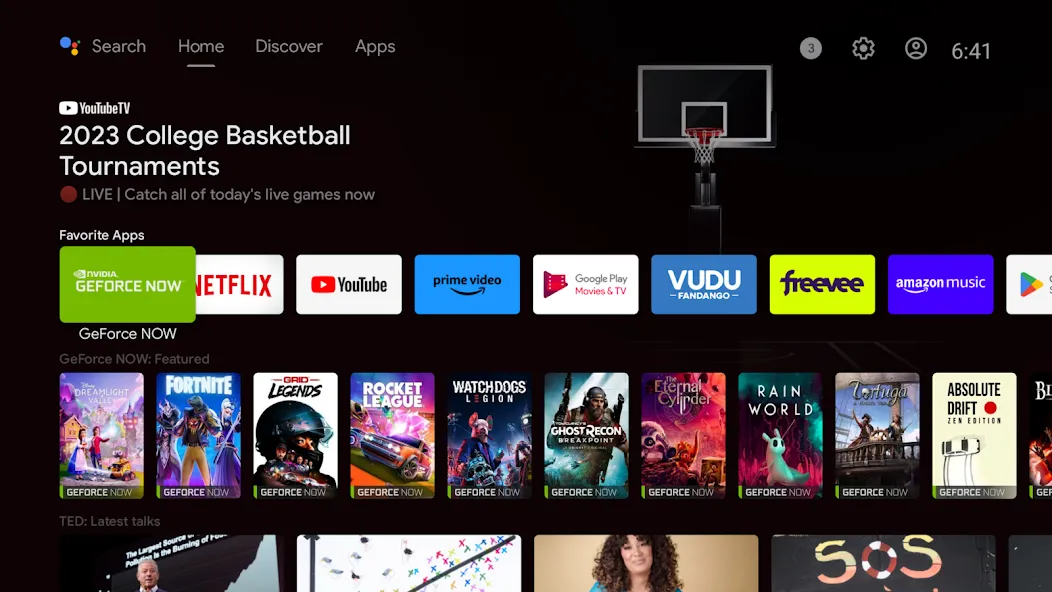
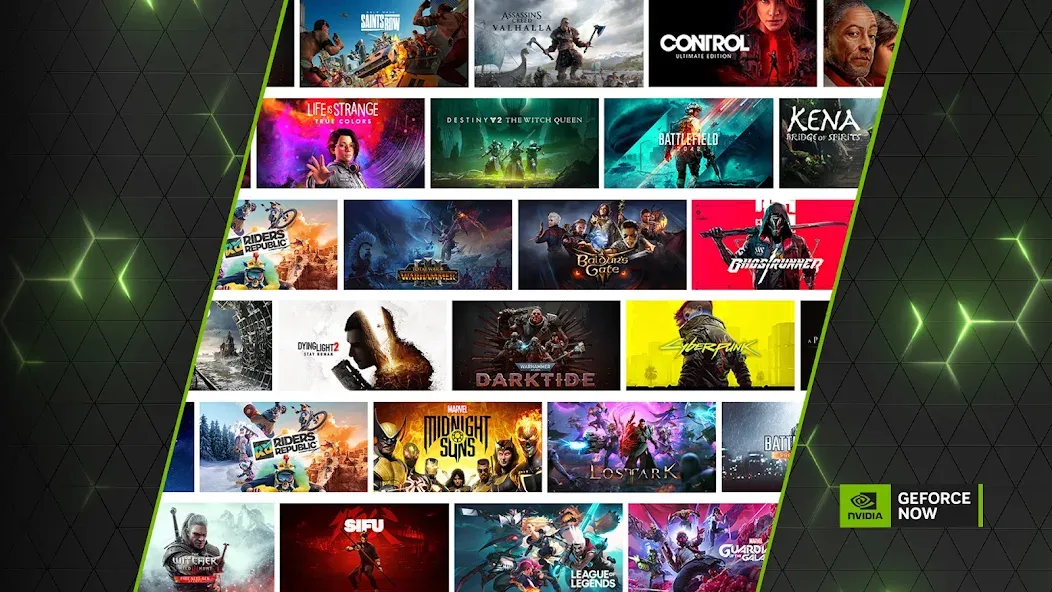
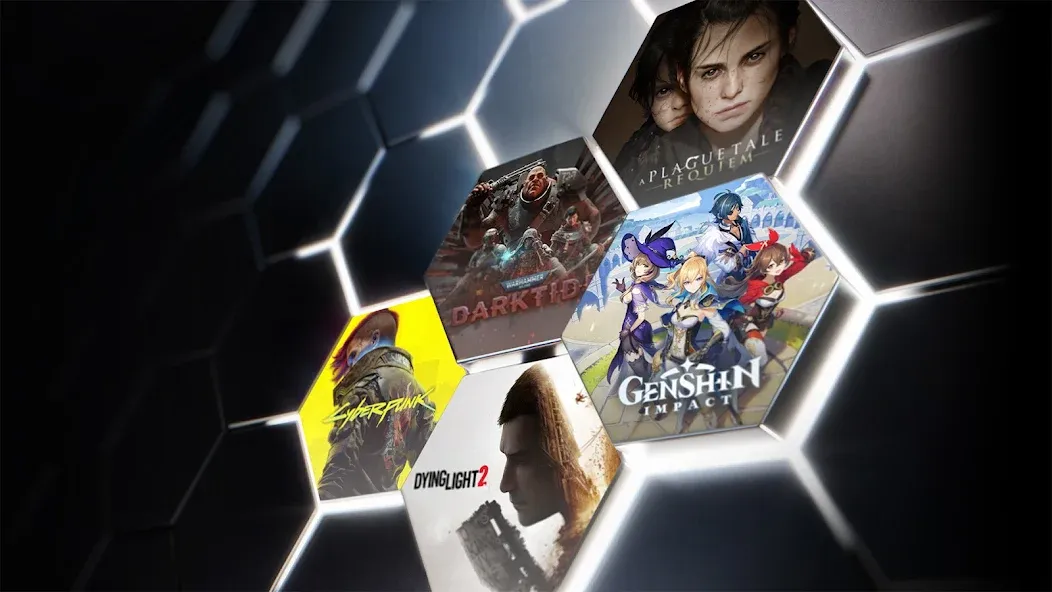
Access a growing library: You can browse more than 1,500 supported titles, including over 100 free to play hits such as Fortnite, Apex Legends, and Destiny 2. New games are added regularly through GFN Thursday updates, so the library continues to evolve. The GeForce NOW app organizes supported games to make discovery straightforward.
Flexible memberships: You can try the Free plan or upgrade to premium tiers, including Ultimate, for added benefits. Premium tiers provide RTX features, higher frame rates, priority server access, and longer session lengths. Pick the plan that matches how often you play and the performance you want.
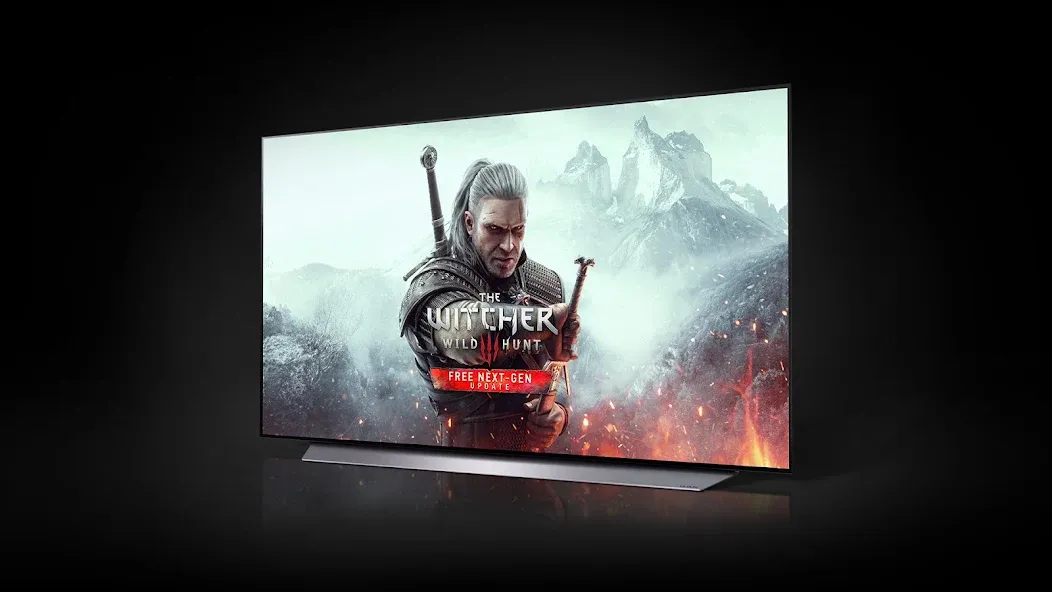
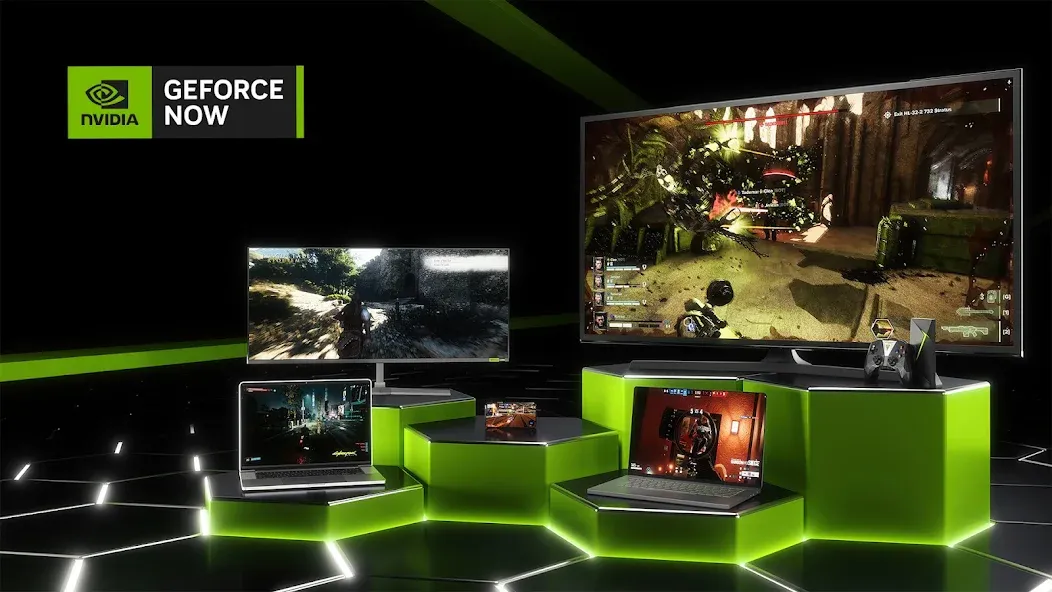
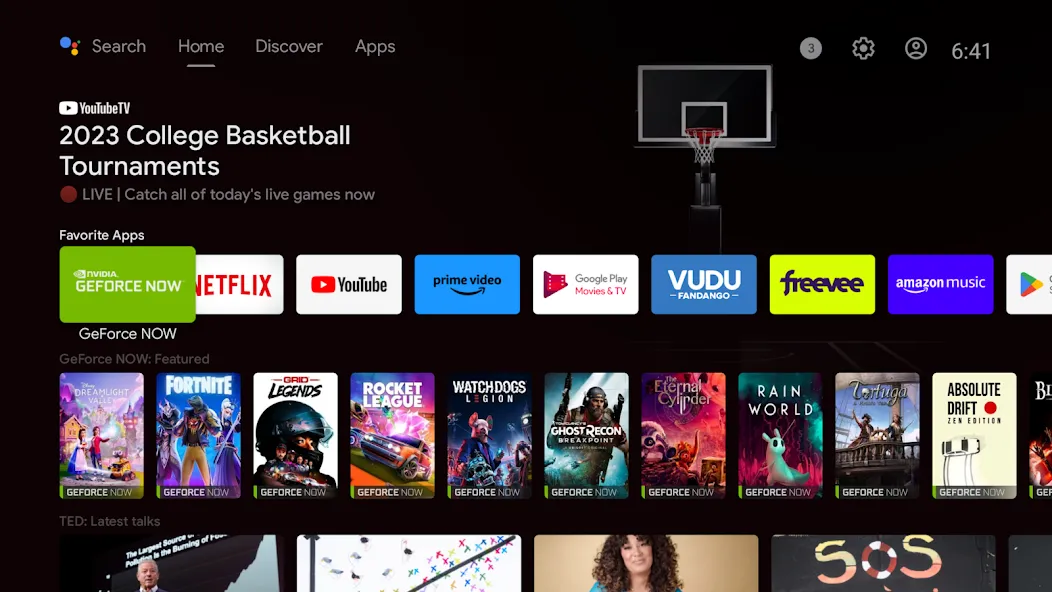
Play on many devices or your browser: GeForce NOW supports Android phones, tablets, and TVs, along with Chromebooks, Windows, macOS, and Linux in beta. Selected smart TVs and handheld devices are supported, and some devices come with the app pre installed. If you prefer not to install, you can use Launch on Browser to try GeForce NOW in a supported mobile browser.
Highlights of GeForce NOW:
Seamless Platform Integration: One of the key advantages is its deep integration with major PC game stores. Users can effortlessly link their accounts from Steam, Epic Games Store, Ubisoft Connect, and EA, allowing them to play games they’ve already purchased. This means your existing PC game library seamlessly extends to your Android device, eliminating the need to re-buy titles or manage separate game versions.
High-Performance Streaming: Experience PC games with stunning graphics and minimal latency, as the service streams gameplay directly from powerful NVIDIA GPUs in the cloud. This ensures a smooth, responsive gaming experience that feels remarkably similar to playing on a local high-end machine. The technology is optimized to deliver consistent performance, even for fast-paced, competitive multiplayer titles.
Play Anywhere, Anytime: With GeForce NOW, your gaming sessions are no longer confined to a desktop setup. Whether you’re on a break, traveling, or simply prefer the comfort of your couch, this solution allows you to pick up and play your favorite PC games. All that’s required is a compatible Android device and a reliable internet connection, offering true gaming freedom.
Free-to-Play Access: Beyond the extensive library of owned games, the platform provides immediate access to over 100 popular free-to-play titles. This feature is particularly appealing for new users or those looking to explore a wide range of games without any initial cost. It’s a fantastic way to jump into major online multiplayer experiences like Fortnite and Apex Legends, competing with millions of other PC players.
User Reviews of GeForce NOW:
I can see why alot of people are angry about this. I'm glad I only use the device to stream from my pc but if I didn't have a nice pc I would be very angry. Therefore I would now only recommend this device to someone who has a pc that can stream to the device.
In my opinion, this new replacement is way better than the first. On my Shield tablet console mode, it actually feels like console mode. Unlike the first hub, it just felt like a projection of the tablet. Well done Nvidia. I take my hat off for you.
Could you work on adding multiplayer to your games because that would attract more users and and would awesome for current users as well as you will gain more profit.
GEFORCE NOW service is worth the money if you want to play on the go. I like the news category since I always read what's new. If you owned any NVIDIA devices get GEFORCE NOW on demand.
My gaming computer is down stairs and has a vive hooked up to it because that is the best room to play it. Well I have children and it is often impossible to be able to escape to go play my pc. So with a spare monitor and a mouse and keyboard its the perfect setup to be bale to play my games.
FAQs of GeForce NOW:
How do I join GeForce NOW, and how much does it cost?
Visit our membership page and choose the plan that best fits your gaming style. GeForce NOW offers three membership options including Performance and Ultimate with instant access to the best available GeForce gaming experience in the cloud. A Free membership is available for those looking to try the service. Day passes are also available for those looking to experience premium benefits, without a monthly commitment.
Do I need to own games?
Yes, you need to own or purchase a game from one of the supported game stores before playing it on GeForce NOW. The service also supports hundreds of the most popular free-to-play games. Members can play games they already own by connecting to top PC game stores, including Ubisoft Connect, Battle.net, EA app, GOG, Epic Games Store, Steam and Xbox.
Why are some games available in other countries but I cannot play them?
GeForce NOW follows local content-rating agencies. We try to have all supported games available in all countries, but some games are prohibited in some countries. Visit our games page to see which titles are available.
How much monthly playtime do I get per month?
Performance and Ultimate members get 100 hours of monthly playtime. Up to 15 hours of unused playtime can be rolled over to the next month.
Why did you introduce a monthly playtime limit?
We rolled out a 100-hour monthly playtime limit to continue providing exceptional quality and speed — as well as shorter queue times — for Performance and Ultimate members. If members reach the max playtime during a billing month, they can purchase additional premium playtime or continue playing as with a free user experience until playtime is reset on the next billing date.
Where can I see my current GeForce NOW membership plan price?
You can view your membership from the app under Settings, under the GeForce NOW membership section. You can change your membership by clicking the manage button and then selecting membership plans on our website.
Conclusion:
All in all, NVIDIA GeForce NOW app revolutionizes the way gamers access and experience PC gaming by leveraging cloud technology. It breaks down the barriers of hardware limitations, providing a seamless and convenient way to enjoy a vast selection of PC titles on various devices, making high-quality gaming accessible to a wider audience. Its cloud-based approach eliminates the need for extensive downloads and installations as well.
More Information
- Size:0.43MB
- Version:1.0.4
- Requirements:Android
- Votes:277
- Package Name:com.nvidia.geforcenow
- Signature:9654f65f71e936bfbb9740936eacf506
Related topics
-
Transform your mobile device into a powerhouse of efficiency with these handpicked essential tools. Whether you need professional-grade photo editing, seamless file organization, smart task management, or real-time weather updates, our curated selection of premium apps delivers unbeatable performance. Streamline your daily routine, automate repetitive tasks, and boost your productivity with intuitive interfaces and powerful features. Designed for both professionals and casual users, these editor-approved applications will revolutionize how you work and play. Don't settle for an ordinary phone - upgrade your digital experience today and unlock your device's full potential!
-
![NES.emu]()
NES.emu
-
![Screen Mirroring]()
Screen Mirroring
-
![MEye]()
MEye
-
![MiXplorer Silver File Manager]()
MiXplorer Silver File Manager
-
![HideX]()
HideX
-
![Parrot Downloader]()
Parrot Downloader
-
![RemakeFace]()
RemakeFace
-
![Alarmy]()
Alarmy
-
-
With the development of mobile hardware and software, many practical tool software have emerged, covering a wide range of aspects and becoming a good helper for everyone in work and life. Today, the editor provides you with a list of useful tool software downloads. These tools are not particularly complex types, and after reading them, everyone can quickly learn how to use them. Proper use can bring great convenience to life and work.
-
![Screen Mirroring]()
Screen Mirroring
-
![MEye]()
MEye
-
![MiXplorer Silver File Manager]()
MiXplorer Silver File Manager
-
![HideX]()
HideX
-
![Parrot Downloader]()
Parrot Downloader
-
![RemakeFace]()
RemakeFace
-
![Alarmy]()
Alarmy
-
![Multi Parallel]()
Multi Parallel
-









Latest Updated


Popular Apps








Popular News
More+-
![Tomie Wants to Get Married Full Walkthrough, All Choices and Ending Guide]()
Tomie Wants to Get Married Full Walkthrough, All Choices and Ending Guide
2026-05-22
-
![Karryn’s Prison Gameplay Walkthrough & Strategy Guide]()
Karryn’s Prison Gameplay Walkthrough & Strategy Guide
2025-10-28
-
![Life in Santa County Game Guide & Complete Walkthrough]()
Life in Santa County Game Guide & Complete Walkthrough
2025-10-28
-
![Dreams of Desire Complete Walkthrough and Game Guide]()
Dreams of Desire Complete Walkthrough and Game Guide
2025-10-28
-
![Era Hunter Gameplay Guide & Full Walkthrough]()
Era Hunter Gameplay Guide & Full Walkthrough
2025-10-28




