

Gboard
Download for Android This app is available for Android only.- Category:Tools
- Rating: 4.9
- Language:English
- Updated:2026-08-23
Screenshots
Introduction
Gboard is a user-friendly keyboard input tool that supports multiple input methods, including voice and handwriting. The software accurately recognizes hundreds of languages, allowing users to input with confidence. It also offers diverse usage modes, facilitating one-handed operation or quick text deletion via gestures, saving users time. Furthermore, the software provides rich customization options, allowing users to freely adjust the keyboard background and collect various fun emojis, making input more enjoyable.
Features of Gboard:
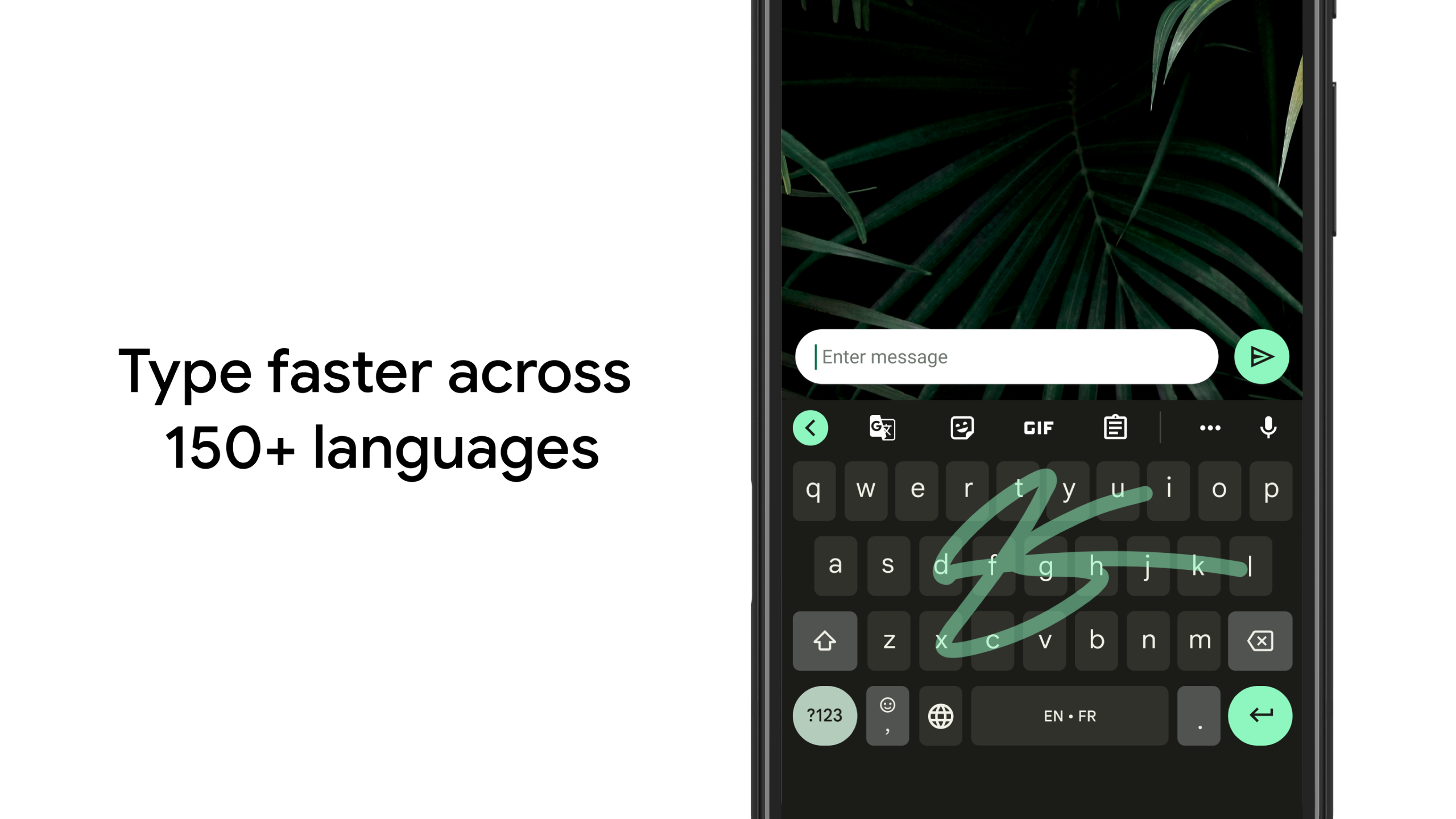
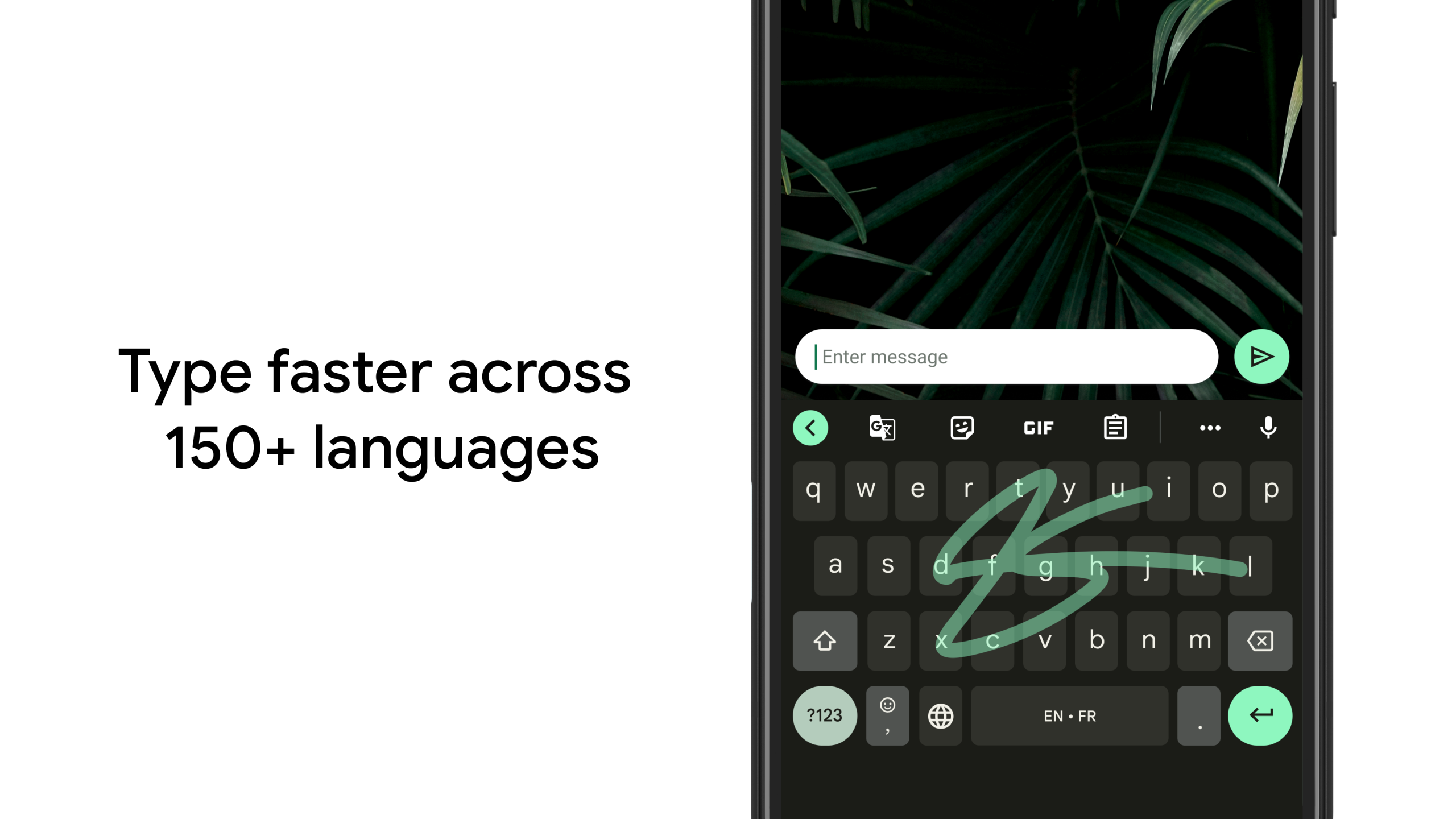
Smart tools for faster typing: For faster typing, Gboard has features such as swipe typing, which allows you to form words by dragging your finger from letter to letter, with extremely accurate AI-based recognition. Similarly, you can also enjoy hands-free typing using Google's voice engine for fast and reliable dictation. Additionally, you can use gestures such as sliding the space bar to move the cursor, deleting entire words by sliding from the backspace and double-tapping on the space bar to insert a period. To avoid having to type whole words, Gboard features auto-fill and auto-correct, suggests emojis and stickers according to the context, and much more.
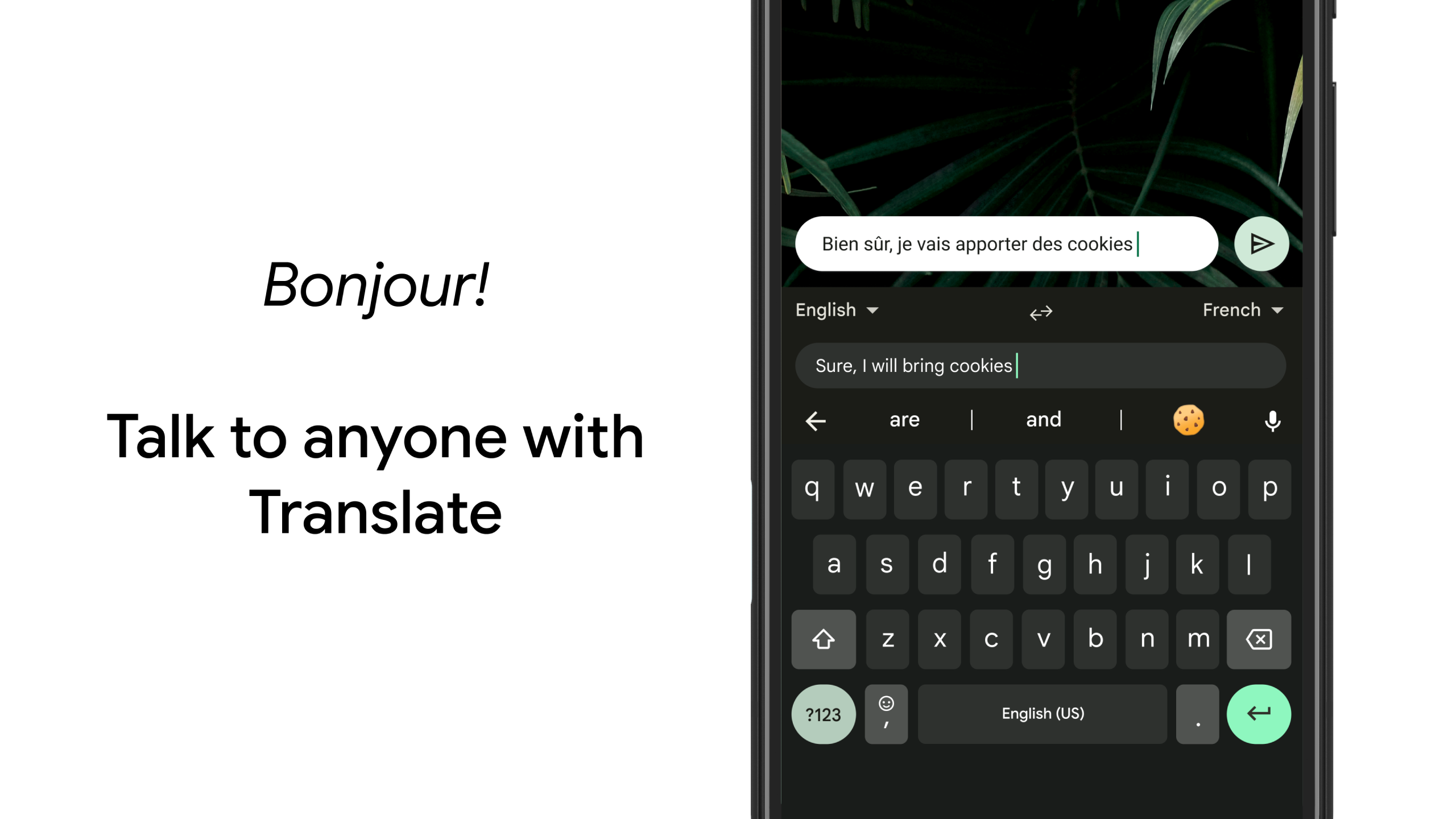
Support for hundreds of languages and instant translation: Gboard's integration with Google Translator gives you automatic translation when typing in any compatible app, directly from the keyboard. The system supports more than 900 languages, with simultaneous detection and auto-correct for each one, without the need to change the keyboard layout manually. Custom dictionaries are updated based on your errors, habits and history, syncing improvements across multiple devices with the same Google account.
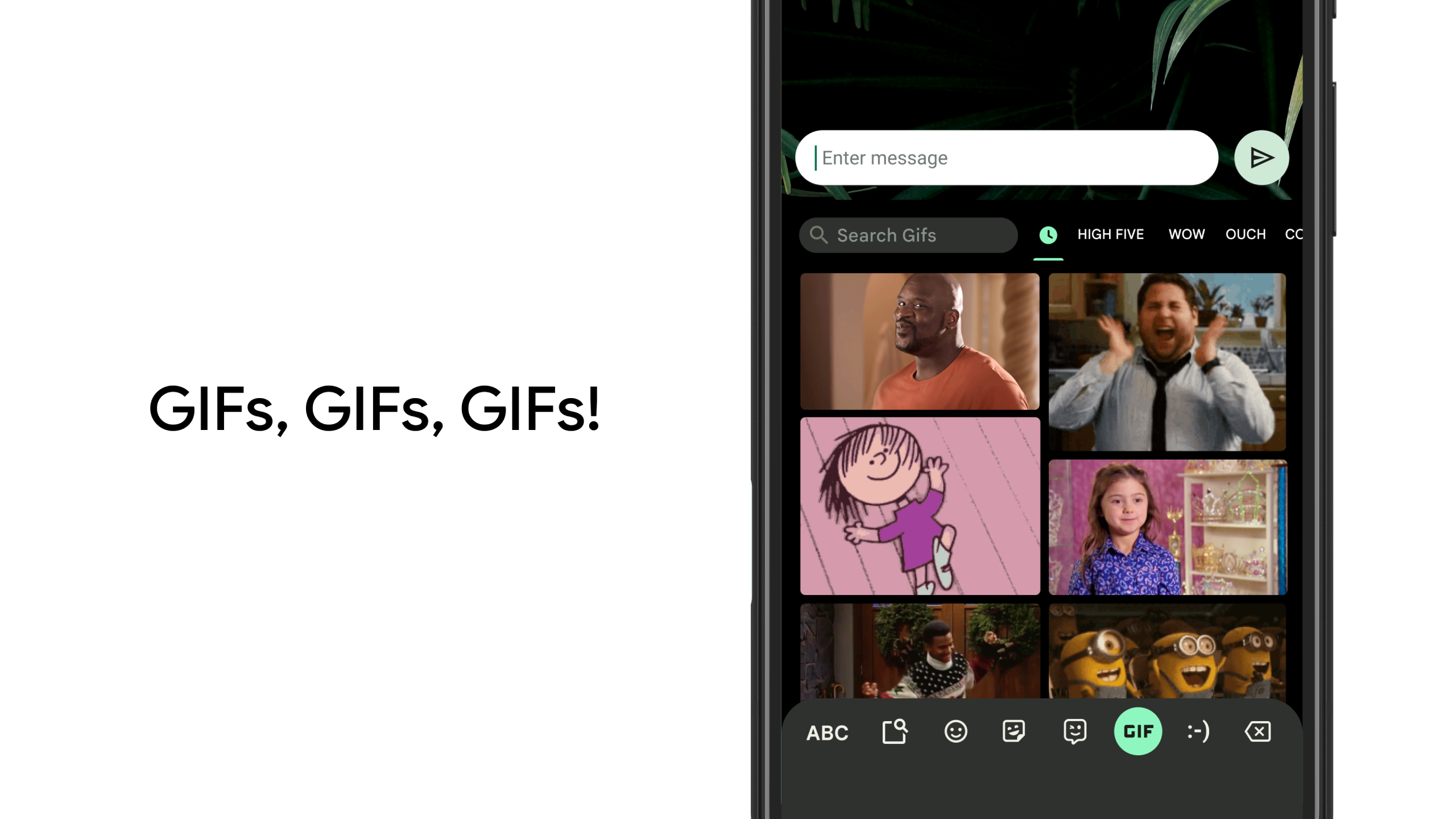
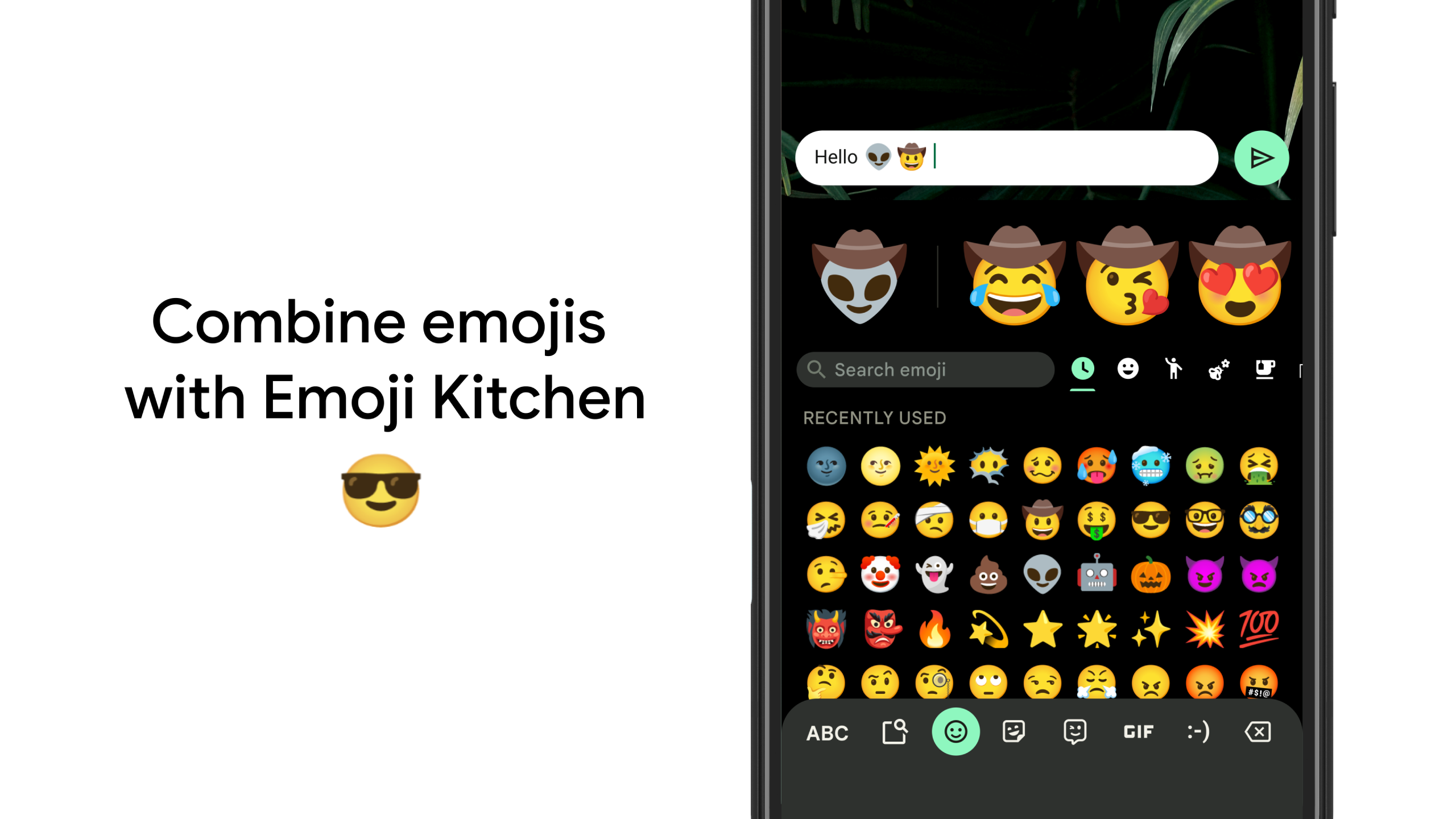
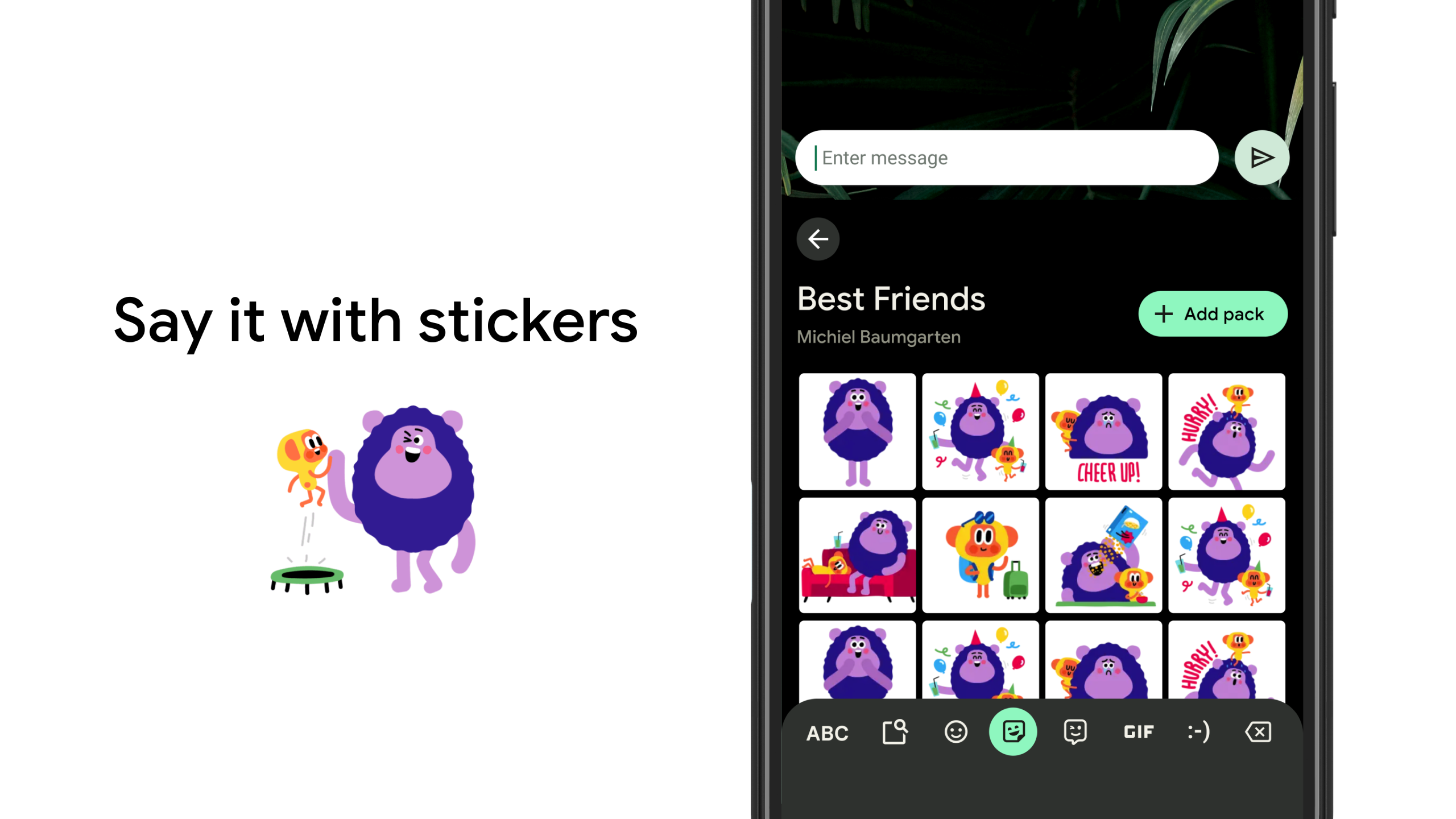
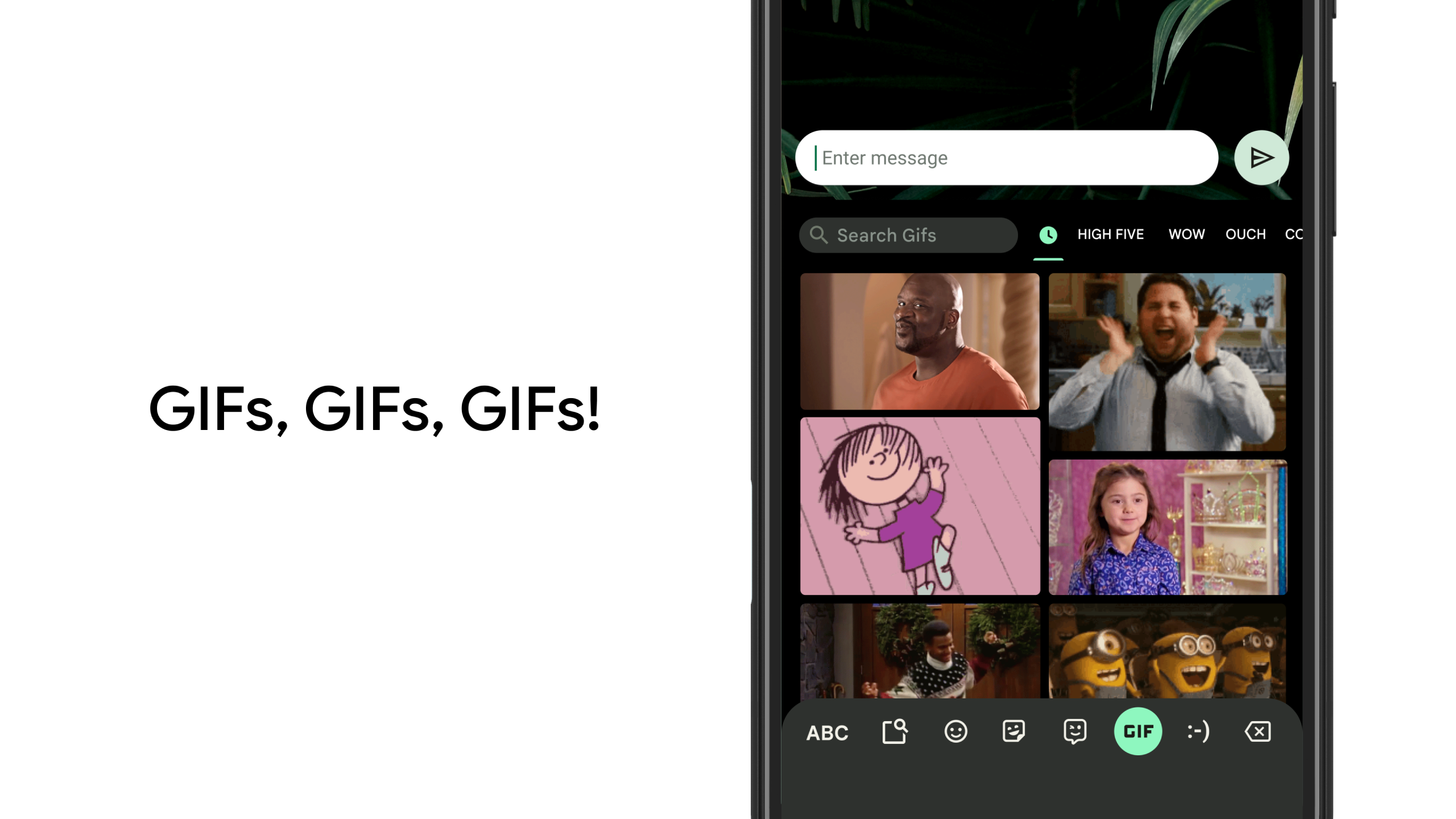
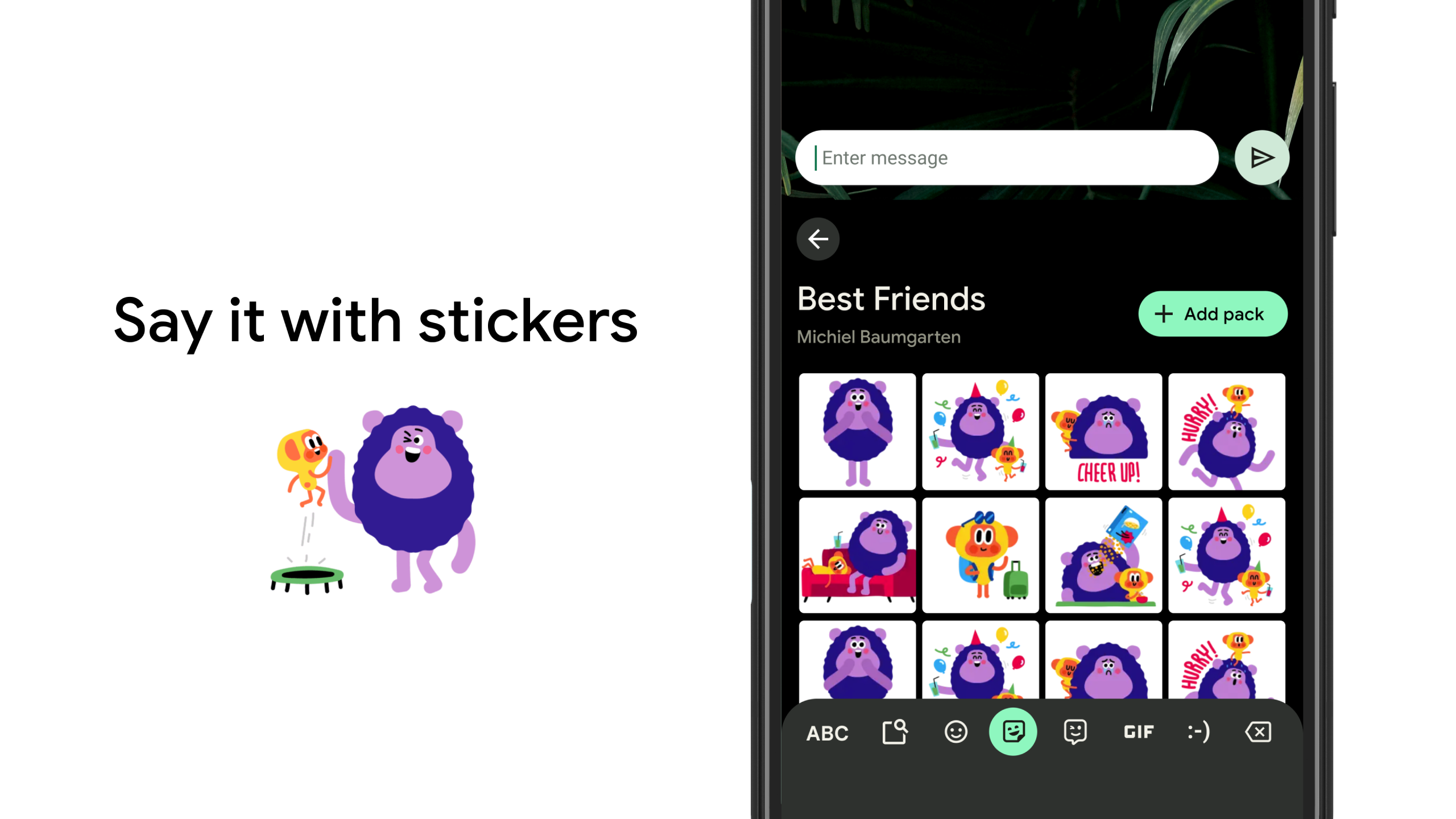
Create emojis and use GIFs without other apps: One of the most appealing features of Gboard is that you can search and mix emojis natively, generating unique combinations and new expressions for your chats. The integrated search engine for stickers, animated GIFs, and memes allows you to send visual content without needing to use another app. You can also create Bitmojis, personalized stickers based on your face, and use them directly in supported chats.
Keep text in one place with the clipboard: Gboard incorporates a clipboard manager for saving, pinning, and pasting recent text, with additional security for sensitive data such as passwords and one-time verification codes that are automatically deleted. The history can be cleared, too, and you can also copy and paste several texts at the same time.
Highlights of Gboard:
Gboard, developed by Google, is a highly versatile and intelligent keyboard app designed to enhance typing efficiency on mobile devices. It combines the convenience of a traditional keyboard with advanced features powered by Google’s AI technology. Available for both Android and iOS, Gboard offers a seamless typing experience with its intuitive design and customization options.
One of the standout features of Gboard is its smart prediction and auto-correction capabilities. The app learns from your typing habits to provide accurate suggestions, reducing errors and speeding up your typing. Additionally, it supports glide typing, allowing users to swipe across letters to form words quickly. This feature is particularly useful for those who prefer one-handed typing or need to compose messages in a hurry.
Gboard also excels in multilingual support, enabling users to switch between languages effortlessly. It offers translation capabilities directly within the keyboard, making it a valuable tool for bilingual or multilingual users. The app supports hundreds of languages and dialects, ensuring accessibility for a global audience. Moreover, its built-in Google search function allows users to look up information, share links, or even search for GIFs without leaving the keyboard interface.
Customization is another key strength of Gboard. Users can personalize their keyboard with different themes, including dynamic options that change based on time or weather. The app also supports emoji and sticker suggestions, making conversations more expressive. For those who enjoy handwriting, Gboard includes a handwriting mode that recognizes handwritten input and converts it into text.
Privacy-conscious users will appreciate Gboard’s optional incognito mode, which prevents the app from storing typing data temporarily. While Gboard does collect data to improve predictions, Google provides transparency and control over data-sharing preferences. With its blend of functionality, adaptability, and user-friendly design, Gboard remains one of the top choices for mobile typing.
User Reviews of Gboard:
I have enjoyed the Gboard, I have themes for the background of the board customized with photos I have taken on vacation travel and beloved family photos. I also think the ability to add emojis, stickers, GIF and selfie/emoji/GIF and have AI recommendations for comments in all the categories that are offered are so easily used in text, post, commenting. There are so many ways you can customize the style board that's best for you to use all the time (it's fun too!).
Needed to edit the keyboard to end the typos. The menu was easy to find. The editing process was understandable and definitely user friendly. Many quirky options to brighten things up eg. a colourful background for the floating keyboard. I definitely recommend this. Google is a great company overall so as expected a process that is easy to use and enjoyable.
I immediately install Gboard when I get a new phone because it's so much easier to use. As a platinum card holding technophobe, I'll use anything that makes my life easier and there are so many extra's with the Gboard that I don't get with the phones' keyboard. Plus, once you're familiar with this layout and everything it offers, it's SOOOOO much easier to just continue to use it on a new phone. 10/10.
I'm so happy with Gboard! Google's keyboard remains ahead of the rest of its competitors in functionality, ease of use, customization, and versatility. I especially love that it can be downloaded and set as the default keyboard on many different brands/models of phones. I have gone through a variety of Samsung Galaxy models as well as some other miscellaneous brands, and I downloaded and exclusively used Gboard. Well....I probably exceeded the normal length of most positive reviews so I'm done.
FAQs of Gboard:
What are the ways to create and send custom messages on the Gboard app?
Have fun with custom emojis as Gboard will use generative AI to suggest unique stickers based on common emojis.
Is it possible to glide type?
Just slide your fingers from letter to letter and your word is formed. You can translate words and phrases in real time.
Can we talk to type using this Keyboard app?
Gboard also supports voice-to-text in dozens of languages. Gboard will autocorrect and suggest from any of your enabled languages.
Do we get cool GIFs with the Gboard app?
It has a GIF search built right in. Not only that you create GIFs straight from the board and it’s that easy. A double-tap of the space bar automatically adds a period to the previous sentence.
How can we use Google search support with this app?
Gboard integrates search and messaging, with Google’s Messenger app or third-party SMS and MMS apps. This keyboard is a staple for Android devices. It comes preinstalled on Google’s Pixel devices.
Final words:
Despite minor drawbacks, Gboard excels as a powerful, efficient keyboard. Its intuitive design, integrated Google features, and multilingual support streamline communication. Gboard's convenience and time-saving capabilities, coupled with its simple setup, solidify its position as a top choice for users seeking a versatile keyboard.
More Information
- Size:77.83MB
- Version:18.0.3.954559732
- Requirements:Android
- Votes:205
- Package Name:com.google.android.inputmethod.latin
- Signature:d0d2dd12487433cabb4ae0960efe86e1
Related Versions


Related topics
-
Utility apps are indispensable in our lives, making our daily routines more convenient. To help you find these apps more easily, this site has created a collection. This collection brings together a series of practical tools covering various aspects of life, work, and education, meeting all your needs. What are you waiting for? Try these apps now and make your life easier!
-
![NES.emu]()
NES.emu
-
![Screen Mirroring]()
Screen Mirroring
-
![MEye]()
MEye
-
![MiXplorer Silver File Manager]()
MiXplorer Silver File Manager
-
![HideX]()
HideX
-
![Parrot Downloader]()
Parrot Downloader
-
![RemakeFace]()
RemakeFace
-
![Avast Antivirus]()
Avast Antivirus
-
-
With the development of mobile hardware and software, many practical tool software have emerged, covering a wide range of aspects and becoming a good helper for everyone in work and life. Today, the editor provides you with a list of useful tool software downloads. These tools are not particularly complex types, and after reading them, everyone can quickly learn how to use them. Proper use can bring great convenience to life and work.
-
![Screen Mirroring]()
Screen Mirroring
-
![MEye]()
MEye
-
![MiXplorer Silver File Manager]()
MiXplorer Silver File Manager
-
![HideX]()
HideX
-
![Parrot Downloader]()
Parrot Downloader
-
![RemakeFace]()
RemakeFace
-
![Alarmy]()
Alarmy
-
![Multi Parallel]()
Multi Parallel
-










Latest Updated


Popular Apps








Popular News
More+-
![Tomie Wants to Get Married Full Walkthrough, All Choices and Ending Guide]()
Tomie Wants to Get Married Full Walkthrough, All Choices and Ending Guide
2026-05-22
-
![Karryn’s Prison Gameplay Walkthrough & Strategy Guide]()
Karryn’s Prison Gameplay Walkthrough & Strategy Guide
2025-10-28
-
![Life in Santa County Game Guide & Complete Walkthrough]()
Life in Santa County Game Guide & Complete Walkthrough
2025-10-28
-
![Dreams of Desire Complete Walkthrough and Game Guide]()
Dreams of Desire Complete Walkthrough and Game Guide
2025-10-28
-
![Era Hunter Gameplay Guide & Full Walkthrough]()
Era Hunter Gameplay Guide & Full Walkthrough
2025-10-28




