

Pikpak
Download for Android This app is available for Android only.- Category:Tools
- Rating: 4.9
- Language:English
- Updated:2026-08-21
Screenshots
Introduction
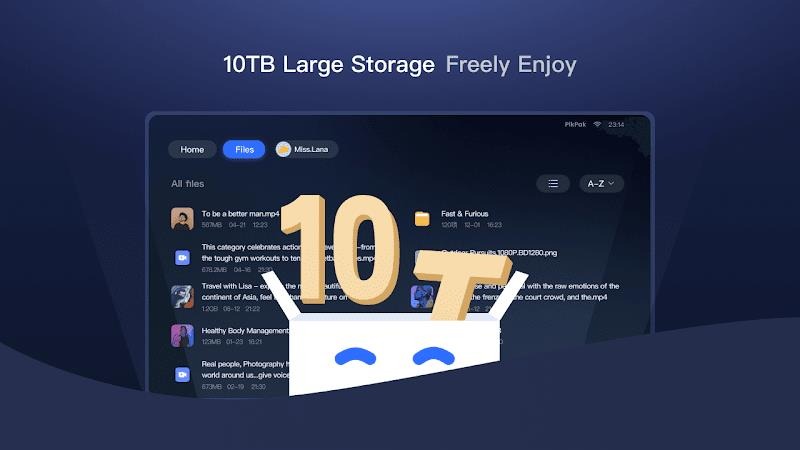
Pikpak is a cloud storage application that allows you to upload and save local files to the cloud. It offers 10TB of free storage and supports online preview. Uploading unused files to the cloud can significantly save space and storage on your phone. It automatically categorizes your files, keeping them organized. It's also a powerful video downloader that can quickly save high-definition videos from various media platforms. Simply provide the download link, and it will automatically parse and save the video.
Function
All in one cloud downloader
PikPak lets you save content from social platforms and links directly into your cloud. You can add Torrent or Magnet links and use the Telegram Bot or Android system sharing to capture files and links. This setup helps you collect items from Telegram, X, TikTok, Facebook and more in one account. In practice, it reduces steps between discovery and saving.
Online video playback and image preview
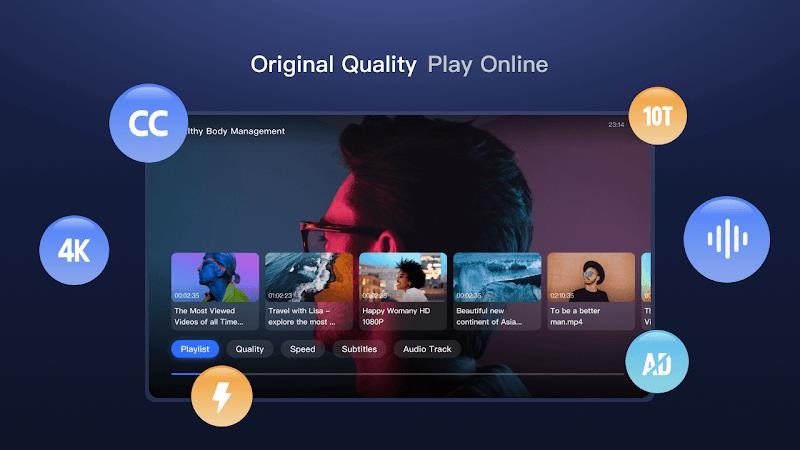
You can play videos online and preview images without downloading them to your phone. PikPak supports up to 4K video playback, which keeps device storage free while you watch. A single tap opens a file and starts playback inside the app. This approach keeps your library accessible at any moment.
Large storage and simple organization
PikPak offers storage up to 10TB, with 6GB free when you sign up. According to the app, that capacity can hold up to eight thousand video files, depending on size. You can create folders and sort items to keep your library tidy. Over time, this structure makes it easier to find and manage frequently used files.
Fast cloud transfer with backup
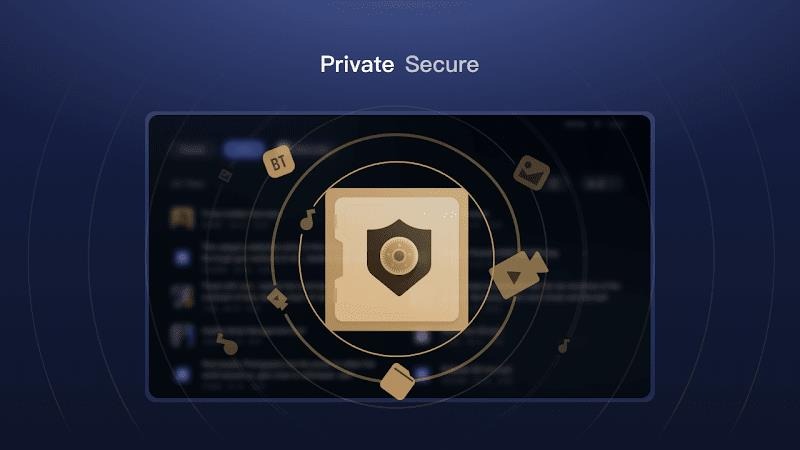
PikPak supports fast cloud transfers and downloads that can be up to twenty times faster. Files are backed up in the cloud to help reduce the chance of loss. This means when a link is added, the download happens in the cloud instead of on your phone. As a result, you can start playback or access the file as soon as it is ready.
Access across devices
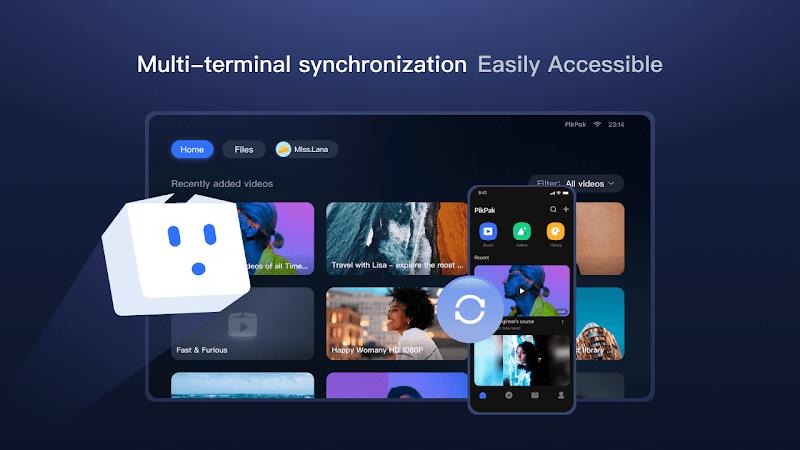
You can sign in to PikPak on mobile, desktop, TV and web to reach the same library. Your files stay in the cloud so you do not need to move them between devices. This helps when you switch from phone to a larger screen or check items in a browser. The interface keeps folders and files consistent across platforms.
How to use
Open PikPak and sign in or create an account using your email or a social account.
When you find a video, image or link in another app, tap Share and choose PikPak to add it to your cloud. If you use Telegram, forward supported content to the PikPak bot to save it.
To save a torrent or magnet link, tap the add option in PikPak, paste the link, then start the cloud download.
Create folders and move files to keep your library organized as it grows.
To view content, tap a video to play it online or open an image to preview it without downloading.
Tips
Use the Telegram Bot for Easy Saving: Take advantage of PikPak's powerful Telegram bot to quickly save files and links from your favorite platforms. Simply click on the bot and forward the content you want to store in your cloud storage.
Preview Before Saving: Make sure to utilize the convenient image and video preview feature offered by PikPak. This allows you to double-check the content before saving it, ensuring that you only keep files that are relevant to you.
Organize Your Files with Folders: Create folders within PikPak to categorize your files and make them easier to find. This will help you stay organized and maintain a structured file collection within the app.
User comments
The best cloud storage, hands down. My only request is to raise upload limit (from 1 tb) and be zero knowledge cloud service.
why can't download more than 5 files at once because sometimes each files size about 5 to 100 kb its taking more than usual to download all the files
Share the video on Twitter or Telegram, and the video can be uploaded directly to my cloud space. It's really cool. I especially like the bot in Telegram. If you forward it to it, you can save it. It meets all my needs for video collection. The upload speed is very fast, the playback is a bit stuck but not bad, and now there is free 6T space, great!
Summarize
PikPak is a powerful video download tool that allows you to quickly save HD videos from multiple platforms, and provides secure encryption and cloud storage features to make it easy to manage and protect your favorite content. Download now and enjoy a seamless video saving experience!
More Information
- Size:60.88MB
- Version:2.4.3
- Requirements:Android
- Votes:333
- Package Name:com.pikcloud.pikpak
- Signature:521c063eed645337bb772f4645a20d4f
Related Versions
-
 Download
Version:2.1.4Size:79.2MB
-
Download
PikPak-Safe Cloud, Video Saver
Version:2.2.8Size:55.01MB
Related topics
-
Utility apps are indispensable in our lives, making our daily routines more convenient. To help you find these apps more easily, this site has created a collection. This collection brings together a series of practical tools covering various aspects of life, work, and education, meeting all your needs. What are you waiting for? Try these apps now and make your life easier!
-
![NES.emu]()
NES.emu
-
![Screen Mirroring]()
Screen Mirroring
-
![MEye]()
MEye
-
![MiXplorer Silver File Manager]()
MiXplorer Silver File Manager
-
![HideX]()
HideX
-
![Parrot Downloader]()
Parrot Downloader
-
![RemakeFace]()
RemakeFace
-
![Avast Antivirus]()
Avast Antivirus
-
-
Transform your mobile device into a powerhouse of efficiency with these handpicked essential tools. Whether you need professional-grade photo editing, seamless file organization, smart task management, or real-time weather updates, our curated selection of premium apps delivers unbeatable performance. Streamline your daily routine, automate repetitive tasks, and boost your productivity with intuitive interfaces and powerful features. Designed for both professionals and casual users, these editor-approved applications will revolutionize how you work and play. Don't settle for an ordinary phone - upgrade your digital experience today and unlock your device's full potential!
-
![NES.emu]()
NES.emu
-
![Screen Mirroring]()
Screen Mirroring
-
![MEye]()
MEye
-
![MiXplorer Silver File Manager]()
MiXplorer Silver File Manager
-
![HideX]()
HideX
-
![Parrot Downloader]()
Parrot Downloader
-
![RemakeFace]()
RemakeFace
-
![Alarmy]()
Alarmy
-
-
With the development of mobile hardware and software, many practical tool software have emerged, covering a wide range of aspects and becoming a good helper for everyone in work and life. Today, the editor provides you with a list of useful tool software downloads. These tools are not particularly complex types, and after reading them, everyone can quickly learn how to use them. Proper use can bring great convenience to life and work.
-
![Screen Mirroring]()
Screen Mirroring
-
![MEye]()
MEye
-
![MiXplorer Silver File Manager]()
MiXplorer Silver File Manager
-
![HideX]()
HideX
-
![Parrot Downloader]()
Parrot Downloader
-
![RemakeFace]()
RemakeFace
-
![Alarmy]()
Alarmy
-
![Multi Parallel]()
Multi Parallel
-










Latest Updated


Popular Apps








Popular News
More+-
![Tomie Wants to Get Married Full Walkthrough, All Choices and Ending Guide]()
Tomie Wants to Get Married Full Walkthrough, All Choices and Ending Guide
2026-05-22
-
![Karryn’s Prison Gameplay Walkthrough & Strategy Guide]()
Karryn’s Prison Gameplay Walkthrough & Strategy Guide
2025-10-28
-
![Life in Santa County Game Guide & Complete Walkthrough]()
Life in Santa County Game Guide & Complete Walkthrough
2025-10-28
-
![Dreams of Desire Complete Walkthrough and Game Guide]()
Dreams of Desire Complete Walkthrough and Game Guide
2025-10-28
-
![Era Hunter Gameplay Guide & Full Walkthrough]()
Era Hunter Gameplay Guide & Full Walkthrough
2025-10-28




