
Java UI Edition for Minecraft
Download for Android This app is available for Android only.- Category:Tools
- Rating: 4.7
- Language:English
- Updated:2026-09-23
Screenshots
Introduction
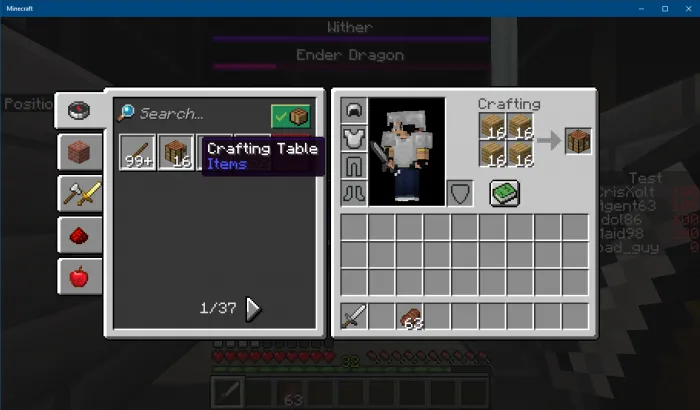
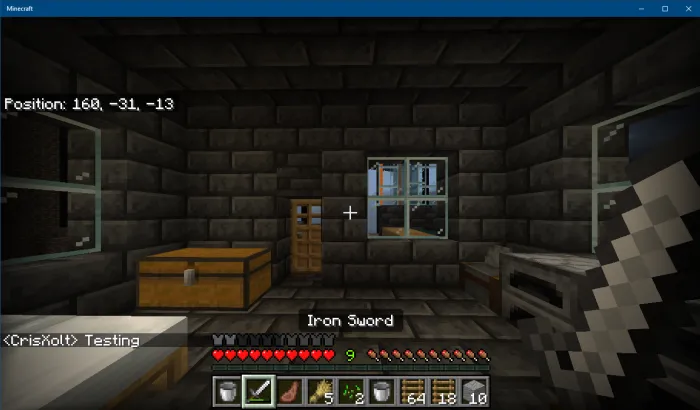
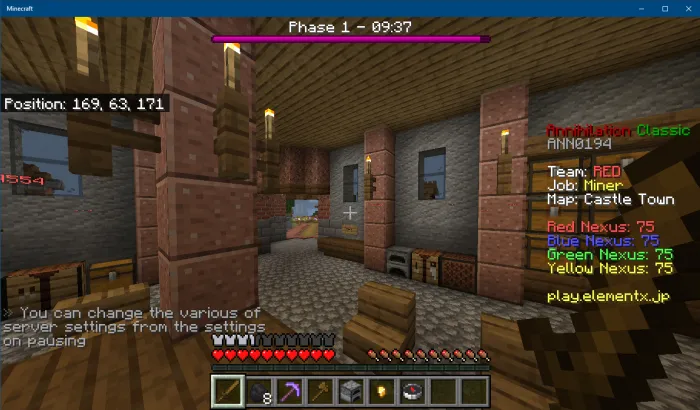
Java UI Edition for Minecraft is a game utility designed specifically for Android devices. Featuring high-quality visuals and a user-friendly interface, the app allows players to quickly get started, modify game textures, and create a personalized gaming experience. It offers flexibility beyond a single visual overhaul, enabling users to switch between various layouts—all clearly demonstrated through detailed instructions and screenshots. Please note that this is an unofficial app and may occasionally experience lag.
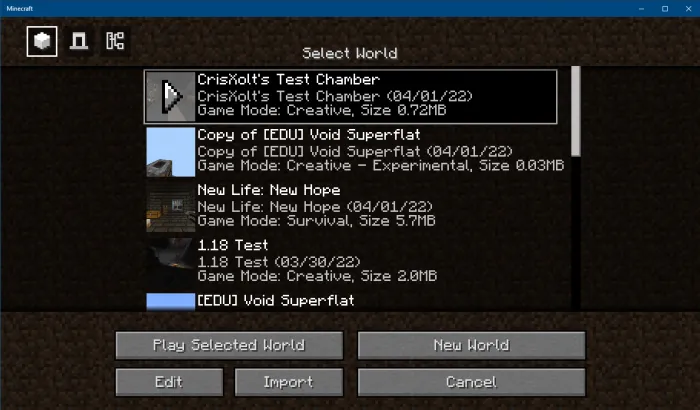
Highlights:
Clean UI
1-Click installer
Full Addon details
Screenshots
Features:
Have you been looking for a good add-on for your Minecraft Bedrock user interface and are wondering how to make your user interface as close to Minecraft Java Edition’s? If so, then the Java UI for Minecraft utility tool is the answer.
It’s simple, easy to use, and highly intuitive — there is no tutorial on how to use it, but it is pretty manageable to navigate.
With it, players can easily integrate the Vanilla Deluxe add-on into their Minecraft Bedrock game, transforming the user interface into something resembling that of Minecraft Java Edition.
That said, it is more of a cosmetic modification than anything else, as it does not modify any crucial game elements.
However, some users have reported that it is not compatible with every device, thus rendering the base game unplayable overall.
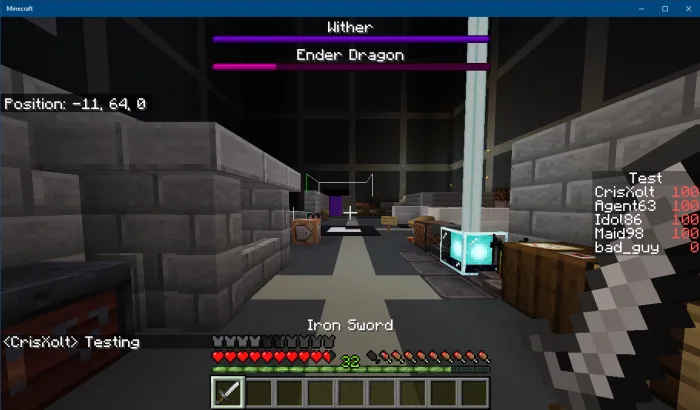
Pros & Cons:
Pros
Includes Java Edition UI, Mixed UI, and PvP UI variants
Automatic add-on import keeps the app narrowly focused
Add-on details and screenshots clarify the available designs
Cons
Changes only the interface, not Bedrock gameplay
Correct resource pack order may be necessary
Some users report lag
Conclusion:
Unlock these advanced visual features for a more engaging experience, all at no cost. Begin this enhanced adventure today! This program is an independent product and is not endorsed by or affiliated with MOJANG.
More Information
- Size:29.80MB
- Version:2.1.6
- Requirements:Android 6.0+
- Votes:149
- Package Name:com.mcpemod.java
- Signature:39e49ce70893c07c2634291292ec1a96
Related topics
-
Welcome to our collection of game customization tools! These apps help you personalize your gameplay. You can access premium content, enjoy more in-game resources, or opt for an ad-free experience. Apps like Game Guardian and Lucky Patcher allow you to adjust game parameters. Just a heads-up, it's good to be mindful of the game's original terms of service. Feel free to explore and elevate your play, but always use them responsibly.
-
![Java UI Edition for Minecraft]()
Java UI Edition for Minecraft
-
![DU Speed Booster & Cleaner]()
DU Speed Booster & Cleaner
-
![Gltools]()
Gltools
-
![Config FF]()
Config FF
-
![FF KIPAS Orang]()
FF KIPAS Orang
-
![Monke Mod Manager]()
Monke Mod Manager
-
![JarMOD]()
JarMOD
-
![DinocomploFF]()
DinocomploFF
-




Latest Updated







Popular Apps








Popular News
More+-
![Tomie Wants to Get Married Full Walkthrough, All Choices and Ending Guide]()
Tomie Wants to Get Married Full Walkthrough, All Choices and Ending Guide
2026-05-22
-
![Karryn’s Prison Gameplay Walkthrough & Strategy Guide]()
Karryn’s Prison Gameplay Walkthrough & Strategy Guide
2025-10-28
-
![Life in Santa County Game Guide & Complete Walkthrough]()
Life in Santa County Game Guide & Complete Walkthrough
2025-10-28
-
![Dreams of Desire Complete Walkthrough and Game Guide]()
Dreams of Desire Complete Walkthrough and Game Guide
2025-10-28
-
![Era Hunter Gameplay Guide & Full Walkthrough]()
Era Hunter Gameplay Guide & Full Walkthrough
2025-10-28




