

Video Editor VideoShow
Download for Android This app is available for Android only.- Category:Media & Video
- Rating: 4.8
- Language:English
- Updated:2026-10-28
Screenshots
Introduction
Video Editor VideoShow is an image and video editor designed for the Android platform. It allows users to edit images by applying filters, stickers, and various special effects, empowering them to unleash their creativity and craft personalized visuals. The app also integrates powerful AI features that automate the image-editing process. Its video-editing capabilities are equally robust, offering professional-grade editing tools and special effects. Furthermore, it supports high-definition exports, ensuring your videos maintain their original quality. With this app, you can create cinematic, blockbuster-style videos.
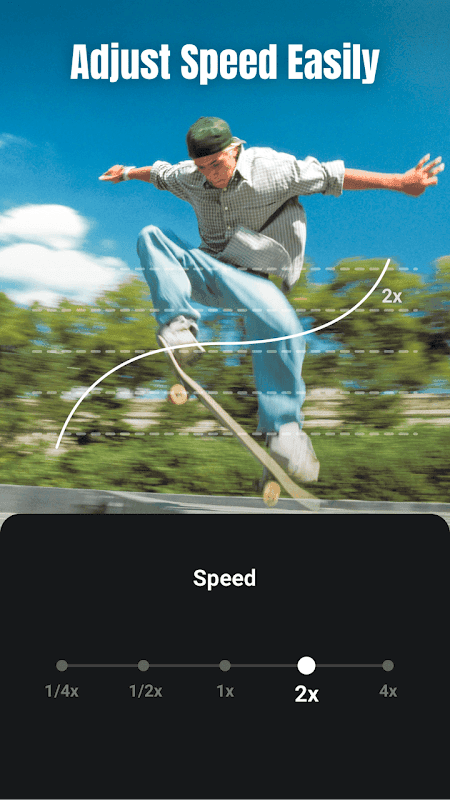
Features
Professional Video and Photo Editor
Ready-made Templates: Create stylish videos in just a few simple steps.
Keyframe Animation: Achieve smooth animations and dynamic effects with precise keyframe control.
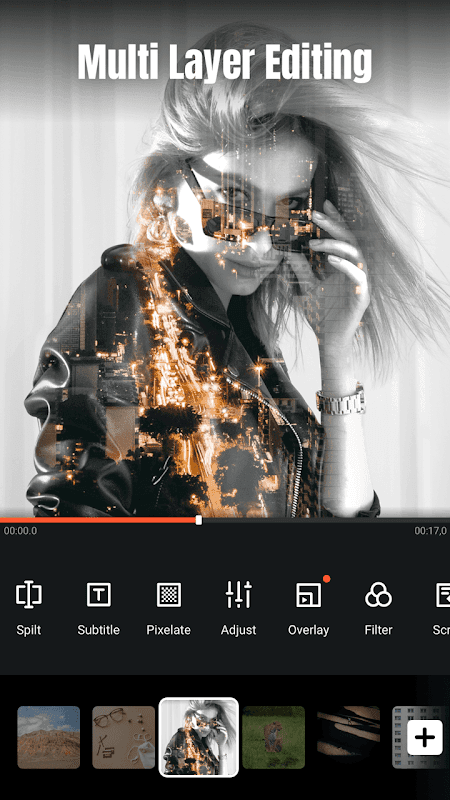
Masking: Blend clips seamlessly and create stunning visuals using precise masking controls.
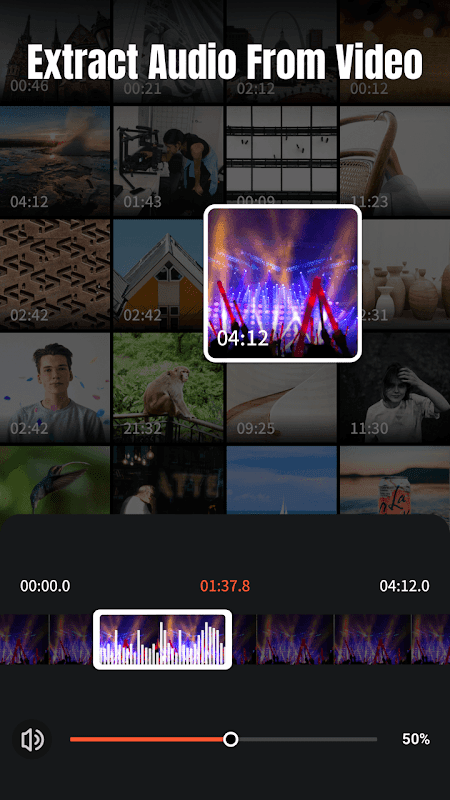
Audio Extractor: Extract clear audio from any video—turn your videos into music.
4K Export: Save your videos in high definition without any loss in quality.
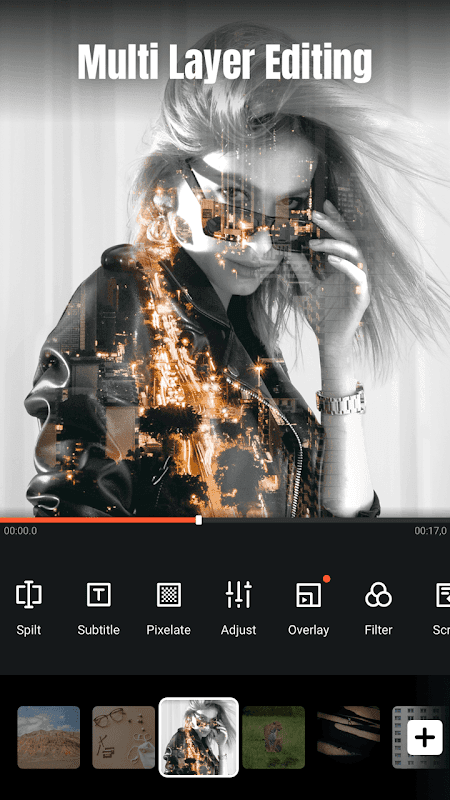
Video Overlays: Display multiple videos on a single screen to achieve a double-exposure effect.
Add Emojis or Animated Filters.
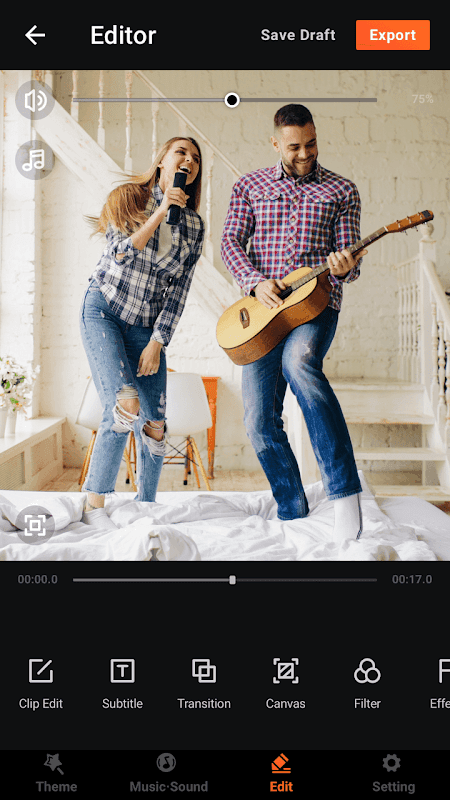
User-friendly interface for stitching video clips together.
AI Video Generation Tools
AI Auto-Editing: Simply make a selection, and let AI seamlessly add special effects, filters, and themes.
AI Cutout: Remove backgrounds from photos and videos with a single tap—no green screen required. Perfect for picture-in-picture overlays and creative editing.
AI Noise Reduction: Eliminate background noise and enhance vocal clarity for crisp, pleasant audio.
AI Subtitles: Use AI speech-to-text to save yourself from manual typing.
AI Voice Changer: Transform your voice into a wide variety of styles.
AI Mosaic: Protect privacy or create stylized effects using AI-powered masking tools.
AI Effects: Customize video filters, special effects, outlines, automatic blurring, and more.
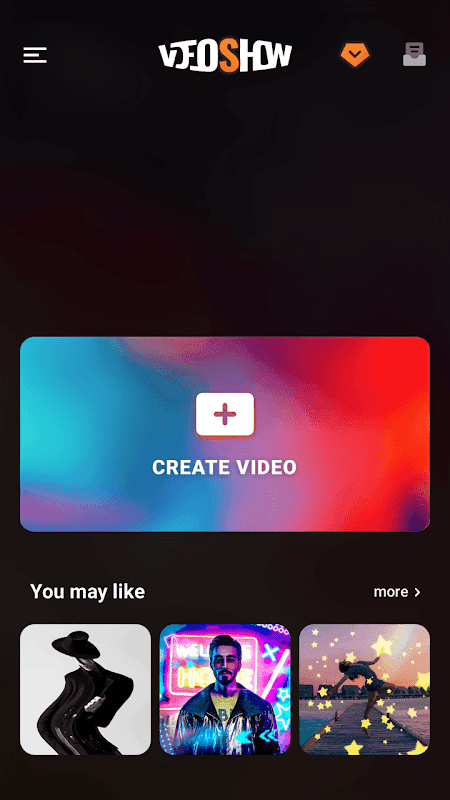
Functionality
No Watermarks: Export your videos without any branding or watermarks. Ad-free experience: Enjoy a seamless editing process, free from advertisements.
High-resolution export: Supports 1080p and 4K video.
Exclusive content: Access unique themes, stickers, and music.
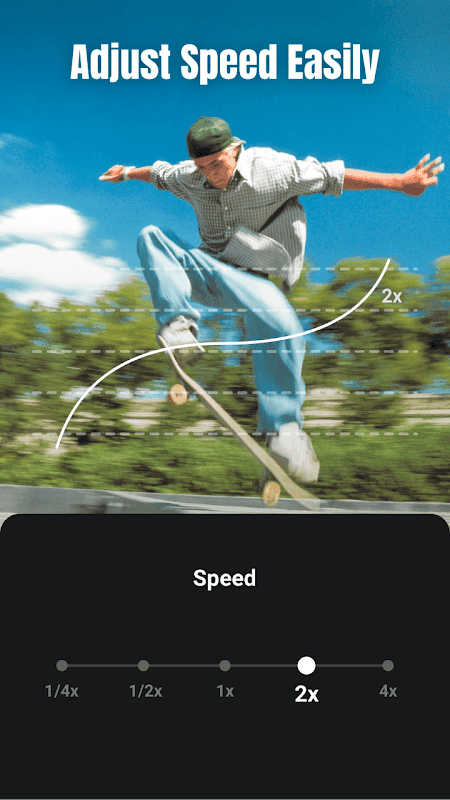
Zoom and rotate: Easily adjust your video frames exactly as you like.
Mix photos and videos: Combine photos and video clips into a single creative video.
Music options: Add music from your device, choose from online tracks, or record your own audio.
Filters and effects: Enhance your videos with stunning filters and up to 20 different FX effects.
Text and fonts: Add subtitles in a variety of styles and fonts.
Toolkit features: Trim, cut, and compress videos, or even extract MP3 audio from them.
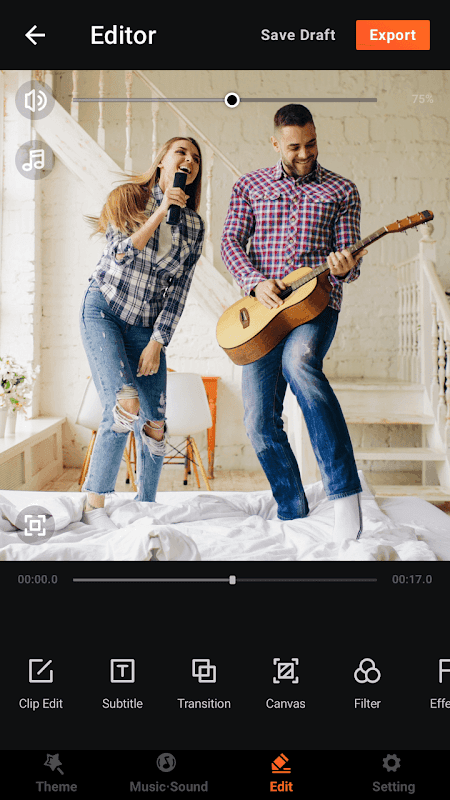
Pros and Cons
Pros:
Feature-rich.
Suitable for users of all skill levels.
Cons:
Reports of occasional crashes.
Issues with connectivity.
FAQs
Can I export 4K videos using this app?
Yes, it supports exporting videos in resolutions up to 4K.
Can I add multiple songs to a single video?
Yes, you can incorporate music from your device, online tracks, or even your own voice recordings.
Does it support video compression?
Yes, the app includes a built-in tool to compress video file sizes without significant loss of quality.
Conclusion
Video Editor VideoShow is more than just a video editing app; it is a creative tool that allows you to express your ideas in a professional yet straightforward way. Whether you are editing personal videos, content for social media, or professional projects, this app ensures a smooth and enjoyable experience. Its user-friendly design makes it accessible for beginners, while its advanced tools offer great value to experienced editors.
More Information
- Size:125.53MB
- Version:10.2.4.2cn
- Requirements:Android
- Votes:78
- Package Name:com.xvideostudio.videoeditor
- Signature:3dc7a1d98fe12d5b79cef7fef0abcf5d
Related topics
-
With the advancement of technology, downloading videos on Android devices is no longer time-consuming. The Android universe is now infested with hundreds of apps for video download in Android that can download HD videos from a slew of video-sharing and streaming sites like YouTube with the swipe of a finger. However, the majority of these apps may contain adware and other unwanted software! As a result, if you’re looking for a good list of the best free Video Downloader Apps for Android. That is completely safe; this is the place to be!
-
![Video Editor VideoShow]()
Video Editor VideoShow
-
![nPlayer]()
nPlayer
-
![AirScreen]()
AirScreen
-
![Vanced Tube]()
Vanced Tube
-
![Video Downloader For Instagram]()
Video Downloader For Instagram
-
![Savetube]()
Savetube
-
![TVI Pass]()
TVI Pass
-
![TweenCraft Cartoon Video Maker]()
TweenCraft Cartoon Video Maker
-
-
Transform your smartphone into a powerful editing studio with the best video editing apps for Android! Whether you're a content creator, social media enthusiast, or just looking to polish personal videos, these apps offer professional-grade tools right at your fingertips. Enjoy intuitive interfaces, advanced features like multi-track editing and filters, and seamless exporting options - all optimized for mobile devices. Download now and start creating stunning videos anytime, anywhere!
-
![Video Editor VideoShow]()
Video Editor VideoShow
-
![VN Video Editor Maker VlogNow]()
VN Video Editor Maker VlogNow
-
![FotoPlay]()
FotoPlay
-
![MindSync Mod]()
MindSync Mod
-
![Alight Motion]()
Alight Motion
-
![MiniMovie]()
MiniMovie
-
![TravelBoast]()
TravelBoast
-
![Mivo]()
Mivo
-
-
Video Editor is a powerful software tool designed for crafting, refining, and enhancing video content. It enables users to transform raw footage into compelling visual narratives or effective communication platforms. As digital media continues to evolve, video editing has grown in significance - no longer just a professional necessity but also an accessible skill for everyday creators. Modern editing tools now offer intuitive interfaces, AI-powered features, and cross-platform compatibility, making high-quality video production achievable for both experts and casual users alike.
-
![Video Editor VideoShow]()
Video Editor VideoShow
-
![MindSync Mod]()
MindSync Mod
-
![Video Star Pro]()
Video Star Pro
-
![MiniMovie]()
MiniMovie
-
![Adobe Premiere]()
Adobe Premiere
-
![TravelBoast]()
TravelBoast
-
![Vita App]()
Vita App
-
![InstaSaver]()
InstaSaver
-










Latest Updated



Popular Apps








Popular News
More+-
![Tomie Wants to Get Married Full Walkthrough, All Choices and Ending Guide]()
Tomie Wants to Get Married Full Walkthrough, All Choices and Ending Guide
2026-05-22
-
![Karryn’s Prison Gameplay Walkthrough & Strategy Guide]()
Karryn’s Prison Gameplay Walkthrough & Strategy Guide
2025-10-28
-
![Life in Santa County Game Guide & Complete Walkthrough]()
Life in Santa County Game Guide & Complete Walkthrough
2025-10-28
-
![Dreams of Desire Complete Walkthrough and Game Guide]()
Dreams of Desire Complete Walkthrough and Game Guide
2025-10-28
-
![Era Hunter Gameplay Guide & Full Walkthrough]()
Era Hunter Gameplay Guide & Full Walkthrough
2025-10-28




