

SHOOT TV
Download for Android This app is available for Android only.- Category:Media & Video
- Rating: 4.9
- Language:English
- Updated:2026-11-02
Screenshots
Introduction
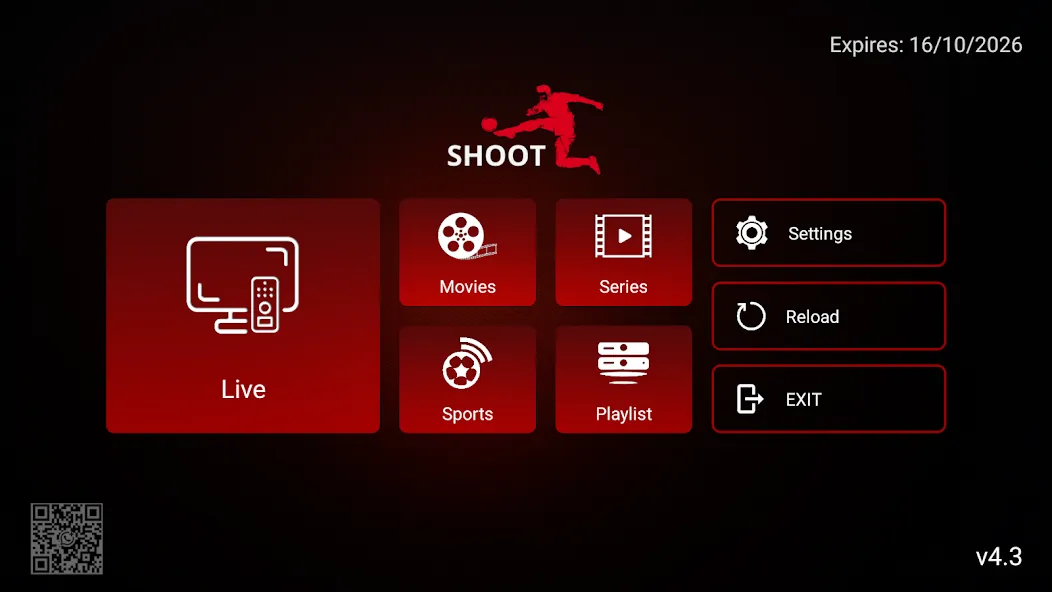
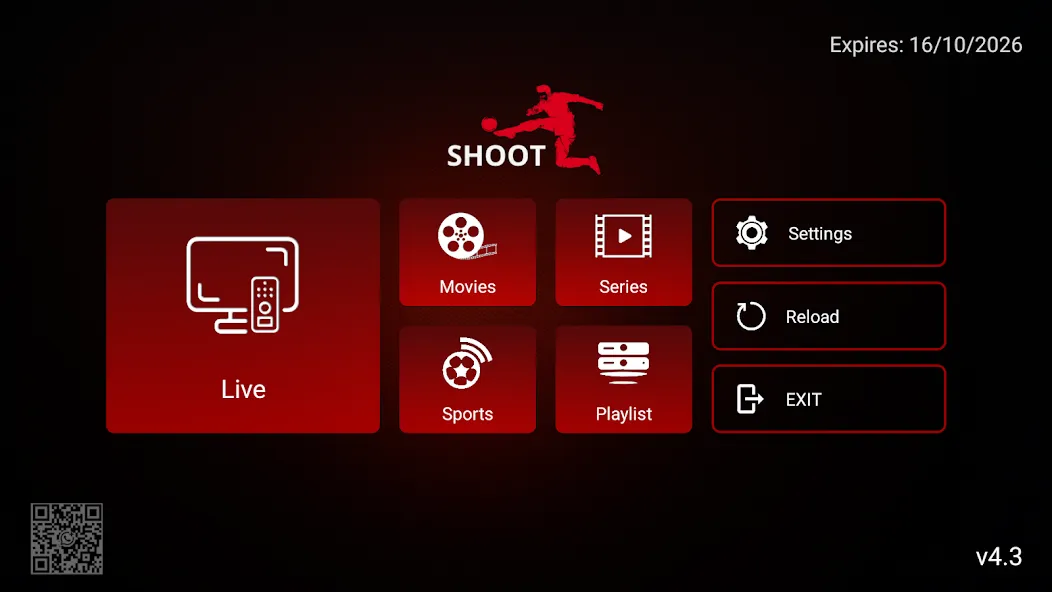
SHOOT TV is a video and media tool designed for the Android operating system. It allows users to stream their own live content, as well as watch movies, videos, and TV series. The app supports a wide range of services and includes a "catch-up" (replay) feature, enabling users to watch previously aired content. It also features an advanced search function, making it easy for users to find the content they want and add it to their favorites. Furthermore, the tool offers flexible casting options, catering to the diverse needs of different users.
Features
Play Your Own Live and On-Demand Content
Once you have installed the SHOOT TV APK and completed the setup, the app allows you to stream the channels, movies, and series you have added. You can use the "Continue Watching" feature to resume videos where you left off, and—provided your service provider supports it—use the "catch-up" (replay) feature to watch past programs.
Search and Program Guide
To help you find content quickly, the app includes an advanced, cross-category search function. It also supports an EPG (Electronic Program Guide) to display channel schedules, while a "Recently Added" section gathers all new content in one convenient place.
Viewing Options and Device Support
For a flexible viewing experience, you can cast content to your TV via Chromecast, switch languages on the fly, or open streams in an external player of your choice.
Controls and Utilities
To help manage access and performance, the app includes parental controls to lock specific sections, a built-in speed test to check your connection, and a recording feature (subject to permission from your content source).
Pros and Cons
Pros:
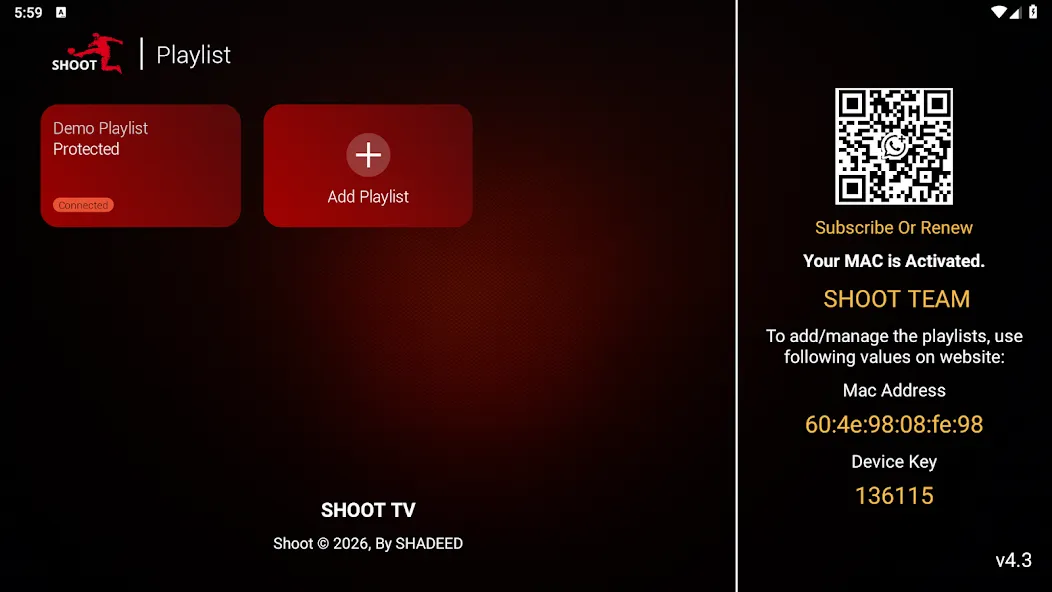
Compatible across various Android devices, including TVs, phones, and tablets.
Can be used for branding OTT services.
Supports access to local and external storage for offline playback.
Free to use.
Cons:
No documentation regarding remote control support.
No specific details provided about playlist or channel management features.
Not featured on any app rankings or charts.
FAQs
How long does it take to download SHOOT TV?
The SHOOT TV file size is 30.3 MB. Depending on your network speed, the download could take anywhere from a few seconds to a few minutes over a stable 4G, 5G, or Wi-Fi connection.
Why am I unable to download or install the app?
Common causes include insufficient storage space, an incompatible Android version, an unstable network connection, corrupted download files, or a lack of installation permissions.
What are the system requirements for SHOOT TV?
The latest version of SHOOT TV requires Android 5.0 or higher. If your device is running an earlier version of Android, please check whether a compatible older version of the app is available.
Conclusion
SHOOT TV is a comprehensive media player designed for Android TV, mobile phones, and tablets. It combines ease of use with customizable branding, making it well-suited for OTT services. Geared toward entertainment enthusiasts, it offers broad device compatibility and flexible cross-screen playback options. With over 10,000 total downloads—including 3,700 in the last 30 days alone—SHOOT TV provides users with a convenient media playback experience across multiple devices.
More Information
- Size:30.32MB
- Version:4.3
- Requirements:Android 4.4+
- Votes:277
- Package Name:com.shadeed.casperflix
- Signature:3d951b9a0fcedb0554b8e2df8f87db3d
Related topics
-
Is it safe to say the movies are back? Admittedly, they never really left. But it seems in this decade where every year throws up new challenges and hiccups in the industry, folks become convinced the sky is falling and cinema’s days are numbered. Still, here we are back at the end of the year. And once again, there seems plenty to be thankful for as new cinematic images burrow their way into the collective subconscious for years to come. Whether it’s the sight of Muad’Dib standing before a nation of radicalized disciples as if he were a space-aged T.E.
-
![SHOOT TV]()
SHOOT TV
-
![SionsFlix]()
SionsFlix
-
![FuzzTv]()
FuzzTv
-
![Tubi TV]()
Tubi TV
-
![Float Tube- Float Video Player]()
Float Tube- Float Video Player
-
![AirScreen]()
AirScreen
-
![Vanced Tube]()
Vanced Tube
-
![PlayFy-TV]()
PlayFy-TV
-
-
In today’s so many social platforms have emerged, saving videos and photos for sharing content from one platform to another has someone become cumbersome. Then are some who still prefer to download music videos and funny videos for offline viewing to watch content without an internet connection, video downloaders offer a convenient solution. However, it’s crucial to be aware of the potential legal implications surrounding downloading copyrighted material. Always ensure you are downloading videos for personal use and respect copyright laws. This article explores 10 of the best free video downloaders currently available, designed to help you efficiently save videos from platforms like Instagram, YouTube, Facebook, X (formerly known as Twitter), and more.
-
![SHOOT TV]()
SHOOT TV
-
![SionsFlix]()
SionsFlix
-
![PlayFy-TV]()
PlayFy-TV
-
![AutoCap]()
AutoCap
-
![Insaver]()
Insaver
-
![MerlMovie]()
MerlMovie
-
![TV Garden World Video Player]()
TV Garden World Video Player
-
![AirPlay/DLNA Receiver]()
AirPlay/DLNA Receiver
-
-
A truly outstanding movie is not just about an engaging plot-it also requires seamless transitions between scenes. When these transitions are natural and fluid, they help the audience stay immersed in the story without feeling disconnected. The same principle applies to video games. Games that ensure smooth, uninterrupted gameplay, whether through well-designed animations, intuitive controls, or seamless scene changes, create a more immersive and enjoyable experience for players. A game that flows effortlessly from one moment to the next demonstrates a level of craftsmanship that deserves recognition and admiration.
-
![SHOOT TV]()
SHOOT TV
-
![Samsung Video Player]()
Samsung Video Player
-
![nPlayer]()
nPlayer
-
![Float Tube- Float Video Player]()
Float Tube- Float Video Player
-
![HDx Video Player]()
HDx Video Player
-
![Insta Video Downloader]()
Insta Video Downloader
-
![Video Player]()
Video Player
-
![Insaver]()
Insaver
-













Latest Updated





Popular Apps








Popular News
More+-
![Tomie Wants to Get Married Full Walkthrough, All Choices and Ending Guide]()
Tomie Wants to Get Married Full Walkthrough, All Choices and Ending Guide
2026-05-22
-
![Karryn’s Prison Gameplay Walkthrough & Strategy Guide]()
Karryn’s Prison Gameplay Walkthrough & Strategy Guide
2025-10-28
-
![Life in Santa County Game Guide & Complete Walkthrough]()
Life in Santa County Game Guide & Complete Walkthrough
2025-10-28
-
![Dreams of Desire Complete Walkthrough and Game Guide]()
Dreams of Desire Complete Walkthrough and Game Guide
2025-10-28
-
![Era Hunter Gameplay Guide & Full Walkthrough]()
Era Hunter Gameplay Guide & Full Walkthrough
2025-10-28




