

Google Now Launcher
Download for Android This app is available for Android only.- Category:Tools
- Rating: 4.7
- Language:English
- Updated:2026-11-02
Screenshots
Introduction
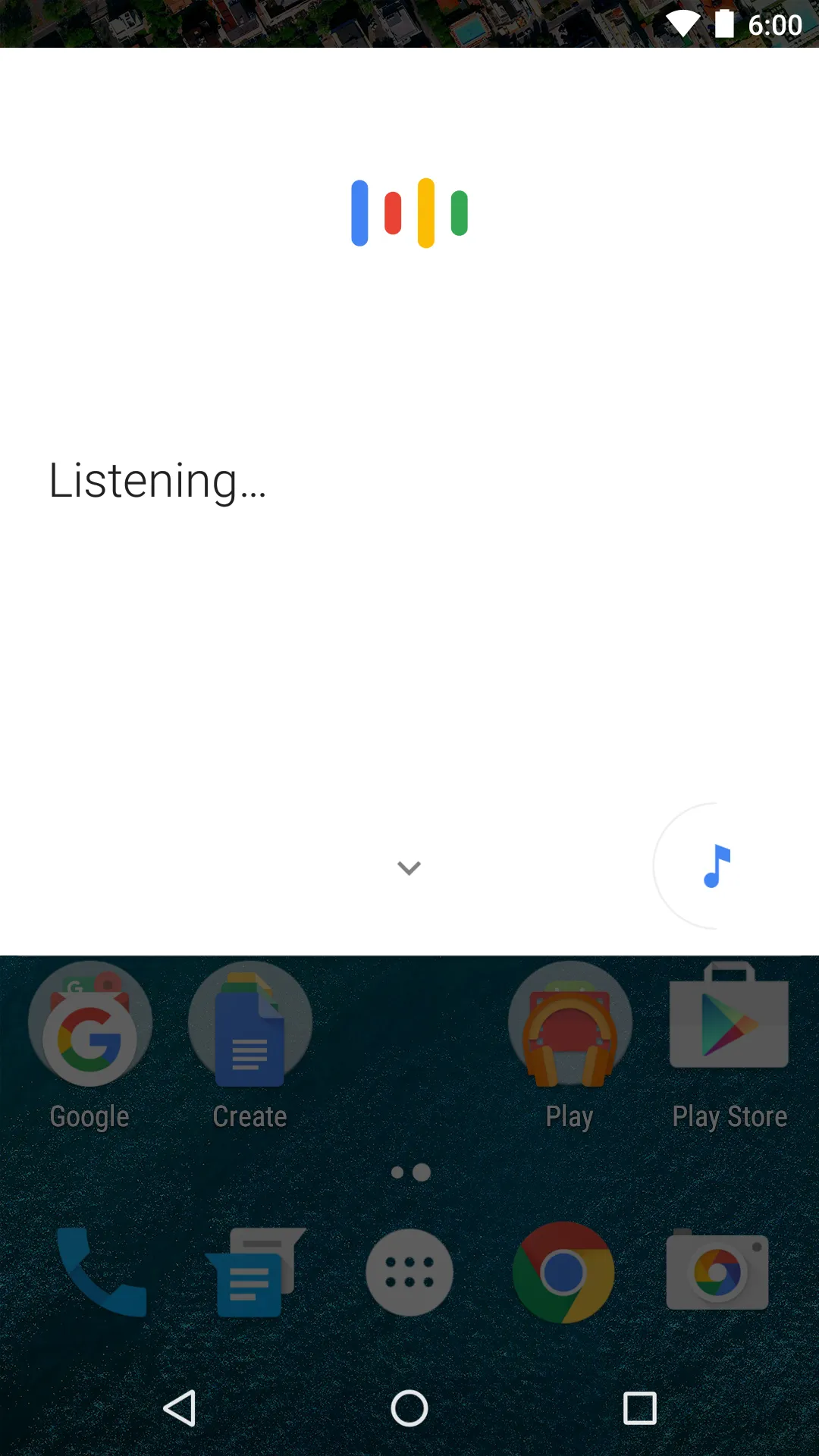
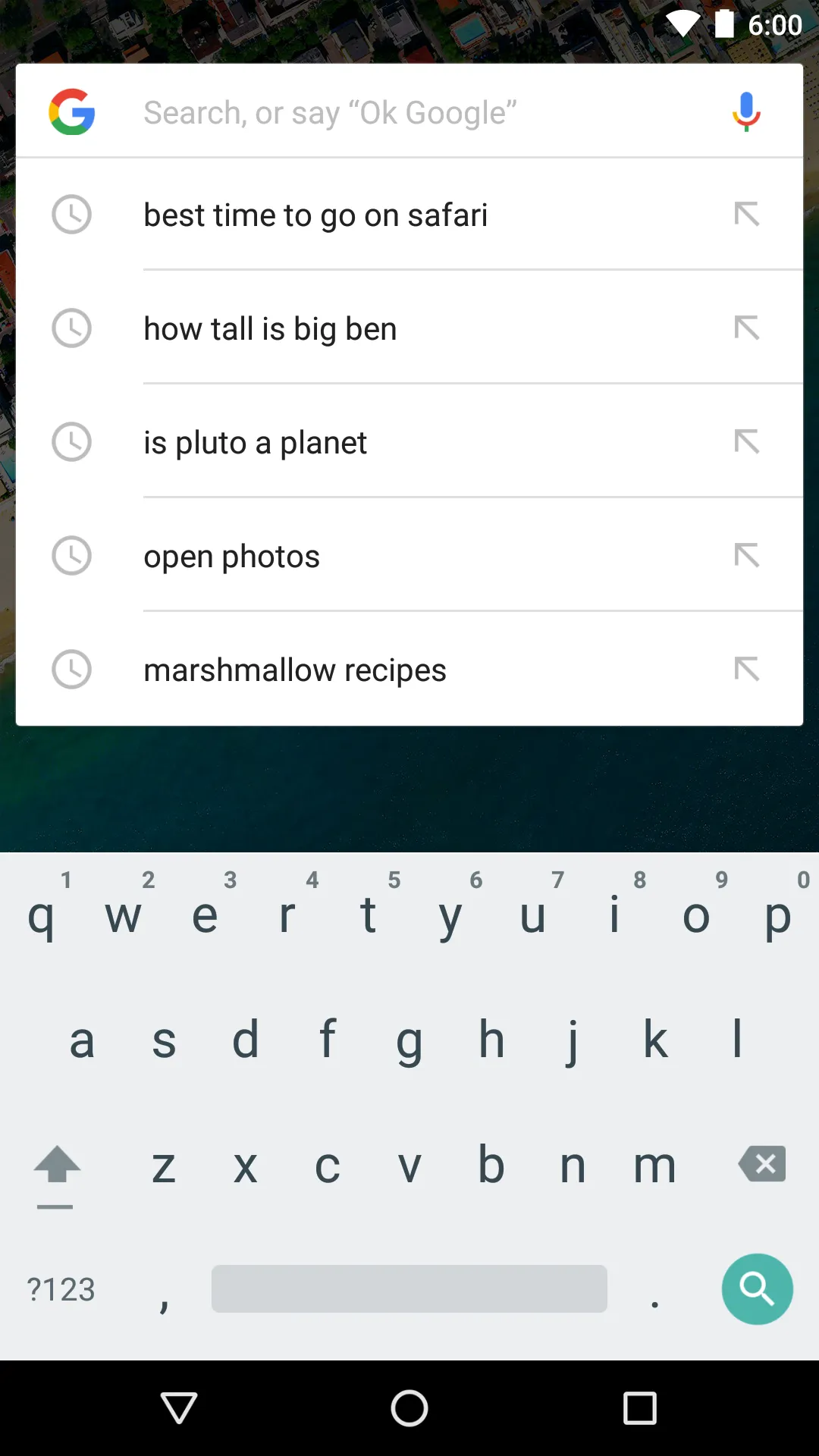
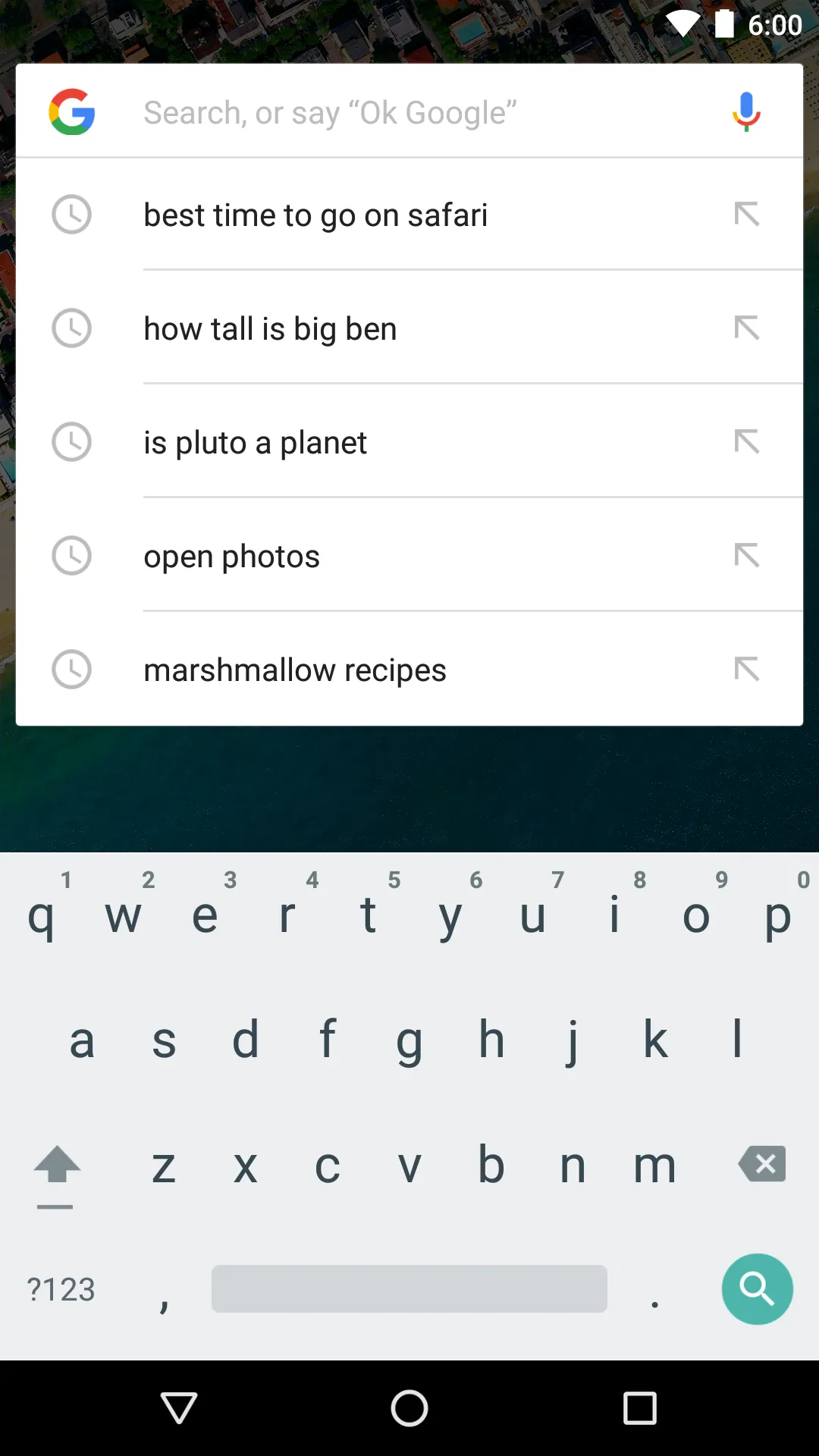
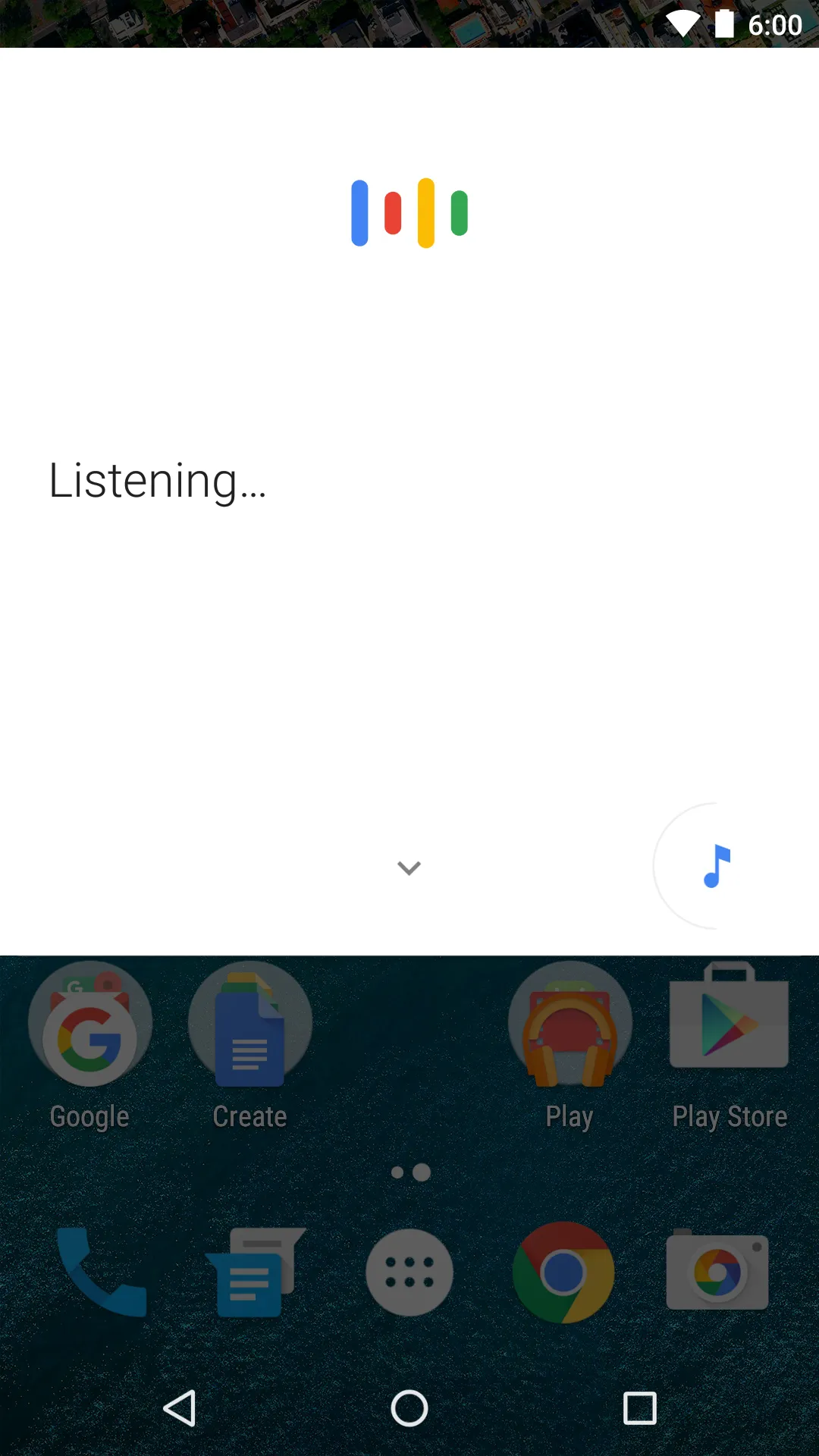
Google Now Launcher is a launcher from Google that integrates the Google Now experience directly into your home screen. It displays relevant information—such as weather, traffic, or calendar updates—in a card-based format, allowing you to view key details without needing to open separate apps. The launcher includes a persistent search bar on your home screen, enabling quick access to information. It also supports hands-free voice search; simply say a specific wake-word to initiate a search or command without needing to touch your phone.
Features
Swipe to Access Google Now
Swipe right from the leftmost home screen to open Google Now. This view presents timely information via cards, letting you stay updated on important details without switching to other apps.
Search from Any Home Screen
Google Now Launcher keeps a search bar on every home screen, making it easy to perform searches instantly—even while you are in the middle of other tasks.
Hands-Free Voice Commands
Say "Ok Google" to trigger a voice search or perform common actions—all without touching the screen:
Send a text message
Get directions
Play a song
A–Z App List and Suggestions
To help you find apps faster, Google Now Launcher provides an A–Z app list with quick-scroll and search capabilities. Additionally, "App Suggestions" places your most frequently used apps at the top, allowing you to access recent or relevant apps with fewer taps.
Usage
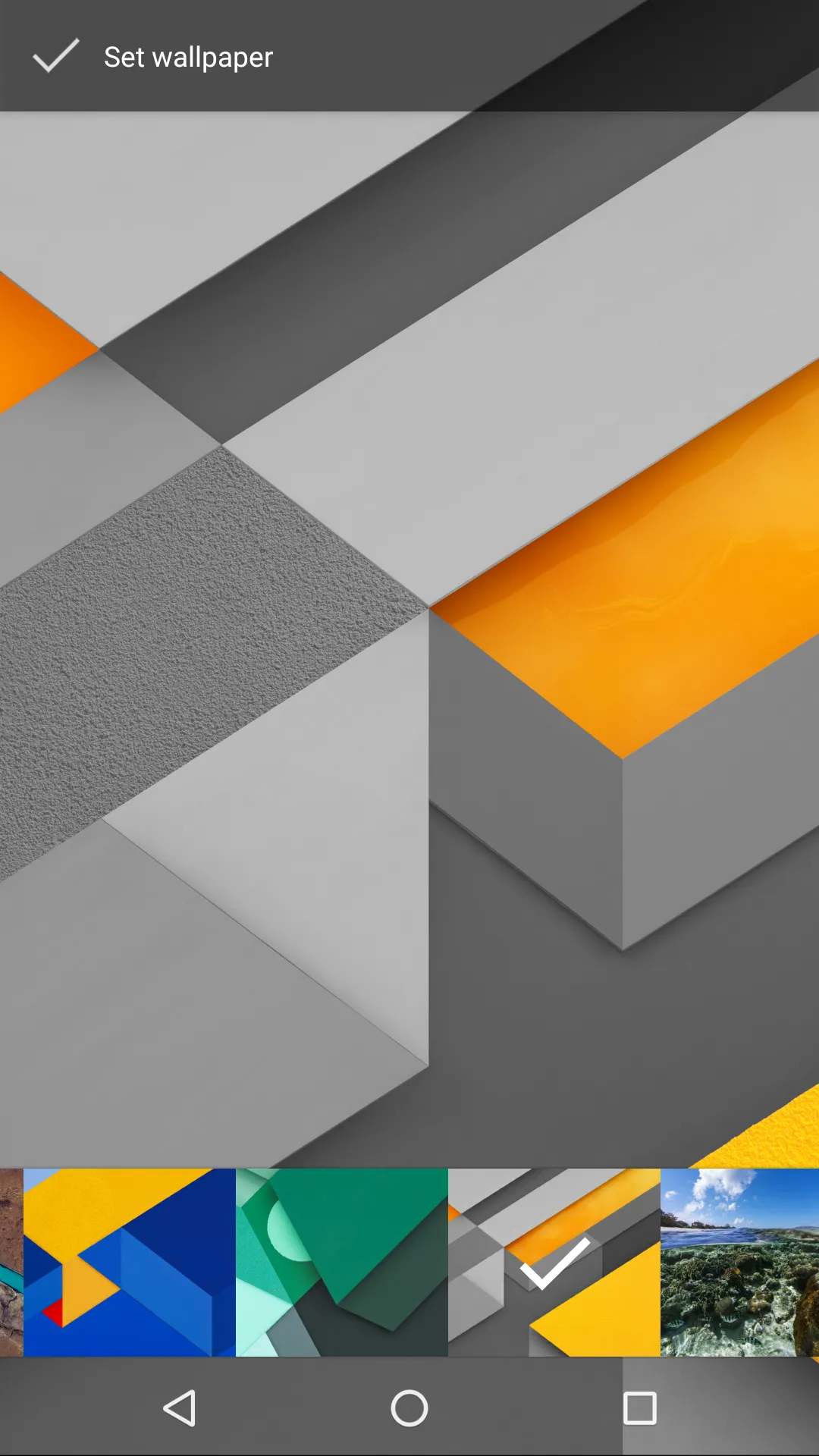
By changing the default launcher app on your phone, you can completely transform the look and feel of your Android device. This launcher displays all your apps neatly, using large, eye-catching icons. A search box is positioned at the top of the screen, and you also have the option to disable the feature that opens a feed when you swipe to the right.
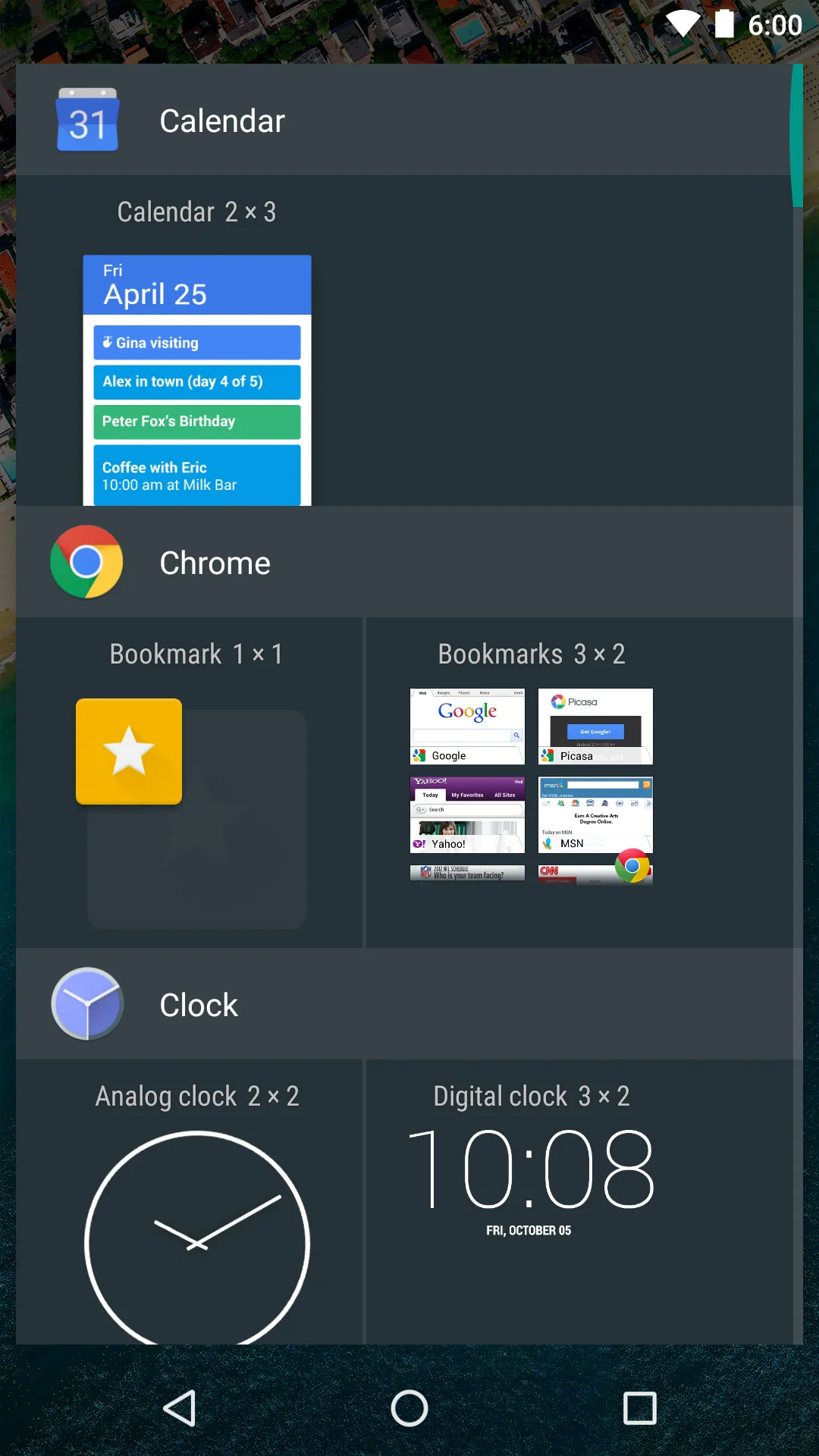
Unlike Samsung Home—which is primarily designed for Galaxy devices—this launcher offers deeper integration with the Google search engine. You will also appreciate the variety of widgets available, including sub-widgets that display detailed information such as weather and travel updates. The home screen is clean and uncluttered, allowing you to add app shortcuts, organize apps into folders, or include widgets.
Tap on the transparent area to access the "Google Now" feed, then scroll down to view the relevant cards. Using Google Maps within the launcher makes navigation and related tasks significantly more convenient. To activate Google Now, simply swipe to the right from your home screen. You will then see a series of "Google Now" cards, displaying information tailored specifically to your interests and needs.
Pros and Cons
Pros:
Excellent integration with Google Now
Always-on voice search and commands
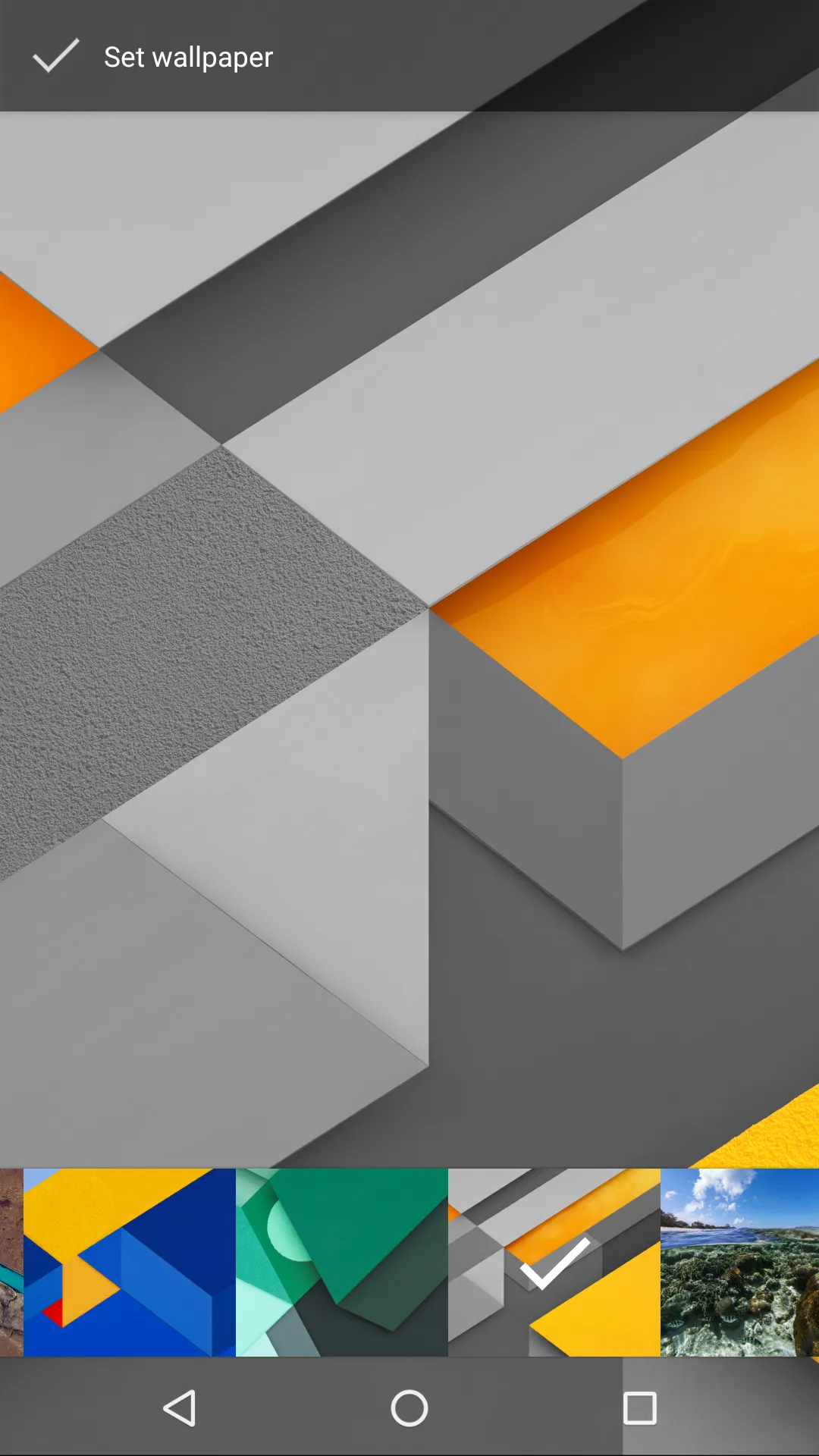
Quick access to wallpapers, widgets, and settings
Cons:
Less customizable compared to some other launchers
Conclusion
As an official launcher from Google, this is one of the most secure options for Android. It offers a clean home screen, an app drawer, and a straightforward way to navigate your phone. The launcher is intentionally minimalist, focusing only on the most essential and practical features. Many smartphone manufacturers provide their own slightly modified versions of the Android operating system, but this launcher offers a pure, streamlined experience. With the Google Now Launcher, however, you can switch to an official interface provided by Google. It is the only launcher that allows you to experience a "pure" Android system on your phone—meaning it retains the original home screen, app drawer, widgets, and app icons.
More Information
- Size:7.90MB
- Version:1.4.large
- Requirements:Android 4.1+
- Votes:500
- Package Name:com.google.android.launcher
- Signature:ddc372f88833a94cbb5e1f9090060368
Related topics
-
Utility apps are indispensable in our lives, making our daily routines more convenient. To help you find these apps more easily, this site has created a collection. This collection brings together a series of practical tools covering various aspects of life, work, and education, meeting all your needs. What are you waiting for? Try these apps now and make your life easier!
-
![Google Now Launcher]()
Google Now Launcher
-
![Guitar Tuner Free]()
Guitar Tuner Free
-
![Hack App Data]()
Hack App Data
-
![Good Lock]()
Good Lock
-
![Google Installer]()
Google Installer
-
![Game Killer]()
Game Killer
-
![SDownloader]()
SDownloader
-
![1DM Lite]()
1DM Lite
-
-
Transform your mobile device into a powerhouse of efficiency with these handpicked essential tools. Whether you need professional-grade photo editing, seamless file organization, smart task management, or real-time weather updates, our curated selection of premium apps delivers unbeatable performance. Streamline your daily routine, automate repetitive tasks, and boost your productivity with intuitive interfaces and powerful features. Designed for both professionals and casual users, these editor-approved applications will revolutionize how you work and play. Don't settle for an ordinary phone - upgrade your digital experience today and unlock your device's full potential!
-
![WeCatch]()
WeCatch
-
![Google Now Launcher]()
Google Now Launcher
-
![FHX Clash Of Clans]()
FHX Clash Of Clans
-
![LuluboxPro]()
LuluboxPro
-
![Guitar Tuner Free]()
Guitar Tuner Free
-
![Hack App Data]()
Hack App Data
-
![Co Co]()
Co Co
-
![Screenshot Easy]()
Screenshot Easy
-
-
With the development of mobile hardware and software, many practical tool software have emerged, covering a wide range of aspects and becoming a good helper for everyone in work and life. Today, the editor provides you with a list of useful tool software downloads. These tools are not particularly complex types, and after reading them, everyone can quickly learn how to use them. Proper use can bring great convenience to life and work.
-
![WeCatch]()
WeCatch
-
![Google Now Launcher]()
Google Now Launcher
-
![FHX Clash Of Clans]()
FHX Clash Of Clans
-
![LuluboxPro]()
LuluboxPro
-
![Guitar Tuner Free]()
Guitar Tuner Free
-
![Hack App Data]()
Hack App Data
-
![Screenshot Easy]()
Screenshot Easy
-
![Good Lock]()
Good Lock
-











Latest Updated



Popular Apps








Popular News
More+-
![Tomie Wants to Get Married Full Walkthrough, All Choices and Ending Guide]()
Tomie Wants to Get Married Full Walkthrough, All Choices and Ending Guide
2026-05-22
-
![Karryn’s Prison Gameplay Walkthrough & Strategy Guide]()
Karryn’s Prison Gameplay Walkthrough & Strategy Guide
2025-10-28
-
![Life in Santa County Game Guide & Complete Walkthrough]()
Life in Santa County Game Guide & Complete Walkthrough
2025-10-28
-
![Dreams of Desire Complete Walkthrough and Game Guide]()
Dreams of Desire Complete Walkthrough and Game Guide
2025-10-28
-
![Era Hunter Gameplay Guide & Full Walkthrough]()
Era Hunter Gameplay Guide & Full Walkthrough
2025-10-28




