

Samsung Phone
Download for Android This app is available for Android only.- Category:Social
- Rating:
- Language:English
- Updated:2026-11-05
Screenshots
Introduction
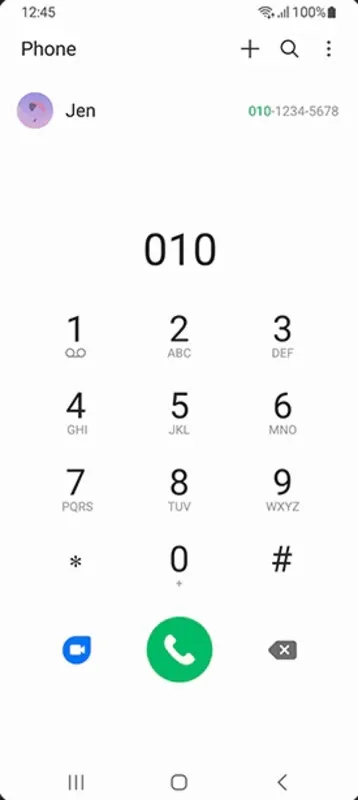
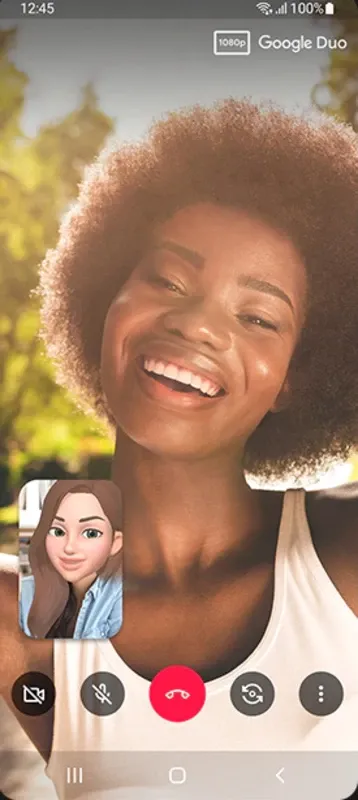
Samsung Phone is a telephony application designed for the Android operating system. Beyond making calls, it allows users to view contact details—such as names and photos—helping them identify incoming callers. Users can manage a contact list and initiate calls with a single tap. The app also integrates with Samsung device features, including support for navigation gestures and access to recently used applications. Furthermore, it includes built-in settings for labeling incoming calls and blocking specific numbers, helping to protect users from potential scams.
Features
Clear Incoming Call Information
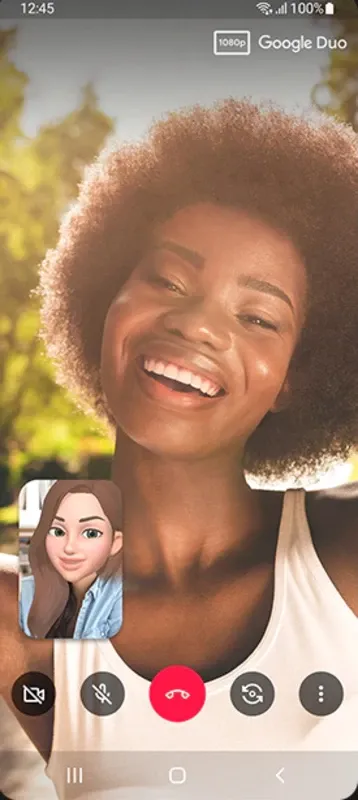
Samsung Phone displays incoming caller information instantly. If the caller is already saved in your contacts, their name and photo will appear. The interface uses clear, legible text and well-spaced layout, making it easy to decide whether to answer or decline a call—even when you are busy.
One-Tap Calling from Your Contact List
You can place calls directly from your contact list. Simply open the Phone app, select a contact, and tap the call icon. Your contact list stays synced with your device, ensuring that any recent changes are reflected automatically.
Direct Dialing via the Keypad
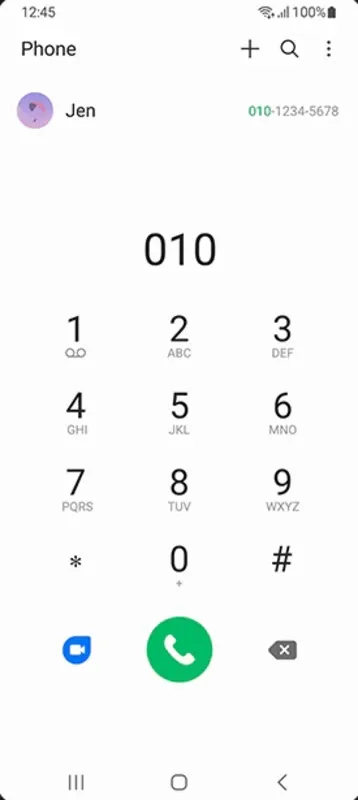
If a number is not saved in your contacts, you can switch to the dial pad, enter the digits, and place a call. Large keys and a prominent call button help minimize errors. If you make a mistake while entering a number, you can easily delete the digits before initiating the call.
Designed for Galaxy and One UI
On Galaxy devices, Samsung Phone integrates seamlessly with navigation gestures, notifications, and the "recent apps" view. During a call, you can use familiar controls to answer, return to the home screen, or switch to other applications. Please note that some of these features may be limited or unavailable on non-Samsung devices.
Usage
Enable Automatic Spam Filtering: Activate "Caller ID and spam protection" in the dialer settings to automatically filter out nuisance calls and telemarketing attempts.
Customize Quick Message Replies: Edit the preset text responses within the Samsung Phone app settings to politely decline calls—for example, when you are in a meeting. Set custom ringtones for contacts: Assign unique audio ringtones to close family members so you can identify the caller instantly without needing to look at your screen.
Use quick-touch swipe gestures: Swipe right on any contact’s name to make a call, or swipe left to open the messaging app immediately.
Enable real-time call transcription: Turn on the automatic speech-to-text feature to generate readable text summaries of your calls for easy reference later.
Organize custom contact groups: Categorize your saved contacts into groups—such as "Family" or "Work"—to send bulk notifications and manage your professional or personal network more efficiently.
Pros and Cons
Pros:
Smart calling features identify unknown callers and flag potential spam or scam calls.
Built-in options to block and report suspicious phone numbers.
Search for business phone numbers directly within the phone app.
Support for speed-dialing frequently used numbers.
On supported devices, tools like call recording and Bixby Text Call are available.
Cons:
Certain calling features—including call recording and transcription—may vary depending on your specific device and software version.
The availability of smart calling features depends on regional support and device compatibility.
FAQs
Can I organize my saved contacts into different groups?
Yes. Open the "Contacts" tab in the Samsung Phone app, tap "Create group," and select the contacts you wish to add. You can also assign custom ringtones to these groups to help you identify incoming calls from specific categories.
How can I change the default background for incoming calls?
Go to "Call settings," select "Call background," and choose a custom image or video from your device's gallery. This image or video will play in full screen whenever a call comes in from a contact assigned to that background.
Where are recorded call audio files stored on my device?
Saved recordings are stored in a dedicated call-recording directory within your device's internal storage. You can use your file manager to play, share, or organize these audio files at any time.
Conclusion
If you are looking for a simple and convenient way to manage calls on your Galaxy device during a busy day, the Samsung Phone app is an excellent choice. It keeps the call interface clean, allowing you to focus on the caller's information and make quick decisions. Furthermore, its layout integrates seamlessly with the One UI system, ensuring a consistent user experience across different applications. Some users may prefer to manually update the app via an APK file to keep it aligned with One UI system updates. Designed to handle everyday calling needs while stripping away unnecessary, complex features, it is an excellent choice for users who prioritize stable performance.
More Information
- Size:30.36MB
- Version:16.3.00.6
- Requirements:Android 10+
- Package Name:com.samsung.android.dialer
- Signature:61411d1e11dae30a49e64e527cc1e31b
Related topics
-
Today, I would like to recommend several adult social chat apps that have a large user base. You can find friends from all over the world, open the same city to meet strangers nearby, interact and chat with them, and become friends. They provide various chat functions and can communicate through text, voice, video and other means. If you want to meet more opposite sex friends, download them now.
-
![Samsung Phone]()
Samsung Phone
-
![NS Follower]()
NS Follower
-
![Minichat]()
Minichat
-
![Hangouts]()
Hangouts
-
![PopUp]()
PopUp
-
![MEEFF]()
MEEFF
-
![SuperLive]()
SuperLive
-
![OkCupid]()
OkCupid
-
-
With the continuous development of the internet, the times have also undergone earth shaking changes. There are numerous social apps, which have high flexibility and lower costs compared to traditional SMS communication methods. Nowadays, there are a wide variety of social apps on the market, and people don't know which one is suitable. Today, we recommend several popular social apps for you. Here, you can find like-minded friends and also find like-minded partners.
-
![Samsung Phone]()
Samsung Phone
-
![JioMeet]()
JioMeet
-
![Fambase]()
Fambase
-
![Equal AI]()
Equal AI
-
![Saya Lite]()
Saya Lite
-
![Instwogram]()
Instwogram
-
![Shagle Chat]()
Shagle Chat
-
![Machine Liker]()
Machine Liker
-
-
Social interaction is indispensable in all aspects of life and work. Apart from chatting and eating offline, online communication is also a convenient way of socializing. Nowadays, many social apps have been launched, attracting many young people with their unique ways. So, which are the most popular social apps worth choosing? Today, the editor will provide a detailed introduction for everyone.
-
![Samsung Phone]()
Samsung Phone
-
![JioMeet]()
JioMeet
-
![Fambase]()
Fambase
-
![Locket Widget]()
Locket Widget
-
![Saya Lite]()
Saya Lite
-
![Shagle Chat]()
Shagle Chat
-
![OkCupid]()
OkCupid
-
![Machine Liker]()
Machine Liker
-















Latest Updated





Popular Apps








Popular News
More+-
![Tomie Wants to Get Married Full Walkthrough, All Choices and Ending Guide]()
Tomie Wants to Get Married Full Walkthrough, All Choices and Ending Guide
2026-05-22
-
![Karryn’s Prison Gameplay Walkthrough & Strategy Guide]()
Karryn’s Prison Gameplay Walkthrough & Strategy Guide
2025-10-28
-
![Life in Santa County Game Guide & Complete Walkthrough]()
Life in Santa County Game Guide & Complete Walkthrough
2025-10-28
-
![Dreams of Desire Complete Walkthrough and Game Guide]()
Dreams of Desire Complete Walkthrough and Game Guide
2025-10-28
-
![Era Hunter Gameplay Guide & Full Walkthrough]()
Era Hunter Gameplay Guide & Full Walkthrough
2025-10-28




