

Swoo
Download for Android This app is available for Android only.- Category:Finance
- Rating:
- Language:English
- Updated:2026-11-23
Screenshots
Introduction
Swoo is a digital wallet application that connects to your bank accounts and devices, making payments and transfers more convenient. It also allows you to store important documents and information digitally, eliminating the need to carry physical copies. Furthermore, Swoo offers opportunities to earn extra rewards: you can take advantage of various special offers and discounts, or even earn a little pocket money by engaging with messages sent by brands (subject to certain limits). Security is a top priority; the app protects your personal information and transaction history in real time, ensuring you can make payments with complete peace of mind.
Features of Swoo:
Earn money with messages from brands: Allow your favorite brands to send you messages through the Swoo app and get paid for each message you receive. Whether it's a promotional offer, a discount code, or a confirmation code, you can earn up to $10 per month. Stay connected with your preferred brands while adding some extra cash to your pocket.
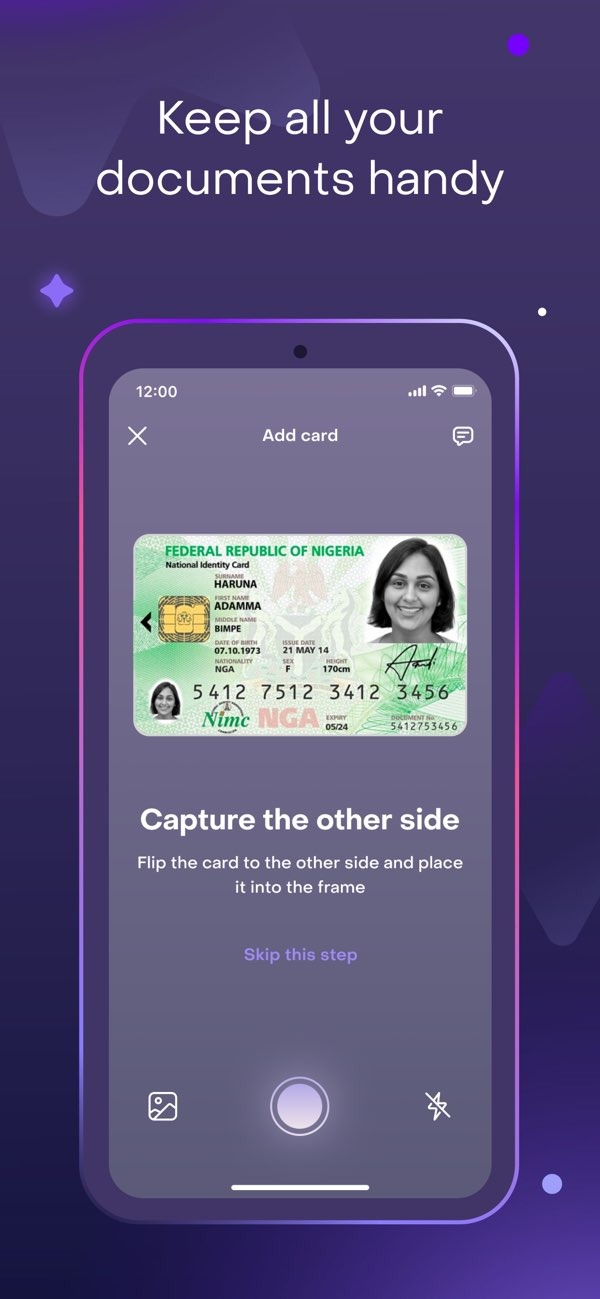
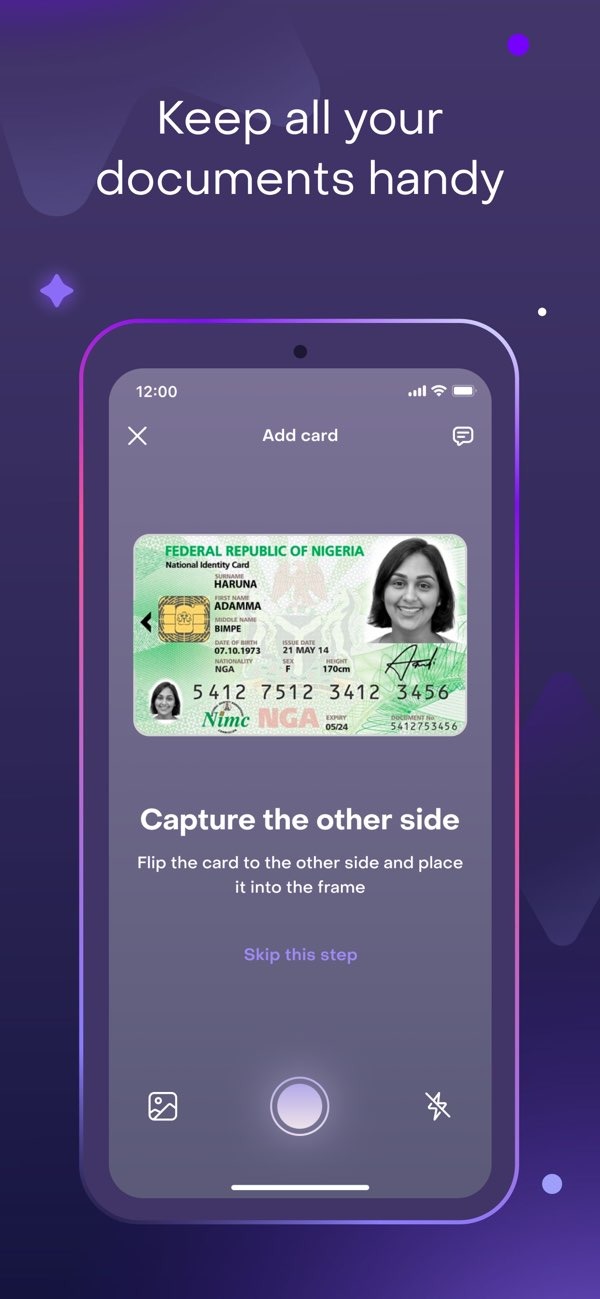
Store essential documents in the app: Add your ID, driver's license, business cards, and more to Swoo. Access all your stored cards' details whenever and wherever you need them. Rest easy knowing that your information is safeguarded with Swoo's encryption technology.
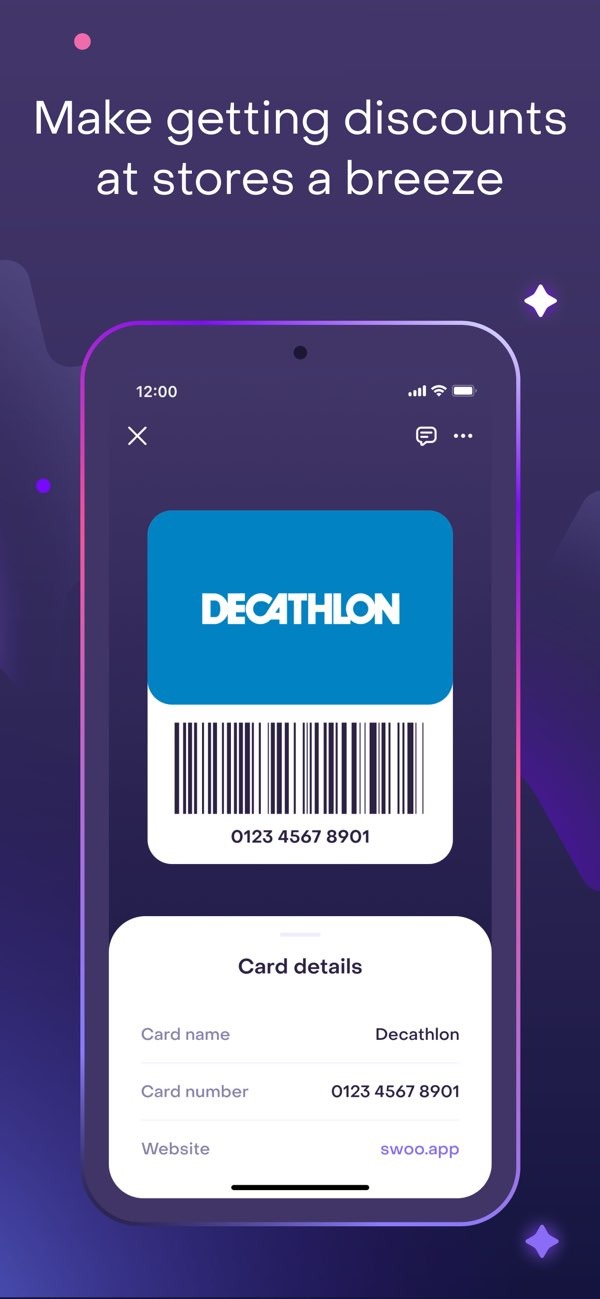
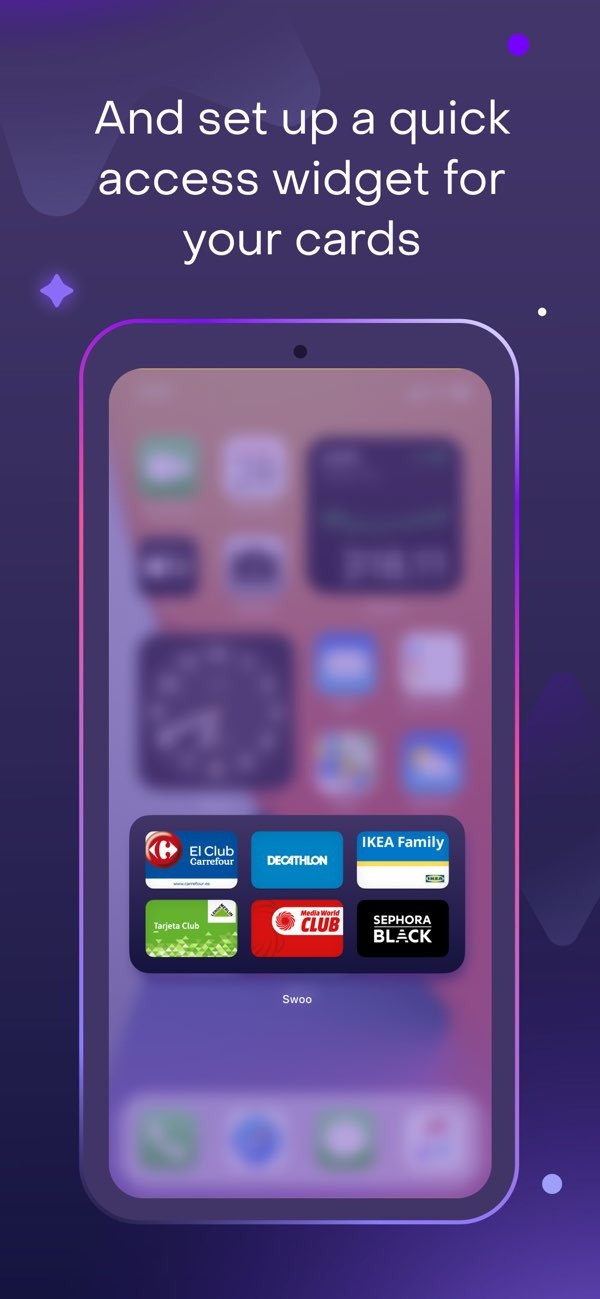
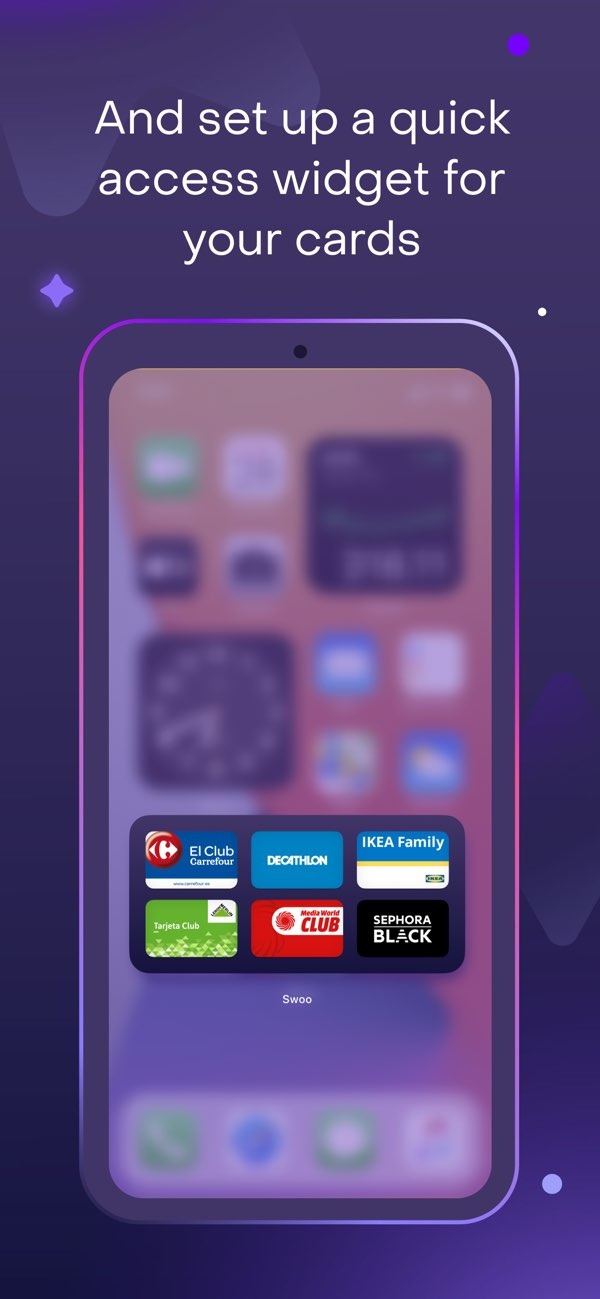
Have all your cards at hand: Unlike a traditional wallet, Swoo lets you add an unlimited number of cards. Forget about leaving cards at home - they will always be securely stored on your smartphone. Even if you lose a plastic card, you won't miss out on any discounts since it will be safely stored in Swoo.
Simply add discount and loyalty cards: Adding cards to Swoo is as easy as taking a selfie. Just snap pictures of both sides of your cards, and our smart algorithms will take care of the rest. You can add cards from any retailer effortlessly.
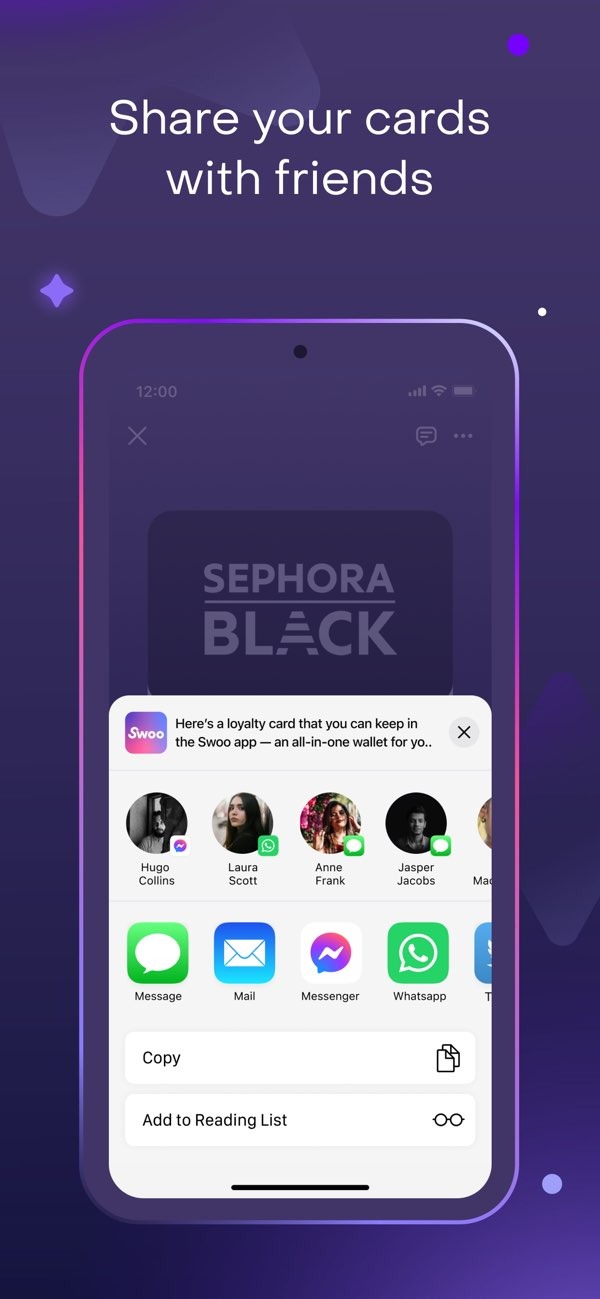
Share your loyalty cards with others: Share your discounts with friends, family, or even strangers in line with you. Send loyalty or discount cards via any messenger app you prefer.
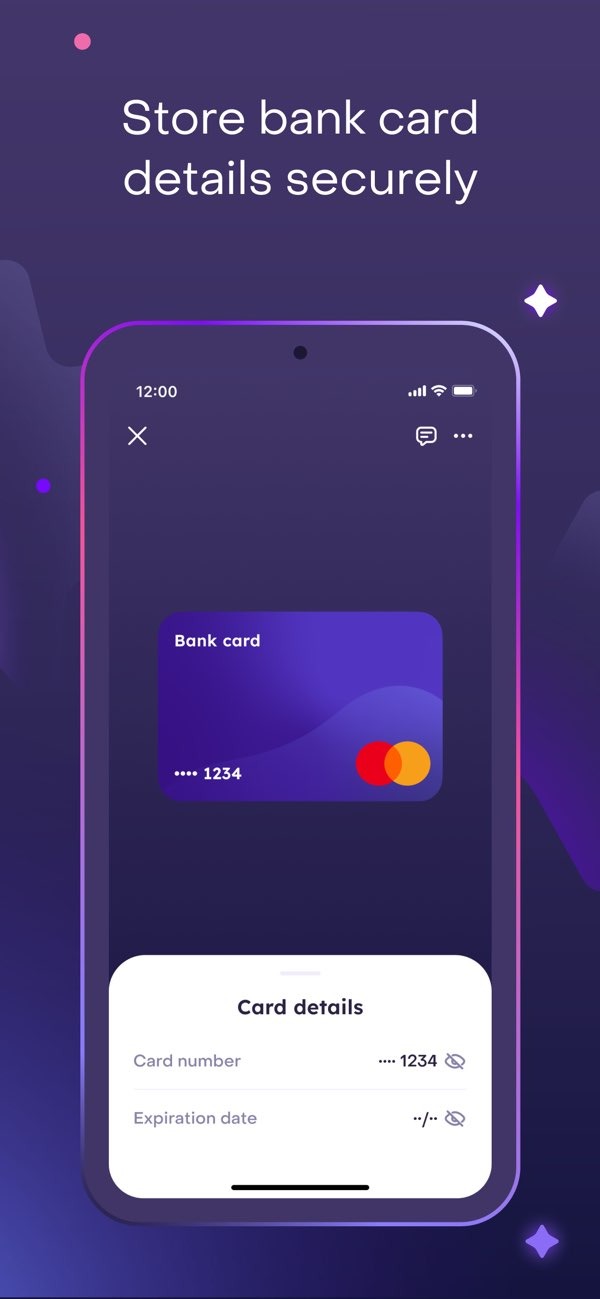
Rest assured of top-notch security: At Swoo, security is the utmost priority. The app is designed with robust security measures to protect user data. All data is encrypted and stored securely, ensuring that you can trust Swoo with your information. Moreover, Swoo is certified for compliance with the latest international security standards by PCI DSS and Mastercard for secure payment data exchanges.
User Reviews of Swoo:
The app is OK for Android users here in Belarus, yet there has been one starting message only. I do want to receive brand messages to earn crypto. As I see no promotions here, so what do you think is to keep me loyal to the app. I will change my review if I see some steps towards customers' loyalty.
The app works great. Can you add a feature to automatically turn on NFC when you select a bank card and turn off NFC when you close the app?
All went well until it exits every time after authorization upd: a new version fixed the issue, but I had to re-activate payments again.
the app is good but after payment the card is still active and waiting for the card reader which make it not safe it should re ask for pass code or fingerprint again after payment same like samsung pay or apple pay.
I really like this app! It’s convenient and fast. I use it for my discount cards, and it works great. It’s also really cool how it adjusts the image to fit the card—the result looks very nice.
FAQs of Swoo:
Is the Swoo free?
Yes, Swoo is completely free to download and use.You can easily get the app from any official app store and start enjoying its features — with no hidden fees or setup charges.
How do I change the app language?
The Swoo automatically adapts to your device's language. To change the app's language, follow these steps:
Close the app.
Change your device's language in the system settings.
Reopen Swoo and enjoy the language you've selected.
Our app currently supports English, Italian, Portuguese, Romanian, Russian, and Spanish. We're working on expanding to more countries and adding new languages soon. Stay tuned for announcements!
Can I add something other than cards to Swoo?
Yes, you can add receipts, business cards, or just about anything else you want to keep handy and secure. It's not entirely straightforward, so we're here to guide you through the process:
Navigate to Main tab in the bottom navigation bar.
Tap the plus button in the top right corner of the screen and select Loyalty card.
Capture the item you want to add or upload an existing photo from your device's photo library. If you choose the latter, ensure the content is fully within the frame and all details are clearly readable.
Skip the step of capturing the other side.
That's it! You can access what you've just added anytime—even without an internet connection.
How to Log In to the Swoo and Manage Alternative Login Methods?
Logging into the Swoo is a simple process with multiple options available to suit different preferences. This guide provides step-by-step instructions for signing in and choosing alternative login methods when needed.
What cards can I store in Swoo?
To tell the truth — any. It is magically simple to store not only loyalty cards but also bank card details, receipts, business cards, or anything you want to keep handy and secure. All you need is to go to the Main tab, tap the plus button and choose the right section. Then capture what you want to add or upload an already existing photo of it. Enjoy!
Final words:
Swoo makes saving easy and fun for you. You can remember some card numbers, expiration dates, and other information. You can simply use the in-app tools to do all that. If you're not a regular customer of a particular store, you can use the in-app tools to add a coupon or a coupon code to your purchases. The more you buy, the more you save.
More Information
- Size:61.01MB
- Version:2.92.0
- Requirements:Android
- Package Name:com.cardsmobile.swoo
- Signature:8672de3cd9afc84c9bd04638616d2208
Related topics
-
Money may not be everything, but it is undeniably crucial in life. This well-known saying resonates deeply with many, often striking a chord because of its painful truth. The reality is, in order to achieve our dreams and aspirations, financial stability often becomes a necessity. Whether it's pursuing a passion, starting a business, or simply living comfortably, money plays a pivotal role in making these goals attainable. So, what's the solution? The only path forward is to dedicate ourselves to hard work and earn the money needed to fulfill our dreams. Through perseverance, determination, and effort, we can overcome financial obstacles and pave the way toward a brighter future.
-
![Swoo]()
Swoo
-
![TreasureNFT]()
TreasureNFT
-
![Octa trading app]()
Octa trading app
-
![Bradesco]()
Bradesco
-
![OKX]()
OKX
-
![Branch]()
Branch
-
![Forex Factory]()
Forex Factory
-
![JazzCash]()
JazzCash
-
-
Digital currency exchanges, commonly referred to as cryptocurrency exchanges, are online platforms that enable users to buy, sell, and trade digital assets. These exchanges support transactions between different cryptocurrencies (e.g., Bitcoin for Ethereum) as well as conversions between cryptocurrencies and traditional fiat currencies like the US Dollar (USD), Euro (EUR), or Chinese Yuan (CNY). Beyond facilitating trades, these platforms play a crucial role in bridging the gap between conventional financial systems and the emerging decentralized digital economy. They provide essential services such as liquidity, price discovery, and secure transaction processing, making them a cornerstone of the modern crypto ecosystem.
-
![Swoo]()
Swoo
-
![TreasureNFT]()
TreasureNFT
-
![SuperMoney]()
SuperMoney
-
![GoPay]()
GoPay
-
![myBCA]()
myBCA
-
![Bradesco]()
Bradesco
-
![OKX]()
OKX
-
![JazzCash]()
JazzCash
-










Latest Updated

Popular Apps








Popular News
More+-
![Tomie Wants to Get Married Full Walkthrough, All Choices and Ending Guide]()
Tomie Wants to Get Married Full Walkthrough, All Choices and Ending Guide
2026-05-22
-
![Karryn’s Prison Gameplay Walkthrough & Strategy Guide]()
Karryn’s Prison Gameplay Walkthrough & Strategy Guide
2025-10-28
-
![Life in Santa County Game Guide & Complete Walkthrough]()
Life in Santa County Game Guide & Complete Walkthrough
2025-10-28
-
![Dreams of Desire Complete Walkthrough and Game Guide]()
Dreams of Desire Complete Walkthrough and Game Guide
2025-10-28
-
![Era Hunter Gameplay Guide & Full Walkthrough]()
Era Hunter Gameplay Guide & Full Walkthrough
2025-10-28




