

ArtWorkout
Download for Android This app is available for Android only.- Category:Education
- Rating:
- Language:English
- Updated:2026-11-24
Screenshots
Introduction
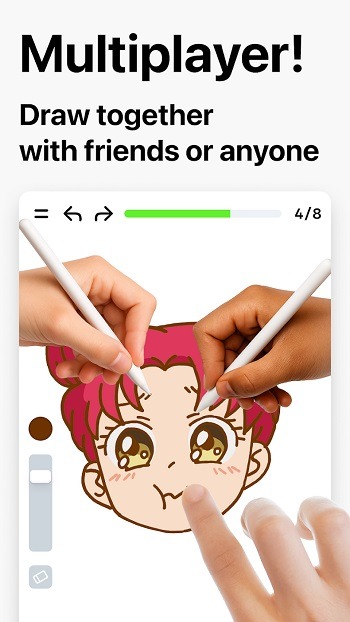
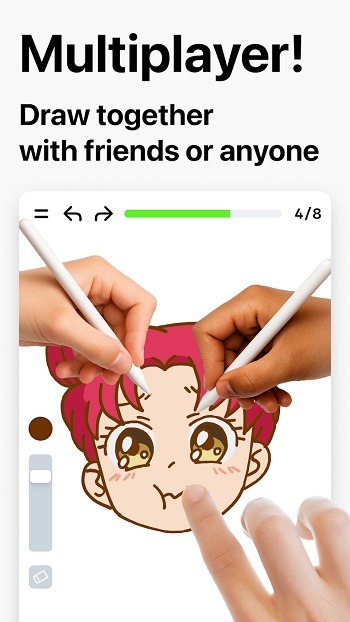
ArtWorkout is an educational drawing app for Android that offers lessons on various artistic styles. Each lesson breaks down complex subjects into manageable, bite-sized steps, allowing users to master diverse drawing techniques incrementally. The app is regularly updated with new content, ensuring users can build a solid foundation while continuously exploring fresh, relevant material. Additionally, ArtWorkout supports real-time, multi-user collaborative activities; by dividing tasks among participants, users can foster a sense of teamwork while simultaneously honing their own artistic skills.
Features
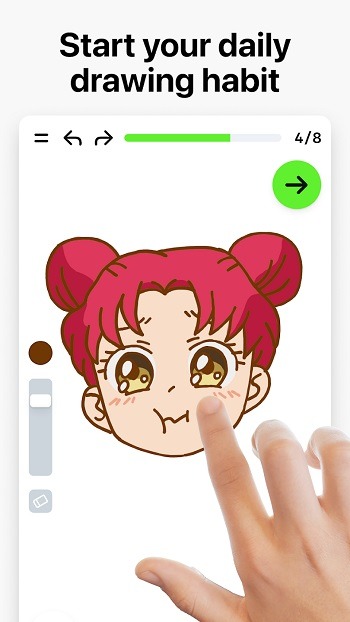
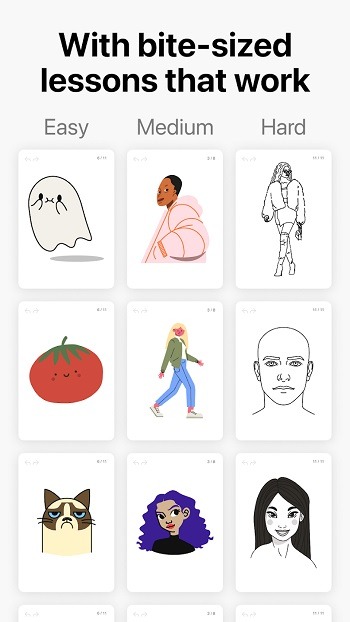
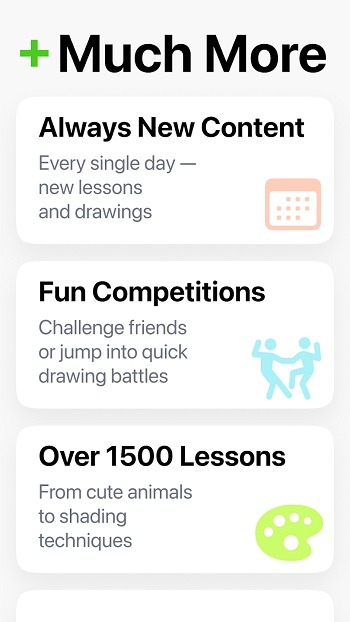
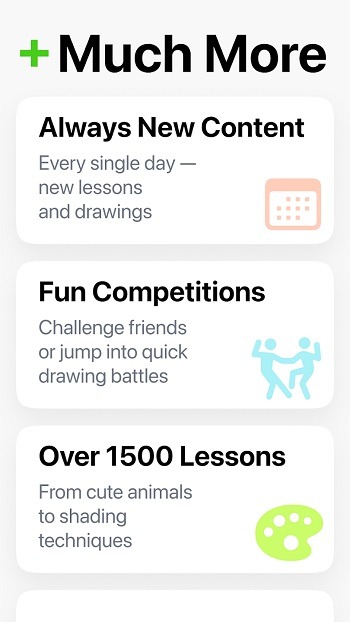
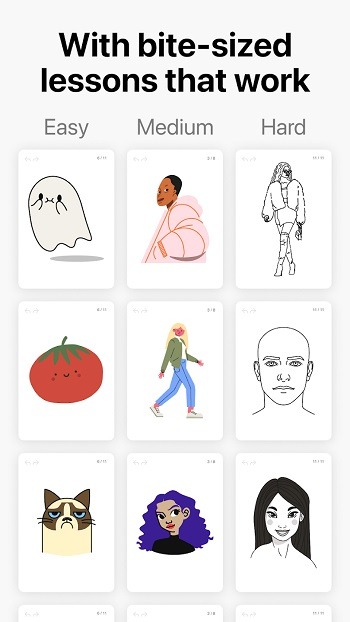
The core curriculum centers on interactive lessons covering doodling, sketching, drawing, painting, and calligraphy. Each lesson deconstructs the learning process into accessible, incremental steps—typically 10 to 30 individual stages—guiding users toward mastery of various techniques. New lessons are added weekly, steadily expanding the app’s content library. These lessons are organized by themes—such as cultural topics, holidays, and specific occasions—allowing users to acquire drawing skills while engaging with thematically relevant content.
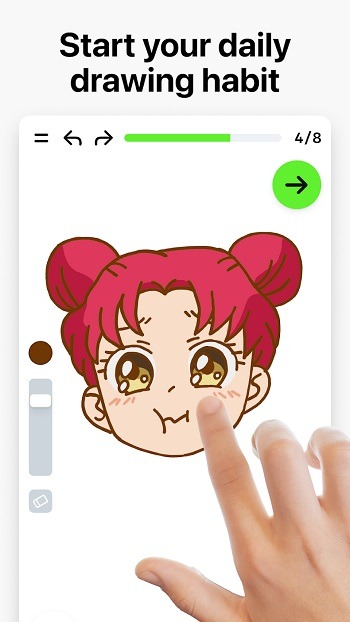
The app supports a variety of hands-on activities, including freehand drawing, coloring, shading, and tracing. Tracing photos offers a practical way to translate real-world imagery into drawings, while themed tracing exercises link skill development to cultural or festive contexts. These diverse, interactive modes enable users to practice drawing through various approaches within a single, structured program.
Instant feedback is central to the learning experience. The app analyzes every stroke against the intended outcome, measuring accuracy and providing detailed insights into the quality of the mark-making. Rather than simply indicating whether a stroke is "correct," the system evaluates specific attributes—such as stability, cleanliness, and expressiveness—all of which are vital to artistic growth. This granular analysis helps users understand their own work and the gap between their current execution and the desired result, transforming practice from mere repetition into intentional skill development.
Pros and Cons
Pros:
Interactive lessons to improve sketching, drawing, and doodling skills
Easy-to-follow, accessible steps
New lessons added weekly
Multiplayer mode for collaborative learning
Ensures continuous progress and provides fresh opportunities to hone your skills.
Cons:
Does not require advanced artistic techniques
FAQs
Is ArtWorkout a game or a learning app?
It is a learning app that incorporates light gamification elements—such as scoring and challenges—to keep practice engaging.
Can beginners with no prior drawing experience use ArtWorkout?
Yes. The lessons are designed for beginners, starting with simple shapes and basic control exercises.
Does ArtWorkout support multiplayer drawing?
Yes. Users can draw or trace together in real-time and compare their progress during a shared session.
Is ArtWorkout suitable for professional artists?
It works well as a warm-up or a tool for reviewing skills, though advanced users might prefer more open-ended tools.
User Reviews
It’s excellent! I use it in my spare moments to sketch a few things—it’s a great way to de-stress. It’s also fantastic for kids learning to draw. Two small suggestions for improvement: first, I’d love for the "multiplayer mode" levels to be playable solo; second, it would be great to have more brush options in the future.
Fun and entertaining—it can turn someone who doesn't know how to draw into an artist!
Really great, especially since we can collaborate with people from other countries.
This is a very fun app. If you love drawing but struggle with consistency or mastering brush control, this app will definitely help! I’m not sure how much it helps with composition, but it’s definitely effective for improving hand steadiness.
Overall, this app is fantastic—I really love it! Like many others, though, I’m on a tight budget, so I wish there were more free options. My suggestion would be to make at least one free option available for every lesson in the app. Regardless, I’m giving it five stars because, even without the Pro version, I’ve learned how to use the app effectively.
Conclusion
ArtWorkout is designed for artists looking to improve their sketching, drawing, and doodling skills through interactive lessons. It contains over 3,500 step-by-step drawing tutorials and features a scoring system to track your progress.
More Information
- Size:163.88MB
- Version:0.1.92
- Requirements:Android
- Package Name:app.artworkout.learn.how.to.draw
- Signature:ca84492e4d42ccc572c7e662a25fc9b0
Related topics
-
Educational software are emerging in an endless stream on the market, so which one can stand out? It should not only be simple and convenient to use but also helpful for our study. Below, Xiaohei.com brings you a very comprehensive and practical summary of educational software downloads. Come and download it, there is always one that suits you.
-
![ArtWorkout]()
ArtWorkout
-
![ClassIn]()
ClassIn
-
![Utkarsh]()
Utkarsh
-
![Chhaya]()
Chhaya
-
![PictoBlox]()
PictoBlox
-
![English Speaking App- Stimuler]()
English Speaking App- Stimuler
-
![iThong]()
iThong
-
![Mundo IM]()
Mundo IM
-





Latest Updated
Popular Apps








Popular News
More+-
![Tomie Wants to Get Married Full Walkthrough, All Choices and Ending Guide]()
Tomie Wants to Get Married Full Walkthrough, All Choices and Ending Guide
2026-05-22
-
![Karryn’s Prison Gameplay Walkthrough & Strategy Guide]()
Karryn’s Prison Gameplay Walkthrough & Strategy Guide
2025-10-28
-
![Life in Santa County Game Guide & Complete Walkthrough]()
Life in Santa County Game Guide & Complete Walkthrough
2025-10-28
-
![Dreams of Desire Complete Walkthrough and Game Guide]()
Dreams of Desire Complete Walkthrough and Game Guide
2025-10-28
-
![Era Hunter Gameplay Guide & Full Walkthrough]()
Era Hunter Gameplay Guide & Full Walkthrough
2025-10-28




