

Notein
Download for Android This app is available for Android only.- Category:Productivity
- Rating: 4.7
- Language:English
- Updated:2026-08-25
Screenshots
Introduction
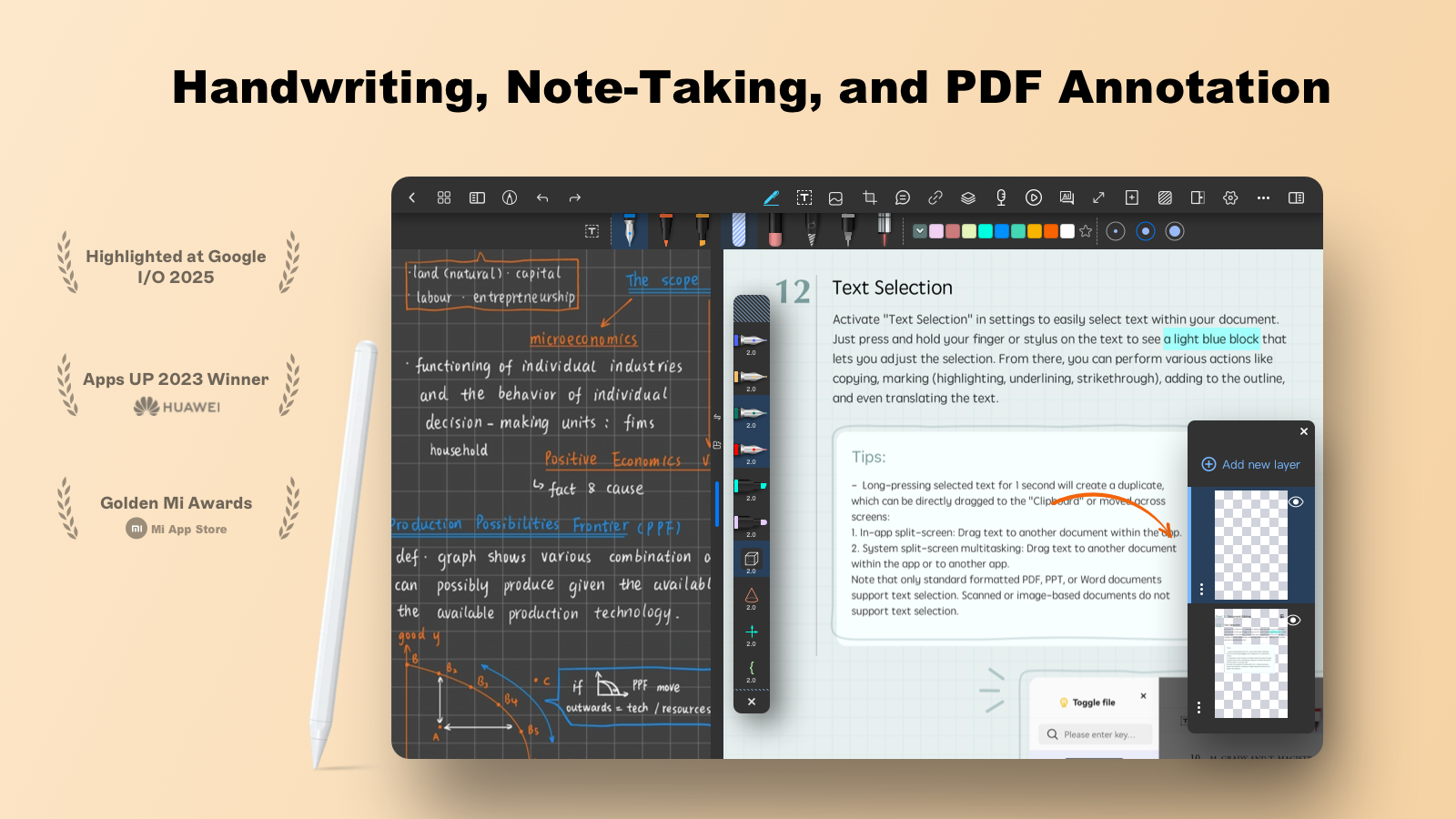
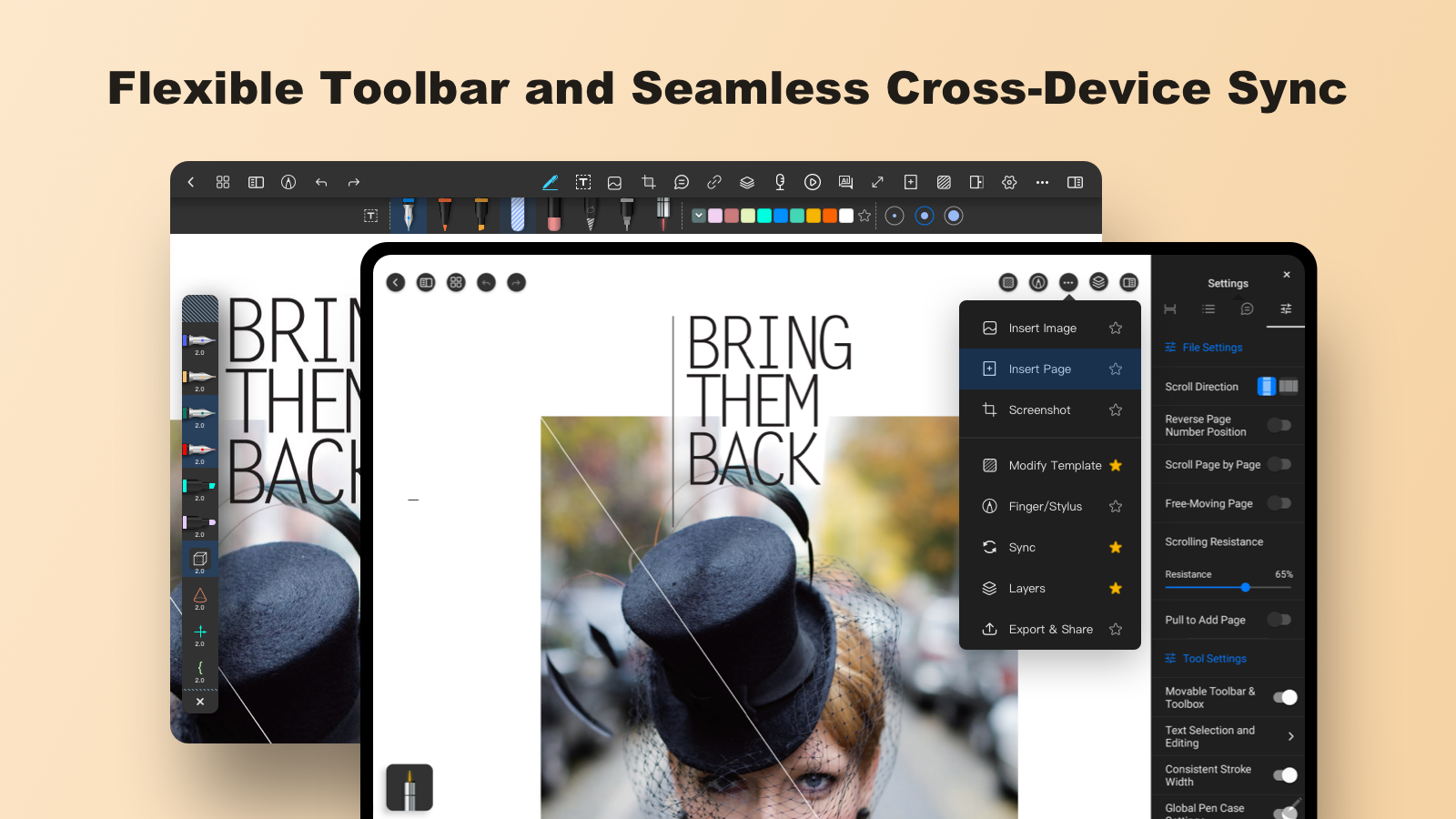
Notein is a user-friendly handwriting note-taking app. It boasts extremely fast response times and offers users a rich selection of brushes, allowing them to freely adjust pen styles, thicknesses, and colors to highlight key points. Users can import documents, images, and charts of various formats, and even upload audio recordings. Beyond note-taking, users can create unlimited canvases to unleash their creativity and imagination, capturing inspiration or crafting beautiful artwork, catering to diverse needs. Users can also log in to their accounts on different devices, seamlessly continuing their previous notes for convenient creation and recording anytime.
Features of Notein:
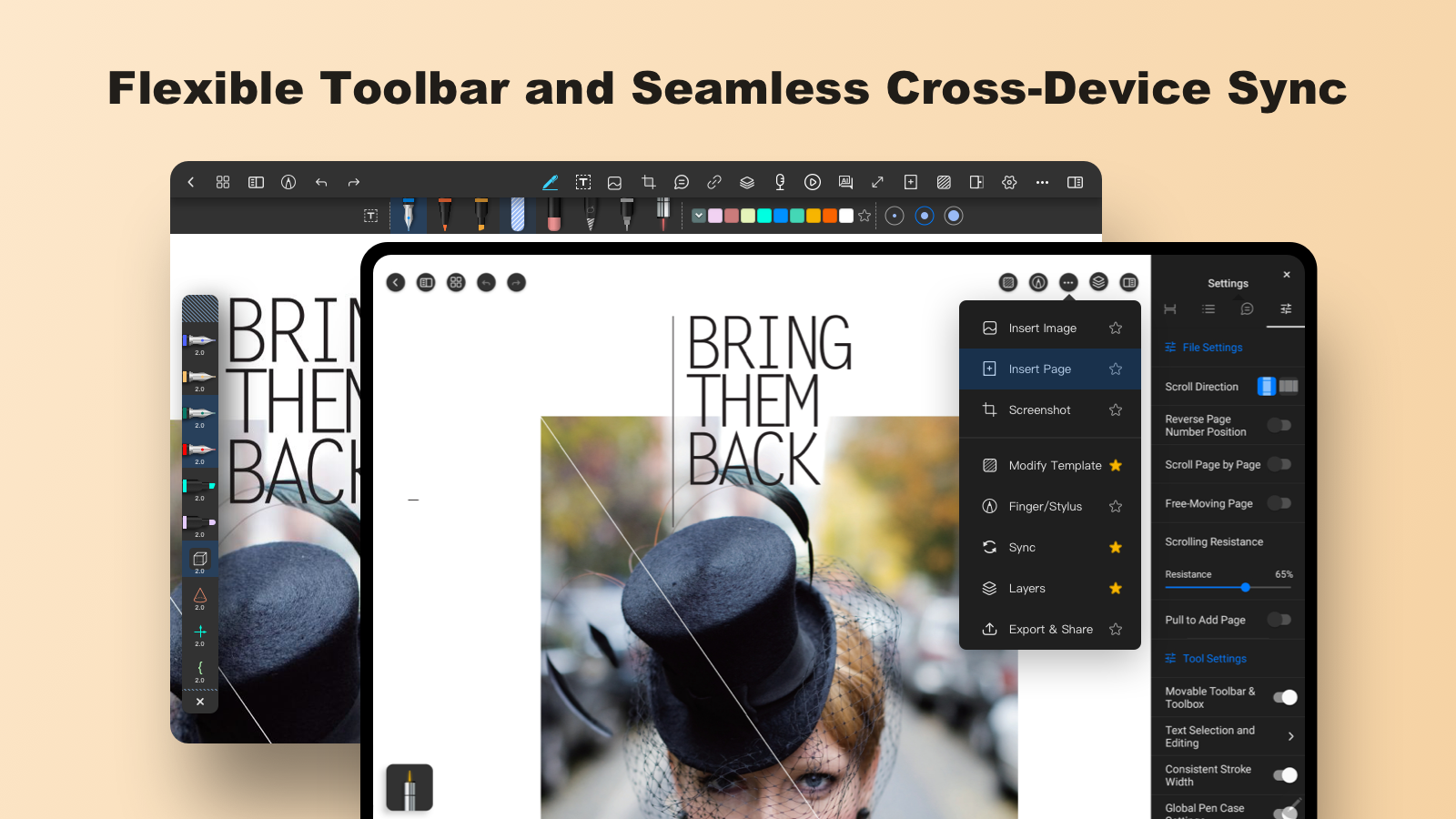
Experience the freedom of handwriting combined with the efficiency of digital tools. With a smooth and responsive writing engine, Notein lets you jot down notes just like on paper—only better. Customize your pen styles, colors, and thickness to match your workflow, and switch seamlessly between typing and handwriting for maximum flexibility.
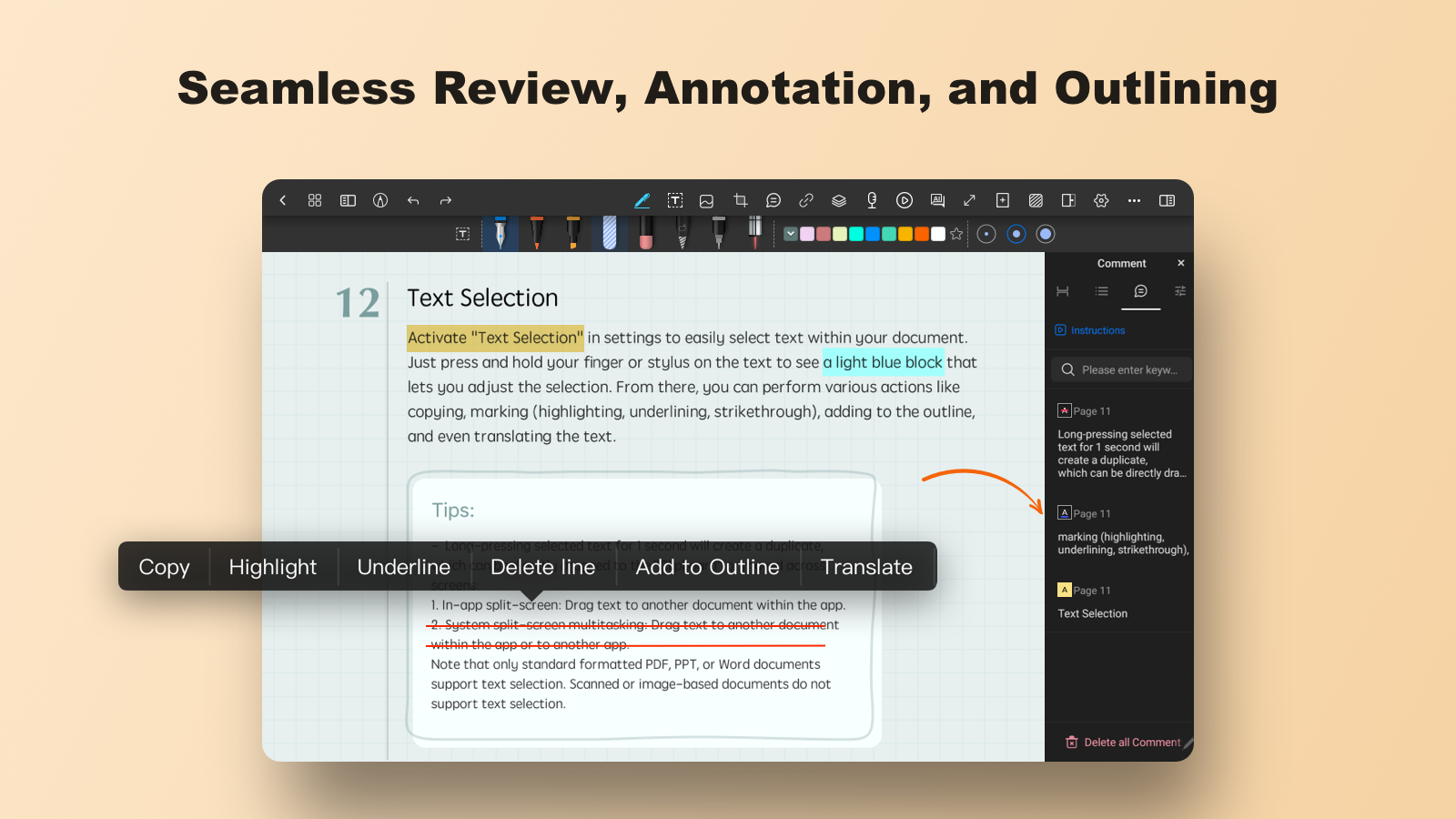
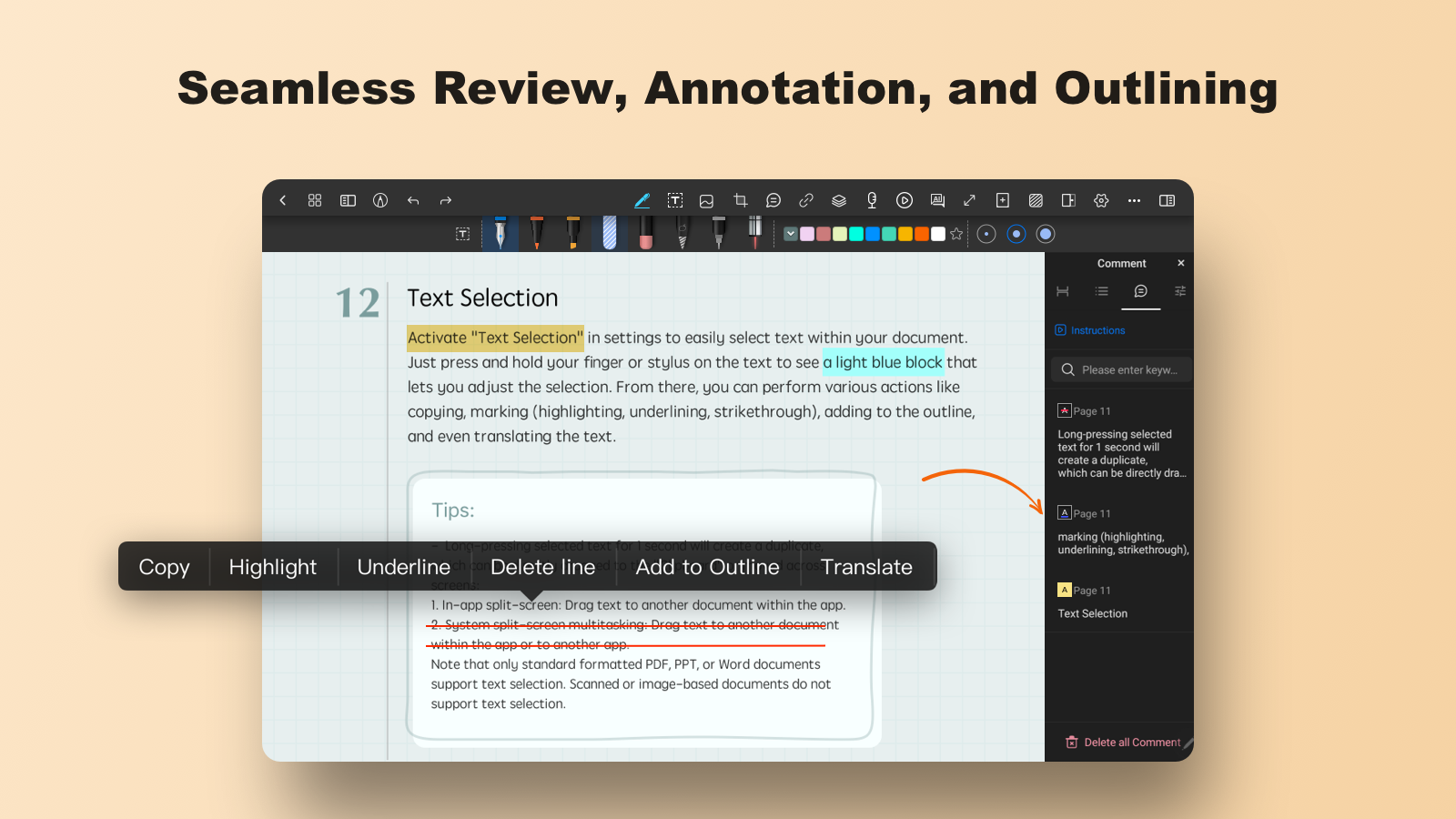
Turn your PDFs into interactive workspaces. Import documents and annotate them with highlights, drawings, comments, and signatures. Whether you’re reviewing study materials, editing reports, or marking up contracts, Notein provides everything you need to work smarter and faster.
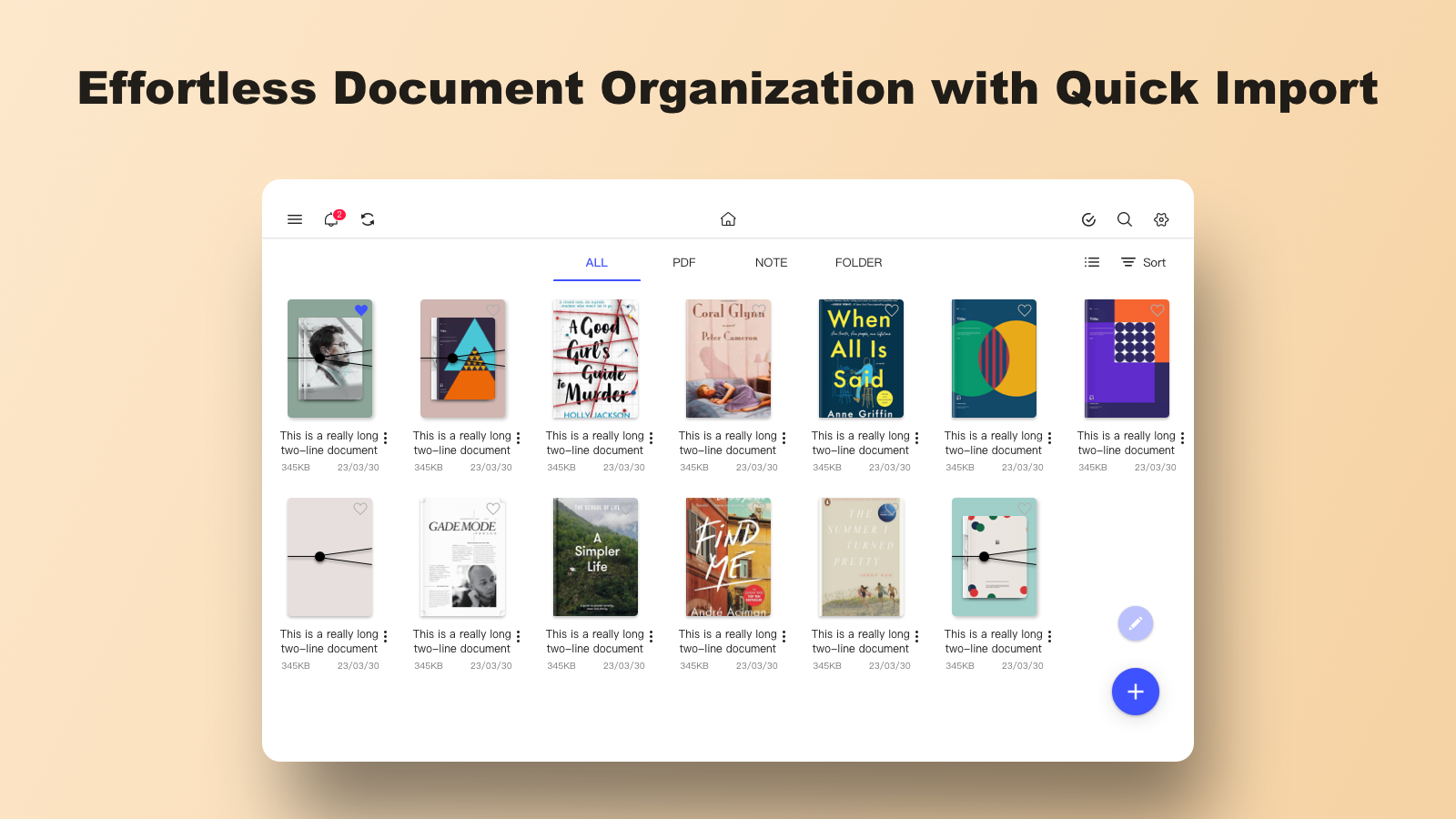
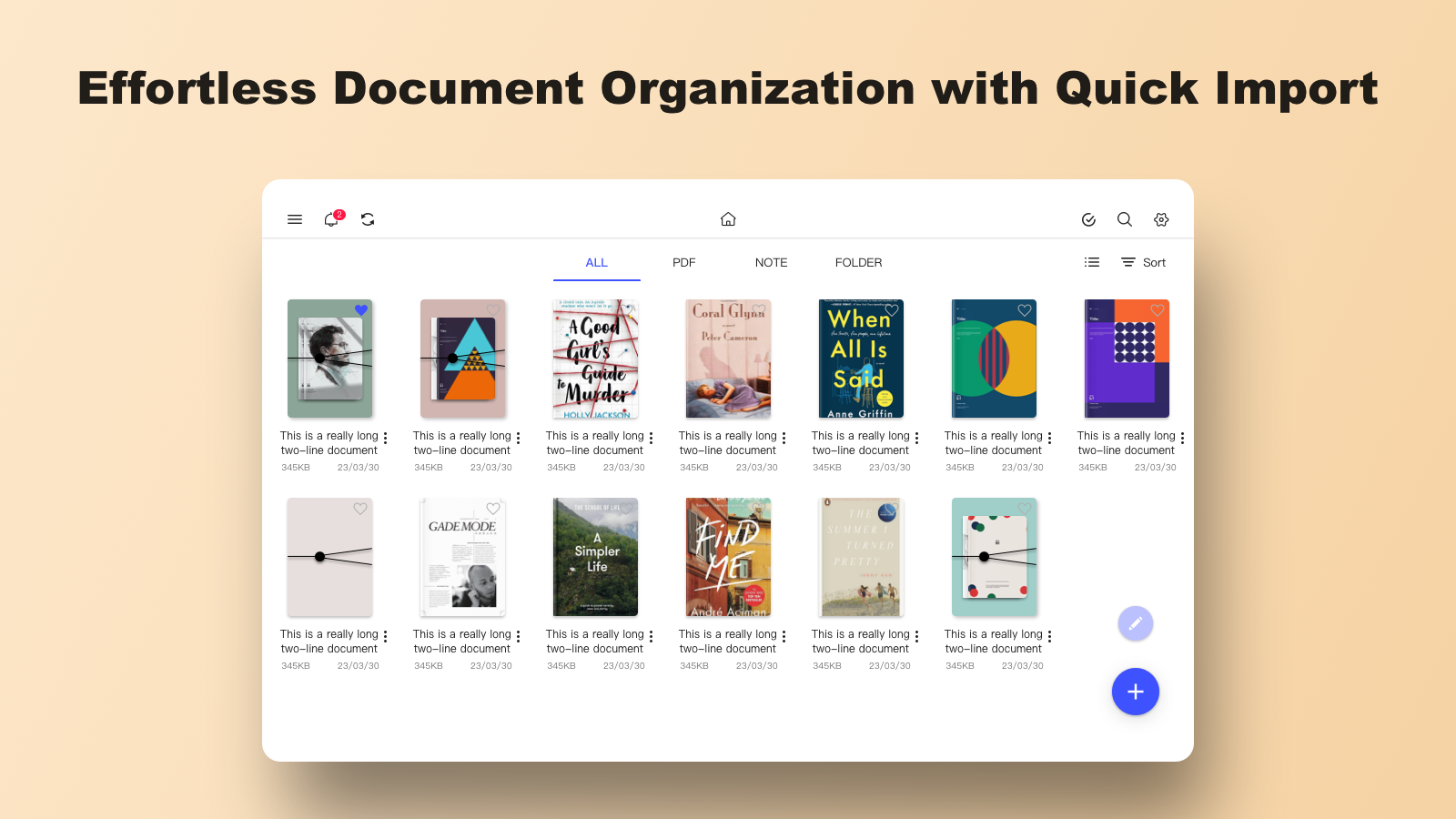
Stay organized with intelligent notebook management. Create folders, categorize notes, and search instantly across all your content. Never lose track of important information again. With cloud sync support, your notes are always backed up and accessible across devices.
Boost your productivity with powerful tools like shape recognition, text conversion, and quick-access shortcuts. From brainstorming ideas to managing daily tasks, Notein adapts to your workflow and helps you stay focused.
Designed with a clean and intuitive interface, Notein ensures a distraction-free experience so you can concentrate on what matters most—your ideas.
Functions of Notein:
Standard Paper or Infinite Canvas: Choose between standard paper sizes or unlimited space for sketches and notes.
Support for Various File Formats: Import PDFs, PPTs, Docs, and images directly into Notein for organized study materials.
PDF Editing and Annotation: Edit PDF outlines, highlight, annotate, translate words, or search within PDFs effortlessly. Split or merge multiple PDFs with ease.
Create Hyperlinked Custom Notebooks: Craft planner notebooks with clickable hyperlinks for easy organization and navigation.
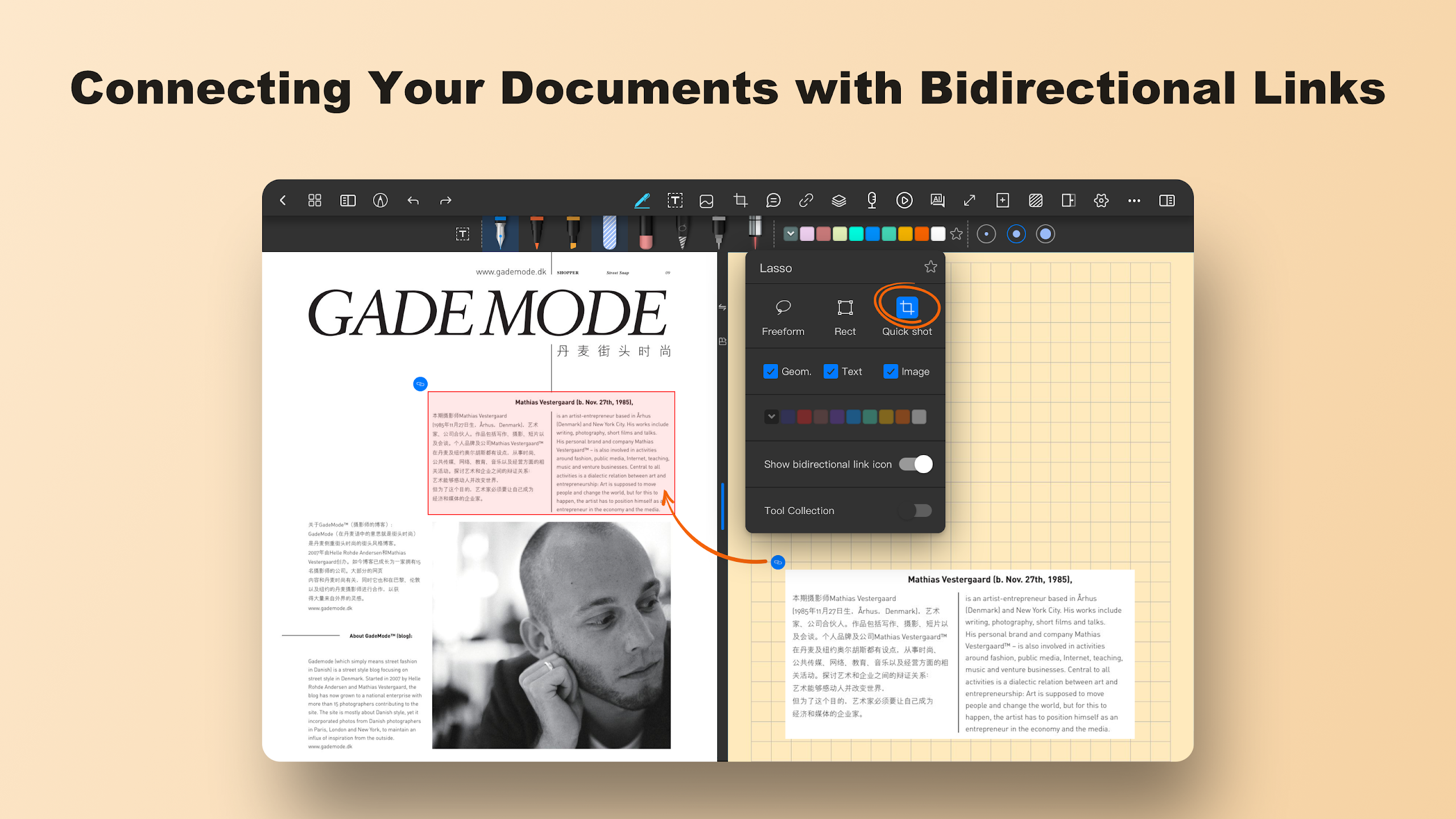
Bidirectional Links: Seamlessly interconnect documents with bidirectional links for a web-like knowledge management system.
Layer Functionality: Place different elements on separate layers for easy revisions or illustrations management.
AI-Driven Productivity Boost: Elevate efficiency with AI assistants for document outlines, summaries, and content dialogues.
Handwriting to Text Conversion: Convert handwritten notes into typed text for enhanced readability and organization.
User Reviews of Notein:
When you combine most of the features available across different note taking apps and improve it, you get Notein. As far as note taking apps on Android devices go, this is the best one I've come across bar none, and I've gone through my fare share of note taking apps for the better part of 4 years.
such a good and neat app, it feels very peaceful to use it , planning to buy the premium pretty soon. I just have a very sincere request, please add more pens , there'll be no app which could beat this if just for more kinds of pen..there's no variety in handwriting I feel , hence more pens would make a huge difference.
This new Update has many bugs: 1: Dark mode has problems in Colour Inversion 2: Deleting words from a sentence, then duplicating it, it is not working anymore 3: After deleting a word and going back and coming back to the page, it automatically returns to the previous sentence. Please fix it, the previous version was far superior and was the best one. Edit: For now, is there any way i can use the previous version, because i am preparing for the exam and i am unable to write anything ?
the app is incredible and very good for maths and pretty good ui but i hope that they add more pen types and optimize it more and make the undo and redo more faster and better but overall it's fantastic and thanks for the app team for their hard work.
This app is great, and all of its features are very helpful. This is my second time providing feedback, and I hope you can add a feature to select multiple notes at once to make moving them easier. Additionally, it would be great if we could export notes as PDFs or other formats more conveniently. Thank you!
FAQs of Notein:
Why Can't I Write?
If your stylus or finger input isn't working in Notein, here's how to figure out what's going on.
Make sure you've selected the correct writing tool (pen, pencil, etc.) — not a read-only mode.
Check that your input mode is set correctly (stylus, finger, or capacitive stylus).
Try creating a new blank note to test. If the new note works but an old one doesn't, the issue is likely with that specific note.
How to Cancel Subscription?
You can cancel your Notein subscription at any time through Google Play.
Open the Google Play Store app.
Tap your profile icon in the top right.
Go to Payments & subscriptions → Subscriptions.
Find Notein in the list.
Tap Cancel subscription and follow the prompts.
How to Write with Finger on Android Phone?
You can edit and write notes on your Android phone using your finger.
Open a note in the editor.
Tap the writing mode icon in the top-right corner of the screen.
Switch to finger writing mode.
Once enabled, you can write and draw directly with your finger.
How to Lock Zoom Level?
You can lock the zoom level to prevent accidental zooming or page movements while writing.
Use a two-finger pinch gesture to zoom to your preferred level.
A zoom bar will appear on screen.
Tap the small lock icon in the zoom bar.
The zoom level is now locked.
How to Recover a Deleted Notebook?
If a notebook has gone missing, don't panic — it may still be recoverable.Deleted notebooks are moved to the Recycle Bin and can be restored from there. Open the sidebar menu (☰) and select Recycle Bin, then find your notebook and tap Restore.
Summary:
In addition to note-taking, Notein allows users to import and annotate various document formats including PDFs, images, and Microsoft files. With features such as layer support for drawings, audio recording synced with notes, and AI-powered tools for summarization and translation, it caters to comprehensive productivity needs. Users can personalize their workspace and sync notes via cloud services, ensuring easy access to their materials whenever needed.
More Information
- Size:307.58MB
- Version:v1.3.203.0
- Requirements:Android
- Votes:101
- Package Name:com.orion.notein.global
- Signature:61ee92555649a605b6e838d74ffad403
Related Versions



Related topics
-
Office Apps is a comprehensive and user - friendly platform that aggregates a wide array of office - related applications, catering to the diverse needs of modern professionals, students, and anyone who engages in office - based tasks. Whether you're working on a crucial business project, preparing academic papers, or handling daily administrative work, this aggregation page serves as your one - stop - shop.
-
![AI Chat Open Assistant Chatbot]()
AI Chat Open Assistant Chatbot
-
![Home Design 3D]()
Home Design 3D
-
![Notein]()
Notein
-
![SIAMO]()
SIAMO
-
![Claude by Anthropic]()
Claude by Anthropic
-
![Character AI]()
Character AI
-
![Google Duo]()
Google Duo
-
![Microsoft Outlook Lite]()
Microsoft Outlook Lite
-
-
The complete collection of office software is compiled based on user needs and referencing the popularity of major computer application stores. This collection selects various useful computer office software for users from multiple aspects such as office suite, communication and collaboration, email management, note management, cloud storage, download and decompression, etc. These software can meet your various document processing needs, making your team collaboration smoother, and conveniently managing your emails and keeping various meeting records. Download various materials and documents needed for office work. This collection of office software commonly used by professionals can meet all needs. Welcome to download and experience it!
-
![AI Chat Open Assistant Chatbot]()
AI Chat Open Assistant Chatbot
-
![Notein]()
Notein
-
![SIAMO]()
SIAMO
-
![Claude by Anthropic]()
Claude by Anthropic
-
![Character AI]()
Character AI
-
![iScanner: PDF Scanner App Free]()
iScanner: PDF Scanner App Free
-
![QuickSell]()
QuickSell
-
![Microsoft Outlook Lite]()
Microsoft Outlook Lite
-









Latest Updated



Popular Apps






Popular News
More+-
![Tomie Wants to Get Married Full Walkthrough, All Choices and Ending Guide]()
Tomie Wants to Get Married Full Walkthrough, All Choices and Ending Guide
2026-05-22
-
![Karryn’s Prison Gameplay Walkthrough & Strategy Guide]()
Karryn’s Prison Gameplay Walkthrough & Strategy Guide
2025-10-28
-
![Life in Santa County Game Guide & Complete Walkthrough]()
Life in Santa County Game Guide & Complete Walkthrough
2025-10-28
-
![Dreams of Desire Complete Walkthrough and Game Guide]()
Dreams of Desire Complete Walkthrough and Game Guide
2025-10-28
-
![Era Hunter Gameplay Guide & Full Walkthrough]()
Era Hunter Gameplay Guide & Full Walkthrough
2025-10-28




