

Geekbench 4
Download for Android This app is available for Android only.- Category:Tools
- Rating: 4.8
- Language:English
- Updated:2026-09-08
Screenshots
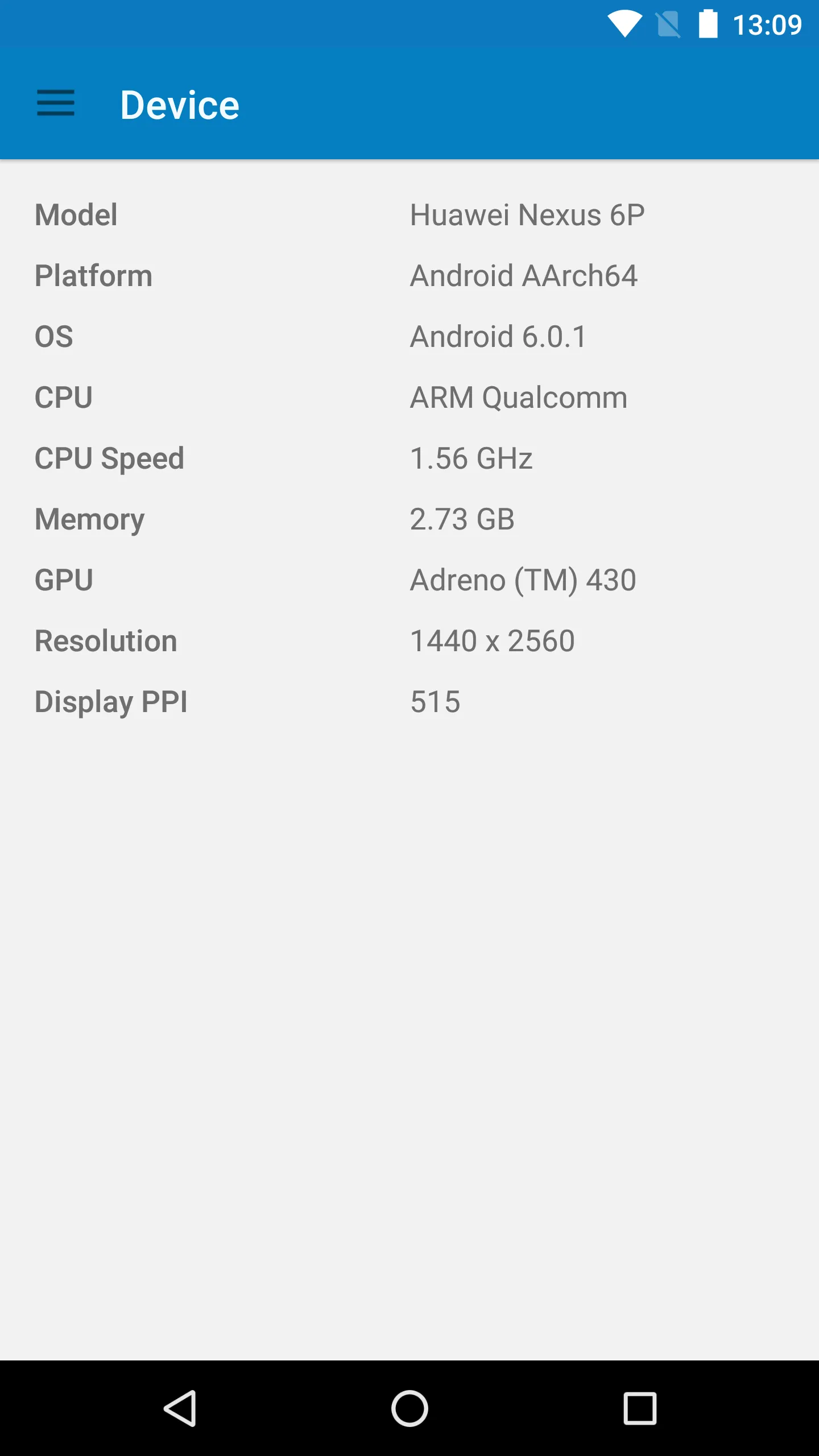
Introduction
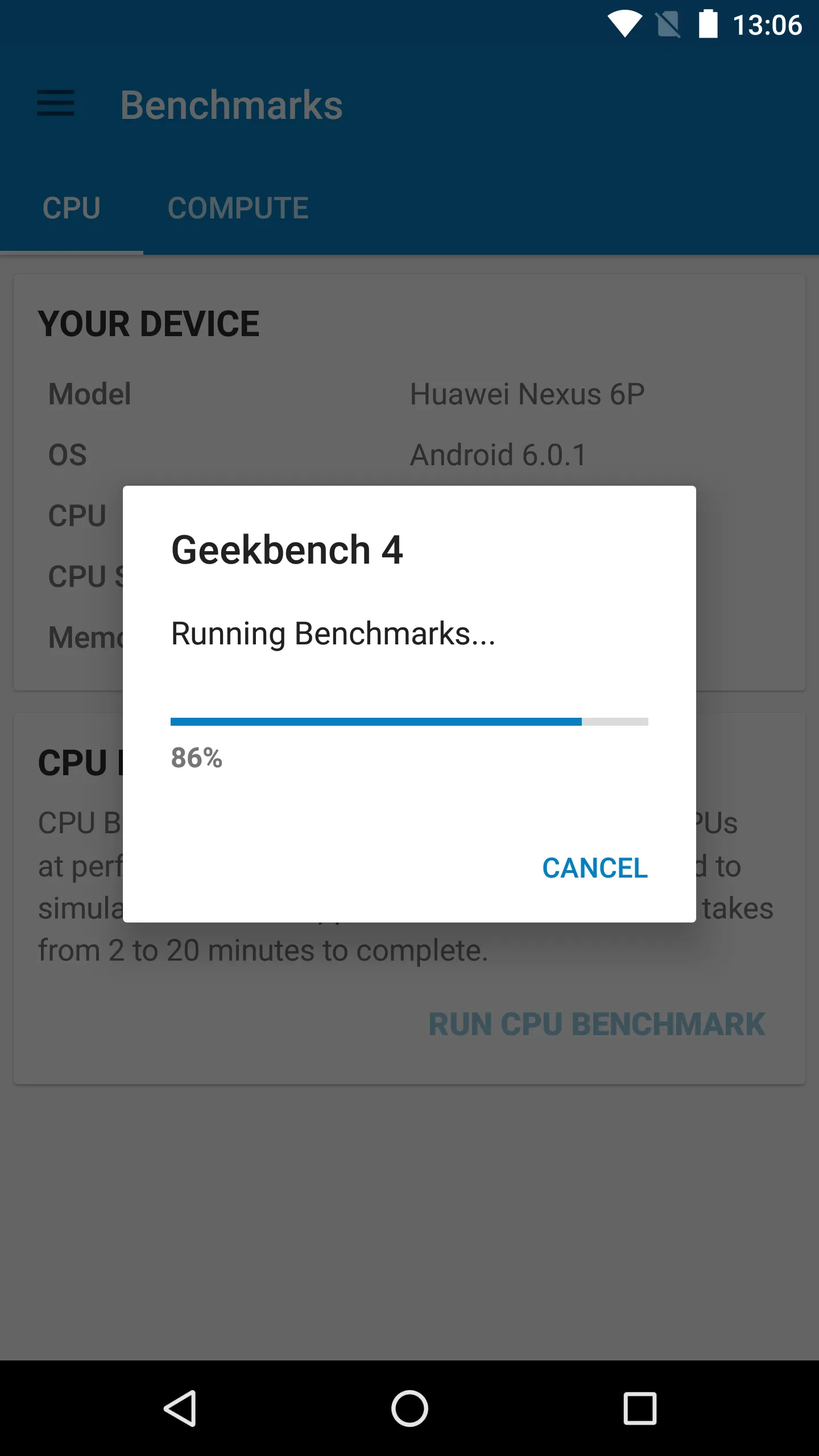
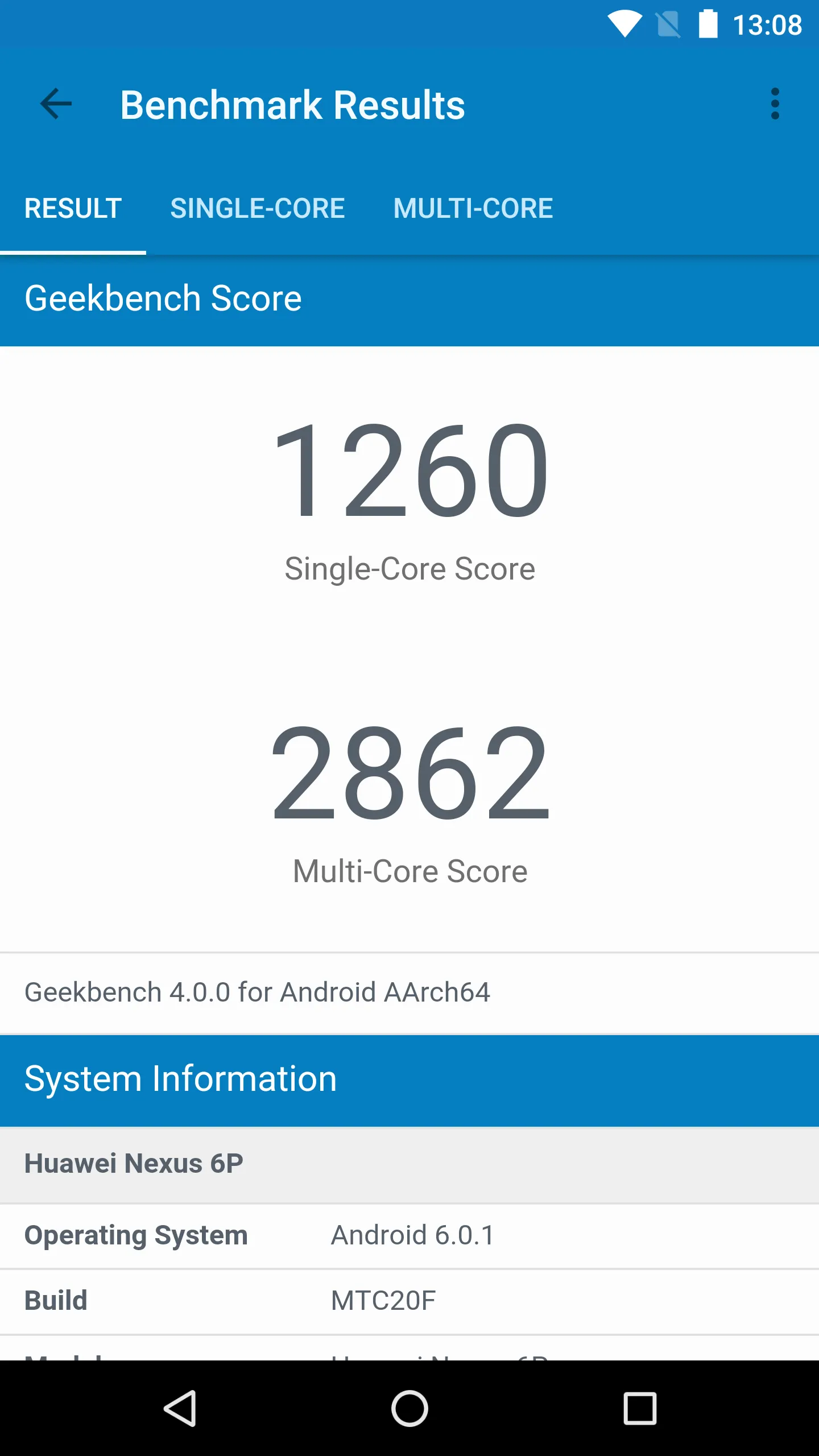
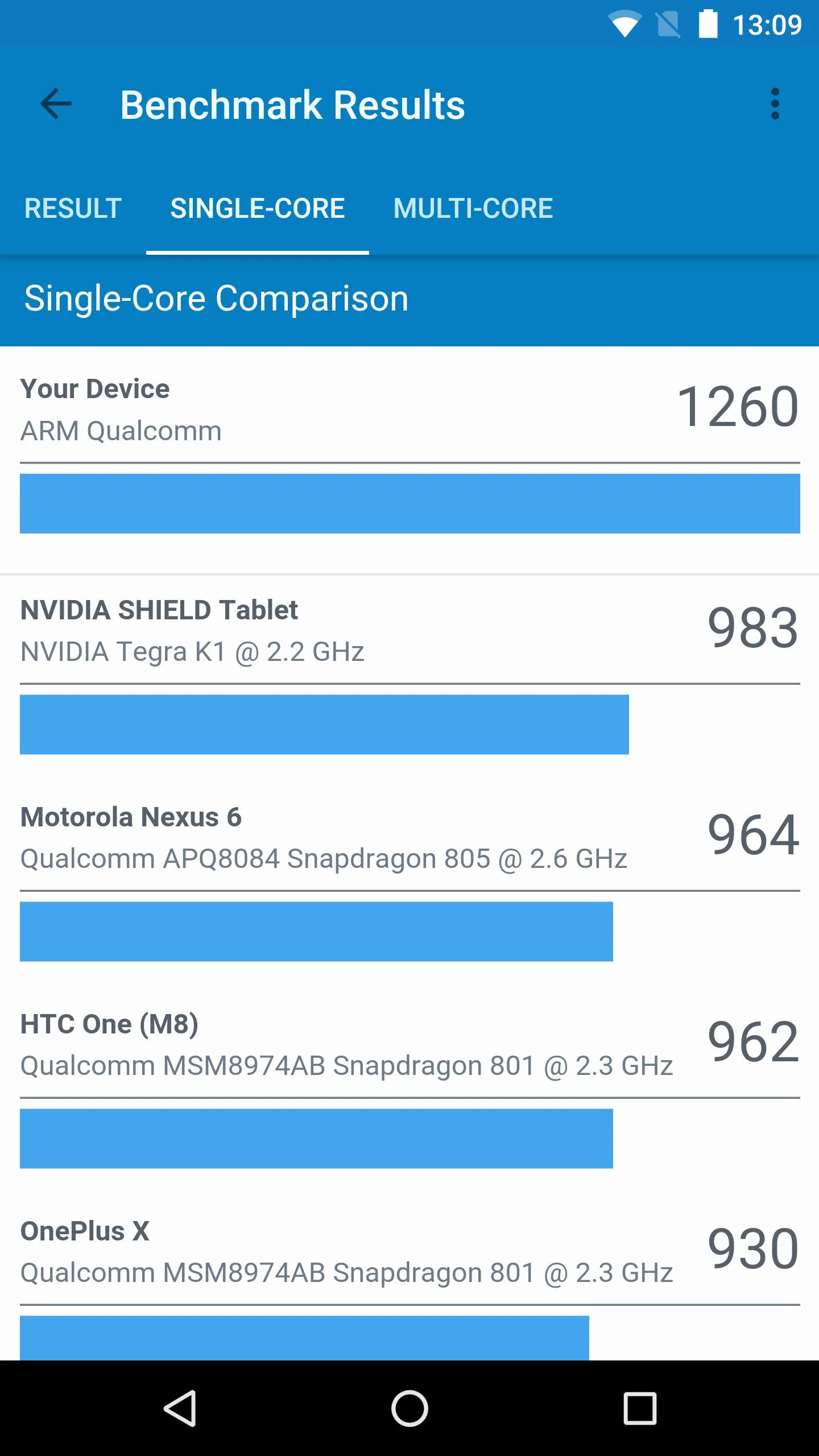
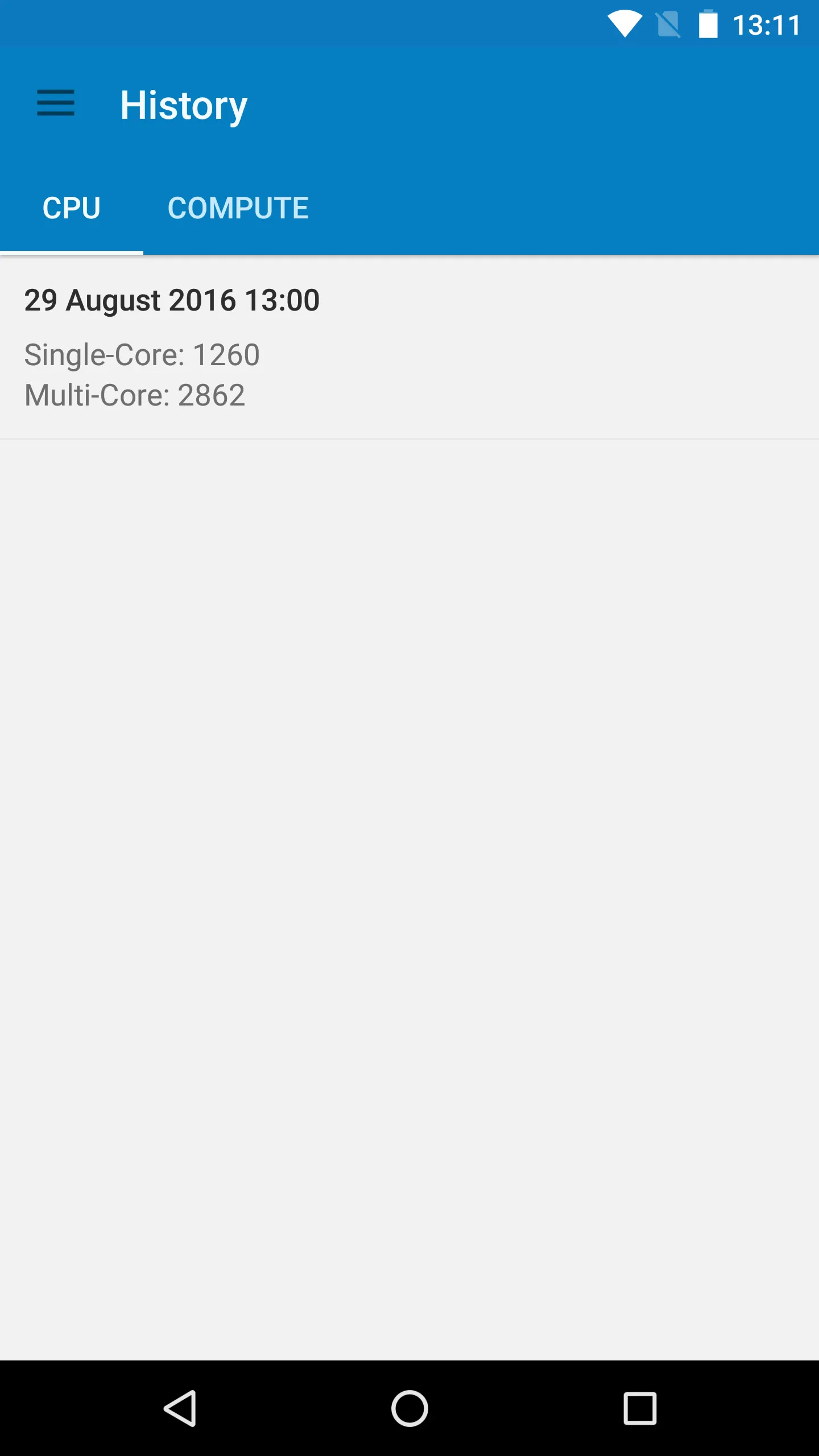
Geekbench 4 is a performance testing tool designed for mobile devices. It tests the CPU and GPU, presenting scores to users to provide a clear understanding of their device's performance and speed. The software also includes score data for other common brands on the market; users can simply enter keywords to find relevant content and compare it with their device. The software offers multiple testing functions, and these tests are updated as needed, helping users comprehensively understand their device's strengths and weaknesses, thus aiding in informed decision-making when upgrading their phone.
Features of Geekbench 4:
Once you download Geekbench Android, you'll have access to all these features:
Includes updated CPU tests that check real tasks and applications for fast and accurate performance analysis.
Each test is multi-core, which allows the app to measure all of the power in the smartphone's processor.
Measure the power of the graphics processing unit thanks to Vulkan Compute tests.
Being cross-platform, system performance can be compared across devices with different operating systems, architecture, and processors.
Adds new device technologies to the tests, like Augmented Reality and Machine Learning.
Upload benchmark results to the Geekbench browser in order to share them with other users.
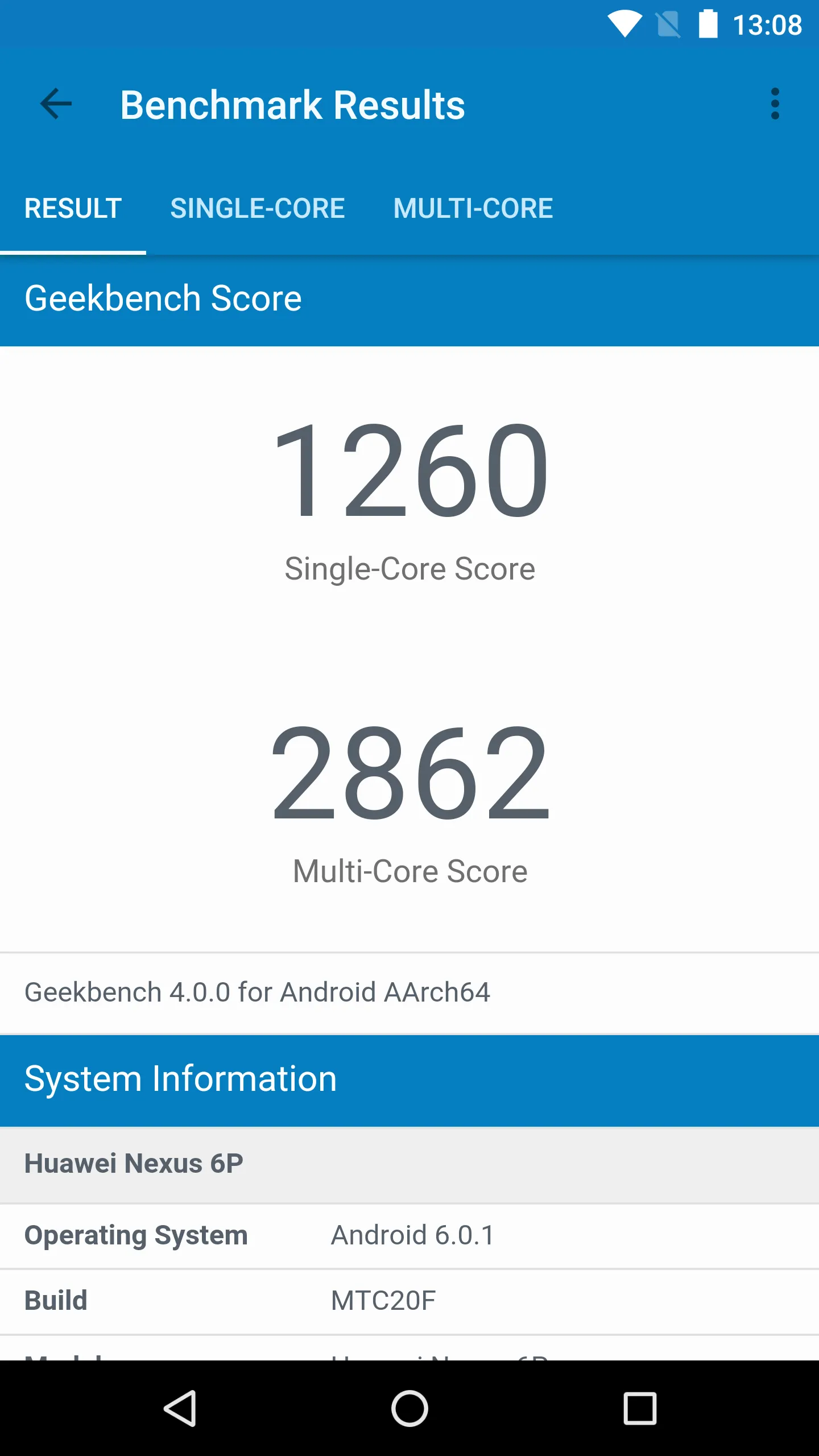
Scores of Geekbench 4:
Each workload's performance is compared against a baseline to determine a score. These scores are averaged together to determine an overall, or Geekbench, score for the system.
Geekbench 4 uses a Microsoft Surface Book with an Intel Core i7-6600U processor as the baseline with a score of 4,000 points.
Geekbench 4 provides three different kinds of scores:
Workload Scores Each time a workload is executed Geekbench calculates a score based on the computer's performance compared to the baseline performance.
Subsection Scores A subsection score is the geometric mean of all the workload scores for workloads that are part of the subsection. These scores are useful for determining the performance of the computer in a particular area. See the subsection descriptions above for a summary on what each subsection measures.
Geekbench Score The Geekbench score is the weighted arithmetic mean of the four subsection scores. The Geekbench score provides a way to quickly compare performance across different computers and different platforms without getting bogged down in details
FAQs of Geekbench 4:
How do I compare scores?
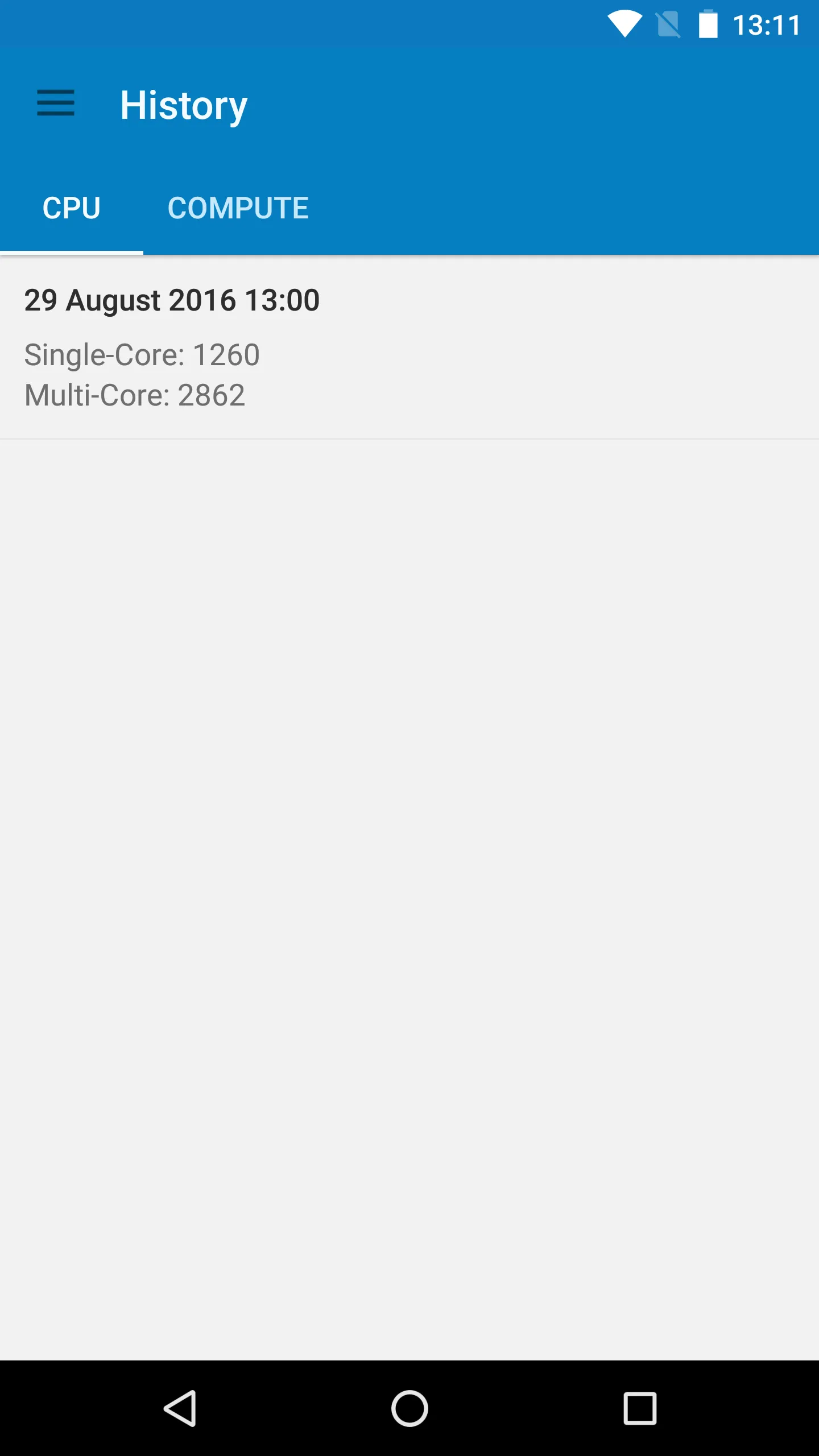
Geekbench scores can be compared against others via the Geekbench Browser. On the benchmark result page, set a result as the baseline for comparison by pressing "Set Baseline" on the right-hand side of the page. Use the search bar to find a model that you would like to compare it to, then simply click on the device to view a side-by-side comparison of their scores. Pressing "Remove Baseline" on the right-hand side of the page will allow you to set a different baseline to make other comparisons.Note that Geekbench 6 scores are only comparable with Geekbench 6 scores. This is also true for Geekbench 5, 4, Geekbench 3, and Geekbench 2. Each major version of Geekbench includes significant changes and upgrades, and may change the baseline for comparison, so comparing scores between them will not be accurate.
How does my device compare to the average for its model?
You can find aggregated scores for many devices on the Geekbench Browser's Benchmark Charts. Note that scores for individual devices are expected to fluctuate slightly from the average.
Why is my score so low?
Low scores can be caused by running Geekbench while other apps are open or while your device is in low-power mode. Low scores can also be caused by hardware issues, which Primate Labs does not diagnose. It is recommended that you consult a local service center or computer store if you suspect that hardware issues may be present. If the problem persists after accounting for these factors and you believe that it is software-related, please let us know and we will follow up as soon as possible.If you are comparing your results in Geekbench 6 to results from Geekbench 5, please note that the updates in Geekbench 6 and the change to its baseline score make it impossible to compare scores between the major versions. A score of 1000 in Geekbench 6 and a score of 1000 in Geekbench 5 do not represent the same performance.
Geekbench crashed?
Application crashes are frequently caused by using software that hasn't been updated. Check the Geekbench website, App Store, or Google Play to ensure that your software is up-to-date. If the problem persists, please let us know what version of Geekbench you are using, what device you are running it on, what operating system version is on the device, and how the crash happened and we will follow up as soon as possible.
I already purchased Geekbench 3 from the App Store. How can I download it again?
Log into the App Store with the account that you purchased Geekbench 3 with, and navigate to the Purchased tab through your account. Geekbench 3 should be visible in the list of purchased applications, and if your device is supported by Geekbench 3 you should be able to download it here by tapping the download button. Note that tapping the Geekbench 3 logo instead of the download button may take you to an empty page, as Geekbench 3 is no longer listed on the App Store.
Conclusion:
Geekbench 4 lets you take two types of measures: CPU performance or computation speed with regard to mundane tasks like LLVM infrastructures and MySQL queries. Thanks to this you can get more realistic results. These by themselves don't mean anything but they serve as a reference point when comparing them to other devices that have done the same benchmarking.
More Information
- Size:72.51MB
- Version:4.4.2
- Requirements:Android 5.0+
- Votes:276
- Package Name:com.primatelabs.geekbench
- Signature:3592440a6edb9a23b178aff4e5c86661
Related topics
-
Utility apps are indispensable in our lives, making our daily routines more convenient. To help you find these apps more easily, this site has created a collection. This collection brings together a series of practical tools covering various aspects of life, work, and education, meeting all your needs. What are you waiting for? Try these apps now and make your life easier!
-
![Color Effect]()
Color Effect
-
![Oxford Dict of English & Thes]()
Oxford Dict of English & Thes
-
![Any.do]()
Any.do
-
![Find My Lost Phone!]()
Find My Lost Phone!
-
![Framaroot]()
Framaroot
-
![C Locker]()
C Locker
-
![Root Uninstaller]()
Root Uninstaller
-
![GO Weather Forecast & Widgets]()
GO Weather Forecast & Widgets
-
-
With the development of mobile hardware and software, many practical tool software have emerged, covering a wide range of aspects and becoming a good helper for everyone in work and life. Today, the editor provides you with a list of useful tool software downloads. These tools are not particularly complex types, and after reading them, everyone can quickly learn how to use them. Proper use can bring great convenience to life and work.
-
![Color Effect]()
Color Effect
-
![Oxford Dict of English & Thes]()
Oxford Dict of English & Thes
-
![Any.do]()
Any.do
-
![Find My Lost Phone!]()
Find My Lost Phone!
-
![Framaroot]()
Framaroot
-
![C Locker]()
C Locker
-
![Root Uninstaller]()
Root Uninstaller
-
![GO Weather Forecast & Widgets]()
GO Weather Forecast & Widgets
-








Latest Updated






Popular Apps








Popular News
More+-
![Tomie Wants to Get Married Full Walkthrough, All Choices and Ending Guide]()
Tomie Wants to Get Married Full Walkthrough, All Choices and Ending Guide
2026-05-22
-
![Karryn’s Prison Gameplay Walkthrough & Strategy Guide]()
Karryn’s Prison Gameplay Walkthrough & Strategy Guide
2025-10-28
-
![Life in Santa County Game Guide & Complete Walkthrough]()
Life in Santa County Game Guide & Complete Walkthrough
2025-10-28
-
![Dreams of Desire Complete Walkthrough and Game Guide]()
Dreams of Desire Complete Walkthrough and Game Guide
2025-10-28
-
![Era Hunter Gameplay Guide & Full Walkthrough]()
Era Hunter Gameplay Guide & Full Walkthrough
2025-10-28




