

Astrill VPN
Download for Android This app is available for Android only.- Category:Productivity
- Rating: 4.9
- Language:English
- Updated:2026-10-16
Screenshots


Introduction
Astrill VPN is a VPN network proxy service software. It supports access to servers in over 50 countries. Users can connect multiple devices using this application and also share connections with other devices. The application offers various connection methods, providing a convenient and fast user experience. Furthermore, the application is not subject to traffic restrictions in different regions, allowing users to smoothly download or watch content from different countries and regions.
Features
Access Servers in Different Countries
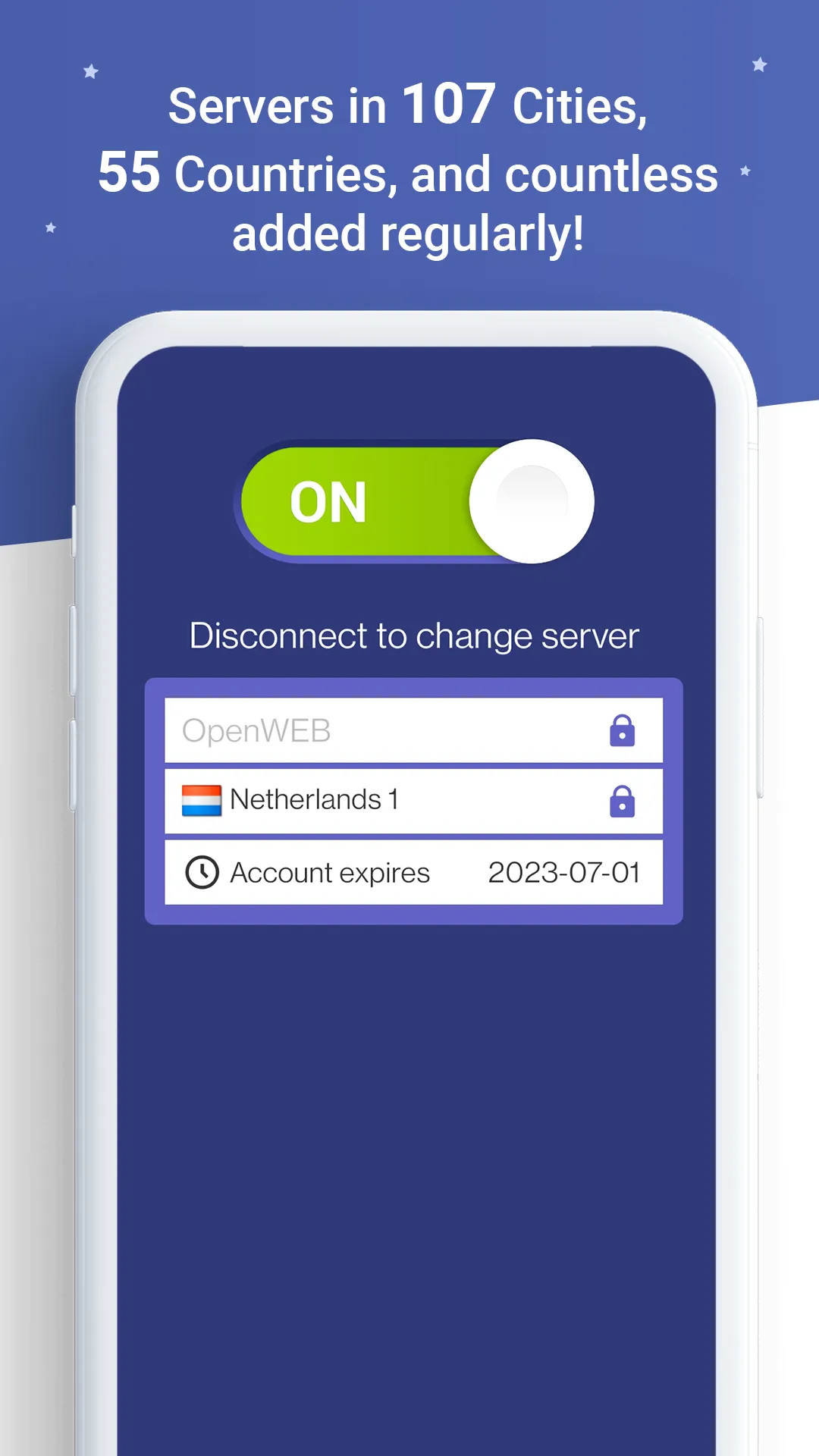
This service has over 300 servers in more than 50 countries worldwide, allowing you to choose different server locations when establishing a connection. Astrill VPN servers use 1 Gbit/s or 10 Gbit/s connections with no traffic limits. This allows you to use the VPN for a variety of online activities, including watching streaming media and downloading content from other countries.
Connect Multiple Devices
The standard plan allows you to use Astrill VPN on up to five devices simultaneously. You can also choose to install the service directly on a compatible Wi-Fi router to protect the network connection of any device connected to that router. Astrill VPN is compatible with routers and systems including DD-WRT, Tomato, and ASUS-Merlin.
Access Blocked Content
Astrill VPN allows you to connect to servers located in other countries and use these servers to access certain international content. With Astrill VPN, you can access multimedia content from the US, Europe, and other continents, allowing you to watch programs that are blocked or not yet released in your country. The availability of specific content also depends on the limitations and conditions of each platform or service.
Usage
Open the application, create an account or log in. If you need a quick test, select the trial version.
Please grant the VPN the necessary permissions so that it can properly manage connections on your device.
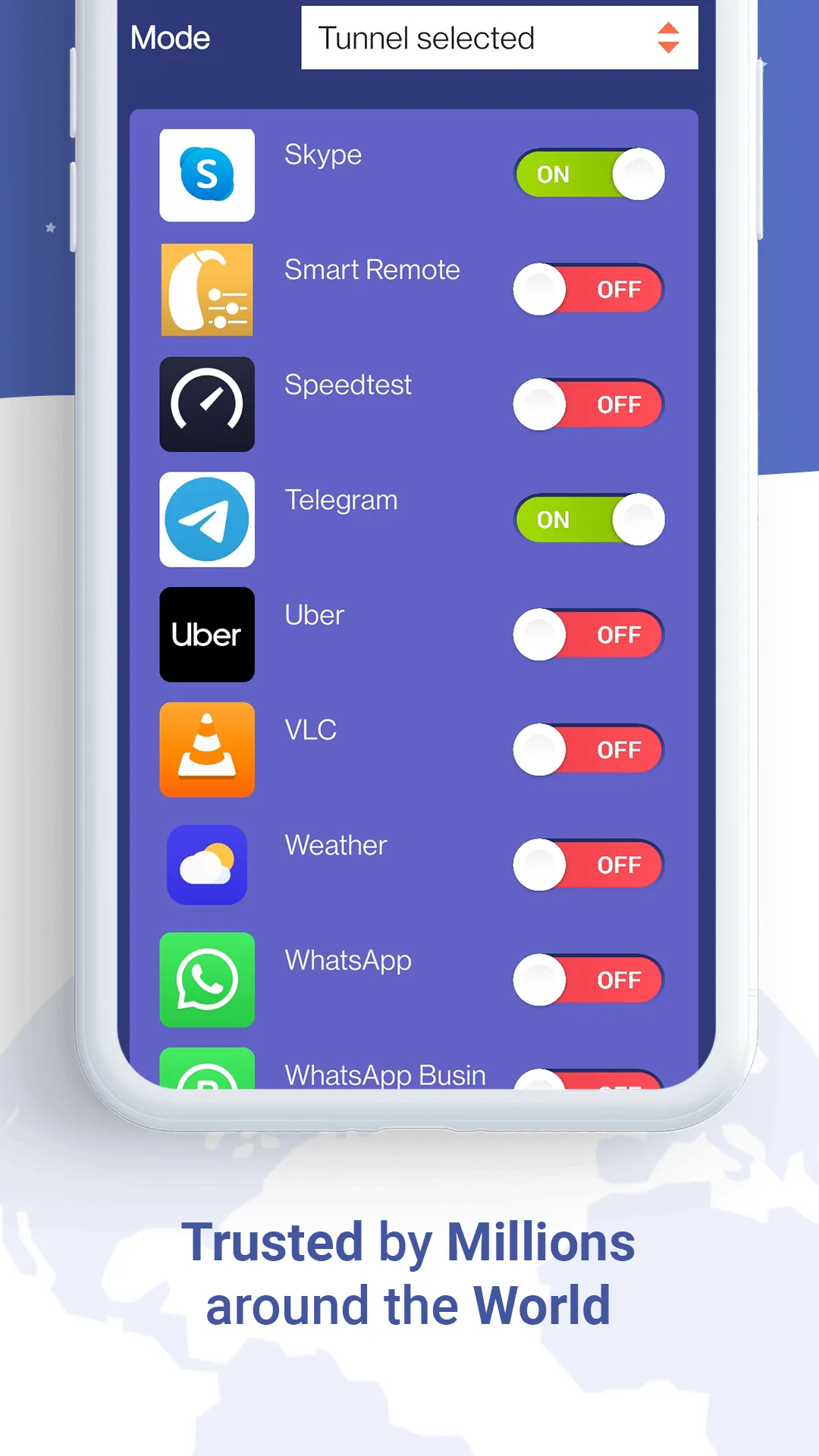
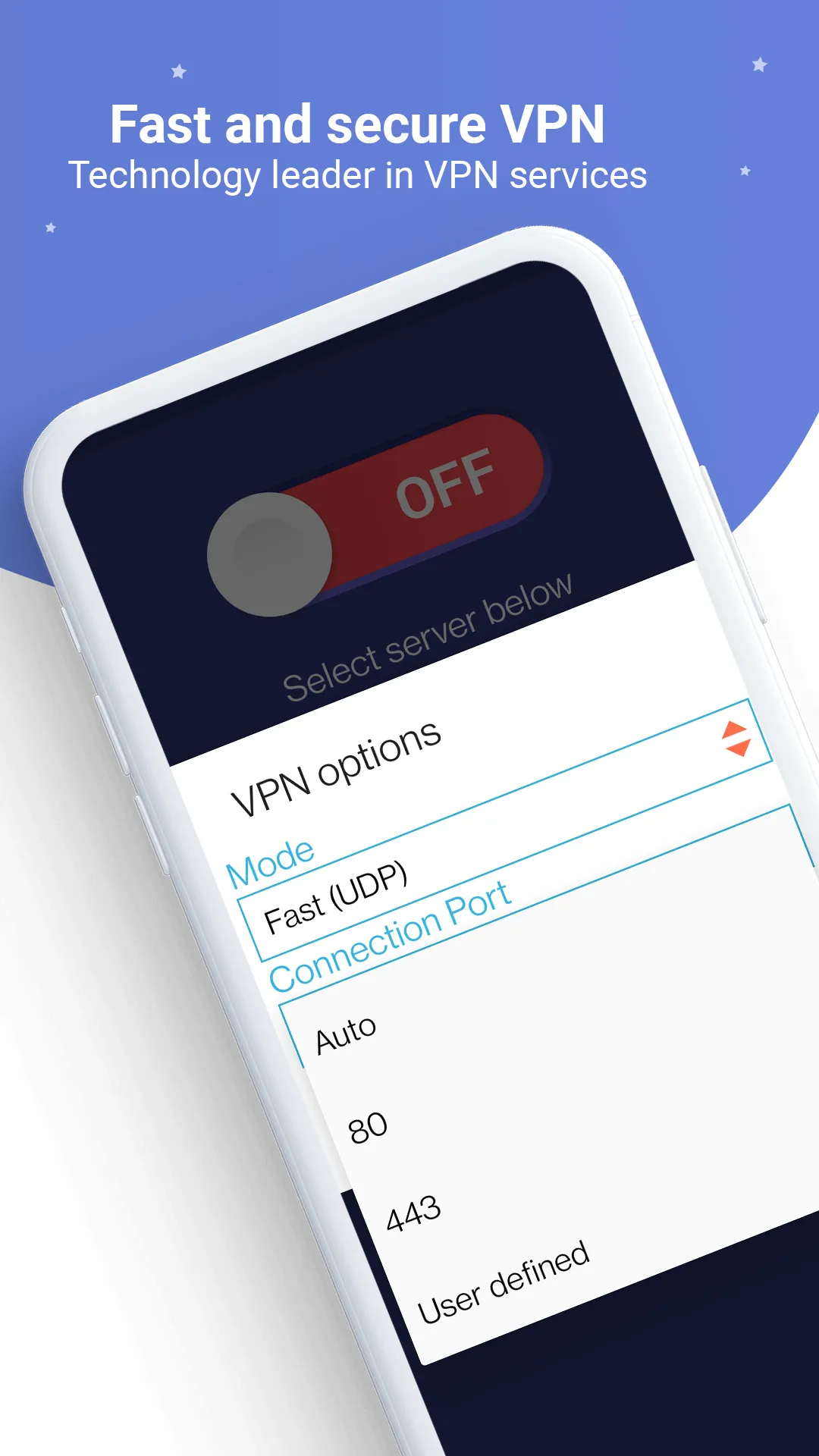
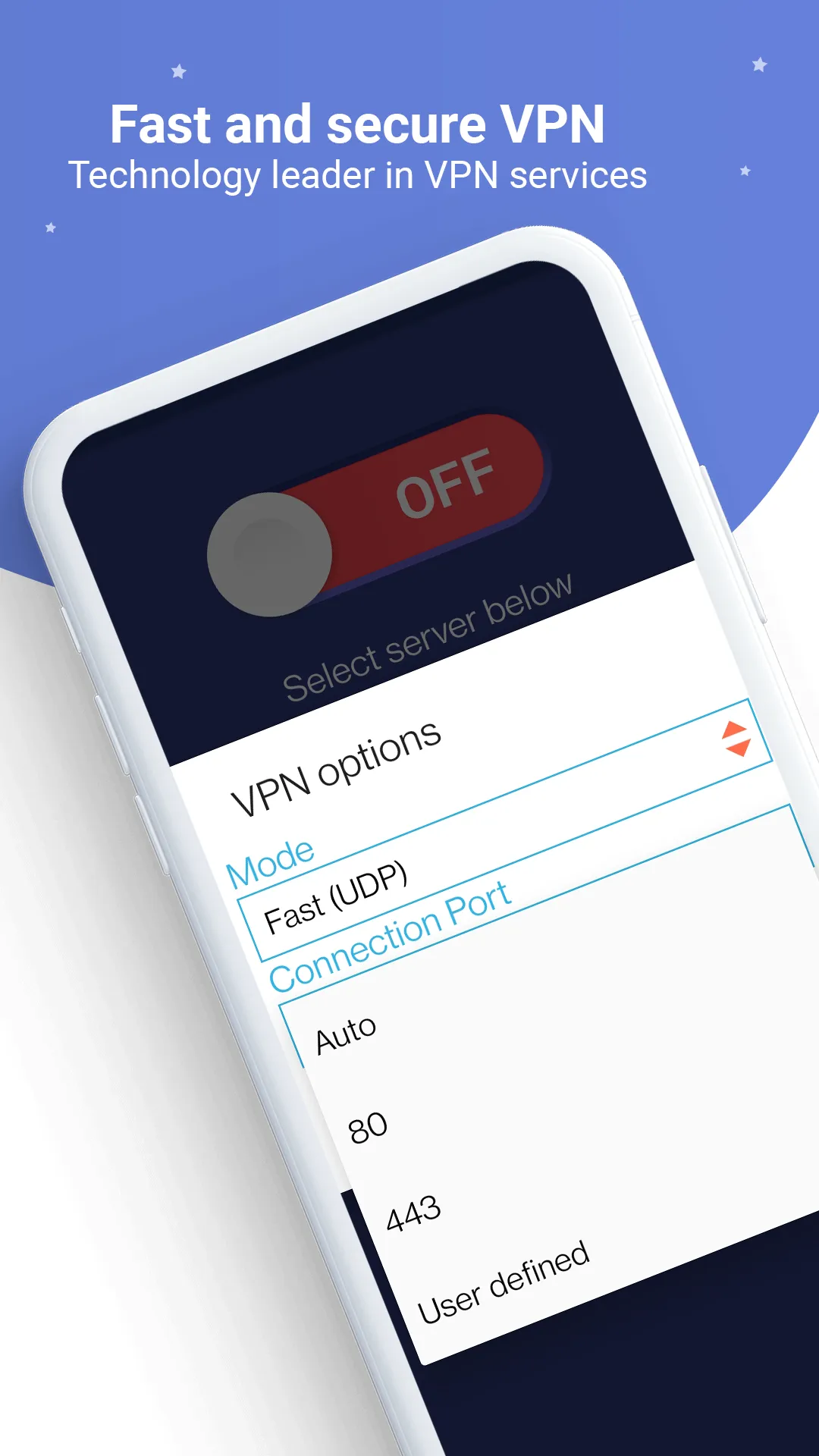
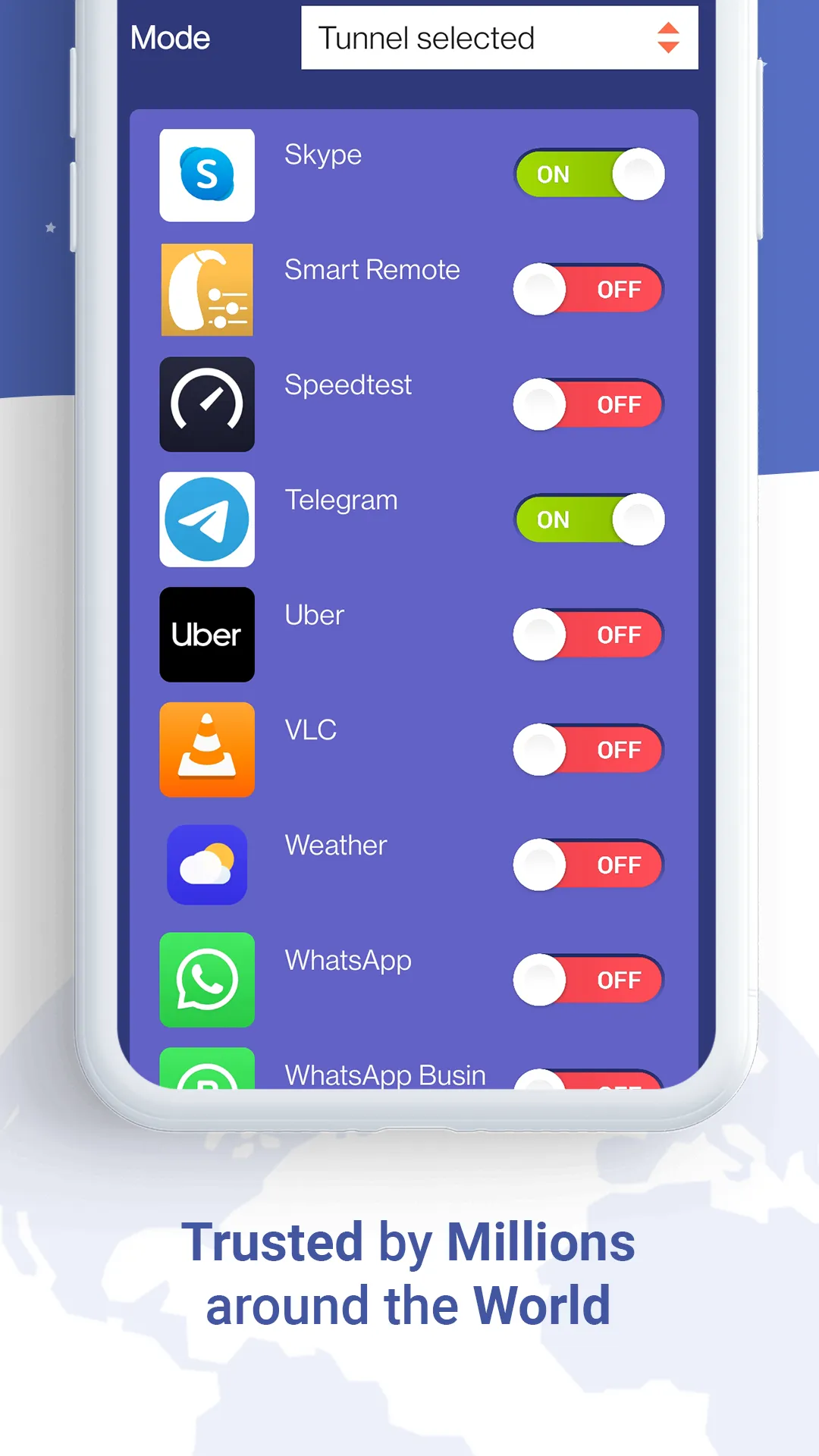
Choose a protocol such as WireGuard, OpenWeb, or Stealth VPN. If you want to split the tunnel, select Smart Mode.
Select a server location according to your needs and adjust app or website filters to route specific apps or websites.
Click “Connect,” confirm the VPN status, and then switch to a P2P-ready server or enable multi-hop and onion routing on the VPN as needed.

Pros and Cons
Pros:
Proprietary StealthVPN. Designed to make VPN traffic harder for restricted networks to detect.
Strong encryption. Protects data transmitted between your device and the VPN server. Supports Bitcoin payments.
Dedicated servers worldwide. Covering 142 cities in 56 countries, infrastructure built for reliable performance.
24/7 expert support. Get help from our support team whenever you need it. Continuously serving customers since 2009.
Cons:
Whether you can use some of its most interesting features depends on which plan you subscribe to.

User Reviews
Fantastic! It runs on various platforms, including major Linux distributions, and works really well. The interface is also very user-friendly.
Although it's a bit pricey, after using Astrill for 10 years, and having also tried ExpressVPN and NordVPN, Astrill remains the best.
I really love Astrill. Although I've experienced a few service outages in the past, overall it's very reliable and trustworthy. Thank you so much for providing such excellent service.
Conclusion
Astrill VPN helps users protect their network traffic, manage access to services in specific regions, and maintain privacy on mobile devices. It's designed for everyday use and travel, especially in situations where networks and restrictions frequently change. For situations requiring greater control, it offers flexible routing options to balance speed and security. For users planning to download Astrill VPN, the application supports reliable connections and meets a range of needs from simple to advanced without cumbersome setup.
More Information
- Size:14.39MB
- Version:3.14.61
- Requirements:Android 6.0+
- Votes:73
- Package Name:com.astrill.astrillvpn
- Signature:a99f79340dec45b2126417cfa83c1dd2
Related topics
-
With more and more of our lives happening online, smartphones have become an essential component of our daily routines. Whether you’re shopping, banking, or socializing – everything can be tracked online, even on Androids. This information can then be used by third-parties profiting off your data or your ISP to slow down your internet speed. An easy way to increase online privacy and security of your Android smartphone is to start using a VPN. At Cybernews, we have over 5 years of experience testing VPN services, so we know what makes a great VPN app. To make your search for a reliable VPN easier, together with our research team, I tested both free and paid Android VPN apps, and summarized the results of our research below.
-
![Urban Free VPN Proxy Unblocker]()
Urban Free VPN Proxy Unblocker
-
![iTopVPN]()
iTopVPN
-
![Rapid VPN]()
Rapid VPN
-
![Super Free VPN]()
Super Free VPN
-
![VPN APPS]()
VPN APPS
-
![Techo S.A.]()
Techo S.A.
-
![Award VPN]()
Award VPN
-
![Astrill VPN]()
Astrill VPN
-
-
Enjoy unrestricted internet access anywhere in the world with these top-rated free VPNs for Android. Securely browse in private, bypass geo-blocks, and unlock censored websites in just a few taps. These powerful apps encrypt your connection, mask your IP address, and protect your data-especially on risky public Wi-Fi. Whether you're streaming global content, accessing restricted platforms, or simply safeguarding your privacy, these trusted VPNs deliver fast, reliable performance. Discover the most popular free VPN downloads and experience true online freedom today-no limits, no compromises!
-
![Urban Free VPN Proxy Unblocker]()
Urban Free VPN Proxy Unblocker
-
![LION VPN]()
LION VPN
-
![Rapid VPN]()
Rapid VPN
-
![OpenVPN Client]()
OpenVPN Client
-
![Super Free VPN]()
Super Free VPN
-
![VPN APPS]()
VPN APPS
-
![Award VPN]()
Award VPN
-
![Astrill VPN]()
Astrill VPN
-
-
In 2024, privacy and security on mobile devices are more important than ever, and a reliable VPN can help protect your data while browsing. The best free VPNs for Android offer a solid balance of speed, security, and user-friendly features without costing a dime. These VPNs allow you to browse anonymously, bypass geo-restrictions, and safeguard your personal information on public Wi-Fi networks. While free options may have certain limitations, such as data caps or fewer server locations, they still provide essential privacy protection. With strong encryption, zero-logging policies, and a simple setup, these free VPNs ensure your online activities remain private and secure while using your Android device.
-
![iTopVPN]()
iTopVPN
-
![LION VPN]()
LION VPN
-
![Rapid VPN]()
Rapid VPN
-
![OpenVPN Client]()
OpenVPN Client
-
![Super Free VPN]()
Super Free VPN
-
![Award VPN]()
Award VPN
-
![Astrill VPN]()
Astrill VPN
-
![Android Proxy Server]()
Android Proxy Server
-









Latest Updated








Popular Apps








Popular News
More+-
![Tomie Wants to Get Married Full Walkthrough, All Choices and Ending Guide]()
Tomie Wants to Get Married Full Walkthrough, All Choices and Ending Guide
2026-05-22
-
![Karryn’s Prison Gameplay Walkthrough & Strategy Guide]()
Karryn’s Prison Gameplay Walkthrough & Strategy Guide
2025-10-28
-
![Life in Santa County Game Guide & Complete Walkthrough]()
Life in Santa County Game Guide & Complete Walkthrough
2025-10-28
-
![Dreams of Desire Complete Walkthrough and Game Guide]()
Dreams of Desire Complete Walkthrough and Game Guide
2025-10-28
-
![Era Hunter Gameplay Guide & Full Walkthrough]()
Era Hunter Gameplay Guide & Full Walkthrough
2025-10-28




