
Tinkercad
Download for Android This app is available for Android only.- Category:Education
- Rating: 4.6
- Language:English
- Updated:2026-10-30
Screenshots
Introduction
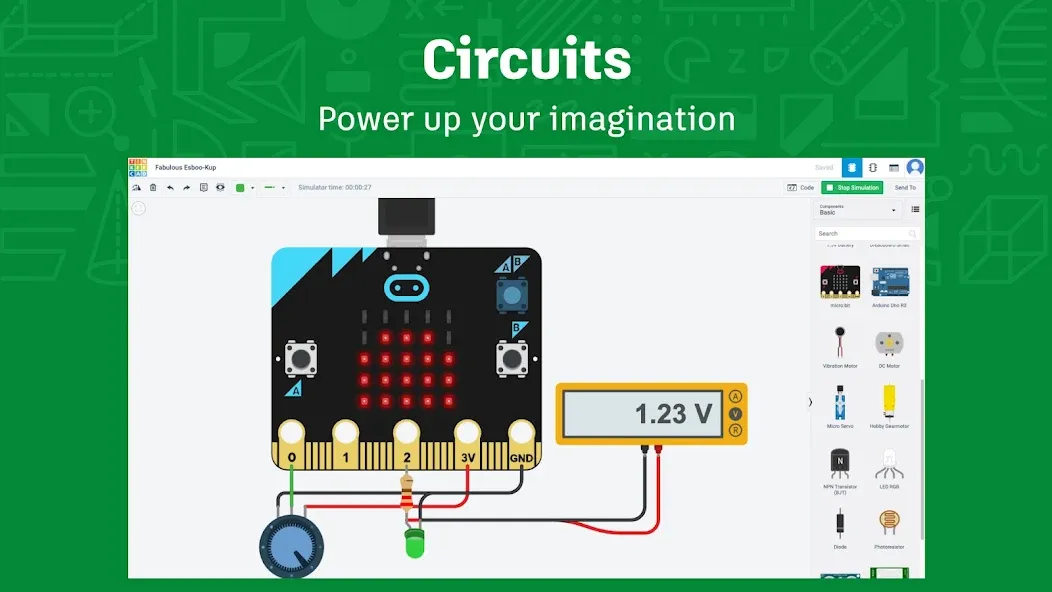
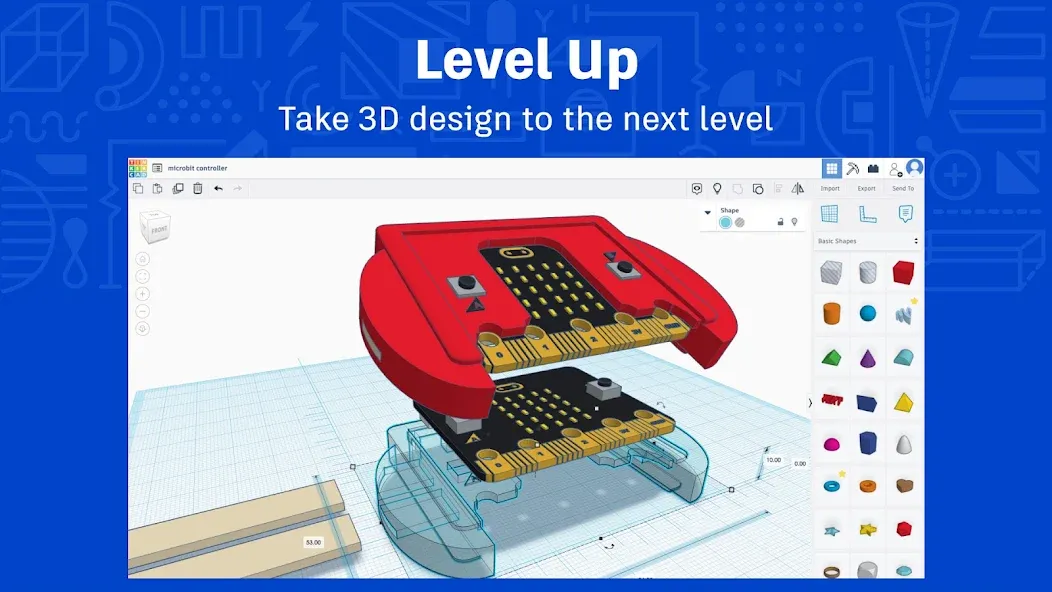
Tinkercad is an educational tool designed specifically for creators. It is completely free and offers comprehensive tutorials that help users master various skills, including 3D design, programming, and electronics. The platform provides detailed, personalized lessons tailored to each user’s needs, while also enabling teachers to assign and collect coursework. Users can import and export design files in various formats, build and edit their projects within the software, and—once finished—submit their work to their teachers or ask questions.
Features of Tinkercad:
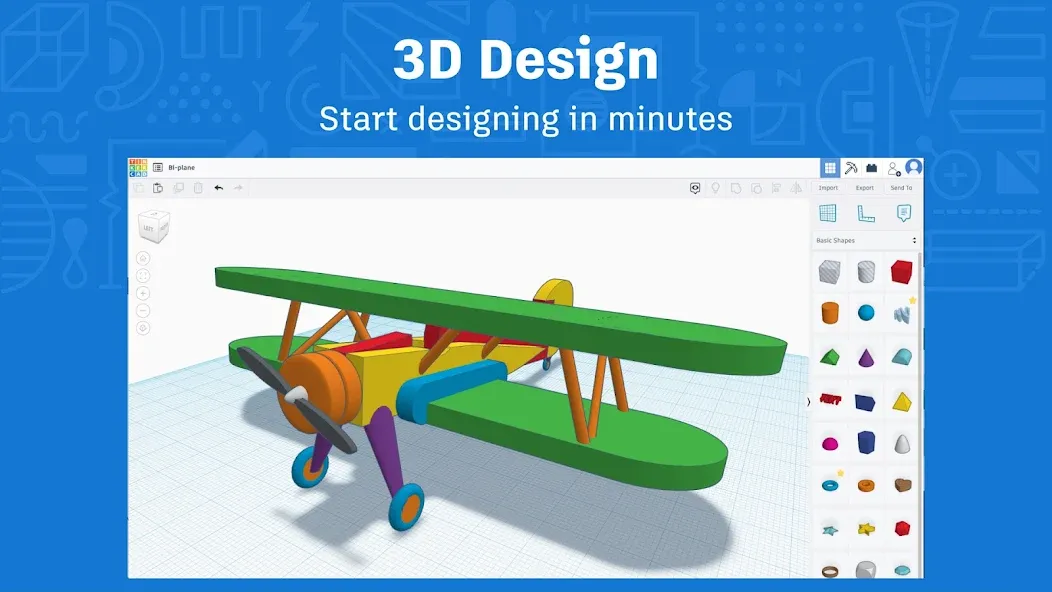
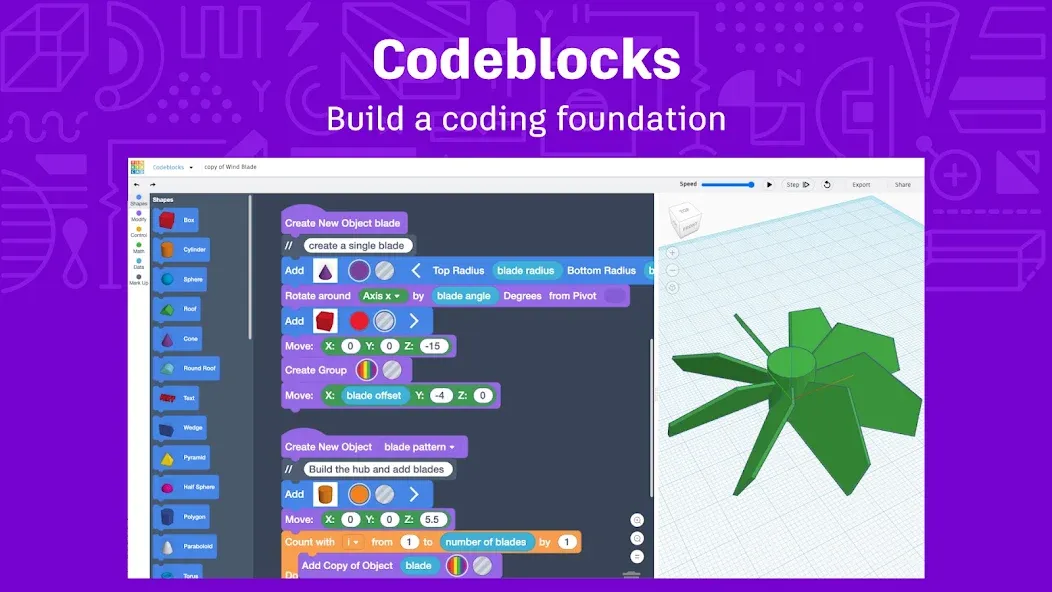
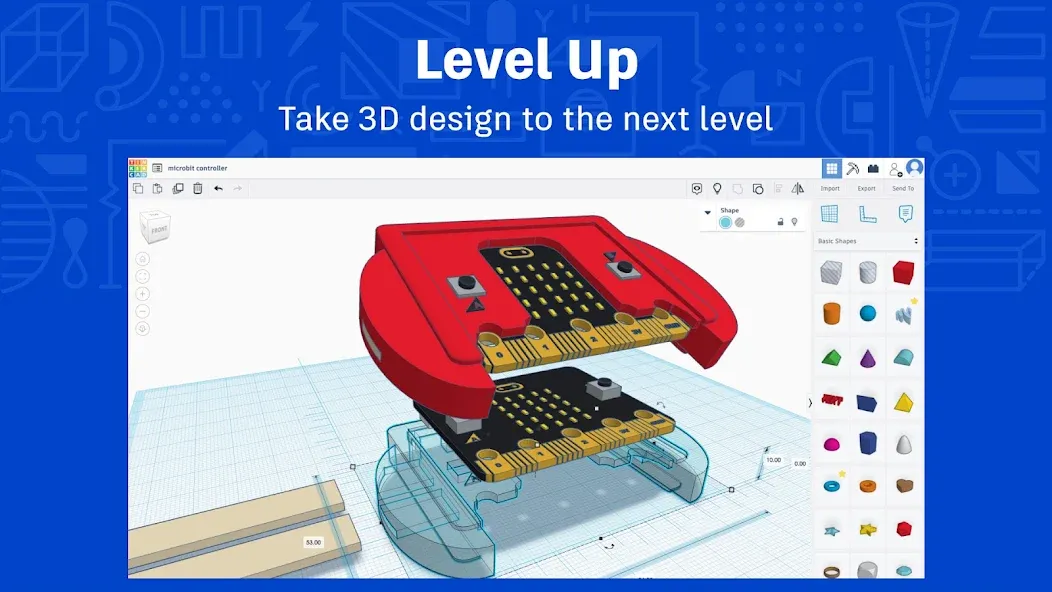
Building With Shapes and Codeblocks: The modeling system starts with basic shapes that users can combine into objects for digital projects or 3D printing. Codeblocks adds another route, generating 3D designs through code and turning abstract programming lessons into visible results. Import and export support for STL, OBJ, and SVG files also keeps projects from being trapped inside the app.This approachable setup best suits students, teachers, hobbyists, and first-time makers. Advanced designers will outgrow its simplified tools sooner than they would a professional CAD package, but that restraint is precisely what makes Tinkercad less intimidating for a first project.
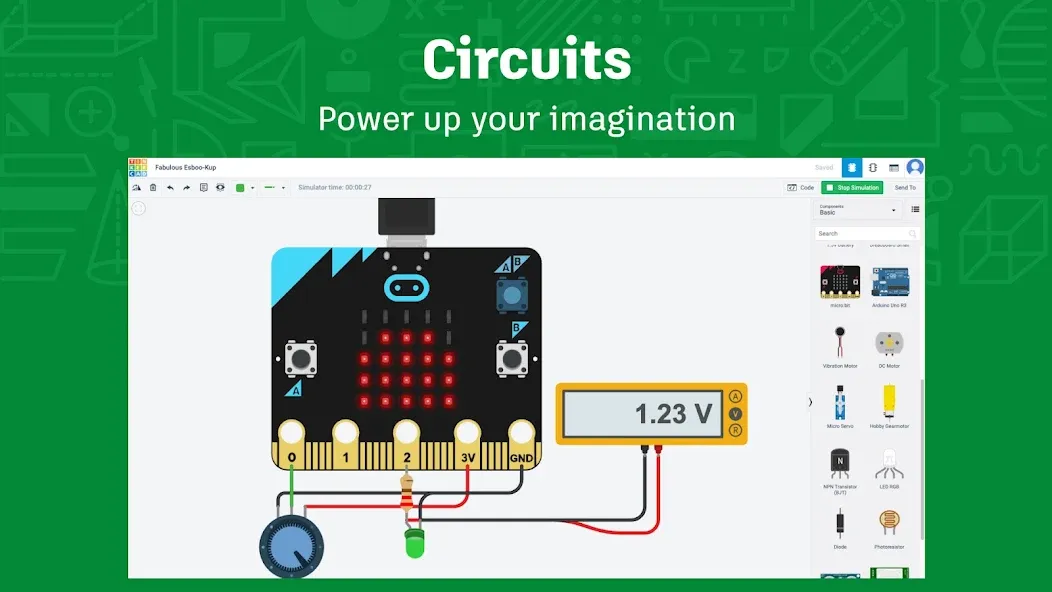
Classrooms Extend Beyond the Modeling Canvas: Tinkercad has unusually substantial support for educators. Tinkercad Classrooms lets teachers assign Activities, receive work, invite co-teachers, and follow student progress. Ready-made Lesson Plans cover 3D CAD, electronics simulation, and block-based programming, while Google Classroom compatibility helps it fit existing coursework. Autodesk also describes the service as ad-free, privacy-focused, and kidSAFE certified, important considerations when younger students are involved.
Android Convenience Meets a Small Canvas: The main compromise is screen space. Precise object placement and crowded controls are naturally less comfortable on a phone than on a tablet or computer. User experiences vary: some find a small touchscreen merely awkward, while others report overlapping buttons and slow file transfers. The app also requires an internet connection, so it cannot serve as an offline modeling notebook.
User Reviews of Tinkercad:
I really like it and it's better than using it on a browser. The s pen support is very nice. I would like for the devs to add an import image as canvas option similar to fusion 360, that way we can design based on a drawing or a photo.
The app is good but I cannot fully enjoy it. It is due to the fact that when I try creating a Arduino circuit it is literally impossible to move components in the viewer and it always seems to move the viewer to the bottom corner making it impossible to use the app. Overall the software is good on pc but I use android more.
it's actually working great now. A year ago I was basically only seen with its logo and nothing more. Now returning, it's definitely functional and smooth to work with. No micro purchases, it's really a place you can learn and test out your ideas and application.
Loving the app. The only reason I am giving not giving it five stars is because in some places you cannot scroll. Like when you press the menu button to view all designs when you are currently in a design.
FAQs of Tinkercad:
Design won't download on Export?
If a model will not export all at once given its complexity, one option is to export in pieces. Here's how:
Duplicate the design, since you'll be deleting parts of it as it exports.
Select some objects that make sense to group together (ie. trees).
Export, STL or OBJ (it only exports selected).
After export, delete the selected object (just exporeted) from the duplicate Tinkercad design.
Continue with other parts of the design until all pieces are exported and nothing left in the design.
The individual exports can be reassembled in Fusion 360 or another program or slicer you intended to take them.
My designs are missing, why is my account empty?
Tinkercad has several ways to sign in. It is likely you have two accounts with this email.
When signing in, it is best to consistently use the same method, as to not generate a new account.
If you previously signed in via "Email or Username", then subsequently signed in via any social sign in option, such as "Sign in with Google", then a new empty account is created.
For example , if you have been signing in with Autodesk credentials (email or username), then clicked "Sign in with Google" or another social sign in option, then you will create a new, empty account." It is possible to have more than one account with the same email due to this.
Each social sign on option (Google, Apple, Microsoft, Facebook) will allow you to sign up, creating a new empty account, even with the same email.
The good news: Your data is all still there. You may find your missing designs by logging in with the same method you previously used.
Designs are slow or won't open?
If your design has become slow to edit or not opening, it may be because of the nested groupings and/or shape generators which has caused this design to be too complex.
You can simplify your scene by creating a "Shape" out of reused objects, such as your shape generators or heavily grouped objects. Once an object is a Shape, its sub groups are flattened and it becomes available as an efficient shape in the Shapes Panel under the "Your Creations" category.
To create a Shape out of a complex or repeating shape, you can select the object, then click "Create Shape". Once the shape is created, you can drag it out to replace the more complex object in your scene.
This will simplify your scene and allow more efficient loading and editing within the design.
If your design will no longer open, you may click "Send Us Feedback" in the footer of Tinkercad's site. Please include the URL of your design in the report.
Summary:
Tinkercad’s simplicity makes it an excellent starting point for those new to CAD software, while its accessibility via a web browser ensures that users can work on projects from anywhere. Overall, Tinkercad is a valuable tool for hobbyists, educators, and anyone looking to create simple 3D models for printing or prototyping.
More Information
- Size:212.27KB
- Version:4
- Requirements:Android 4.4+
- Votes:477
- Package Name:com.tinkercad.www.twa
- Signature:0cd905f79121195cecf61852e4ce04fb
Related topics
-
Educational software are emerging in an endless stream on the market, so which one can stand out? It should not only be simple and convenient to use but also helpful for our study. Below, Xiaohei.com brings you a very comprehensive and practical summary of educational software downloads. Come and download it, there is always one that suits you.
-
![Tinkercad]()
Tinkercad
-
![CBT Exam Browser]()
CBT Exam Browser
-
![Solar System Scope]()
Solar System Scope
-
![Elevate]()
Elevate
-
![Sololearn]()
Sololearn
-
![4English]()
4English
-
![SkyView]()
SkyView
-
![Anatomy 3D Atlas]()
Anatomy 3D Atlas
-





Latest Updated

Popular Apps








Popular News
More+-
![Tomie Wants to Get Married Full Walkthrough, All Choices and Ending Guide]()
Tomie Wants to Get Married Full Walkthrough, All Choices and Ending Guide
2026-05-22
-
![Karryn’s Prison Gameplay Walkthrough & Strategy Guide]()
Karryn’s Prison Gameplay Walkthrough & Strategy Guide
2025-10-28
-
![Life in Santa County Game Guide & Complete Walkthrough]()
Life in Santa County Game Guide & Complete Walkthrough
2025-10-28
-
![Dreams of Desire Complete Walkthrough and Game Guide]()
Dreams of Desire Complete Walkthrough and Game Guide
2025-10-28
-
![Era Hunter Gameplay Guide & Full Walkthrough]()
Era Hunter Gameplay Guide & Full Walkthrough
2025-10-28




