
Microsoft Launcher
Download for Android This app is available for Android only.- Category:Tools
- Rating:
- Language:English
- Updated:2026-11-03
Screenshots
Introduction
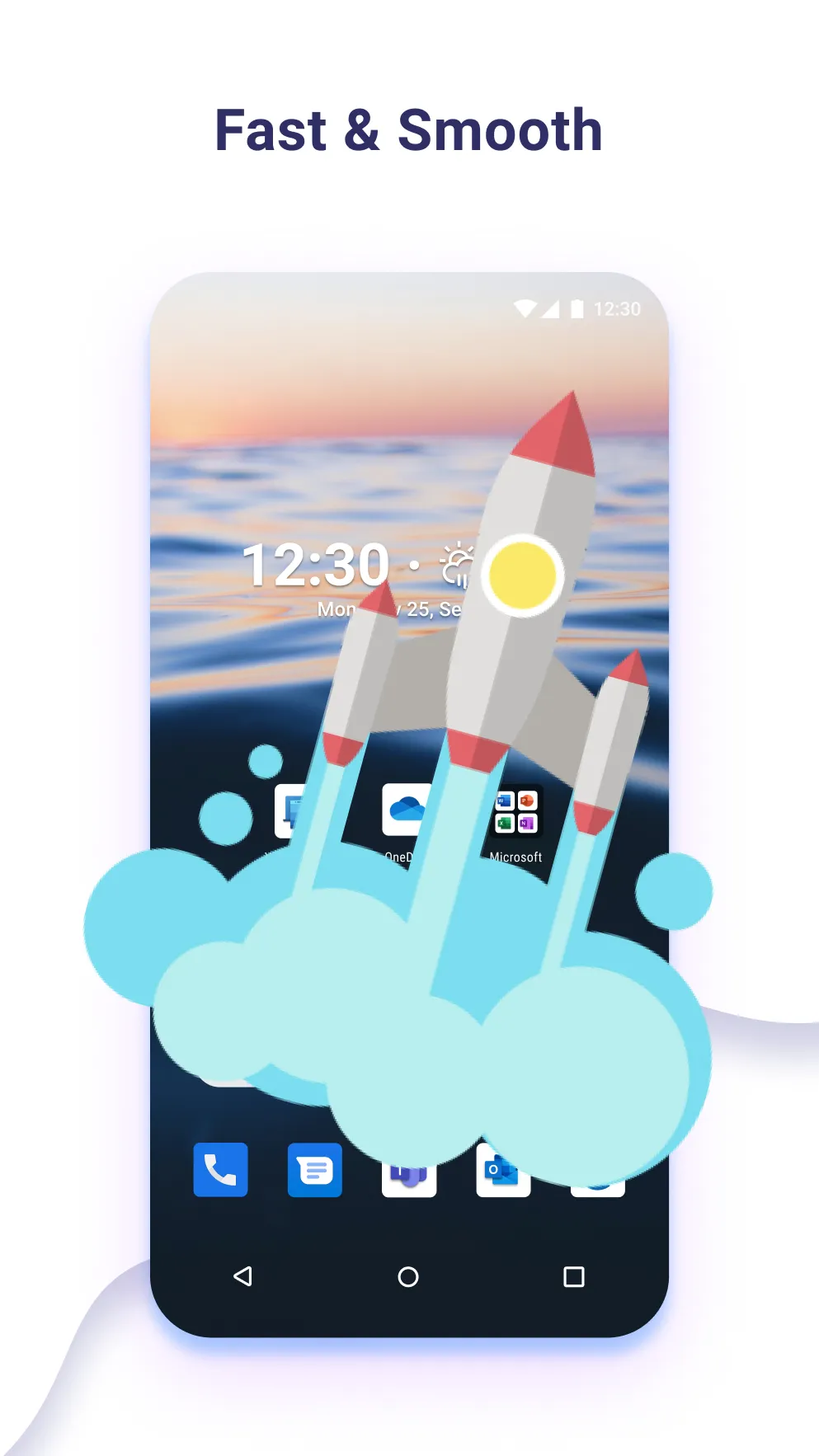
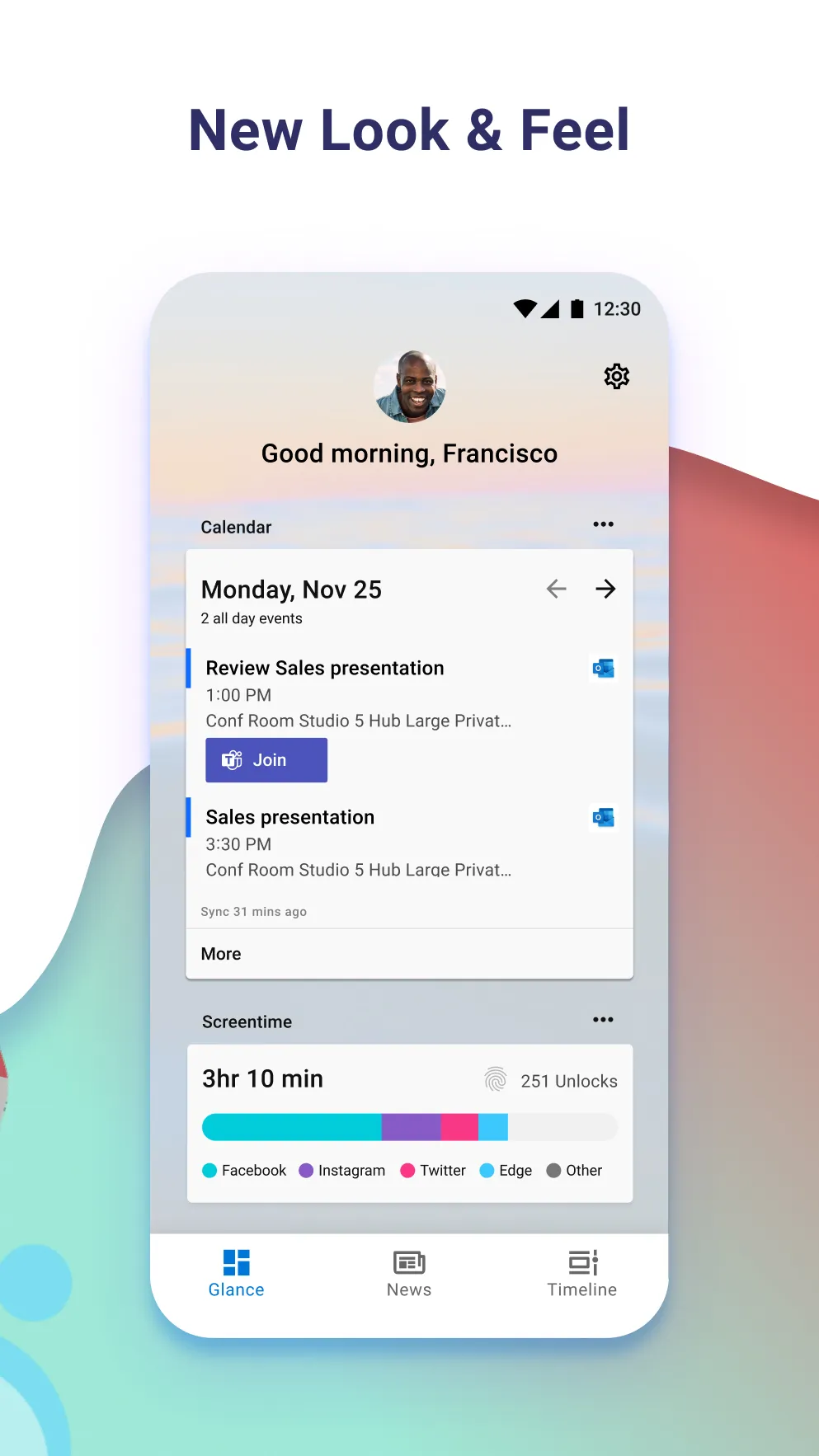
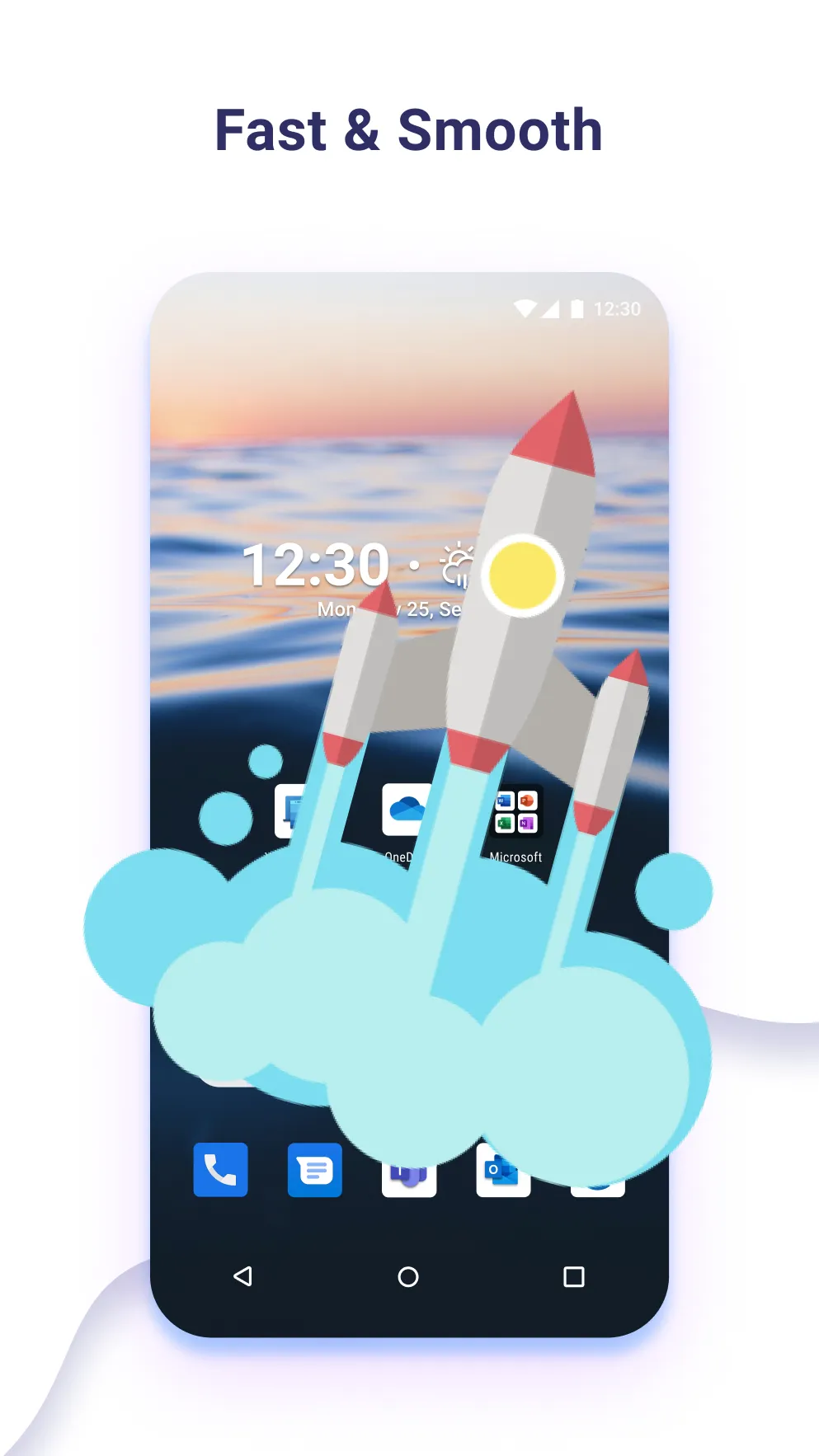
Microsoft Launcher is a launcher for the Android operating system. It consolidates your scheduled events, documents, and news into a single, easily accessible hub, allowing you to view everything without needing to open multiple separate apps. The tool also offers extensive customization options, enabling you to design your own layout, choose themes, and configure gestures. Furthermore, it features a powerful search function that lets you jump directly to the content you are looking for.
Features
Daily Information Tailored for You
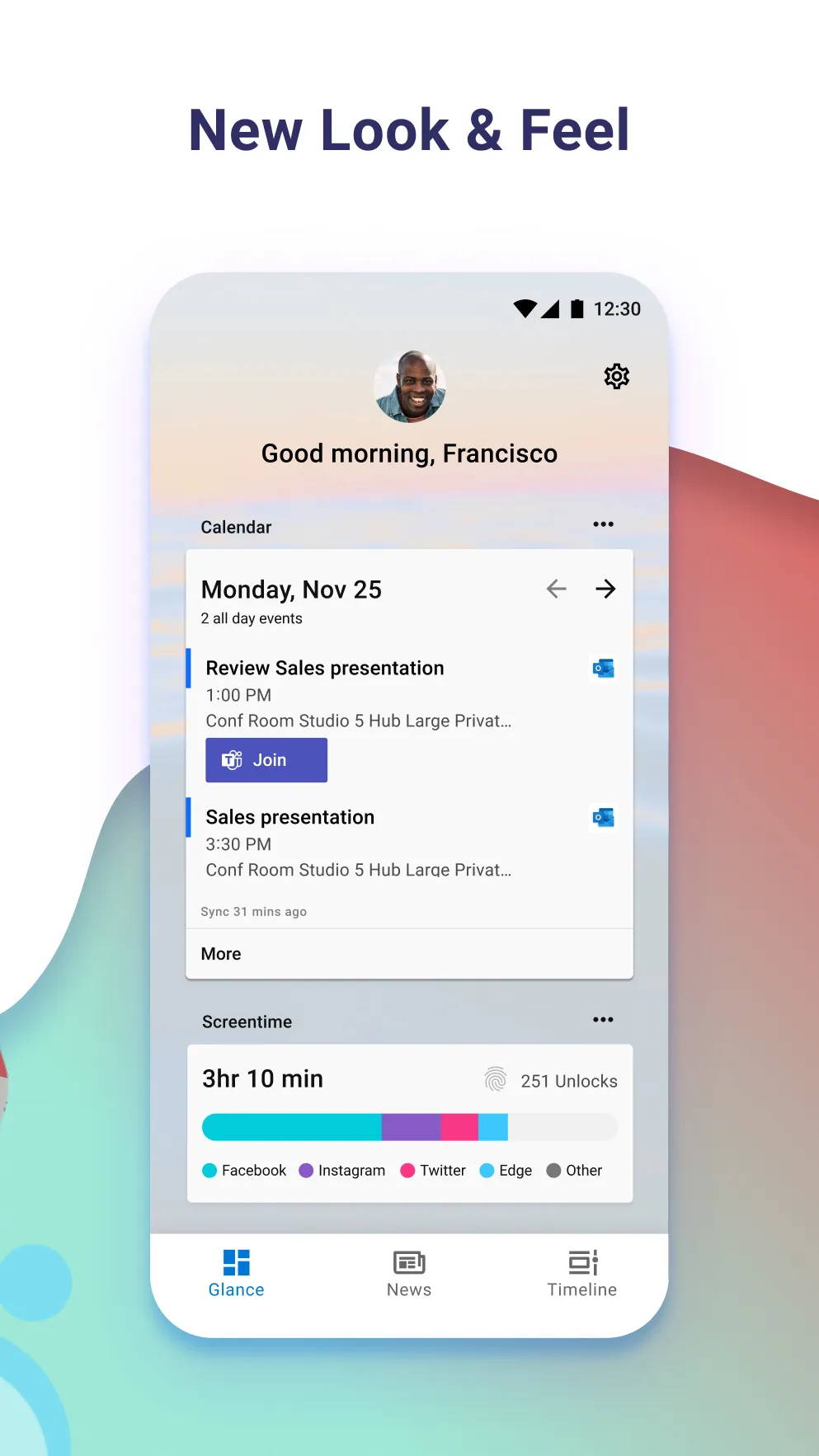
Microsoft Launcher brings together your calendar events, to-do lists, sticky notes, recent documents, and news into a single, swipeable feed. You can set this feed as your default home page for faster access. Throughout the day, the cards are updated automatically, so you can stay on top of your schedule and tasks without having to switch between different apps.
Deep Customization and Visual Refinement
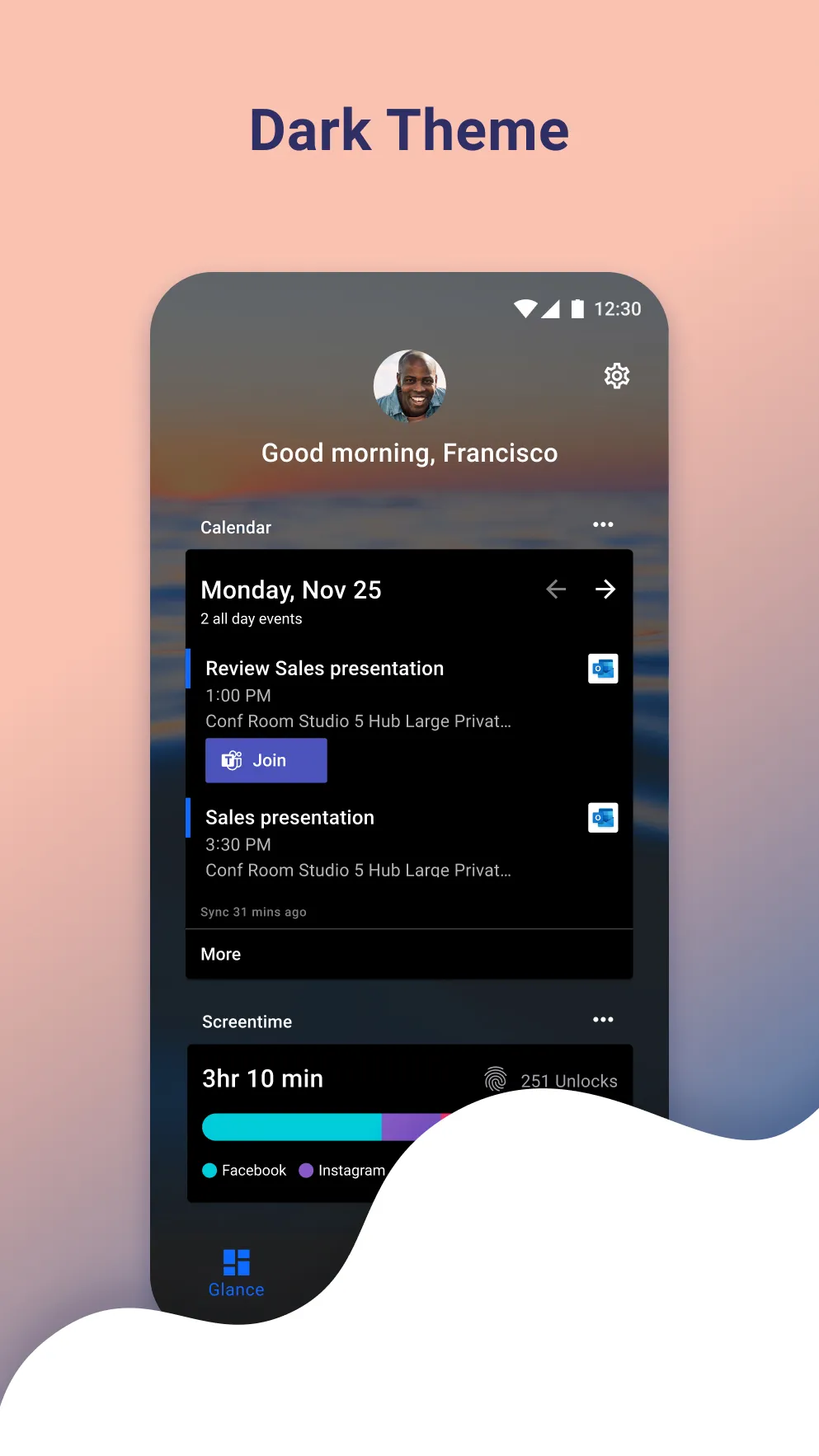
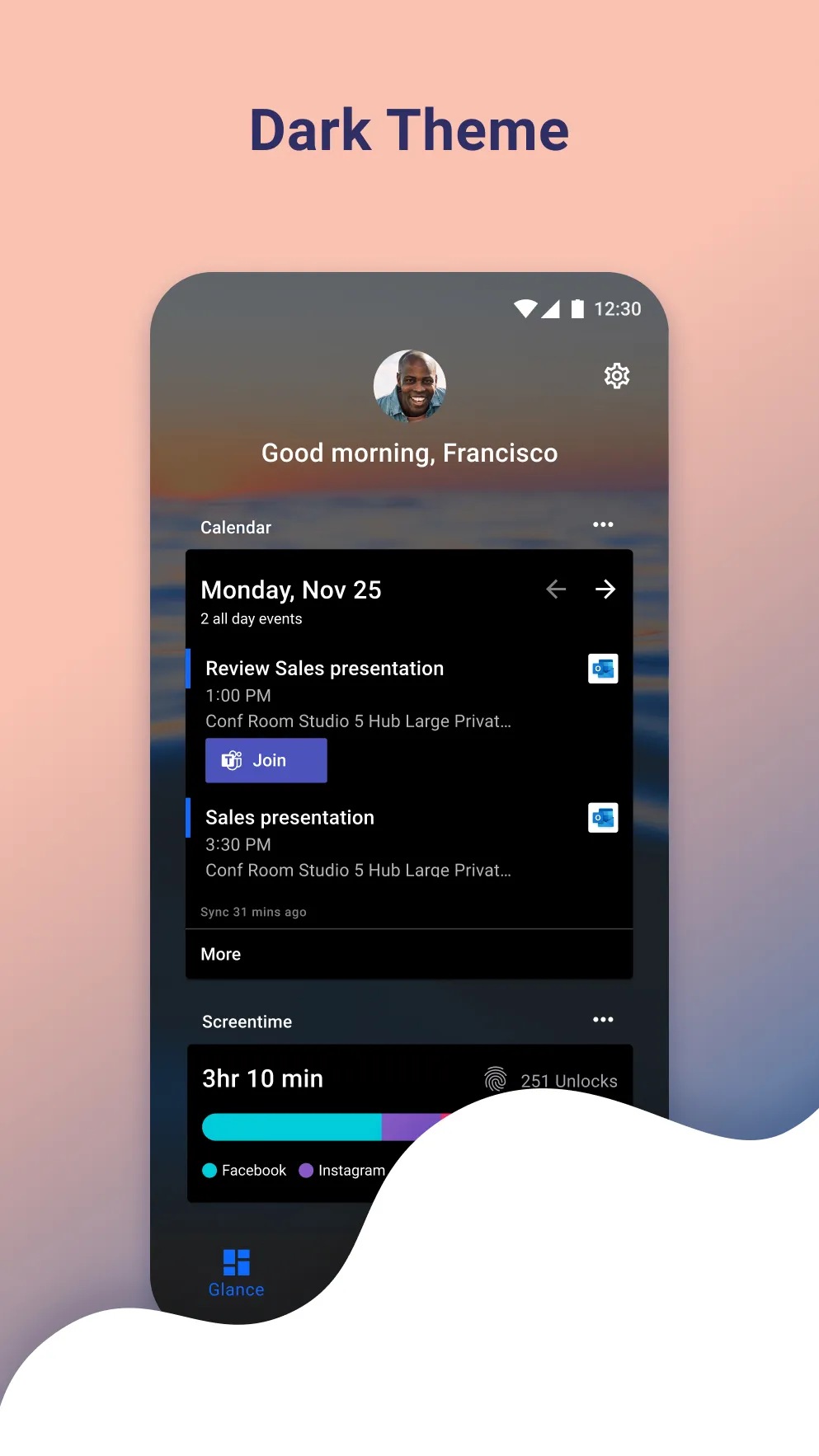
Personalize your interface by adjusting themes, accent colors, icon packs, layout density, and gesture controls. Enjoy fresh, vibrant backgrounds with daily-updated Bing wallpapers, and take advantage of a dark theme that automatically syncs with your system settings for comfortable nighttime use. You can also organize your apps exactly how you like using custom folders and a configurable dock.
Cross-Device Productivity with Windows
Use the "Continue on PC" feature to instantly open photos, web pages, or Office documents from your phone on your Windows PC. The Microsoft 365 section in your feed displays your recent files and activities, making it easy to pick up right where you left off. This ensures a seamless and intuitive transition when moving between your phone and your computer.
Unified, One-Stop Search
Search for apps, contacts, files, text messages, and web content—all from a single search bar. Results appear quickly, allowing you to navigate directly to what you need. Additionally, search shortcuts help you access frequent queries with fewer taps.
Setup, Backup, and Restore
Simplify the transition process by importing your current layout during setup. With both local and cloud-based backup and restore options, you can easily preserve your layout, icons, and settings when switching to a new phone. This ensures your home screen remains consistent across different devices.
Contacts at Your Fingertips
Pin important contacts to your home screen, dock, or folders to make calls or send messages with a single tap. You can also group contact shortcuts together—perfect for staying in touch with family or team members—keeping all your communication options within easy reach.
Usage
Download and install the Microsoft Launcher APK, then open the app and set Microsoft Launcher as your default home screen when prompted.
Sign in with your Microsoft account (or your work/school account) to sync your calendar, tasks, notes, and recent files across your feed.
Once signed in, you can customize your layout via "Settings"—adjust icon sizes, the number of rows and columns, and your preferred gestures.
Set your personalized feed as your home screen for quick access to your calendar, to-do list, sticky notes, and news.
Use the "Continue on PC" feature to connect to your Windows computer, and enable backups to restore your layout and settings whenever you switch to a new phone.
FAQs
What does Microsoft Launcher do on Android?
Microsoft Launcher replaces your default home screen, offering a personalized feed, universal search, and "Continue on PC" integration for Windows. By signing in with a Microsoft account (or work/school account), you can view your calendar, tasks, notes, and recent documents—all in one place, without needing to switch between multiple apps.
Do I need an Android launcher? What is it used for?
An Android launcher manages your home screen, app grid, and app drawer, allowing you to customize how you open and organize your apps. Microsoft Launcher adds a productivity-focused feed and cross-device workflows, giving you quick access to your schedule and to-do list, while also allowing you to hand off documents to your Windows PC.
How do I remove or switch away from Microsoft Launcher?
To remove Microsoft Launcher, first go to your device's "Settings" and switch your default home screen back to your phone's original launcher. Then, open the app info for Microsoft Launcher and select "Uninstall." This will restore your device to the home screen configuration you had before installing the app.
Pros and Cons
Pros:
The feed integrates a calendar, tasks, Sticky Notes, and news
Extensive customization options for icons, widgets, gestures, and layouts
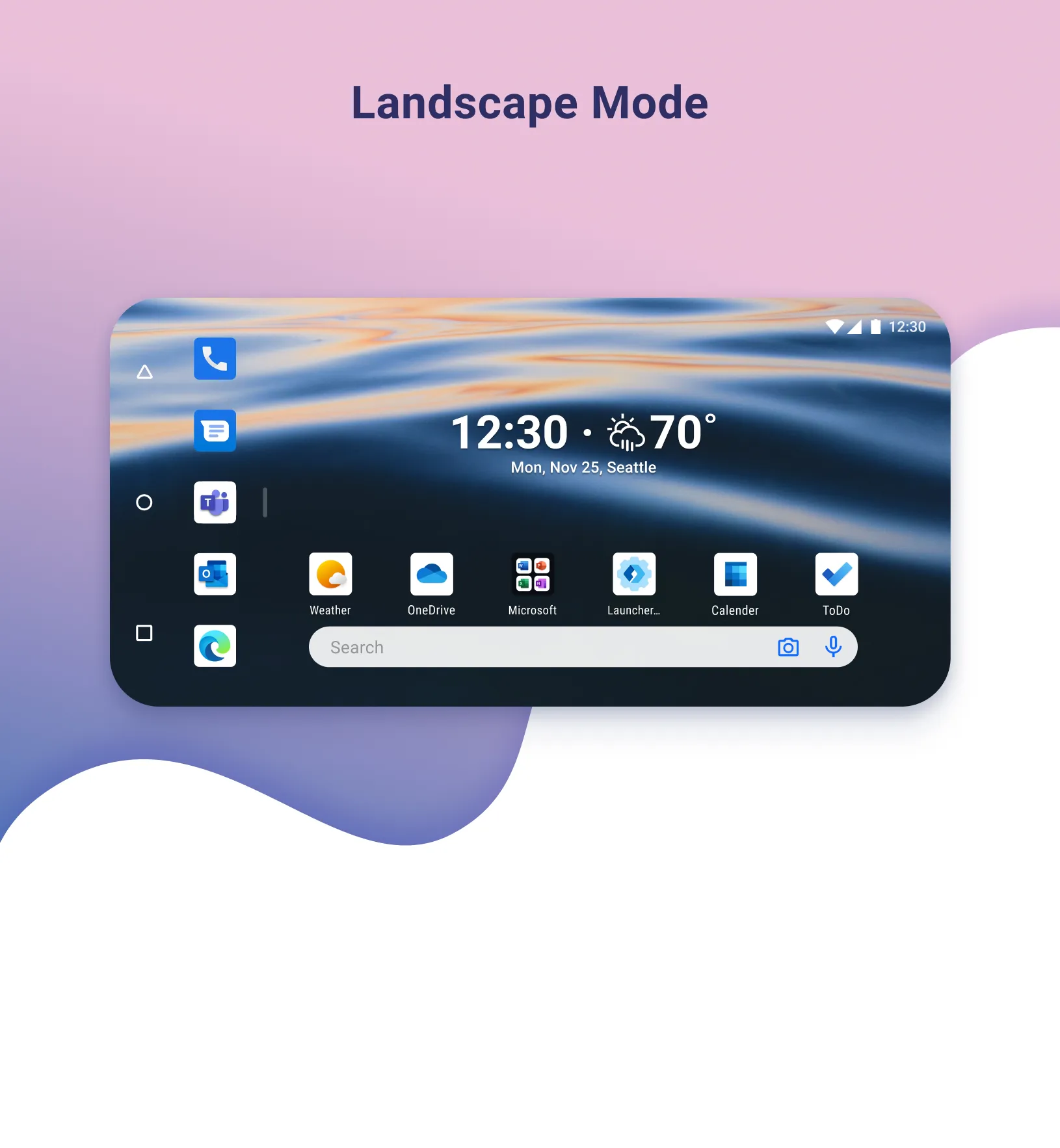
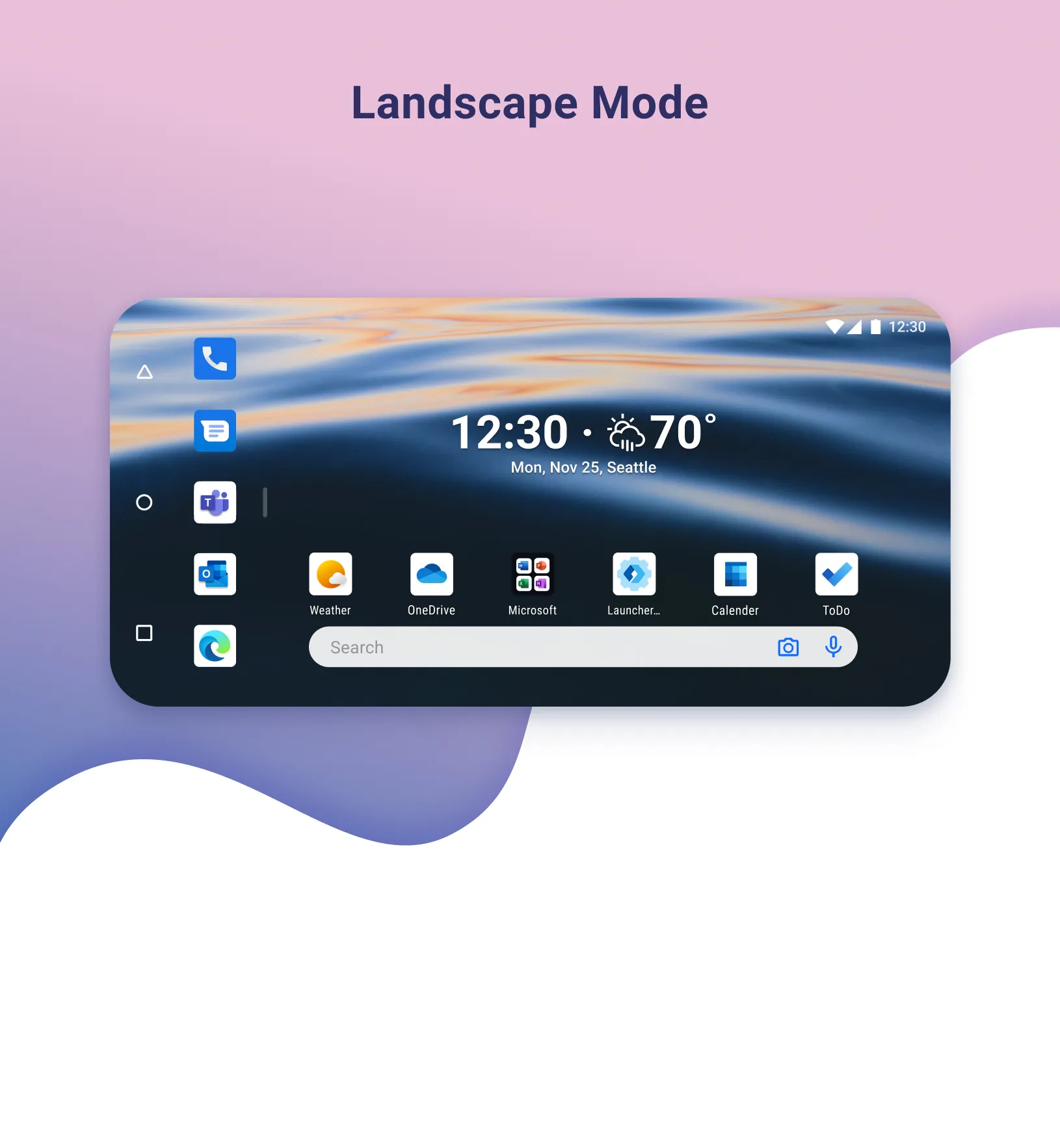
Supports landscape orientation and the system-wide dark mode
Local and cloud backup for home screen configurations
Cons:
Default settings are heavily geared toward the Microsoft ecosystem, making them less useful for those outside of it
Certain features require extensive optional permissions
Conclusion
Microsoft Launcher offers Android users a highly customizable home screen experience designed to boost productivity and organization. With features like personalized calendars and to-do lists, users can easily access essential information and tools. The app allows for either a fresh setup or the import of an existing layout, providing a flexible transition for new users.
More Information
- Size:61.06MB
- Version:6.241002.0.11160
- Requirements:Android 7.0+
- Package Name:com.microsoft.launcher
- Signature:b4b056d4fa48ad964f6165a3ff306f20
Related topics
-
Utility apps are indispensable in our lives, making our daily routines more convenient. To help you find these apps more easily, this site has created a collection. This collection brings together a series of practical tools covering various aspects of life, work, and education, meeting all your needs. What are you waiting for? Try these apps now and make your life easier!
-
![HP Print Service Plugin]()
HP Print Service Plugin
-
![GTA: San Andreas Cheater]()
GTA: San Andreas Cheater
-
![Microsoft Launcher]()
Microsoft Launcher
-
![Google Now Launcher]()
Google Now Launcher
-
![Guitar Tuner Free]()
Guitar Tuner Free
-
![Hack App Data]()
Hack App Data
-
![Good Lock]()
Good Lock
-
![Google Installer]()
Google Installer
-
-
Transform your mobile device into a powerhouse of efficiency with these handpicked essential tools. Whether you need professional-grade photo editing, seamless file organization, smart task management, or real-time weather updates, our curated selection of premium apps delivers unbeatable performance. Streamline your daily routine, automate repetitive tasks, and boost your productivity with intuitive interfaces and powerful features. Designed for both professionals and casual users, these editor-approved applications will revolutionize how you work and play. Don't settle for an ordinary phone - upgrade your digital experience today and unlock your device's full potential!
-
![Microsoft Launcher]()
Microsoft Launcher
-
![WeCatch]()
WeCatch
-
![Google Now Launcher]()
Google Now Launcher
-
![FHX Clash Of Clans]()
FHX Clash Of Clans
-
![LuluboxPro]()
LuluboxPro
-
![Guitar Tuner Free]()
Guitar Tuner Free
-
![Hack App Data]()
Hack App Data
-
![Co Co]()
Co Co
-
-
With the development of mobile hardware and software, many practical tool software have emerged, covering a wide range of aspects and becoming a good helper for everyone in work and life. Today, the editor provides you with a list of useful tool software downloads. These tools are not particularly complex types, and after reading them, everyone can quickly learn how to use them. Proper use can bring great convenience to life and work.
-
![HP Print Service Plugin]()
HP Print Service Plugin
-
![GTA: San Andreas Cheater]()
GTA: San Andreas Cheater
-
![Microsoft Launcher]()
Microsoft Launcher
-
![WeCatch]()
WeCatch
-
![Google Now Launcher]()
Google Now Launcher
-
![My Boy! Free]()
My Boy! Free
-
![FHX Clash Of Clans]()
FHX Clash Of Clans
-
![LuluboxPro]()
LuluboxPro
-








Latest Updated


Popular Apps








Popular News
More+-
![Tomie Wants to Get Married Full Walkthrough, All Choices and Ending Guide]()
Tomie Wants to Get Married Full Walkthrough, All Choices and Ending Guide
2026-05-22
-
![Karryn’s Prison Gameplay Walkthrough & Strategy Guide]()
Karryn’s Prison Gameplay Walkthrough & Strategy Guide
2025-10-28
-
![Life in Santa County Game Guide & Complete Walkthrough]()
Life in Santa County Game Guide & Complete Walkthrough
2025-10-28
-
![Dreams of Desire Complete Walkthrough and Game Guide]()
Dreams of Desire Complete Walkthrough and Game Guide
2025-10-28
-
![Era Hunter Gameplay Guide & Full Walkthrough]()
Era Hunter Gameplay Guide & Full Walkthrough
2025-10-28




