

Game Launcher
Download for Android This app is available for Android only.- Category:Tools
- Rating:
- Language:English
- Updated:2026-11-06
Screenshots
Introduction
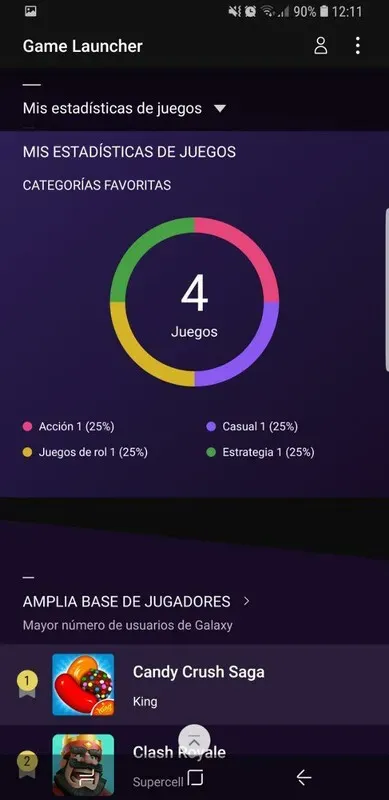
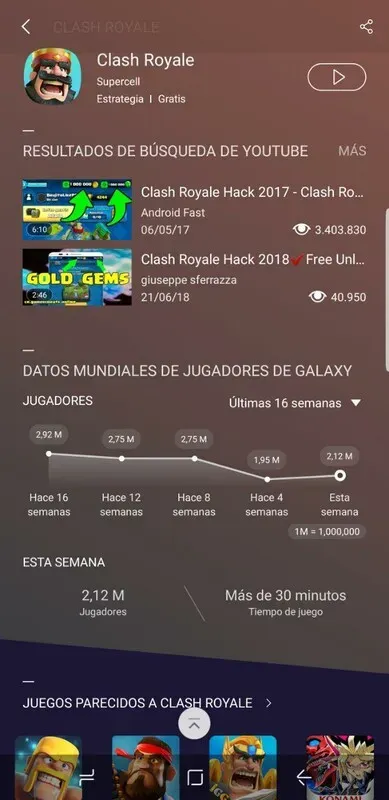
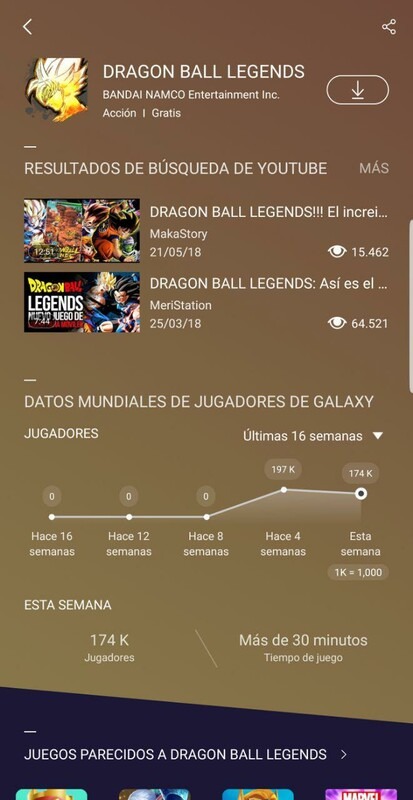
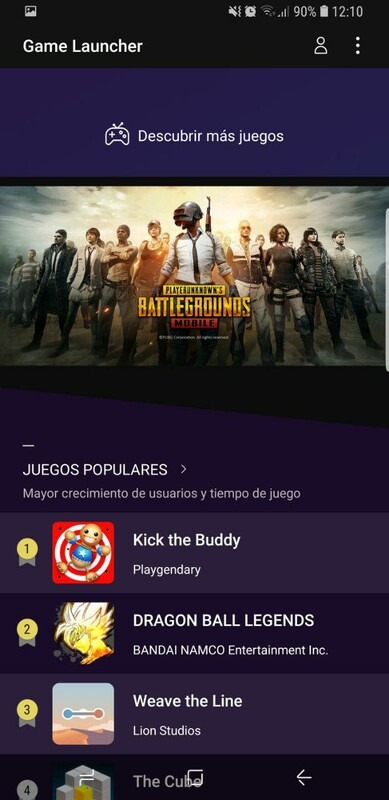
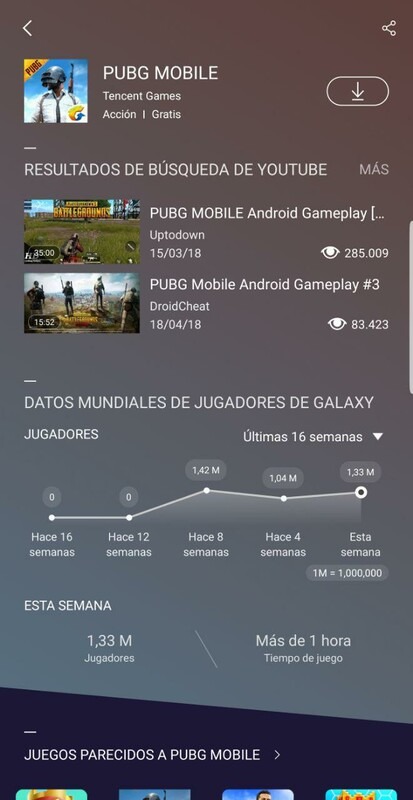
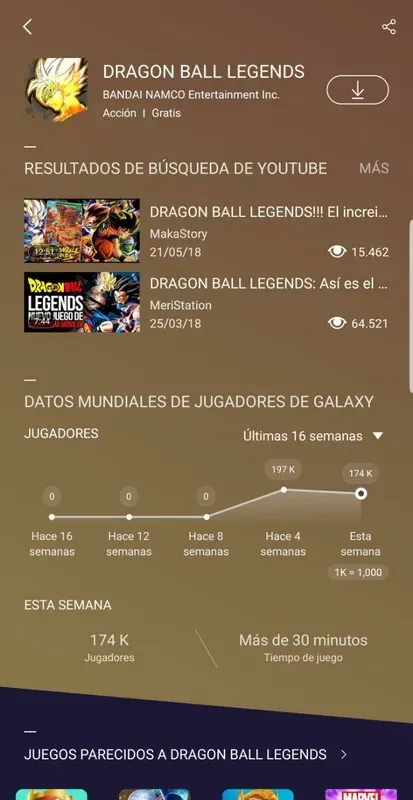
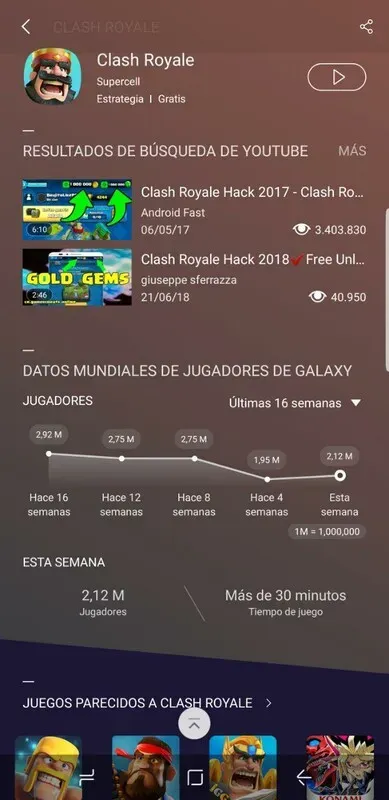
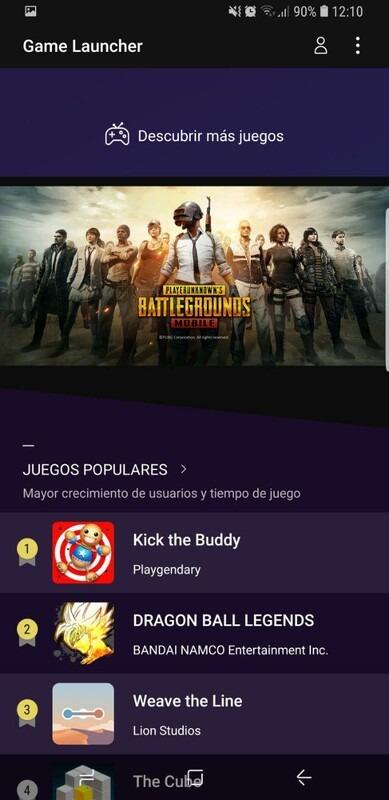
Game Launcher is a gaming tool designed for mobile devices. It centralizes games on a user's device into a game library, allowing users to directly launch games without scrolling or searching on the screen. Through the software, users can not only view real-time playtime for different games and receive recommendations based on their gaming preferences, quickly finding similar games, but also manage their games, performing batch updates and uninstalls with a single click. In January, a team member trained him to use the software, and users can also record their gameplay in real-time, save it to their device, and quickly share it with their friends, letting them marvel at their exciting moments.
Features of Game Launcher:
The Game Launcher is a powerful Android app that provides gamers with an all-in-one gaming experience. It allows users to easily manage and organize their games and access exclusive features like game optimization settings for improved performance and longer battery life while playing on compatible devices. With its intuitive user interface, taking control of your mobile gaming library has never been easier!
Allows users to organize their games into categories.
It offers the ability to turn off notifications and alerts from individual apps while playing a game.
Provides access to exclusive offers, deals, and discounts on in-game purchases for select Samsung devices.
It supports sharing screenshots or recordings with friends through social media networks like Facebook and Twitter directly from within the app interface.
Customizable home screen widget that provides quick access to recently played games without opening up the launcher application each time you want to play something new.
User Reviews of Game Launcher:
When you first open Game Launcher, you will have to change a handful of settings so that it works properly. The app should automatically find all of the games that are currently on your phone, but that search function doesn’t always work perfectly. If you can’t find a game, then you will need to manually search for the correct folders. Once all of the game folders have been found, you can then begin the process of changing your global settings as well as all of the individual settings for each game.Within those settings, you can make many different changes to your phone. That includes options such as turning off notifications when you are playing games, recording your screen with a single movement, and a manual FPS switch. Newer Galaxy devices also allow you to adjust resolution and touch response for individual games, as well as choose performance profiles that prioritize battery life, balanced optimization, or maximum frame rate. When you prioritize maximum frame rate, you are going to heat up the processor and use your battery at a much quicker rate, but you should be able to boost the performance of your device. Game Booster+ also adds gamepad touch mapping, performance tuning, and faster game startup on supported Galaxy devices, while a system monitor overlay can display live FPS, CPU usage, GPU activity, and RAM consumption.
FAQs of Game Launcher:
How does Game Launcher automatically find and organize my games?
Game Launcher scans your Android device to detect installed games and displays them with large icons. You can customize your library by prioritizing frequently played titles. The app automatically updates your game list as you install or uninstall apps, requiring no manual input.
What is gaming mode and what does it do?
Gaming mode optimizes your device for uninterrupted gameplay by reducing background activity and silencing calls, messages, and app notifications. You can toggle it on or off. The app also offers adjustable performance modes—battery-saving or high-performance—tailored to your device's capabilities for enhanced gameplay smoothness.
How can I record gameplay videos with Game Launcher?
Game Launcher includes a gameplay recording feature that captures your gaming sessions as video files. You can adjust the audio by including game audio, excluding external audio, or balancing both. Recorded videos save to your device for later viewing or sharing.
Can Game Launcher silence notifications and calls while I play?
Yes, Game Launcher's Do Not Disturb mode silences incoming calls, text messages, and app notifications during gameplay. You can also selectively block notifications from specific apps while gaming. This prevents interruptions and distractions, allowing you to focus entirely on gameplay.
Does Game Launcher track how much time I spend playing each game?
Yes, Game Launcher automatically tracks and displays the time you spend in each game, helping you monitor gaming habits and identify your most-played titles. Time tracking updates in real-time during gameplay and is available in your game profile.
Final Thoughts:
Game Launcher helps Samsung users bring gaming into a single, focused space when the home screen feels crowded. It creates a cleaner start point for sessions and keeps attention on play. The app also supports users who want simple insight into habits and ideas for what to try next.
More Information
- Size:18.32MB
- Version:7.1.50.5
- Requirements:Android 9+
- Package Name:com.samsung.android.game.gamehome
- Signature:67b445342b9f23ac32197adb997f2a8d
Related topics
-
Transform your mobile device into a powerhouse of efficiency with these handpicked essential tools. Whether you need professional-grade photo editing, seamless file organization, smart task management, or real-time weather updates, our curated selection of premium apps delivers unbeatable performance. Streamline your daily routine, automate repetitive tasks, and boost your productivity with intuitive interfaces and powerful features. Designed for both professionals and casual users, these editor-approved applications will revolutionize how you work and play. Don't settle for an ordinary phone - upgrade your digital experience today and unlock your device's full potential!
-
![Android Switch]()
Android Switch
-
![JW Library]()
JW Library
-
![Game Launcher]()
Game Launcher
-
![Gspace]()
Gspace
-
![Hide App]()
Hide App
-
![Add Reminder]()
Add Reminder
-
![Samsung Internet Browser]()
Samsung Internet Browser
-
-
With the development of mobile hardware and software, many practical tool software have emerged, covering a wide range of aspects and becoming a good helper for everyone in work and life. Today, the editor provides you with a list of useful tool software downloads. These tools are not particularly complex types, and after reading them, everyone can quickly learn how to use them. Proper use can bring great convenience to life and work.
-
![Test DPC]()
Test DPC
-
![Android Switch]()
Android Switch
-
![Calculator Lock]()
Calculator Lock
-
![JW Library]()
JW Library
-
![Game Launcher]()
Game Launcher
-
![Gspace]()
Gspace
-
![Hide App]()
Hide App
-






Latest Updated



Popular Apps








Popular News
More+-
![Tomie Wants to Get Married Full Walkthrough, All Choices and Ending Guide]()
Tomie Wants to Get Married Full Walkthrough, All Choices and Ending Guide
2026-05-22
-
![Karryn’s Prison Gameplay Walkthrough & Strategy Guide]()
Karryn’s Prison Gameplay Walkthrough & Strategy Guide
2025-10-28
-
![Life in Santa County Game Guide & Complete Walkthrough]()
Life in Santa County Game Guide & Complete Walkthrough
2025-10-28
-
![Dreams of Desire Complete Walkthrough and Game Guide]()
Dreams of Desire Complete Walkthrough and Game Guide
2025-10-28
-
![Era Hunter Gameplay Guide & Full Walkthrough]()
Era Hunter Gameplay Guide & Full Walkthrough
2025-10-28




