
DonationAlerts Studio
Download for Android This app is available for Android only.- Category:Social
- Rating:
- Language:English
- Updated:2026-11-11
Screenshots
Introduction
DonationAlerts Studio is a live-streaming application designed for mobile devices. It enables users to broadcast across multiple platforms simultaneously, helping to maximize audience reach. The streaming process is highly streamlined, requiring only a few simple steps to go live. The app also offers a wide range of interactive features—such as alerts for new followers, chat, tips, and donations—with a secure system for withdrawing any funds received. It supports switching between front and rear cameras to suit various streaming scenarios and allows for background streaming, ensuring your broadcast continues without interruption.
Features
Multi-Platform Streaming
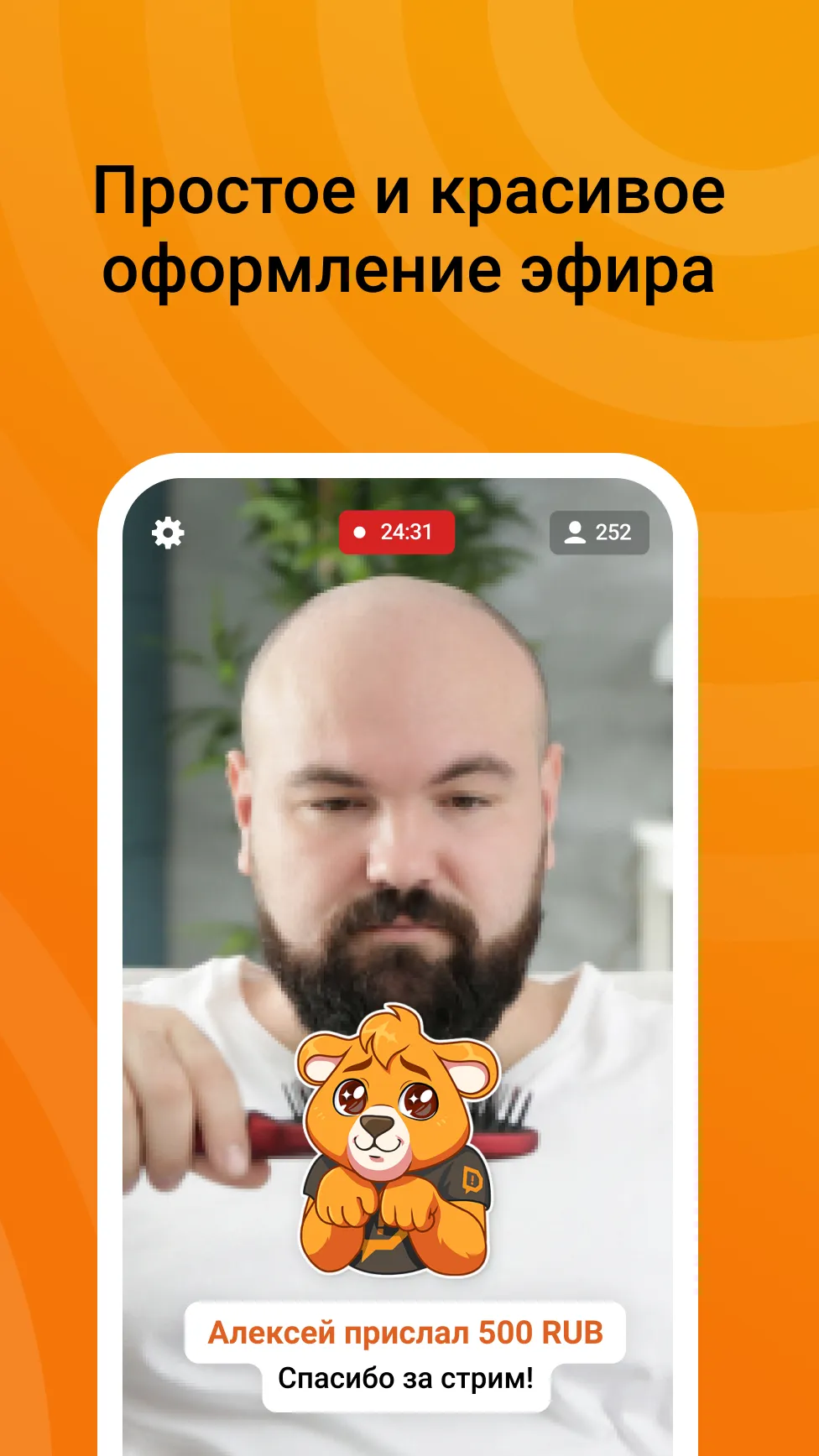
Stream directly from your mobile device to platforms including Twitch, YouTube, Trovo, VK, and OK. The app guides you through a few quick setup steps, allowing you to focus on content creation rather than technical configuration—saving you significant time when changing locations or switching between different types of content.
Integrated Alerts and Widgets
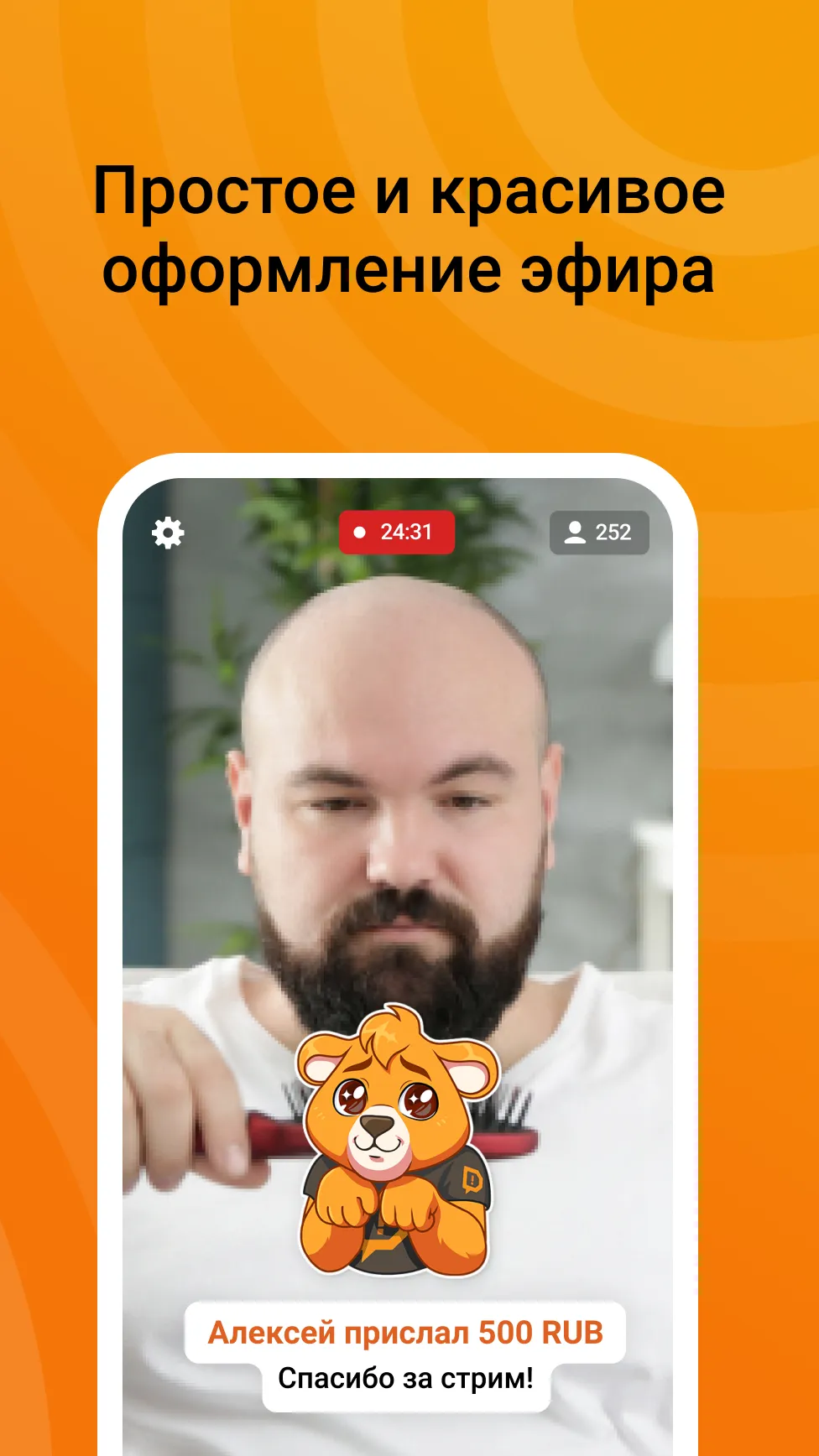
DonationAlerts Studio comes with a variety of ready-to-use components, such as chat overlays, donation goals/fundraisers, recent activity feeds, follower alerts, stream management tools, and Kappagen. You can also incorporate third-party widgets—similar to those used in OBS—to maintain a familiar screen layout. Built-in alert features allow you to display viewer interactions in real-time without the need for additional software.
Donations and Secure Payouts
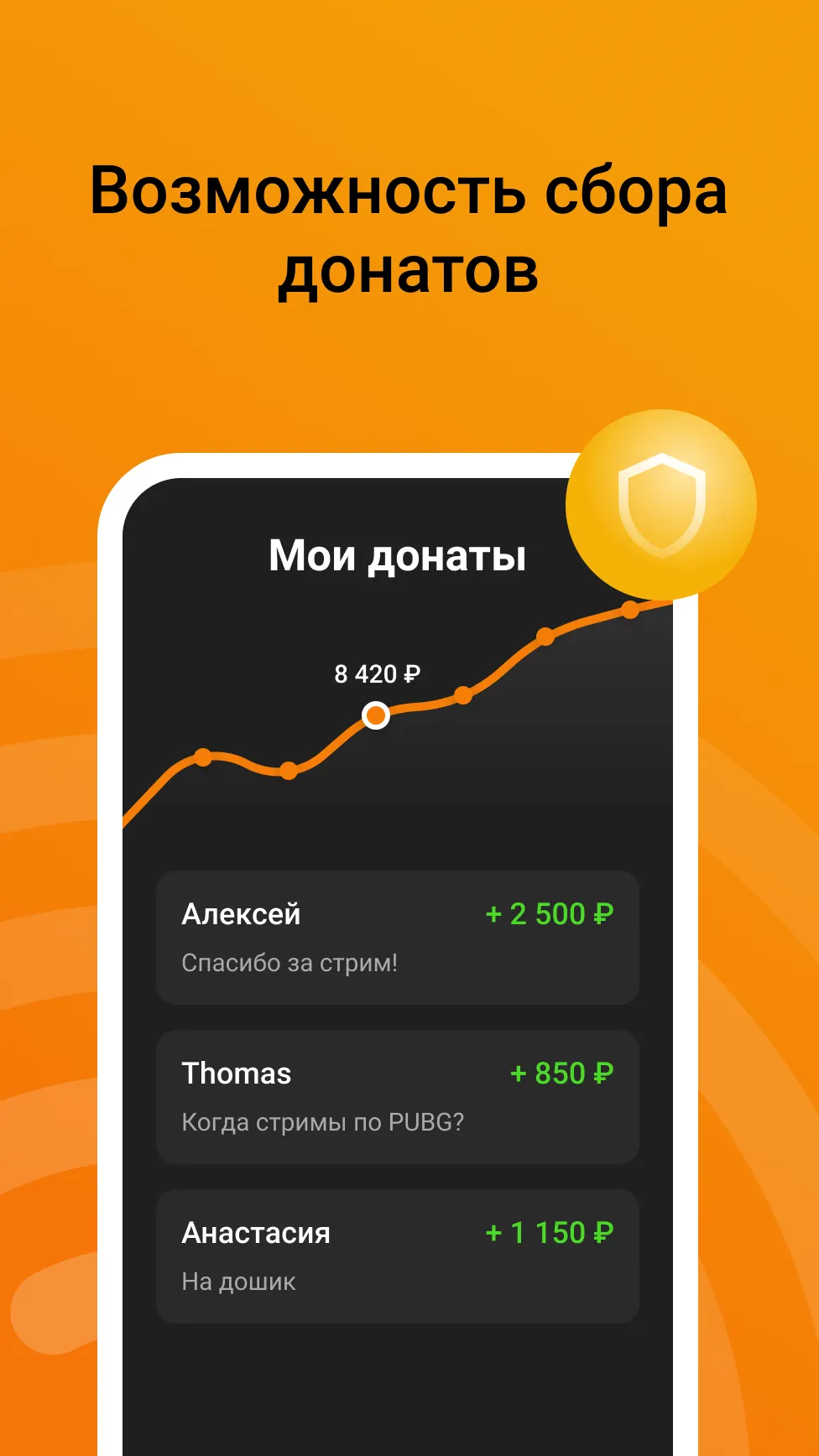
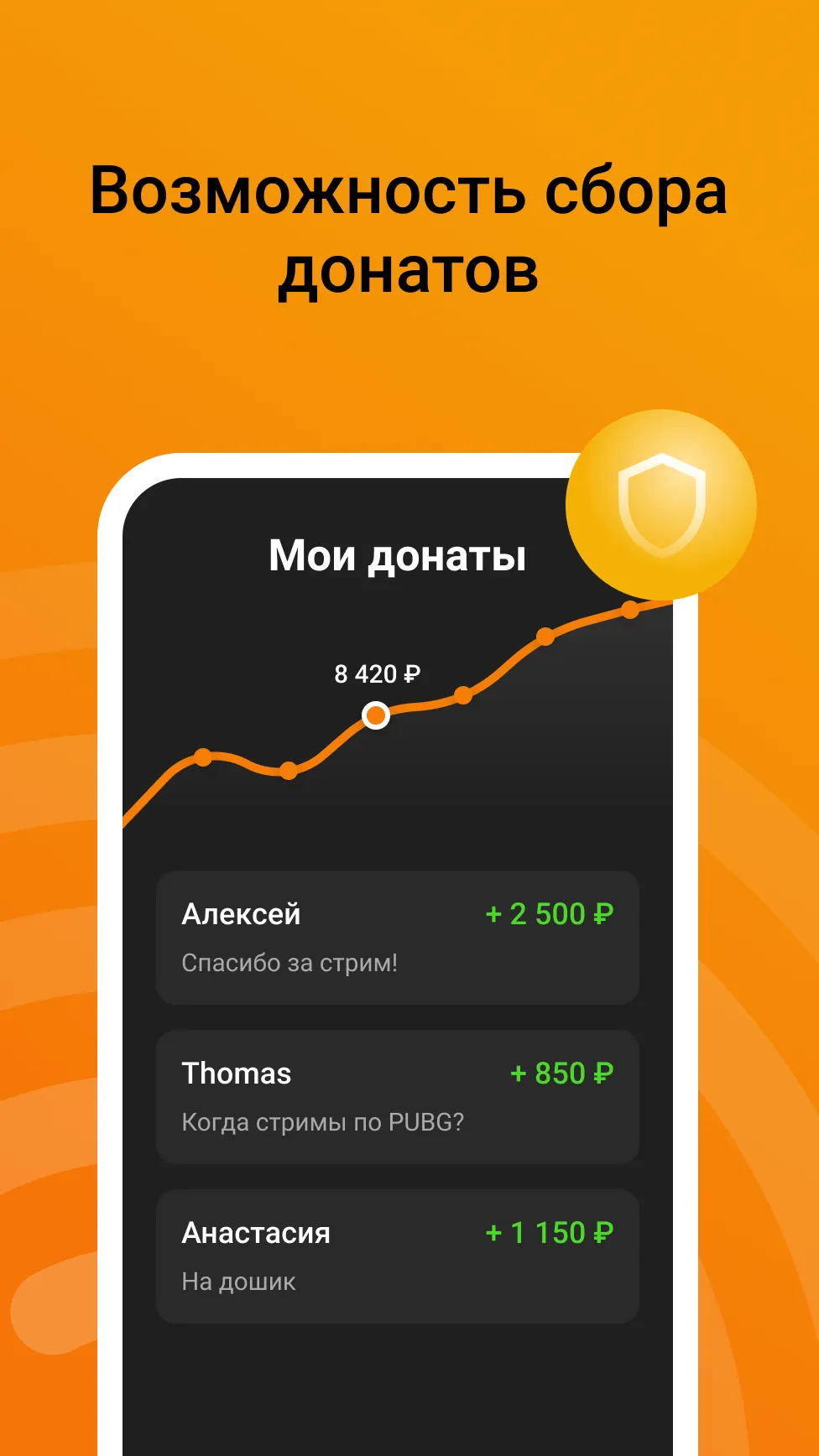
Connected to the DonationAlerts Studio ecosystem, the app facilitates donations during your streams. Your funds are kept secure and can be withdrawn safely whenever you choose. This setup simplifies the monetization process for creators while providing a seamless experience for viewers.
Dual-Camera and Screen Capture Options
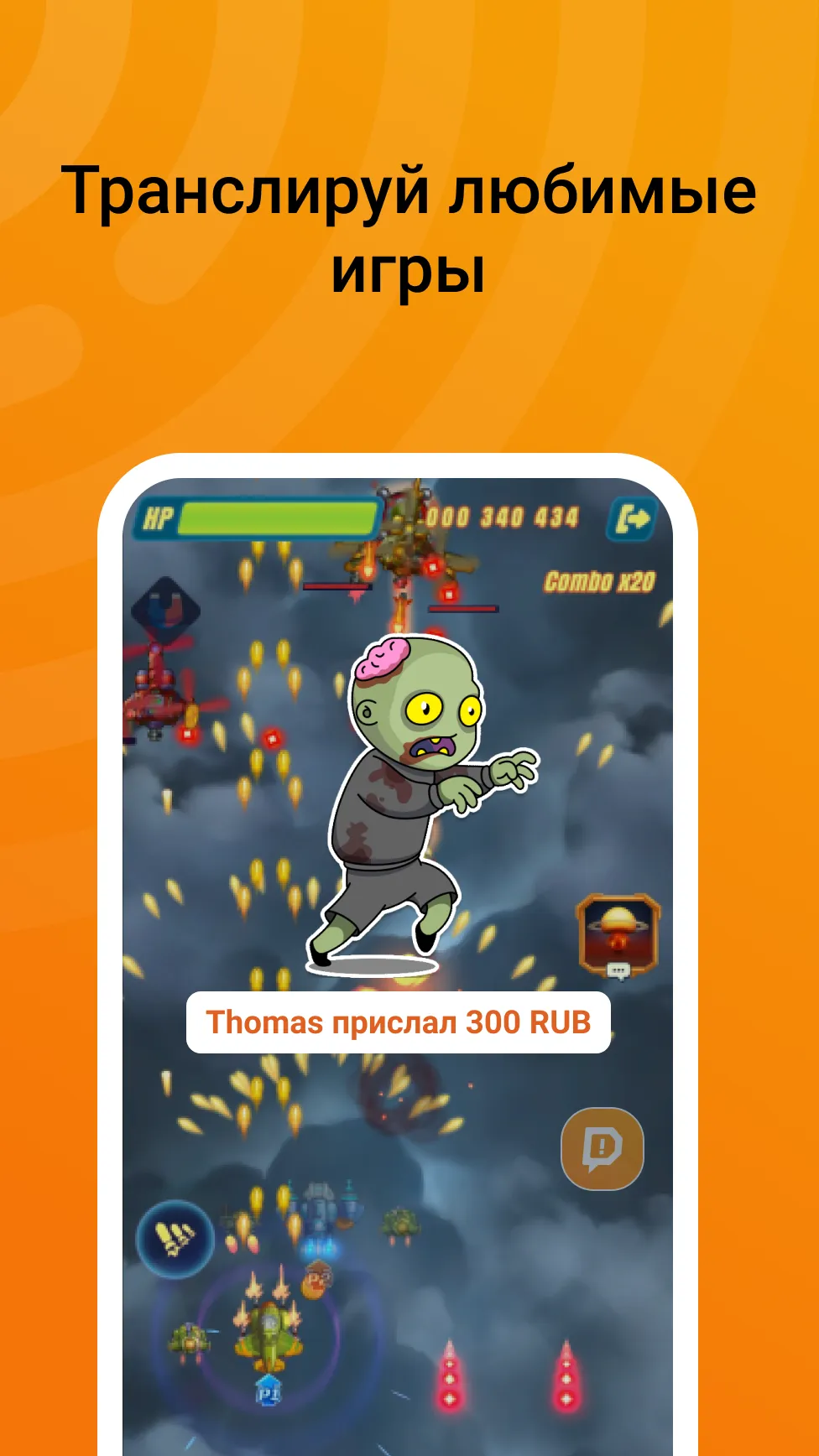
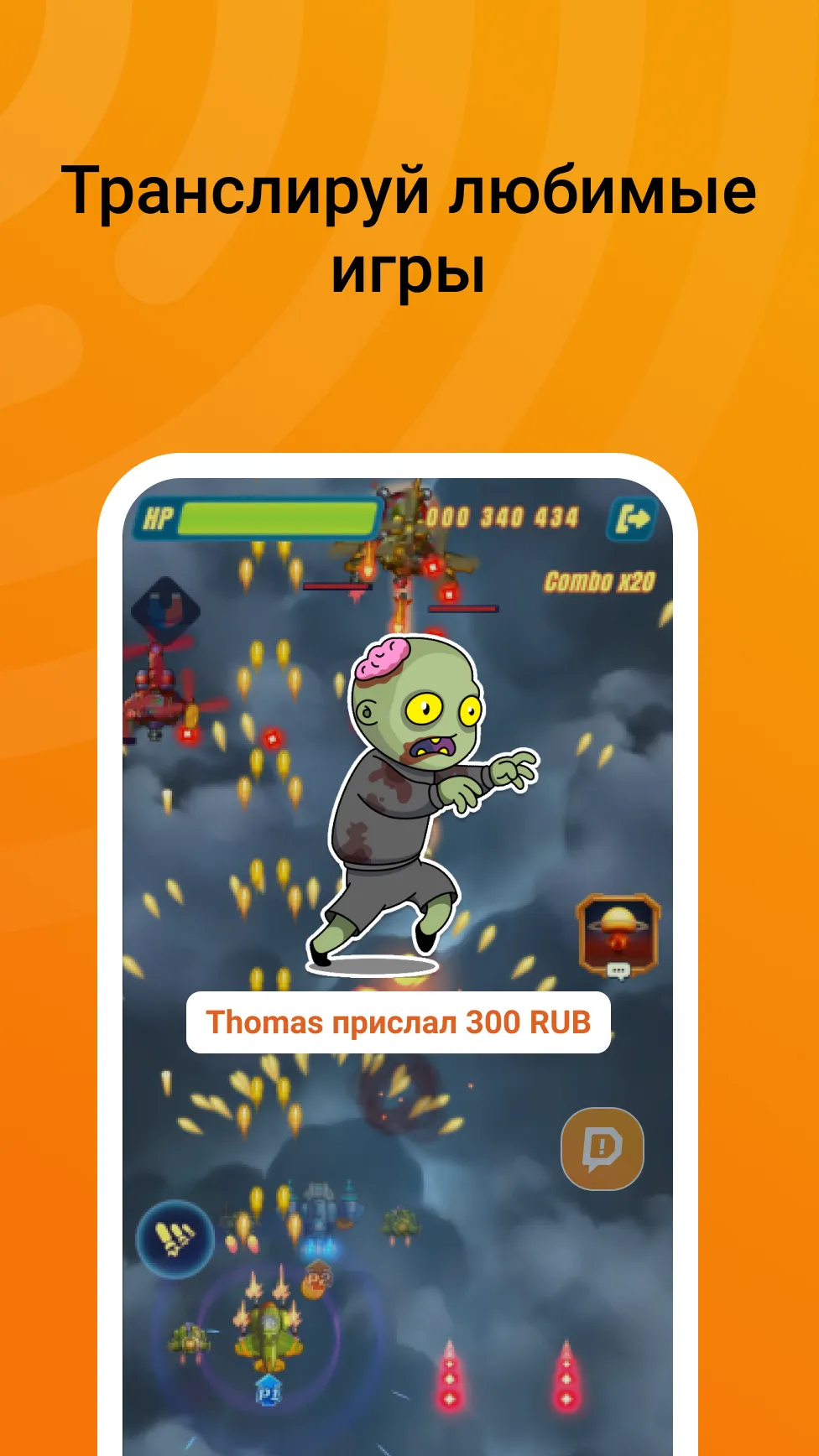
Switch between your front and rear cameras, or use both simultaneously for a dual-camera broadcast. The app also supports streaming mobile games and applications, with adjustable video quality settings that allow you to balance performance and clarity based on your current network connection.
Stream Control and Sharing
The app can run in the background, allowing you to continue your stream without interrupting your use of other phone functions. You can also choose between public or private broadcast modes—useful for testing your setup or restricting access to specific viewers. Once you’re ready, a single tap lets you share a link to your social networks, inviting your audience to watch your live stream. The app is free and ad-free, allowing you to stay focused on your content.
Usage
Open the app and log in using your existing DonationAlerts Studio account, or sign in via platforms like Twitch or YouTube if your account is already linked.
Follow the prompts to grant access to your camera, microphone, and screen; then, set a title for your stream and choose your target platform.
Add alerts and widgets—such as chat feeds or recent event notifications—from DonationAlerts Studio, and arrange them in the preview window to appear during your broadcast.
Select your source: toggle between the front and rear cameras, enable dual-camera mode if needed, or choose screen capture for mobile gaming and apps.
Configure your quality settings, set the visibility (public or private), start your stream, and share the link on social media. When finished, end the broadcast and check your DonationAlerts account to review any donations received.
Pros and Cons
Pros:
Easy to set up and use—ideal for streamers.
Integrates with various streaming platforms (e.g., Twitch, YouTube).
Allows for custom donation alerts and notifications.
Supports a wide range of donation payment methods.
Provides real-time alerts and statistics to track donations.
User-friendly interface.
Includes features like donation goals and milestones to encourage contributions.
Cons:
Limited customer support options.
The abundance of features might be overwhelming for first-time users.
Conclusion
DonationAlerts Studio offers a seamless platform that simplifies the donation process during live streams, making it easier for creators to engage with their audience and maximize their donation revenue.
More Information
- Size:7.46MB
- Version:1.2.17
- Requirements:Android
- Package Name:com.donationalerts.studio
- Signature:65da0733ef627aa6c9d236cce4130be9
Related topics
-
A video hosting platform that is embedded with live streaming technology can create and broadcast videos in real-time. Live streaming is unlike the pre-recorded videos which can later be edited as required. The video hosting platform is a component that connects the creator and audience. It helps in reaching your business globally resulting in more consumers and leads despite the barrier of physical location like Bon Appetit, Martha Stewart, BuzzFeed and more. As per the reports from Grand View Research, the size of the video marketing industry is likely to reach USD 233.98 billion by 2028. Further, the pandemic outbreak has created a positive impact on the video streaming industry increasing the need for real-time engagement/entertainment.
-
![DonationAlerts Studio]()
DonationAlerts Studio
-
![HotLive]()
HotLive
-
![Moj Lite +]()
Moj Lite +
-
![Tomato Live]()
Tomato Live
-
![Wish Live]()
Wish Live
-
![Tata Live]()
Tata Live
-
![Bling2 Live]()
Bling2 Live
-
![Swag Live]()
Swag Live
-
-
Live Streaming App is a digital platform that enables users to share real-time video broadcasts with audiences worldwide. It supports diverse content formats including gaming streams, educational tutorials, entertainment shows, vlogs, and interactive personal broadcasts. The platform facilitates instant viewer engagement through live chats, donations, and reactions, creating dynamic connections between creators and their communities. Whether for professional content or casual sharing, it provides accessible tools for real-time video streaming across various interests and purposes.
-
![DonationAlerts Studio]()
DonationAlerts Studio
-
![Poppo Live]()
Poppo Live
-
![Uplive]()
Uplive
-
![Papaya Live-Live Stream,Show]()
Papaya Live-Live Stream,Show
-
![LiveMe+]()
LiveMe+
-
![HotLive]()
HotLive
-
![Likee]()
Likee
-
![Moj Lite +]()
Moj Lite +
-
-
Designed for creators and businesses of all sizes, our powerful broadcasting tools help you produce professional-quality streams with ease. Featuring intuitive controls and robust functionality, our solutions enable seamless integration of cameras, microphones, and media sources-along with dynamic overlays, real-time effects, and studio-grade production capabilities like multi-camera switching and virtual environments. Whether you're streaming gameplay, hosting webinars, or running corporate broadcasts, our software empowers you to engage your audience with polished, high-impact content.
-
![DonationAlerts Studio]()
DonationAlerts Studio
-
![Papaya Live-Live Stream,Show]()
Papaya Live-Live Stream,Show
-
![Moj Lite +]()
Moj Lite +
-
![Wish Live]()
Wish Live
-
![Tata Live]()
Tata Live
-
![Joy Live]()
Joy Live
-
![Bling2 Live]()
Bling2 Live
-
![Swag Live]()
Swag Live
-





Latest Updated






Popular Apps




Popular News
More+-
![Tomie Wants to Get Married Full Walkthrough, All Choices and Ending Guide]()
Tomie Wants to Get Married Full Walkthrough, All Choices and Ending Guide
2026-05-22
-
![Karryn’s Prison Gameplay Walkthrough & Strategy Guide]()
Karryn’s Prison Gameplay Walkthrough & Strategy Guide
2025-10-28
-
![Life in Santa County Game Guide & Complete Walkthrough]()
Life in Santa County Game Guide & Complete Walkthrough
2025-10-28
-
![Dreams of Desire Complete Walkthrough and Game Guide]()
Dreams of Desire Complete Walkthrough and Game Guide
2025-10-28
-
![Era Hunter Gameplay Guide & Full Walkthrough]()
Era Hunter Gameplay Guide & Full Walkthrough
2025-10-28




