

YouTube Create
Download for Android This app is available for Android only.- Category:Media & Video
- Rating:
- Language:English
- Updated:2026-11-16
Screenshots
Introduction
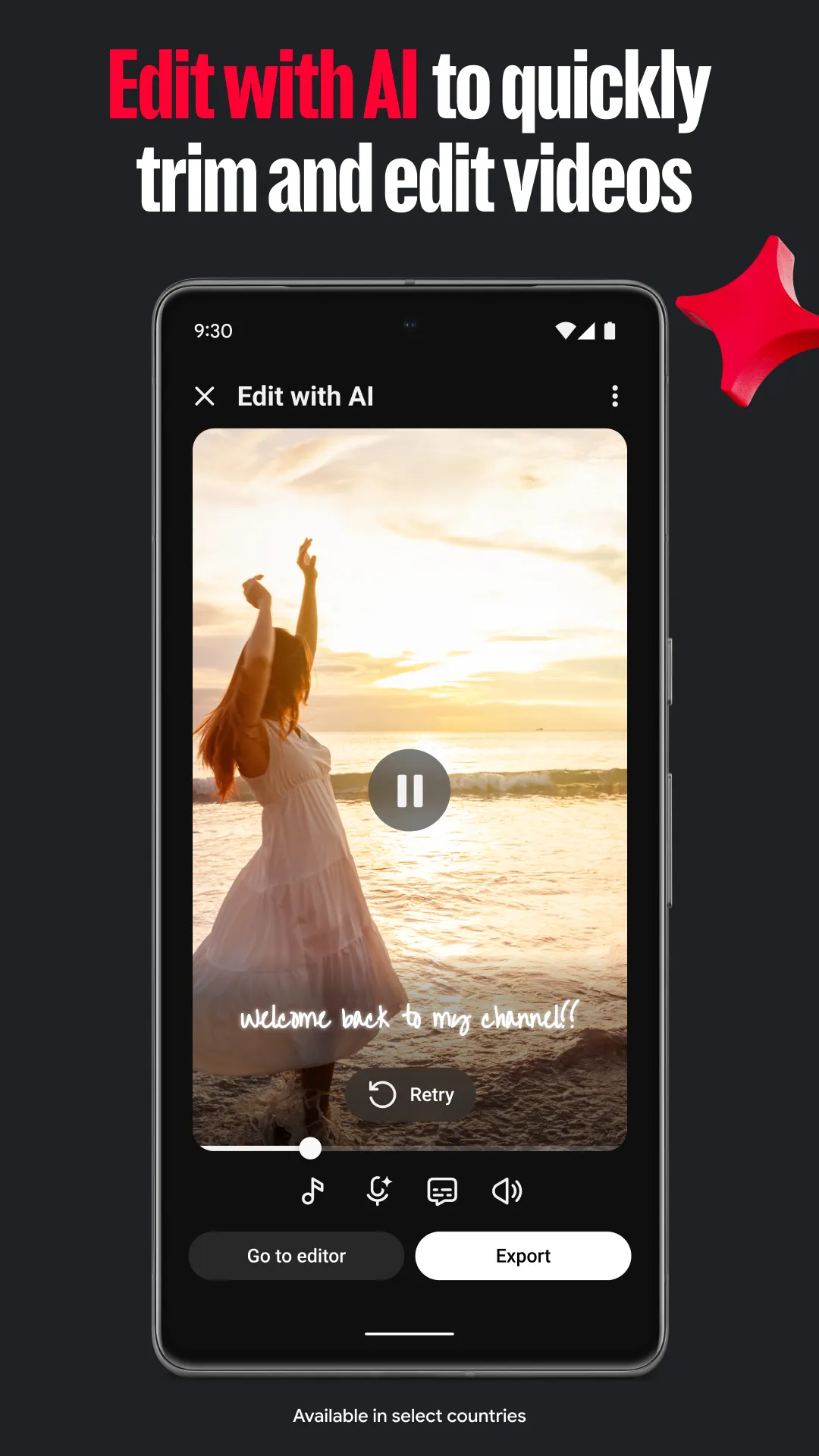
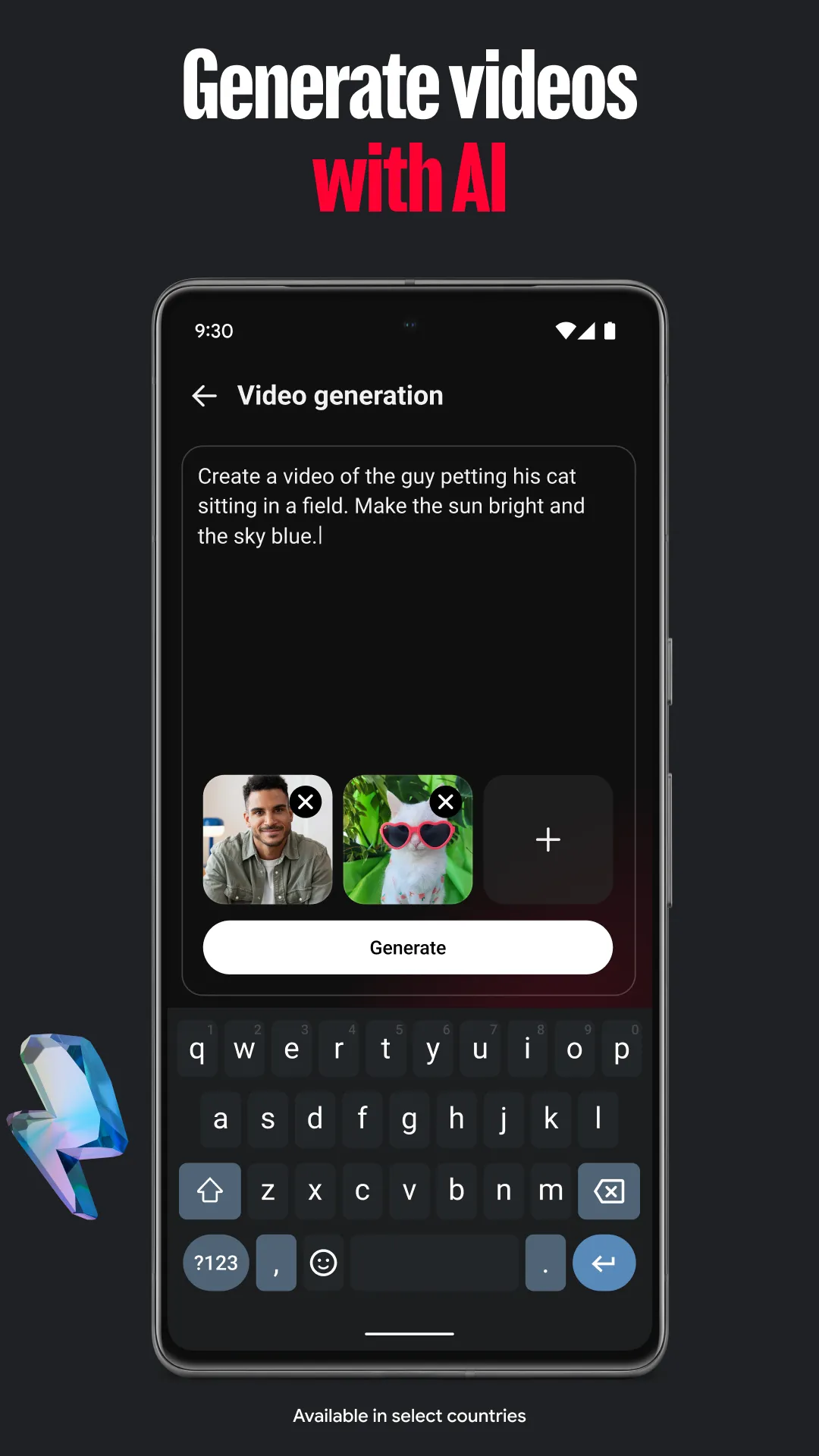
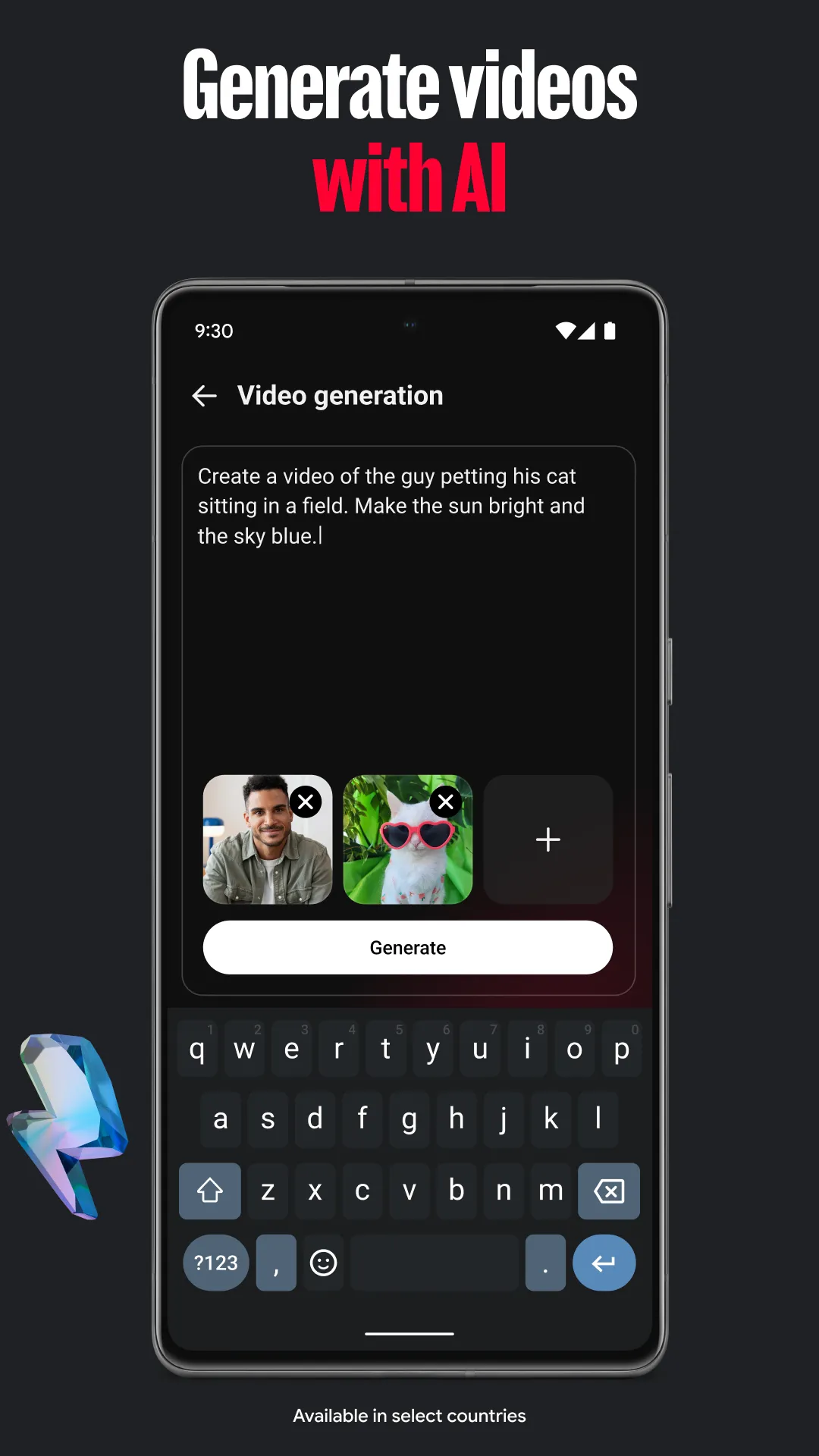
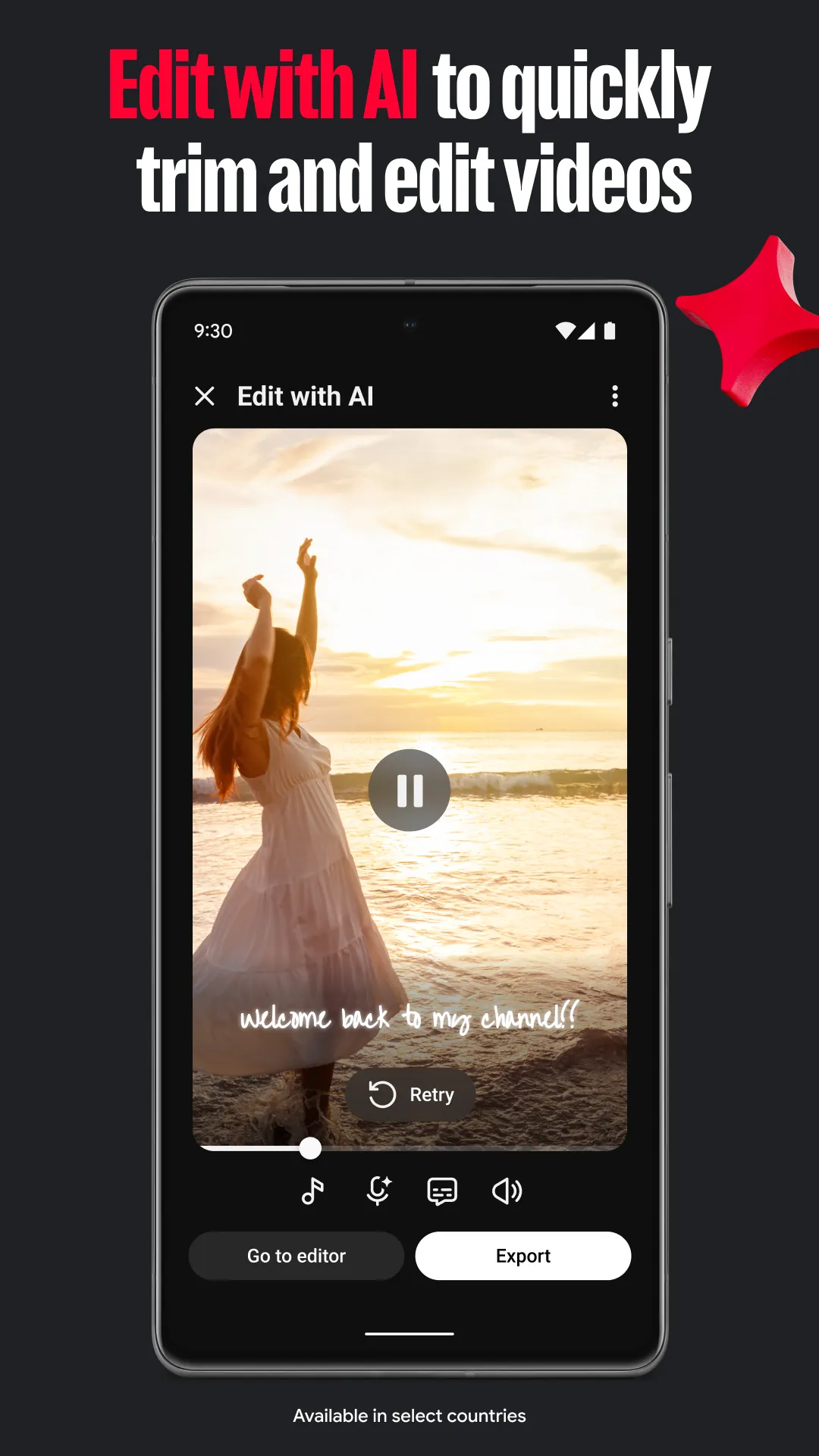
YouTube Create is a video editing application designed for Android. Users can upload their own videos for editing, utilizing an extensive built-in library of sound effects and music—most of which are free to use, eliminating concerns about copyright issues. The app also supports the addition of on-screen text (captions/subtitles), stickers, and emojis. Furthermore, it offers optimized export formats to ensure high video quality. The tool can even process and remove background noise, making it adaptable to various recording environments. Once a video is created, users can apply filters and share it directly to YouTube with ease.
Features
Extensive Sound Effects and Music
The platform includes a vast library of royalty-free music and sound effects, making it effortless to find the perfect soundtrack. Creators can browse through various styles and moods to discover music that aligns perfectly with their video’s narrative—all without worrying about copyright. This feature is particularly useful for vloggers who need consistent background music to maintain a professional standard.
Seamless Captions and Stickers
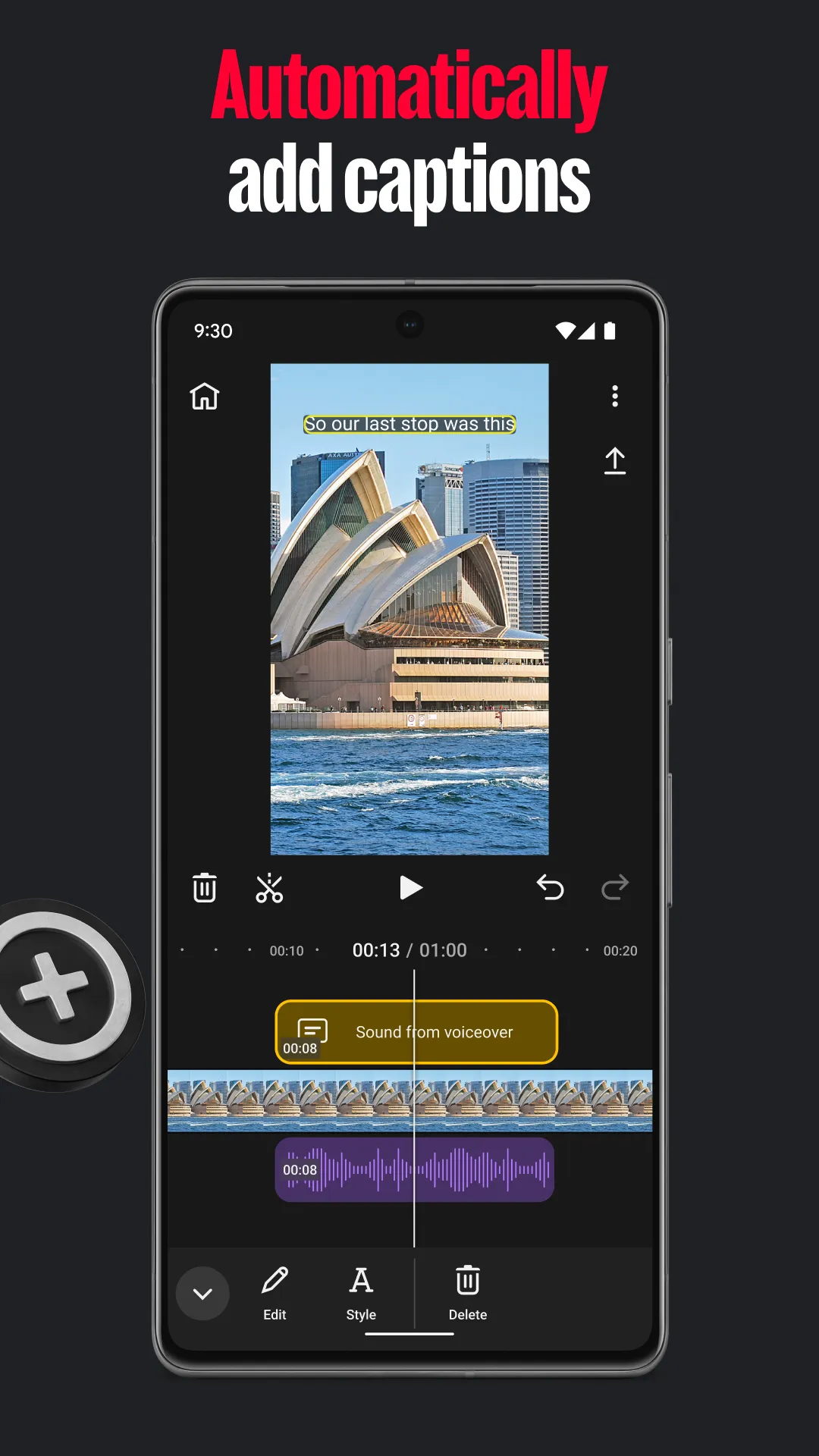
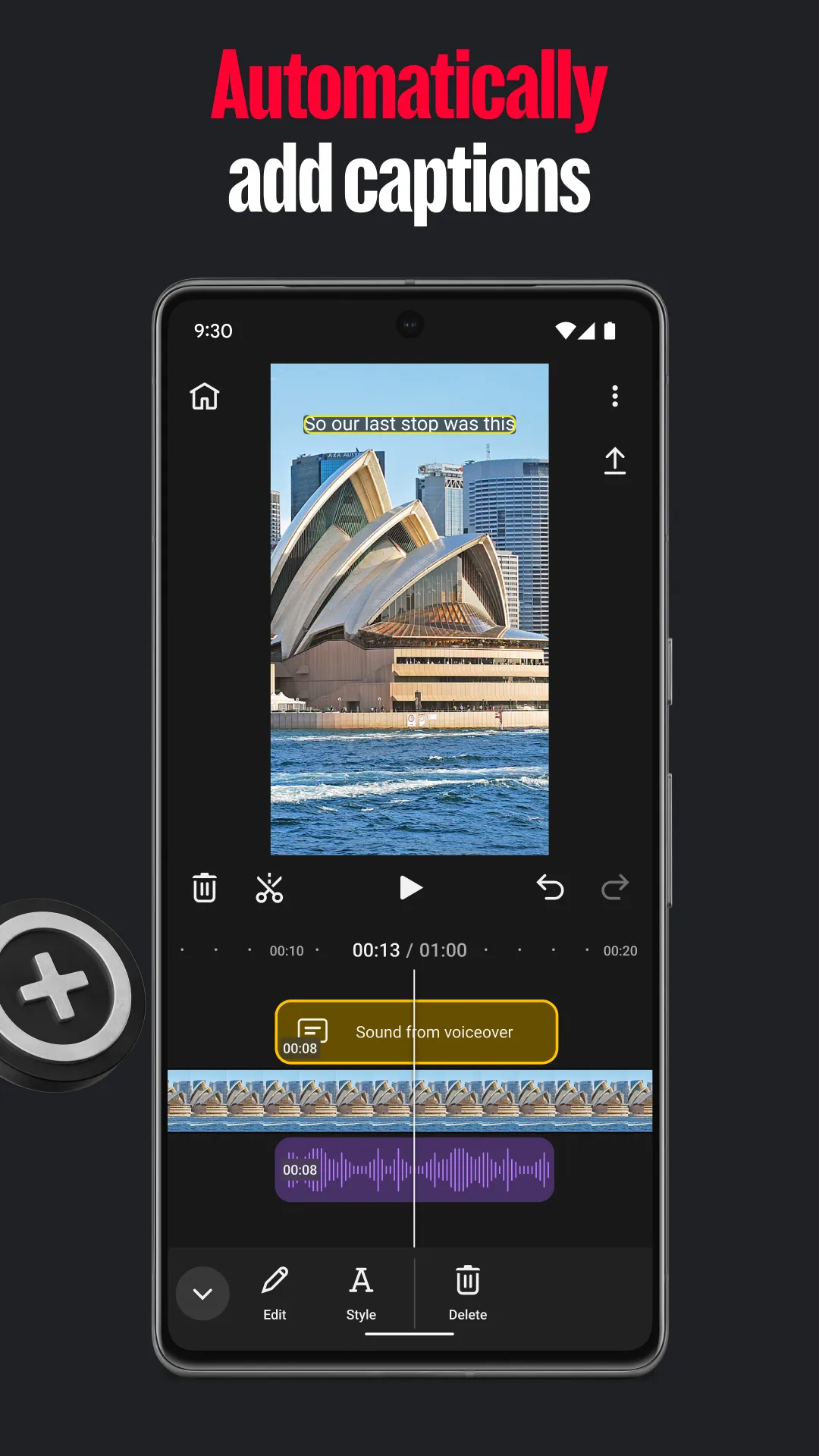
Accessibility is a top priority; the service offers an automatic captioning feature that transcribes speech with high accuracy. Beyond text, there is a rich collection of stickers, GIFs, and emojis to add personality and enhance the user experience. Creators can use these visual elements to highlight key points or inject humor, making the final product more engaging for a global audience.
Optimized for Direct Sharing
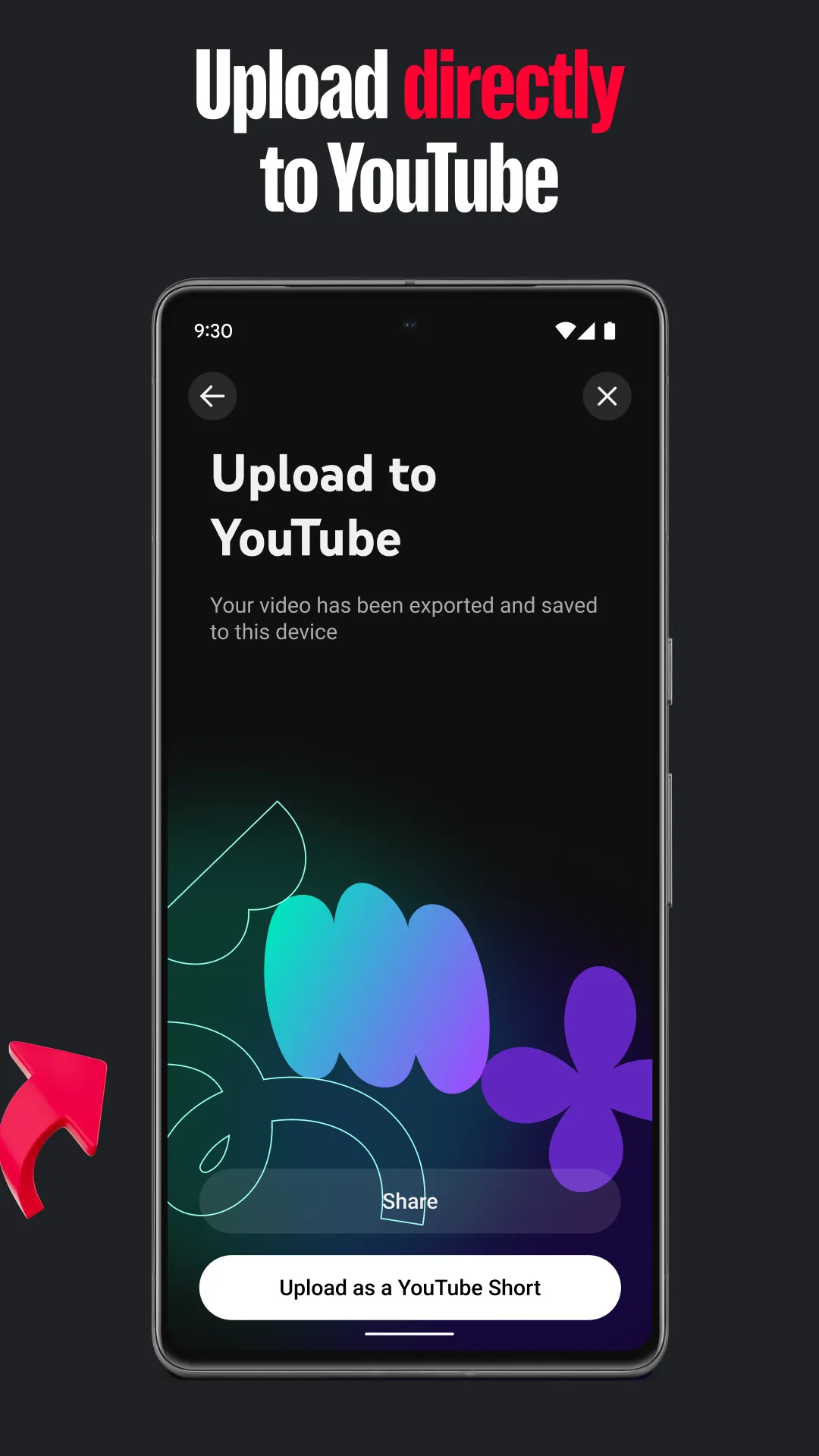
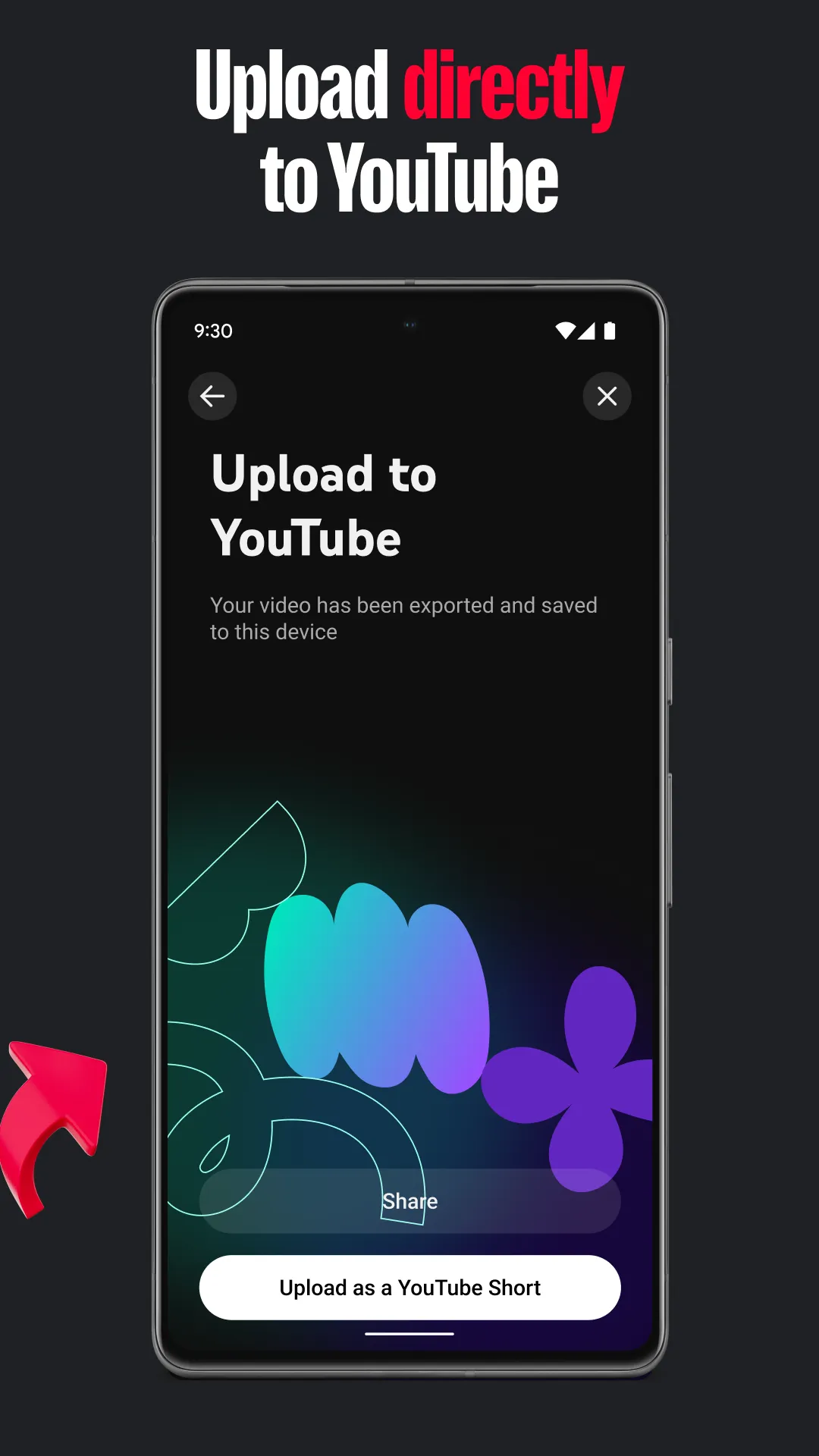
Once editing is complete, the platform provides export settings optimized for modern social media formats, streamlining the final steps. YouTube Create handles the heavy lifting of rendering, ensuring high video quality while keeping file sizes manageable. This efficiency allows users to transition from editing to publishing in just a few taps—saving valuable time for busy content creators.
Clear Audio Recording
Background noise can often ruin an otherwise great video, but this tool features advanced built-in audio cleanup capabilities that effectively isolate the speaker's voice. It can remove distractions like wind or traffic noise, ensuring that voiceovers remain clear and professional. This is especially important for outdoor creators who frequently record videos in complex and ever-changing environments, as they need to ensure their message comes through clearly and effectively.
Stunning Effects and Filters
With just a single tap, you can apply a variety of filters and effects to easily enhance the visual appeal of your project. Whether you’re aiming for a vintage aesthetic or a vibrant, modern look, this tool offers the flexibility to adjust color and lighting in real time. These enhancements help build a unique brand identity, allowing your content to stand out in a crowded digital landscape.
Usage
Open YouTube Create; if prompted, sign in, then start a new project and import your videos or photos.
Arrange your clips on the timeline, then trim, split, or adjust their speed to achieve the desired pacing.
Add audio by selecting royalty-free music tracks—use the "beat sync" feature if you need to align edits with the rhythm. You can also record voiceovers if your project requires narration.
Insert text or stickers, customize their colors, and apply effects. Enable auto-captions (if supported for your language) and use the audio cleanup tool whenever necessary.
Choose your preferred aspect ratio—vertical, horizontal, or square—preview your work, and upload it directly to your YouTube channel as either a Short or a long-form video.
Pros and Cons
Pros:
Comprehensive editing tools
Integrated music library
Automatic captioning
Seamless uploading to YouTube
Cons:
Learning curve for beginners
FAQs
Is YouTube Create free to use?
Yes, the platform is completely free to download and use. It offers all its advanced editing features without any hidden subscription costs, and it does not add intrusive watermarks to your exported videos.
Does this tool support 4K?
Currently, the platform allows users to import and edit high-quality video footage, ensuring that the final output meets the high standards required for a modern digital viewing experience across various devices.
Can I use YouTube Create to make YouTube Shorts?
Absolutely! YouTube Create is designed to handle both long-form videos and vertical Shorts, providing the ideal aspect ratios and storytelling tools for short-form content.
Conclusion
When you need to edit videos on your mobile device and publish them to your channel, YouTube Create has you covered—without any complex setup. It provides an integrated editing workspace designed for YouTube, allowing you to seamlessly handle everything from editing to uploading, all without any intrusive ads.
More Information
- Size:125.66MB
- Version:0.228.540
- Requirements:Android
- Package Name:com.google.android.apps.youtube.producer
- Signature:31e8eaaeb191f9c1b0b00f2c9a349a22
Related topics
-
Short Video App has emerged as a cornerstone of modern digital culture, revolutionizing both entertainment and social connectivity worldwide. These platforms empower users to effortlessly produce, polish, and distribute bite-sized video content, usually spanning from seconds to a couple of minutes. Beyond offering powerful editing tools and creative filters that fuel self-expression, they've cultivated vibrant interactive ecosystems. Users can explore trending content, connect with like-minded creators through follow systems, and engage in viral challenges that foster community participation. By blending intuitive creation tools with social networking features, these apps have redefined how people consume media, share moments, and build online communities across generations.
-
![YouTube Create]()
YouTube Create
-
![Snack Video]()
Snack Video
-
![Folaplay]()
Folaplay
-
![Look Series]()
Look Series
-
![Kwai Lite]()
Kwai Lite
-
![MV Master]()
MV Master
-
![ABPV]()
ABPV
-
![YouTube Pro]()
YouTube Pro
-
-
Video Editor is a powerful software tool designed for crafting, refining, and enhancing video content. It enables users to transform raw footage into compelling visual narratives or effective communication platforms. As digital media continues to evolve, video editing has grown in significance - no longer just a professional necessity but also an accessible skill for everyday creators. Modern editing tools now offer intuitive interfaces, AI-powered features, and cross-platform compatibility, making high-quality video production achievable for both experts and casual users alike.
-
![YouTube Create]()
YouTube Create
-
![Blurrr]()
Blurrr
-
![Magma]()
Magma
-
![Capcut]()
Capcut
-
![DU Screen Recorder]()
DU Screen Recorder
-
![Snack Video]()
Snack Video
-
![P6SLite]()
P6SLite
-
![MV Master]()
MV Master
-
-
Video Player is a software application or hardware device designed to decode and display digital video content. Modern video players are highly versatile, capable of handling both locally stored files and real-time streaming media from online platforms. Over time, technological advancements have transformed video players from basic format-specific tools into sophisticated systems supporting a wide range of codecs, resolutions, and playback features. Today’s players offer enhanced functionality such as subtitle synchronization, playback customization, and adaptive streaming, ensuring a seamless and user-friendly viewing experience across various devices.
-
![YouTube Create]()
YouTube Create
-
![Magma]()
Magma
-
![Playvid]()
Playvid
-
![FDown net]()
FDown net
-
![MultiMovies]()
MultiMovies
-
![Y2Mate]()
Y2Mate
-
![YouTube Kids]()
YouTube Kids
-
![ProHub Video Downloader]()
ProHub Video Downloader
-














Latest Updated




Popular Apps







Popular News
More+-
![Tomie Wants to Get Married Full Walkthrough, All Choices and Ending Guide]()
Tomie Wants to Get Married Full Walkthrough, All Choices and Ending Guide
2026-05-22
-
![Karryn’s Prison Gameplay Walkthrough & Strategy Guide]()
Karryn’s Prison Gameplay Walkthrough & Strategy Guide
2025-10-28
-
![Life in Santa County Game Guide & Complete Walkthrough]()
Life in Santa County Game Guide & Complete Walkthrough
2025-10-28
-
![Dreams of Desire Complete Walkthrough and Game Guide]()
Dreams of Desire Complete Walkthrough and Game Guide
2025-10-28
-
![Era Hunter Gameplay Guide & Full Walkthrough]()
Era Hunter Gameplay Guide & Full Walkthrough
2025-10-28




