

Game Controller Tester
Download for Android This app is available for Android only.- Category:Tools
- Rating:
- Language:English
- Updated:2026-11-14
Screenshots
Introduction
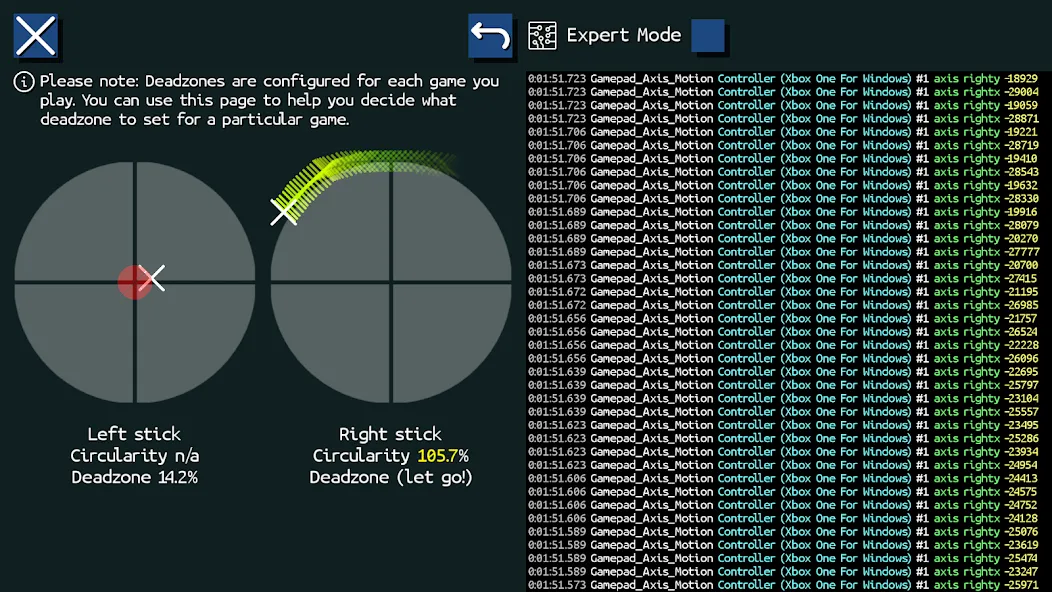
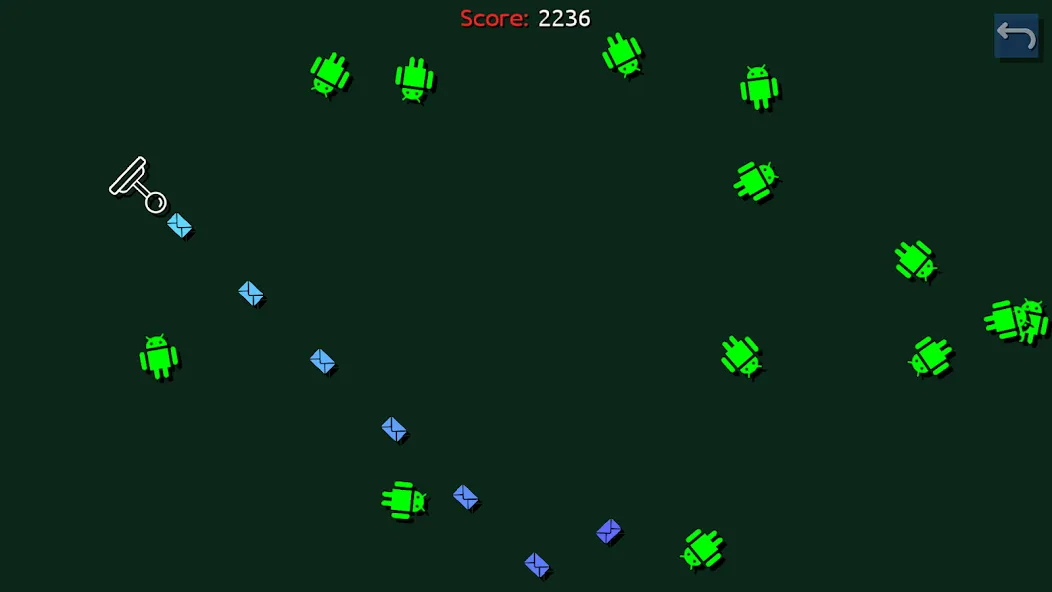
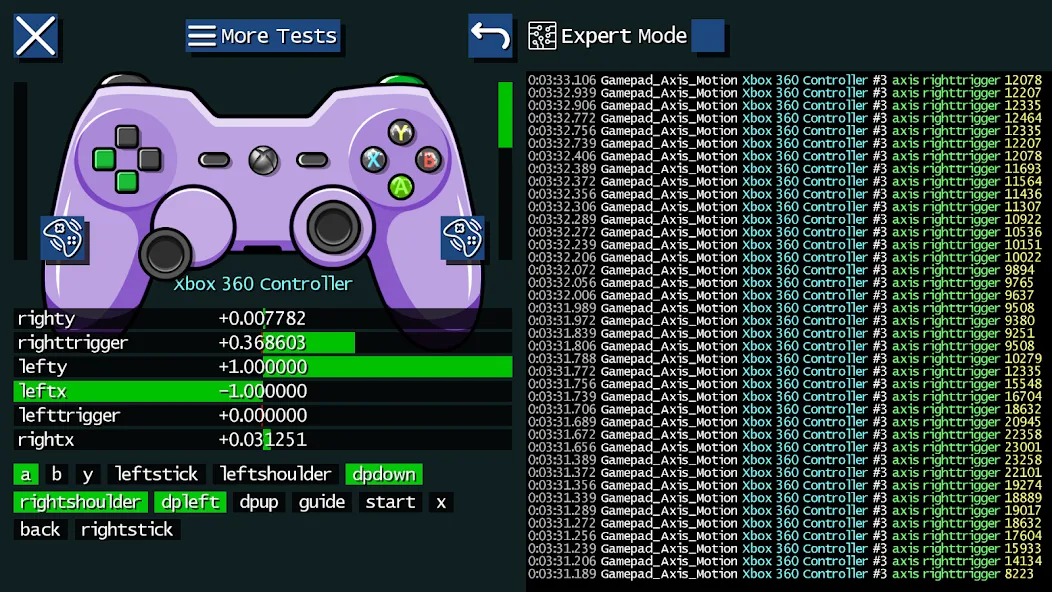
Game Controller Tester is a device testing tool designed specifically for Android gamers. It offers a robust set of features for detecting and configuring game controllers and various other input devices. With Game Controller Tester, users simply need to plug in or connect any game controller or joystick they have on hand, and the Game Controller Tester will recognize and be compatible with it. Additionally, the app includes a built-in mini-game, allowing you to thoroughly test the performance of your controller's joysticks and buttons.
Highlights:
Works with almost every game controller & joystick
Includes a mini twin-stick shooter game
Haptic, force-feedback & vibration test
LED test
Mouse & other pointing devices test
Keyboard test
Touch screen & touch pad test
Sensor test
Features:
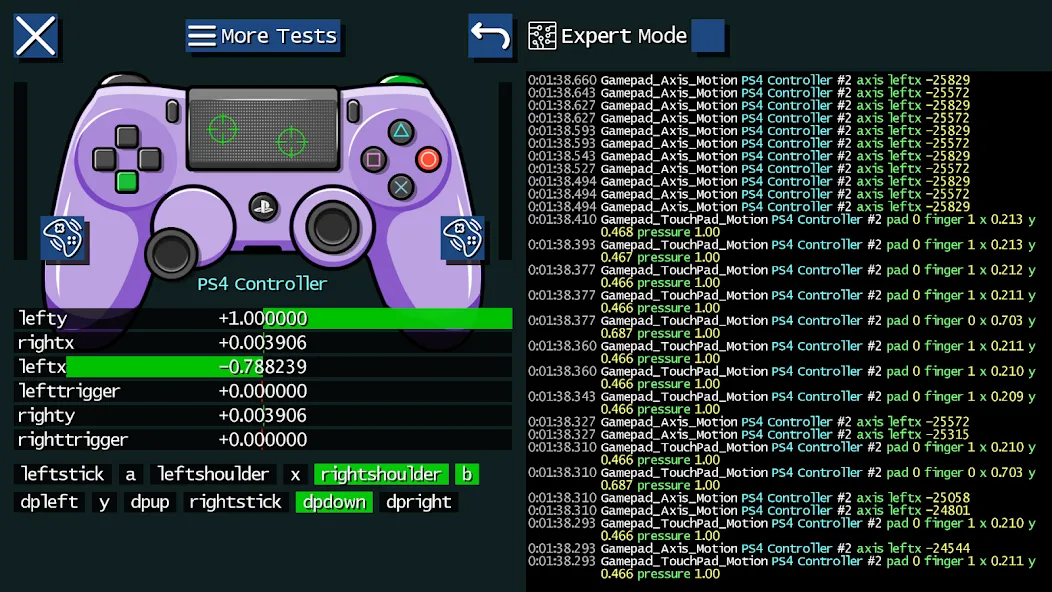
Live Graphical Feedback
Watch your button presses, stick movements, touches, and even sensor data light up on screen in real-time. No more guessing whether your triggers are actually working.
Vibration & Haptic Check
Give your controller a little buzz—test out things like vibration, force feedback, and general haptics, just to make sure every shake and rumble works.
Detailed Event Logging
Want to get into the nitty-gritty? The app keeps a log of every input event for you to review at your own pace.
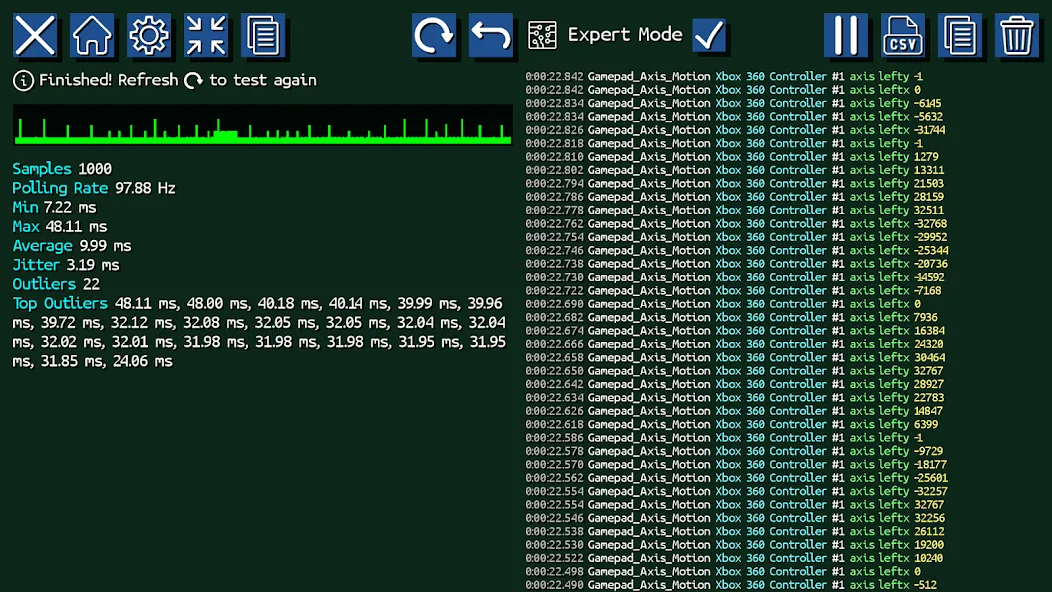
Record Input Data
For those who like to dig deep, you can record your input sessions to a CSV file, making it easy to analyze or save your test results for later.
Pros & Cons:
Pros
Visual feedback for buttons, axes, touch input, and sensors
Tests vibration, force feedback, haptics, and LEDs
Twin-stick shooter checks controls during simultaneous movement and aiming
Detailed event logging with CSV recording
Also handles mice, keyboards, touchscreens, and touchpads
Cons
Motion, rumble, and touchpad inputs may vary by controller and connection type
Cannot overcome input limitations imposed by Android or device drivers
Changelog:
Colour cycle button added to LED test
Improved support for GameCube USB adapters, DualSense (Android), & FlyDigi Apex gamepads
Added support for XBox Big Button wireless adapter
Added device list to keyboard, mouse & touch test pages
Conclusion:
Concluding, Game Controller Tester truly shines as an indispensable utility that caters to the sophisticated needs of gamers looking to perfect their gear. Whether tracking anomalies or confirming the responsiveness of their setup, users can rely on this application to maintain the integrity and functionality of their gaming peripherals.
More Information
- Size:2.83MB
- Version:3.02
- Requirements:Android 12.0+
- Package Name:uk.co.powgames.gamecondiag
- Signature:9ce1635ad5edb75c968ec05d6e12f17d
Related topics
-
Utility apps are indispensable in our lives, making our daily routines more convenient. To help you find these apps more easily, this site has created a collection. This collection brings together a series of practical tools covering various aspects of life, work, and education, meeting all your needs. What are you waiting for? Try these apps now and make your life easier!
-
![Game Controller Tester]()
Game Controller Tester
-
![Free Adblocker Browser:Adblock]()
Free Adblocker Browser:Adblock
-
![RawBT]()
RawBT
-
![Floating Apps]()
Floating Apps
-
![Emojimix wasticker]()
Emojimix wasticker
-
![Xaeros Minimap Minecraft]()
Xaeros Minimap Minecraft
-
![Private Photo Vault]()
Private Photo Vault
-
![Ubisoft Connect]()
Ubisoft Connect
-
-
Transform your mobile device into a powerhouse of efficiency with these handpicked essential tools. Whether you need professional-grade photo editing, seamless file organization, smart task management, or real-time weather updates, our curated selection of premium apps delivers unbeatable performance. Streamline your daily routine, automate repetitive tasks, and boost your productivity with intuitive interfaces and powerful features. Designed for both professionals and casual users, these editor-approved applications will revolutionize how you work and play. Don't settle for an ordinary phone - upgrade your digital experience today and unlock your device's full potential!
-
![Game Controller Tester]()
Game Controller Tester
-
![Free Adblocker Browser:Adblock]()
Free Adblocker Browser:Adblock
-
![RawBT]()
RawBT
-
![Floating Apps]()
Floating Apps
-
![Emojimix wasticker]()
Emojimix wasticker
-
![Private Photo Vault]()
Private Photo Vault
-
![iFunny]()
iFunny
-
![AirConsole]()
AirConsole
-





Latest Updated




Popular Apps








Popular News
More+-
![Tomie Wants to Get Married Full Walkthrough, All Choices and Ending Guide]()
Tomie Wants to Get Married Full Walkthrough, All Choices and Ending Guide
2026-05-22
-
![Karryn’s Prison Gameplay Walkthrough & Strategy Guide]()
Karryn’s Prison Gameplay Walkthrough & Strategy Guide
2025-10-28
-
![Life in Santa County Game Guide & Complete Walkthrough]()
Life in Santa County Game Guide & Complete Walkthrough
2025-10-28
-
![Dreams of Desire Complete Walkthrough and Game Guide]()
Dreams of Desire Complete Walkthrough and Game Guide
2025-10-28
-
![Era Hunter Gameplay Guide & Full Walkthrough]()
Era Hunter Gameplay Guide & Full Walkthrough
2025-10-28




