

Offline Music Player- Weezer
Download for Android This app is available for Android only.- Category:Media & Video
- Rating:
- Language:English
- Updated:2026-11-20
Screenshots

Introduction
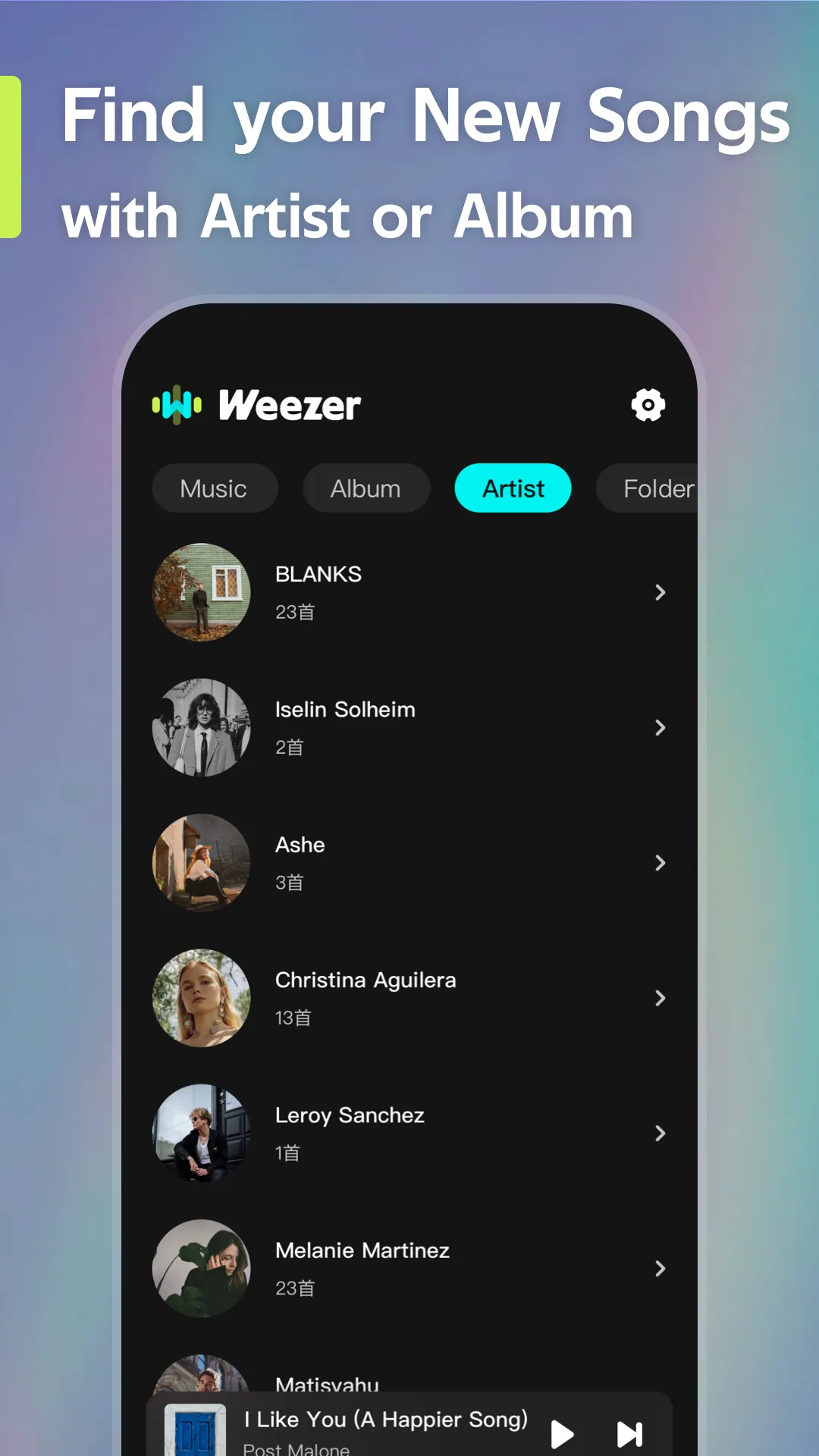
Offline Music Player - Weezer is an offline music player designed for Android. It allows users to play music without an internet connection, featuring a simple, one-tap playback interface—making it perfect for use in places with limited or no connectivity, such as on an airplane. The app offers personalized playlist management, enabling users to organize tracks by album or genre, as well as add or rename individual songs. Playback continues even when the screen is locked or the app is running in the background; users can conveniently control music—such as playing, pausing, or skipping tracks—directly from the lock screen or via headphones. Additionally, the app supports the import of various music file formats, catering to the needs of most users.
Features
Listen Offline Without an Internet Connection
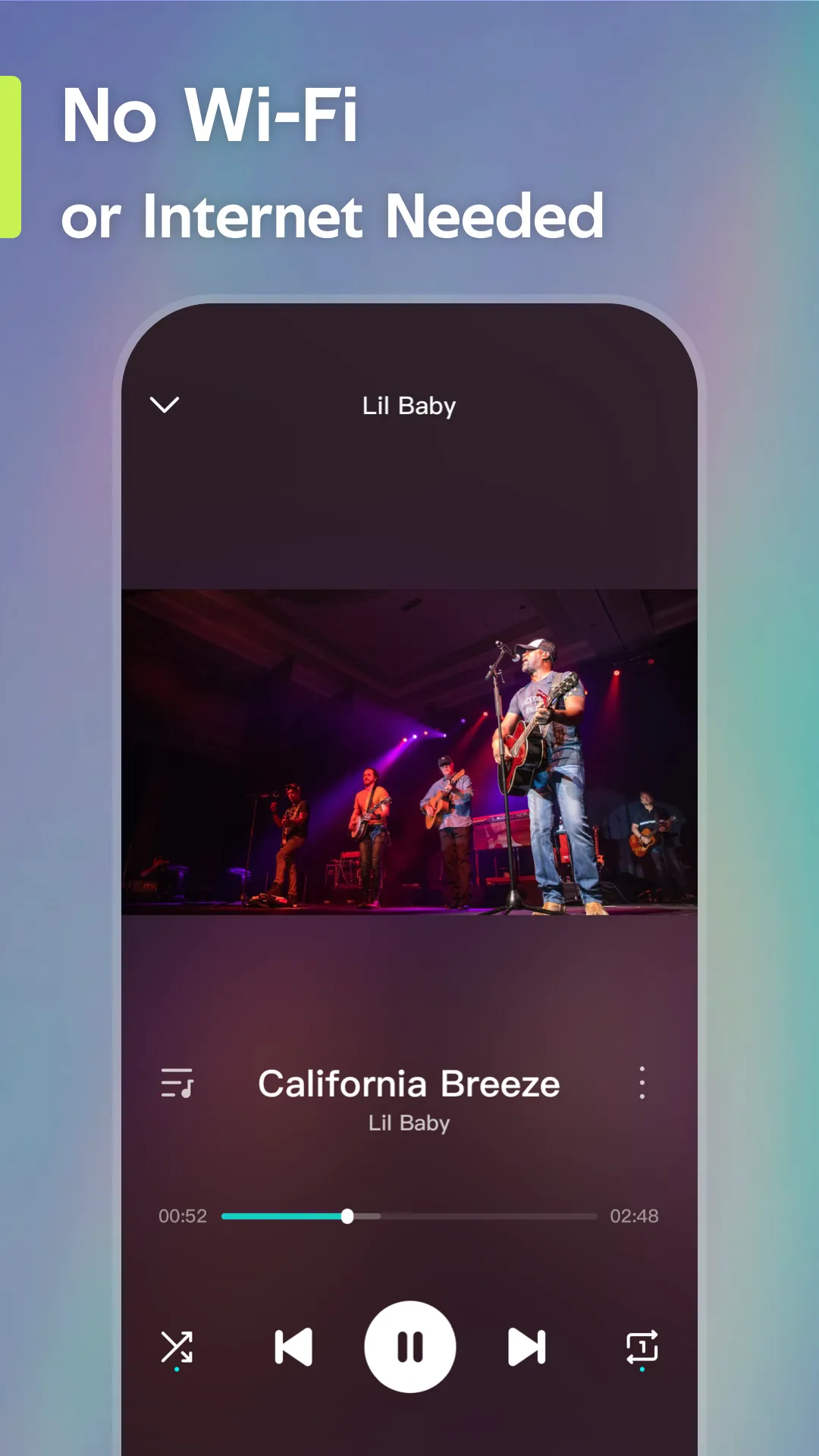
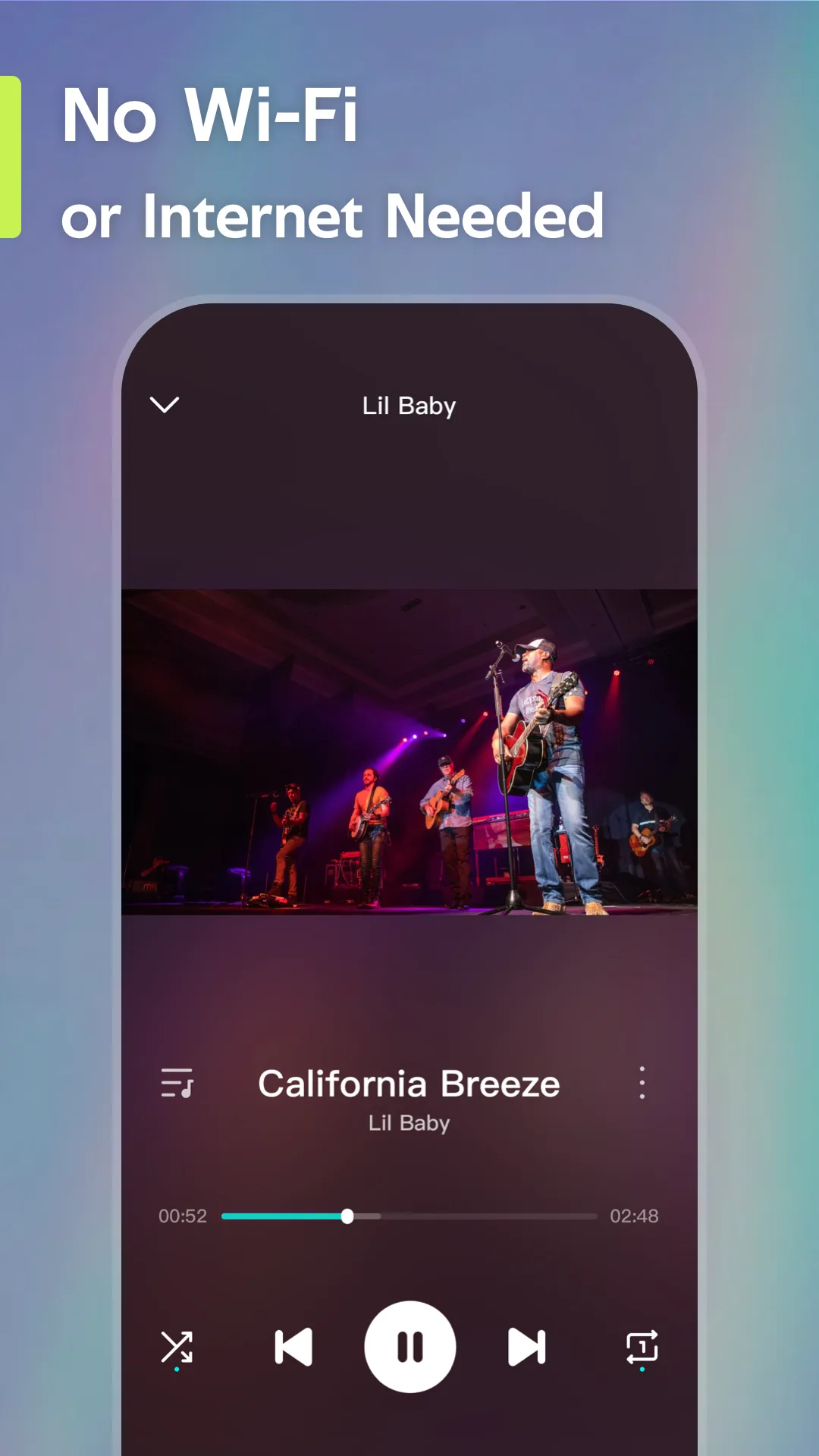
Play local music files without needing an internet connection. Start playback with a single tap—the music keeps playing even in areas with poor signal. This is especially useful during flights or long drives where streaming isn't an option. Since playback happens locally, it consumes no mobile data.
Personalized Playlists
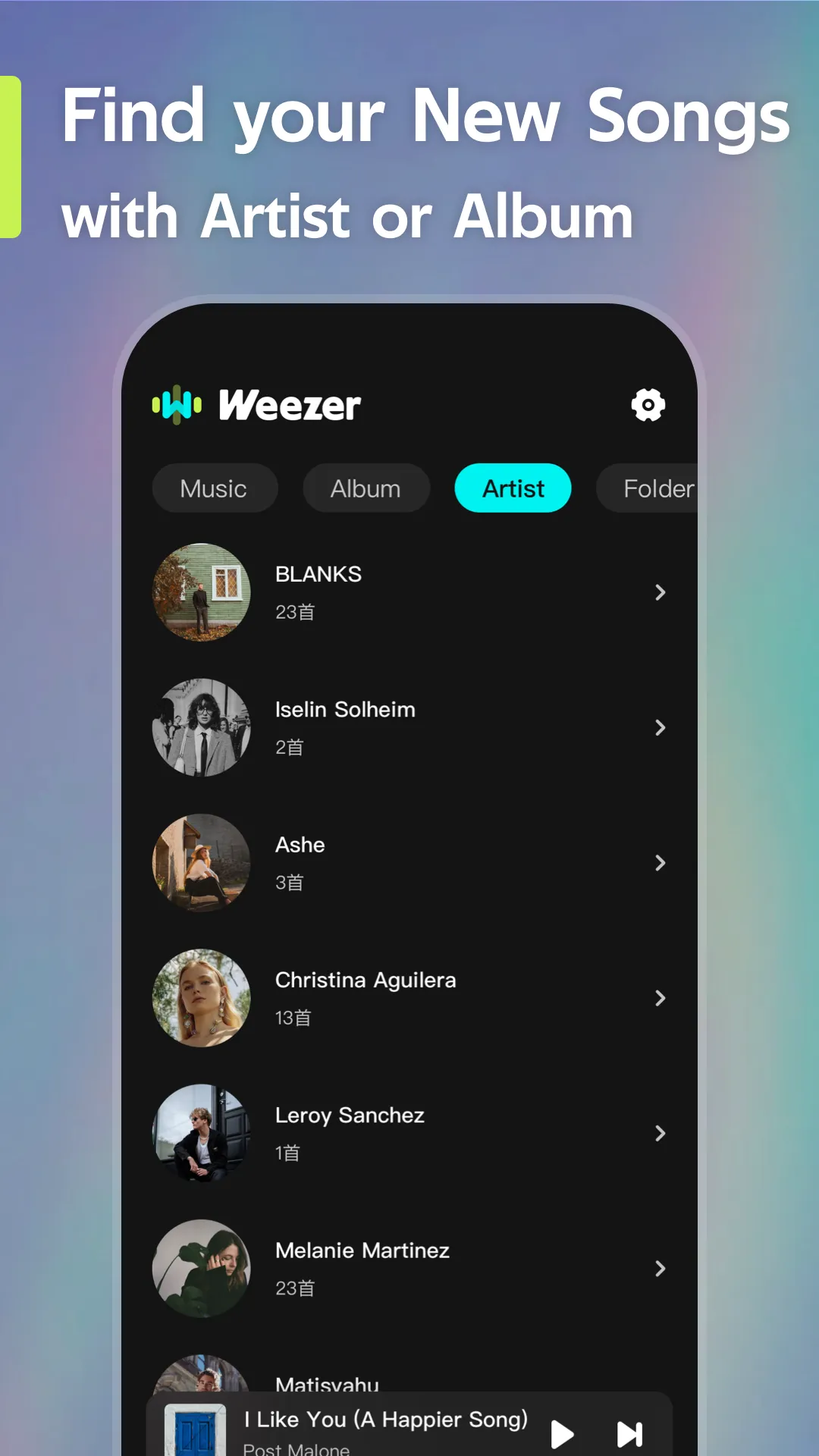
Offline Music Player - Weezer lets you create playlists based on albums, genres, or moods. You can add, rename, and reorder tracks to keep your music library well-organized. Your saved playlists are always ready when you need them, making it easy to manage your collection and spend less time searching for songs.
Background and Lock Screen Controls
Music continues to play even when you switch to other apps. You can control playback—play, pause, or skip tracks—directly from your lock screen or via your headphones. This eliminates the need to open the app for every action, making it ideal for multitasking on your phone.
Quick Import via Files, Photos, or Wi-Fi
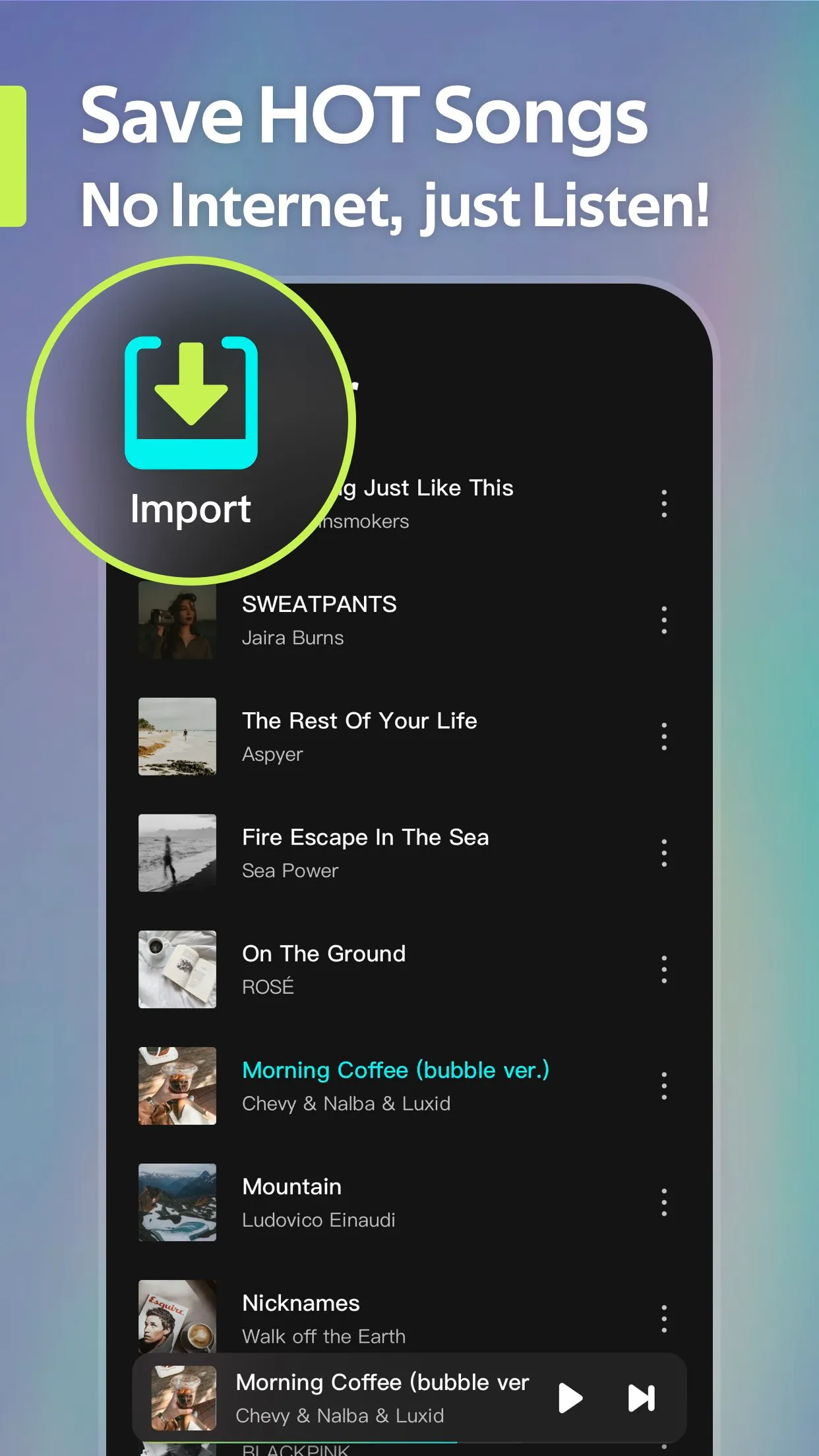
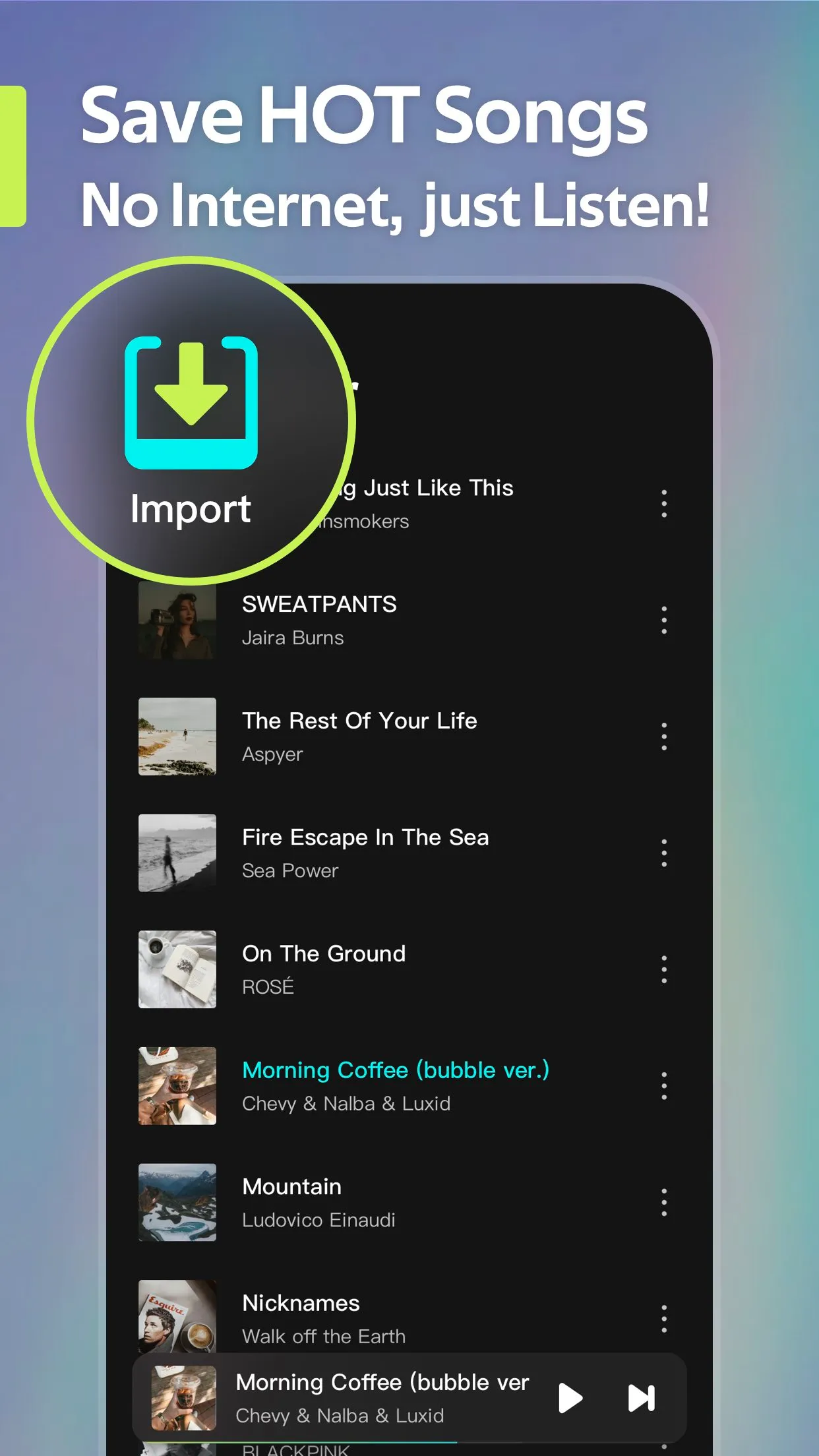
Import audio files from your device’s "Files" or "Photos" folders for offline listening. You can also use the Wi-Fi import option to add multiple tracks at once. The import process is fast, and new songs appear in your library immediately—ready for playback without any extra setup.
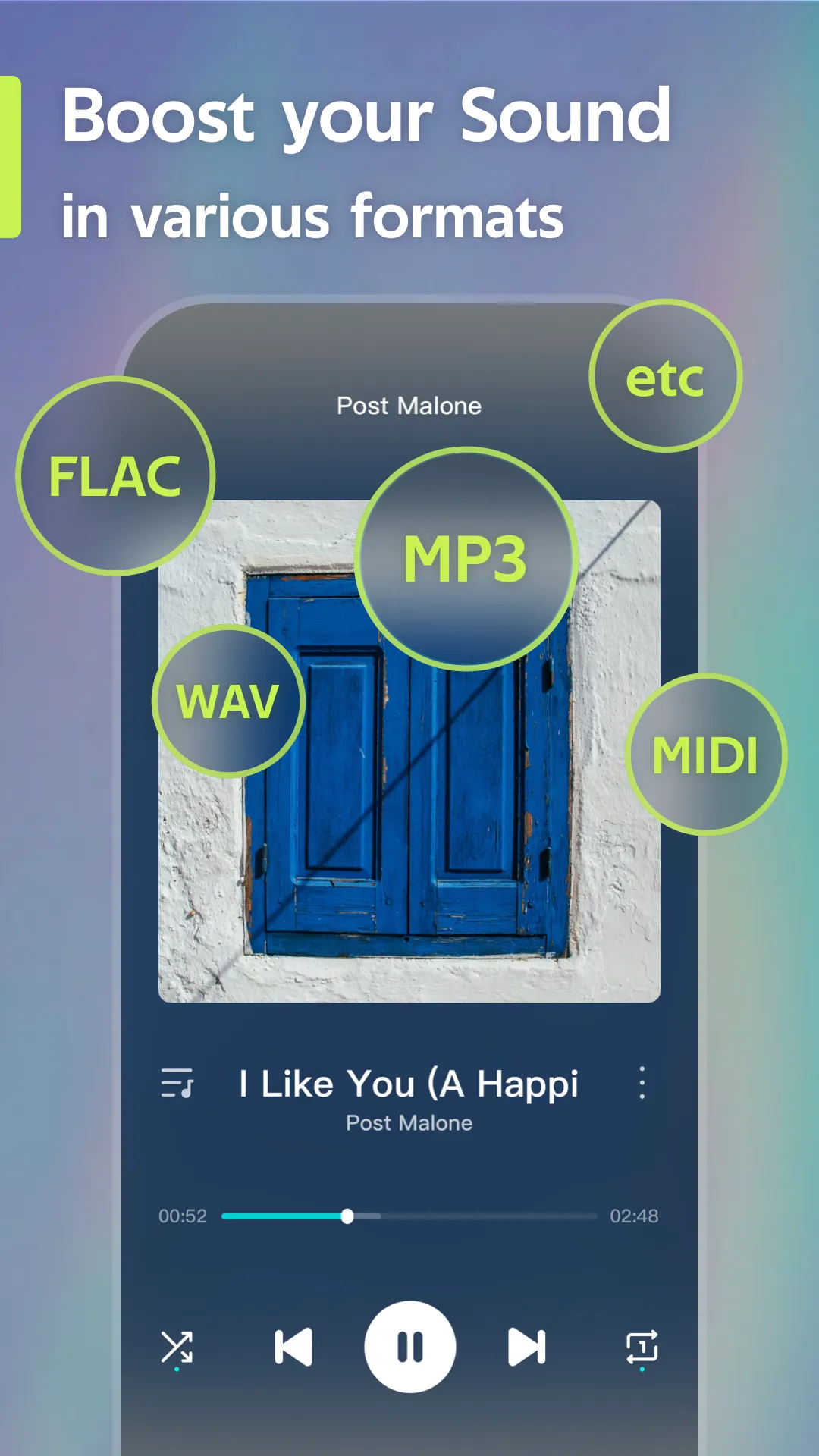
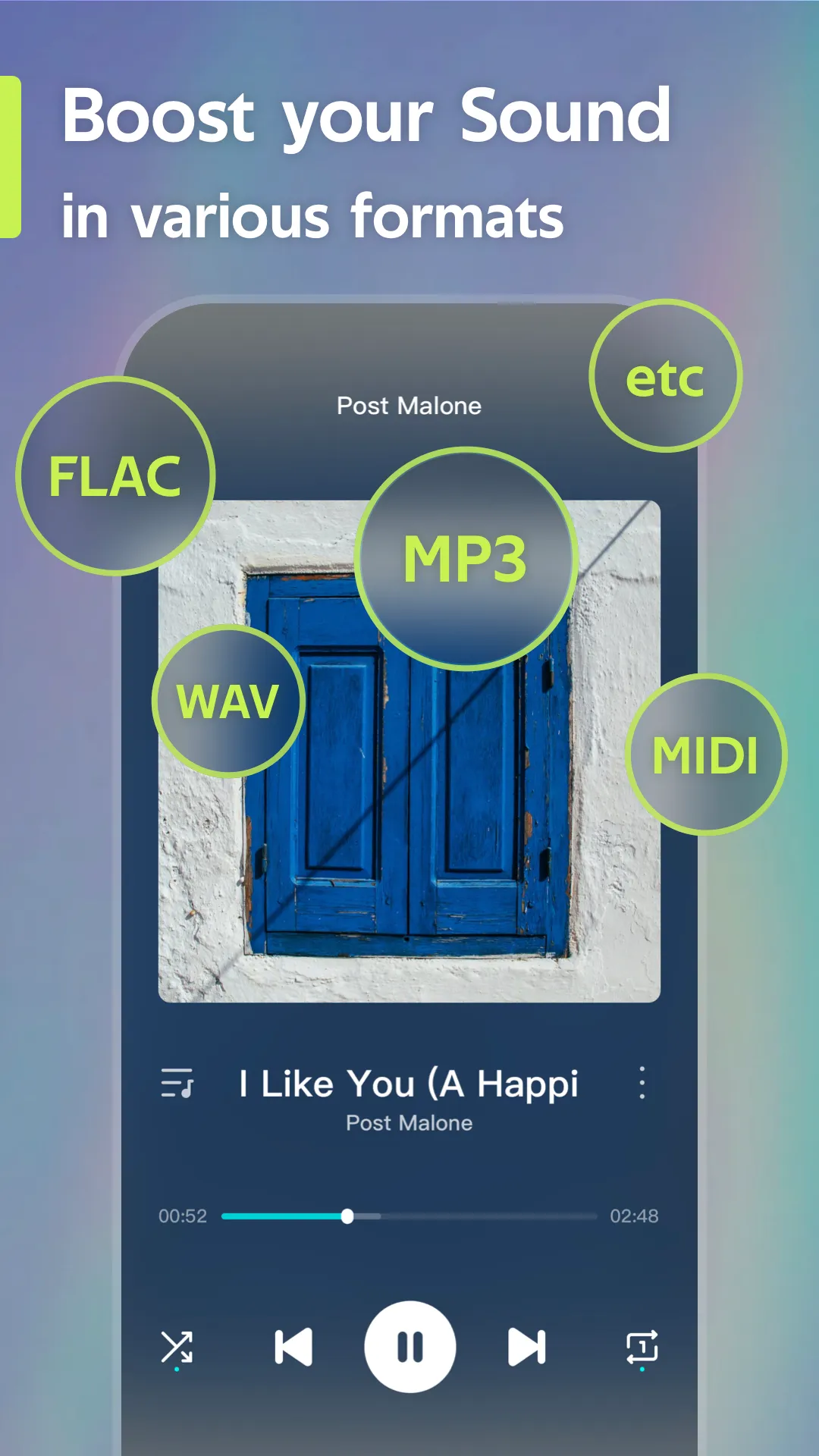
Supports a wide range of file formats with clear, high-quality sound.
Offline Music Player - Weezer supports a wide range of popular audio formats and delivers high-quality playback. The app is highly responsive and easy to navigate; all playback controls are conveniently placed, ensuring a smooth and stable user experience.
Usage
Open the app and grant storage permissions when prompted so it can access your audio files.
Tap "Import," then select "Files" or "Photos" to add songs, or use "Wi-Fi Import" to transfer multiple tracks at once.
Once the import is complete, your new songs will automatically appear in the "Library" view.
Create playlists, add tracks, and rename or reorder them to suit your personal preferences.
Start listening to your music—you can use lock-screen controls or your headphones to manage playback while continuing to use other apps.
Pros and Cons
Pros:
Allows for offline listening without the need for an internet connection.
Features a clean, intuitive interface for quick access to your music files.
Offers a convenient way to organize and create playlists for a personalized listening experience.
Supports various audio formats, providing diverse playback options.
Cons:
May have more limited features compared to online music streaming services.
Lacks options for discovering or exploring new music recommendations.
FAQs
Is there a limit to the number of songs I can download?
Yes, the number may be limited by your device's storage capacity or specific licensing agreements; check the app settings for any applicable restrictions.
Can I create custom playlists in Offline Music Player - Weezer?
Yes, you can create custom playlists within the app, select your favorite songs, and arrange them in any order you prefer.
Can I share downloaded songs with friends?
No. Due to copyright laws, you cannot share downloaded songs with others; the music is intended for personal use only.
Does the app include a sleep timer?
Yes, Offline Music Player - Weezer features a sleep timer that allows you to set a duration after which playback will automatically stop.

Conclusion
Offline Music Player-Weezer allows you to easily download and play your favorite music genres, such as reggae, rap, and love songs. Featuring capabilities similar to those found in apps like Amerigo and Discovery, it enables you to efficiently manage your curated playlists of popular music and videos—all in one place on your device.
More Information
- Size:37.98MB
- Version:3.7.2
- Requirements:Android
- Package Name:musica.musicfree.snaptube.weezer.mp3app
- Signature:739b2c4df1e98a76ada1a18c6e51570d
Related topics
-
Dive into this comprehensive hub of music applications designed for every type of listener. Stream global hits, craft custom playlists tailored to your mood, or uncover hidden gems across diverse genres-all with intuitive, high-quality platforms. Discover both industry-leading streaming services and specialized apps offering exclusive features like AI-powered recommendations, social sharing, or advanced audio customization. Whatever your musical preference, find the ideal app to enhance your listening journey with effortless discovery and premium sound.
-
![Offline Music Player- Weezer]()
Offline Music Player- Weezer
-
![Mp3Juices Mp3 Juice Downloader]()
Mp3Juices Mp3 Juice Downloader
-
![Genius]()
Genius
-
![Y2mate music downloader]()
Y2mate music downloader
-
![Medhut]()
Medhut
-
![Volume Booster]()
Volume Booster
-
![Ace Stream]()
Ace Stream
-
![YouMp3]()
YouMp3
-
-
In today's digital era, music enthusiasts seek platforms that provide vast music libraries, high-quality audio, and seamless accessibility-all without subscription fees. Our curated selection of free music streaming apps delivers the perfect blend of variety, performance, and convenience, ensuring every listener finds their ideal soundtrack. Whether you're exploring new genres or enjoying timeless classics, these apps offer an unbeatable listening experience at no cost.
-
![Offline Music Player- Weezer]()
Offline Music Player- Weezer
-
![LiveMixtapes]()
LiveMixtapes
-
![Volume Booster]()
Volume Booster
-
![VLC Media Player]()
VLC Media Player
-
![Lazer Play]()
Lazer Play
-
![Equalizer Pro & Bass Booster]()
Equalizer Pro & Bass Booster
-
![Songsterr Guitar Tabs & Chords Mod]()
Songsterr Guitar Tabs & Chords Mod
-
![Electro Drum Pads]()
Electro Drum Pads
-
-
Music Player is a tool designed to play audio files, available as both software applications and dedicated hardware devices. It can be installed on electronic devices like smartphones, tablets, and computers, allowing users to stream or play locally stored music in various formats. Additionally, standalone hardware devices, such as MP3 players and digital audio players, are specifically built for high-quality music playback. Many modern music players support advanced features like equalizers, playlists, offline playback, and streaming service integration, enhancing the overall listening experience.
-
![Offline Music Player- Weezer]()
Offline Music Player- Weezer
-
![Medhut]()
Medhut
-
![Volume Booster]()
Volume Booster
-
![JBL Portable]()
JBL Portable
-
![Equalizer Pro & Bass Booster]()
Equalizer Pro & Bass Booster
-
![Songsterr Guitar Tabs & Chords Mod]()
Songsterr Guitar Tabs & Chords Mod
-
![Electro Drum Pads]()
Electro Drum Pads
-
![WeDJ]()
WeDJ
-













Latest Updated






Popular Apps








Popular News
More+-
![Tomie Wants to Get Married Full Walkthrough, All Choices and Ending Guide]()
Tomie Wants to Get Married Full Walkthrough, All Choices and Ending Guide
2026-05-22
-
![Karryn’s Prison Gameplay Walkthrough & Strategy Guide]()
Karryn’s Prison Gameplay Walkthrough & Strategy Guide
2025-10-28
-
![Life in Santa County Game Guide & Complete Walkthrough]()
Life in Santa County Game Guide & Complete Walkthrough
2025-10-28
-
![Dreams of Desire Complete Walkthrough and Game Guide]()
Dreams of Desire Complete Walkthrough and Game Guide
2025-10-28
-
![Era Hunter Gameplay Guide & Full Walkthrough]()
Era Hunter Gameplay Guide & Full Walkthrough
2025-10-28




