

VRChat
Download for Android This app is available for Android only.- Category:Action
- Rating: 4.6
- Language:English
- Updated:2026-08-17
Screenshots
Introduction
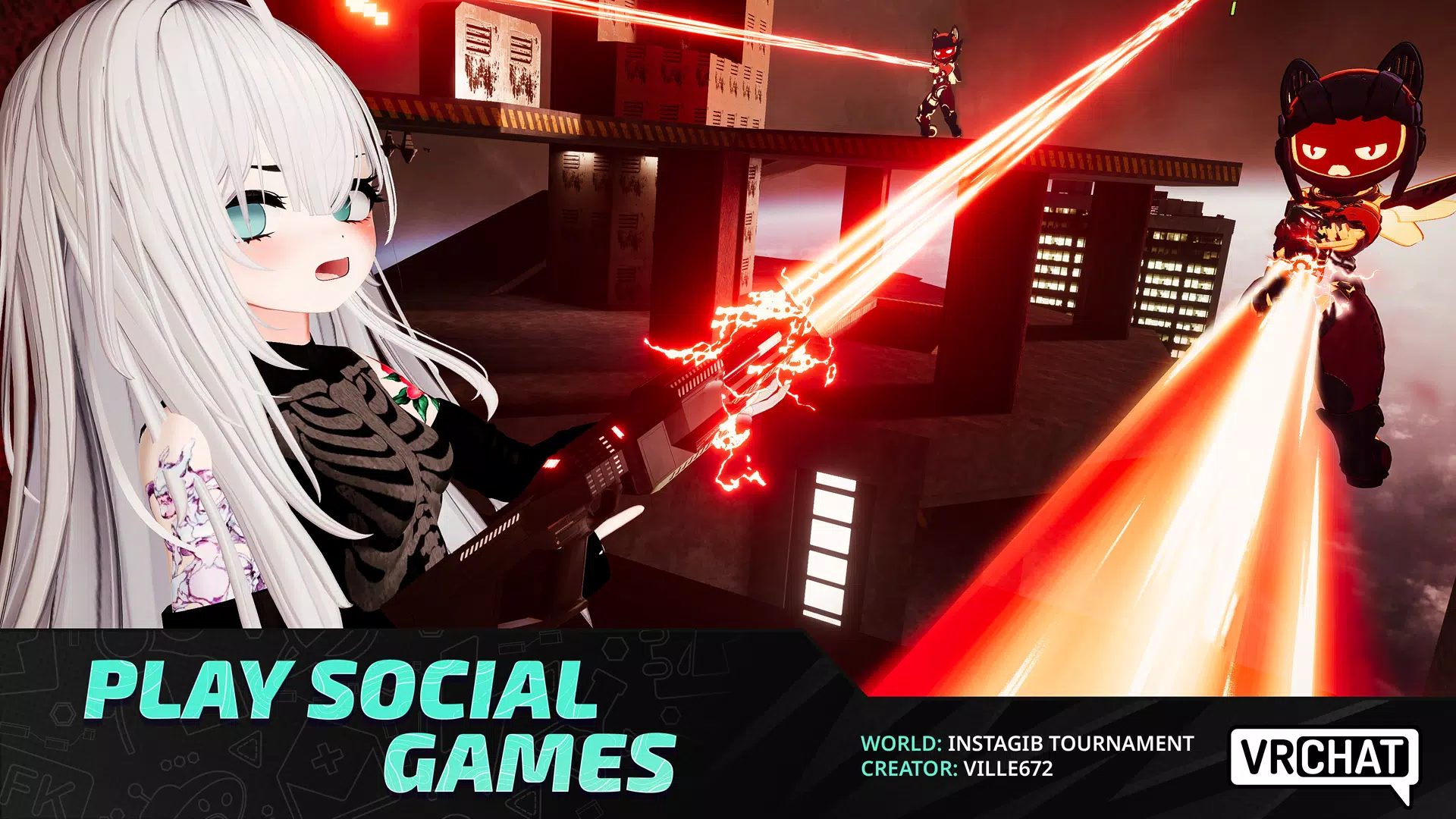
VRChat is a casual simulation game with endless possibilities. Players can not only customize their virtual avatars to their liking but also enjoy a more immersive gaming experience through VR devices. Players can unleash their imagination to create entirely new games, inviting players from around the world to embark on adventures together, enjoying everything from racing to exploring your city. The game boasts a vibrant community where players can exchange ideas, discuss game creation techniques, and draw inspiration to create even better games.
Features of VRChat:
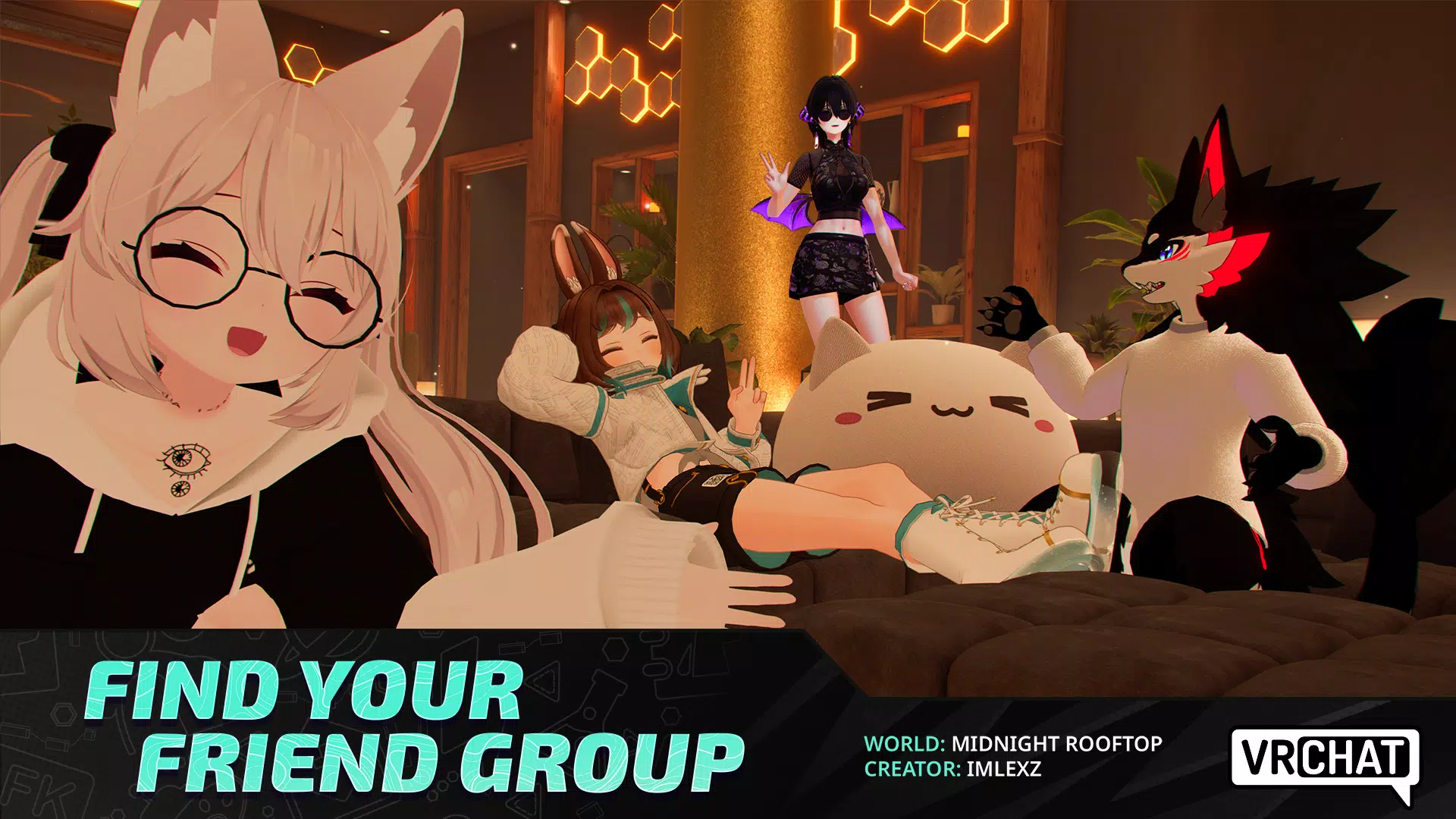
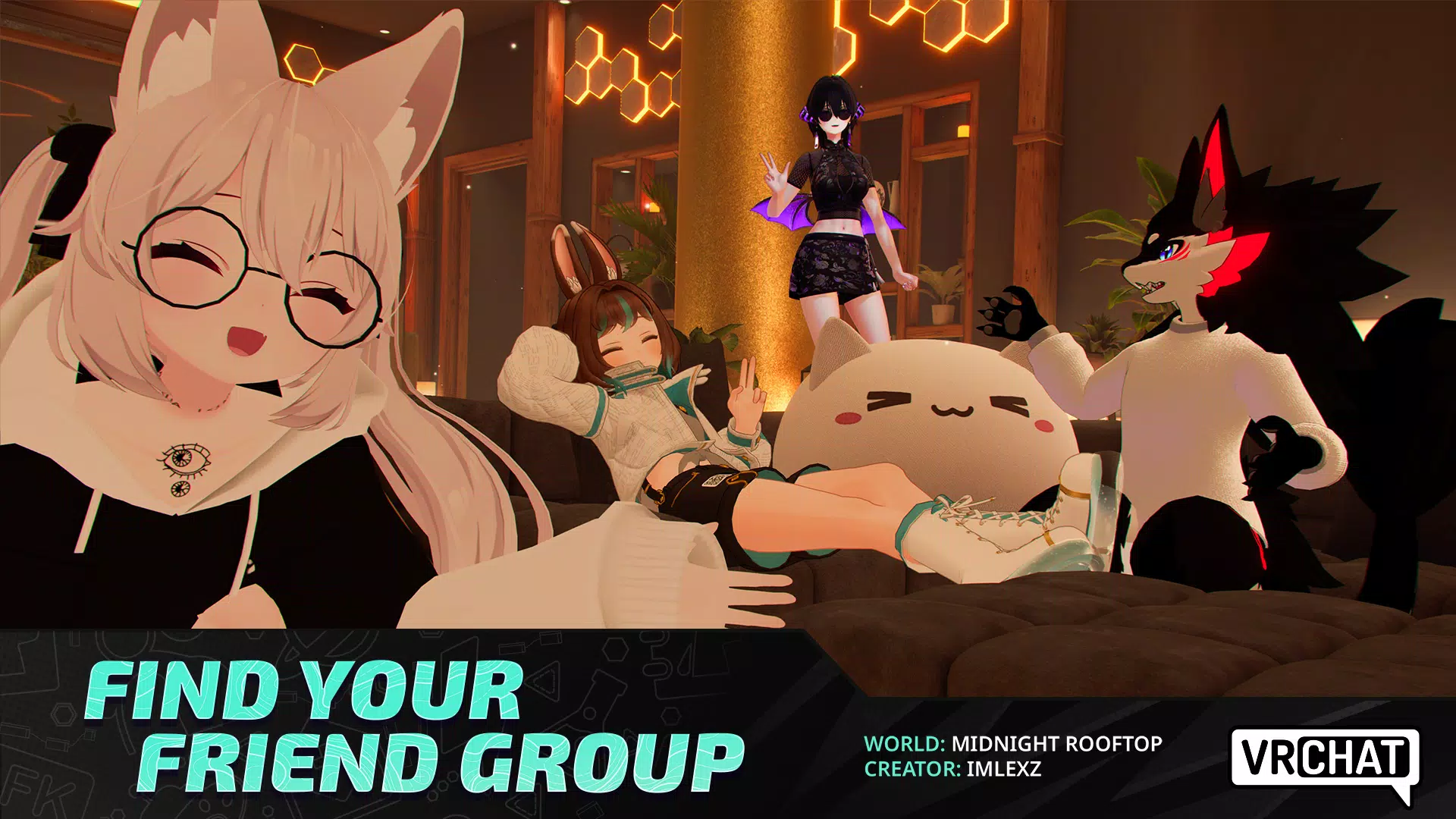
Explore worlds made by the community: VRChat gives you access to a large collection of worlds created by other users. You can visit social lounges, fantasy forests, haunted houses, planetariums, car meets, dance spaces, and other locations. Each world can have a different purpose, so you may find a quiet place to talk or an activity with other players.
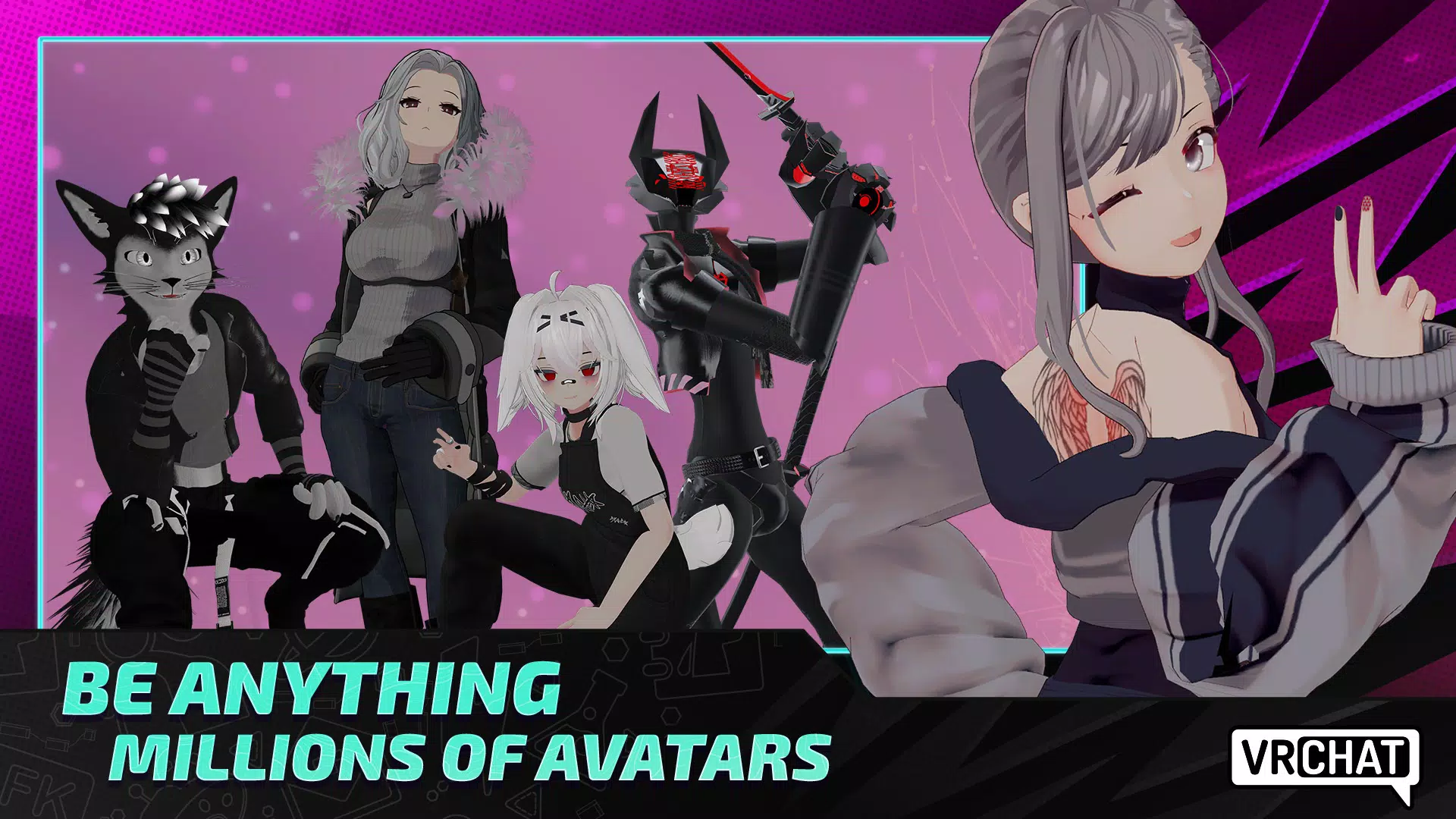
Choose an avatar that represents you: VRChat uses avatars as your on screen identity in social spaces. You can choose from available avatars, buy avatars, or create one when you are ready to make your own. Options range from human characters to fictional creatures and everyday objects, depending on what creators have published.
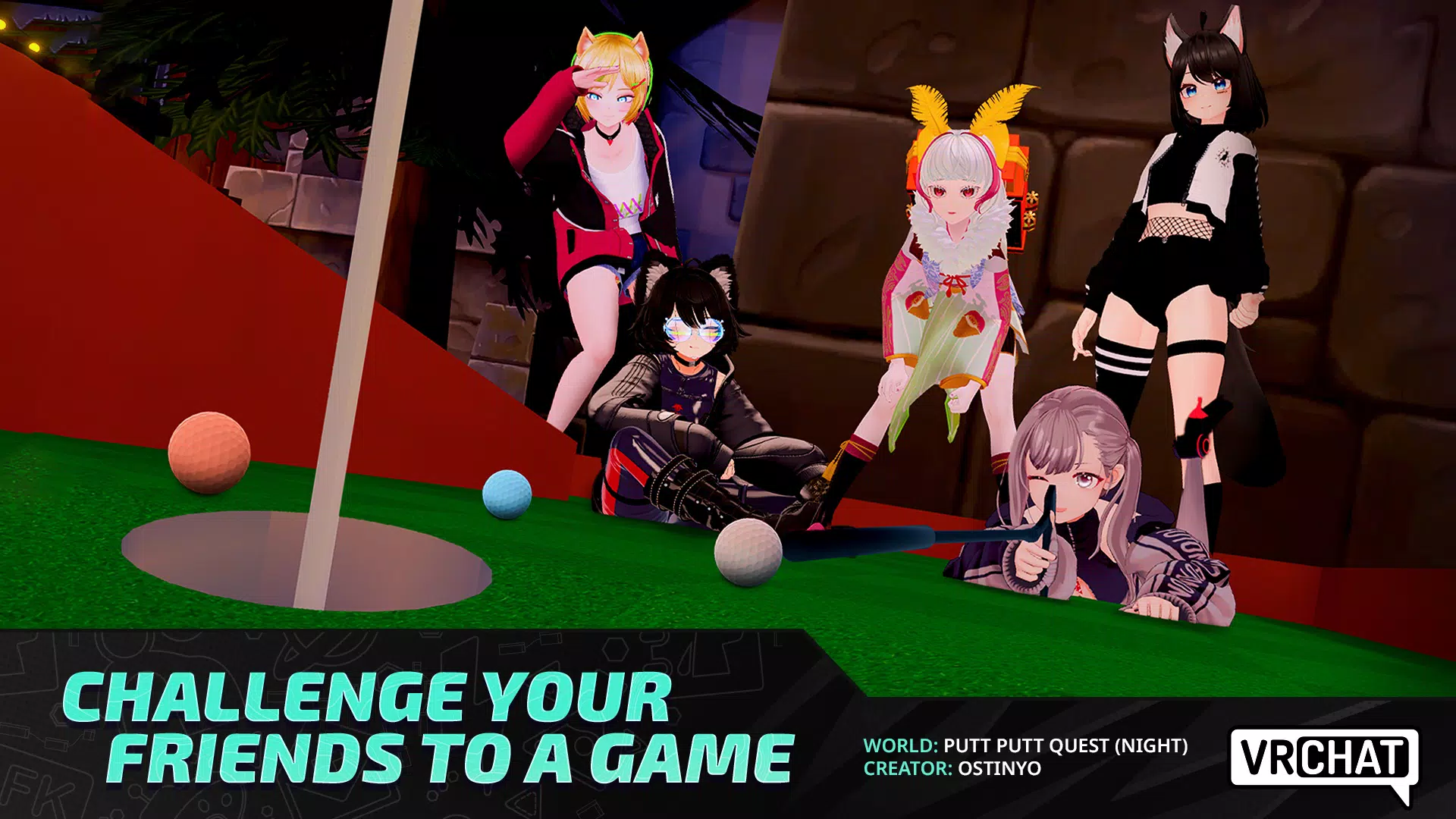
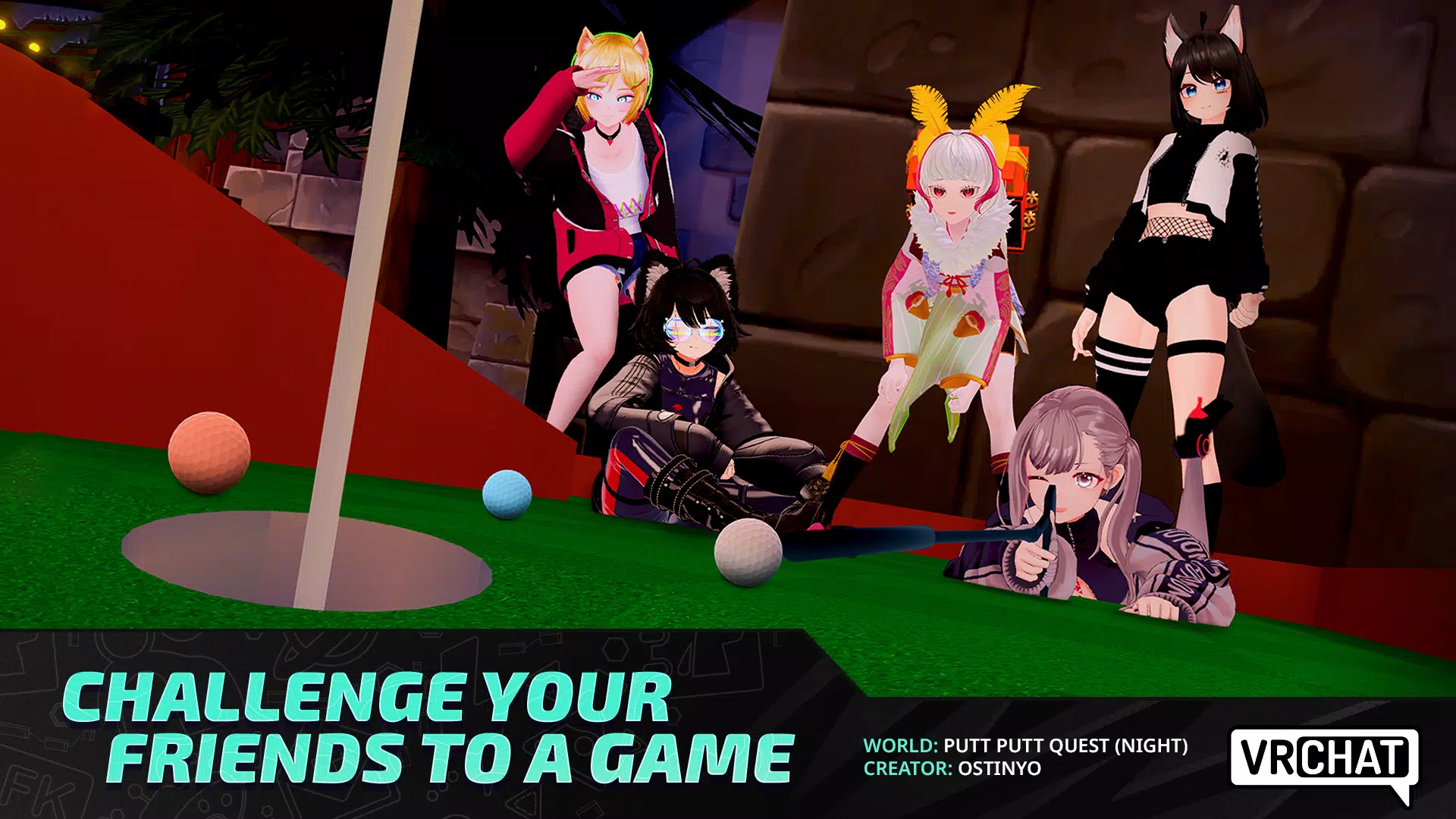
Join games inside virtual worlds: Many community worlds include games that you can play with other visitors. These can include card games, racing, shooters, platform games, puzzles, horror experiences, battle royale modes, and party games. Since creators build these experiences, game rules and activities can vary from one world to another.
Use VR when you have compatible equipment: You can use VRChat on Android without a VR setup for mobile social access. However, compatible VR equipment can add body and finger tracking, which allows gestures to appear more naturally in shared spaces. This is optional, so mobile users can still browse worlds, chat, and join experiences directly from their device.
Strengths of VRChat:
Dynamic 3D Interaction: Engage with others in real time, enjoying a rich interactive experience in immersive virtual settings.
Vast Virtual Worlds: Explore endless environments ranging from realistic locations to fantastical landscapes, all created by developers and fellow users.
Real-Time Communication: Connect effortlessly with friends or new acquaintances through voice chat and animated gestures, making every conversation lively and engaging.
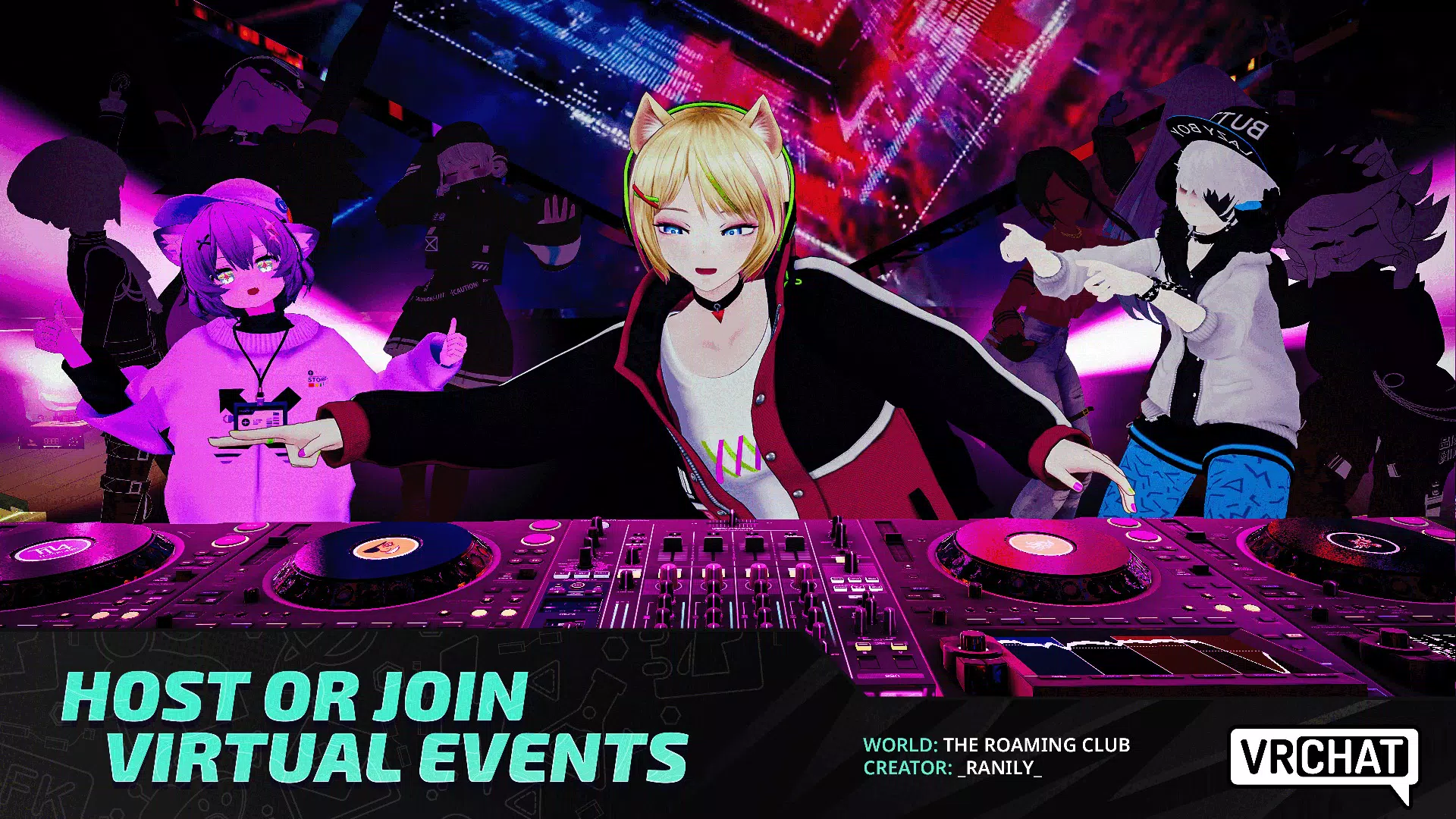
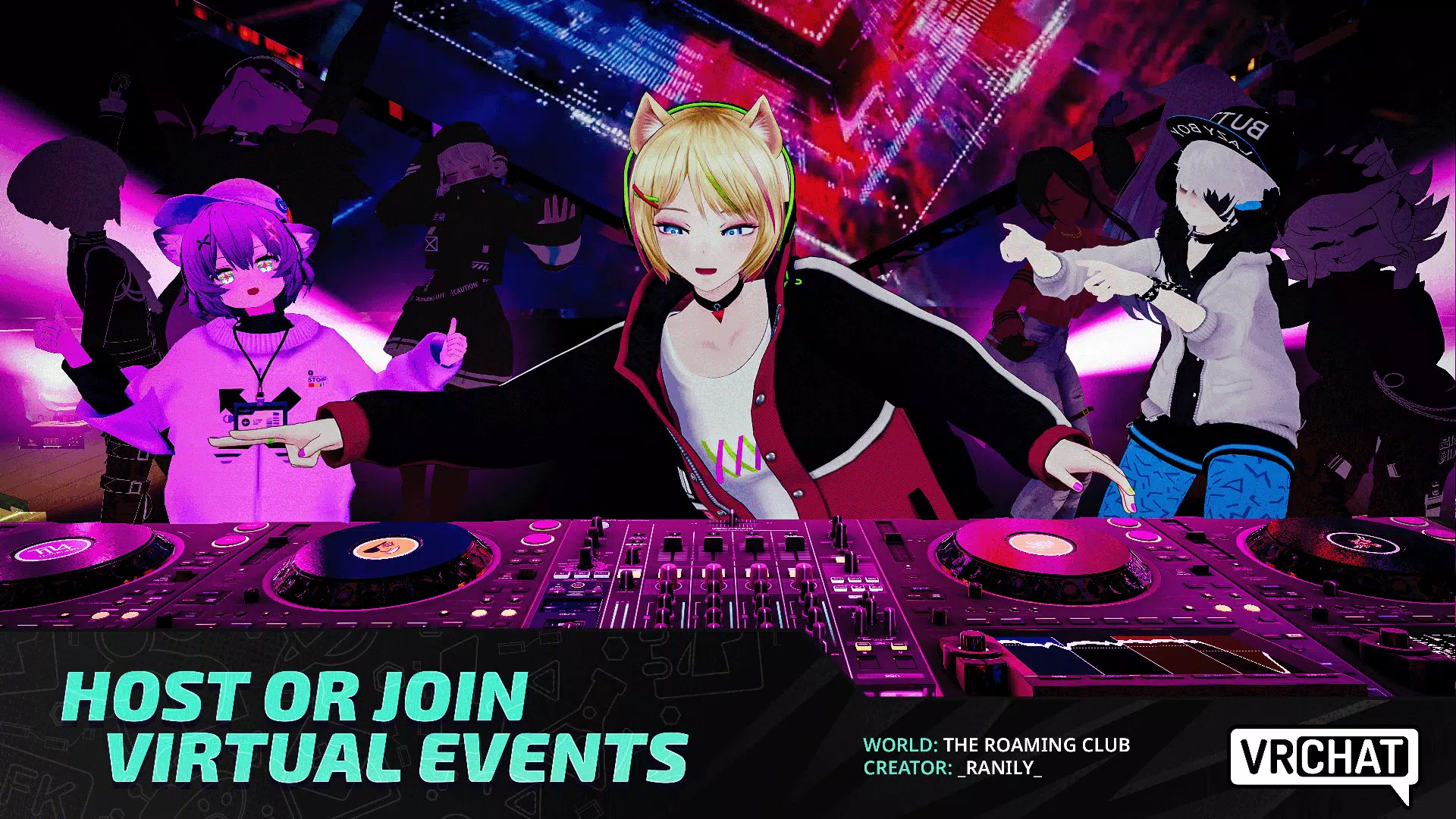
Interactive Events: Attend community-hosted events from concerts to game nights and connect with like-minded individuals.
Community-Generated Content: Delve into user-created worlds and experiences, contributing to an ever-evolving social landscape.
Creative Tools: Utilize various tools for avatar creation and world-building, enhancing your VRChat experience while encouraging collaboration.
Useful Tips of VRChat:
Understand The Limits Of Your Platform: Firstly, when playing VRChat, there are thousands of worlds to explore and plenty of people to meet. However, there are two versions of the game. While the PC version of the game can run every world in VRChat, The Quest 2 is different. As the headset isn't as powerful as a high-end gaming PC, the Quest 2 has some limitations for players jumping into the game for the first time.Not all worlds are Quest friendly, and players are going to have to check and see if they can join them. On all thumbnails for worlds, it will tell the player if they can run the world. For Quest Users, the only way to get the full VRChat experience is to connect their headset to a PC.
Pick The Perfect Avatar: VRChat is all about expressing yourself, and the best way to do that is to find an avatar that fits your tastes. Avatars can be found within the many "Avatar Worlds" found around the game. Searching for these worlds can be fun as well, with players meeting one another while on the hunt for a new look.Once the player finds a suitable model, the second thing to do is open the avatar menu and save it. This makes it easier to switch between multiple avatars for any occasion. Players can also favorite up to 25 avatars in the base version of VRChat. Subscribers of VRChat Plus can favorite up to 100. The game may not keep you fit like some VR titles, but it'll certainly keep you busy.
Find A Suitable World: After players choose their avatar and are ready to start making memories in the game, it's now time to find a world to join. Choosing a world can be tough, but it's simple if the player knows what they're looking for. VRChat boasts some hub worlds that make it easy to meet new people while they're playing.Some worlds have gained popularity for being places to meet players from all walks of life. For example, The Black Cat is a Quest and PC compatible world where players can jump right in and meet people. Since the world isn't themed, it's a good place to start making friends, as the world is calm and welcoming.
Know How To Block Or Mute If Needed: When interacting with people on VRChat, conversation can be lively. However, some people will be willing to ruin the fun for both parties. When being annoyed by someone who's bothering players, muting or blocking is a surefire way to remove yourself from the situation, so your experience is one you're happy with.This can be done by using the indicator from the quick menu to point at them and then select them. From there, going back to the quick menu will allow the player to remove that person's avatar, or mute and block them entirely.
Don't Forget To Set Safety Settings: When playing VRChat, you may notice that some avatars look off. Perhaps someone's textures aren't displaying correctly, or their avatar doesn't have the right shading compared to their thumbnail. This is where certain options come in. Players will be able to set their safety settings, which dictates the avatars that are being shown.These safety settings affect the whole server. However, overriding safety settings is possible on an individual basis. By selecting someone with the quick menu laser, players can then opt to show the selected player's avatar. For the best experience, keeping custom animations and particles off is a good general setup to keep things running smoothly.
Player Comments of VRChat:
I’ve been playing vrchat since late 2017. I’ve played thousands of hours both in desktop, pcvr, and quest standalone. Now that it’s on ios and I’ve spent some time in it, I must say, I’m mildly impressed. It’s runs ok, but it kills your battery quite quickly. I wouldn’t recommend this to people who are new to vrchat and want to get into it. You won’t have a good experience. Ios vrchat seems like it is best treated as a mobile tool for dedicated vrchat users. I can’t quite put my finger on what would make this tool useful yet though. Parents, do not allow your children to play this game. It is not safe. Vrchat is even less safe than Discord and Roblox. I played Vrchat as a minor, and every other minor I knew and have known that’s played Vrchat has been groomed in some fashion. It is not safe, and it will not become safe. Vrchat must be treated like alcohol, meaning it should be enjoyed by adults, in moderation.
i usually play vrchat on my laptop due to me being too broke for a vr headset, ive never had any issues besides lag (which is probably a fault on my end). but either way, i decided to try out the mobile version out of curiosity. my phone is an iphone 12 pro max so being able to join a game without having to worry about RAM was great. BUT when i try to join certain instances, the "joining..." screen gets stuck and flashes. and when i join instances that DO work im able to play for a few minutes until i get disconnected from the entire instance.bugs and glitches are a big bother for me so im hoping that sometime in the future this is fixed so me and anyone else who is also having issues with these things are able to play.
I love VRChat. I migrated over to this game since Rec Room had shut down, but since joining, I've seen how truly disturbing the people in the game can be. Of course you can block and report, but how can you collect evidence on this game? You have people yelling threats, people cussing, calling others slurs, and threatening to assult them in different ways. This game is 13+, so of course there are minors exposed to these horrible things on this app. It should be a safer space, which brings me to Age Verification. I shouldn't have to pay money or a subscription to get my age verified. It should be a standard to get verified to use this app, especially with everything that goes down within it that goes against the game's guidelines.
Summary:
VRChat continues to expand the boundaries of social VR by offering an ever-growing universe of user-generated worlds and avatars. The update brings improvements in performance and introduces more refined full-body tracking support, enhancing immersion especially for VR headset users. One of the most praised aspects remains the freedom to create and explore virtually anything—from dogfighting in futuristic jets to hanging out in surreal nebula treehouses.
More Information
- Size:599.6MB
- Version:2026.3.1-1886-a2
- Requirements:Android
- Votes:250
- Package Name:com.vrchat.mobile.playstore
- Signature:bc89d48014f34107c78ffb0e1cff3aa4dc59124b
Related Versions


Related topics
-
Welcome! Explore fast-paced worlds of intense combat, epic bosses, and thrilling chases. Test your skills in action classics and find your next adventure here.
-
![Stickman And Gun2]()
Stickman And Gun2
-
![College Brawl]()
College Brawl
-
![Troublemaker]()
Troublemaker
-
![Monkey Boxing]()
Monkey Boxing
-
![Toziuha Night: OotA]()
Toziuha Night: OotA
-
![DamonPS2 Pro]()
DamonPS2 Pro
-
![Sniper Fury: Online 3D Fps]()
Sniper Fury: Online 3D Fps
-
![Mini World Creata]()
Mini World Creata
-
-
Among all game genres, action games stand out as the most captivating medium for showcasing the beauty of human movement. Through fluid combat animations and dynamic character motions, these games transform the human body into an artistic instrument of combat. Each graceful dodge, powerful strike, and acrobatic combo creates a mesmerizing dance of violence, where every muscle movement contributes to an exhilarating visual symphony. Like a perfectly choreographed martial arts performance blended with strategic depth, action games become living chessboards where every move demonstrates both aesthetic brilliance and tactical mastery. The constantly evolving stances and attacks don't just simulate combat - they celebrate the human form's limitless potential for expression through motion.
-
![Mouse Trap]()
Mouse Trap
-
![Max Payne Mobile]()
Max Payne Mobile
-
![Battle Prime]()
Battle Prime
-
![Punch Boxing 3D]()
Punch Boxing 3D
-
![Hitman: Blood Money — Reprisal]()
Hitman: Blood Money — Reprisal
-
![Stickman Warriors Super Dragon Shadow Fight Infinite Energy]()
Stickman Warriors Super Dragon Shadow Fight Infinite Energy
-
![Dark Sword]()
Dark Sword
-
![Stick Demon Shadow Fight]()
Stick Demon Shadow Fight
-
-
The fusion of action and adventure games creates an exceptionally satisfying gaming experience. The fast-paced combat mechanics of action titles deliver thrilling intensity, while adventure elements provide immersive exploration and discovery. Together, they form a harmonious blend that offers both adrenaline-pumping excitement and rewarding progression - a combination that consistently captivates players worldwide. This perfect synergy explains why action-adventure remains one of gaming's most beloved and enduring genres.
-
![Hitman: Blood Money — Reprisal]()
Hitman: Blood Money — Reprisal
-
![Monkey Boxing]()
Monkey Boxing
-
![Toziuha Night: OotA]()
Toziuha Night: OotA
-
![Dragon Warrior Legend Champion]()
Dragon Warrior Legend Champion
-
![DamonPS2 Pro]()
DamonPS2 Pro
-
![Sniper Fury: Online 3D Fps]()
Sniper Fury: Online 3D Fps
-
![Naruto Ultimate Ninja Storm]()
Naruto Ultimate Ninja Storm
-
![Dude Theft Wars]()
Dude Theft Wars
-











Latest Updated

Popular Games






Popular News
More+-
![Tomie Wants to Get Married Full Walkthrough, All Choices and Ending Guide]()
Tomie Wants to Get Married Full Walkthrough, All Choices and Ending Guide
2026-05-22
-
![Karryn’s Prison Gameplay Walkthrough & Strategy Guide]()
Karryn’s Prison Gameplay Walkthrough & Strategy Guide
2025-10-28
-
![Life in Santa County Game Guide & Complete Walkthrough]()
Life in Santa County Game Guide & Complete Walkthrough
2025-10-28
-
![Dreams of Desire Complete Walkthrough and Game Guide]()
Dreams of Desire Complete Walkthrough and Game Guide
2025-10-28
-
![Era Hunter Gameplay Guide & Full Walkthrough]()
Era Hunter Gameplay Guide & Full Walkthrough
2025-10-28




