

Indeed
Download for Android This app is available for Android only.- Category:Productivity
- Rating: 4.6
- Language:English
- Updated:2025-12-29
Screenshots
Introduction
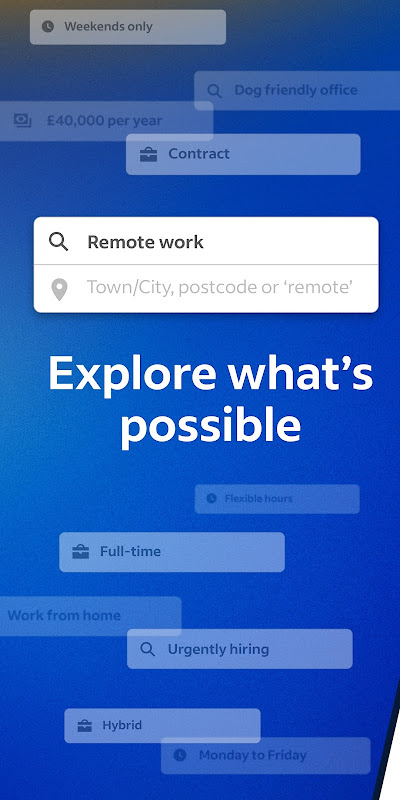
Indeed is a free job search app. It boasts powerful features designed to help users find jobs across various industries, simplifying the job search process. With Indeed, you can quickly find suitable jobs using its filtering features, and the entire process is streamlined. Furthermore, this app is not only a well-known job portal, but it also simplifies the application process, easily connecting users with potential employers. Its vast job database and advanced search tools help you efficiently find and apply for jobs.
Highlights:
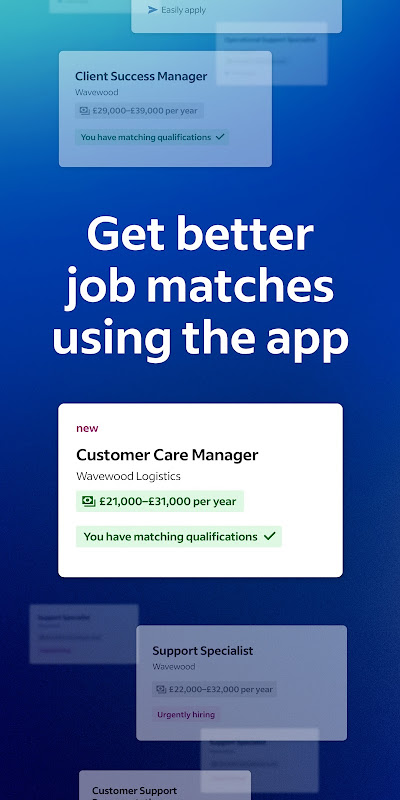
Search the comprehensive database to find jobs, which includes employment opportunities posted on other job search sites, and explore recommended roles based on your preferences and work experience.
Upload your resume or use Indeed’s resume builder to show your best self to employers and let your next job find you.
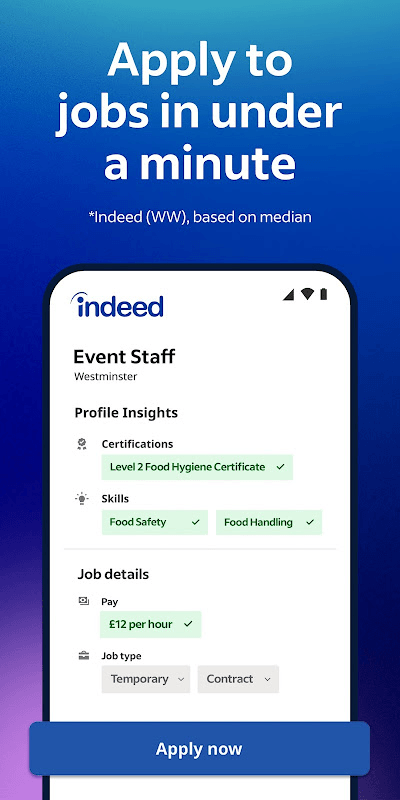
Apply with your saved resume to avoid rewriting the same information for each job application during your job search.
Keep track of applications during your job search and get notified when an employer has read and responded to your application on Indeed.
Understand what employees think about their workplace with more than 700 million company ratings and reviews.
Uncover what a job pays before you apply with more than 1.1 billion salaries searchable by job title, company, and location.
Find jobs with flexible work options using our smart search filters, including: remote jobs, side jobs, freelance jobs, government jobs, part time jobs, and jobs that allow you to work from home or work from anywhere.
Features:
A global job search platform
Indeed is a powerful tool for job seekers anywhere in the world. With this app, you'll be able to access millions of job offers available in multiple industries and locations. The app is ideal for both first-time job seekers and experienced professionals looking to advance their careers. Indeed collects job postings from a variety of sources, including company websites, employment agencies and job advertisements, providing you with a vast database to explore.
Advanced search of listings
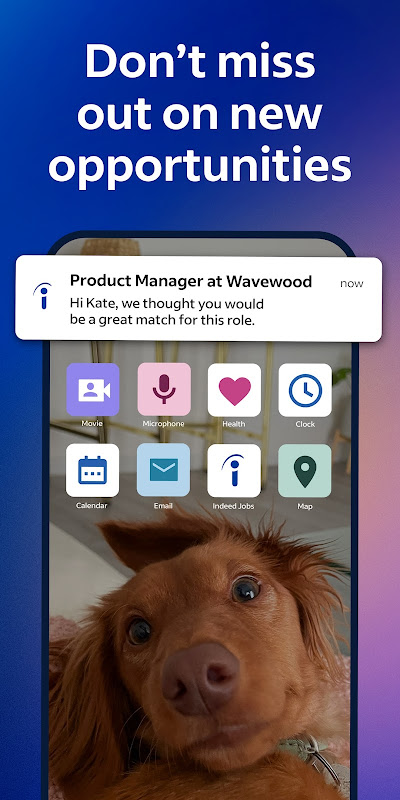
The app stands out for its intuitive and easy-to-navigate interface that will allow you to search for jobs quickly. Advanced search options allow you to filter offers by job title, location, salary, contract type (such as full-time, part-time, temporary, etc.) and the date the ad was posted. This makes it easy to find the exact opportunities that fit your needs and preferences. In addition to this, you can save your job searches and get personalized alerts directly to your smartphone, ensuring that you never miss a new opportunity.
Tools for more effective applications
Indeed also provides tools to optimize the job application process. Through this tool you can create and store your CV directly in the app, allowing you to quickly apply for jobs with just a few taps. Cover letters and other relevant documents can also be added and all managed from one place. This will greatly simplify the application process and increase your chances of standing out in the selection process.
Application tracking
Once you have submitted an application, Indeed allows you to track its status directly from the app. This way you can find out if your application has been viewed by the company, if interviews have been scheduled or if there have been any updates to the application. This tracking feature will help you better manage your job search and keep you organized throughout the process.
Benefits:
Indeed Job Search has access to the comprehensive Indeed search engine, which draws upon thousands of company websites and similar resources. Millions of jobs are listed here, and the app is designed to make searching through them easy. To get started in the app, you need to install it first on your mobile device, and once you open the app, it’ll ask for your where it will display three choices: the country you are residing, the app’s country where it’s operating, and the option to choose another country. What you’ll select will help you find a job in that location.
After this, you must sign up for an account or log in if you already have one. Once you’re settled, you have two options to proceed: upload your resume or build an Indeed resume. If you choose the latter, all you must do is fill in the details that the app will ask you, which include your name, contact number, address, educational background, work experience, skills, certifications, and licenses. Once you’ve answered everything, you can review your resume built by the app before proceeding, and you can choose if you want it to be searchable on Indeed or not.
The last step in building your resume in this app is to input the information for the job that you are searching like job titles, job types (full-time, part-time, permanent, fixed term, temporary, OJT), work schedule, pay, relocation, and if you’re looking for a remote, hybrid, in-person, or temporary work-from-home. Once you’re all done, you can find your next career in the app or let employers find you (if you allow your resume to be searchable in the app).
Conclusion:
If you’re a job seeker or a job recruiter who is looking for a job opportunity or who is looking for the right candidate for your hiring position, Indeed Job Search is a must-try app for you. Here, you can find a job in an instant by entering your desired job role and you will then be given all relevant job offers that exist within the app’s database. From here, you will be able to access the individual job listings and send your resume and other relevant information to the respective employers.
More Information
- Size:172.4MB
- Version:260.0
- Requirements:Android
- Votes:251

Related topics
-
Feeling that there aren’t enough hours in the day? That you’re fighting a losing battle with your agenda? That each time you look up from your desk another year has rolled by? Well don’t worry, you’re not alone, and in today’s hyperconnected world, people are busier than ever before. On Android, there are countless productivity apps to help take control of your time and make your work more efficient. From a simple plugin for Chrome to a full-fledged app, picking the right productivity apps on Android can mean the difference between having a clear to-do list at the end of the day or having it overflowing with missed deadlines and projects that are off schedule. Productivity apps aren’t just about work, though. Using a productivity app in your personal life can keep you on top of deadlines for vacations, home repairs, and other family responsibilities.
-
![Home Design 3D]()
Home Design 3D
-
![iScanner: PDF Scanner App Free]()
iScanner: PDF Scanner App Free
-
![QuickSell]()
QuickSell
-
![Microsoft Outlook Lite]()
Microsoft Outlook Lite
-
![Google Slides]()
Google Slides
-
![S Note]()
S Note
-
![Add-On: Wiko]()
Add-On: Wiko
-
![Inkpad Notepad]()
Inkpad Notepad
-








Latest Updated







Popular Apps






Popular News
More+-
![Tomie Wants to Get Married Full Walkthrough, All Choices and Ending Guide]()
Tomie Wants to Get Married Full Walkthrough, All Choices and Ending Guide
2026-05-22
-
![Karryn’s Prison Gameplay Walkthrough & Strategy Guide]()
Karryn’s Prison Gameplay Walkthrough & Strategy Guide
2025-10-28
-
![Life in Santa County Game Guide & Complete Walkthrough]()
Life in Santa County Game Guide & Complete Walkthrough
2025-10-28
-
![Dreams of Desire Complete Walkthrough and Game Guide]()
Dreams of Desire Complete Walkthrough and Game Guide
2025-10-28
-
![Era Hunter Gameplay Guide & Full Walkthrough]()
Era Hunter Gameplay Guide & Full Walkthrough
2025-10-28




