

Google Gemini
Download for Android This app is available for Android only.- Category:Productivity
- Rating: 4.9
- Language:English
- Updated:2026-07-14
Screenshots
Introduction
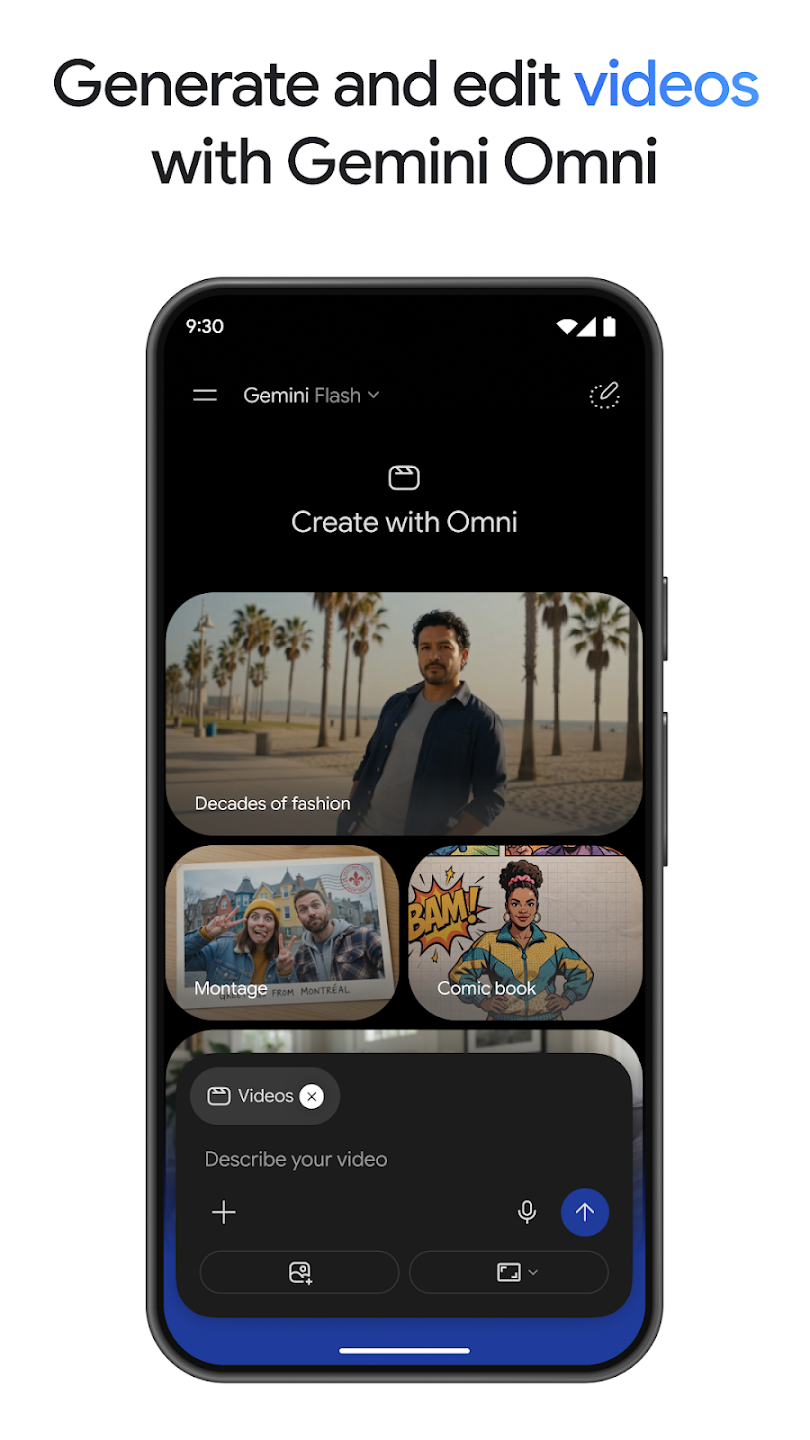
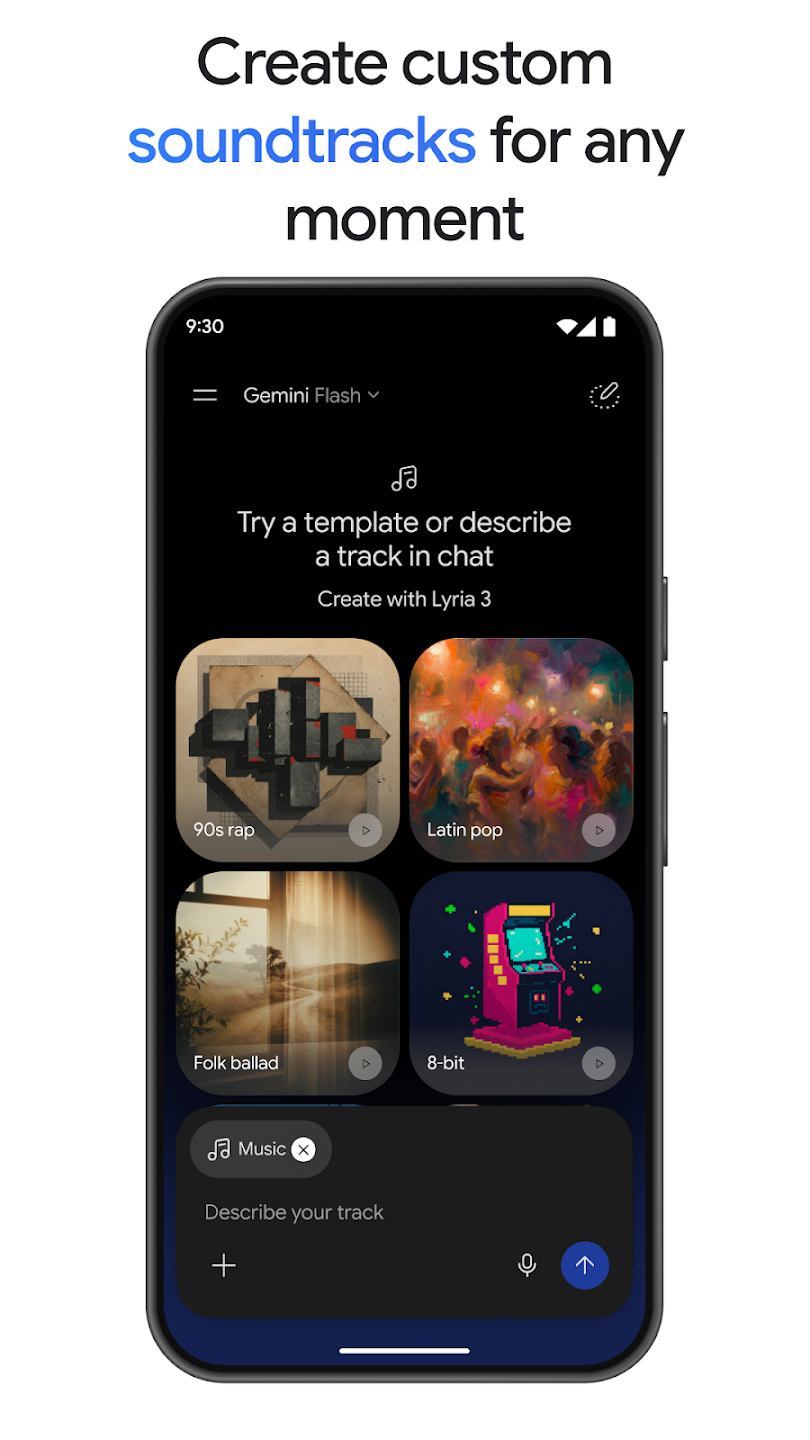
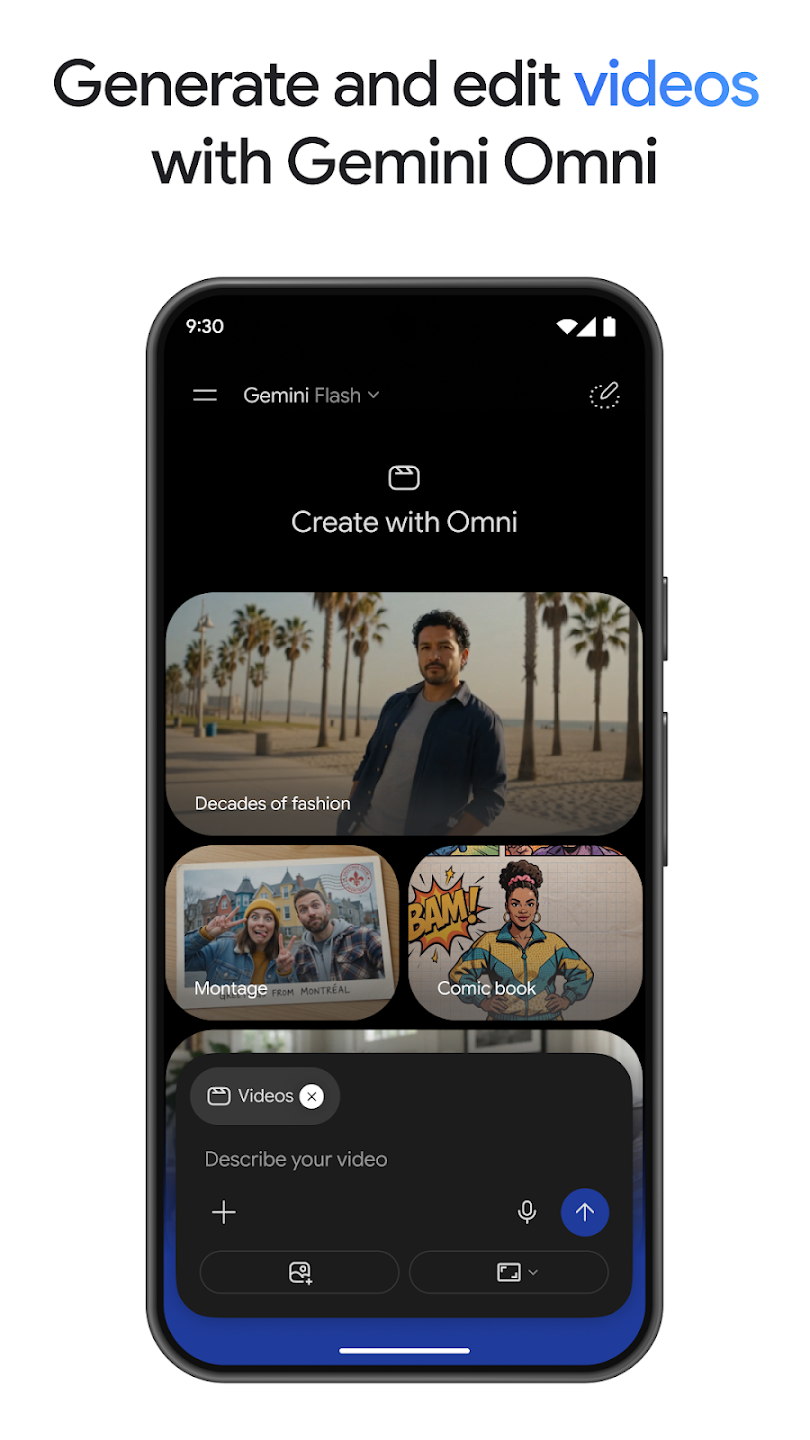
Google Gemini is a popular AI assistant that uses the latest AI models to help users solve problems in their lives and work. Users can simply input their questions and requests via voice and text, or it can generate corresponding text, images, and even videos from across the internet to meet different needs, and vice versa. For students, it can also generate practice questions based on their notes and track their speed in real time, thereby continuously improving their learning efficiency.
Features of Google Gemini:
Canvas creation hub: The Canvas workspace turns prompts into prototypes in one place. Build apps, games, web pages, infographics, or audio overviews without juggling separate tools. You can iterate directly in Canvas, test variations, and move from concept to usable output in a single flow.
Works with Google apps: Google Gemini connects with Search, YouTube, Maps, Gmail, and other services to bring information into one thread. Ask for summaries, sources, or trip plans, and Gemini organizes results with context. This gives you a structured view so you can review details and make decisions faster.
Smarter studying and content: Create quizzes and flashcards from notes, then visualize concepts with interactive examples. You can also turn files into podcasts for on the go learning to review material hands free. These tools help you prepare, check understanding, and stay engaged with key topics.
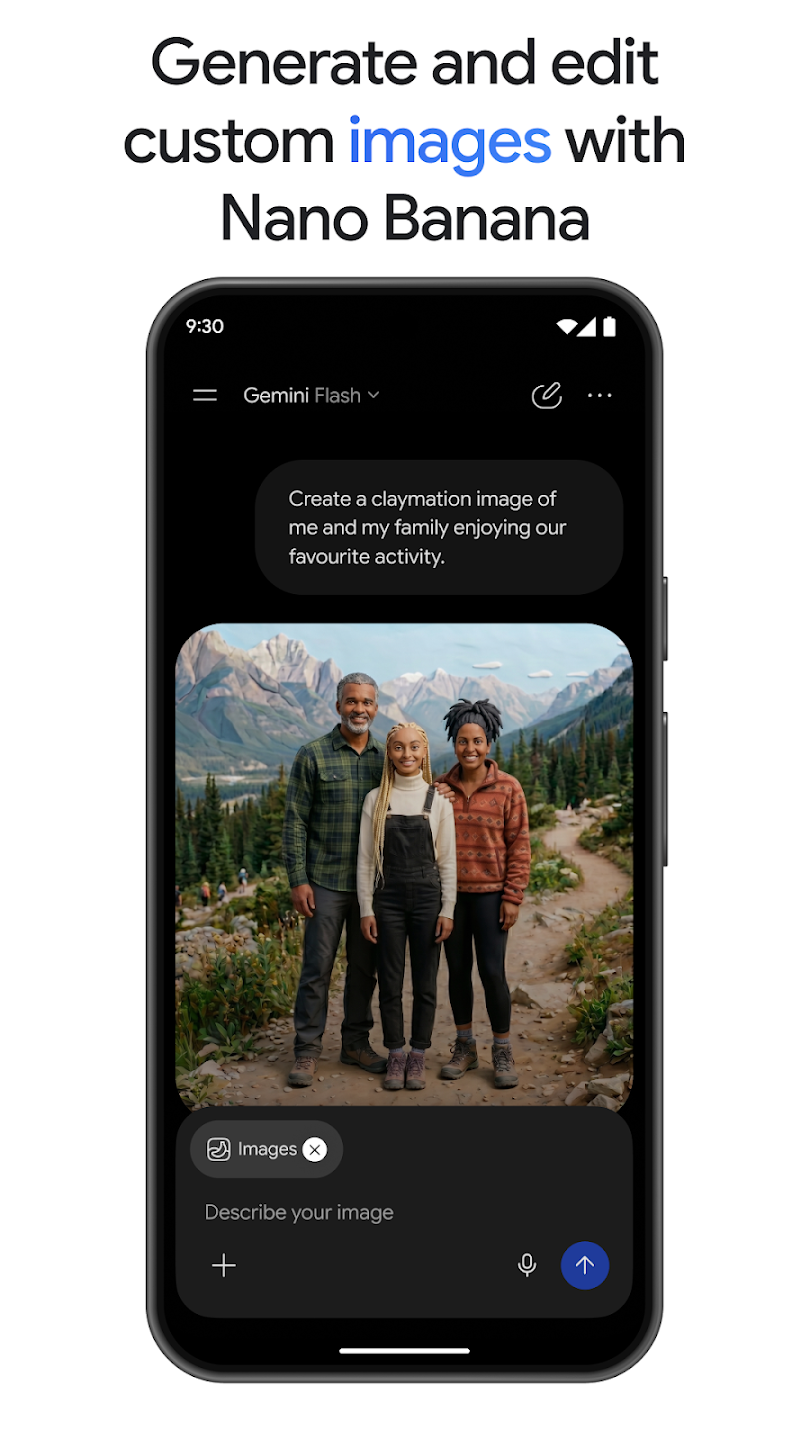
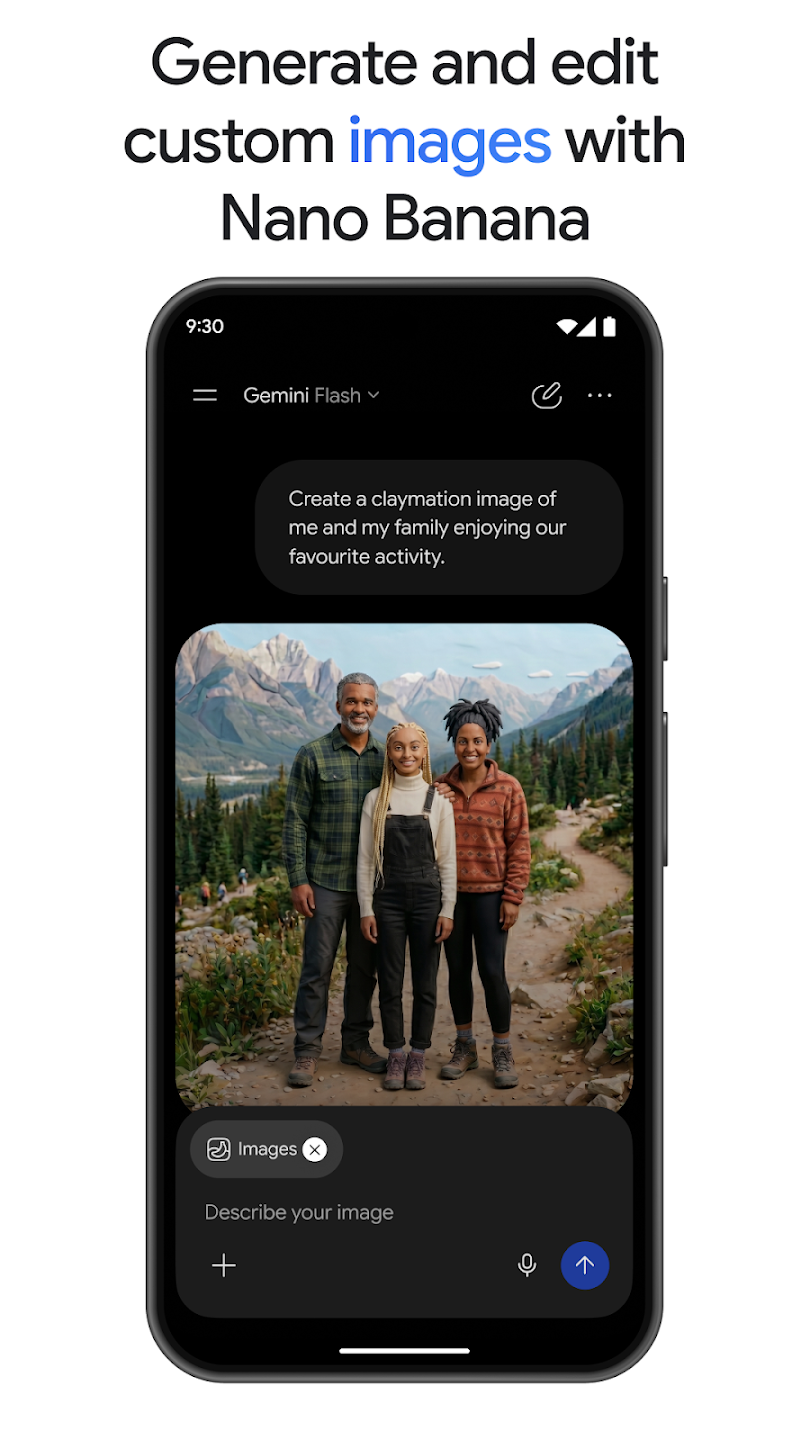
Advanced image generation and editing: Generate and edit high quality images with Nano Banana and Nano Banana Pro. Expect sharp text, blended mockups, and clean diagrams suitable for posters, product visuals, or instruction sheets. Pro offers more control, which is helpful when you need precise style and layout changes.
Functions of Google Gemini:
Talk Like a Friend: Forget fancy interfaces. Just type your questions or ideas. This AI chatbot chats back with clear and helpful answers.
Brainstorming Buddy: Describe your complicated projects to this app watch as it throws out fresh ideas to get your creative juices flowing. Create catchy taglines and other helpful content.
Free to Use: It is free to use including its all core features like chatting, getting writing help, and summarizing documents are all free.
Talk it Out: The latest version of this AI-powered app lets you speak your questions and listen to its answers – perfect for hands-free brainstorming.
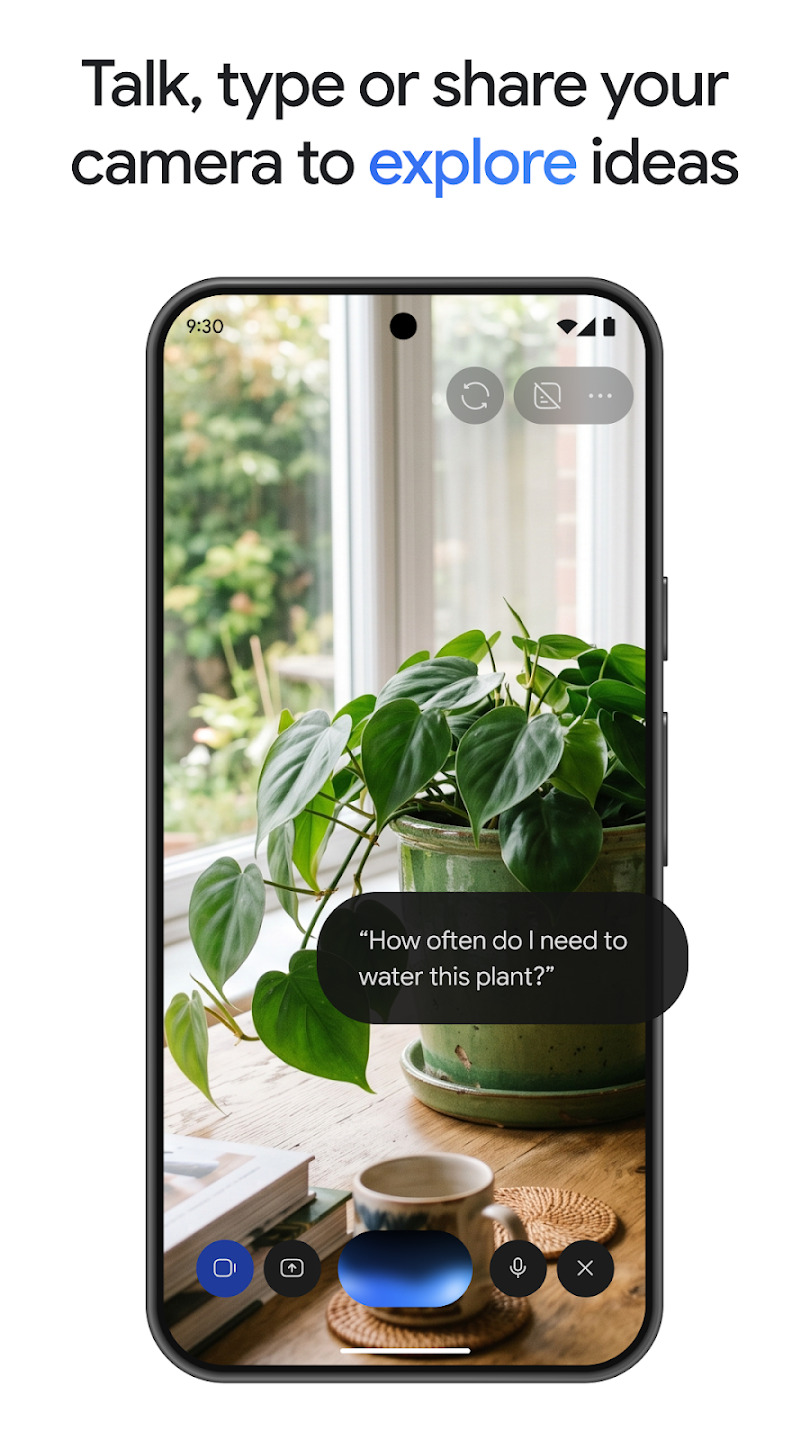
Picture Inspiration: Show Gemini a picture. It can analyze it, write stories or poems based on it, or even give you new design ideas based on the image.
Save Time with Summaries: Don’t get overwhelmed by emails and documents. This AI tool can help you as it can analyze them in your Drive and give you quick summaries, saving you precious time.
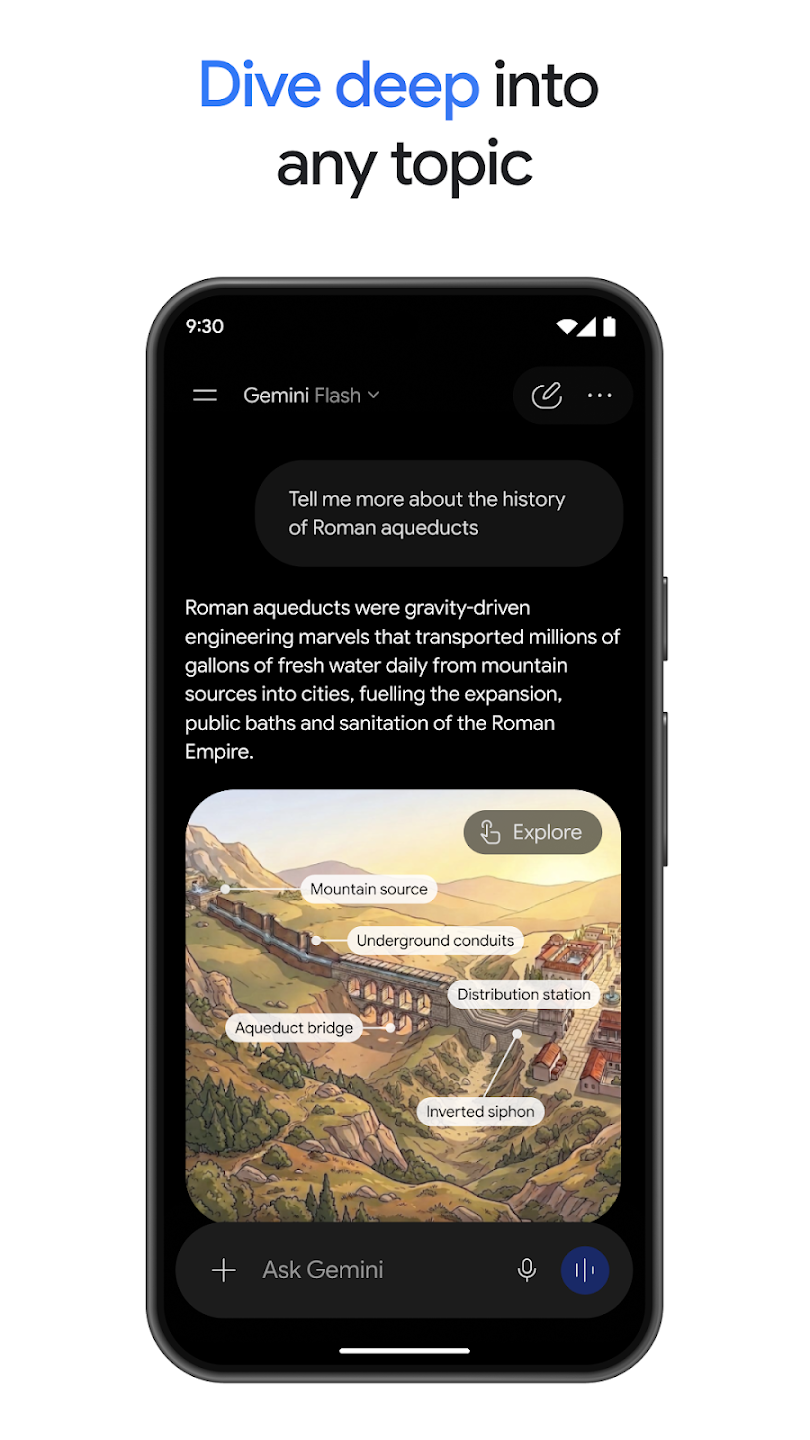
Research Assistant: Do research on different topics. Ask questions, and it will search the web using Google Search to find the info you need.
User Reviews of Google Gemini:
I currently use Gemini as a study tool. It's very helpful and gives you a lot of options to edit the answers as you need them. However, I have a problem. You don't have the option to delete a certain question or answer inside a chat. I save my chats to reread them, and i want the information inside organised to keep just the important ones. I hope you can take this feature into consideration for future updates. Thank you for the hard work.
I use Gemini for a number of things from analyzing papers for readability, formatting notes, landscaping and interior design ideas and some photo edits (with caution because AI can be a cross between Monet and a 5 year old sometimes). It's a great tool but as only as good as you train it to be. For instance, itt has picked up on my shorthand and will sometimes give me answers using it and in a style or manner that I write as well.
The ai is absolutely amazing and I mainly use it to break down university work, I only have one possible bug to report. when in a chat closing and reopening the app yields an error(failed to load chat) when trying to jump back into that specific chat. I sincerely hope this will be taken seriously and dealt with accordingly.
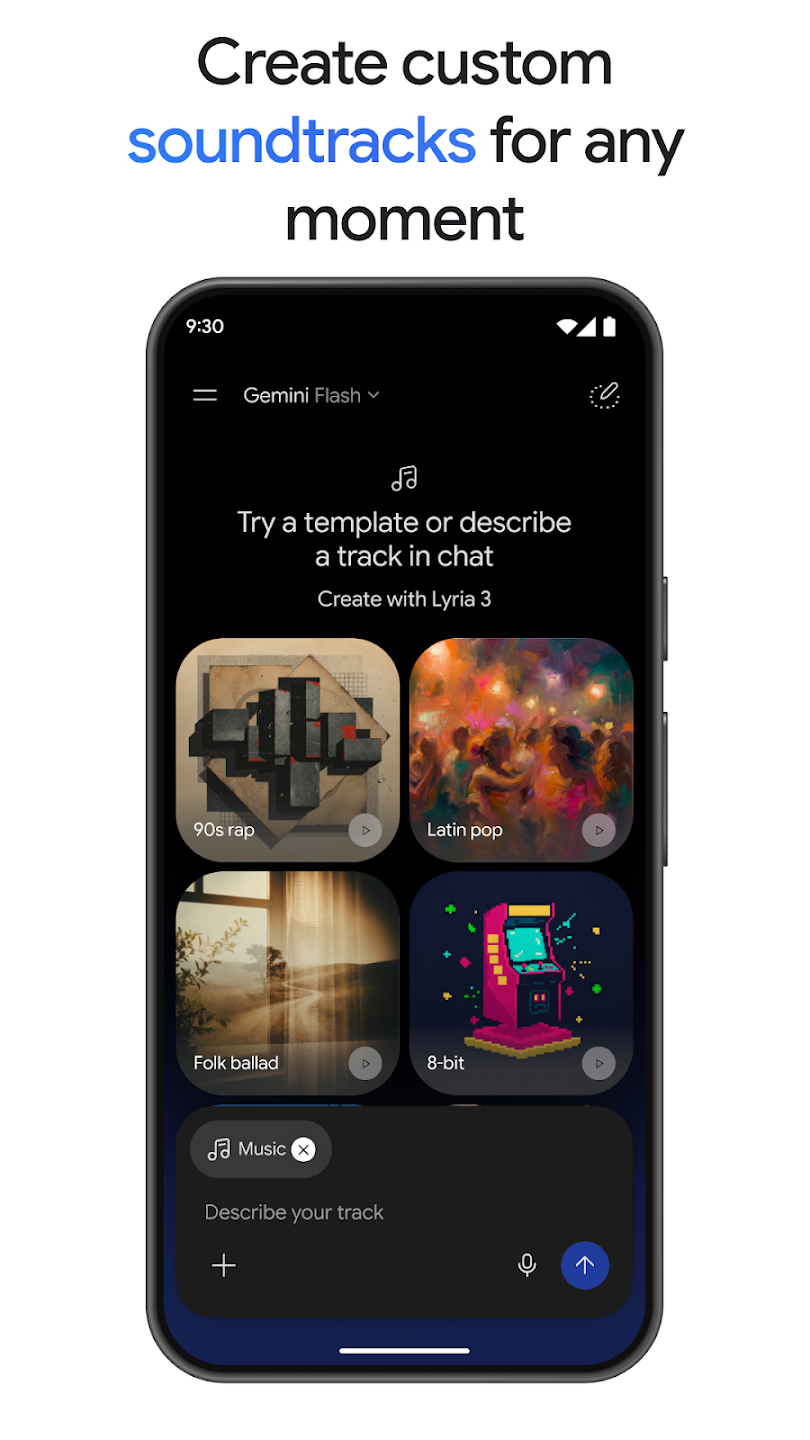
in general it's great... here are areas of improvement: 1- long clips perform much lower quality compared to short clips 2- you can't fix certain pronounciation once achieved. 3- you can fix part of the clip. 4- Frequently it adds its own lyrics despite clear instructions not to do so. 5- does not take my directions in certain music directions (frequently). 6- expanding the variety of vocal library. thanks.
FAQs of Google Gemini:
What do I do if AI declines to work on my prompt?
If AI declines to work on a prompt it could be for multiple reasons (safety, ethical, legal, etc.) but the user should be given a reason. The user should revise that prompt, providing additional context.
What are the daily usage limits (standard users)?
Free tiers or even paid tiers might have daily or monthly usage limits for certain features (e.g., image generation, large context window processing).You'll typically be notified if you're approaching a limit. The standard Gemini tier is limited to approximately 15-20 complex queries per day.
What do I do if I have reached my daily usage limit?
Once the daily limit is reached, the user must wait until the next day for the daily limit to reset. During the interim period, Gemini will be unavailable. An upgraded Gemini tier with access to the 2.5 Pro model and unlimited daily queries with priority is available for power users and follows a cost recovery model. Please consult your department leadership if you are interested.
What about privacy and my data?
School Accounts (with Data Protection): For Google Workspace users, Google emphasizes that your data shared with Gemini is not used to train Gemini models, not reviewed by humans (unless you explicitly allow it for feedback), and not used for ads targeting. A shield icon often indicates data protection is active.
Does Gemini filter content?
Gemini has built-in safety features to prevent the generation of harmful or inappropriate content.
Conclusion:
Google Gemini can answer all kinds of questions, as well as generate content according to the text you enter. For example, you can generate an email, a poem, a script, or even images, all based on artificial intelligence. You can also translate text accurately and naturally, plan trips on which you see all the sights, prepare for job interviews, and discover new approaches and ideas related to any problem. And if you're in a museum, you can ask for more information about any piece.
More Information
- Size:5.1MB
- Version:1.0.913571982
- Requirements:Android
- Votes:413
- Package Name:com.google.android.apps.bard
- Signature:ec3549d92772531043b2dd2b85cd2469e75730af
Related Versions



Related topics
-
Feeling that there aren’t enough hours in the day? That you’re fighting a losing battle with your agenda? That each time you look up from your desk another year has rolled by? Well don’t worry, you’re not alone, and in today’s hyperconnected world, people are busier than ever before. On Android, there are countless productivity apps to help take control of your time and make your work more efficient. From a simple plugin for Chrome to a full-fledged app, picking the right productivity apps on Android can mean the difference between having a clear to-do list at the end of the day or having it overflowing with missed deadlines and projects that are off schedule. Productivity apps aren’t just about work, though. Using a productivity app in your personal life can keep you on top of deadlines for vacations, home repairs, and other family responsibilities.
-
![Home Design 3D]()
Home Design 3D
-
![iScanner: PDF Scanner App Free]()
iScanner: PDF Scanner App Free
-
![QuickSell]()
QuickSell
-
![Microsoft Outlook Lite]()
Microsoft Outlook Lite
-
![Google Slides]()
Google Slides
-
![S Note]()
S Note
-
![Add-On: Wiko]()
Add-On: Wiko
-
![Inkpad Notepad]()
Inkpad Notepad
-
-
Office Apps is a comprehensive and user - friendly platform that aggregates a wide array of office - related applications, catering to the diverse needs of modern professionals, students, and anyone who engages in office - based tasks. Whether you're working on a crucial business project, preparing academic papers, or handling daily administrative work, this aggregation page serves as your one - stop - shop.
-
![AI Chat Open Assistant Chatbot]()
AI Chat Open Assistant Chatbot
-
![Home Design 3D]()
Home Design 3D
-
![Notein]()
Notein
-
![SIAMO]()
SIAMO
-
![Claude by Anthropic]()
Claude by Anthropic
-
![Character AI]()
Character AI
-
![Google Duo]()
Google Duo
-
![Microsoft Outlook Lite]()
Microsoft Outlook Lite
-














Latest Updated



Popular Apps






Popular News
More+-
![Tomie Wants to Get Married Full Walkthrough, All Choices and Ending Guide]()
Tomie Wants to Get Married Full Walkthrough, All Choices and Ending Guide
2026-05-22
-
![Karryn’s Prison Gameplay Walkthrough & Strategy Guide]()
Karryn’s Prison Gameplay Walkthrough & Strategy Guide
2025-10-28
-
![Life in Santa County Game Guide & Complete Walkthrough]()
Life in Santa County Game Guide & Complete Walkthrough
2025-10-28
-
![Dreams of Desire Complete Walkthrough and Game Guide]()
Dreams of Desire Complete Walkthrough and Game Guide
2025-10-28
-
![Era Hunter Gameplay Guide & Full Walkthrough]()
Era Hunter Gameplay Guide & Full Walkthrough
2025-10-28




