

Cronometer
Download for Android This app is available for Android only.- Category:Sports
- Rating: 4.9
- Language:English
- Updated:2026-10-25
Screenshots

Introduction
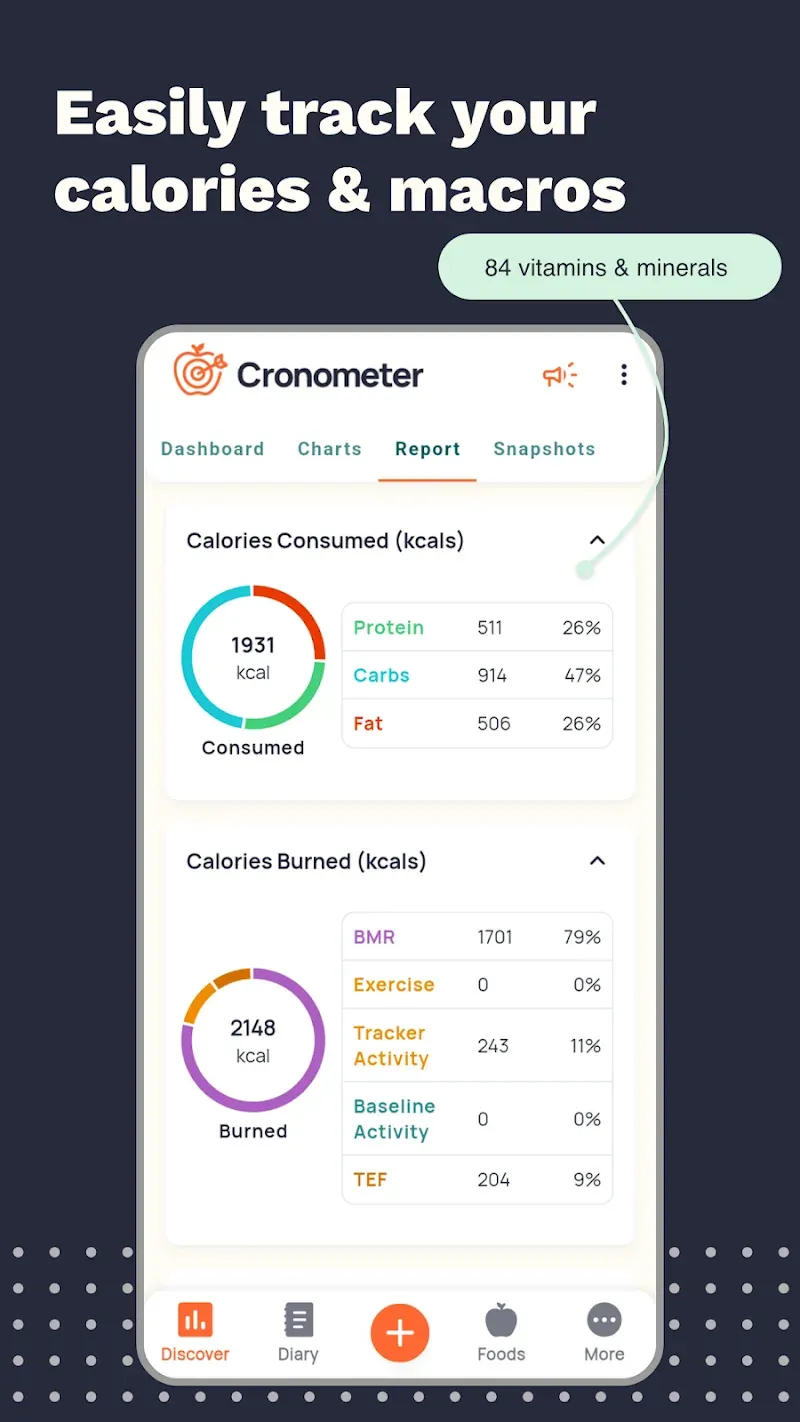
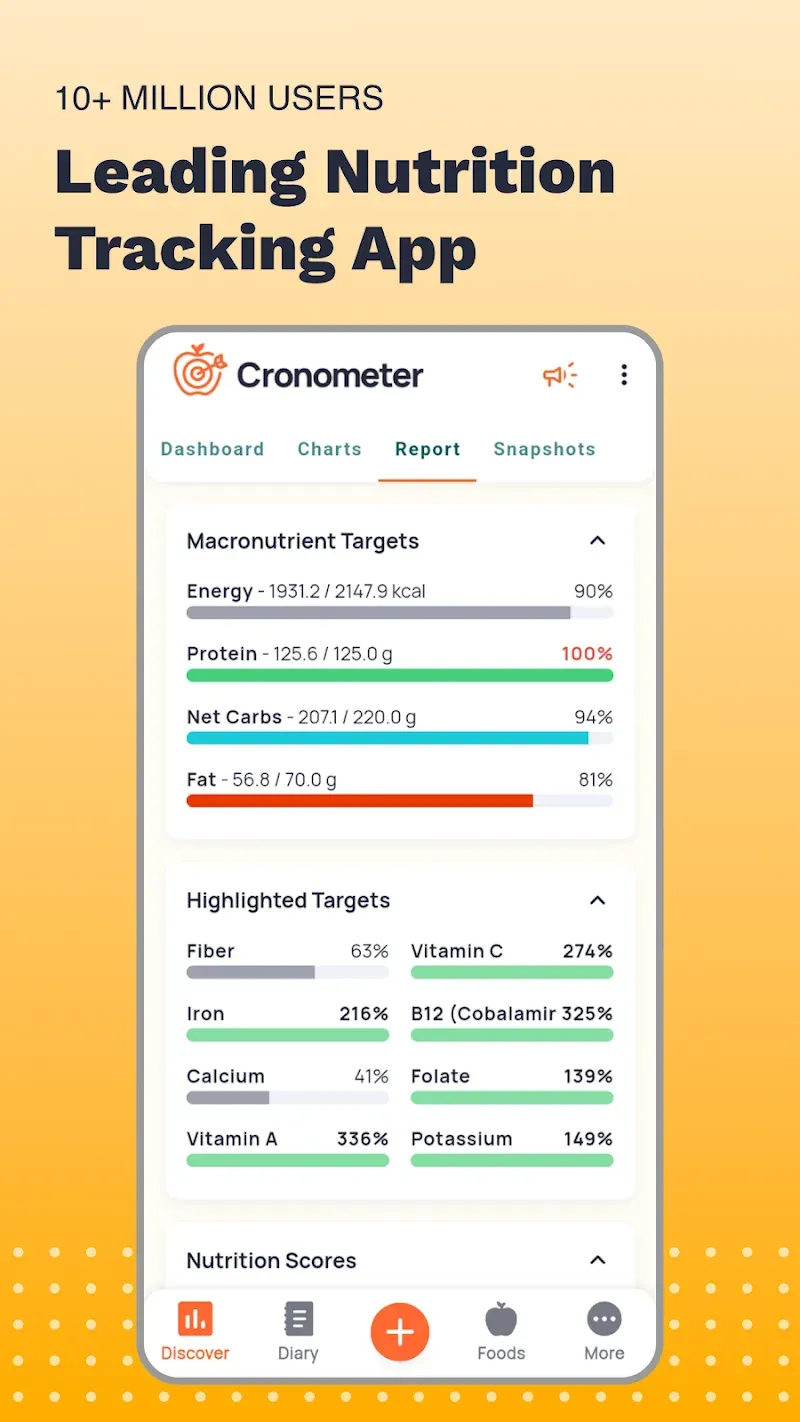
Cronometer is a calorie tracker designed for fitness enthusiasts. Users can log their daily food intake, and the app automatically calculates the calorie, protein, and fat content of these items. Furthermore, it generates tailored meal plans and fitness routines based on the user's individual physical profile. The app features an extensive, continuously updated and refined database containing nutritional information for millions of food items; users can access this data simply by taking a photo of the food or entering its name. Additionally, Cronometer integrates with a wide range of smart devices, allowing it to import data such as sleep patterns and heart rate for more detailed analysis.
Features of Cronometer:
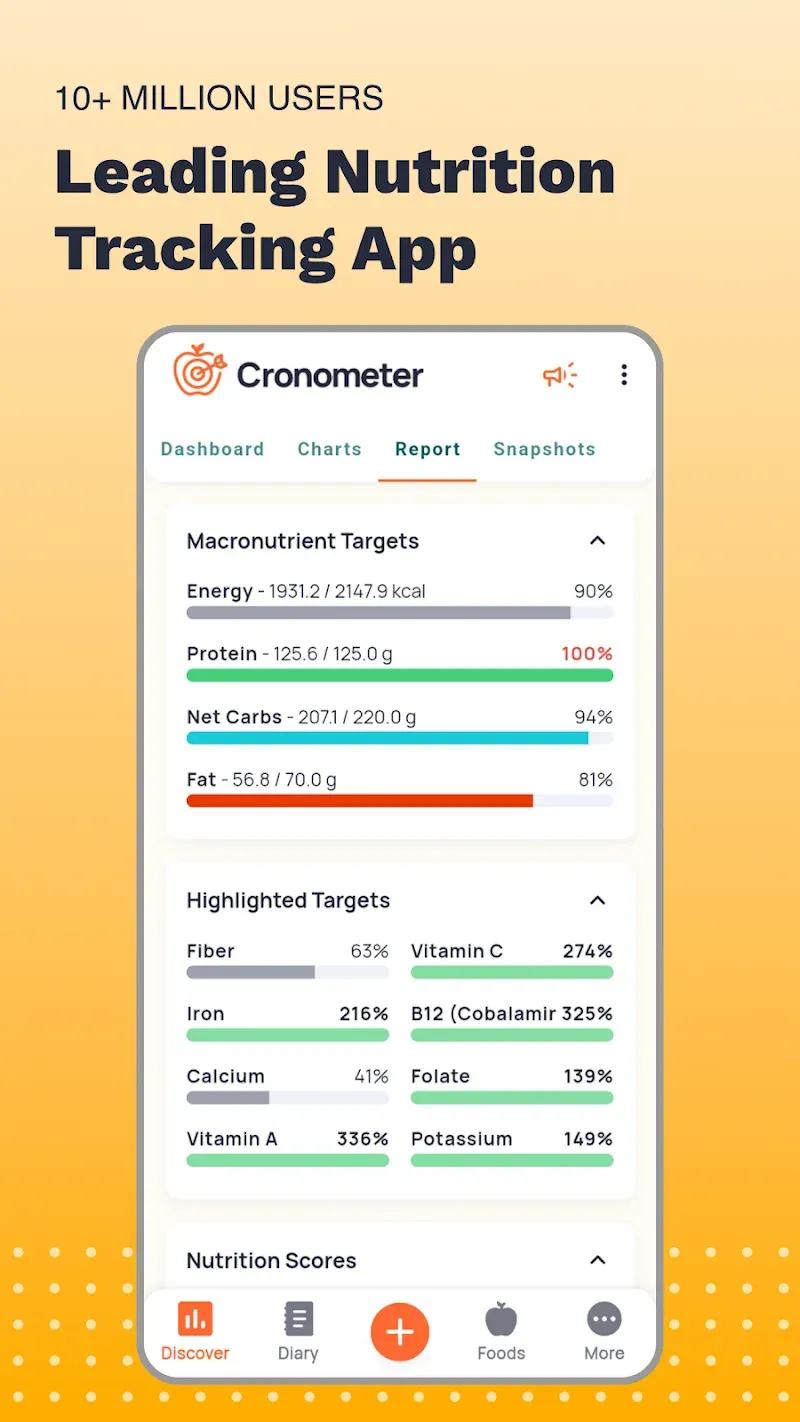
Incomparable Nutrient Analysis: You can track up to an additional 84 micronutrients. This includes vitamins, minerals, and amino acids. This ensures your body is truly healthy.
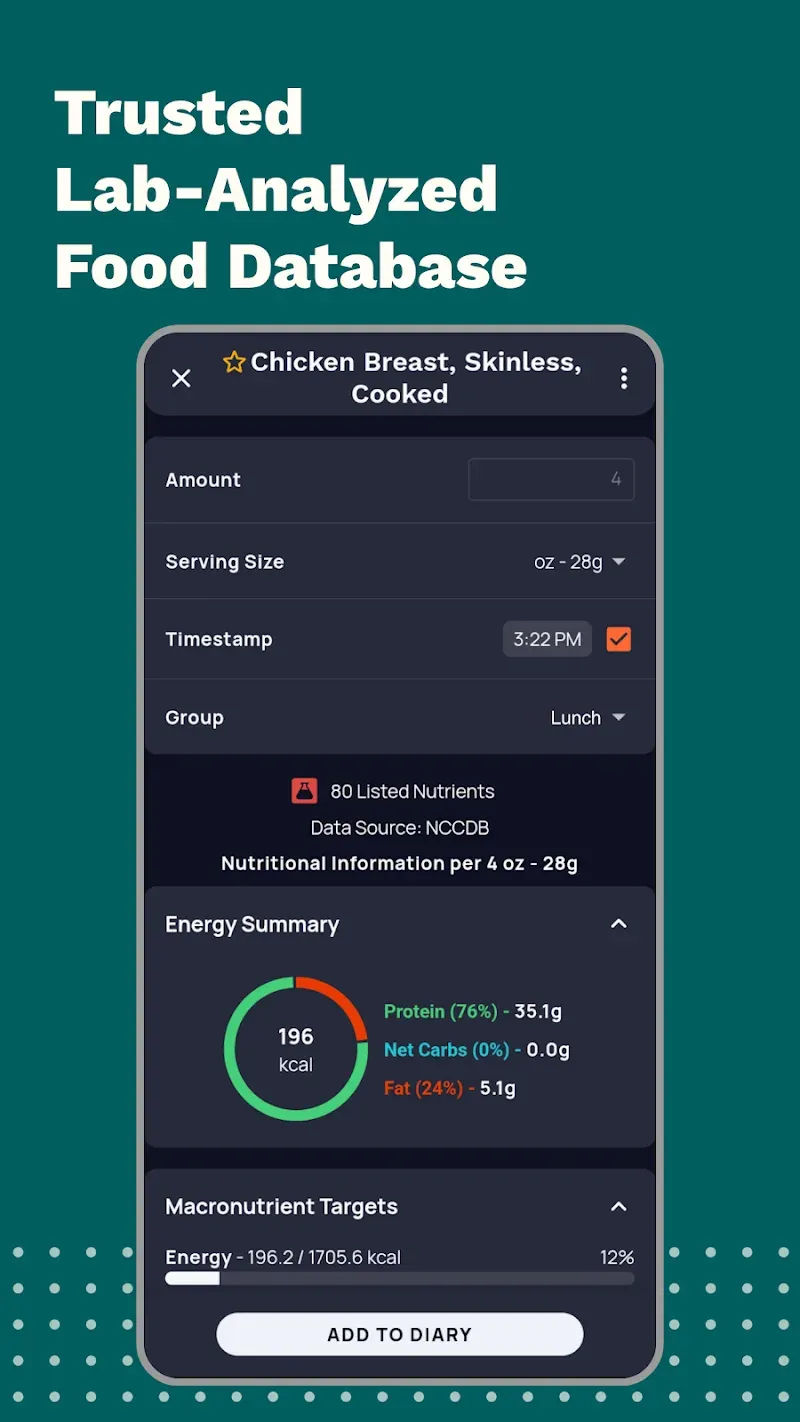
Verified Food Database: Food that gets added into our database get vetted. There is little to no chance of falsified information.
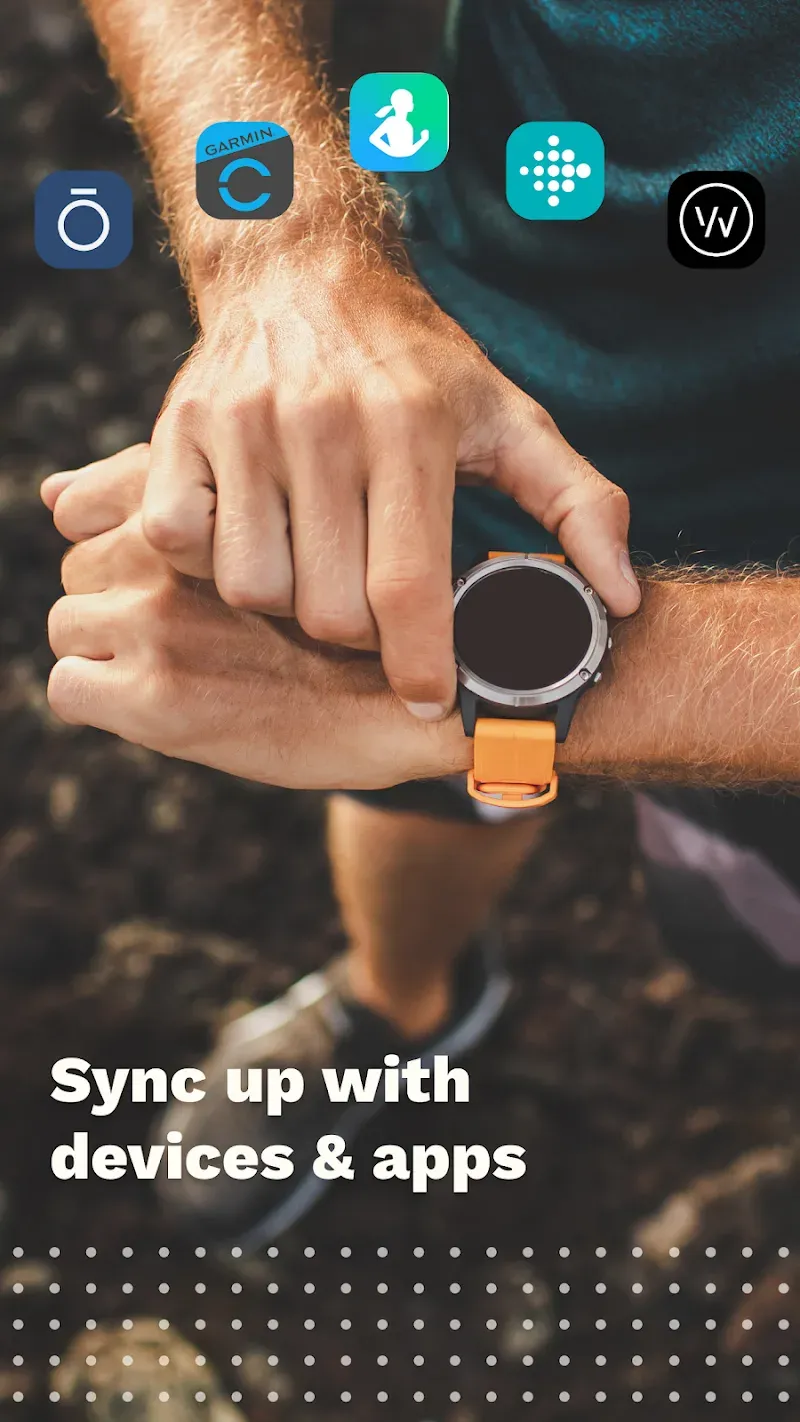
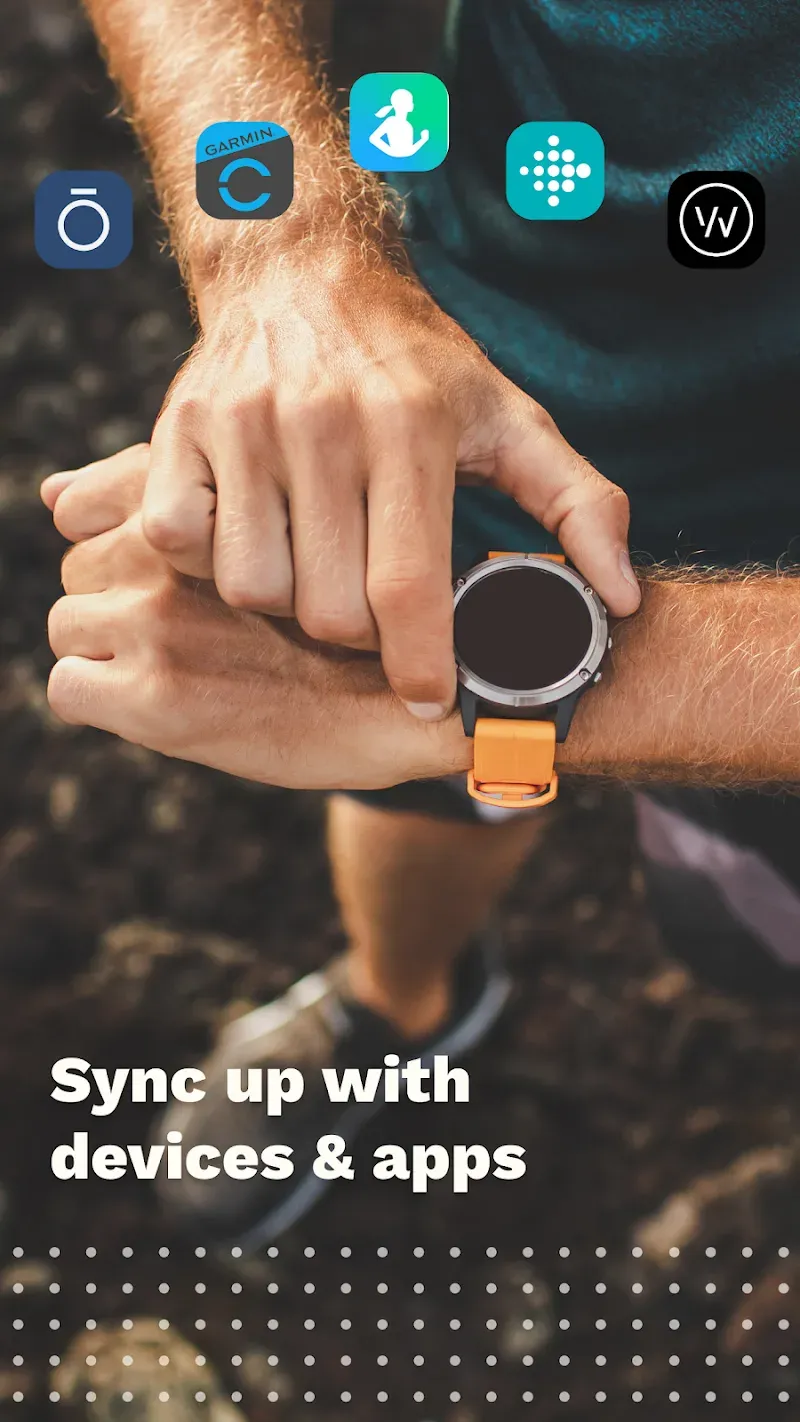
Seamless Integration with Wearable Devices: Sync your Apple Watch, Fitbit, Garmin, Dexcom, and more without hassle. Your activity, rest, and nutrition data are all collected in one app.
Custom Targets: Daily goals regarding calories, macros, and nutrients can be set to your individual preference. This intelligent app adjusts to your needs to help you stay on target.
Comprehensive Health Monitoring: Food is only just a piece of the health puzzle. You can log how much water you’ve consumed, your sleeping patterns, what exercise you’ve done, and biometric data that includes blood glucose and heart rate.
Useful Tips of Cronometer:
The term “Diary Group” might be confusing for some users. Basically, it just means meals. But since you can also record your biometric information in your Daily Diary in Cronometer, you can also set aside a Diary Group just for your biometric information.
I personally do this, and I also have a Diary Group specifically for my daily supplements. So I like that a “Diary Group” has a broader meaning than just a meal.
As I mentioned above, the default Diary Groups when you first sign in are Uncategorized, Breakfast, Lunch, Dinner and Snacks (5 groups). But there are actually a total of 8 groups available, and you can set them up in the Display settings by clicking the three dots in the bottom right of the app (“More”) and going to Display.
From the sub-menu that opens up, choose Diary Settings. Within Diary Settings, go to Diary Groups at the bottom. You’ll notice that I’ve also highlighted Always Explode Meals (currently toggled OFF with the grey bar on the slider – I’ll discuss what this means in an upcoming section about Meals).
To make all of the Diary Groups visible in your Daily Diary, you need to toggle the slider bar to the “On” position (orange showing). Here I’ve got all 8 groups toggled on, and these are the actual names that I use for Diary Groups. You can set up as many (up to 8) or as few (minimum 1) as you like, and call them whatever you want.
After updating those Display Settings for the Diary Groups, when you go back to the Daily Diary (you can press the Diary icon at the bottom of the screen – it’s the second icon from the left and looks like a little notebook), you will see the updated Diary Groups.
If you want or need to fine-tune your calorie, macronutrient, and/or micronutrient targets, you can do that from the Settings menu as well.
I went into the Targets section of the menu (press the “More” three dots icon and go to Targets), and then clicked “Macro & Energy Targets” (I left my Weight Goal at 140 lbs, as per Step 3 of the Intake process, but you could change that here, as well, in the Weight Goal section).
Cronometer starts off with macronutrient targets set by ratios (percentages) – you see that it defaulted to setting my protein as 25% of my daily total, carbs as 45%, and fat as 30%. I prefer to set targets by fixed macronutrient values, so I clicked on the “Fixed” option circled in yellow.
Here you can see that I increased my protein to 140 grams (instead of the original target of 110 grams) – you can decide if 1 g of protein per pound of goal body weight is right for you in our article “Is 1 Gram of Protein Per Pound Enough? (What Science Says).”
I kept fat grams virtually the same, and made up the difference by reducing the number of grams of carbohydrate.
If you decide that you also want to put in a new/different calorie target (different from the one suggested in Step 5 of the Intake process), you can do so, but it will essentially turn off the “weight goal” feature because you’re no longer following Cronometer’s recommended calculations. This is totally fine if you’re experienced, and/or working with a nutrition coach or other health professional.
I left my energy target as suggested by Cronometer (1,758 calories) because it seemed in line with what I would expect based on the information I provided in the intake phase.
You also have the option to set specific targets for micronutrients like certain vitamins or minerals (perhaps you’re trying to increase your calcium intake, or decrease your sodium intake). Just toggle the “Custom” slider to the “On” position, and input your desired target (threshold).

User Reviews of Cronometer:
I spent a couple weeks trying other apps. Then saw a video recommending this. very good. Good scanning. easy recipe additions. Would like to be able to add a simple manual entry for when I can't find something but Google can give me a count. I just can't find it. I like it so much I paid for the yearly fee. Great Job. Easy to keep up with as a beginner with it too.
It's pretty good. I especially like the barcode scanner because it works in Canada. I really wish it displayed calories and nutrient breakdown by meal not just the entire day, but it's not a deal breaker. (Edit: thank you for such a quick response and advice. It's now displaying calories by meal. Excellent product and support!) I've been using a different app for 15 years and only recently moved on to Cronometer so it takes time to adjust.
This is the best calorie counting app I’ve found so far. I downloaded five different apps to see which one suits me best, and this one clearly stands out. Accuracy is the most important factor for me, and this app lets me log the exact weight of what I eat. Other apps require choosing preset portions, which forces me to do extra math. I also haven’t experienced the excessive ads that some users have mentioned, therefore I assumed they fixed the issue. Highly recommended.
I am really loving this app. I really like the idea of the new AI feature. I think it would be great though if you could add items you have on hand from your fridge and pantry then you can ask the AI to generate suggestions from that. Also, the AI gives ingredients but not directions. Most of the time it looks like the suggestions are pretty easy to figure out but not always. It would be great if you could see a recipe.
FAQs of Cronometer:
How can I track Symptoms?
To track symptoms such as bloating, stomach cramps, or headaches in your Diary alongside your food and exercise data, you can either create a Custom Biometric (Gold feature) or use the Notes feature (all users). Recording symptoms alongside your food and nutrition data can help you identify patterns and trends over time.
Should I include rest time when logging resistance training?
Our exercise estimates are based on the adjusted MET values given from the Compendium of Physical Activities. These MET values are only for the time spent in movement. When researchers are finding MET values, they are monitoring the athlete/participant for the duration of the activity. So, for weightlifting, that would be while performing the activity and during the rests between sets if it is an average time of rest between sets.In other words, if you are taking an average amount of rest between sets, the MET values apply. If you're taking a really long rest between sets/reps, you may want to just include your "working time" in the calculations. For example, one study I found used 60 seconds between series of the same exercise, and 3 minutes between sets/exercises, so anything around there should be good!With this information in mind, it then comes down to personal preference as to how you track this. The best way I can recommend to get an accurate Caloric reading from exercise is to monitor your heart rate with an activity tracker. We integrate with these trackers so you can be sure you are getting the best dedicated nutrition tracking software and also the best activity reading by a dedicated activity tracking software!You can sync your wearable activity tracker with Cronometer by going to the Profile page and selecting the device you wish to connect.As long as you are consistent in your tracking, you will be able to compare your results and data.
Why are my custom foods/meals/recipe being not being included in my Suggestion Foods results?
When you choose to include your Custom Foods in your suggested foods list, you may see some that are included/excluded incorrectly. This is because your Custom Food does not have the appropriate tags applied to it. For example you may have a Custom Food with dairy in it, but it does not have the dairy tag applied to it. The good news is you can apply or update these tags after making a Custom Food!
Conclusion:
If you want to keep track of your diet and exercise routines, cronometer makes it easy to see how well they're working for you. Create your profile by adding basic information and tracking your diet and exercise each day. In just a few weeks, you can view all the graphs and tables offered by this app to appreciate your progress.
More Information
- Size:84.61MB
- Version:4.58.3
- Requirements:Android
- Votes:474
- Package Name:com.cronometer.android.gold
- Signature:95e13ab09576d20aea6a6deb85cbdc5d

Related topics
-
As 2023 comes to a close, you (like many of us) are probably in the “new year new me” planning phase. When it comes to writing resolutions, along with winning the lottery, ramping up on fitness is a top priority for most. That being said, overhauling your fitness regimen that doesn’t work in favor of a new one can be costly. Fortunately for you, we’ve put together a roundup of the best free fitness apps to try in 2024. See which free fitness apps made our “nice” list for 2024.
-
![Cronometer]()
Cronometer
-
![30 Day Fitness Challenge]()
30 Day Fitness Challenge
-
![Healthify]()
Healthify
-
![Homecourt]()
Homecourt
-
![MYLAPS Speedhive]()
MYLAPS Speedhive
-
![C25K® Couch to 5K]()
C25K® Couch to 5K
-
![Activa Club]()
Activa Club
-
![HryFine]()
HryFine
-
-
Sports competitions have been an integral part of human history for centuries, showcasing skill, endurance, and the spirit of competition. Each sport offers its own unique thrills-whether it's the speed and agility of soccer, the strategic depth of basketball, or the sheer power of weightlifting. While experiencing these activities in real life is exhilarating, stepping into the world of virtual sports can be just as exciting. Games allow you to immerse yourself in different sports, refine your techniques, and enjoy the thrill of victory-all from the comfort of your own space. Why not dive into the action and experience the joy of sports in a whole new way?
-
![Cronometer]()
Cronometer
-
![Amino]()
Amino
-
![Homecourt]()
Homecourt
-
![Forza Football]()
Forza Football
-
![TeamSnap]()
TeamSnap
-
![beIN SPORTS TR]()
beIN SPORTS TR
-
![Golfshot]()
Golfshot
-
![Voetbal.nl]()
Voetbal.nl
-
-
Discover a handpicked selection of premium fitness apps designed to optimize every part of your workout regimen. Whether your focus is strength training, cardio, flexibility, or recovery, these cutting-edge apps provide tailored solutions to meet your needs. Featuring smart AI-driven plans, real-time performance tracking, and expert-led workouts, they help you train smarter and stay accountable. Interactive challenges, community support, and progress insights keep motivation high, while seamless integration with wearables ensures precision. Transform your fitness routine with professional-grade guidance-accessible anytime, anywhere-and make every workout count toward your goals.
-
![Cronometer]()
Cronometer
-
![30 Day Fitness Challenge]()
30 Day Fitness Challenge
-
![Amino]()
Amino
-
![Homecourt]()
Homecourt
-
![Forza Football]()
Forza Football
-
![beIN SPORTS TR]()
beIN SPORTS TR
-
![Voetbal.nl]()
Voetbal.nl
-
![Brooklyn Nets]()
Brooklyn Nets
-









Latest Updated




Popular Apps





Popular News
More+-
![Tomie Wants to Get Married Full Walkthrough, All Choices and Ending Guide]()
Tomie Wants to Get Married Full Walkthrough, All Choices and Ending Guide
2026-05-22
-
![Karryn’s Prison Gameplay Walkthrough & Strategy Guide]()
Karryn’s Prison Gameplay Walkthrough & Strategy Guide
2025-10-28
-
![Life in Santa County Game Guide & Complete Walkthrough]()
Life in Santa County Game Guide & Complete Walkthrough
2025-10-28
-
![Dreams of Desire Complete Walkthrough and Game Guide]()
Dreams of Desire Complete Walkthrough and Game Guide
2025-10-28
-
![Era Hunter Gameplay Guide & Full Walkthrough]()
Era Hunter Gameplay Guide & Full Walkthrough
2025-10-28




