

Snapinsta
Download for Android This app is available for Android only.- Category:Media & Video
- Rating:
- Language:English
- Updated:2026-11-04
Screenshots
Introduction
Snapinsta is a convenient and user-friendly video downloader that allows you to quickly save your favorite Instagram videos, posts, and memorable moments directly to your device. The app features a built-in player, enabling you to watch and revisit your downloaded content at any time. It also includes editing tools, allowing you to make simple adjustments to your videos before sharing them with friends. Using the app is straightforward: simply copy and paste the link to the desired video or image into the app to begin the download. You can also choose your preferred format and resolution for the downloaded files.
Features of Snapinsta:
Snapinsta HD Photos: Instagram photos are compressed when you screenshot them — but not with our Snapinsta. Instantly grab single photos or entire carousel posts in their original resolution, pixel by pixel. No blurriness, no cropping, and no watermarks. Whether you need a full-quality image for inspiration, content repurposing, or personal keepsakes, our tool delivers flawless Instagram photo downloads with zero loss.
Snapinsta Story Download: Instagram Stories disappear after 24 hours — but not anymore. With Snapinsta, you can instantly save any public story before it's gone. Our tool works for individual story frames as well as complete story sets. Whether it's an image or video story, Snapinsta will download it in its original quality without cropping, compression, or loss of fidelity. This is perfect for content creators, social media managers, or anyone who wants to save inspiration from their feed.
Snapinsta Video Download: Want to download long-form Instagram videos? Our Snapinsta feature allows you to save any public video in full HD — whether it's a single video post, carousel, or multi-part series. Snapinsta processes and delivers videos in their original format, ensuring high clarity, sharp audio, and smooth playback. Ideal for offline viewing, reposting (with credit), or collecting content that inspires you.
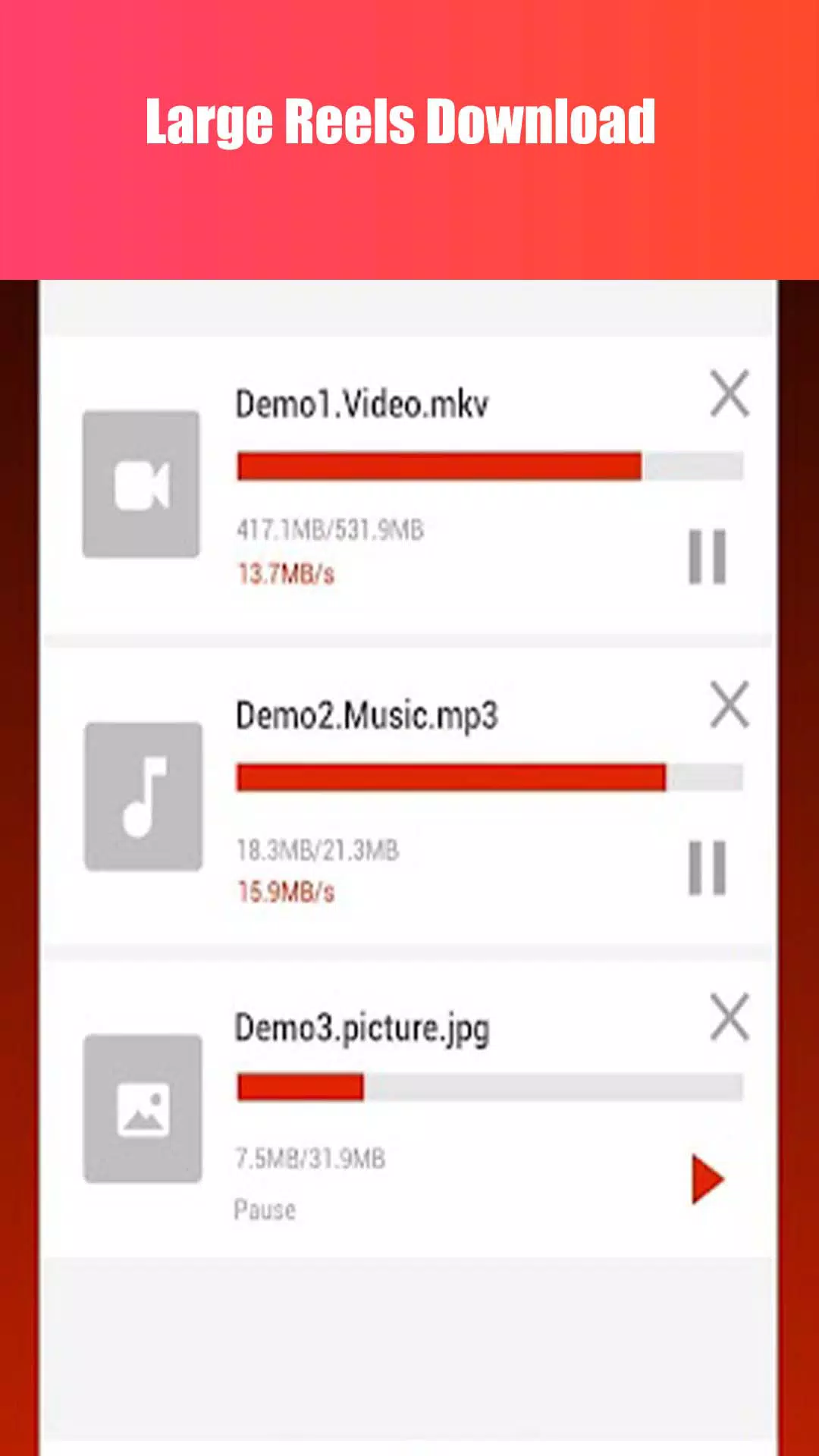
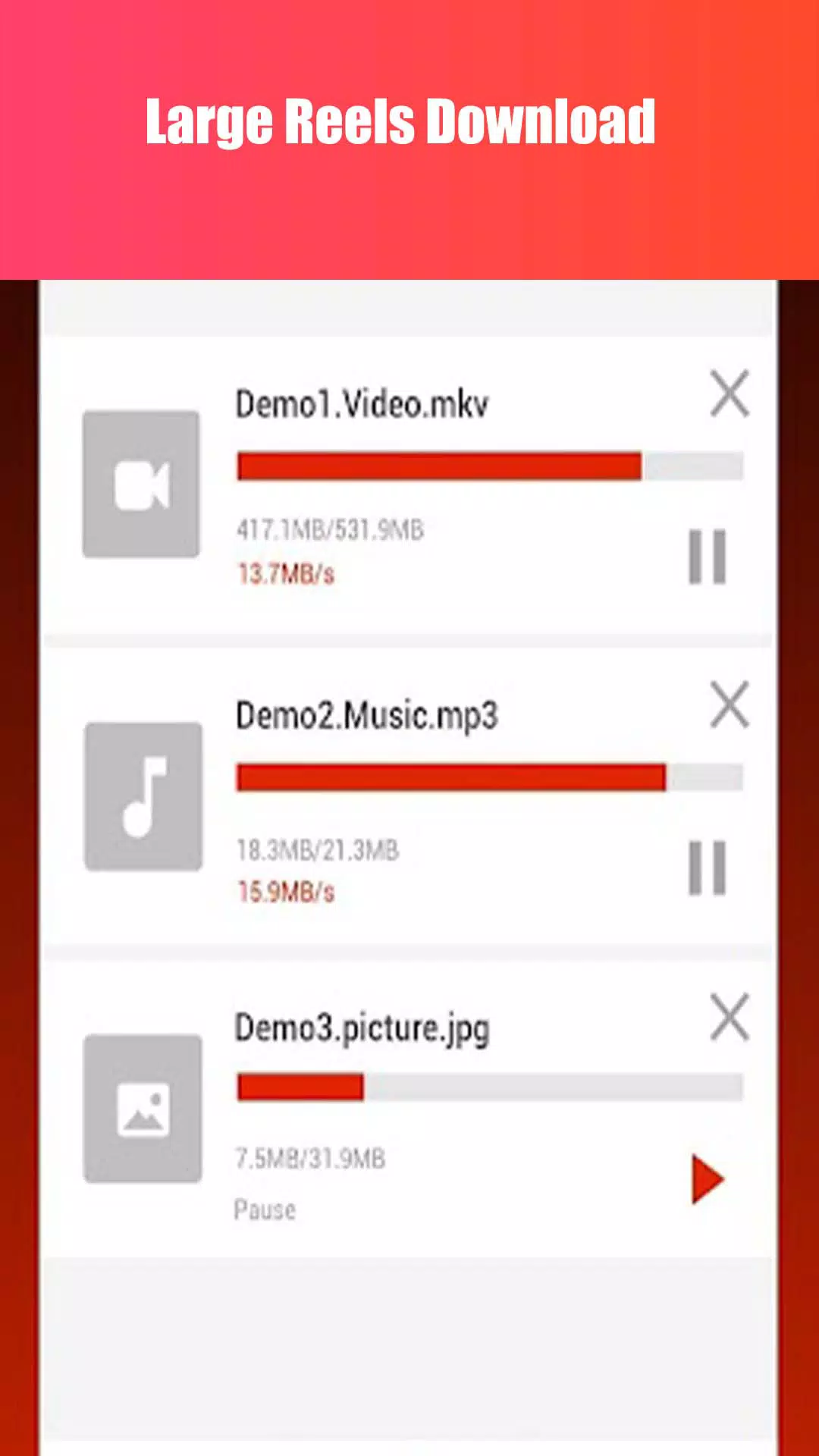
Snapinsta Instagram Reels Downloader: Instagram Reels are short, engaging videos that often go viral — but saving them in high quality can be a hassle. With our Snapinsta, you can download any public reel in stunning HD or even Snapinsta 4K resolution if available. Whether you’re archiving content, creating compilations, or just keeping your favorites, our tool ensures that your downloaded reels retain their original sharpness, audio sync, and frame rate.
IGTV Online - Snapinsta: Looking for a reliable IGTV downloader? Easily save your favorite Instagram TV videos for offline viewing, study material, or brand inspiration. Our IGTV downloader is fast, secure, and user-friendly. Download IGTV content in high quality without hassle—perfect for marketers, educators, or casual users who value convenience and clarity.
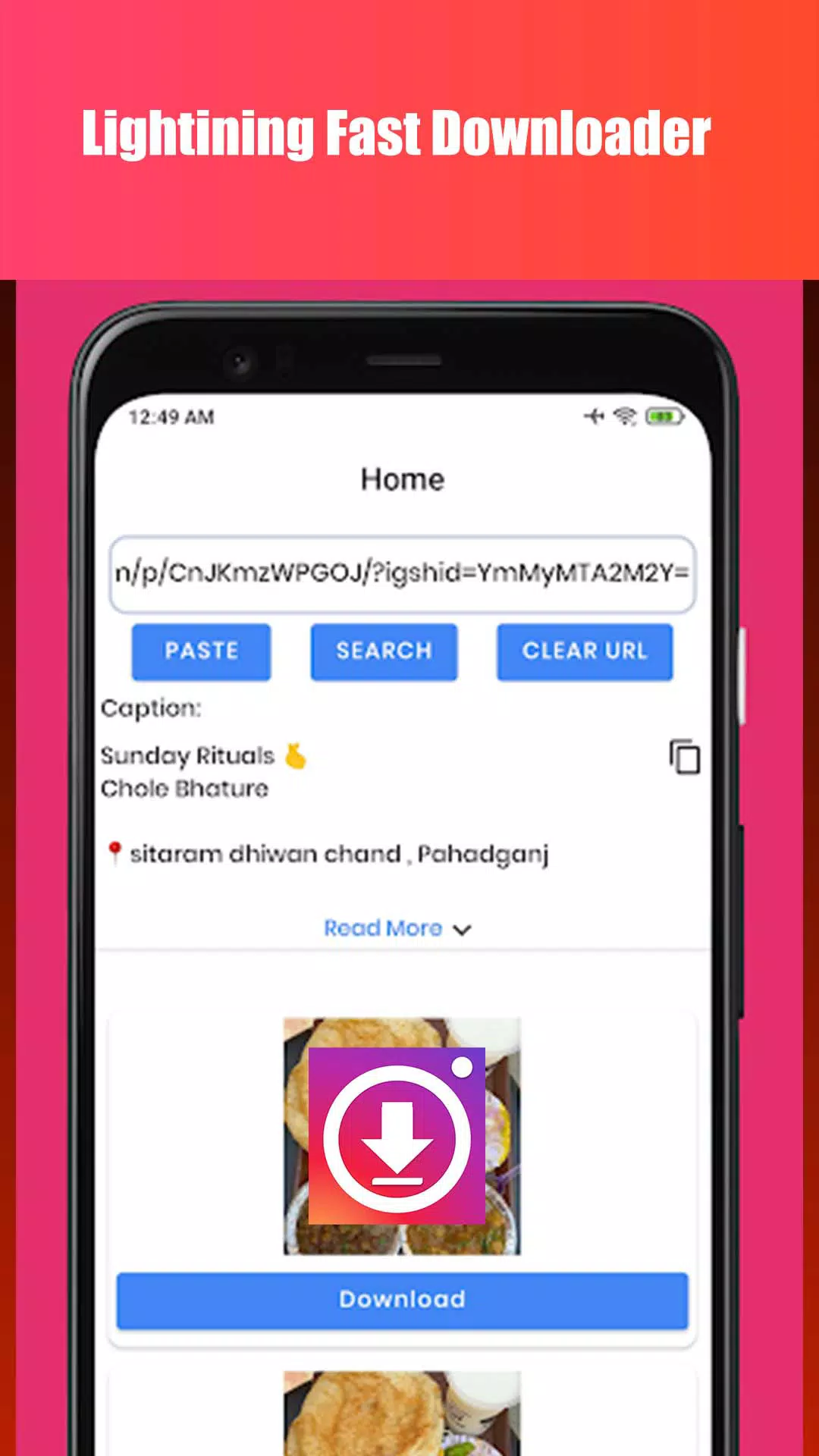
How to Use Snapinsta:
You should follow the steps below to download Instagram content using the SnapInsta tool. You can easily save any Instagram reels in the original quality. Let's follow the step-by-step process to download.
Open the Instagram app or Website
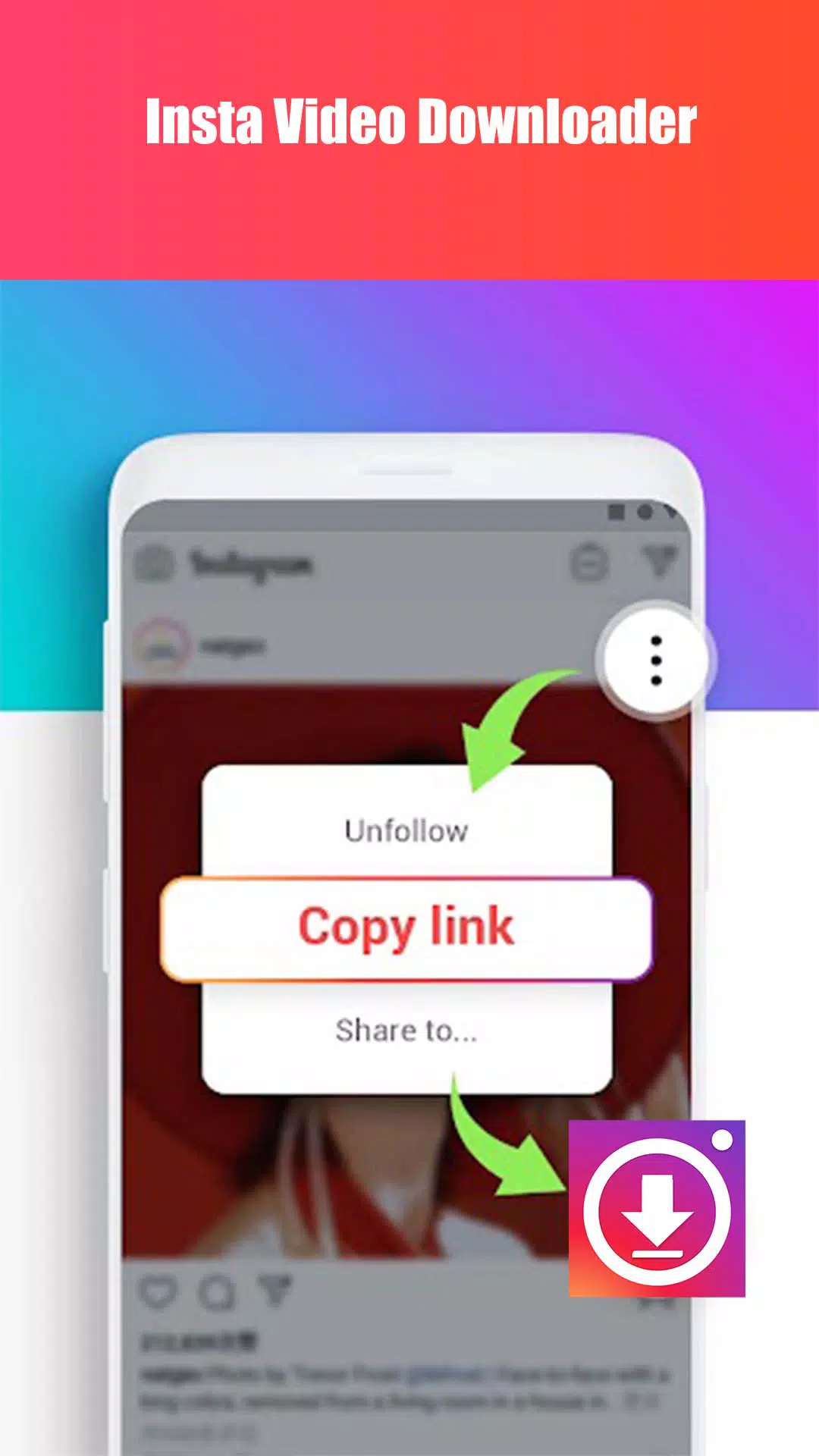
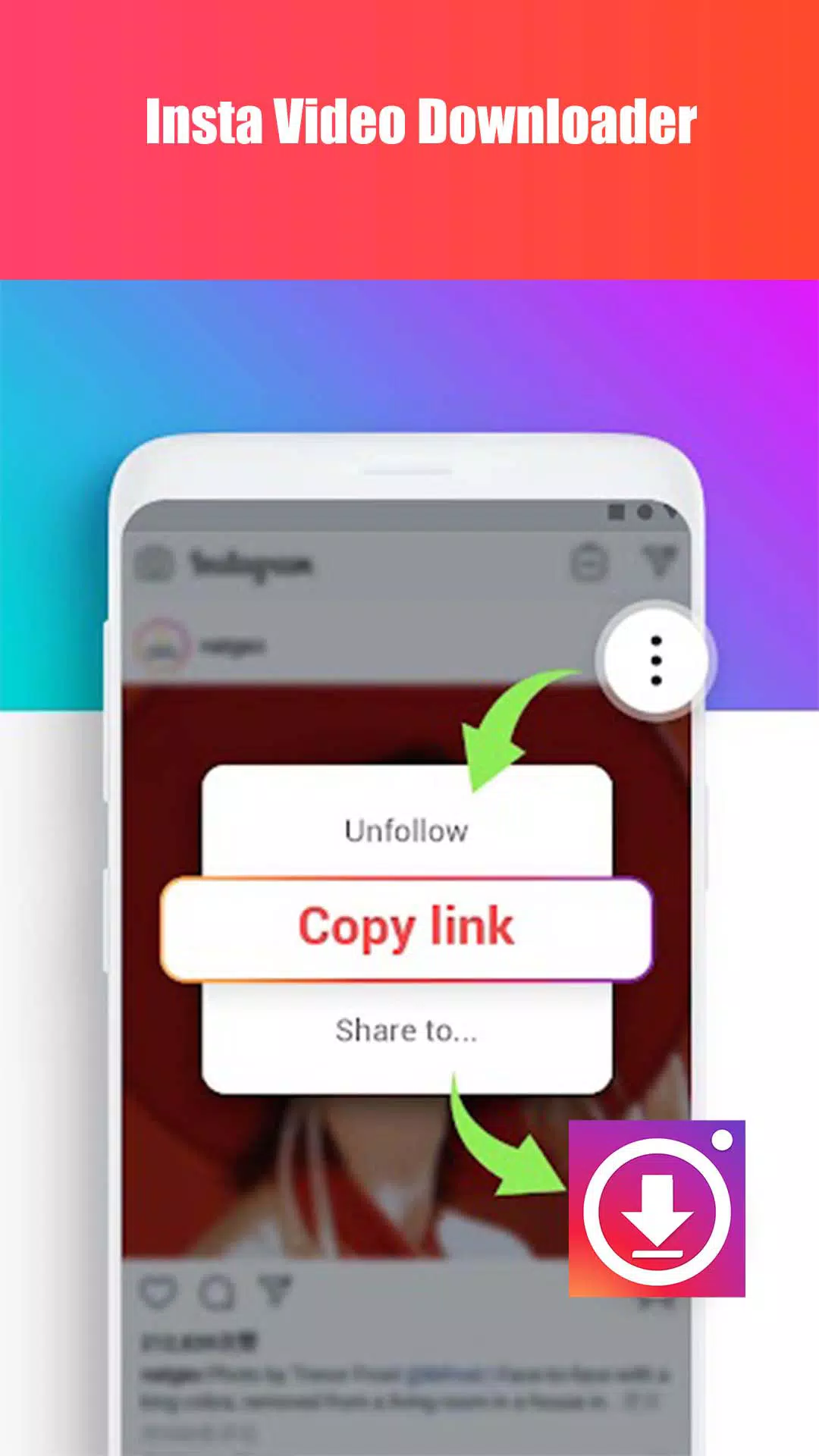
Copy the link (URL) of what you wanted to download
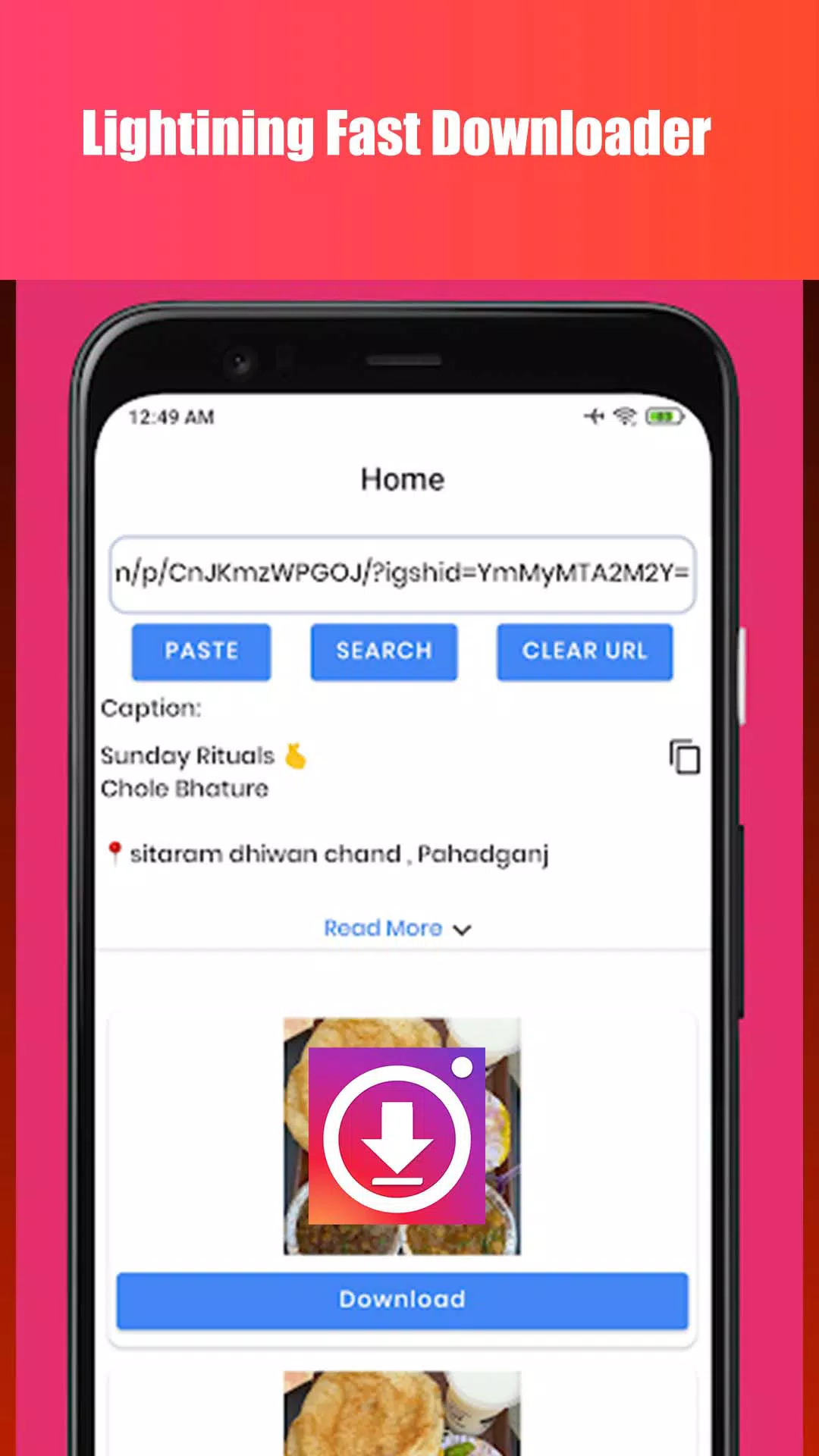
Come to this tool and paste the copied link above.
Click on the "Download" button.
It'll convert your link to direct download link. Just save it your desired device location.
Features of Snapinsta:
Does Snapinsta work on iPhone/iPad?
For iPhone, you need to use the Safari browser on iOS 13 or download the Documents by Readdle app and visit Snapinsta → Paste the Instagram URL into the input box → press the "Download" button (view the tutorial here).
How to download Instagram videos and photos on Android?
Downloading IG photos and videos on Android devices is similar to on PC. You need to copy the URL of the Instagram photo and video you want to download → Go back to Snapinsta → Paste the copied URL into the input box → click the Download button.
Does Snapinsta keep a copy or store the downloaded videos?
Snapinsta does not store videos and also does not keep copies of the downloaded videos. Additionally, we do not collect user data. Therefore, using Snapinsta is completely anonymous.
Why can't I download photos or videos from certain accounts?
SnapInsta only supports downloading photos and videos from public accounts. If the content belongs to a private account or has restricted sharing permissions by the owner, the tool will not be able to access it in order to protect the privacy of Instagram users.
Do I need to log in to my Instagram account?
No, Snapinsta does not require you to log in to your Instagram account. Therefore, using our Instagram downloader is very safe and secure.
Is the Snapinsta downloader free of charge?
Certainly. Snapinsta is a free Instagram downloader. You can download Instagram photos and videos without any limits.
Conclusion:
SnapInsta simplifies your Instagram experience by providing an all-in-one solution for downloading and enjoying Instagram content hassle-free. Say goodbye to limitations and hello to endless possibilities with SnapInsta - elevate your Instagram game and unleash your creativity today by downloading SnapInsta now!
More Information
- Size:17.15MB
- Version:3.8.5
- Requirements:Android 4.4+
- Package Name:com.snapinsta.igdownloader
- Signature:bb29b66c1e9a34952c78f5b4e3a7eaa0
Related topics
-
Streaming software allows you to broadcast your content live across the internet. It processes the raw feed that comes from your camera and converts it into a digital format that is suitable for internet streaming, in real-time. In 2024, 41% of internet users have already watched at least one live stream in their lifetime. And 27.6% of them are expected to watch at least one live broadcast every week. Hence, it is needless to say that the live streaming market is seeing a massive boom. As the market is growing, the number of live streaming software is also increasing. And it is becoming extremely difficult to choose one. In this guide, we will tell you what are the parameters to decide the best live streaming software, like what features they should have and what factors you need to consider. And finally, we will tell you about the top 10 live-streaming software that our experts have handpicked for you! So, let’s get started.
-
![Folaplay]()
Folaplay
-
![Cine Filmes]()
Cine Filmes
-
![YouTube]()
YouTube
-
![DotMovies]()
DotMovies
-
![YTDLnis]()
YTDLnis
-
![PlayPlus]()
PlayPlus
-
![Snapinsta]()
Snapinsta
-
![360TV]()
360TV
-
-
A truly outstanding movie is not just about an engaging plot-it also requires seamless transitions between scenes. When these transitions are natural and fluid, they help the audience stay immersed in the story without feeling disconnected. The same principle applies to video games. Games that ensure smooth, uninterrupted gameplay, whether through well-designed animations, intuitive controls, or seamless scene changes, create a more immersive and enjoyable experience for players. A game that flows effortlessly from one moment to the next demonstrates a level of craftsmanship that deserves recognition and admiration.
-
![Poop Downloader]()
Poop Downloader
-
![SHOOT TV]()
SHOOT TV
-
![Odeon VOD]()
Odeon VOD
-
![K+ Live TV & VOD]()
K+ Live TV & VOD
-
![Snapinsta]()
Snapinsta
-
![Samsung Video Player]()
Samsung Video Player
-
![Network Stream (Video) Player]()
Network Stream (Video) Player
-
![nPlayer]()
nPlayer
-
-
Video Player is a software application or hardware device designed to decode and display digital video content. Modern video players are highly versatile, capable of handling both locally stored files and real-time streaming media from online platforms. Over time, technological advancements have transformed video players from basic format-specific tools into sophisticated systems supporting a wide range of codecs, resolutions, and playback features. Today’s players offer enhanced functionality such as subtitle synchronization, playback customization, and adaptive streaming, ensuring a seamless and user-friendly viewing experience across various devices.
-
![P6SLite]()
P6SLite
-
![Odeon VOD]()
Odeon VOD
-
![Oi Tube Oi Tube Player]()
Oi Tube Oi Tube Player
-
![Snapinsta]()
Snapinsta
-
![nPlayer]()
nPlayer
-
![Video Downloader For Instagram]()
Video Downloader For Instagram
-
![FB Video Downloader]()
FB Video Downloader
-
![All Video Player]()
All Video Player
-














Latest Updated







Popular Apps








Popular News
More+-
![Tomie Wants to Get Married Full Walkthrough, All Choices and Ending Guide]()
Tomie Wants to Get Married Full Walkthrough, All Choices and Ending Guide
2026-05-22
-
![Karryn’s Prison Gameplay Walkthrough & Strategy Guide]()
Karryn’s Prison Gameplay Walkthrough & Strategy Guide
2025-10-28
-
![Life in Santa County Game Guide & Complete Walkthrough]()
Life in Santa County Game Guide & Complete Walkthrough
2025-10-28
-
![Dreams of Desire Complete Walkthrough and Game Guide]()
Dreams of Desire Complete Walkthrough and Game Guide
2025-10-28
-
![Era Hunter Gameplay Guide & Full Walkthrough]()
Era Hunter Gameplay Guide & Full Walkthrough
2025-10-28




