

UgPhone - Android Cloud Phone
Download for Android This app is available for Android only.- Category:Tools
- Rating:
- Language:English
- Updated:2026-11-04
Screenshots
Introduction
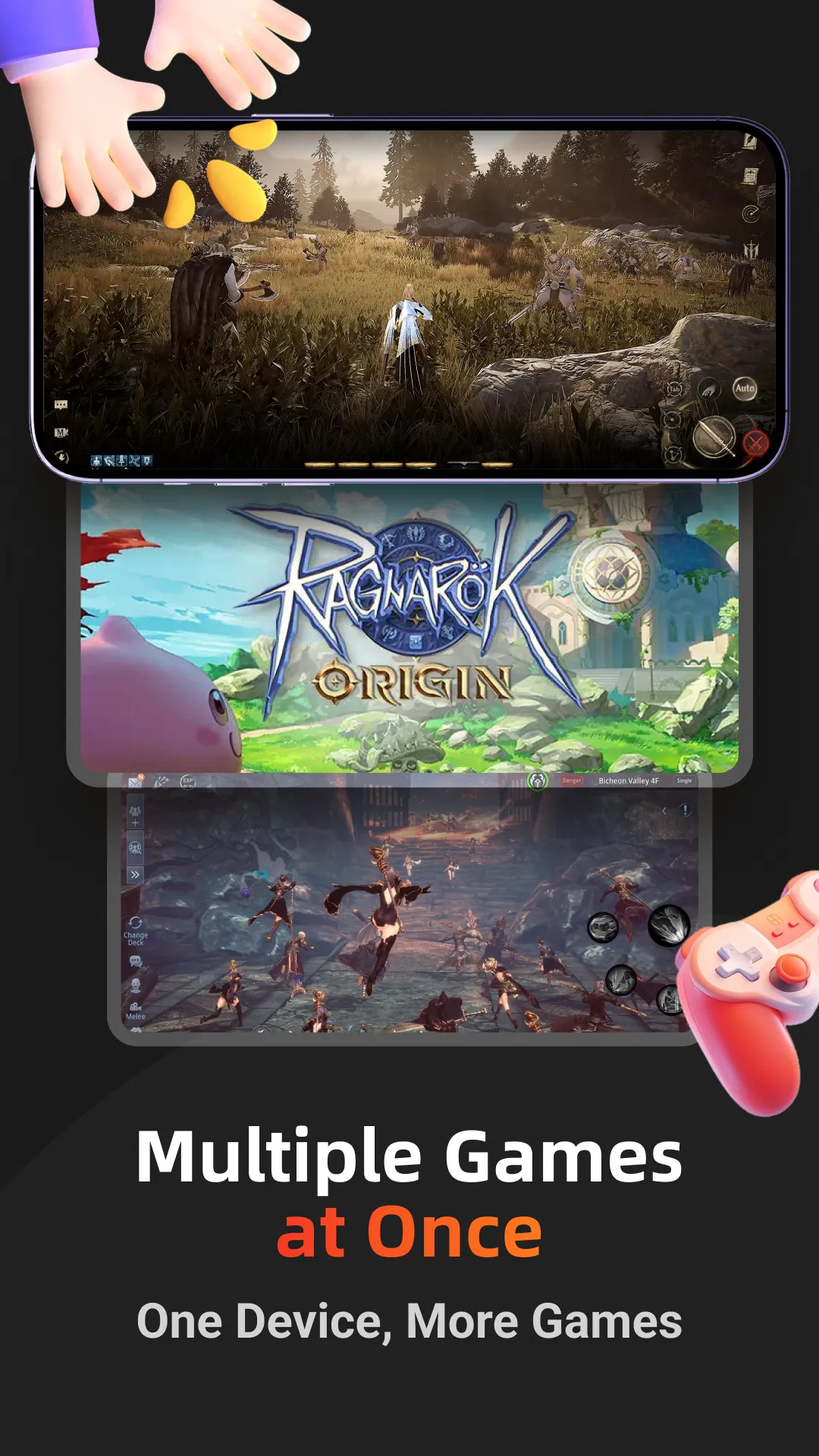
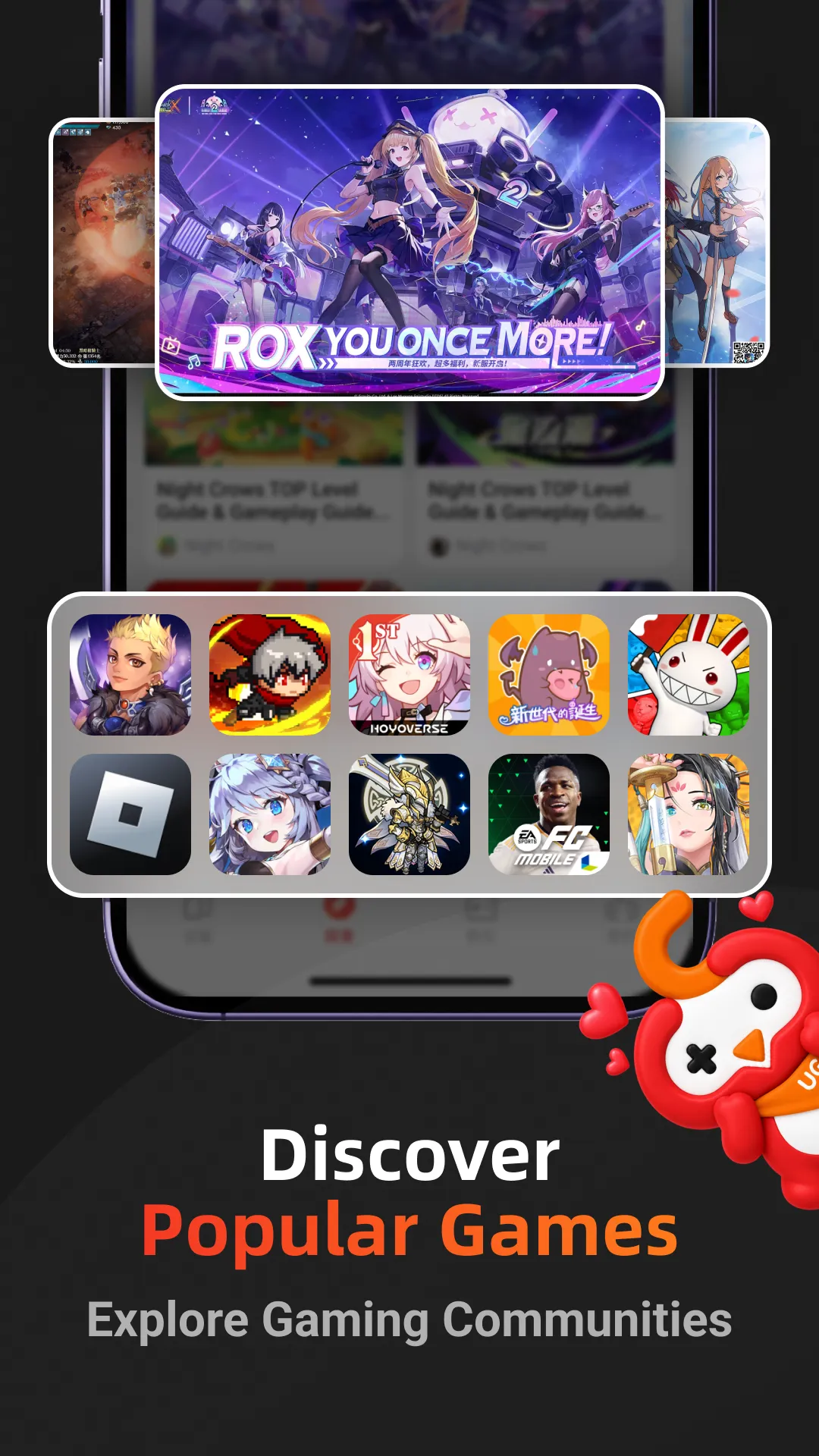
UgPhone - Android Cloud Phone is a cloud-based tool designed for the Android ecosystem. It allows users to operate a virtual Android phone in the cloud, where they can download games and use various applications. The platform supports 24/7 online gameplay; even if you close the app locally, it continues to run in the cloud. Furthermore, it enables the management and simultaneous operation of multiple accounts. With a global network of service nodes, UgPhone ensures a stable connection regardless of your location. Most importantly, because the platform operates independently of your physical device, you don’t have to worry about battery drain or your phone overheating.
Features
24/7 Cloud Hosting for Idle Gameplay
UgPhone - Android Cloud Phone keeps your games and apps online around the clock. You can close the app locally—or even turn off your physical phone—and your tasks will continue to run in the cloud. This is perfect for "idle" gaming (such as automated grinding or farming) without the need to keep your device plugged in. Your game progress remains active even when you are away from your screen.
Multi-Instance Support with Synchronized Control
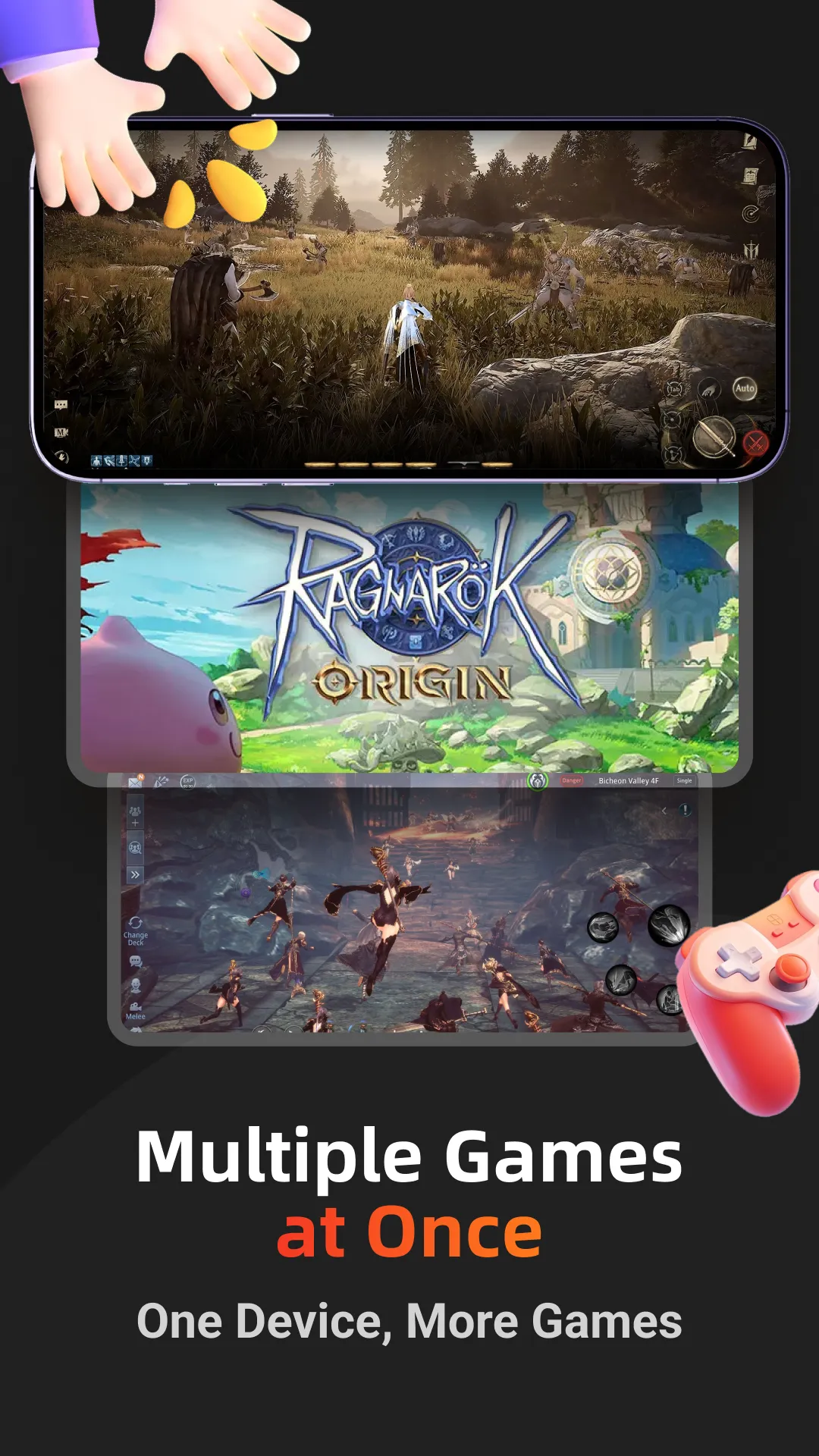
You can launch multiple cloud phone instances simultaneously to manage several game accounts. UgPhone - Android Cloud Phone also features synchronized control, allowing you to mirror actions across selected instances—a great way to streamline routine tasks like daily check-ins or resource collection. Switching between instances is quick and convenient, which is especially useful during special events or limited-time campaigns.
Global Nodes for Stable, Low-Latency Access
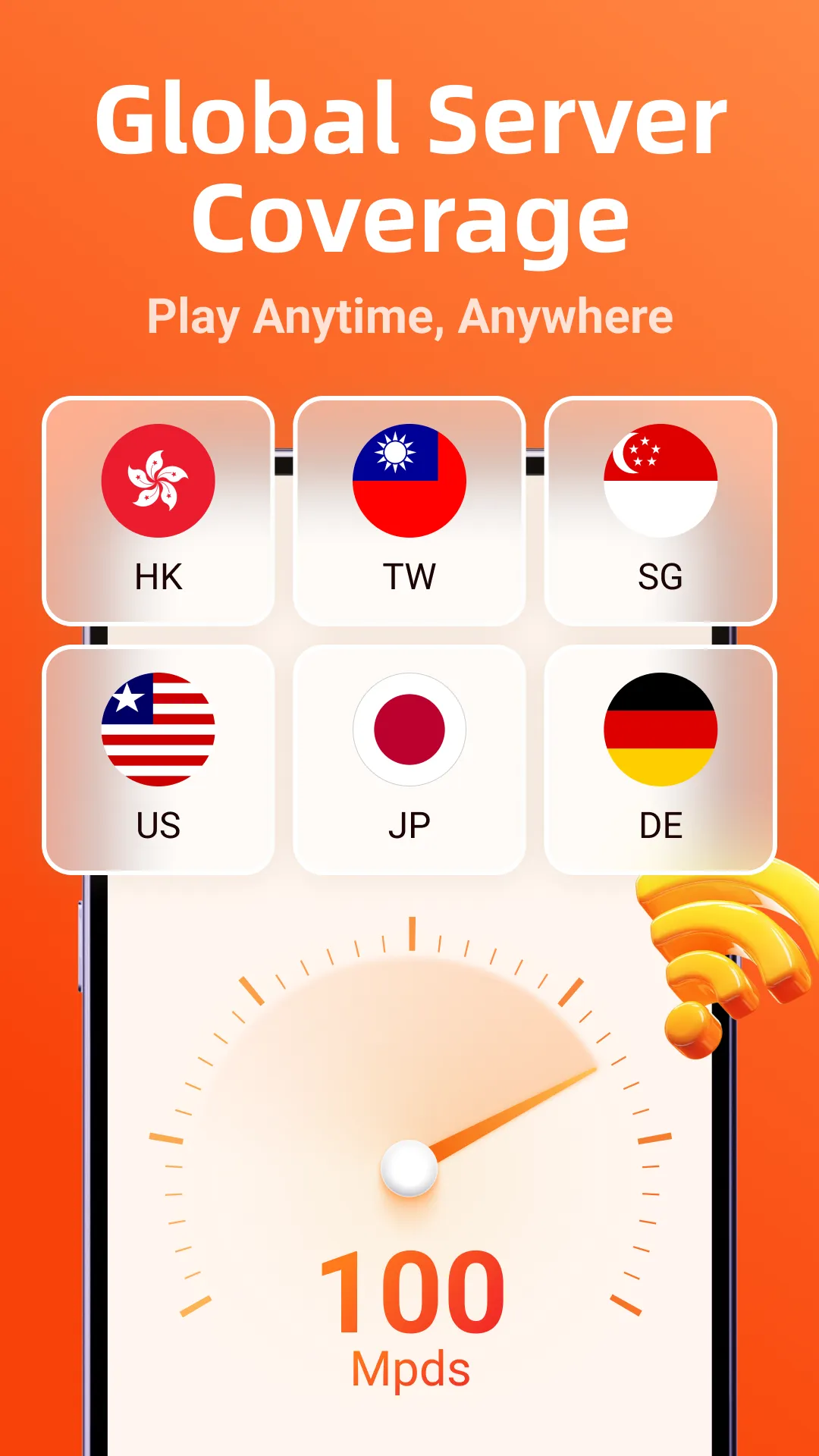
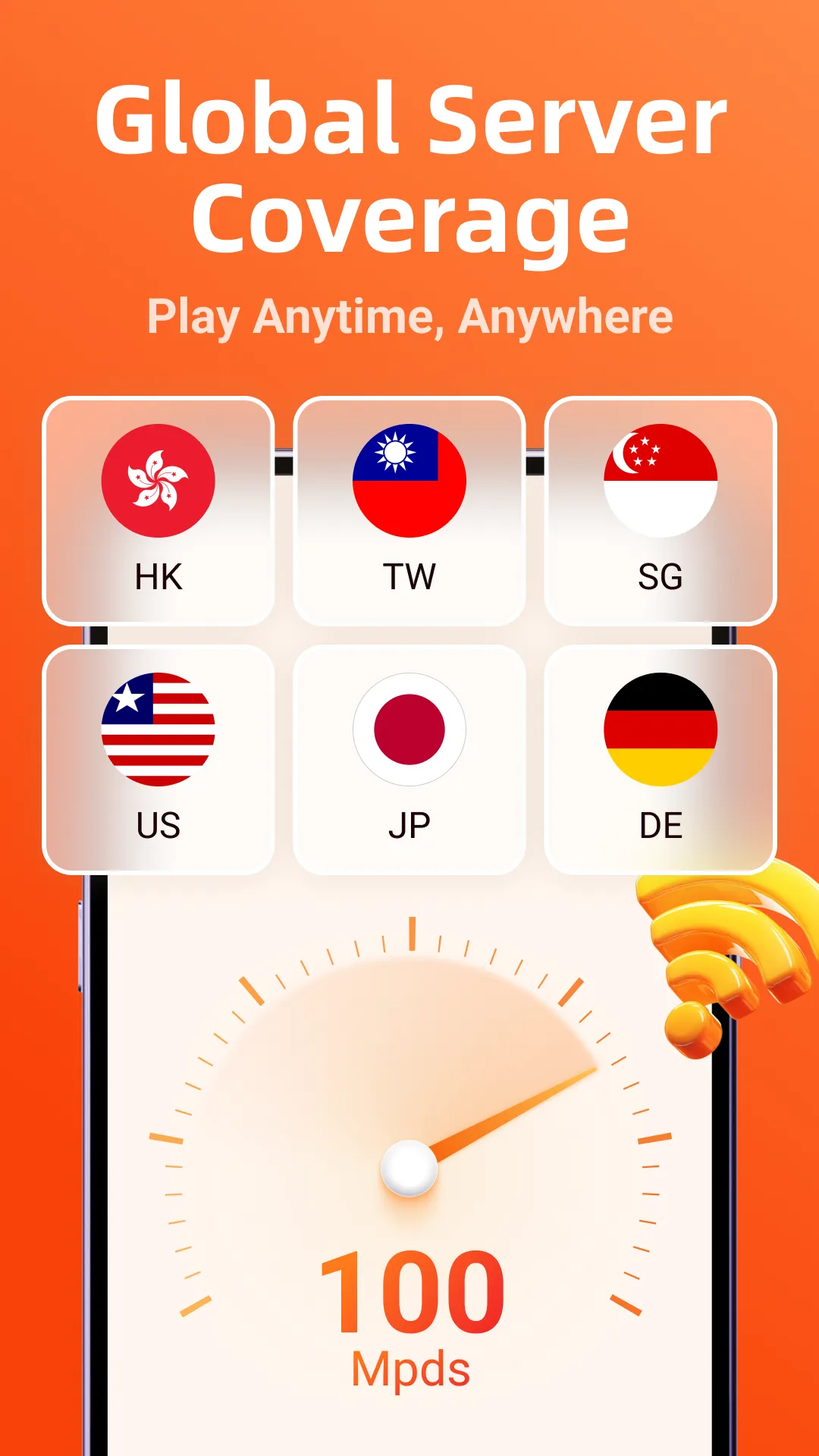
UgPhone - Android Cloud Phone utilizes a global network of data centers to optimize connection quality across various regions. By selecting the ideal node, you can minimize latency and ensure a stable connection during long gaming sessions—a significant advantage when traveling or playing at different times of the day. Since heavy computational tasks are handled in the cloud, your gaming experience remains smooth and uninterrupted.
Native Android System Isolated from Your Device
UgPhone - Android Cloud Phone provides a full Android environment in the cloud, completely separate from your local device. Because applications run on remote hardware, your local storage and processing resources are freed up. This isolation helps prevent your physical device from overheating and reduces battery consumption. Additionally, it allows you to start or resume sessions across different phones or tablets without the need for manual data transfers. Free Trial for New Users
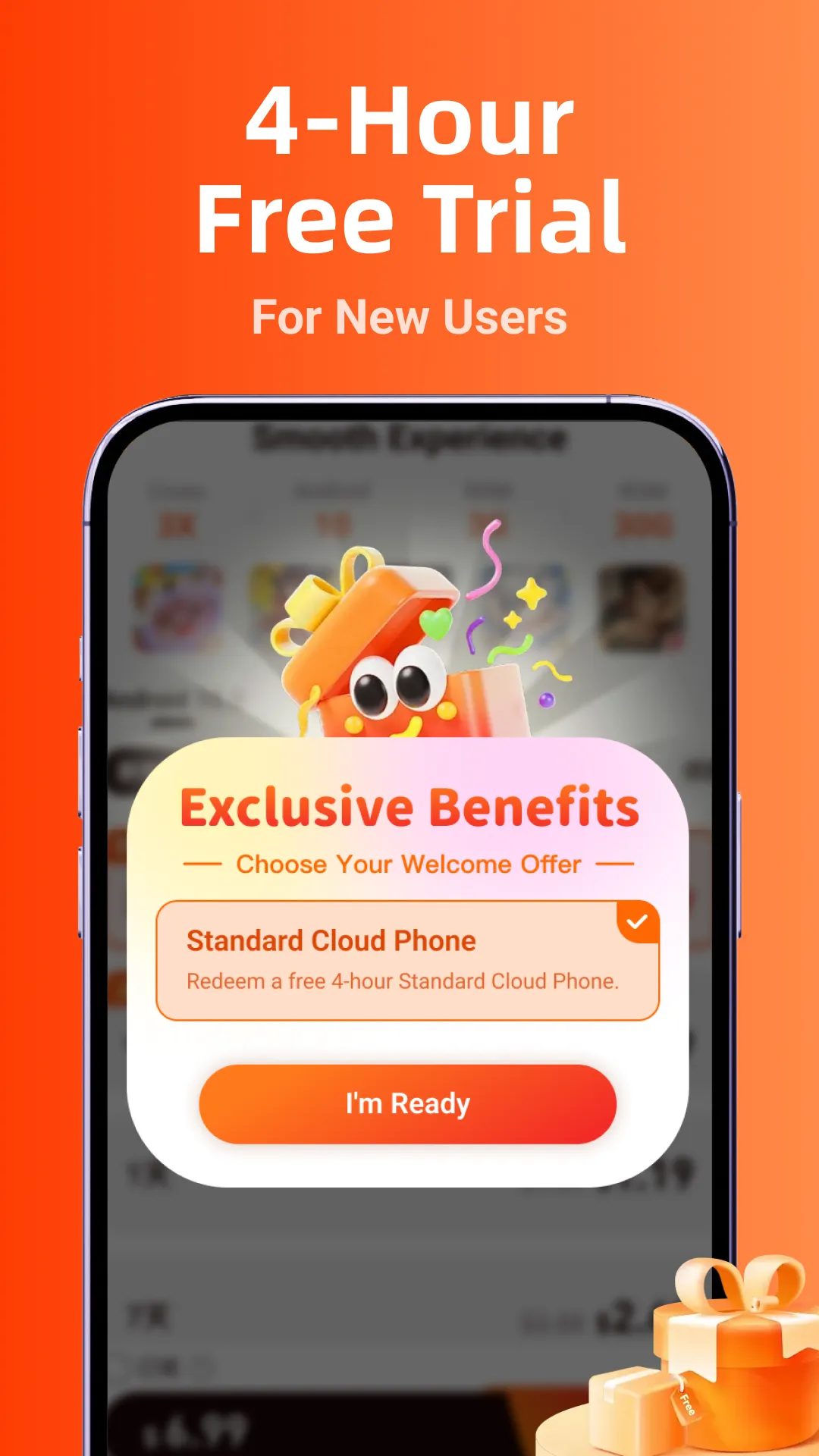
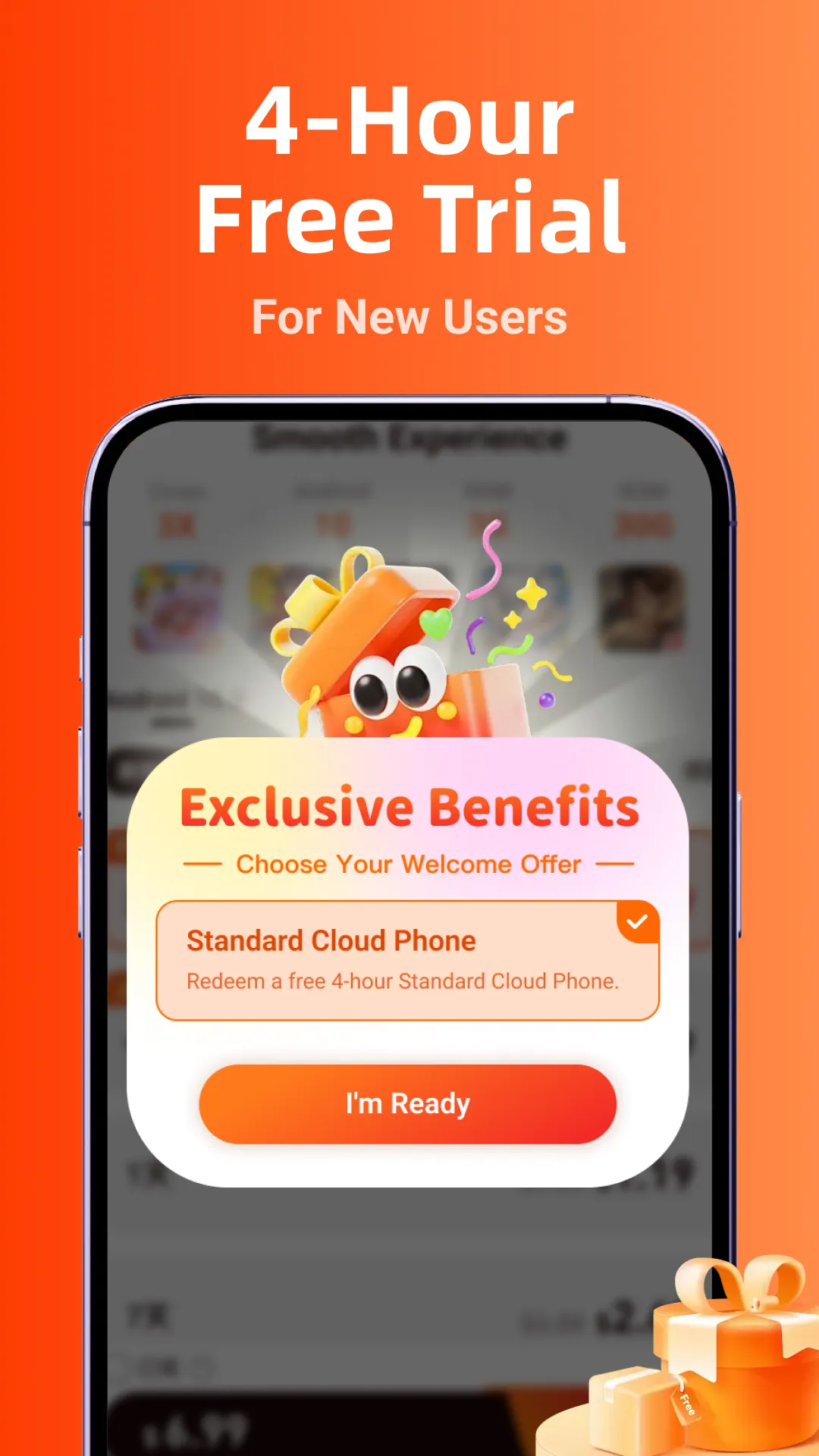
UgPhone—an Android cloud phone service—offers a trial period, allowing you to explore its features before committing to a subscription. During the trial, you can evaluate its performance, multi-instance workflows, and network stability to determine if the service aligns with your daily routine and gaming habits. Afterward, you can choose a subscription plan that best suits your needs in terms of the number of instances or required uptime.
Usage
Open UgPhone and either register or log in. If you are a new user, follow the on-screen prompts to activate your trial.
Create a cloud phone instance and select an appropriate regional node. Once the instance is ready, you can connect to it.
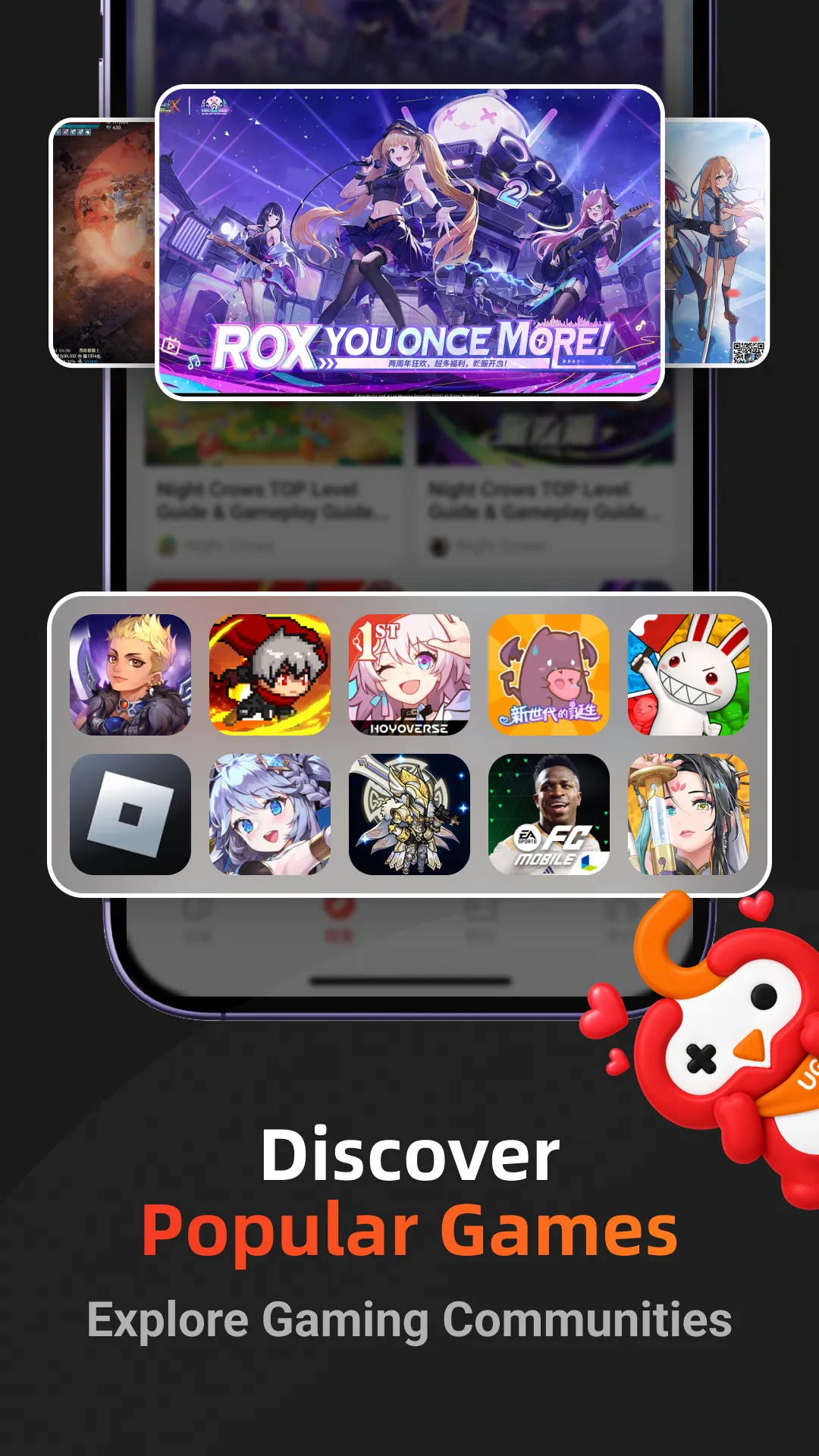
On the cloud-based Android device, use the app store or a browser to install your preferred games and tools. Launch your first game and ensure it runs smoothly.
Adjust in-game settings and configure any automation features needed for "AFK" (idle/automated) tasks. Keep the cloud phone running so that your game progress continues even after you close the app on your local device.
If you manage multiple accounts, you can add additional instances. Utilize the synchronization feature to perform repetitive tasks efficiently across multiple instances.
FAQs
Can UgPhone - Android Cloud Phone run multiple games simultaneously?
Yes. With a single UgPhone - Android Cloud Phone account, you can run multiple games at the same time. The platform supports multi-account management and synchronized operations.
Is data stored on UgPhone - Android Cloud Phone secure?
UgPhone - Android Cloud Phone uses cloud storage, which protects your data from risks associated with local devices. However, as with any cloud service, it is still important to be mindful of your privacy settings and maintain backups.
Do I need a high-performance phone to use UgPhone - Android Cloud Phone?
Not at all. Since all programs run in the cloud, even an entry-level Android phone can run UgPhone - Android Cloud Phone smoothly. Your network connection is far more important than your device's hardware.
User Reviews
The connection is extremely stable, and there’s no lag regardless of the game I play. I can even run Genshin Impact at maximum graphics settings without any issues. Highly recommended—it’s far better than other cloud phone services.
It’s affordable, runs smoothly even with lower-end configurations, and rarely disconnects. Great service.
I fell in love with it the moment I started using it. Customer support is quick to respond and highly effective at resolving issues—definitely worth recommending.
I’ve tried other cloud phone services, but this one is solid. The support team is very friendly and goes out of their way to help users resolve problems as quickly as possible. I hope UgPhone keeps up this level of quality—keep it up!
Conclusion
UgPhone-Android Cloud Phone is perfect for users who want constant access to an Android environment without consuming excessive resources on their local device. It allows you to keep games running while on the go, prevents your device’s battery from draining rapidly, and provides easy access to content. Since the phone runs in the cloud, it frees up your local storage space and ensures your physical device stays cool, even during extended use. Plus, you can switch between devices and pick up exactly where you left off.
More Information
- Size:130.81MB
- Version:1.4.0.3
- Requirements:Android
- Package Name:com.tykeji.ugphone
- Signature:0c9108c5dd01211d2a9516e568e95b7e
Related topics
-
Meet Game BOX — your all-in-one game hub! Explore action, RPG, strategy, and more. Find games quickly, download fast, and play seamlessly on mobile. Simple, safe, and packed with top-rated titles. Perfect for gamers everywhere.
-
![UgPhone - Android Cloud Phone]()
UgPhone - Android Cloud Phone
-
![My Boy! Free]()
My Boy! Free
-
![Happy Chick]()
Happy Chick
-
![Ryujinx]()
Ryujinx
-
![Unlock 120/144FPS booster]()
Unlock 120/144FPS booster
-
![9Apps]()
9Apps
-
![Vita3K]()
Vita3K
-
![ArmSX2]()
ArmSX2
-
-
Utility apps are indispensable in our lives, making our daily routines more convenient. To help you find these apps more easily, this site has created a collection. This collection brings together a series of practical tools covering various aspects of life, work, and education, meeting all your needs. What are you waiting for? Try these apps now and make your life easier!
-
![UgPhone - Android Cloud Phone]()
UgPhone - Android Cloud Phone
-
![HP Print Service Plugin]()
HP Print Service Plugin
-
![GTA: San Andreas Cheater]()
GTA: San Andreas Cheater
-
![Xiaomi Security]()
Xiaomi Security
-
![Proxyium browser]()
Proxyium browser
-
![FB Liker]()
FB Liker
-
![Google Indic Keyboard]()
Google Indic Keyboard
-
![Microsoft Launcher]()
Microsoft Launcher
-
-
Transform your mobile device into a powerhouse of efficiency with these handpicked essential tools. Whether you need professional-grade photo editing, seamless file organization, smart task management, or real-time weather updates, our curated selection of premium apps delivers unbeatable performance. Streamline your daily routine, automate repetitive tasks, and boost your productivity with intuitive interfaces and powerful features. Designed for both professionals and casual users, these editor-approved applications will revolutionize how you work and play. Don't settle for an ordinary phone - upgrade your digital experience today and unlock your device's full potential!
-
![UgPhone - Android Cloud Phone]()
UgPhone - Android Cloud Phone
-
![SetEdit SettingsDatabaseEditor]()
SetEdit SettingsDatabaseEditor
-
![Proxyium browser]()
Proxyium browser
-
![FB Liker]()
FB Liker
-
![Google Indic Keyboard]()
Google Indic Keyboard
-
![Microsoft Launcher]()
Microsoft Launcher
-
![WeCatch]()
WeCatch
-
![ProSafe]()
ProSafe
-













Latest Updated


Popular Apps








Popular News
More+-
![Tomie Wants to Get Married Full Walkthrough, All Choices and Ending Guide]()
Tomie Wants to Get Married Full Walkthrough, All Choices and Ending Guide
2026-05-22
-
![Karryn’s Prison Gameplay Walkthrough & Strategy Guide]()
Karryn’s Prison Gameplay Walkthrough & Strategy Guide
2025-10-28
-
![Life in Santa County Game Guide & Complete Walkthrough]()
Life in Santa County Game Guide & Complete Walkthrough
2025-10-28
-
![Dreams of Desire Complete Walkthrough and Game Guide]()
Dreams of Desire Complete Walkthrough and Game Guide
2025-10-28
-
![Era Hunter Gameplay Guide & Full Walkthrough]()
Era Hunter Gameplay Guide & Full Walkthrough
2025-10-28




