

John GBC
Download for Android This app is available for Android only.- Category:Tools
- Rating:
- Language:English
- Updated:2026-11-15
Screenshots
Introduction
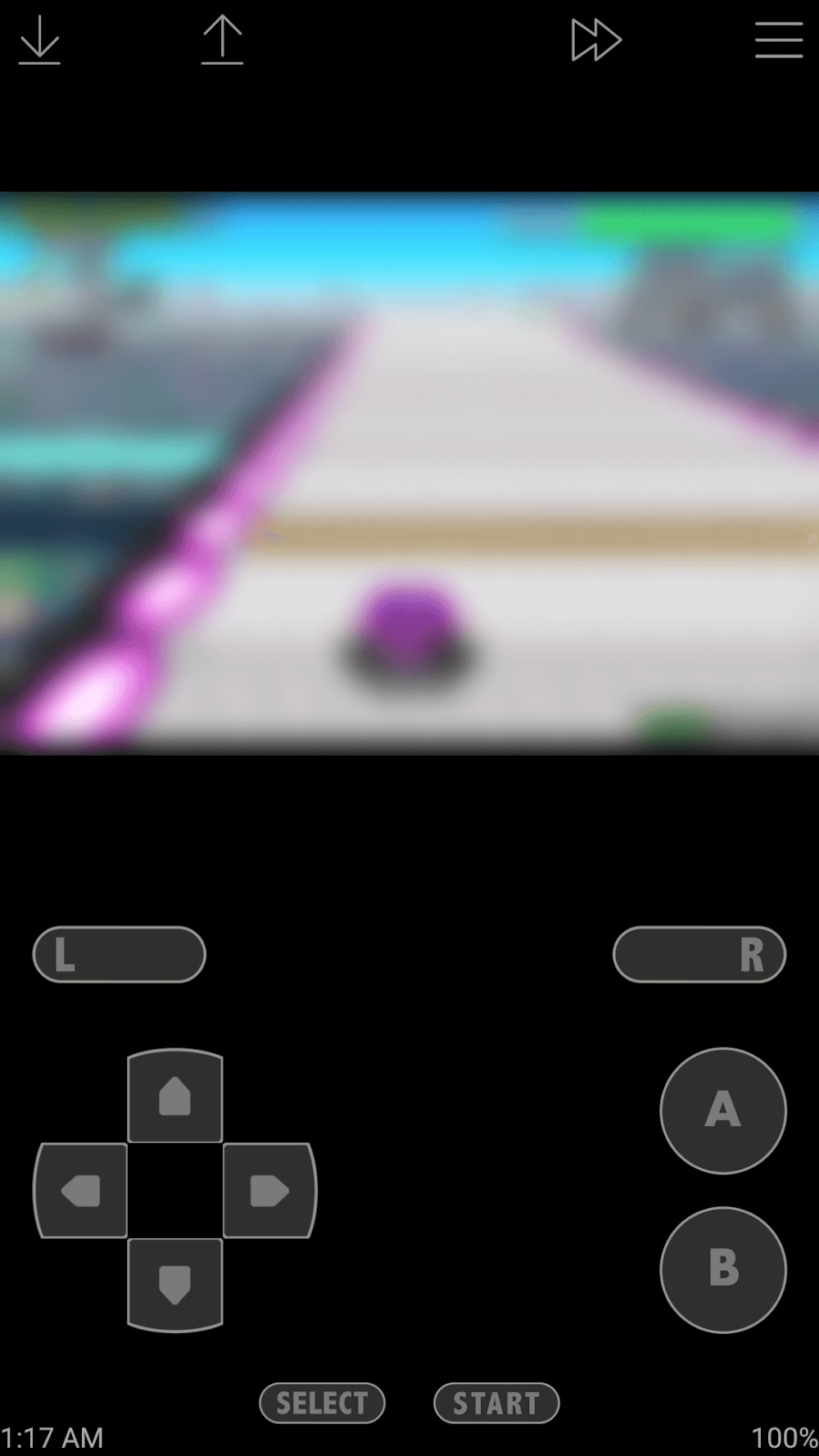
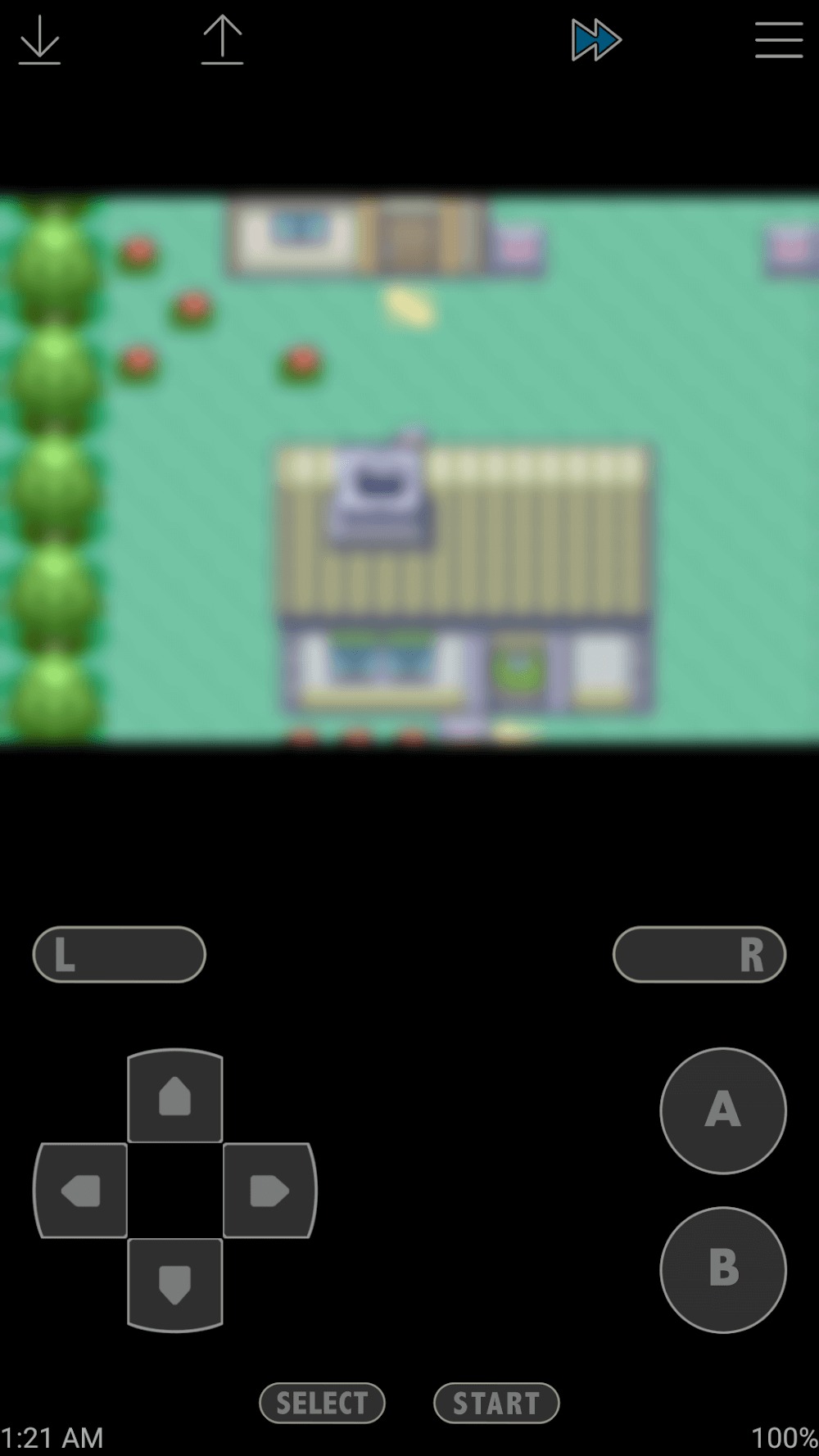
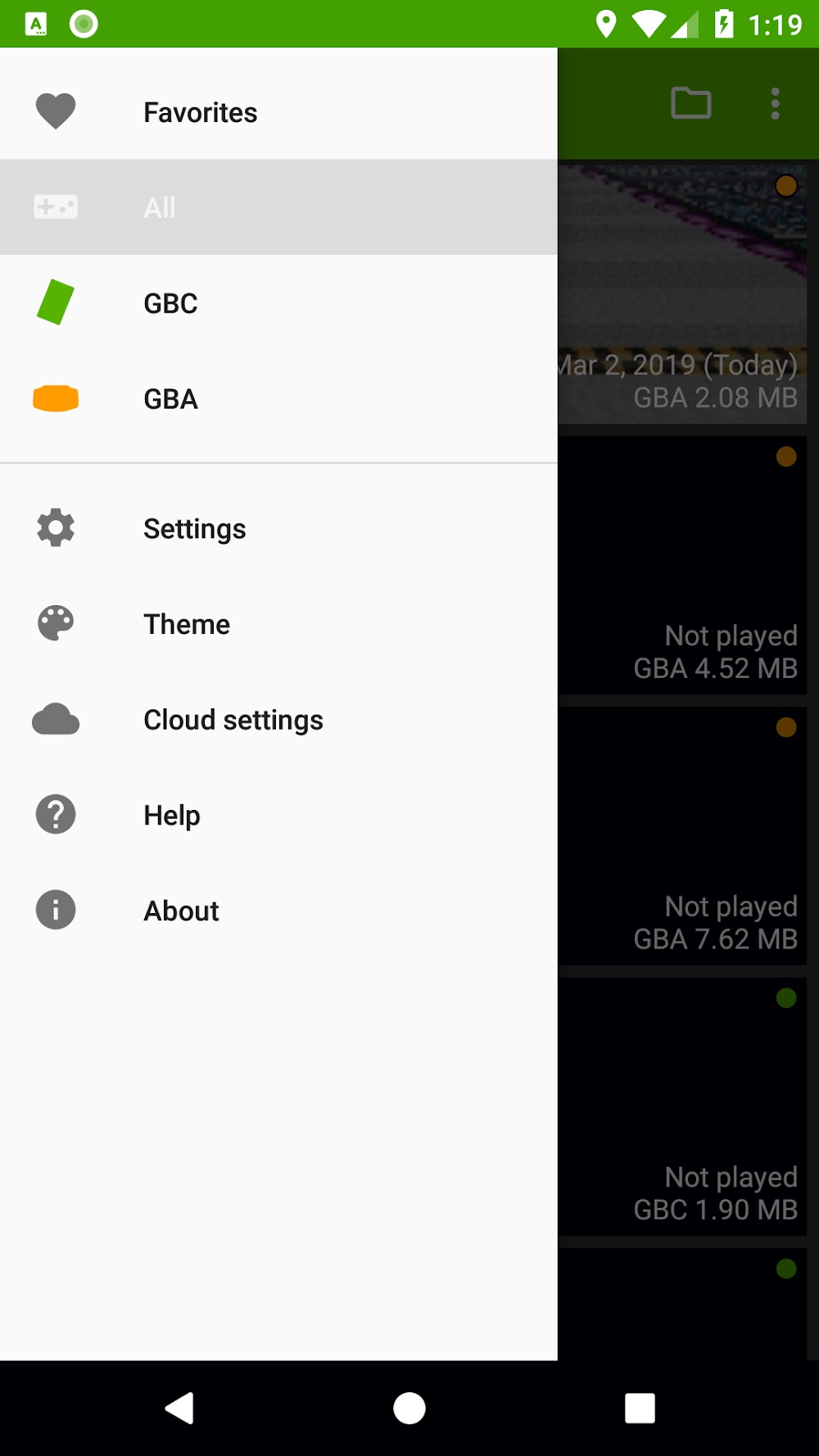
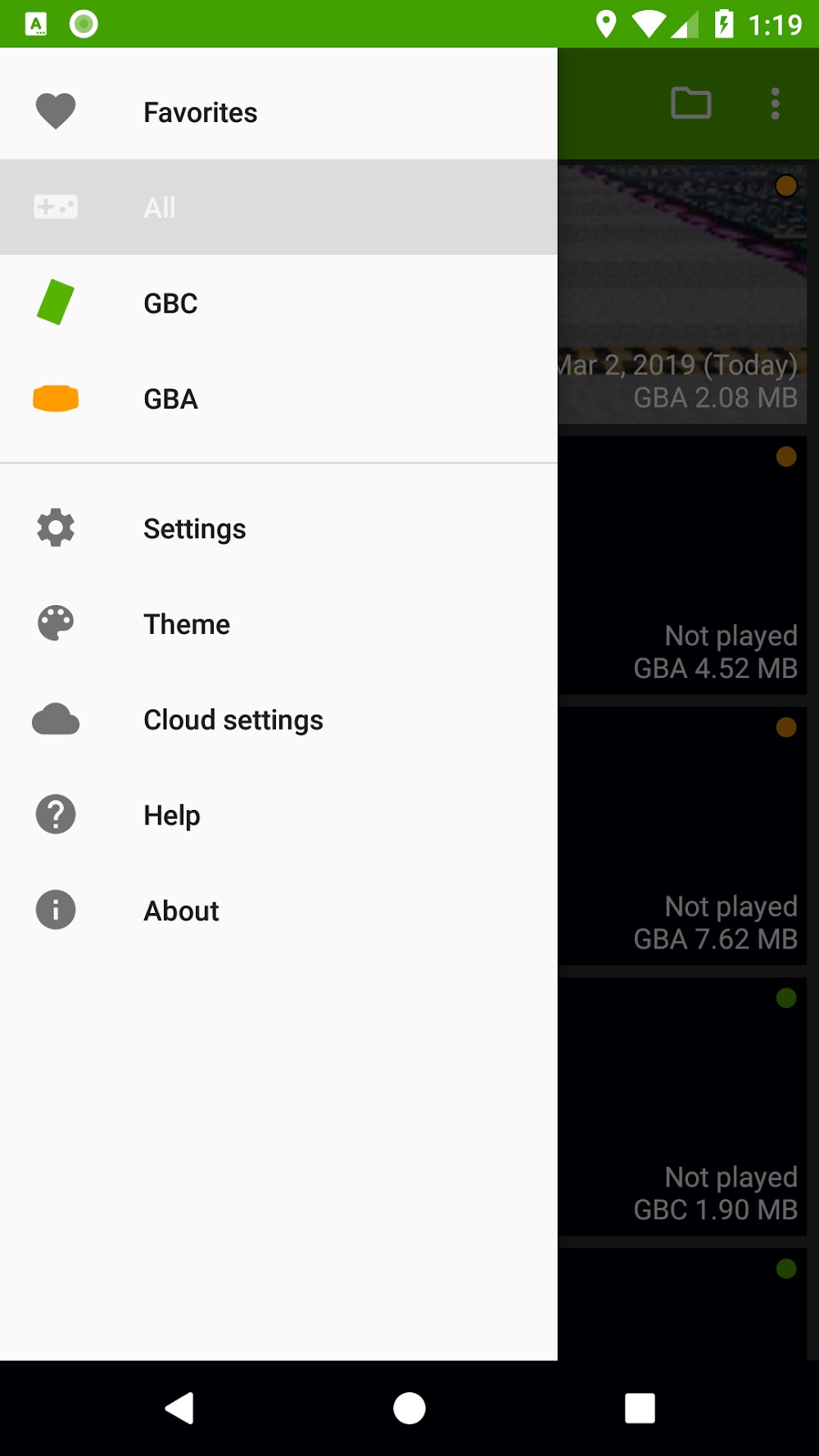
John GBC is a game emulator that allows users to import their game files and enjoy various classic games on their mobile devices. The software is optimized for these classic games, improving graphics and running speed for a smoother gaming experience. You can adjust the button controls, sensitivity, and game speed to better suit your preferences. Furthermore, the software requires no internet connection and avoids any ads or pop-ups that might interfere with your gameplay. You can also input various cheat codes to make the game even easier.
Features of John GBC:
Faithful Emulation: John GBC faithfully recreates the original look and feel you remember, thanks to its solid GB and GBC engine.
Crisp Visuals & Speed Options: Games look sharp and clear, with high-quality graphics and fast performance. Need things a little quicker (or slower)? Speed controls let you tweak the pace, anywhere from quarter speed to wild fast-forward.
Easy File Access: Searching for your game files is hassle-free—the app checks both your SD card and device storage, so you can load up a game in no time.
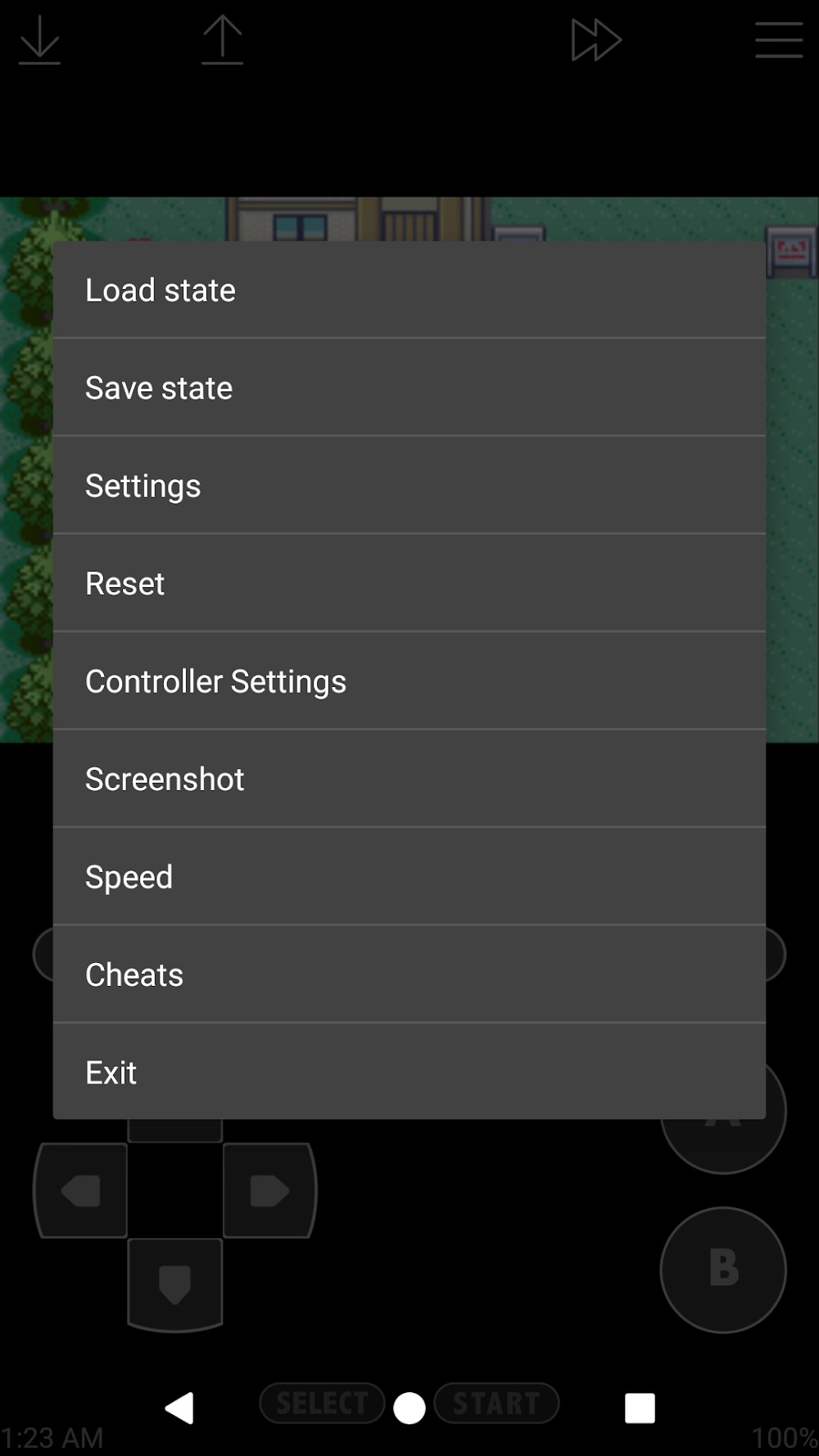
Save and Snapshot: Save your progress whenever you like. Each save shows a preview, so you always know where you left off. Snap screenshots easily if you want to share your favorite moments.
Cheat Support: Feeling sneaky? Turn on cheat codes—Game Genie, Game Shark, and PAR are all built-in.
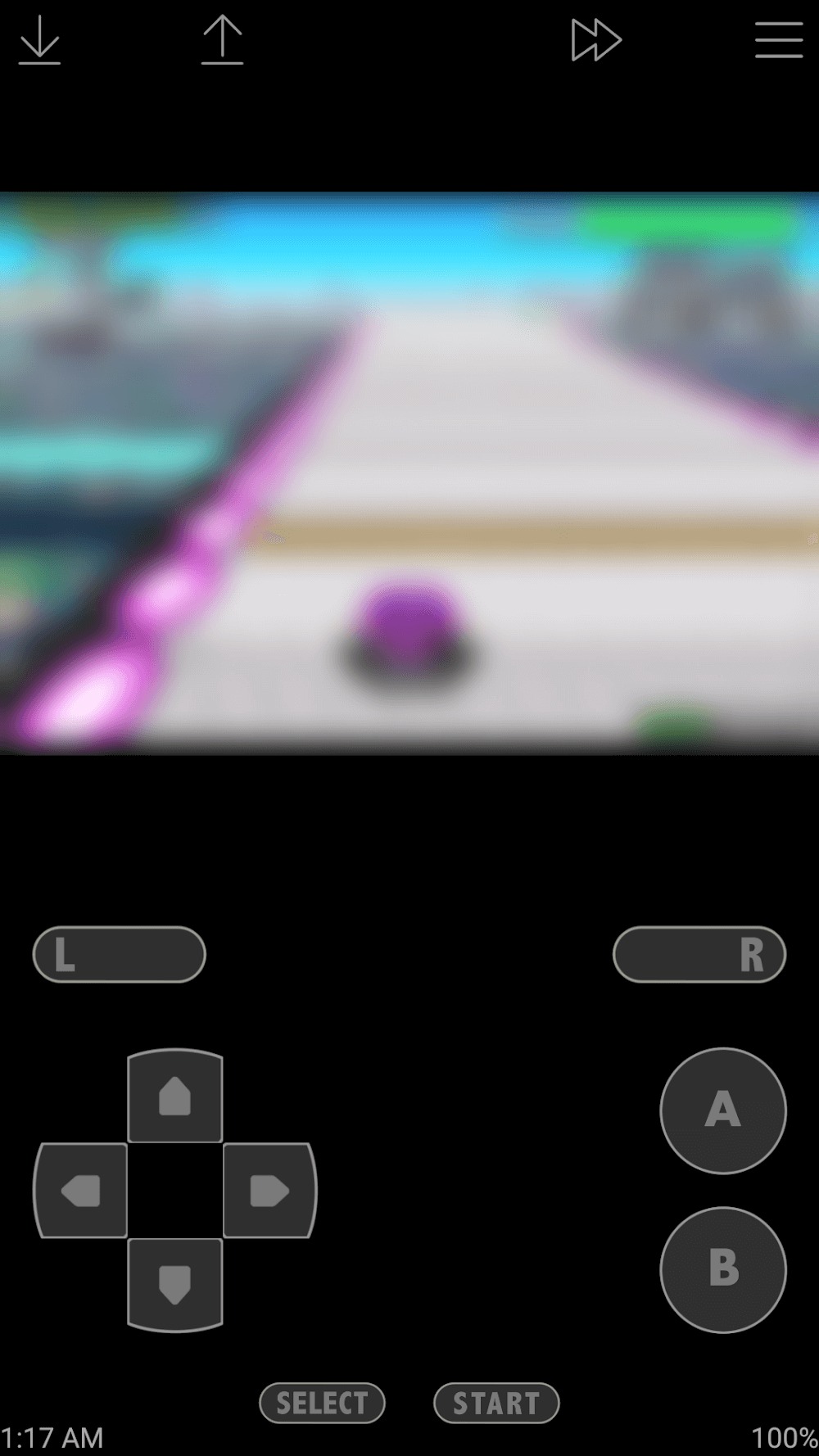
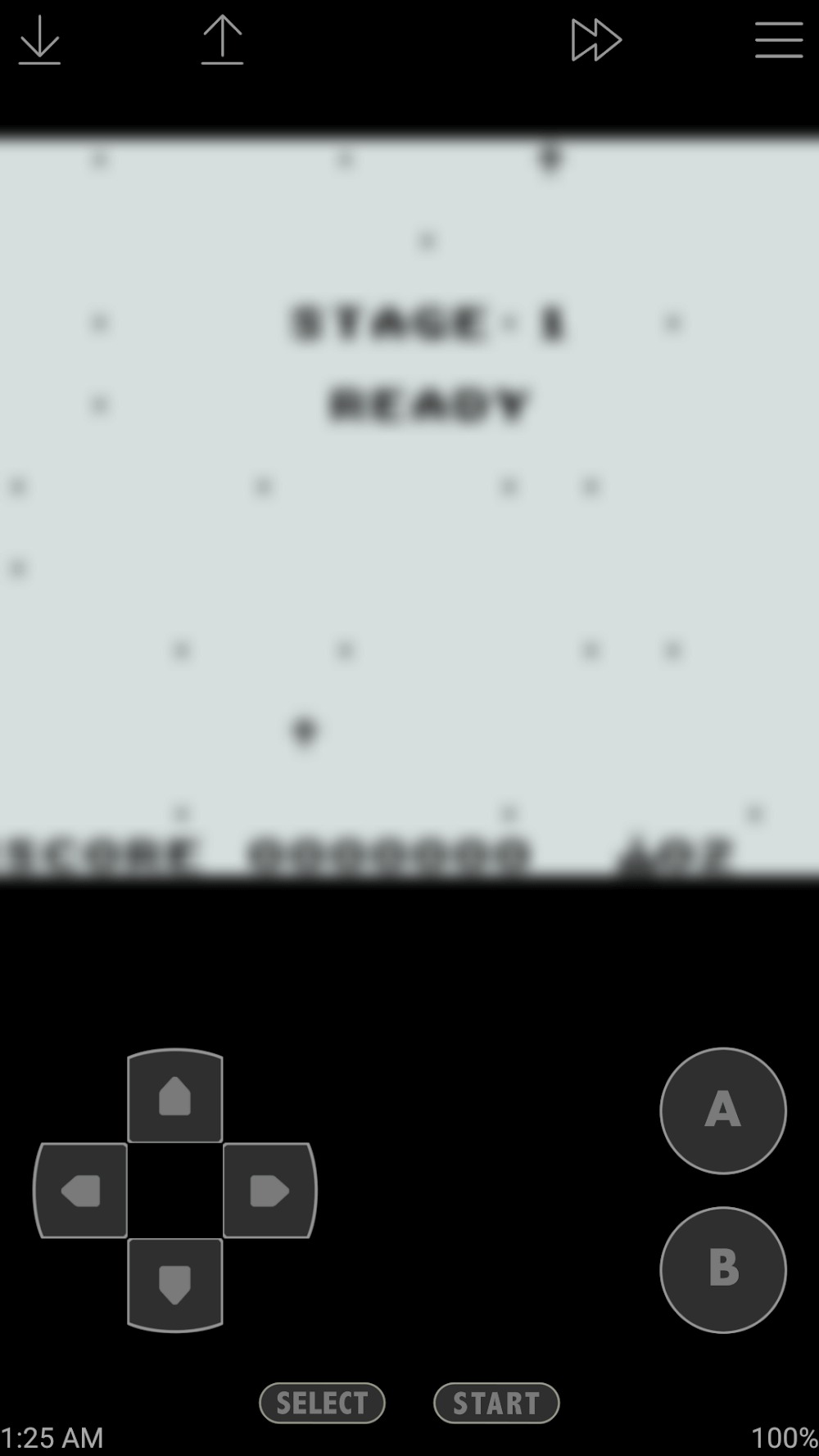
Custom Controls: A virtual on-screen keypad comes standard, but you’re not stuck with the default: change up the key layout, use turbo buttons for faster action, or even hook up a Bluetooth controller for way more comfortable play.
How to Use John GBC:
John GBC is mainly used by placing your own game files on the Android device, opening the emulator, and choosing a game from the detected list. Before you download John GBC, it helps to prepare your files and decide whether you want to use touch controls or an external controller.
Place your own Game Boy or Game Boy Color game files in internal storage or on an SDCard, and keep zipped files as they are if you want the app to read them directly.
Open John GBC and let the app search the device storage so supported game files can appear in the game list.
Select a game from the list, then start playing with the screen buttons or connect a supported Bluetooth or MOGA controller.
Adjust the button layout, turbo buttons, fast forward, or slow down settings if the default controls do not match the way you want to play.
Use save states, multiple slots, and screenshots during play so you can return to key moments or keep progress separate between sessions.
User Reviews of John GBC:
Fantastic in every way. I had used the free 'Lite' version for years and today I decided to support the creator by purchasing the full version. No adverts, picked up all the old saves I had on the other lite version and runs just as perfectly as the other. Thankyou for giving me the chance to relive my childhood again so easily. Those are memories worth much more than what I paid for this emulator - its the least I can do.
Best GBC emulator for android! I used the Lite version for a month and i am extremely satisfied with it so i decided to buy the paid version! Don't hesitate to purchase this app it's very user friendly and lite version only have some ads so it will not disturb your gameplay that much but it needs WiFi connection to use game speed setting so better get the paid version to have all settings. Pls support the developers so in the future they can make NDS emulator too!!!
Absolutely worth the money. Lets you move around and customize the button layout. Only thing I could suggest was somehow the ability to connect two saved games as if by sharing cable. Just a wishlist item though.
This emulator is fantastic. I've gotten back into playing the old Pokemon games and have not experienced any issues with the app whatsoever. If I could give it more stars I would. Definitely worth paying a little extra for the full version. Great job!!
FAQs of John GBC:
Q: Is John GBC legal?
A: Emulators are legal, but downloading ROMs of games you don't own is illegal. It is recommended only to download ROMs of games that you own.
Q: Can I use a Bluetooth controller with John GBC?
A: Yes, you can use a Bluetooth controller with John GBC. Simply connect your controller to your Android device and configure the controls in the emulator settings.
Q: How do I download ROMs for John GBC?
A: You can find ROMs for Game Boy Color games online. We recommend downloading ROMs from reputable sources to avoid downloading viruses or malware.
Q: How do I save my progress in a game?
A: To save your progress in a game, tap the "Save State" button in the emulator controls. To load your progress, tap the "Load State" button and select the save state you want to load.
Conclusion:
With the cheat feature of John GBC, users can mostly enable cheats in the games they enjoy playing the most. This function will particularly be of very special assistance to players who seek to avoid difficult portions of the game or experiment with different play styles in a subtle way. The emulator comes pre-loaded with several cheats, allowing users to create their own cheats from scratch.
More Information
- Size:21.86MB
- Version:4.15
- Requirements:Android
- Package Name:com.johnemulators.johngbclite
- Signature:31e2aa917c180978300bf1d31651dba7
Related topics
-
Transform your mobile device into a powerhouse of efficiency with these handpicked essential tools. Whether you need professional-grade photo editing, seamless file organization, smart task management, or real-time weather updates, our curated selection of premium apps delivers unbeatable performance. Streamline your daily routine, automate repetitive tasks, and boost your productivity with intuitive interfaces and powerful features. Designed for both professionals and casual users, these editor-approved applications will revolutionize how you work and play. Don't settle for an ordinary phone - upgrade your digital experience today and unlock your device's full potential!
-
![Game Controller Tester]()
Game Controller Tester
-
![Free Adblocker Browser:Adblock]()
Free Adblocker Browser:Adblock
-
![RawBT]()
RawBT
-
![Floating Apps]()
Floating Apps
-
![Emojimix wasticker]()
Emojimix wasticker
-
![Private Photo Vault]()
Private Photo Vault
-
![iFunny]()
iFunny
-
![AirConsole]()
AirConsole
-
-
With the development of mobile hardware and software, many practical tool software have emerged, covering a wide range of aspects and becoming a good helper for everyone in work and life. Today, the editor provides you with a list of useful tool software downloads. These tools are not particularly complex types, and after reading them, everyone can quickly learn how to use them. Proper use can bring great convenience to life and work.
-
![Free Adblocker Browser:Adblock]()
Free Adblocker Browser:Adblock
-
![RawBT]()
RawBT
-
![Floating Apps]()
Floating Apps
-
![Emojimix wasticker]()
Emojimix wasticker
-
![Xaeros Minimap Minecraft]()
Xaeros Minimap Minecraft
-
![Private Photo Vault]()
Private Photo Vault
-
![Ubisoft Connect]()
Ubisoft Connect
-
![iFunny]()
iFunny
-






Latest Updated






Popular Apps








Popular News
More+-
![Tomie Wants to Get Married Full Walkthrough, All Choices and Ending Guide]()
Tomie Wants to Get Married Full Walkthrough, All Choices and Ending Guide
2026-05-22
-
![Karryn’s Prison Gameplay Walkthrough & Strategy Guide]()
Karryn’s Prison Gameplay Walkthrough & Strategy Guide
2025-10-28
-
![Life in Santa County Game Guide & Complete Walkthrough]()
Life in Santa County Game Guide & Complete Walkthrough
2025-10-28
-
![Dreams of Desire Complete Walkthrough and Game Guide]()
Dreams of Desire Complete Walkthrough and Game Guide
2025-10-28
-
![Era Hunter Gameplay Guide & Full Walkthrough]()
Era Hunter Gameplay Guide & Full Walkthrough
2025-10-28




