
BBM Enterprise
Download for Android This app is available for Android only.- Category:Social
- Rating:
- Language:English
- Updated:2026-11-13
Screenshots
Introduction
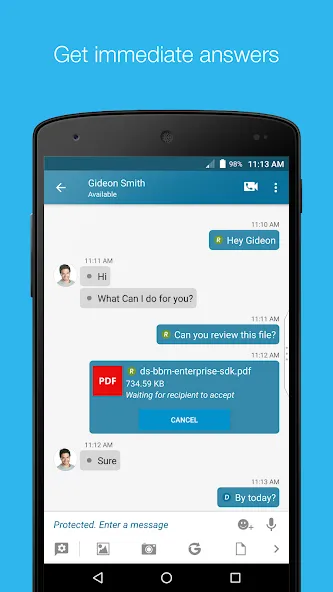
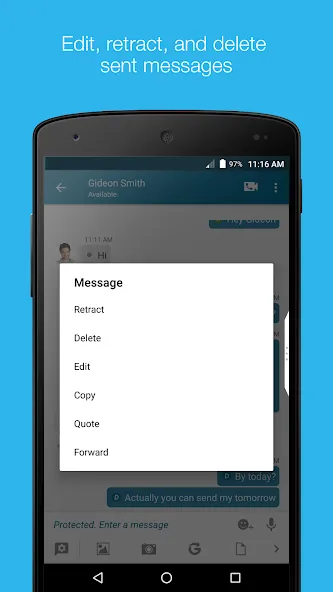
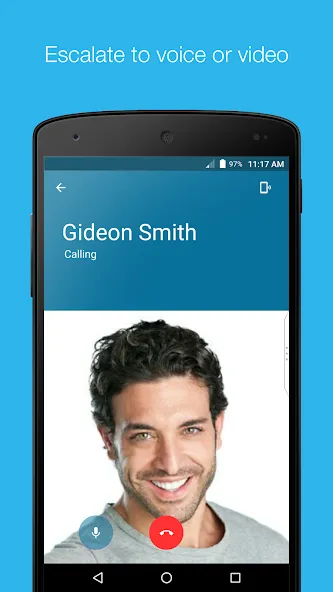
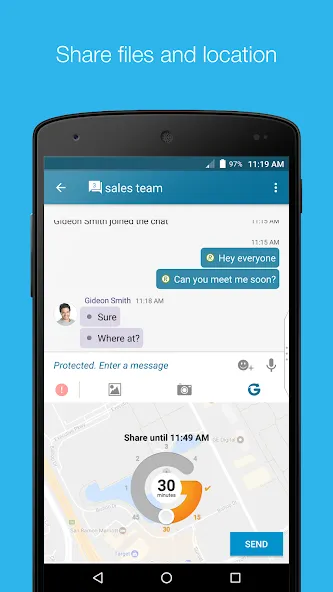
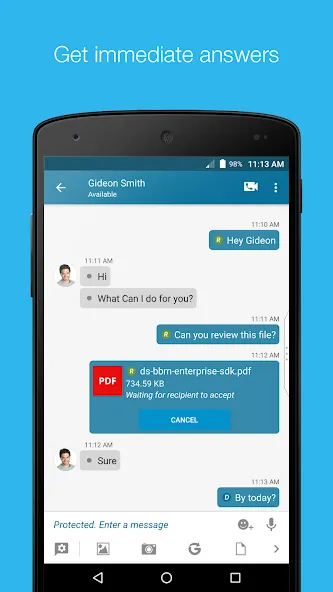
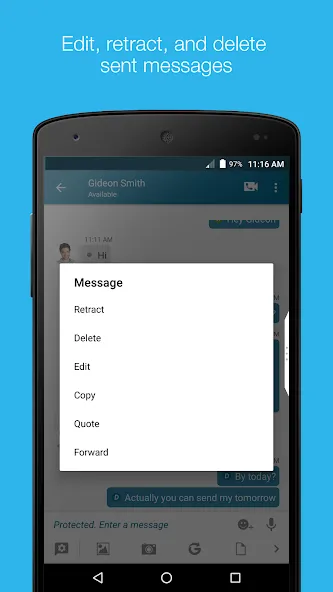
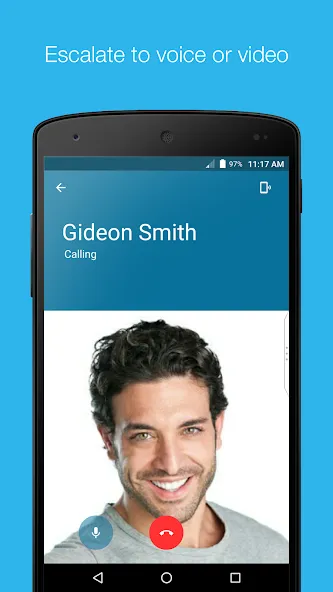
BBM Enterprise is a business communication software highly valued by users for its rapid transmission speed and robust security. Beyond enabling users to exchange messages, share locations, and send documents with colleagues, the platform allows for the creation of groups and meetings where team members can collaborate to address complex challenges via voice, text, or video. All user activities are protected by the software’s rigorous security technology, ensuring that sensitive corporate information remains confidential and cannot be traced or accessed by unauthorized parties.
Features of BBM Enterprise:
EC-SPEKE: securely exchanges a symmetric key by protecting the exchange with a password
KDF: securely derives message keys from shared secrets
One-Pass DH:using one user’s private key and another user’s public key, derives a new shared secret between the users
ECDSA with NIST curve P-521 for signing
One-Pass ECDH with NIST curve P-521 for symmetric key agreement
SHA2-512 for hashing and key derivation
SHA2-256-128 HMAC for message authentication codes
BBM Enterprise voice and video calling uses SRTP media streaming and implements the following algorithms and associated key strengths:
How To Use BBM Enterprise:
Make sure you've already set up your BlackBerry ID on the BBMe mobile client.
Download the BBM Enterprise desktop client from BlackBerry Limited, found here.
Once the installation process is complete, boot up the client on your desktop.
Sign in with your BlackBerry ID.
Select "Add this device to my BBM Enterprise account" and hit Continue.
Open BBM Enterprise on your phone. You'll be brought to a device activation screen.
Enter the code displayed on your desktop client.
Before you finalize the setup, you can customize the name of your desktop client, or set it as your primary device.
User Reviews of BBM Enterprise:
I've been using BBM and BBMe for over 15 years. What can I say, I like security and efficient, no-frills communication. I'm even happy to pay a couple bucks twice a year for it. It's not a toy or a silly game. Being able to send images and files via an actually-secure method is imparitive to my profession. It would be great if users could 'lock' the font size. There's a setting for it but it's too easy to accidentally change it just by tapping the chat screen.
an excellent no nonsense messenger with the best encryption around and servers run by a company who wont sell your info to the highest bidder. groups, a great desktop client, up to 5 simultaneous devices, desktop screenshare and video/audio calls. fast, low battery drain, dark theme available. Its a messenger for grown-ups.
I did love BBM and was happy that BBMe is still functioning. However, I miss the Spirit ringtones (the new Blackberry phones don't have them). Instant messaging works okay, messaging is okay. Video calls do not work very well in hilly areas but I guess it's probably same with other APPs so not a biggie for me. Can we have the Spirit ringtone on the Blackberry Key phones when you update next?
had to switch over to Enterprise because consumer BBM is shutting down. No complaints at all though. it's the old school version of BBM but I still prefer this over any of the other instant messaging apps that exist today. I love the fact that it uses a pin ID instead of your cell phone number. no ads no spam no solicited phone calls. the $5 annual subscription is well worth it to not deal with the headaches of all that.
FAQs of BBM Enterprise:
What is BBM Enterprise?
Welcome to BBM Enterprise! With BBM Enterprise, you can chat and share securely in real time with your contacts. BBM Enterprise adds an extra layer of encryption to provide enhanced security for your chats.
Setting up BBM Enterprise for use in your organization?
When your administrator grants you permission to use BBM Enterprise, you receive an activation email message.
Add another device to your BBM Enterprise account?
After you have set up BBM Enterprise on one device, you can add up to four more devices to your BBM Enterprise account.
Download BBM Enterprise on the device that you want to add and sign in.
Set the device name and description. Tap Continue.
When prompted, select Add this device to my BBM Enterprise account.
On the first device that was already activated, type the synchronization code that is displayed on the new device.
Tap Authorize.If you can't find your activation email message, check your junk email folder.
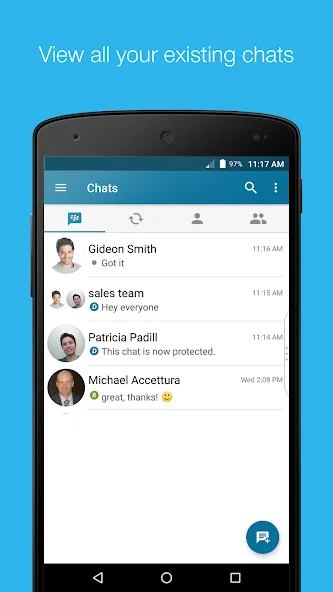
Start a chat in BBM Enterprise?
To start a chat in BBM Enterprise, a passphrase must be shared between you and your contact. By default, this passphrase is shared automatically and you aren't prompted for a passphrase.
On the Chats screen, tap The start chat icon.
Tap a contact.
Type your message.
To format message text, do any of the following:
To apply bold, type an asterisk (*) before and after the text. For example, type *text*.
To apply italics, type an underscore (_) before and after the text. For example, type _text_.
To apply an underline, type a plus sign (+) before and after the text. For example, type +text+.
To apply a strikethrough, type a tilde (~) before and after the text. For example, type ~text~.
To apply no formatting to code block text, type three back quotes (```) before and after the text. For example, type ```text```.
To add an emoji to your message, tap or click Add emoji icon.
Conclusion:
BBM Enterprise offers end-to-end encryption, ensuring that messages and files are protected from unauthorized access. Users can send text messages, make voice and video calls, and share files securely, making it a robust tool for organizations that prioritize privacy and security in their communications.
More Information
- Size:22.5MB
- Version:1.18.0.8
- Requirements:Android
Related topics
-
Today, I would like to recommend several adult social chat apps that have a large user base. You can find friends from all over the world, open the same city to meet strangers nearby, interact and chat with them, and become friends. They provide various chat functions and can communicate through text, voice, video and other means. If you want to meet more opposite sex friends, download them now.
-
![BBM Enterprise]()
BBM Enterprise
-
![Chatous]()
Chatous
-
![TeamSpeak 3]()
TeamSpeak 3
-
![Sideline]()
Sideline
-
![Wizz App]()
Wizz App
-
![Insta Thunder]()
Insta Thunder
-
![Linky AI]()
Linky AI
-
![Talkatone]()
Talkatone
-
-
What are the types of social apps? This question is very important for social media influencers. After all, a social app can continuously provide new ways to make friends and maintain old social networks. These social apps meet the needs of young people for making friends, providing diverse functions such as online voice chat, text chat, typing chat, sending pictures, and sending files. Provides a private chat space, and the chat content is also very stable.
-
![BBM Enterprise]()
BBM Enterprise
-
![MeetMe]()
MeetMe
-
![setlog]()
setlog
-
![Linky AI]()
Linky AI
-
![Threads]()
Threads
-
![Google Messages]()
Google Messages
-
![Ti.Live]()
Ti.Live
-
![JusTalk]()
JusTalk
-
-
There are many useful social networking apps, each with its own advantages. Social networking apps not only allow us to stay in real-time with family and friends, but also help some single people meet their destined ones on social networking apps. What are the useful social media apps for everyone to list next? Choosing a social app that you are more familiar with and downloading it to your phone can make life more enjoyable.
-
![BBM Enterprise]()
BBM Enterprise
-
![Sniffles Dating App]()
Sniffles Dating App
-
![Anonymous Chat Rooms, Dating]()
Anonymous Chat Rooms, Dating
-
![Threads]()
Threads
-
![Ti.Live]()
Ti.Live
-
![Lamour]()
Lamour
-
![Dingtone]()
Dingtone
-
![iwee]()
iwee
-


















Latest Updated





Popular Apps








Popular News
More+-
![Tomie Wants to Get Married Full Walkthrough, All Choices and Ending Guide]()
Tomie Wants to Get Married Full Walkthrough, All Choices and Ending Guide
2026-05-22
-
![Karryn’s Prison Gameplay Walkthrough & Strategy Guide]()
Karryn’s Prison Gameplay Walkthrough & Strategy Guide
2025-10-28
-
![Life in Santa County Game Guide & Complete Walkthrough]()
Life in Santa County Game Guide & Complete Walkthrough
2025-10-28
-
![Dreams of Desire Complete Walkthrough and Game Guide]()
Dreams of Desire Complete Walkthrough and Game Guide
2025-10-28
-
![Era Hunter Gameplay Guide & Full Walkthrough]()
Era Hunter Gameplay Guide & Full Walkthrough
2025-10-28




