

e-Care
Download for Android This app is available for Android only.- Category:Education
- Rating:
- Language:English
- Updated:2026-11-13
Screenshots
Introduction
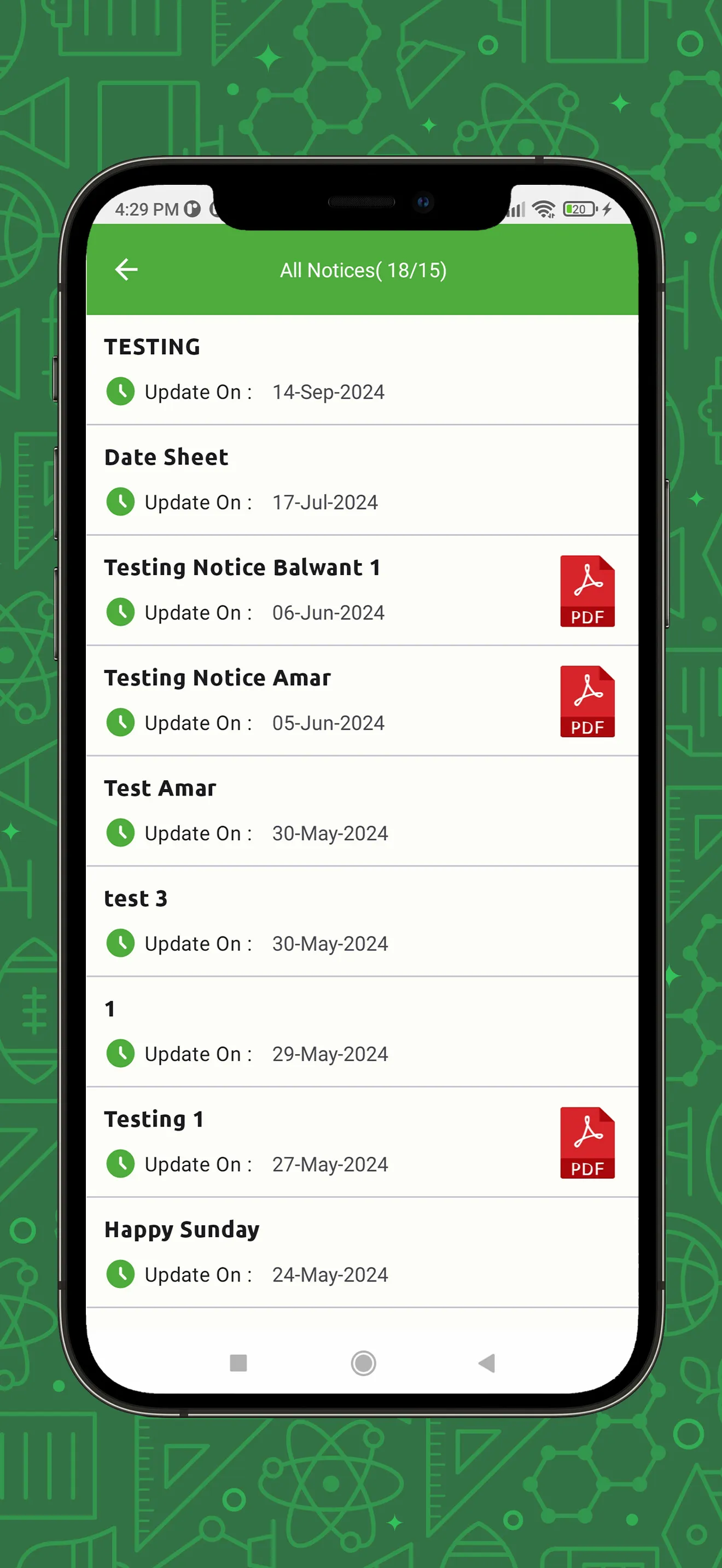
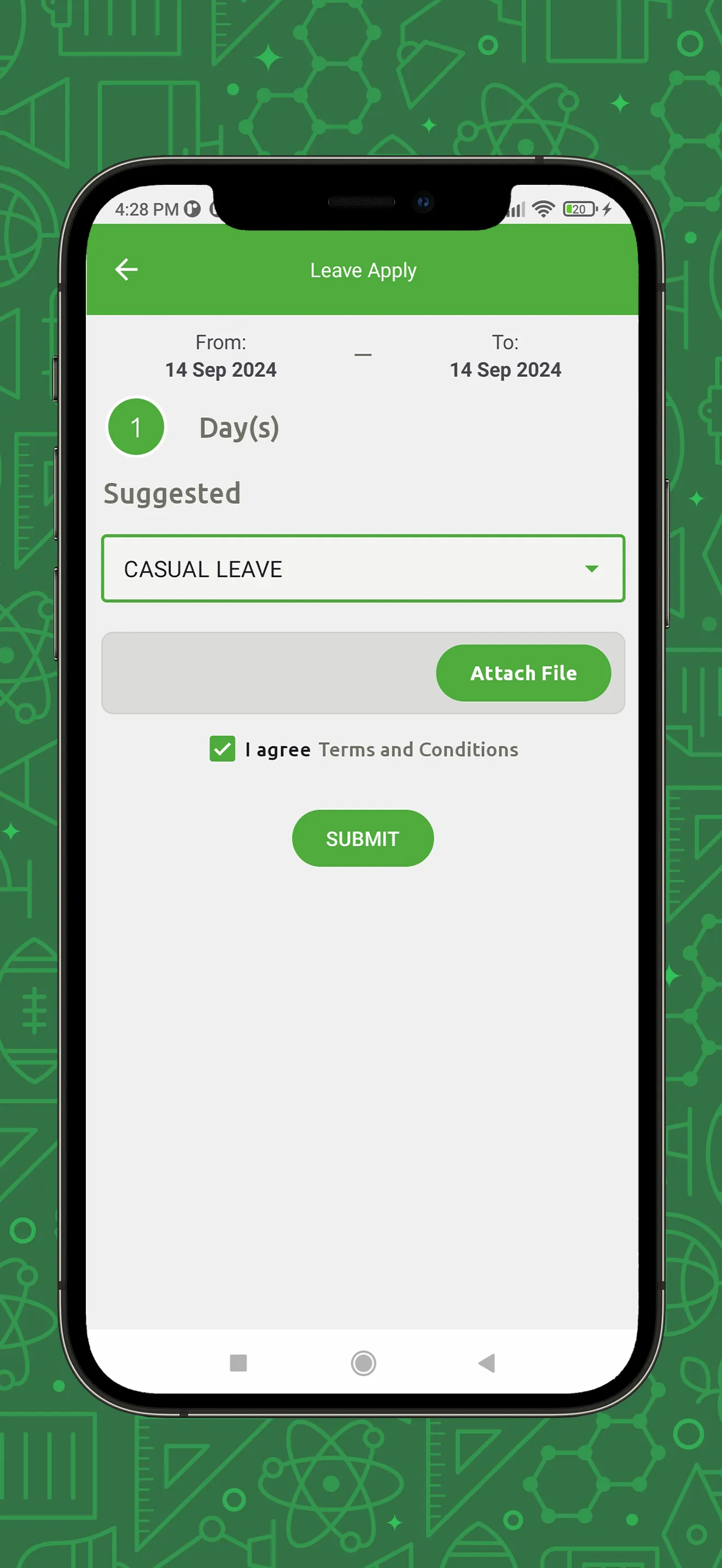
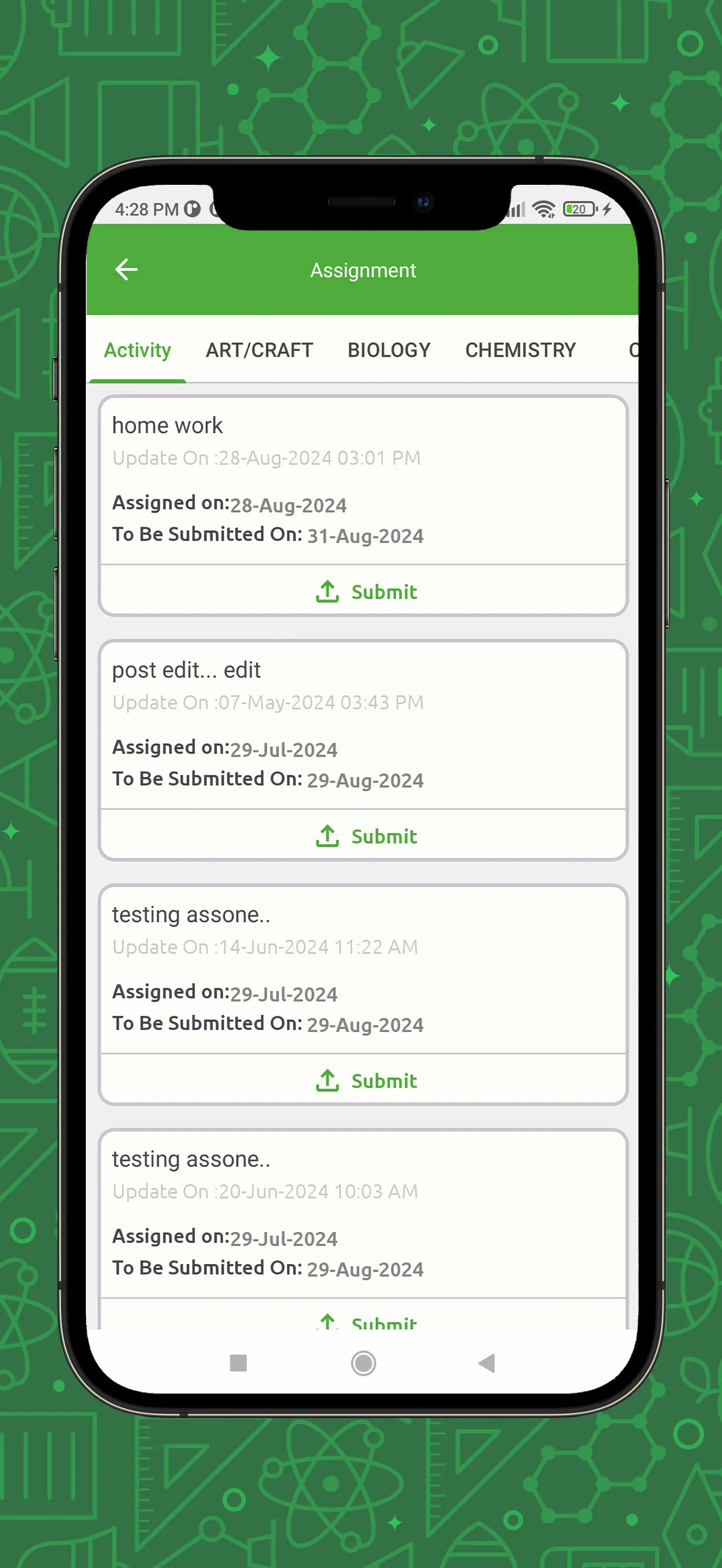
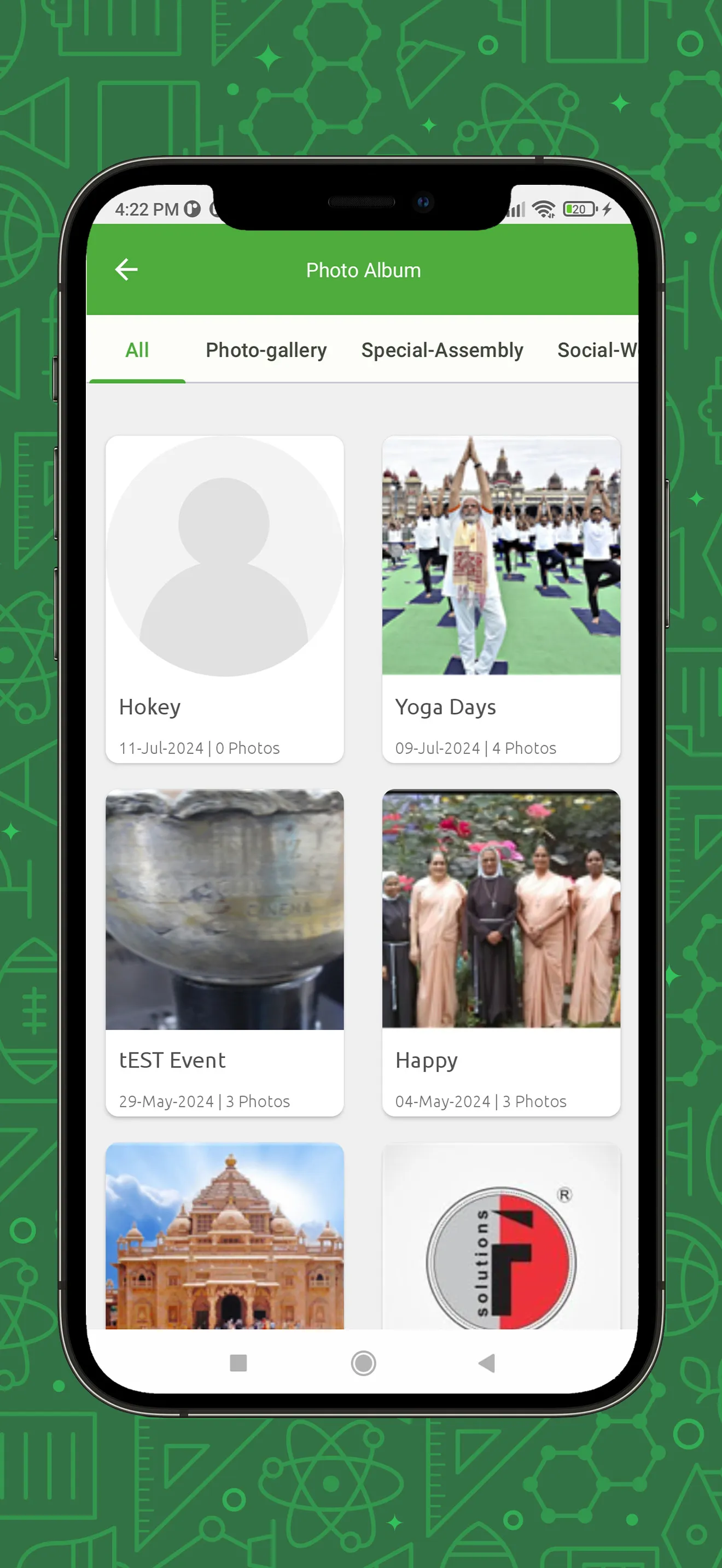
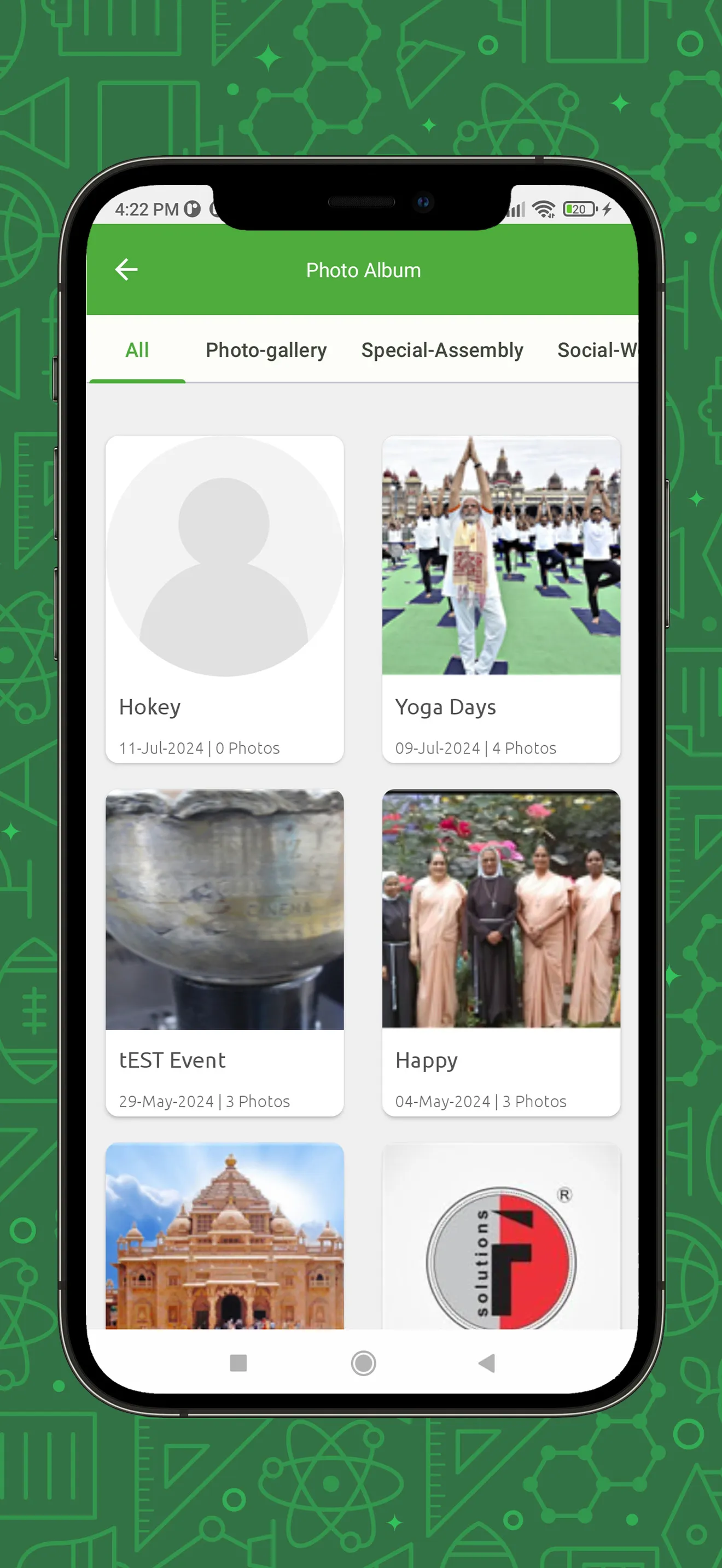
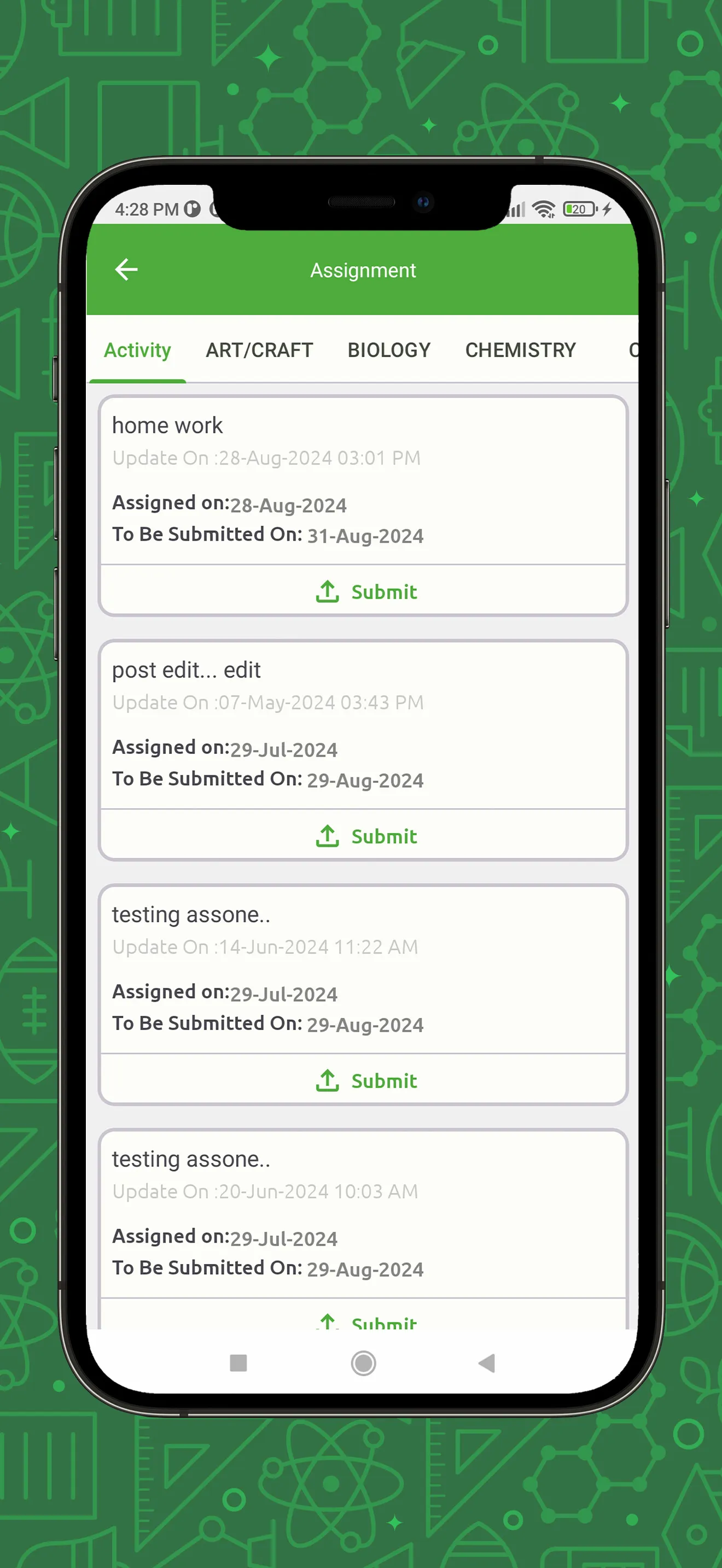
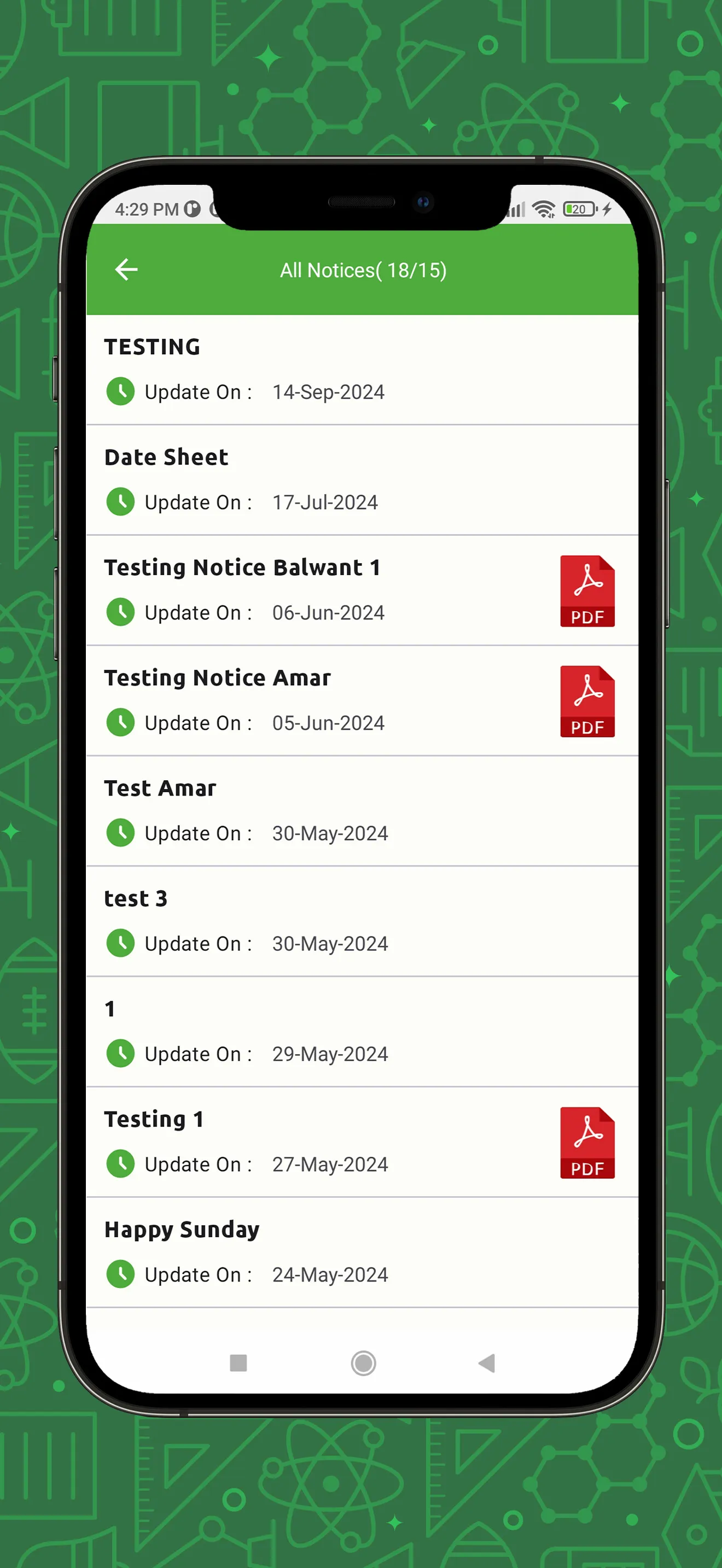
e-Care is an educational software application designed for the Android platform. It consolidates the entire educational ecosystem into a single app: teachers can manage administrative tasks and student schedules; students can submit assignments; and parents can stay updated on their children’s academic progress. The platform facilitates seamless communication between students, parents, and teachers. Students can submit assignments in various formats—including images and PDF files—which requires access to the device's camera. Additionally, teachers can use the tool to distribute learning tasks and event notifications, eliminating the need for paper-based announcements and streamlining the teaching workflow.
Features
The app is designed to ensure that users see the information most relevant to them, with schools retaining the ability to choose which features to enable. By connecting to the school’s core system, it ensures that all information remains up-to-date and synchronized. For administrators and staff, this means less time spent on repetitive tasks, making it easier to track progress or oversee daily operations. While the app is straightforward and functional rather than flashy, it offers significant practical value to the entire school community—streamlining daily routines by removing the reliance on paper logs or physical bulletin board notices (and ensuring that important information is never missed). The interface is also clear and easy to read on larger screens, which is particularly helpful when managing or tracking large volumes of information.
A Mobile Extension of Existing School Systems
e-Care is not a generic classroom planning tool; rather, it integrates seamlessly with a school’s ERP system, website, and security modules. Administrators can monitor staff activity, while teachers, parents, and students are granted access permissions tailored to their specific roles. This centralized architecture reduces the need to switch between different systems to manage daily educational tasks.
Camera and Gallery Access for Assignment Submissions
e-Care requires access to media files, allowing users to upload photos, PDFs, profile pictures, and assignment-related documents stored on their devices. Camera access enables users to capture content directly for these same purposes.
Pros and Cons
Pros:
Integrates administrative, academic, and communication tasks.
Tailors available tools based on school modules and user roles.
Supports the uploading of photos, PDFs, assignments, and tasks.
Connects with ERP systems, websites, and security modules.
Cons:
Users have reported slow performance and frequent issues with opening files.
Touch functionality may occasionally become unresponsive.
FAQs
How long does it take to download e-Care?
The e-Care file size is 12.3 MB. Depending on your network speed, the download may take anywhere from a few seconds to a few minutes over a stable 4G, 5G, or Wi-Fi connection.
Why am I unable to download or install the app?
Common reasons include insufficient storage space, an incompatible Android version, an unstable network connection, a corrupted download file, or a lack of installation permissions.
What are the system requirements for e-Care?
The latest version of e-Care requires Android 6.0 or higher. If your device runs an earlier version of Android, please check if a compatible older version of the app is available.
Conclusion
e-Care plays a significant role within schools—particularly by providing a unified platform for teachers and parents to manage files and handle academic tasks. Its tight integration with school ERP systems and web modules makes it an indispensable tool.
More Information
- Size:12.31MB
- Version:4.4.6.8
- Requirements:Android
- Package Name:com.franciscan.ecare_pro
- Signature:36bb43fb630957a7b19bc8e225529325
Related topics
-
Educational software are emerging in an endless stream on the market, so which one can stand out? It should not only be simple and convenient to use but also helpful for our study. Below, Xiaohei.com brings you a very comprehensive and practical summary of educational software downloads. Come and download it, there is always one that suits you.
-
![ScratchJr]()
ScratchJr
-
![e-Care]()
e-Care
-
![GUVI]()
GUVI
-
![Aash Official]()
Aash Official
-
![EdLink]()
EdLink
-
![Soni Typing Tutor]()
Soni Typing Tutor
-
![EXAM BROWSER CLIENT]()
EXAM BROWSER CLIENT
-
![Kids A-Z]()
Kids A-Z
-






Latest Updated


Popular Apps








Popular News
More+-
![Tomie Wants to Get Married Full Walkthrough, All Choices and Ending Guide]()
Tomie Wants to Get Married Full Walkthrough, All Choices and Ending Guide
2026-05-22
-
![Karryn’s Prison Gameplay Walkthrough & Strategy Guide]()
Karryn’s Prison Gameplay Walkthrough & Strategy Guide
2025-10-28
-
![Life in Santa County Game Guide & Complete Walkthrough]()
Life in Santa County Game Guide & Complete Walkthrough
2025-10-28
-
![Dreams of Desire Complete Walkthrough and Game Guide]()
Dreams of Desire Complete Walkthrough and Game Guide
2025-10-28
-
![Era Hunter Gameplay Guide & Full Walkthrough]()
Era Hunter Gameplay Guide & Full Walkthrough
2025-10-28




