
HP Smart
Download for Android This app is available for Android only.- Category:Productivity
- Rating:
- Language:English
- Updated:2026-11-14
Screenshots
Introduction
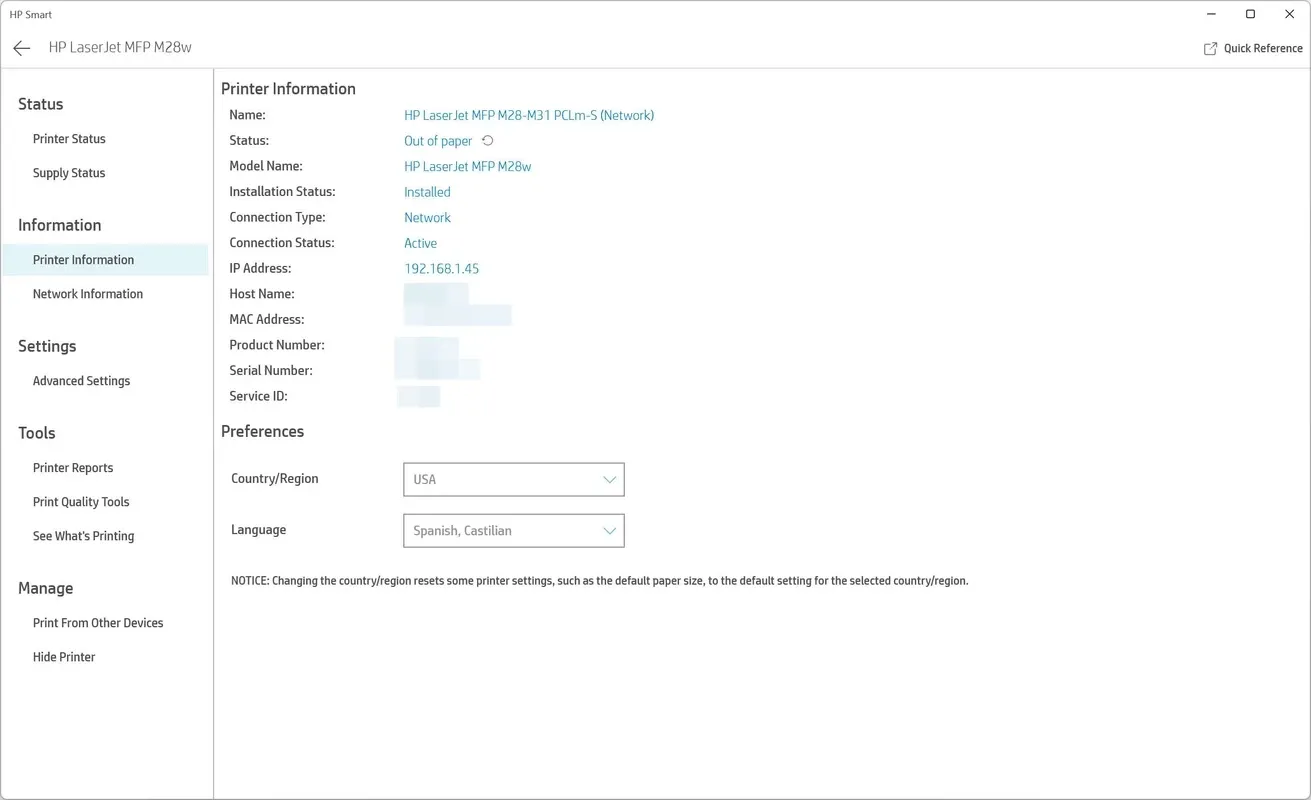
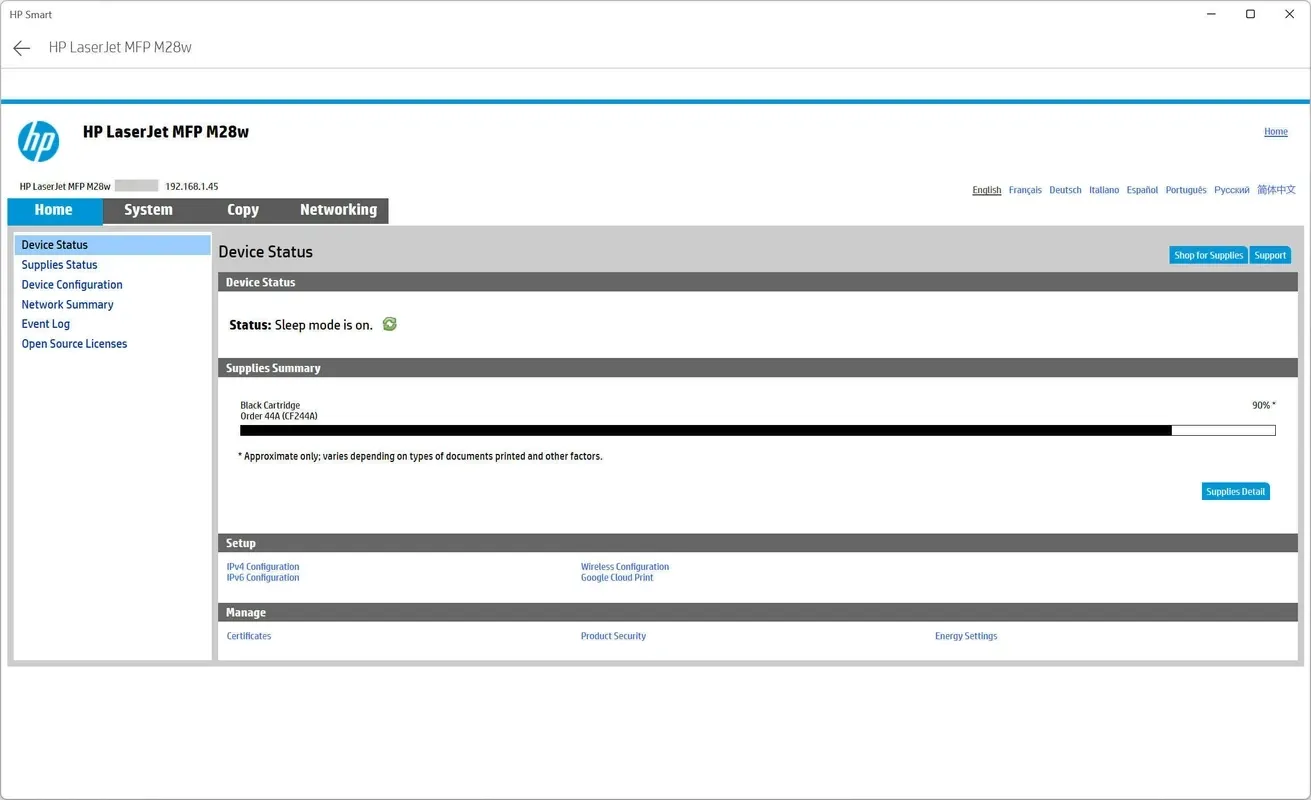
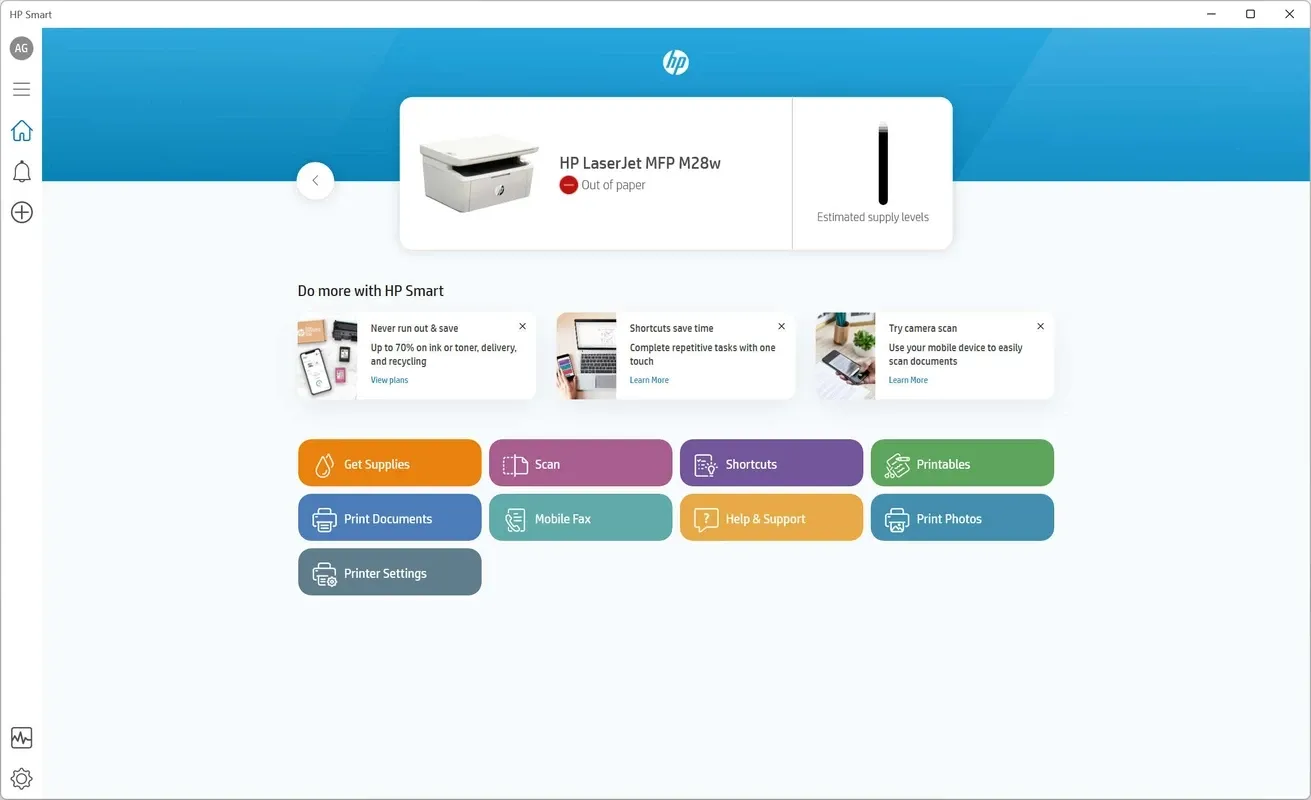
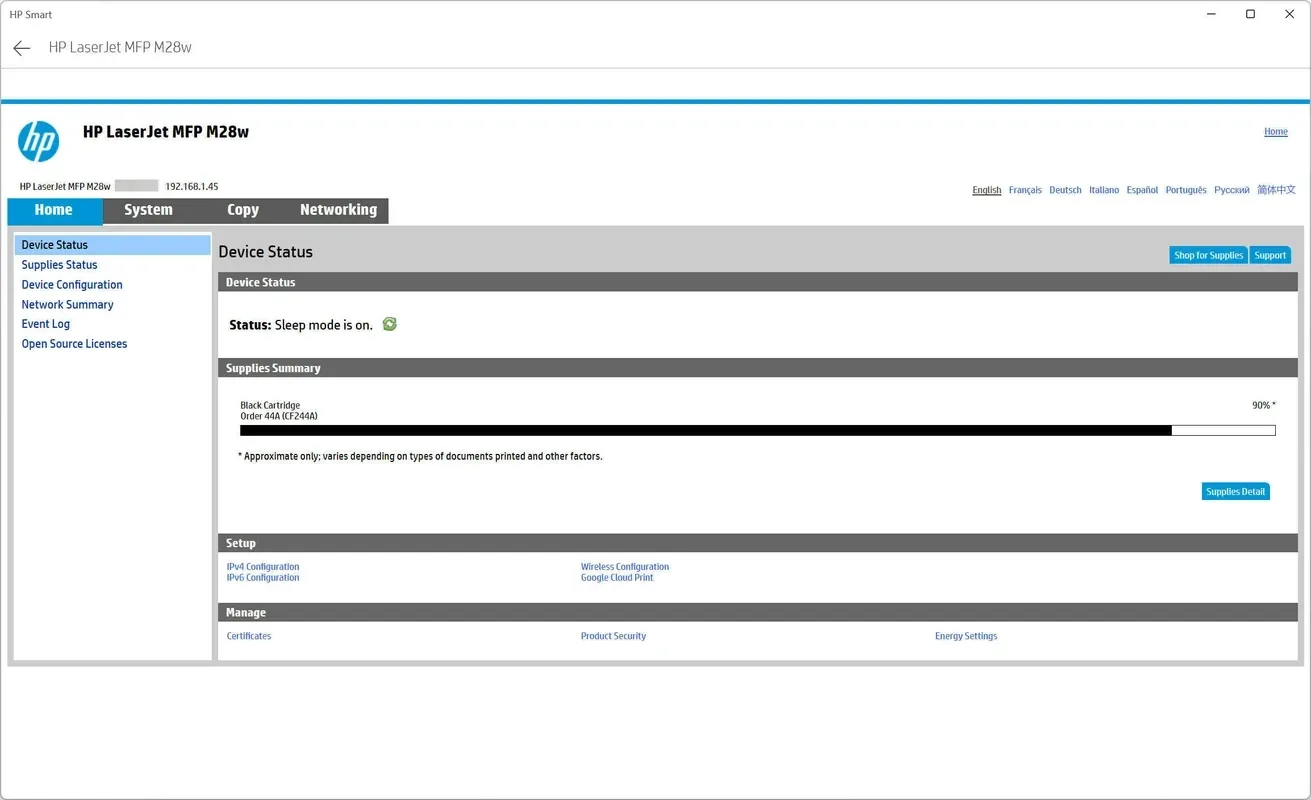
HP Smart is a mobile tool designed specifically for HP users. Once a device is paired, users can remotely control and manage their printers. Beyond uploading various files and images from their phones, users can also utilize their device's camera to scan documents for printing, then trigger the print job remotely—saving time and effort. During the printing process, users can adjust print settings and monitor the status of their print tasks. The app also features an integrated HP store, allowing users to purchase ink cartridges and other printing supplies.
Features of HP Smart:
Saves time: Automatically uploads device health data and keeps a historic record over time.
Higher productivity and uptime: Reduce time and resources required for issue resolution.
Secure cloud transfer: Shared information is secure and held safely in the cloud environment.
Results oriented: Valuable insights powered by AI and deep learning algorithms.
Data telemetry: Information from devices around the world translates to benefits for all HP customers.
Continuous improvement: Helps HP develop new and better services and solutions to help our customers.
Functions of HP Smart:
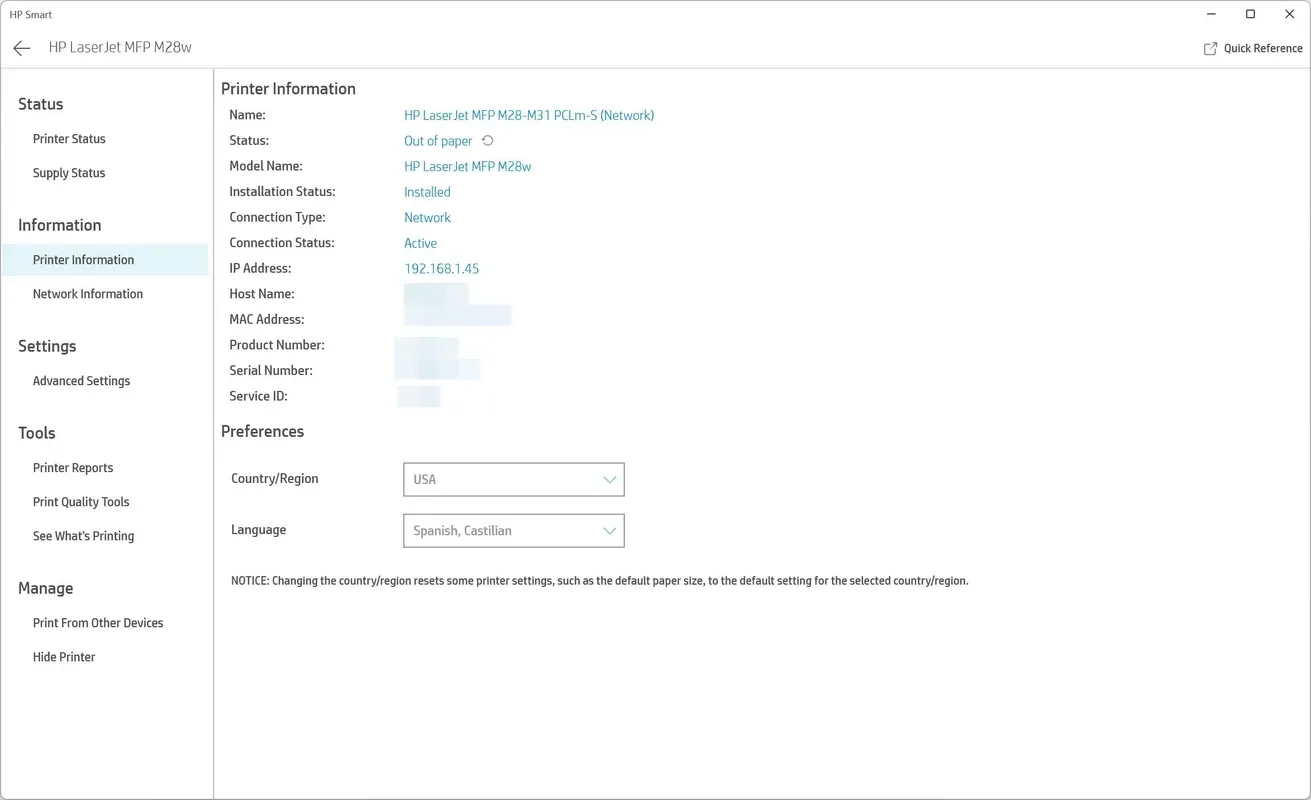
Easy Printing: The support of multiple HP printers is one of the helpful options for scanning your documents right from the app. The auto-detecting process helps access your required printer quite easily. The app also enables you to access the network management menus and supplies as well. Keep in mind, the app is only integrated with HP printers.
Multilingual Support: The app supports multiple languages to enable users to continue their printing, scanning, and sharing activities easily while selecting their own language.
Seamless Scanning: The scanning functionality is also available on the ground-breaking software that helps to scan your documents. It also allows users to modify their images after scanning, such as adding filters or text, and adjust brightness, contrast, and saturation as well. The multitasking capabilities are on an exclusive app that helps users save their time and energy.
Smart Functionality: You will find one-touch customizable Shortcuts, previously known as Smart Tasks, for operating repetitive actions, such that you can complete your scanning and sharing process more reliably and quickly. You can send a fax through your mobile without having a fax machine. The feature is equally useful for individual as well as professional requirements.
Multiple Learning Activities: The availability of Printables on the software allows users to get multiple useful, fun, and educational services while accessing multiple learning activities, including free crafts, cards, and so on. Keep in mind, you need a Wi-Fi connection to continue using multiple features on the app.
User Reviews of HP Smart:
This service saves me 70 to 100 dollars a yr. I do not worry about running out of ink I can not beat this service. If I printed more I would use copy paper service also. I have 2 cases of paper.
So far, I've had my HP printer for two months. Have had a pair of ink cartridges delivered free. Already had to replace the black. Got the free paper thingy, but opted out on that since now have an overabundance of printer paper. The chat support is awesome. For those of you who are upset using 'wi-fi' for your printer, there is a connection on the printer where you can connect it direct to your computer.As for me, I love the HP Smart app. Has everything I need right there.....and it controls my printing. So why not just be patient and be smart.
I have an HP Envy 4527 All‑in‑One Printer and I have an HP Instant Ink Plan - honestly I LOVE them both! Cartridges are sent out before you run out and they're full and last ages, not like the ones you buy over the counter that feel only half full to begin with. I think this is the best deal ever - and I have no faults with my printer or scanner at all - so easy to use. Highly recommend both the printer and the Instant Ink plan that goes with it. A+++
I had HP print software years ago and uninstalled it and it took with it most of my others stuff on my PC.Bought another HP printer recently and sad to say the software seems poor. Constant spinning wheel and poor print quality to boot. I launched my last HP printer down the garden and this one may end up the same.Having had the printer for a while now I think I was harsh in my review problems encountered were mainly due to lack of use. I now quite like my little printer; so apologies to HP.
FAQs of HP Smart:
Is it easy to print and use the HP Smart app?
It’s easy to send secure faxes from the app with Mobile Fax. Scanned documents can be saved in PDF or JPEG image format.
Does this print app allow you to edit photos before printing?
Yes, you can Edit and enhance your photos by adding filters and text, cropping, and adjusting the saturation, contrast, or brightness.
How can we monitor the ink level of our HP printer?
You can check the status of the printer and launch the prints from the phone. Includes HP official ink cartridge and spare parts store.
Do we get free templates and print design support from HP?
Users can access hundreds of printable crafts, cards, and learning activities for free with Printables. The application is a great time saver for people who often use their mobile devices as their main computing device.
Conclusion:
HP Smart offers HP printer and scanner management for users. However, users without HP devices may not find this useful. That said, for HP owners seeking an official, feature-rich, and seamless printer management solution, this proves a valuable tool.
More Information
- Size:310.01MB
- Version:20.1.2.6020
- Requirements:Android
- Package Name:com.hp.printercontrol
- Signature:c3d658be987a43960924e75f65281124
Related topics
-
Office Apps is a comprehensive and user - friendly platform that aggregates a wide array of office - related applications, catering to the diverse needs of modern professionals, students, and anyone who engages in office - based tasks. Whether you're working on a crucial business project, preparing academic papers, or handling daily administrative work, this aggregation page serves as your one - stop - shop.
-
![HP Smart]()
HP Smart
-
![Milkshake]()
Milkshake
-
![Resilio Sync]()
Resilio Sync
-
![Orgzly]()
Orgzly
-
![Code Studio]()
Code Studio
-
![First 5]()
First 5
-
![SmartLinx Go]()
SmartLinx Go
-
-
The complete collection of office software is compiled based on user needs and referencing the popularity of major computer application stores. This collection selects various useful computer office software for users from multiple aspects such as office suite, communication and collaboration, email management, note management, cloud storage, download and decompression, etc. These software can meet your various document processing needs, making your team collaboration smoother, and conveniently managing your emails and keeping various meeting records. Download various materials and documents needed for office work. This collection of office software commonly used by professionals can meet all needs. Welcome to download and experience it!
-
![HP Smart]()
HP Smart
-
![Milkshake]()
Milkshake
-
![Resilio Sync]()
Resilio Sync
-
![Code Studio]()
Code Studio
-
![First 5]()
First 5
-
![TalkIt!]()
TalkIt!
-
![WebCode]()
WebCode
-








Latest Updated


Popular Apps







Popular News
More+-
![Tomie Wants to Get Married Full Walkthrough, All Choices and Ending Guide]()
Tomie Wants to Get Married Full Walkthrough, All Choices and Ending Guide
2026-05-22
-
![Karryn’s Prison Gameplay Walkthrough & Strategy Guide]()
Karryn’s Prison Gameplay Walkthrough & Strategy Guide
2025-10-28
-
![Life in Santa County Game Guide & Complete Walkthrough]()
Life in Santa County Game Guide & Complete Walkthrough
2025-10-28
-
![Dreams of Desire Complete Walkthrough and Game Guide]()
Dreams of Desire Complete Walkthrough and Game Guide
2025-10-28
-
![Era Hunter Gameplay Guide & Full Walkthrough]()
Era Hunter Gameplay Guide & Full Walkthrough
2025-10-28




