
myMail
Download for Android This app is available for Android only.- Category:Social
- Rating:
- Language:English
- Updated:2026-11-27
Screenshots
Introduction
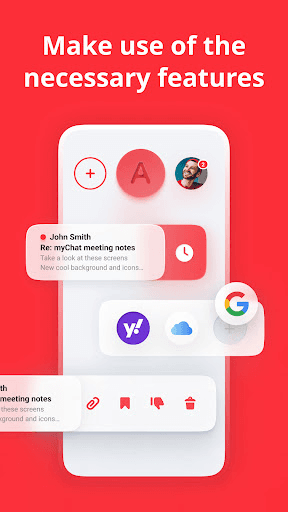
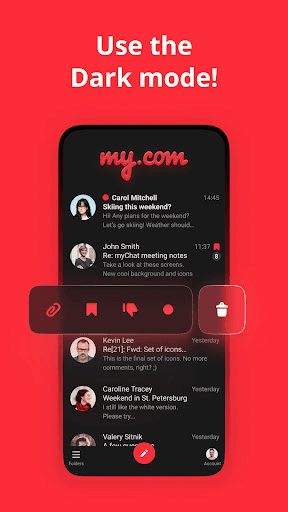
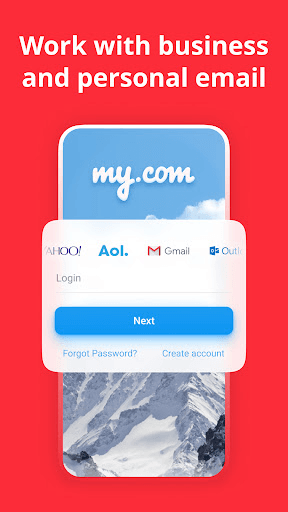
myMail is an email application designed for Android devices. It provides real-time push notifications for your email accounts and supports a wide range of email services. The app features a menu that allows you to create custom contact lists, enabling you to quickly view messages from key individuals. You can also filter your inbox to display only unread emails or messages containing attachments, ensuring a clear and organized view. The app includes a powerful advanced search function, allowing you to locate specific emails by filtering based on criteria such as date, attachments, or contacts. Furthermore, myMail offers robust security features to protect your personal information, and it supports customizable gestures to help you perform various actions quickly and efficiently.
Features
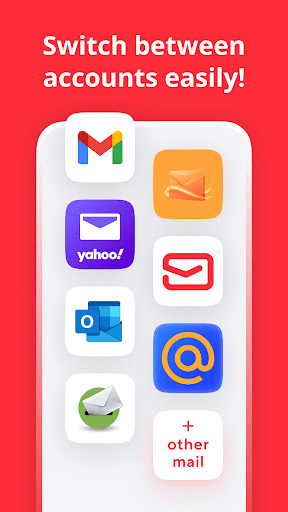
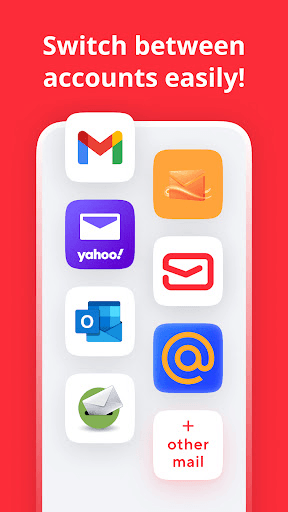
Receive real-time push notifications for your email accounts—regardless of the provider (e.g., Yahoo, Hotmail, Gmail, Edison, Outlook, iCloud, Thunderbird, Webmail, or Fastmail)—and customize them to fit your personal or professional schedule.
Navigate your inbox easily using menu icons and contact avatars, which appear within conversations to help you identify the people you are corresponding with.
Search through both local and server-based contacts (across services like Yahoo, Hotmail, Gmail, Edison, Outlook, iCloud, Thunderbird, Webmail, or Fastmail) with helpful search suggestions that appear as you type.
Browse and attach files directly from within the app.
Create a unique, personalized signature for your emails.
Keep your inbox tidy by flagging or deleting messages, or by moving them to the spam folder.
Filter your inbox to view only unread emails or messages with attachments.
Enjoy a clean, user-friendly layout and intuitive design.
Supports ActiveSync.
Use the conversation threading feature to view entire email exchanges on a single screen.
Highlights
Lightning-fast push notifications
Stay up to date with new emails through real-time push notifications. The app is optimized for speed, ensuring you are alerted the moment an email arrives in your inbox. This instant update mechanism is essential for time-sensitive communication, allowing you to respond quickly to urgent matters. You can configure notification settings individually for each account, ensuring you only receive alerts for the emails that truly matter to you.
Advanced Search and Filtering
Finding specific emails is effortless with the app’s powerful search functionality. It scans all your connected accounts to locate emails, attachments, or contacts based on your search terms. Filtering options allow you to sort messages by sender, date, or subject, making it easy to navigate even the most crowded inboxes. This precise search capability eliminates the need to manually sift through thousands of old emails to find what you need.
Robust Security and Privacy
Your data security is our top priority; the app employs strong encryption protocols to protect your email information. It supports secure authentication methods for adding accounts, ensuring your login credentials remain safe. The app does not store your passwords on its servers, giving you full control over your personal and professional emails. Our commitment to privacy makes this a trusted platform for managing sensitive communications.
Customizable Swipe Gestures
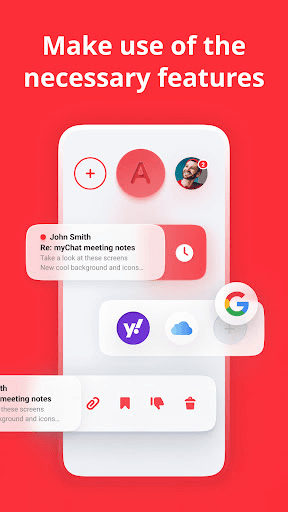
Personalize your email management experience and streamline frequent tasks with configurable swipe actions. You can set up left or right swipes to archive, delete, or mark emails as read—tailored to your personal preferences. This touch-based approach makes handling large volumes of email faster and more intuitive. Adjusting these gestures to fit your workflow can significantly boost your daily productivity.
Seamless Multi-Device Synchronization
The app ensures a consistent email experience across all your Android devices. Any action you take—such as reading, archiving, or deleting an email—is synced instantly. This means you can start an email conversation on your phone and continue it seamlessly on your tablet without any interruption. Regardless of which device you use, your inbox status is always kept up to date.
FAQs
How many email accounts can I add to the app?
You can add multiple email accounts from various service providers, such as Gmail, Hotmail, and Yahoo.
Does the app support attachments?
Yes, the app allows you to view and send attachments, including photos, documents, and more.
Can I customize notifications for my email accounts?
Yes, you can customize notifications according to your own preferences.
Conclusion
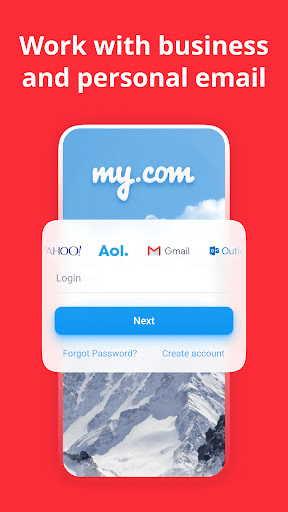
myMail enables fast, smooth, and convenient communication. To enjoy all these features, simply select the relevant server, enter your account username and password, and then reply to the email.
More Information
- Size:153.96MB
- Version:15.8.0.88845
- Requirements:Android
- Package Name:com.my.mail
- Signature:1dafa7d60d91c6ab56d30df9560897f2
Related topics
-
There are many useful social networking apps, each with its own advantages. Social networking apps not only allow us to stay in real-time with family and friends, but also help some single people meet their destined ones on social networking apps. What are the useful social media apps for everyone to list next? Choosing a social app that you are more familiar with and downloading it to your phone can make life more enjoyable.
-
![myMail]()
myMail
-
![Meta Horizon]()
Meta Horizon
-
![MalluFollow]()
MalluFollow
-
![Galaxy - Chat Rooms & Games]()
Galaxy - Chat Rooms & Games
-
![Bolo Chat]()
Bolo Chat
-
![Stash]()
Stash
-
![Truth or Dare Game]()
Truth or Dare Game
-
![Simply Plural]()
Simply Plural
-
-
Nowadays, almost everyone is using social networking sites and apps, and is addicted to them, unable to extricate themselves. Among all the social networking sites and apps in the world, which one is the most popular? I believe everyone is now accustomed to using social media to expand their circle of friends! Mobile social app software has become an essential application for us today, making communication between people more important and convenient.
-
![myMail]()
myMail
-
![BeReal]()
BeReal
-
![Briar]()
Briar
-
![NS WhatsApp Blue]()
NS WhatsApp Blue
-
![Bolo Chat]()
Bolo Chat
-
![RolePlai]()
RolePlai
-
![Stash]()
Stash
-
![Siya]()
Siya
-
-
In today's internet age, various chat apps have been launched, which have many advantages. They can chat and interact with family and friends who are thousands of miles away in real time, facilitate communication with colleagues at work, and also play a significant role in dating. What are the good chat apps. Today, we will give a brief introduction to these useful chat apps one by one.
-
![myMail]()
myMail
-
![Dj Liker]()
Dj Liker
-
![Tigo-Live Video Chat&More]()
Tigo-Live Video Chat&More
-
![TalkLife]()
TalkLife
-
![Bethlehem Matrimonial]()
Bethlehem Matrimonial
-
![Veeka]()
Veeka
-
![LuckyCrush]()
LuckyCrush
-

















Latest Updated





Popular Apps








Popular News
More+-
![Tomie Wants to Get Married Full Walkthrough, All Choices and Ending Guide]()
Tomie Wants to Get Married Full Walkthrough, All Choices and Ending Guide
2026-05-22
-
![Karryn’s Prison Gameplay Walkthrough & Strategy Guide]()
Karryn’s Prison Gameplay Walkthrough & Strategy Guide
2025-10-28
-
![Life in Santa County Game Guide & Complete Walkthrough]()
Life in Santa County Game Guide & Complete Walkthrough
2025-10-28
-
![Dreams of Desire Complete Walkthrough and Game Guide]()
Dreams of Desire Complete Walkthrough and Game Guide
2025-10-28
-
![Era Hunter Gameplay Guide & Full Walkthrough]()
Era Hunter Gameplay Guide & Full Walkthrough
2025-10-28




