

Biugo
Download for Android This app is available for Android only.- Category:Photography
- Rating: 4.8
- Language:English
- Updated:2026-08-20
Screenshots

Introduction
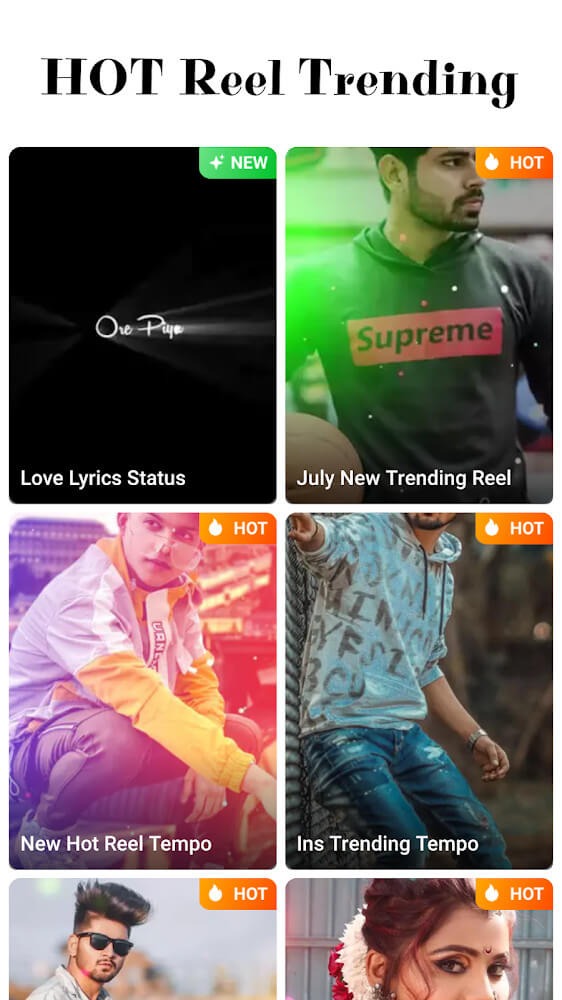
Biugo is a user-friendly video maker with a wide variety of video templates to choose from. Users simply upload their clips and can use the software's numerous stickers, effects, filters, text styles, and more to create high-quality videos. Share your memorable moments on various social media platforms and garner tons of likes and comments. The software also features a built-in time-travel camera function, allowing users to quickly see what they'll look like when they're older by simply taking a picture.
Features of Biugo:
Intuitive Interface and Easy Workflow: With its clear, compartmentalized interface, Biugo prioritizes accessibility. Creating a video involves selecting a template, adding photos and videos from your device, and customizing the final result with effects, text, stickers, and music. On-screen prompts and clear icons guide users throughout, making the app approachable for all experience levels.
Aging Shutter: This unique camera filter from Biugo allows anyone to instantly look like their old self. Make fun of yourself and see what you would look like years from now! Upload your selfie and share it with friends or with your followers to start a discussion. The app has an incredibly powerful AI that lets you use this feature whenever you want. Share this magical tool with friends and see what they would look like as old people.
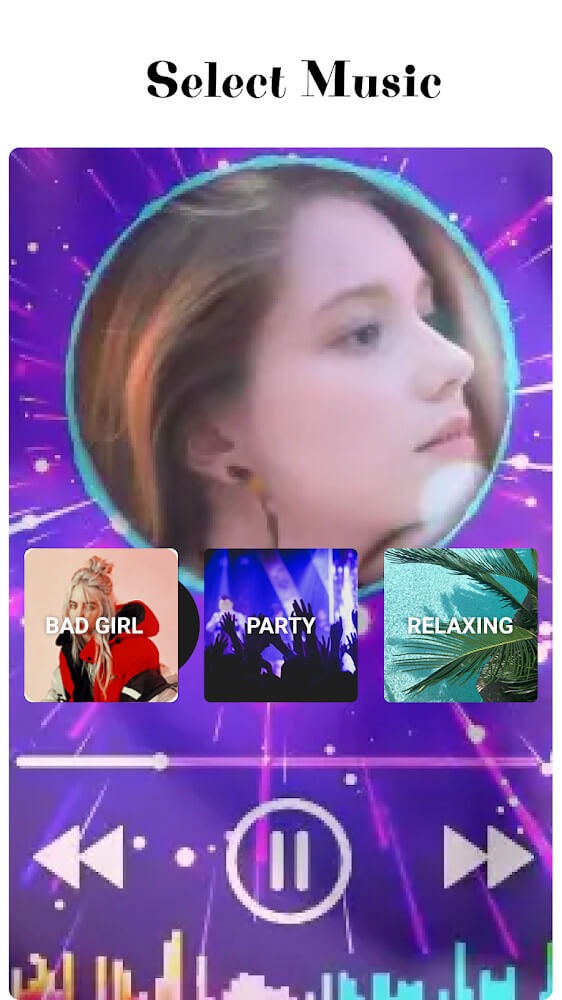
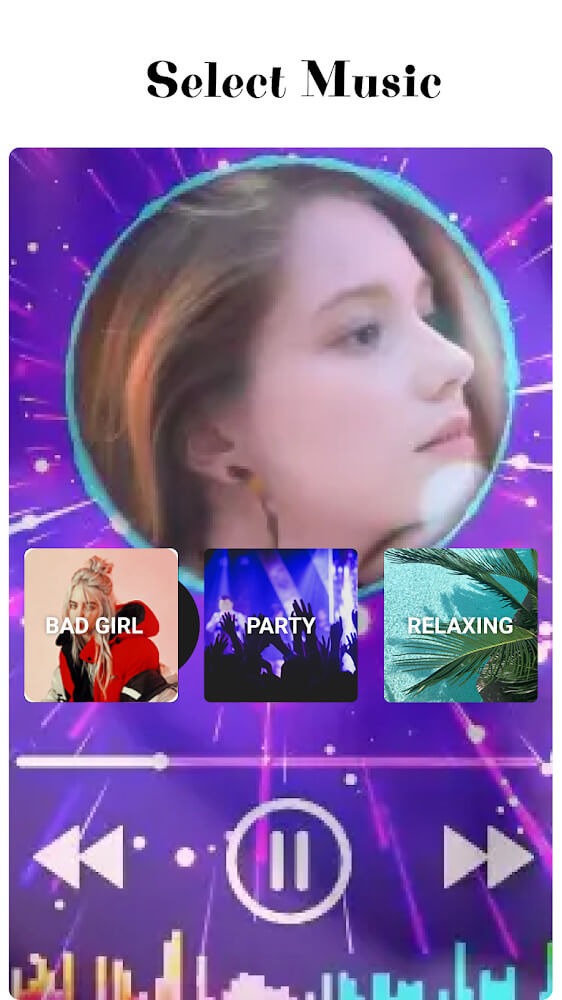
Music Integration: Background music is a critical part of video storytelling, and Biugo provides flexibility in this area. Users can select from built-in tracks categorized by mood, or import songs from their personal library. The app offers basic editing options, such as trimming the length of an audio file to suit the video’s duration.
Performance and Output Quality: Rendering times are typically fast, even on mid-range devices. The finished videos are clear, and the app effectively synchronizes transitions and effects according to the chosen template. The free version, however, adds a watermark to exported projects. Accessing watermark-free exports and the broader suite of premium assets—including exclusive templates, effects, and music—requires a subscription.

Highlights of Biugo:
Biugo allows you to add music as an option to your video. The application offers a wide range of music types, including Bollywood, Bollywood Hits, Bollywood Love Songs, Local Music, and Featured Music. The application can also be used to edit audio. You can cut out the parts of music that you dislike, or mix up songs. You can also adjust the volume according to your preferences.
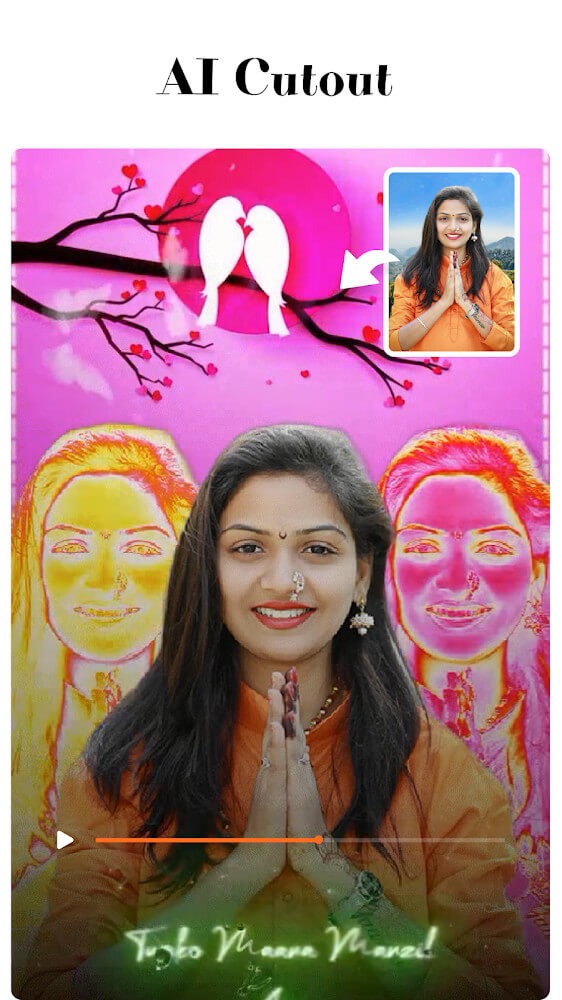
Biugo allows you to separate backgrounds and stickers in a single photo. You can change your background image with another wallpaper while keeping your face in tact. You can also add stickers to the background image. You can select effects to change your face’s appearance from young to older. You can then imagine how your face will look in a few more years.
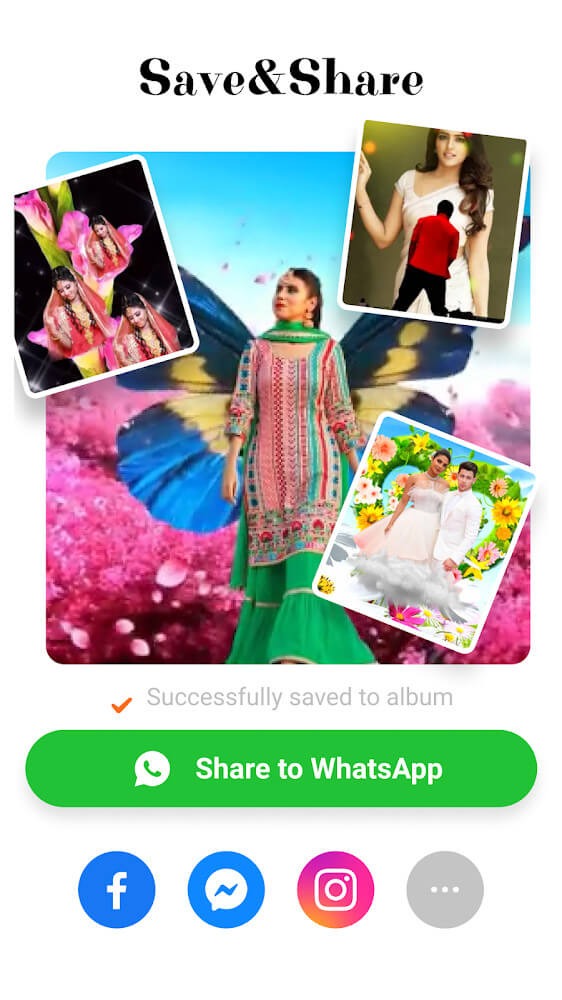
You can save the edited video to your library after you have finished editing it. You can share these videos easily on other social media networks.Biugo helps you fix problems with your photos and videos. With modern AI technology, you can join your video by cutting the background. You may want to create a beautiful video of your face, or a video where the movements match the music. Download this software and begin merging the videos. This will help your video look more professional. After editing, you can save the video directly to your library. On the application you can also create an instant link to your social networks that you can share with whomever you like.
Biugo, a popular video editor, allows users to add music, filters and other effects easily to their videos. Create stunning videos to immortalize and capture special moments. This software can be used to create a film or edit a clip.
Final words:
Use Biugo to create the perfect birthday video for your family and friends or simply to remember good times with others. Once you export the final result, you can easily share the video through your social media accounts like WhatsApp or Facebook, without having to exit the app itself.
More Information
- Size:68.21MB
- Version:5.11.13
- Requirements:Android
- Votes:548
- Package Name:com.yy.biugo.lite
- Signature:e20814f2529759ec7b5c1e5435f2f01d
Related Versions
-
 Download
Biugo— Magic Effects Video Editor
Version:5.3.6Size:56.9MB
Related topics
-
Transform your smartphone into a powerful editing studio with the best video editing apps for Android! Whether you're a content creator, social media enthusiast, or just looking to polish personal videos, these apps offer professional-grade tools right at your fingertips. Enjoy intuitive interfaces, advanced features like multi-track editing and filters, and seamless exporting options - all optimized for mobile devices. Download now and start creating stunning videos anytime, anywhere!
-
![Funimate]()
Funimate
-
![Dream Face]()
Dream Face
-
![VN - Video Editor & Maker]()
VN - Video Editor & Maker
-
![Faceplay Face Swap Video]()
Faceplay Face Swap Video
-
![NodeVideo]()
NodeVideo
-
![Edits Video Editor]()
Edits Video Editor
-
![Storybeat]()
Storybeat
-
![All Video Downloader]()
All Video Downloader
-
-
Video Editor is a powerful software tool designed for crafting, refining, and enhancing video content. It enables users to transform raw footage into compelling visual narratives or effective communication platforms. As digital media continues to evolve, video editing has grown in significance - no longer just a professional necessity but also an accessible skill for everyday creators. Modern editing tools now offer intuitive interfaces, AI-powered features, and cross-platform compatibility, making high-quality video production achievable for both experts and casual users alike.
-
![Vidmix]()
Vidmix
-
![Funimate]()
Funimate
-
![Vivavideo]()
Vivavideo
-
![Faceplay Face Swap Video]()
Faceplay Face Swap Video
-
![NodeVideo]()
NodeVideo
-
![Edits Video Editor]()
Edits Video Editor
-
![Storybeat]()
Storybeat
-
![MVideo]()
MVideo
-
-
Video Player is a software application or hardware device designed to decode and display digital video content. Modern video players are highly versatile, capable of handling both locally stored files and real-time streaming media from online platforms. Over time, technological advancements have transformed video players from basic format-specific tools into sophisticated systems supporting a wide range of codecs, resolutions, and playback features. Today’s players offer enhanced functionality such as subtitle synchronization, playback customization, and adaptive streaming, ensuring a seamless and user-friendly viewing experience across various devices.
-
![All Video Downloader]()
All Video Downloader
-
![Tubular]()
Tubular
-
![YouTube Pink]()
YouTube Pink
-
![YesTube]()
YesTube
-
![Twitter Video Downloader]()
Twitter Video Downloader
-
![HD YouTube Downloader]()
HD YouTube Downloader
-
![TubeX]()
TubeX
-
![OKmusi]()
OKmusi
-

















Latest Updated






Popular Apps







Popular News
More+-
![Tomie Wants to Get Married Full Walkthrough, All Choices and Ending Guide]()
Tomie Wants to Get Married Full Walkthrough, All Choices and Ending Guide
2026-05-22
-
![Karryn’s Prison Gameplay Walkthrough & Strategy Guide]()
Karryn’s Prison Gameplay Walkthrough & Strategy Guide
2025-10-28
-
![Life in Santa County Game Guide & Complete Walkthrough]()
Life in Santa County Game Guide & Complete Walkthrough
2025-10-28
-
![Dreams of Desire Complete Walkthrough and Game Guide]()
Dreams of Desire Complete Walkthrough and Game Guide
2025-10-28
-
![Era Hunter Gameplay Guide & Full Walkthrough]()
Era Hunter Gameplay Guide & Full Walkthrough
2025-10-28




