

PixVerse AI
Download for Android This app is available for Android only.- Category:Photography
- Rating: 4.5
- Language:English
- Updated:2026-08-20
Screenshots
Introduction
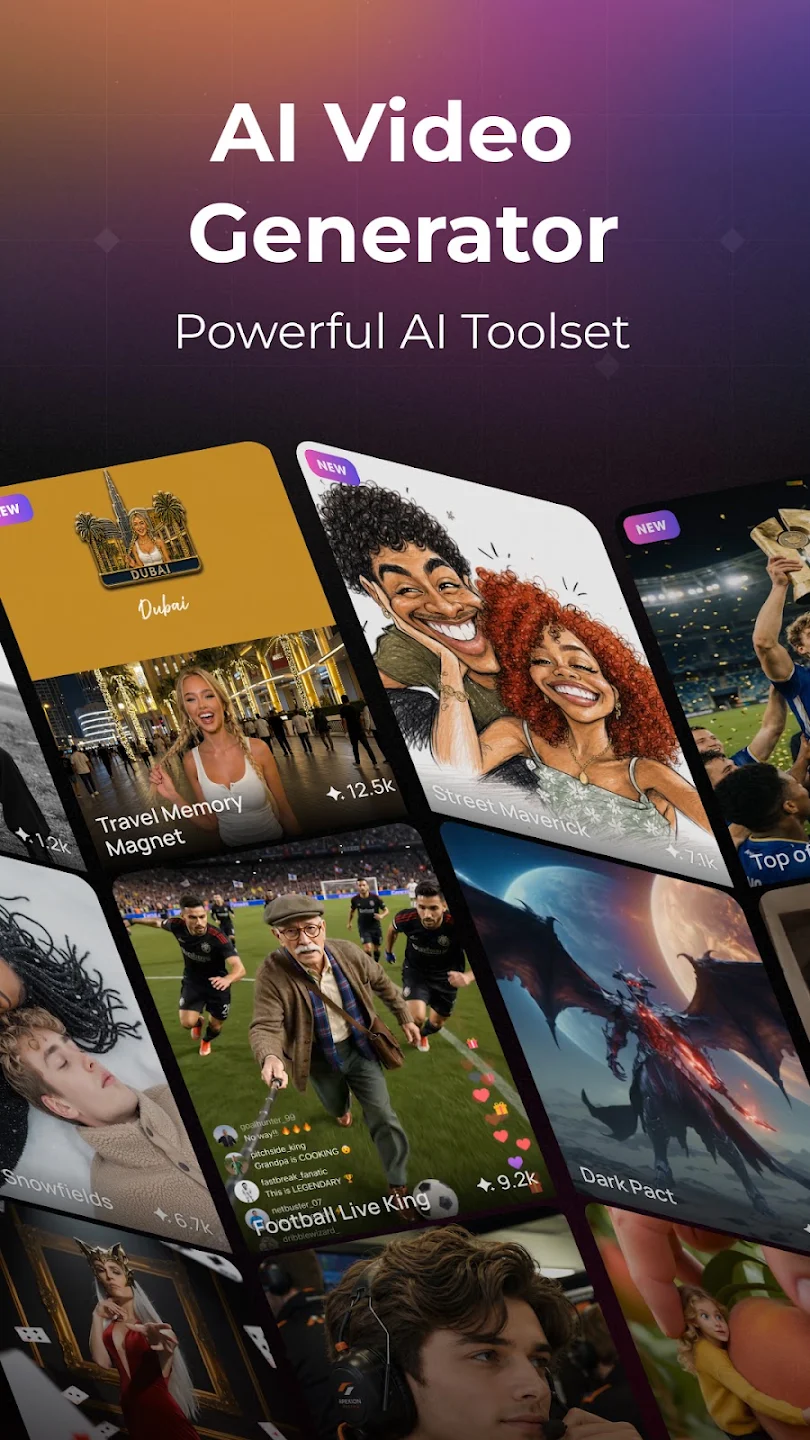
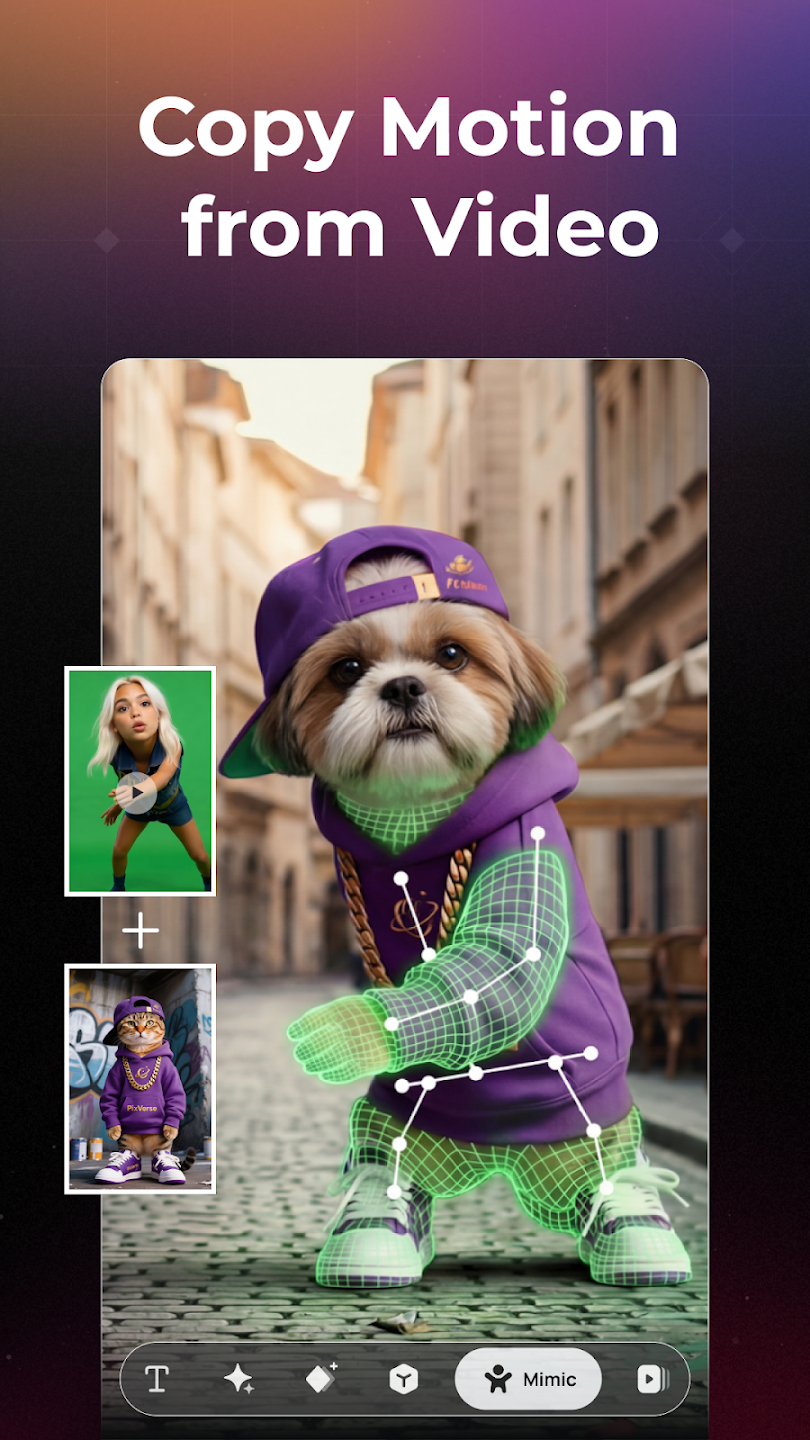
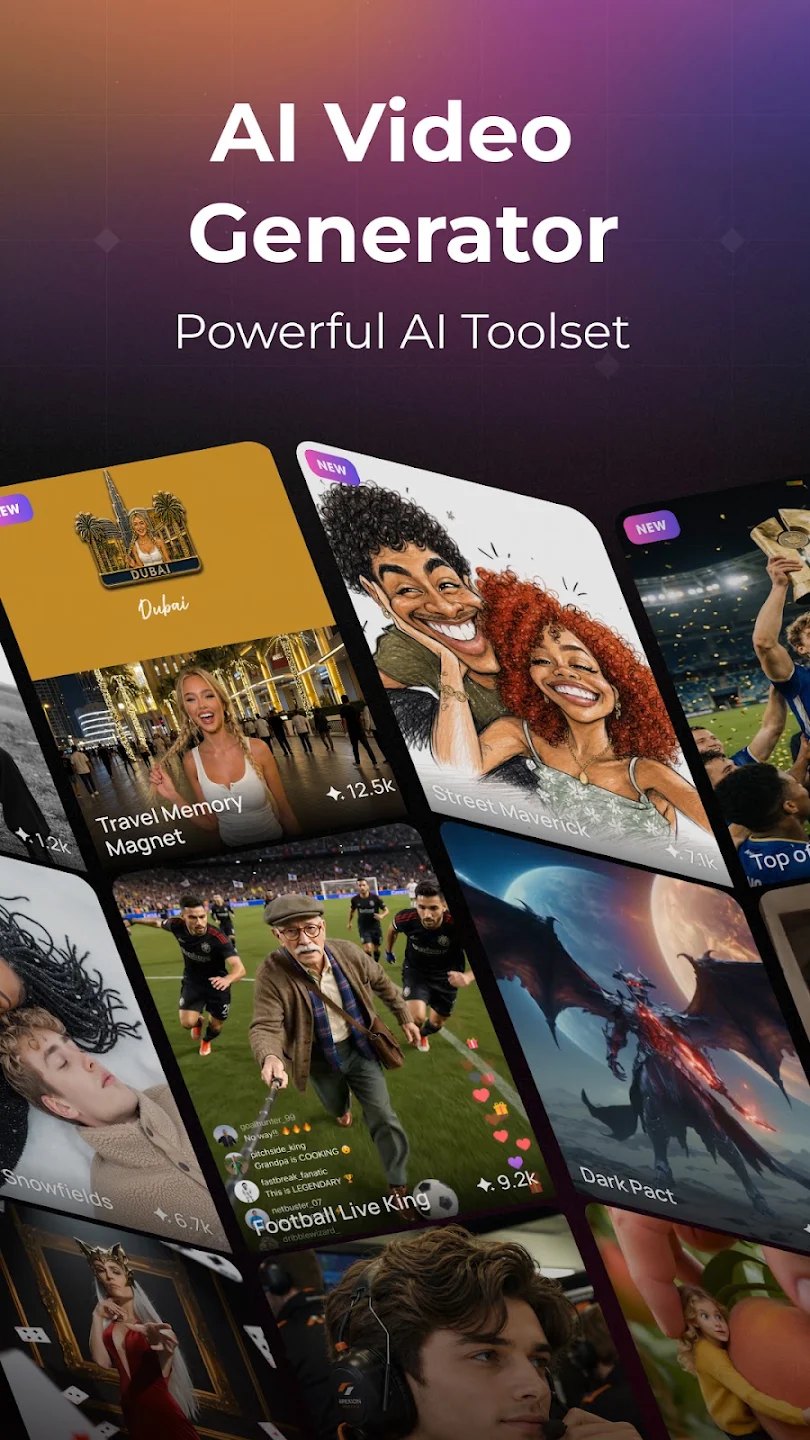
PixVerse AI is a powerful video creation software. Users simply input their ideas, and the software generates corresponding videos based on their text and photos. After generation, users can further edit the videos to their liking, adding effects, filters, and other content to make them more aesthetically pleasing. The software's functionality doesn't stop there; as you input dialogue, the lip movements in the generated videos will also change accordingly, making the videos more realistic. The software also boasts a vibrant community where users can download videos they like and draw inspiration, adding even more possibilities to their creative endeavors.
Features of PixVerse AI:
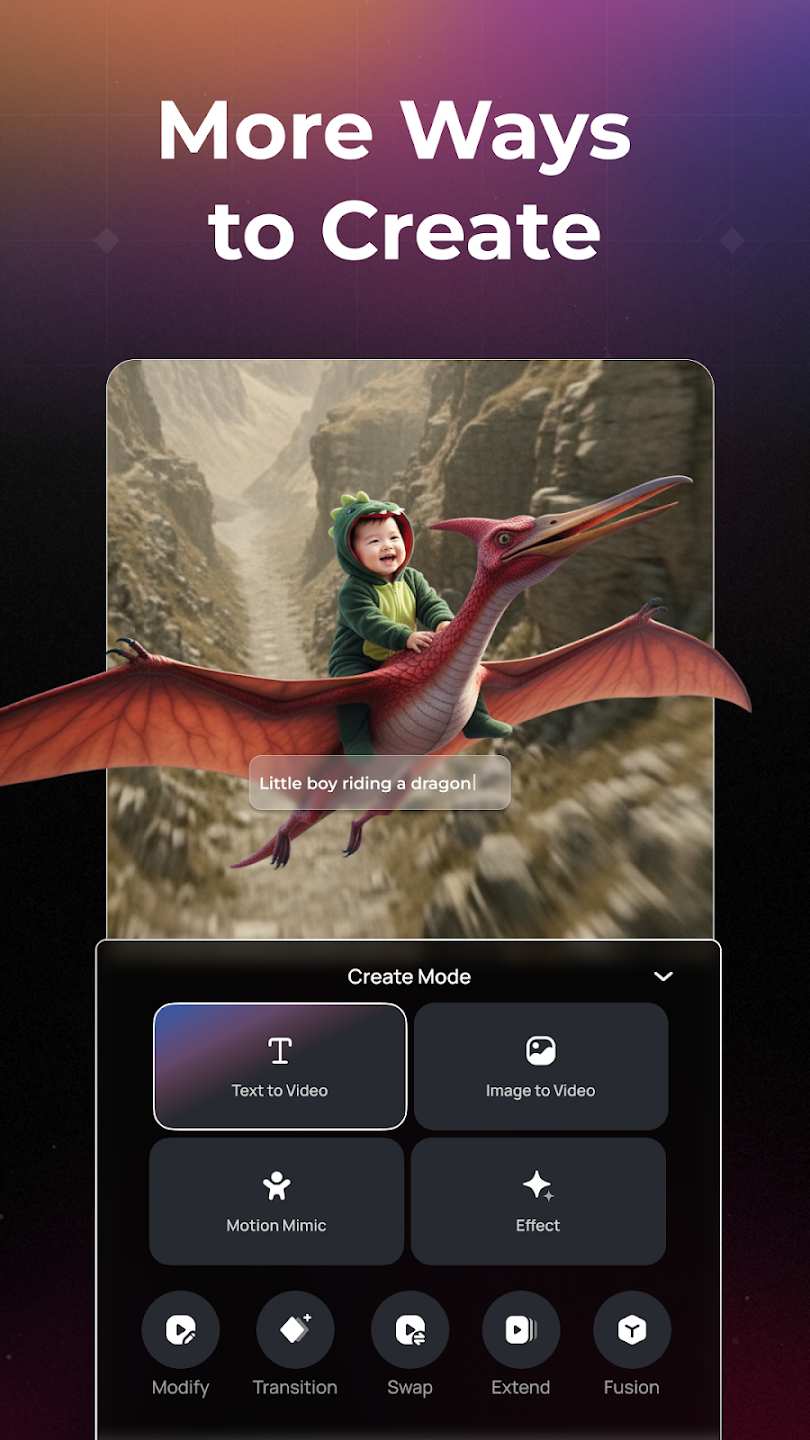
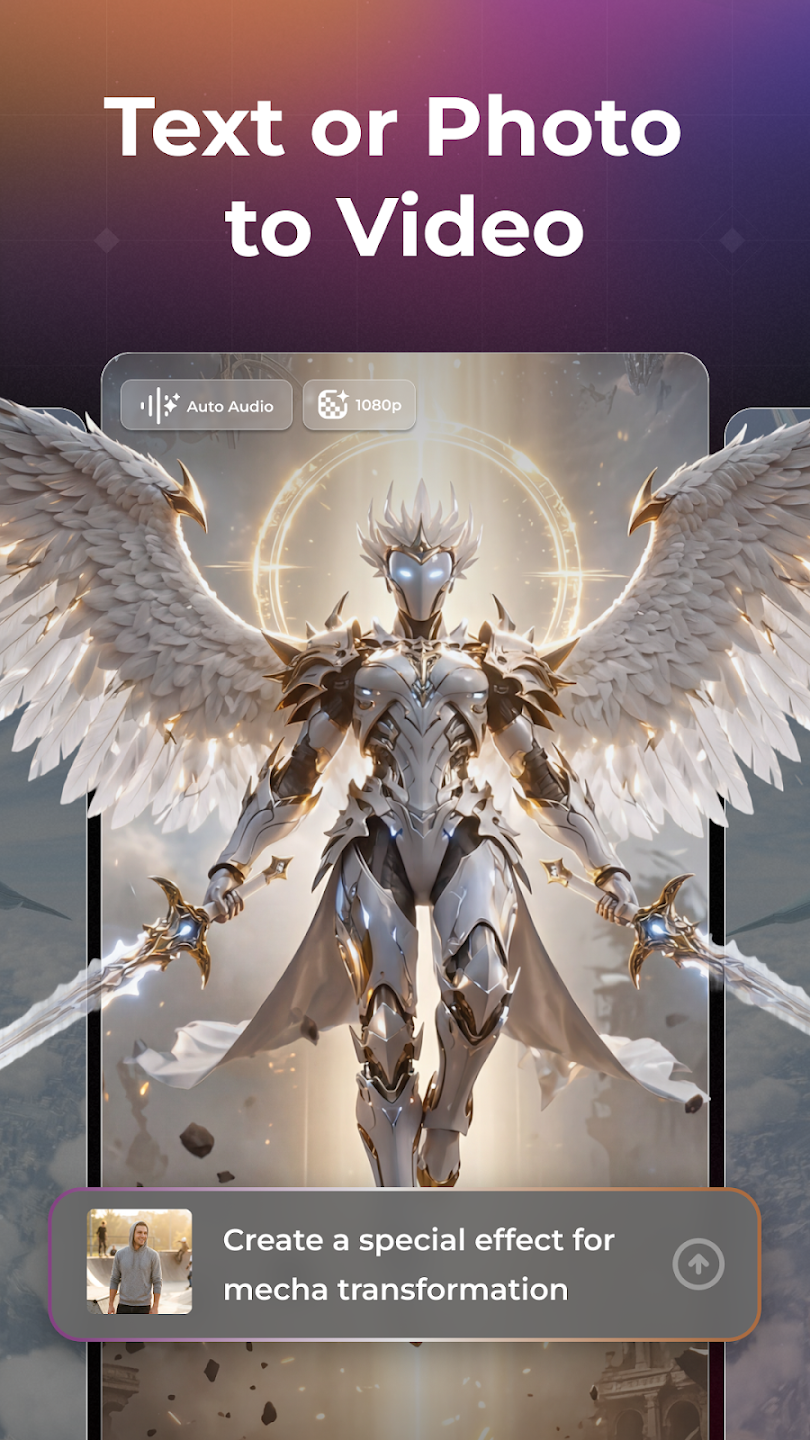
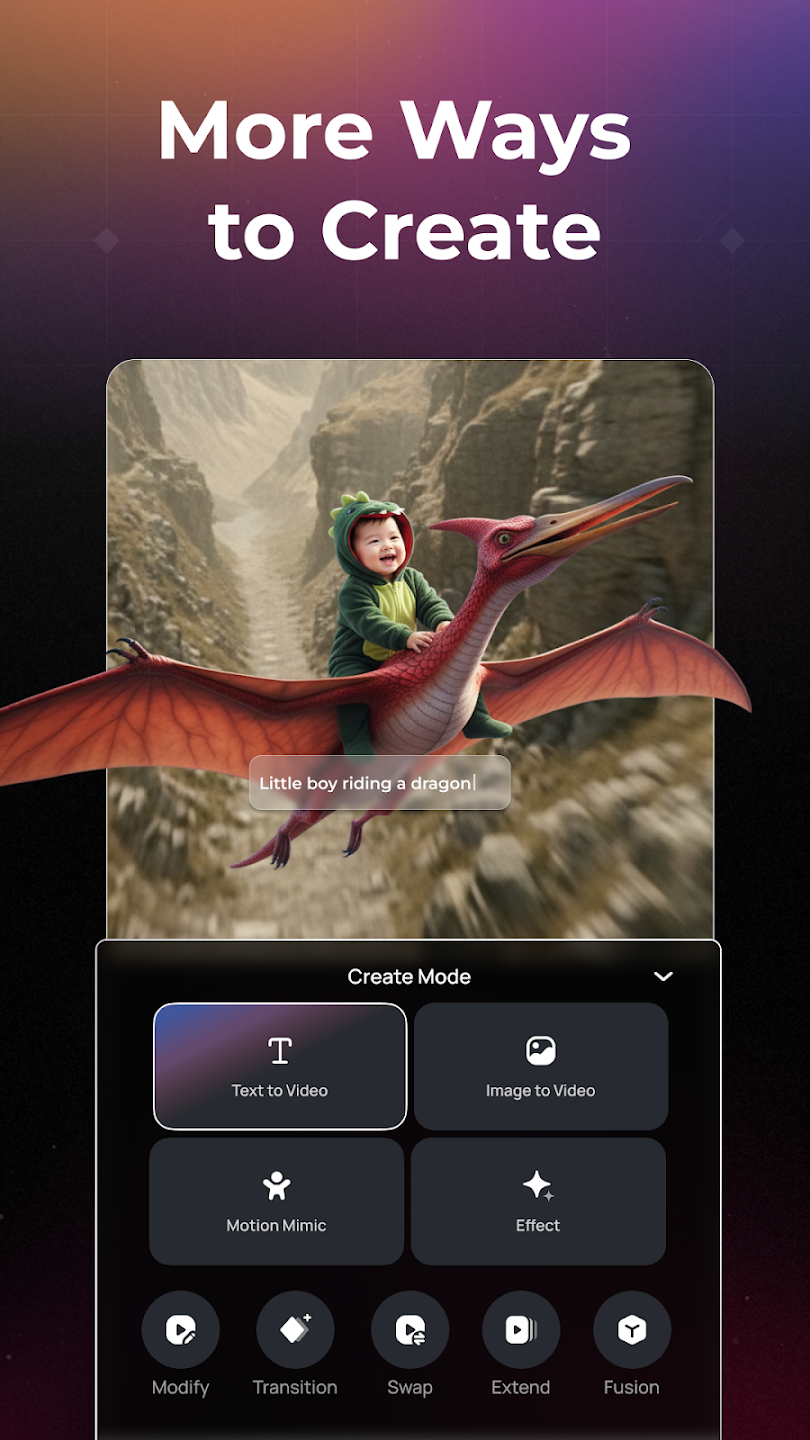
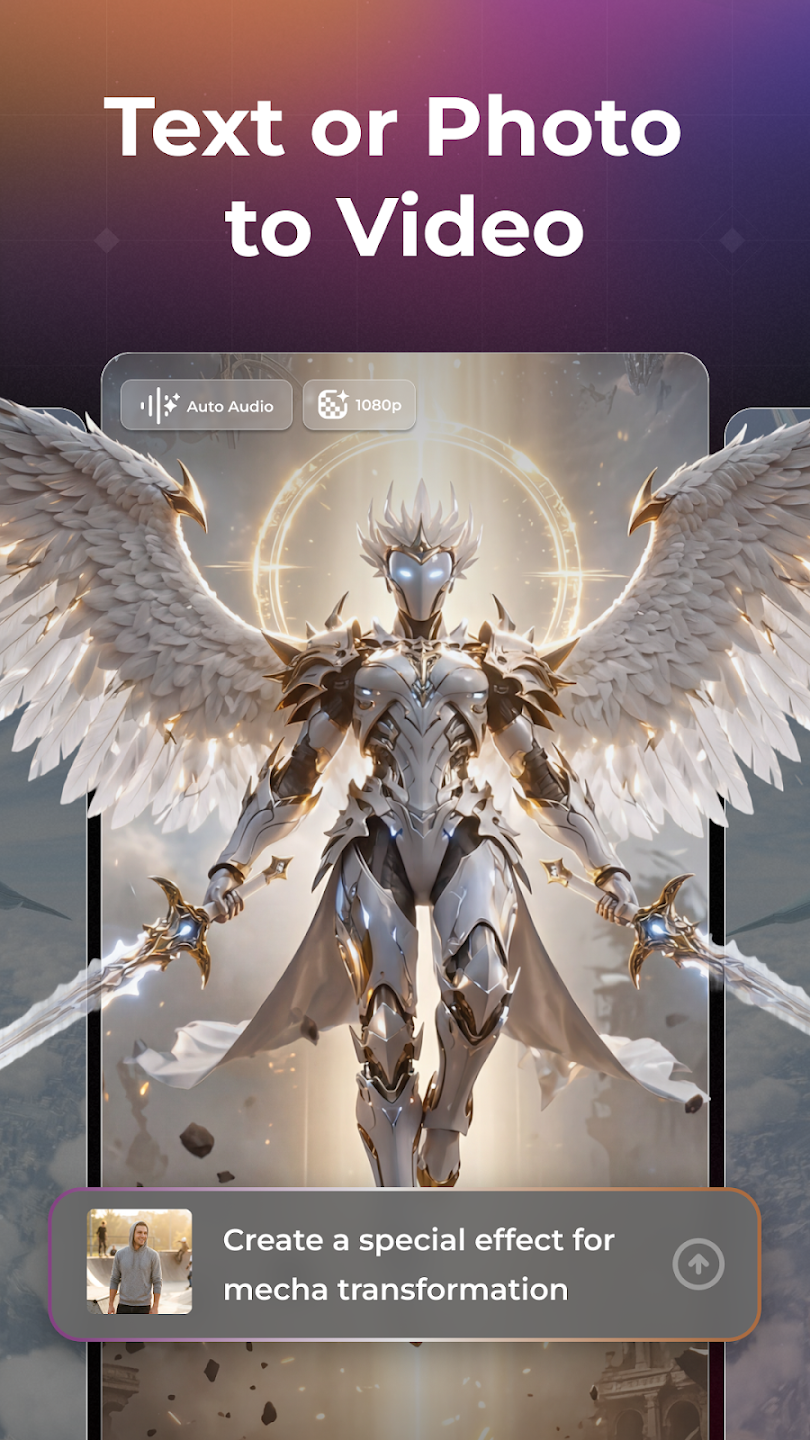
Text to video with high prompt fidelity: PixVerse AI converts short descriptions into cinematic clips in seconds. Prompts drive composition, style, and motion, so a clear idea leads to accurate visuals. In practice, a line like “neon-lit street, rain, slow pan” produces a moody shot with stable camera movement and consistent pacing. You can nudge tone or timing by refining the wording or adding a style tag. The latest model improves clarity and stability in complex scenes, which helps when layering dense details or fast action.
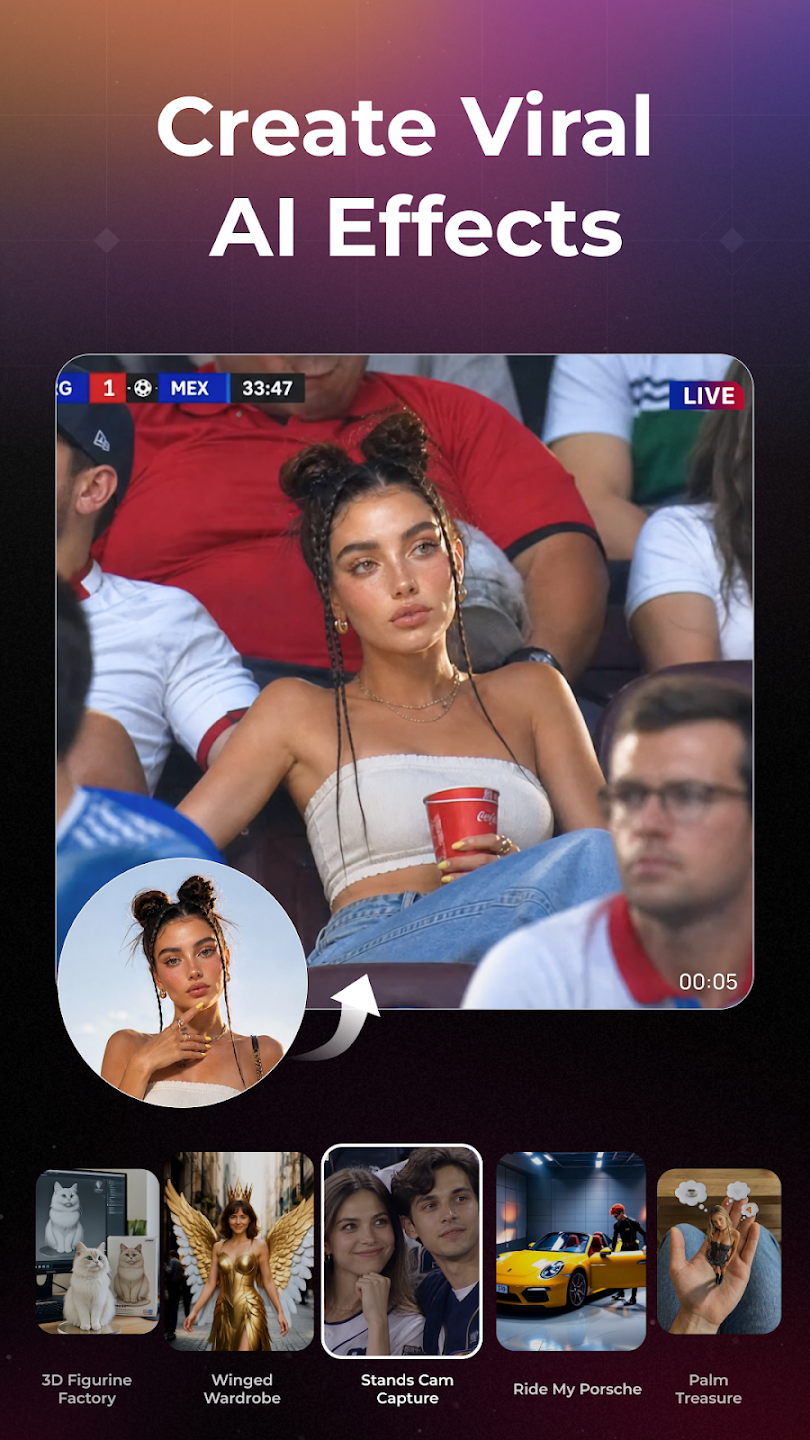
Image to video with physics-aware motion: The PixVerse AI animates a single photo into a short clip that feels grounded. It reads objects and limbs, then applies motion that respects weight and environment, so results look less floaty. Old Photo Revival brings vintage portraits back to life, while subtle head turns or camera moves avoid distortion and preserve identity.When the first pass feels off, try a different effect or add a brief prompt. Lip-sync and emotion can be inconsistent in edge cases, and busy scenes may need a couple of attempts. Small tweaks typically fix timing or expression without redoing the entire setup.
Precise control: PixVerse AI gives control tools for stability and continuity. Multi-Frame lets you set a start and end, then keeps trajectories consistent between them. Video Extension adds extra seconds that blend with the previous clip, useful for longer pans or character walks. Character Reference maintains the same face or outfit across shots, so your lead stays recognizable between scenes.MultiShot can auto-generate multi-angle sequences, creating quick coverage for a short story. If a transition feels abrupt, adjust the end frame or extend another beat to smooth it out.
Functions of PixVerse AI:
Unlocked Premium Features: Access all advanced tools without subscriptions.
Unlimited Image Generation: Create as many artworks as you want.
High-Resolution Output: Generate HD-quality images perfect for sharing.
Multiple Art Styles: Choose from anime, realistic, cyberpunk, fantasy, and more.
Fast Processing: Get results in seconds with optimized.
User Reviews of PixVerse AI:
PixVerse is a great AI video generation platform, especially for creators who want to turn ideas and images into short, creative videos. The interface is easy to understand, and the video quality can be impressive when the right prompts are used. I especially like the different creative styles and animation options. However, the free credits are limited, and generating multiple videos can become expensive. Sometimes the results also need several attempts to match the prompt perfectly.
I never do a review upon the first time of asking. normally because they ask right away and I haven't been able to work out the first thing to do. NOT with this app! I'm not familiar with any AI stuff, but I've had this app all of 5 minutes and with just a couple of clicks "I've" been able to produce something. I wish I could afford to purchase the app but at least it seems you can have a good go at using everything utilising some kind of points you collect. I promise to return if I find out it.
After a few days of use.... I am Hooked! Beautiful quality rendering, Brilliant results with EVERY Feature!.. The new Music Video Generator has helped me produce some amazing results. Accurate lip syncing to 99%, but the overall results are Stunning! The scenes follow the lyrics and really add to the emotion of the song... I have also upgraded old photographs to beautiful quality. The app sticks to your instructions.The end result produces some of the best photos I have seen from AI.
I really like it... I would love a continuous slow walk towards the camera effect without zooming in... if possible I have to add, the quality has improved but a 4 second clip compared to the 11 seconds or so it was a year ago is not good enough, I want to make videos 3 to 4 minutes long and with this app it would cost so much and take so long, to get one 4 sec clip right takes multiple attempts which costs time and money.
FAQs of PixVerse AI:
How should I pass AI-Trace-id? Are there any references?
A unique Trace must be maintained for each request in UUID format.Please generate a new ai-trace-id for each unique request (especially video generate).Use UUID or similar unique identifier generation method.If you use the same ai-trace-id multiple times, You won't get a new video generated.
What should I do if my request is stuck in 'generating' status OR if the concurrent processing capacity doesn't match the displayed limit?
1.First, check if you're using a duplicate ai-trace-id in your generation request. If so, ensure each generation request has a unique ai-trace-id to successfully retrieve the completed video.2.Second, verify if all your requested videos have been successfully generated.
Why is there a delay in accessing the URL after receiving the result?
After a successful generation request, it enters the generating state. You need to poll the video details and wait for the status to change from 5 (generating) to 1 (generation successful) before access. For the v3.5 model, generation typically completes within 1 minute, but please check the specific time through API requests. Currently, Turbo completes generation tasks within 15 seconds.
What does content moderation failure mean?
To ensure the security of our technical services, we have content review systems in place.If your account makes too many requests that get moderated, we will suspend your account. If needed, you should add moderation before calling the PixVerse API, to avoid suspension.
Summary:
With its straightforward workflow, PixVerse prioritizes ease of use for everyone. Whether capturing new content, uploading existing media, or generating videos from text prompts, the app delivers exceptional results almost instantly. Its advanced AI technology handles the heavy lifting, making it suitable even for beginners.
More Information
- Size:370.80MB
- Version:3.20.1
- Requirements:Android
- Votes:192
- Package Name:com.pixverseai.pixverse
- Signature:8215583c002b2b5e6be1ac68c59abd3b
Related Versions
-
 Download
Version:2.3.0Size:55MB
Related topics
-
Transform your smartphone into a powerful editing studio with the best video editing apps for Android! Whether you're a content creator, social media enthusiast, or just looking to polish personal videos, these apps offer professional-grade tools right at your fingertips. Enjoy intuitive interfaces, advanced features like multi-track editing and filters, and seamless exporting options - all optimized for mobile devices. Download now and start creating stunning videos anytime, anywhere!
-
![Funimate]()
Funimate
-
![Dream Face]()
Dream Face
-
![VN - Video Editor & Maker]()
VN - Video Editor & Maker
-
![Faceplay Face Swap Video]()
Faceplay Face Swap Video
-
![NodeVideo]()
NodeVideo
-
![Edits Video Editor]()
Edits Video Editor
-
![Storybeat]()
Storybeat
-
![All Video Downloader]()
All Video Downloader
-
-
Video Editor is a powerful software tool designed for crafting, refining, and enhancing video content. It enables users to transform raw footage into compelling visual narratives or effective communication platforms. As digital media continues to evolve, video editing has grown in significance - no longer just a professional necessity but also an accessible skill for everyday creators. Modern editing tools now offer intuitive interfaces, AI-powered features, and cross-platform compatibility, making high-quality video production achievable for both experts and casual users alike.
-
![Vidmix]()
Vidmix
-
![Funimate]()
Funimate
-
![Vivavideo]()
Vivavideo
-
![Faceplay Face Swap Video]()
Faceplay Face Swap Video
-
![NodeVideo]()
NodeVideo
-
![Edits Video Editor]()
Edits Video Editor
-
![Storybeat]()
Storybeat
-
![MVideo]()
MVideo
-
-
Mobile video editing tools are highly popular, with complete functions and professional tools that provide a strong atmosphere for various materials. Rich video templates can be operated with just one click, saving time and without too high a threshold. So what are the free versions of mobile video editing software? Editing software should have high popularity, but most of them require membership. Next, I recommend several platforms that can be used for free.
-
![Vidmix]()
Vidmix
-
![Funimate]()
Funimate
-
![Venlow]()
Venlow
-
![Adobe Lightroom]()
Adobe Lightroom
-
![Faceplay Face Swap Video]()
Faceplay Face Swap Video
-
![NodeVideo]()
NodeVideo
-
![Edits Video Editor]()
Edits Video Editor
-
![Storybeat]()
Storybeat
-













Latest Updated






Popular Apps







Popular News
More+-
![Tomie Wants to Get Married Full Walkthrough, All Choices and Ending Guide]()
Tomie Wants to Get Married Full Walkthrough, All Choices and Ending Guide
2026-05-22
-
![Karryn’s Prison Gameplay Walkthrough & Strategy Guide]()
Karryn’s Prison Gameplay Walkthrough & Strategy Guide
2025-10-28
-
![Life in Santa County Game Guide & Complete Walkthrough]()
Life in Santa County Game Guide & Complete Walkthrough
2025-10-28
-
![Dreams of Desire Complete Walkthrough and Game Guide]()
Dreams of Desire Complete Walkthrough and Game Guide
2025-10-28
-
![Era Hunter Gameplay Guide & Full Walkthrough]()
Era Hunter Gameplay Guide & Full Walkthrough
2025-10-28




