

AI Catch
Download for Android This app is available for Android only.- Category:Photography
- Rating: 4.7
- Language:English
- Updated:2026-07-17
Screenshots
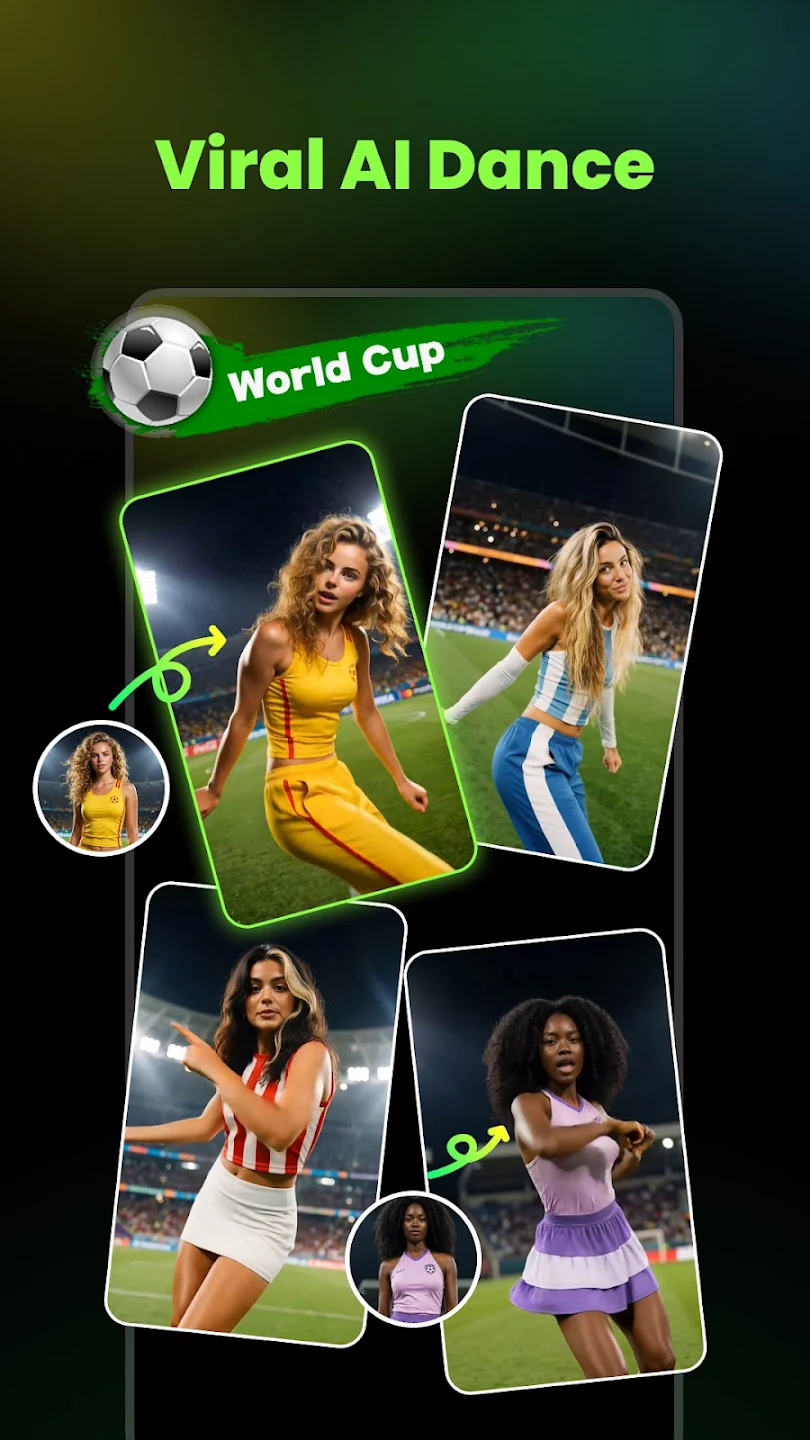
Introduction
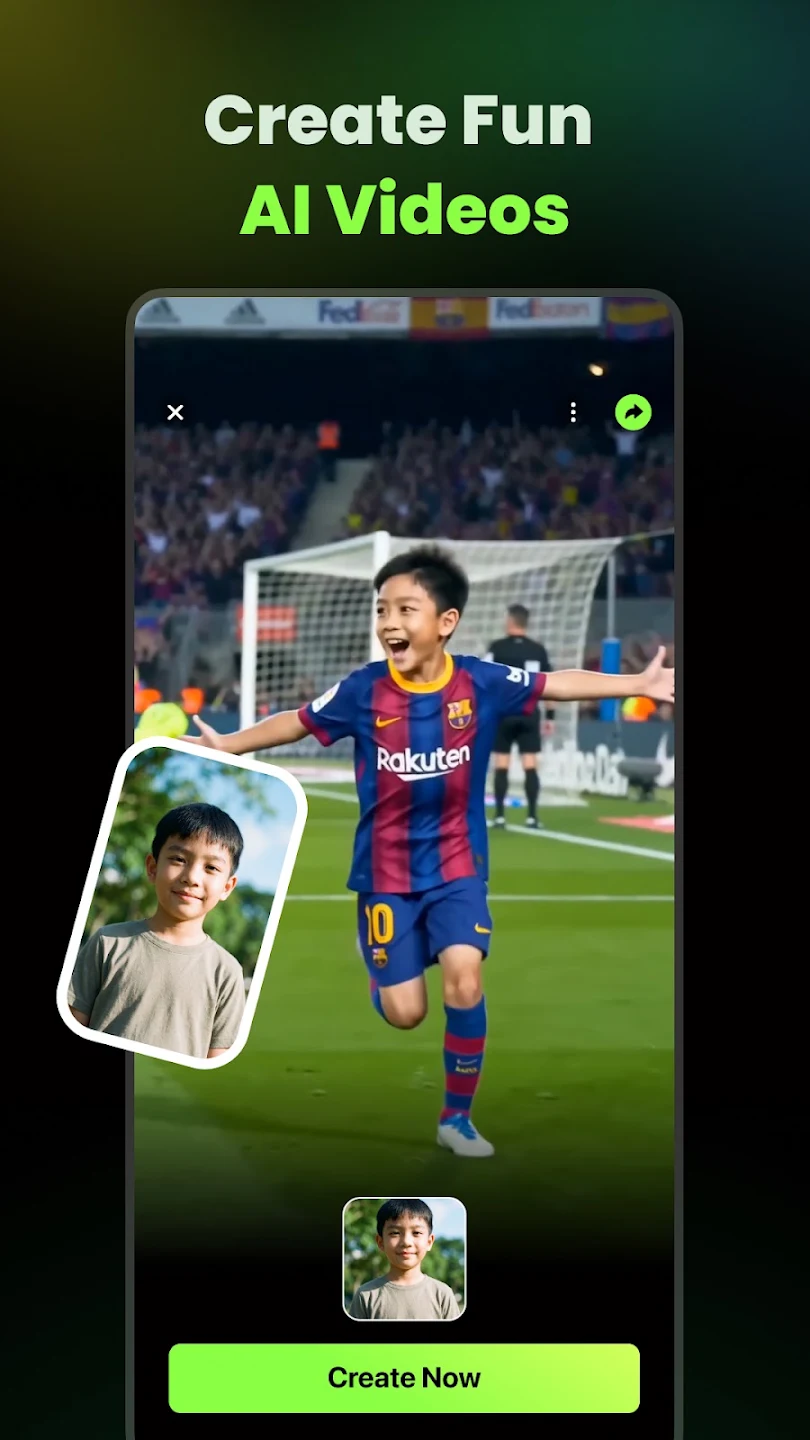
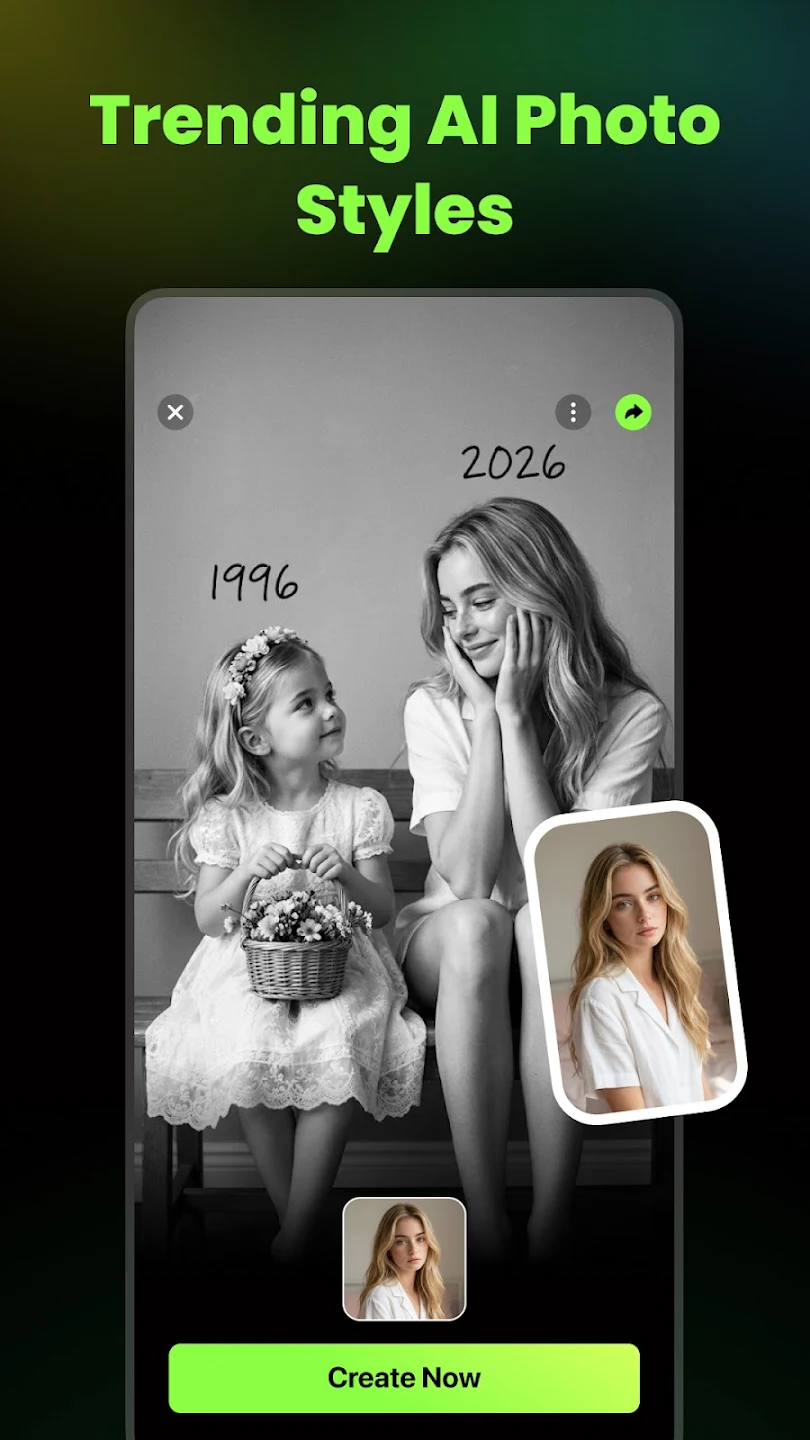
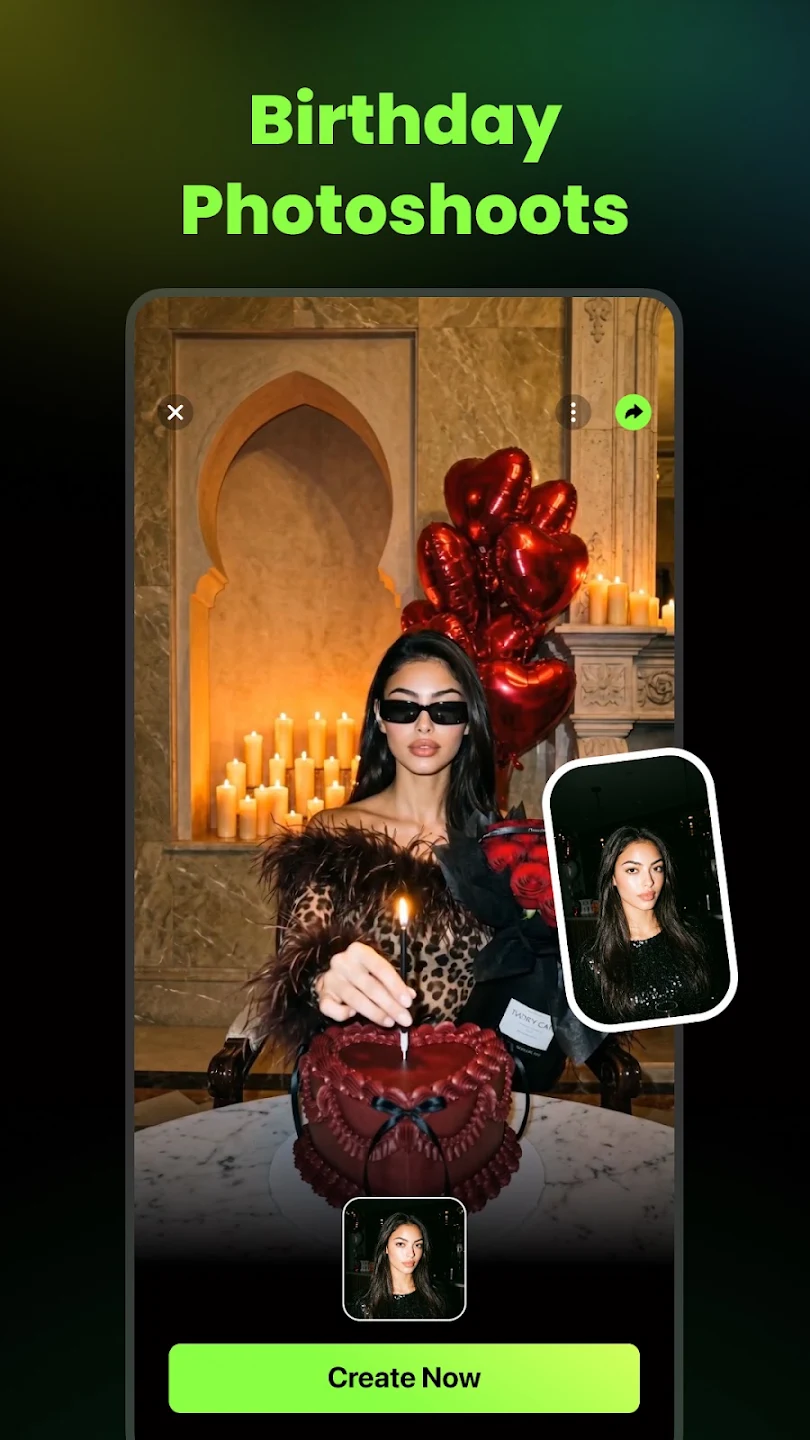
AI Catch is a video editor that integrates the latest AI technology. Users can generate videos and photos in different styles simply by inputting their ideas, and unleash their imagination to add more special effects, filters, and templates to their works, creating high-quality productions and exporting videos in HD or higher quality. The software supports photo-to-video conversion, allowing users to upload photos in different formats and choose suitable styles such as anime, cyberpunk, and cute to meet diverse creative needs.
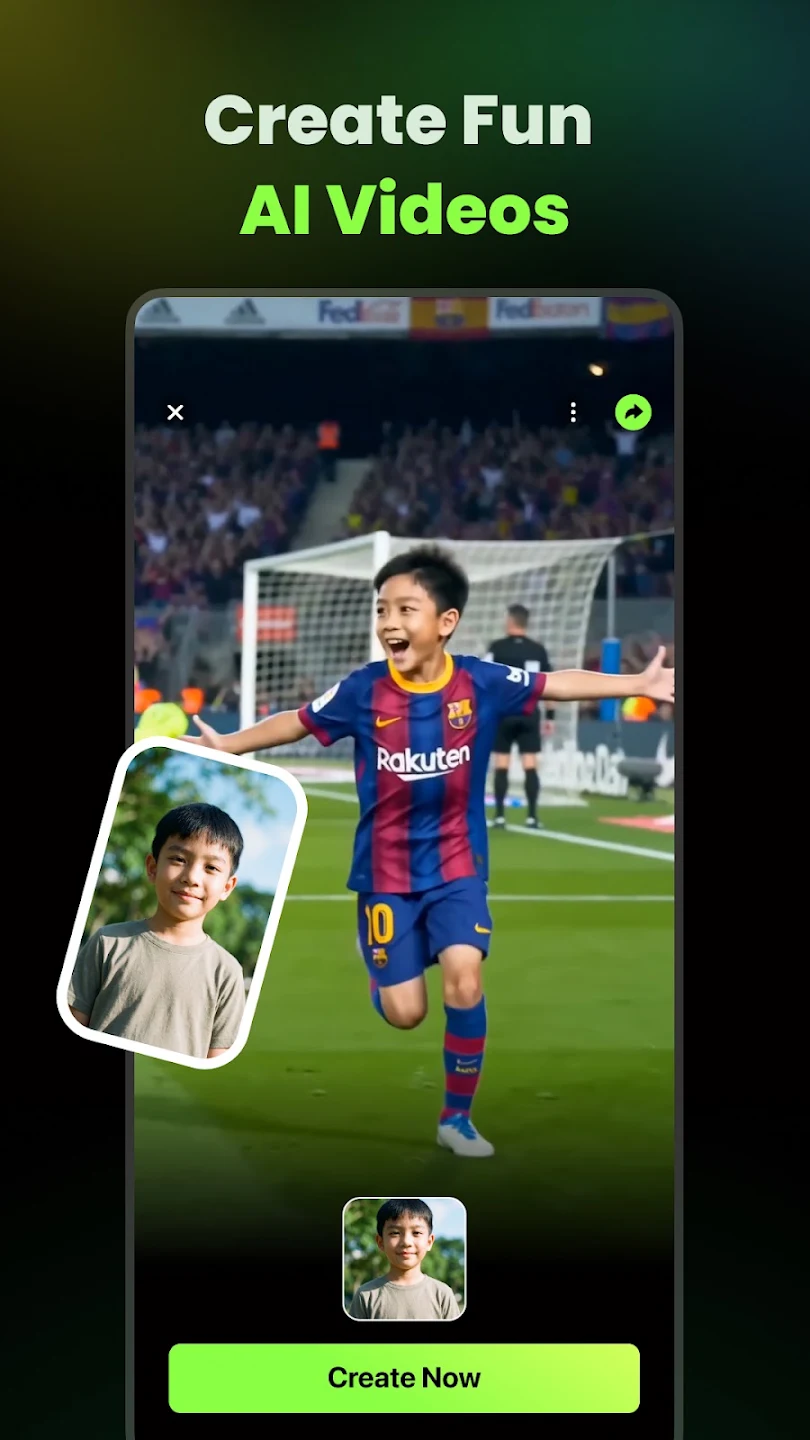
Features of AI Catch:
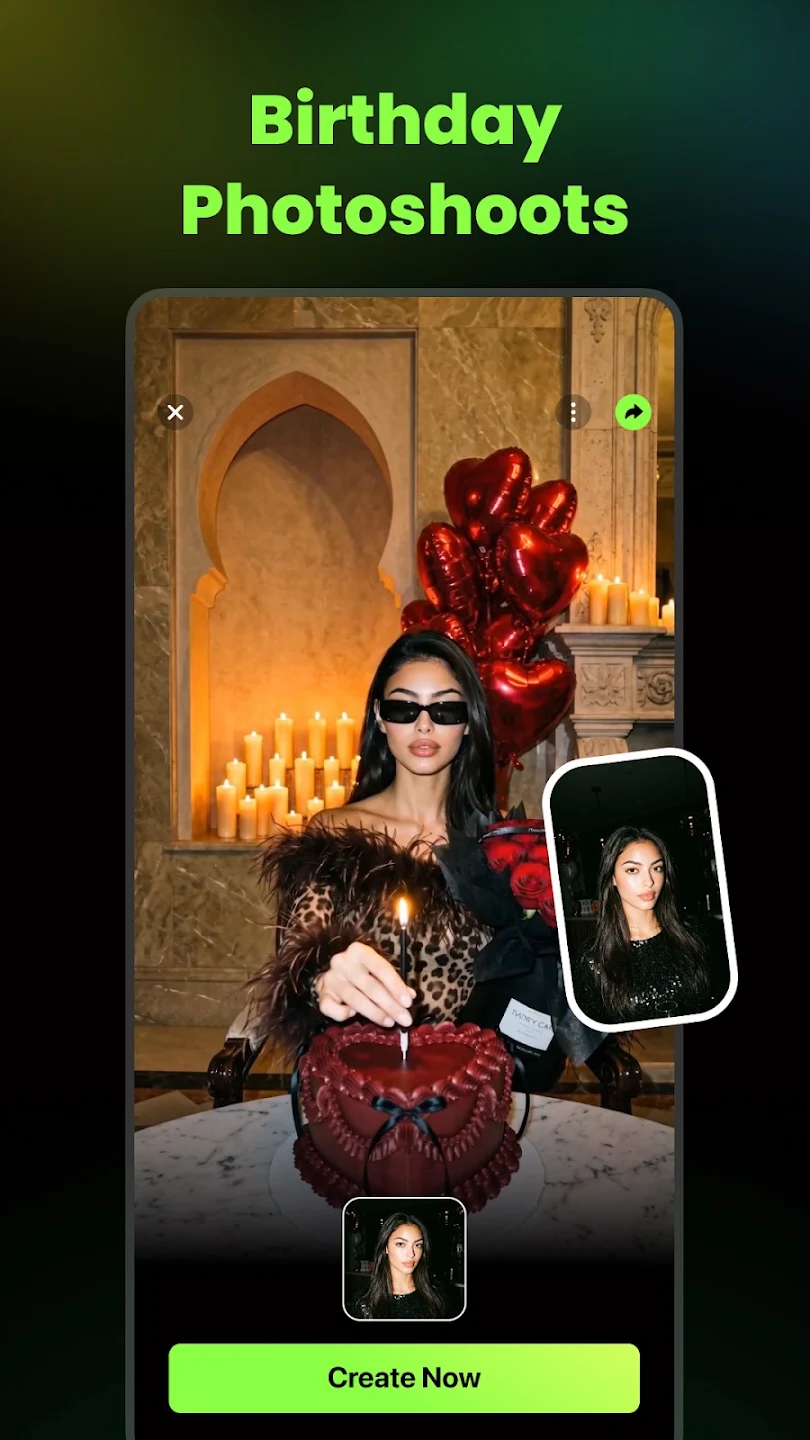
Text to video and photo animation: AI Catch generates lifelike scenes from short prompts and adds motion to still photos. You can adjust timing and camera feel to match the idea, then preview before saving. As results depend on prompt clarity and image quality, small tweaks often lead to better motion.
Weekly trending templates: AI Catch provides templates aligned with current trends, including Action Figures, Fantasy, and Pets and Animals. New sets appear regularly to support seasonal content and fresh experiments. Because templates guide layout and pacing, they help speed up short clips, especially in the AI Catch latest version.
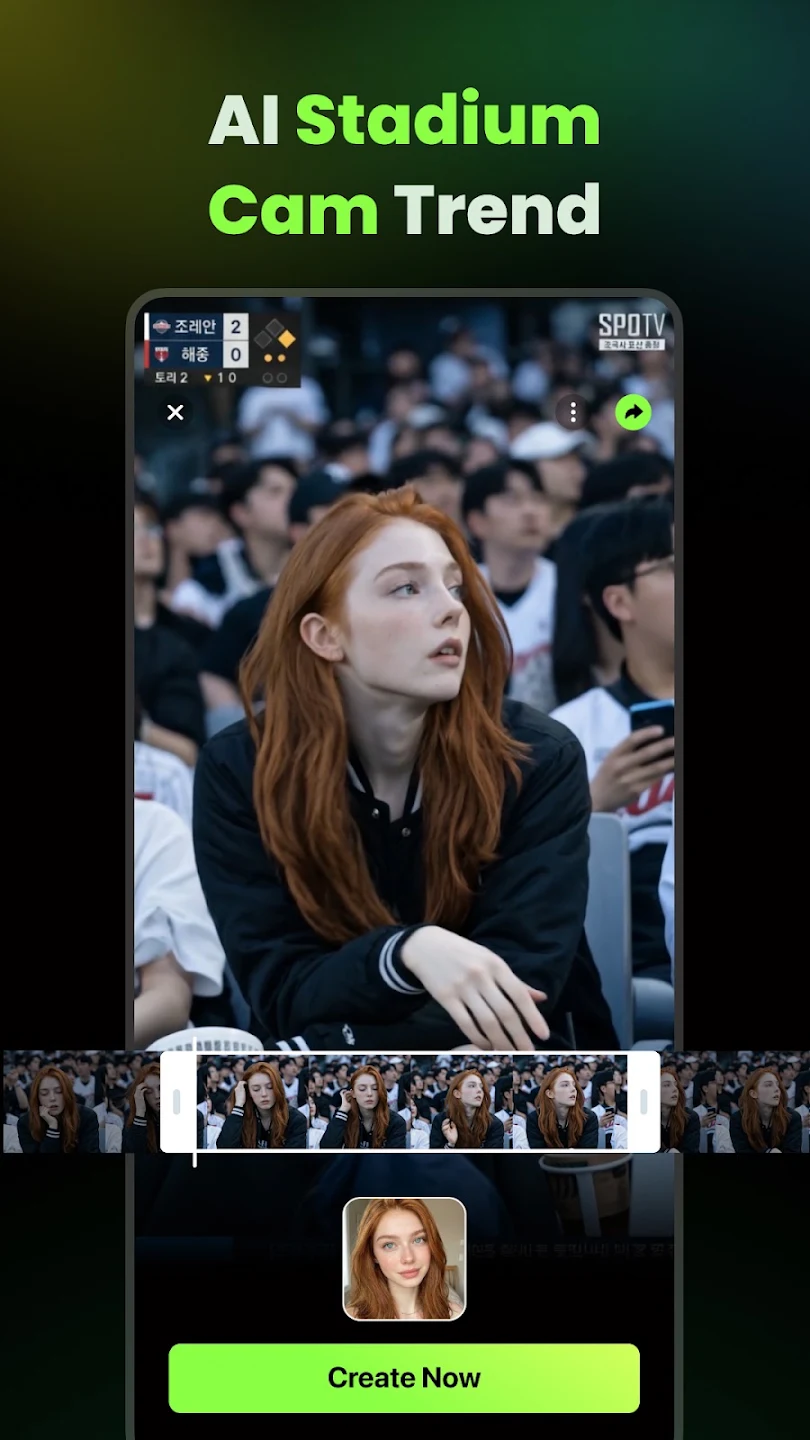
Viral effects for short clips: You can add AI Dance, AI Action, and an ASMR enhancer to shape a more immersive result. These effects target common short video formats and help your clip follow trending patterns. Start with a simple edit, then layer one effect at a time to avoid over processing.
Editing controls and export options: AI Catch includes transitions, effects, and audio sync for precise timing. You can export in HD with multiple aspect ratios such as vertical, square, and landscape. Advanced tools like Magic Brush, style transfer for outfits, selfie fixes, and old photo restoration refine details without leaving the app.
Anime and cartoon styles: You can apply one tap anime filters, cartoon avatars, and retro looks. AI Catch interprets your input to deliver stylized visuals for different themes. This helps match a consistent look for a brand or a personal channel.
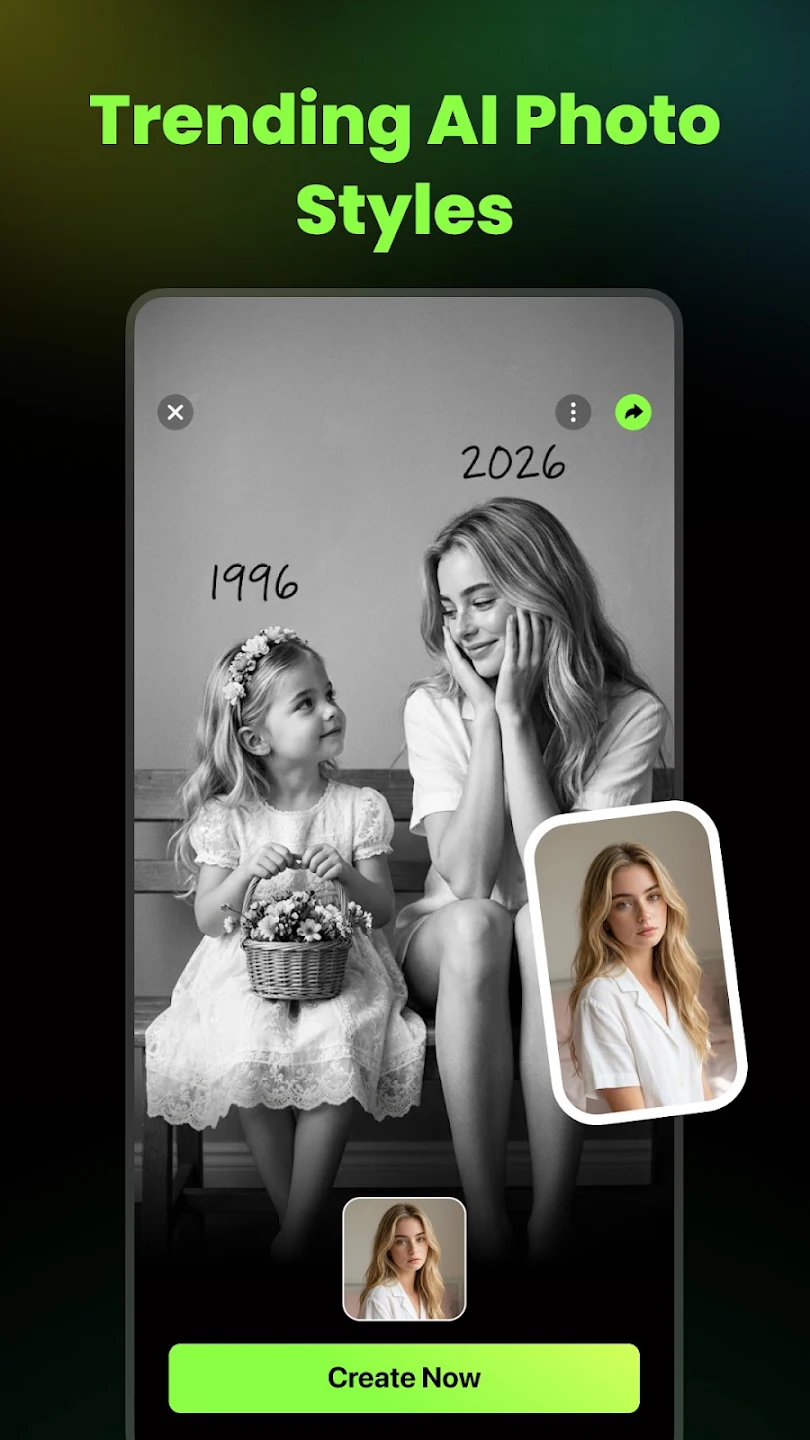
Functions of AI Catch:
AI Anime Effects: Transform your videos into stunning anime styles, including cyber, cute, or classic.
Smart Video Maker Tools: Add AI-powered dance, fight, or kung fu effects to make your clips go viral.
AI Template Library: Access over 100+ templates updated weekly to keep your content fresh and trendy.
AI Dance Videos: Turn your selfies into lively dance performances using cutting-edge AI motion technology.
ASMR Generator: Create soothing and satisfying ASMR-style videos with realistic sound effects.
Fantasy Transformations: Use effects like AI Kiss, Hug, Face Swap, and Anime Selfie to add fun and creativity.
High-Resolution Output: Export your videos in 1080p or higher for professional-level clarity.
Custom Video Length: Adjust the duration of your videos to suit different social media platforms.
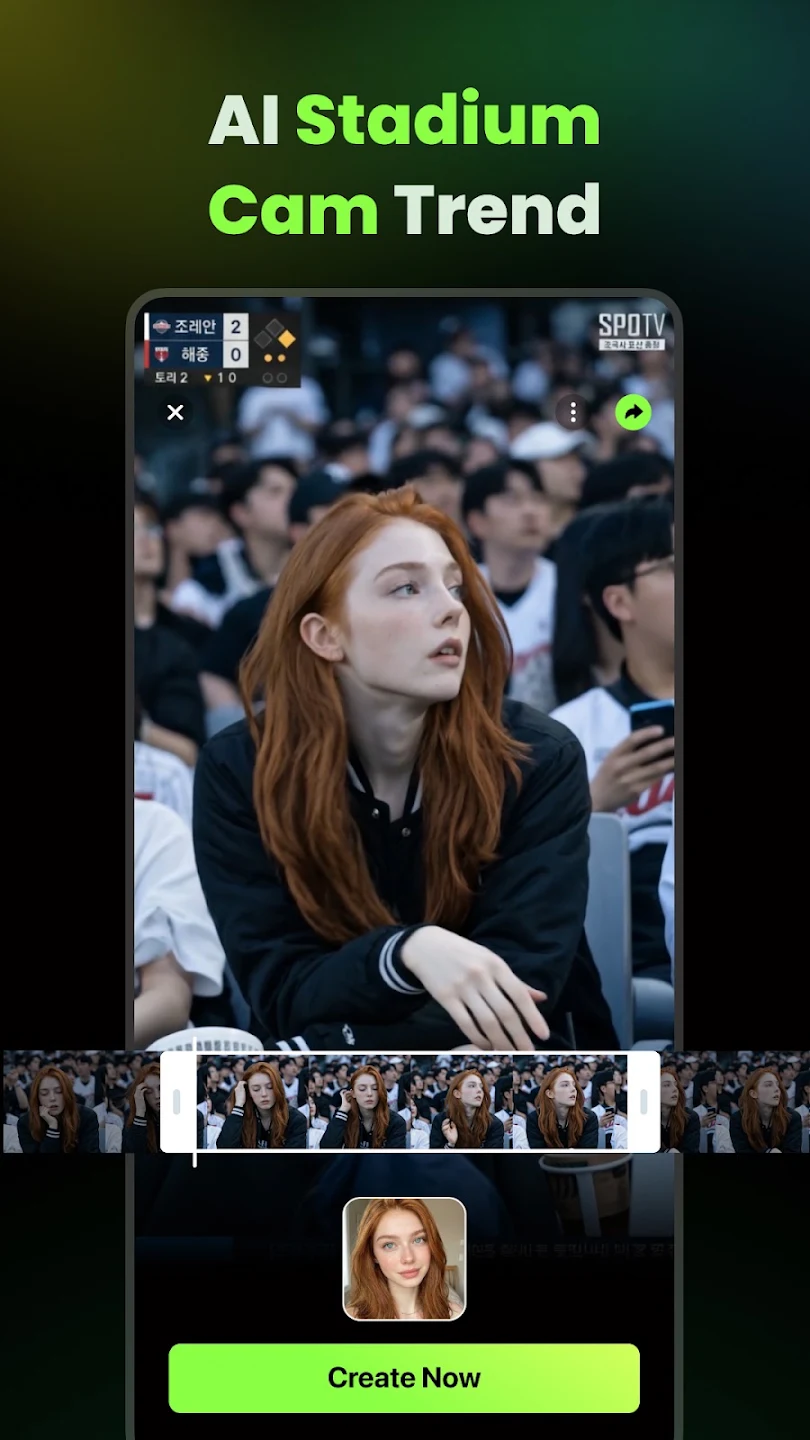
User Reviews of AI Catch:
awesome and it's nice to use everytime want to upload and I show to others it can gives happiness to others and stress relievers because so funny. Thankyou for having these.
WOW. Just wow. I didn’t think an AI video app could look this good. The generation speed is super fast, and the output actually matches the mood I want — from cute to dramatic to cinematic. I’ve already made a few clips that my friends thought were shot with a real camera.
I’ve been using AICatch for about a week now and I’m totally hooked It’s super easy to use — I just describe what I want, and it builds a full video in seconds. The results look clean, colorful, and way more natural than other apps I’ve tried. Honestly, I’m having so much fun with it!
AI Catch is awesome! It turns my photos into stunning AI animation videos that look super professional and creative. Highly recommended for anyone who loves photo art!
Must-Have AI Editing App for Creators This AI editing app is truly impressive! The interface is clean, editing is super fast, and the results look professional. Perfect for creators who want quick and high-quality edits. Highly recommend!
FAQs of AI Catch:
Does AI Catch offer AI photo editing capabilities?
Yes, AI Catch provides various AI photo editing features including an Anime Photo Editor, Cartoon Photo Editor, and AI Selfie Generator for enhancing and stylizing portraits. It also features AI Photo Restoration.
Can AI Catch export videos in high resolution for social media?
Yes, AI Catch supports exporting videos in 1080p and higher resolution, with adjustable video lengths suitable for TikTok, YouTube, and Instagram in multiple formats (9:16, 1:1, landscape).
Does AI Catch provide templates for video creation?
AI Catch offers an AI Template Library with over 1000 professionally designed styles, updated weekly. These templates facilitate quick content creation, including trending fun videos.
Can I create videos from text prompts with AI Catch?
Yes, AI Catch provides a Text-to-Video feature that allows users to generate videos from written prompts, including options for different aspect ratios and audio generation.
Does AI Catch offer a subscription for full feature access?
Yes, AI Catch allows users to subscribe for unlimited access to all features. Subscription plans are available weekly, monthly, or annually and renew automatically unless canceled.
Final Thoughts:
AI Catch caters to a wide range of users, from content creators seeking to streamline their posting process to small businesses looking to produce professional advertisements without the need for a production team. AI Catch supports high-definition video exports and offers various customizable options, including adjustable video lengths and multiple aspect ratios for social media optimization. With its user-friendly interface, AI Catch simplifies the video creation process, making it accessible to anyone eager to share their creative ideas.
More Information
- Size:88.6MB
- Version:1.5.1
- Requirements:Android
- Votes:585
- Package Name:com.prominent.aicatch
- Signature:2b9a645081108f44123dbfa702ec728b1eafe781
Related topics
-
Transform your smartphone into a powerful editing studio with the best video editing apps for Android! Whether you're a content creator, social media enthusiast, or just looking to polish personal videos, these apps offer professional-grade tools right at your fingertips. Enjoy intuitive interfaces, advanced features like multi-track editing and filters, and seamless exporting options - all optimized for mobile devices. Download now and start creating stunning videos anytime, anywhere!
-
![Funimate]()
Funimate
-
![Dream Face]()
Dream Face
-
![VN - Video Editor & Maker]()
VN - Video Editor & Maker
-
![Faceplay Face Swap Video]()
Faceplay Face Swap Video
-
![NodeVideo]()
NodeVideo
-
![Edits Video Editor]()
Edits Video Editor
-
![Storybeat]()
Storybeat
-
![All Video Downloader]()
All Video Downloader
-
-
Video Editor is a powerful software tool designed for crafting, refining, and enhancing video content. It enables users to transform raw footage into compelling visual narratives or effective communication platforms. As digital media continues to evolve, video editing has grown in significance - no longer just a professional necessity but also an accessible skill for everyday creators. Modern editing tools now offer intuitive interfaces, AI-powered features, and cross-platform compatibility, making high-quality video production achievable for both experts and casual users alike.
-
![Vidmix]()
Vidmix
-
![Funimate]()
Funimate
-
![Vivavideo]()
Vivavideo
-
![Faceplay Face Swap Video]()
Faceplay Face Swap Video
-
![NodeVideo]()
NodeVideo
-
![Edits Video Editor]()
Edits Video Editor
-
![Storybeat]()
Storybeat
-
![MVideo]()
MVideo
-
-
Mobile video editing tools are highly popular, with complete functions and professional tools that provide a strong atmosphere for various materials. Rich video templates can be operated with just one click, saving time and without too high a threshold. So what are the free versions of mobile video editing software? Editing software should have high popularity, but most of them require membership. Next, I recommend several platforms that can be used for free.
-
![Vidmix]()
Vidmix
-
![Funimate]()
Funimate
-
![Venlow]()
Venlow
-
![Adobe Lightroom]()
Adobe Lightroom
-
![Faceplay Face Swap Video]()
Faceplay Face Swap Video
-
![NodeVideo]()
NodeVideo
-
![Edits Video Editor]()
Edits Video Editor
-
![Storybeat]()
Storybeat
-













Latest Updated






Popular Apps








Popular News
More+-
![Tomie Wants to Get Married Full Walkthrough, All Choices and Ending Guide]()
Tomie Wants to Get Married Full Walkthrough, All Choices and Ending Guide
2026-05-22
-
![Karryn’s Prison Gameplay Walkthrough & Strategy Guide]()
Karryn’s Prison Gameplay Walkthrough & Strategy Guide
2025-10-28
-
![Life in Santa County Game Guide & Complete Walkthrough]()
Life in Santa County Game Guide & Complete Walkthrough
2025-10-28
-
![Dreams of Desire Complete Walkthrough and Game Guide]()
Dreams of Desire Complete Walkthrough and Game Guide
2025-10-28
-
![Era Hunter Gameplay Guide & Full Walkthrough]()
Era Hunter Gameplay Guide & Full Walkthrough
2025-10-28




