

0.3MP Camera
Download for Android This app is available for Android only.- Category:Photography
- Rating: 4.7
- Language:English
- Updated:2026-07-17
Screenshots
Introduction
0.3MP Camera is a camera app designed for retro photography enthusiasts. It recreates the unique features and interface design of CMOS sensors from that era. Users can shoot videos, record photos, and edit content by pressing the three buttons at the bottom of the screen, capturing retro-style photos to evoke memories. Users can also import various photos and add their favorite effects, borders, and filters to enhance their retro look, then share them on communities or other social media platforms to garner likes from other users.
Features of 0.3MP Camera:
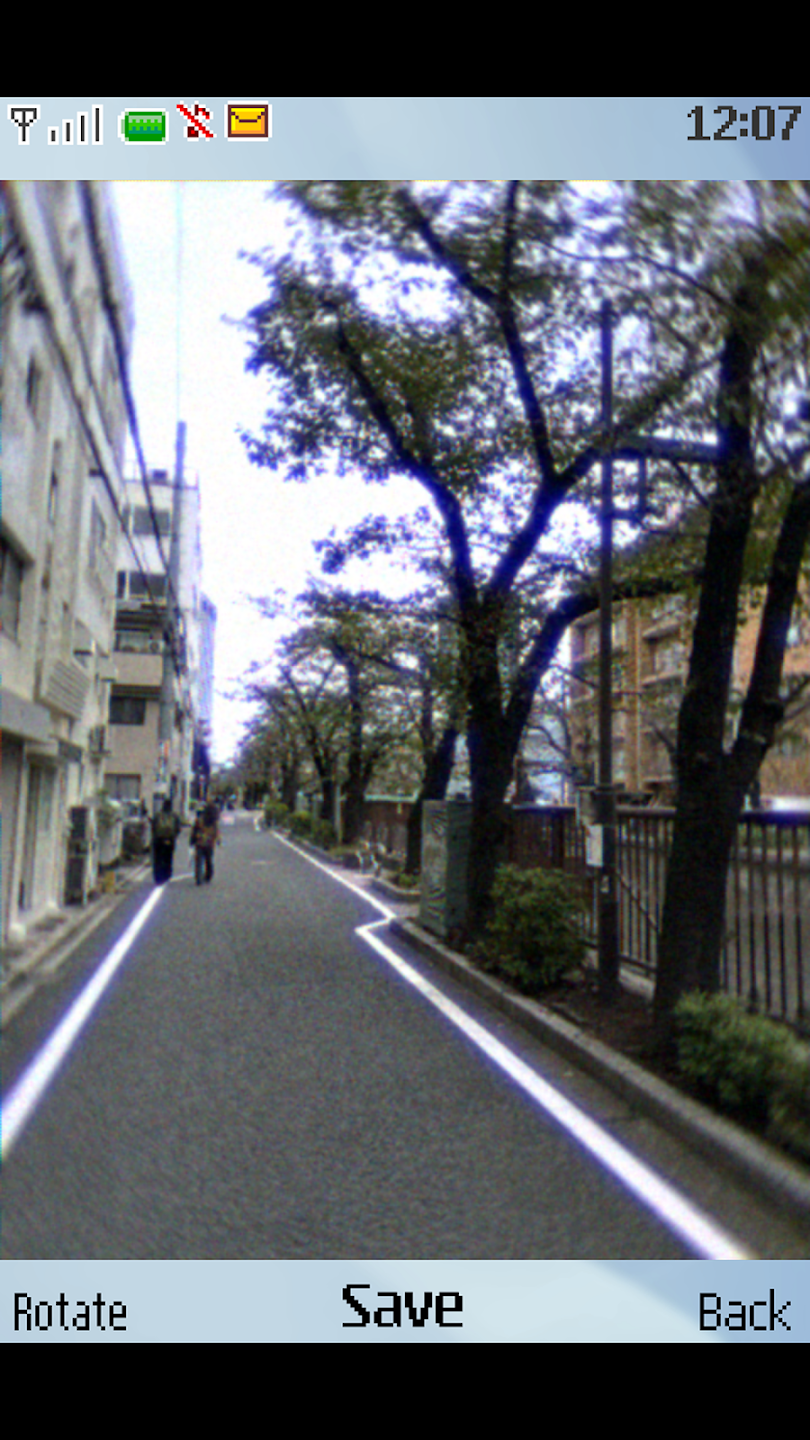
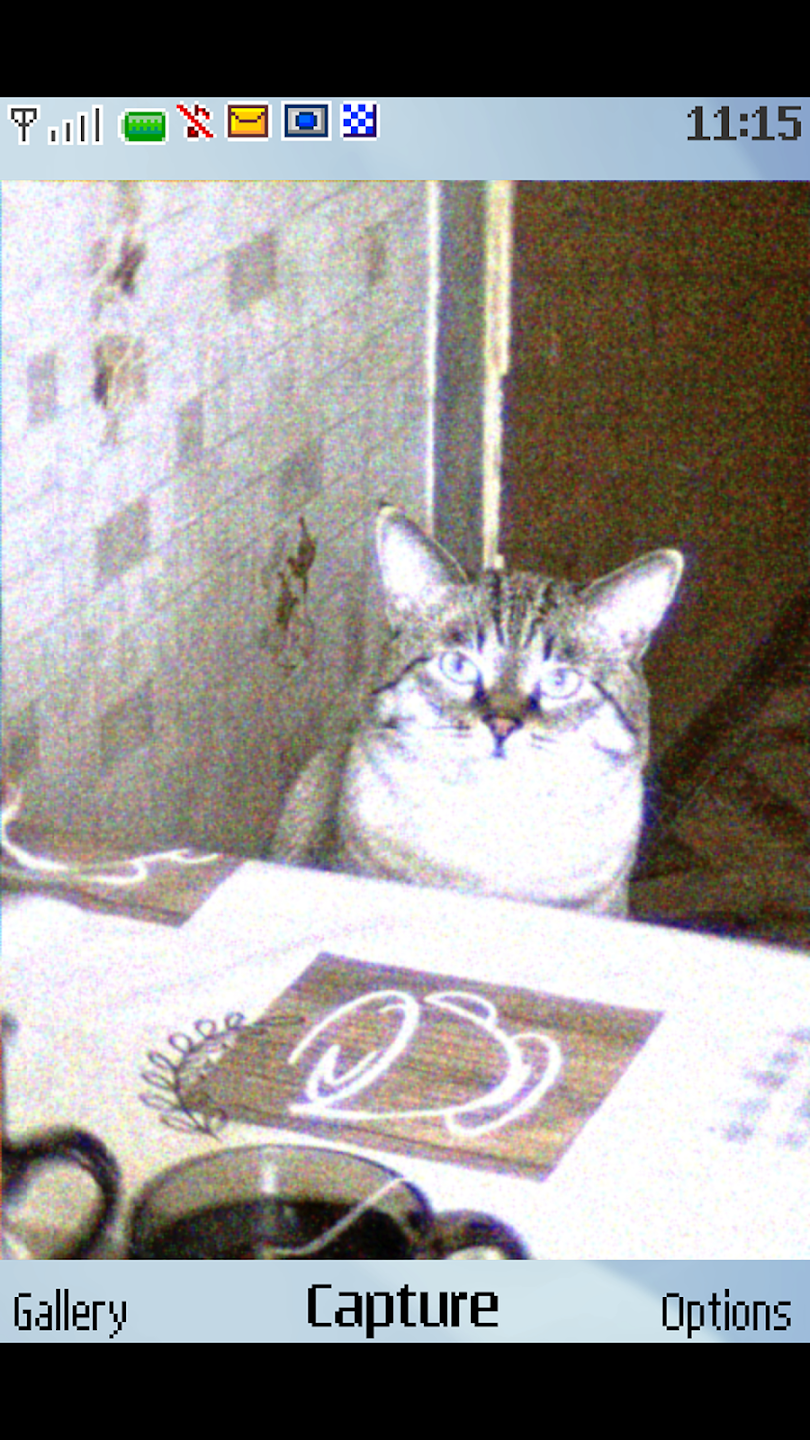
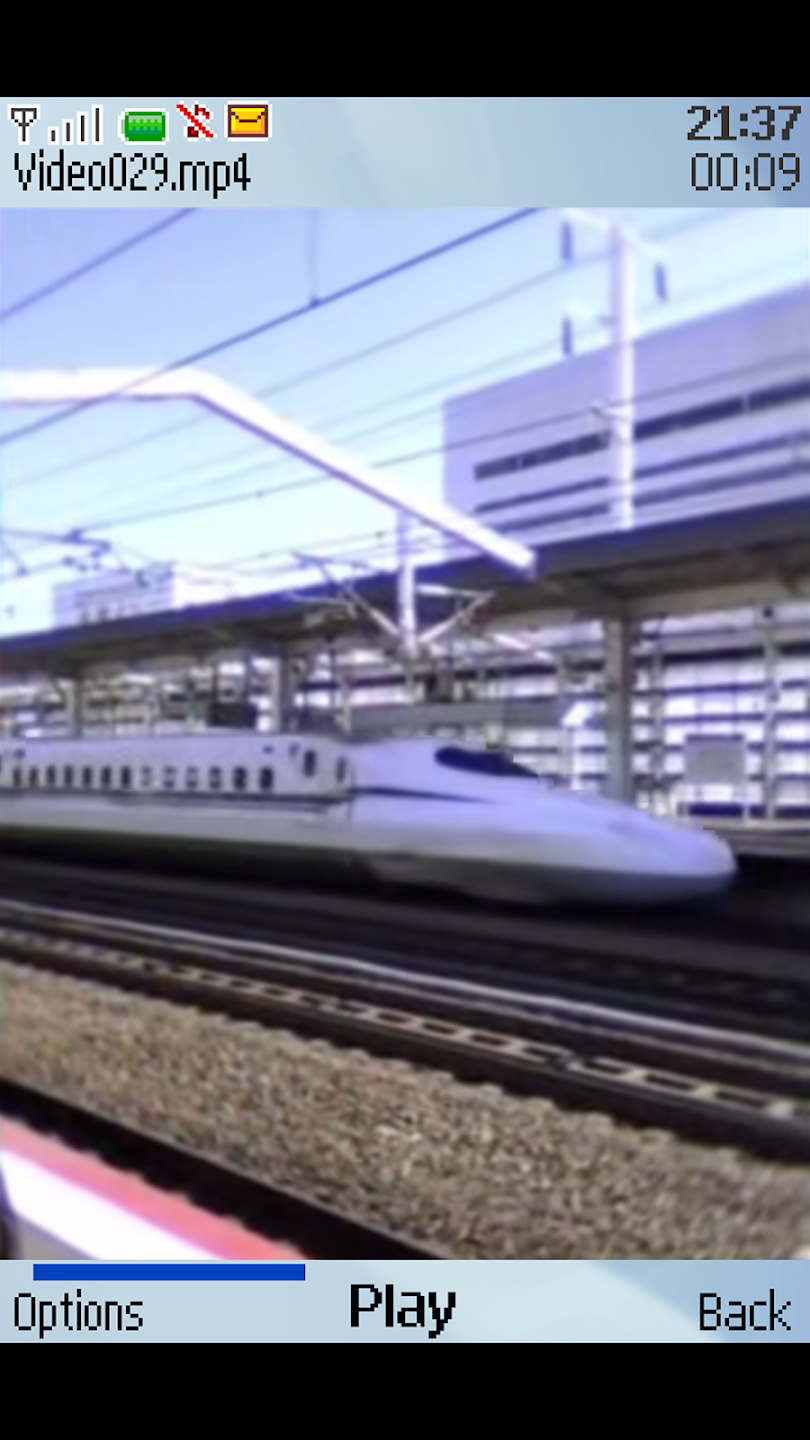
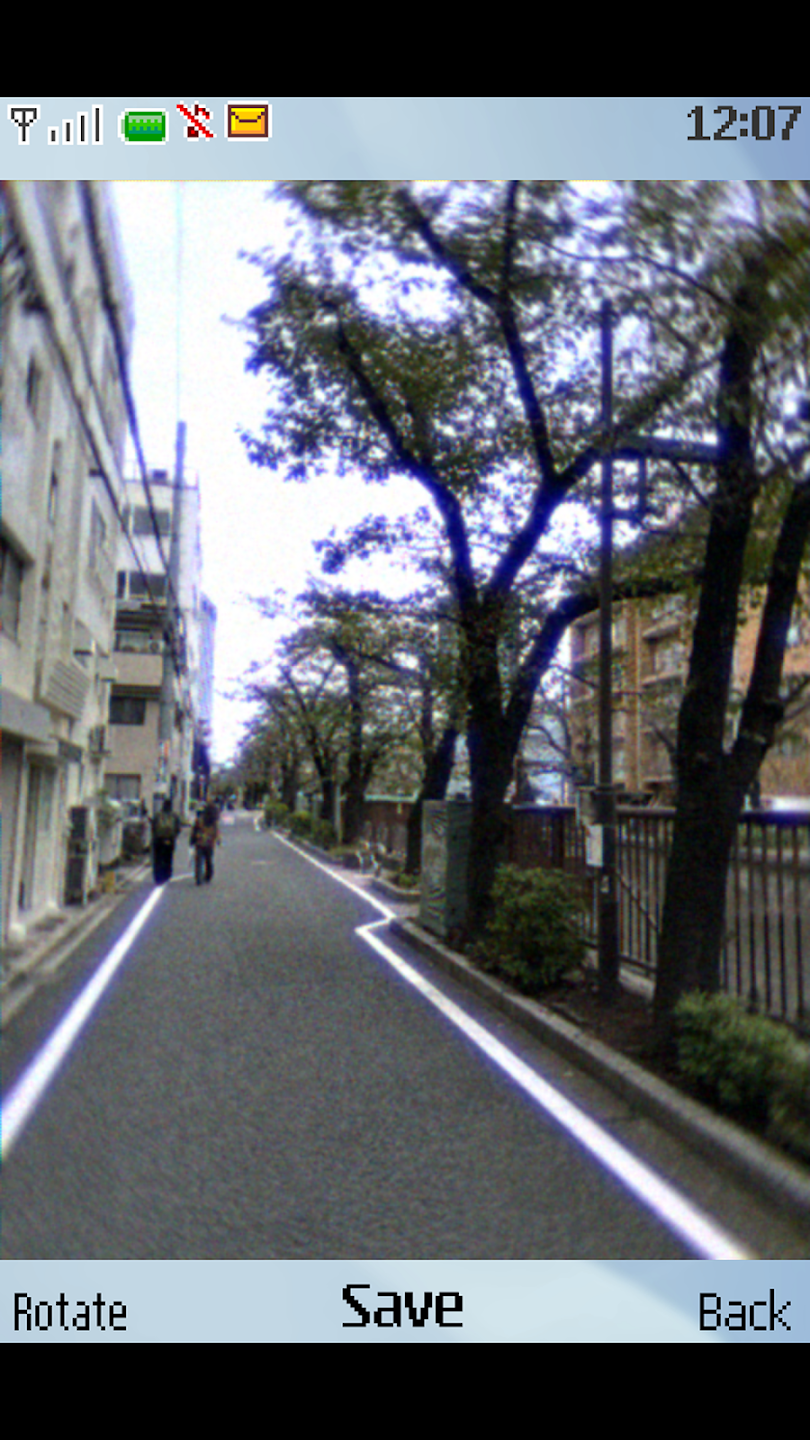
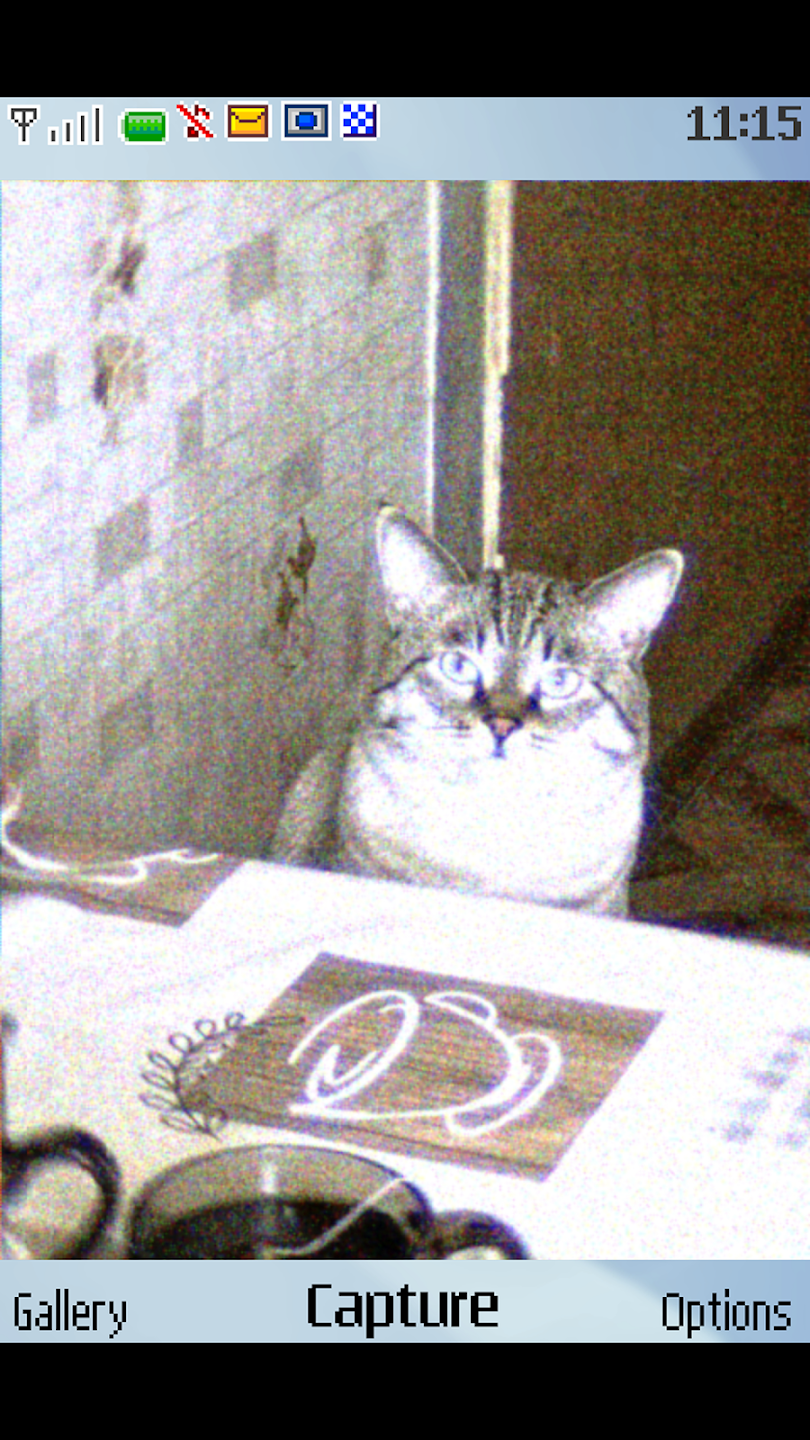
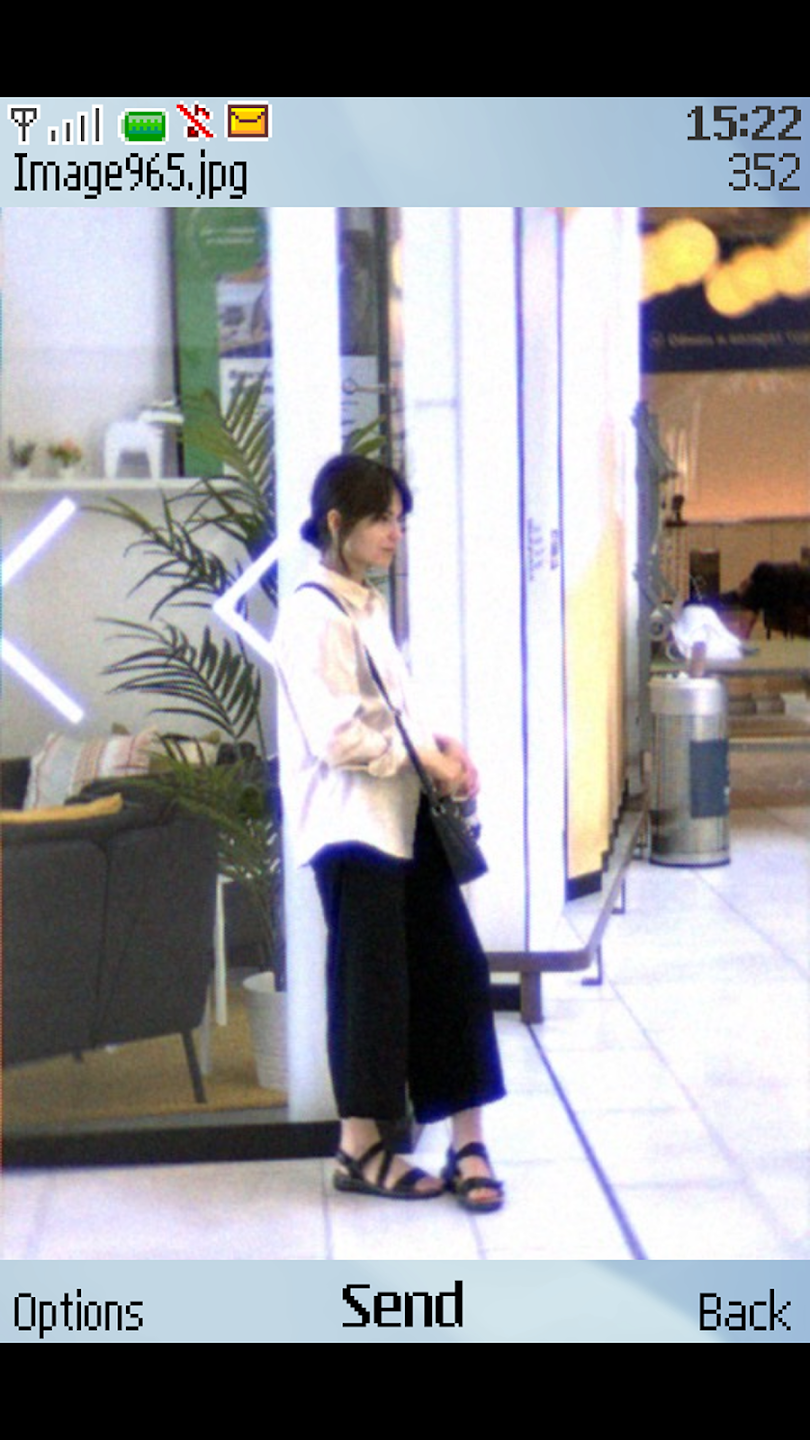
Authentic 0.3MP emulation: 0.3MP Camera simulates mid range CMOS sensors from the early 2000s with care. You will see bayer pattern hints, dark noise, banding, blooming around highlights, and chunky pixels. The output keeps the small 640 by 480 frame and the soft, slightly dreamy texture many remember from classic devices. This approach sets it apart from generic filters that only blur or desaturate.
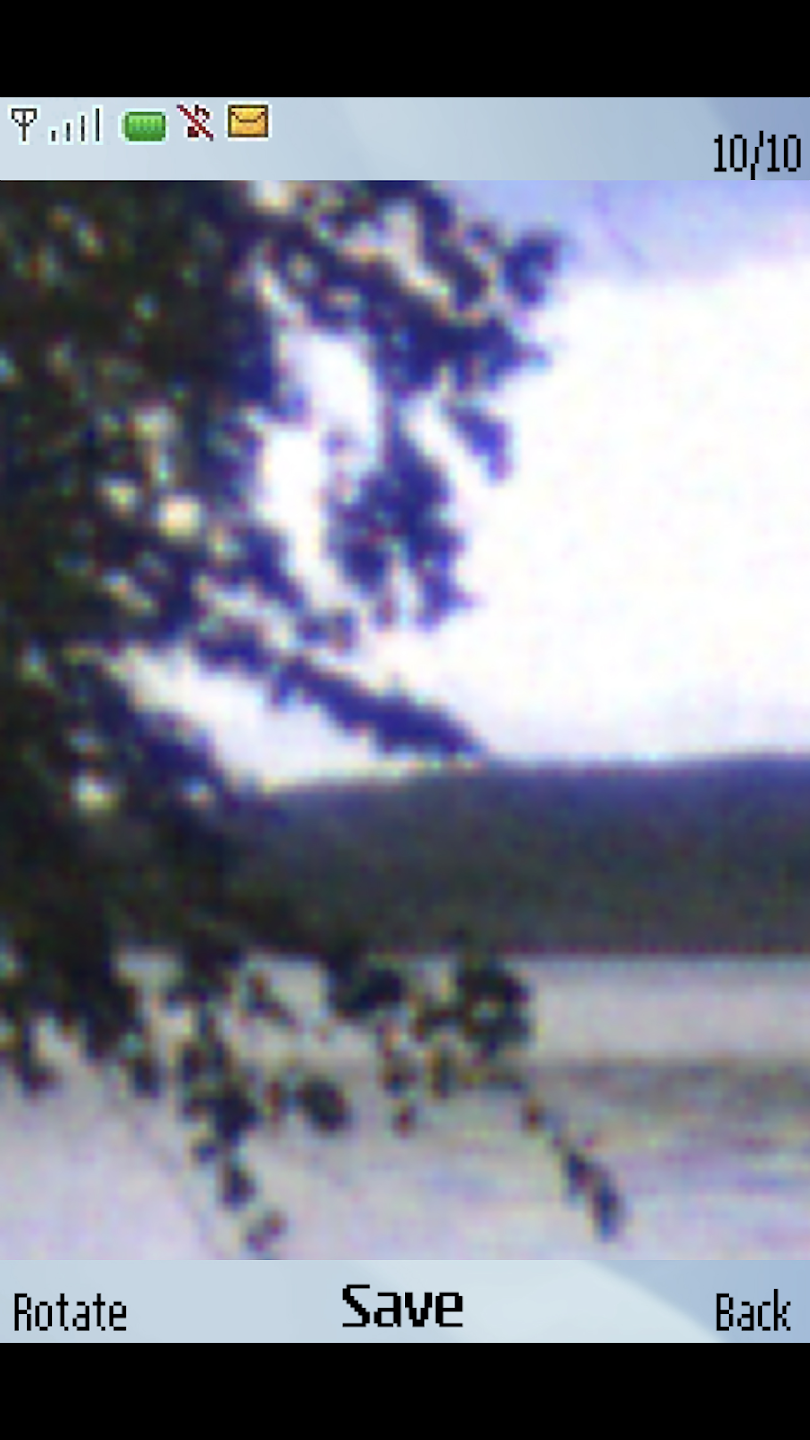
Realistic zoom behavior: Zooming works like it did on old phone cameras. When you pinch to zoom, image quality degrades in real time and edges break down naturally. This makes framing choices matter because pushing the zoom will quickly show the limits of tiny sensors. It is simple to see how far you can go before detail falls apart.
Retro three button interface: The interface follows a Nokia S40 style with three clear controls so you can focus on the scene. You switch modes and act quickly without extra panels or distracting icons. This layout shortens the time between seeing a moment and capturing it. It also keeps the entire workflow consistent with the era the app emulates.
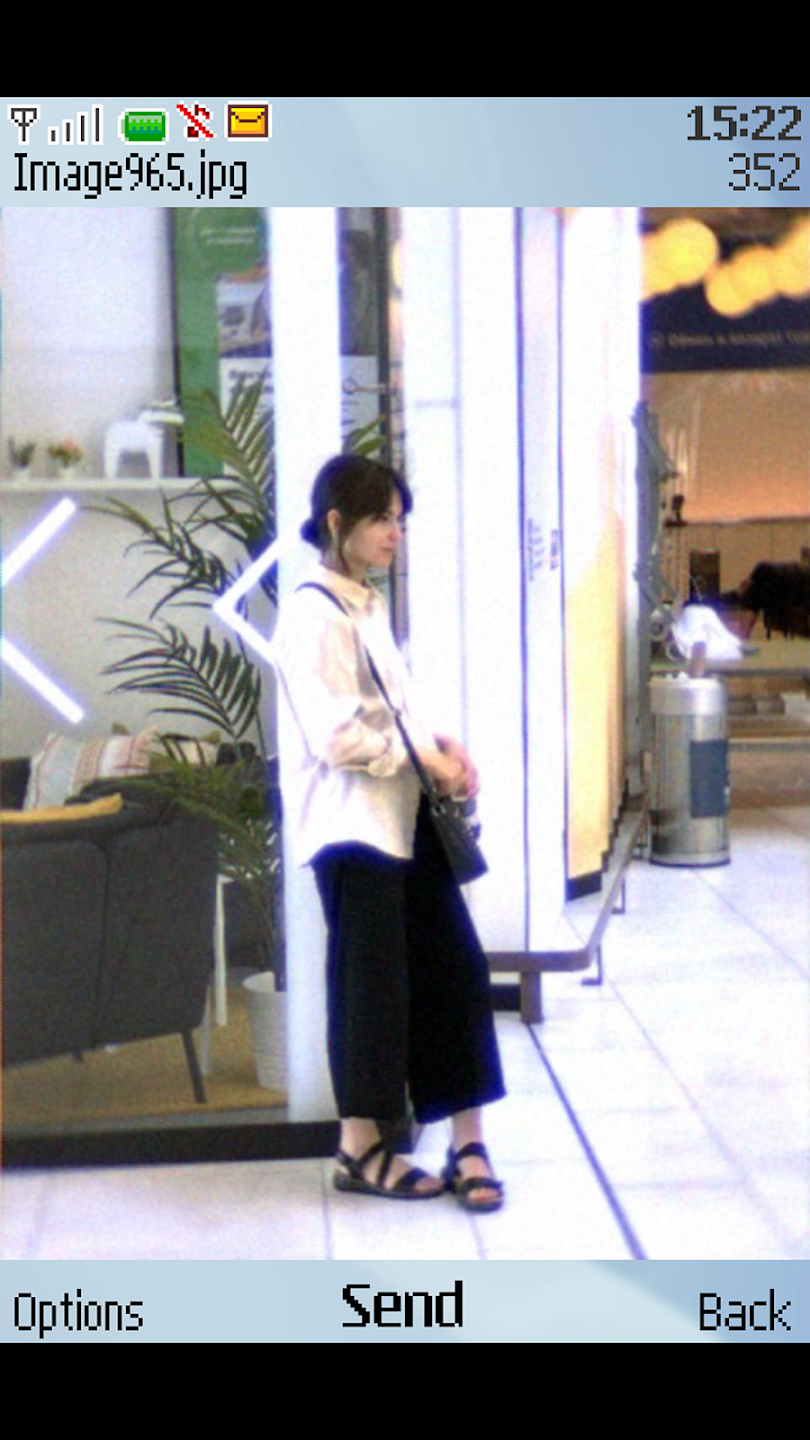
Process existing photos for a consistent result: If you already have images you want to match to the same low resolution look, import them and run them through the pipeline. The app applies the full artifact set so imported pictures align closely with shots taken in app. This helps when you want before and after comparisons or when you need a unified style across a set. It also keeps editing simple and predictable.
Strengths of 0.3MP Camera:
Low-Resolution 0.3MP Output: This tool features photo and video capture at an authentic 0.3-megapixel resolution (640x480), delivering the distinct pixelated, lo-fi quality of the era.
Retro Image Import & Processing: It allows users to import existing photos for processing, applying the vintage camera effects to personal media.
Photo and Video Capture: This tool enables users to capture both still photographs and video footage directly within the app, applying the retro aesthetic in real-time.
Realistic Digital Zoom Degradation: The app simulates the authentic loss of image quality when employing digital zoom, mirroring the experience of early mobile phone cameras.
Classic Button-Phone Interface: The app offers a user interface designed to mimic Nokia Series 40 or Symbian S60 phones, providing a familiar and nostalgic control scheme with three dedicated buttons.
User Reviews of 0.3MP Camera:
I really enjoyed using this camera app. I'm really nostalgic. It gives me a bit of a 90s feel. I can see how people used to take pictures with their mobile phones back then.
This is a really great app! Really, it turns your photos in Y2K style. However, I saw a photo editing option on the reel you posted on Instagram but it's not showing up in the app itself. I hope you will add that someday. Still, a really great app. I hope you won't turn into those money hungry developers that hides everything in a subscription.
I have an old samsung phone which produces the same photo quality. But it's such a hassle to use it cause its battery dies down pretty fast. Then I came across this app which offers the exact vibe I was looking for in a photo. Now I can take my 2000s nostalgia vibes in the convenience of my modern phone. Thank you for the idea of this app!
Amazing! This app gave me the vibes of the year 2007. I want to suggest that you please add a video recording feature to the app. We have to record videos in 3gp format. EDIT: Video record is available thanks for reading comments!. What about adding using flash when taking pictures. in low light conditions we need it.
Absolutely amazing! But I've seen videos showcasing that you also have a setting to pick which phone camera to emulate, is that not available on the Android version? Do you plan to upgrade it so it has a different emulation/imitation of specific Nokia, Siemens, Sony Ericsson devices and whatnot?
FAQs of 0.3MP Camera:
Does the camera come with a built-in microphone?
No, the 0.3MP Digital CCD CAM does not have a built-in microphone.
What kind of connectivity options does the camera have?
The camera typically has USB connectivity for easy connection to PCs and other devices.
Can I use this camera for live streaming?
Yes, you can use it for live streaming, although the resolution may limit high-definition quality.
Is software included with the camera for image processing?
Yes, typically a basic software package for image capture and processing is included.
What is the power requirement for this camera?
The camera usually operates via USB power supply from a host device.
Summary:
For users seeking authentic digital nostalgia, the app delivers. It processes images with period-accurate artifacts like sensor noise and color banding. The interface, modeled on old Symbian menus, completes the retro illusion. You can capture new photos or apply the effect to existing images from your gallery.
More Information
- Size:29.5MB
- Version:1.5.12
- Requirements:Android
- Votes:509
- Package Name:com.dwsh.o3mp
- Signature:b598778e77d266b10ba7452c90da018ac053f605
Related topics
-
Welcome to our image editing apps! Perfect for beginners and pros alike, they make photo enhancement easy. Use PicsArt to crop, adjust colors, and apply filters. Remove backgrounds instantly with Remove.bg. Get creative with layers and advanced tools on Adobe Photoshop Express. Start transforming your images today!
-
![Motionleap]()
Motionleap
-
![Perfect Me]()
Perfect Me
-
![PicSay Pro]()
PicSay Pro
-
![ProCCD]()
ProCCD
-
![Lightroom]()
Lightroom
-
![SCRL]()
SCRL
-
![Adobe Lightroom]()
Adobe Lightroom
-
![AI Mirror AI Art Photo Editor]()
AI Mirror AI Art Photo Editor
-
-
Enhance your photos effortlessly with the best free photo editing apps for Android! Whether you want to apply stunning filters, adjust brightness and contrast, remove blemishes, or create professional-quality edits, these apps offer powerful tools at your fingertips. From simple one-tap enhancements to advanced editing features like background removal and AI-powered effects, you can transform your images with ease. Explore a wide range of user-friendly and feature-rich apps, all available for free download. Start editing and make your photos stand out today!
-
![Perfect Me]()
Perfect Me
-
![SnapEdit]()
SnapEdit
-
![VIMAGE]()
VIMAGE
-
![PicSay Pro]()
PicSay Pro
-
![ProCCD]()
ProCCD
-
![FaceApp Pro]()
FaceApp Pro
-
![Foodie]()
Foodie
-
![Sports Studio]()
Sports Studio
-
-
The demand for taking and editing images is increasing among modern people, and free image editing software has become an ideal choice to meet this demand. Through these apps, users can easily edit images, including cropping, rotating, adjusting brightness and contrast, and more. At the same time, they also provide rich filters and special effects to make your photos more vivid and artistic. In addition, these software also support adding elements such as stickers, text, and graffiti to make your pictures more personalized. Most importantly, these apps are very easy to use and do not require professional skills. Just a few steps can make your photos stand out. Whether you want to post a stunning photo on social media or add some creativity to your album, these free photo editing apps can meet your needs. Try one out!
-
![SCRL]()
SCRL
-
![Adobe Lightroom]()
Adobe Lightroom
-
![AI Mirror AI Art Photo Editor]()
AI Mirror AI Art Photo Editor
-
![Camera2 API Probe]()
Camera2 API Probe
-
![PicArt]()
PicArt
-
![Foodie]()
Foodie
-
![Sports Studio]()
Sports Studio
-
![YouCam Perfect]()
YouCam Perfect
-
















Latest Updated




Popular Apps








Popular News
More+-
![Tomie Wants to Get Married Full Walkthrough, All Choices and Ending Guide]()
Tomie Wants to Get Married Full Walkthrough, All Choices and Ending Guide
2026-05-22
-
![Karryn’s Prison Gameplay Walkthrough & Strategy Guide]()
Karryn’s Prison Gameplay Walkthrough & Strategy Guide
2025-10-28
-
![Life in Santa County Game Guide & Complete Walkthrough]()
Life in Santa County Game Guide & Complete Walkthrough
2025-10-28
-
![Dreams of Desire Complete Walkthrough and Game Guide]()
Dreams of Desire Complete Walkthrough and Game Guide
2025-10-28
-
![Era Hunter Gameplay Guide & Full Walkthrough]()
Era Hunter Gameplay Guide & Full Walkthrough
2025-10-28




