

Adobe Photo Lightroom
Download for Android This app is available for Android only.- Category:Photography
- Rating:
- Language:English
- Updated:2026-11-04
Screenshots
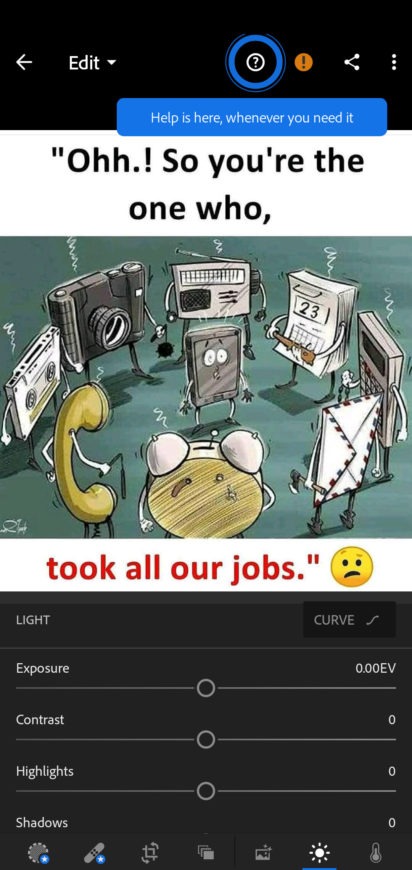
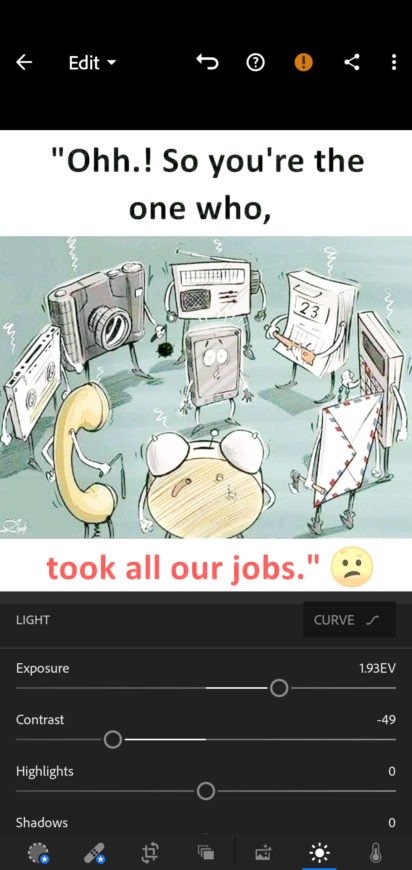
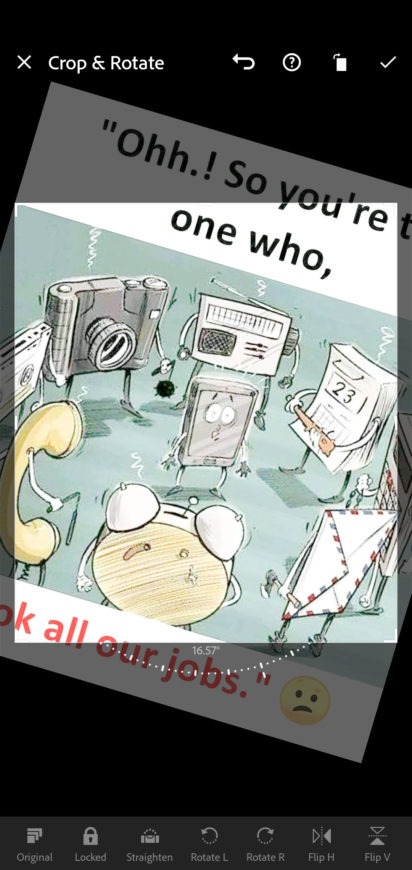
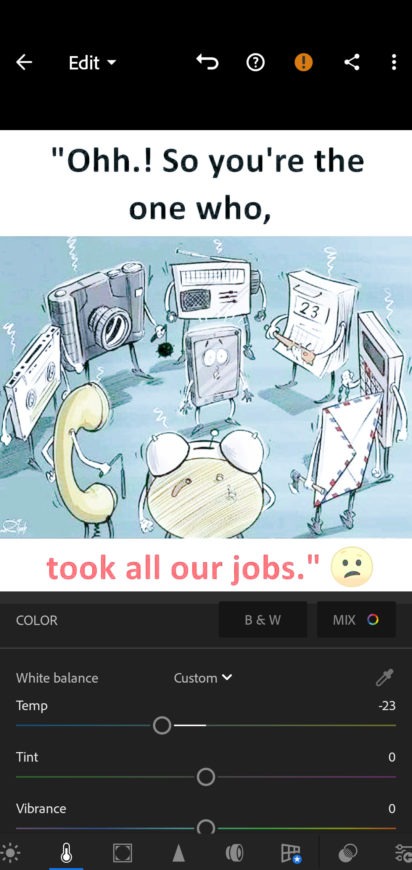
Introduction
Adobe Lightroom is a highly powerful photography software that allows users to perform comprehensive image editing. It offers an extensive suite of professional-grade editing tools, providing a convenient and sophisticated experience for photographers. The software also integrates advanced artificial intelligence (AI) to assist in the editing process. Its generative AI capabilities enable tasks such as cleaning up backgrounds, removing objects, and adding new background elements. Furthermore, it supports a wide variety of image formats, eliminating the need for manual file conversion. It is a widely popular and exceptionally capable application.
Features
AI-Powered Masking and Subject-Aware Editing
The latest version of Adobe Lightroom significantly expands its AI-powered masking tools—driven by Adobe Sensei—enabling users to automatically detect subjects, backgrounds, skies, and specific objects with high precision. This facilitates faster selective editing without the need for manual selection, streamlining workflows for portrait, landscape, and product photography. The system continues to evolve through machine learning updates integrated into the broader Adobe ecosystem.
Generative AI Enhancements and Assisted Editing
Adobe Lightroom has begun integrating generative AI-assisted editing features, allowing photographers to perform advanced adjustments such as background cleanup, object removal, and lighting enhancement suggestions. These tools are designed to accelerate post-processing while preserving the natural quality of the images, helping users achieve professional results with less manual correction.
Cloud Sync Improvements and Cross-Device Workflows
The Adobe Lightroom ecosystem features an enhanced cloud synchronization system, ensuring a smoother transition between desktop, mobile, and web versions. Edits, presets, and catalogs are now updated more reliably across devices, supporting a seamless, continuous editing workflow—whether on a smartphone, tablet, or PC. This further cements Adobe Lightroom’s position as a fully connected creative platform.
Performance Boosts for Large-Scale RAW Workflows
Recent updates have improved the handling of high-resolution RAW files and batch-editing performance, particularly on modern hardware. These optimizations reduce latency when applying presets or exporting large sets of images, making Adobe Lightroom significantly more efficient for professional photographers who manage hundreds or even thousands of images per project.
Function
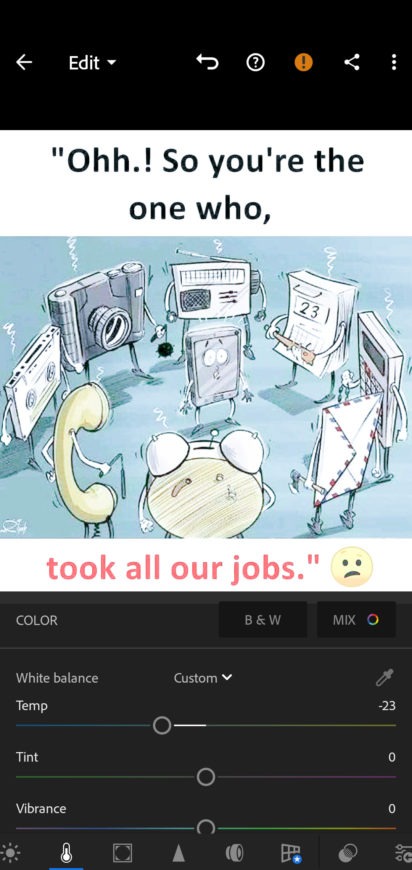
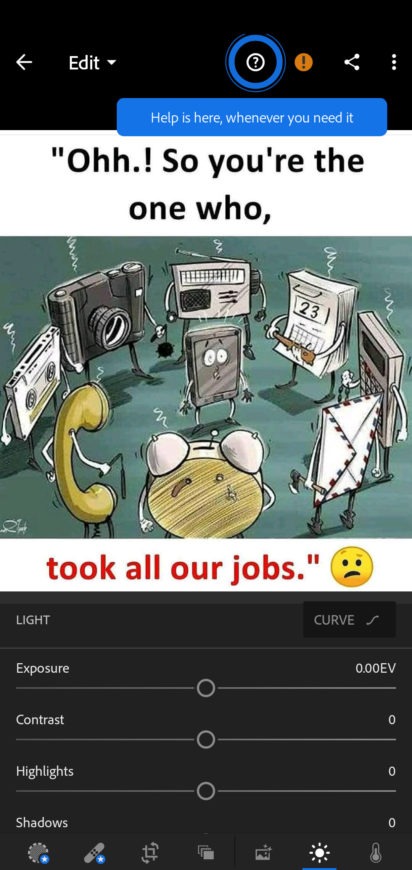
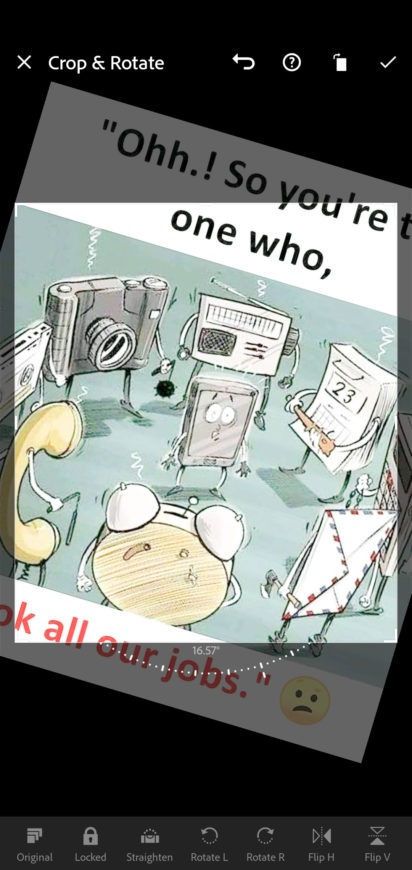
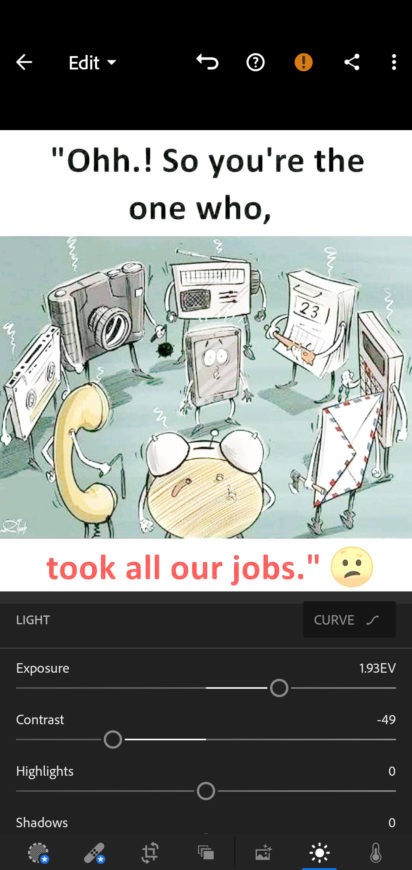
Image Editing – Adobe Lightroom provides all the tools needed to edit images, allowing you to adjust exposure, contrast, sharpness, saturation, white balance, and more.
Non-destructive Editing – Any edits made in Adobe Lightroom do not affect the original file, so you don’t have to worry about losing your photos due to accidental changes or errors.
RAW Support – Adobe Lightroom allows you to edit RAW images without needing to convert their format.
Library Module and Organization – Import and organize all your images and photos using a system of metadata, tags, and keywords.
Presentation Creation – Create professional-looking slideshows and digital photo albums in seconds.
Integration with Photoshop – As part of the Creative Cloud suite, you can easily access Photoshop and leverage its advanced editing tools.
Pros and Cons
Pros:
Easy-to-use, intuitive user interface.
Ability to quickly sync photos with the desktop version of Adobe Lightroom.
Powerful photo editing tools for adjusting exposure, color balance, sharpness, etc.
A variety of filters available to enhance images with a single click.
Support for RAW image files from DSLR cameras.
Advanced sharing options that allow you to post directly from within the app.
Cons:
Limited editing features compared to the desktop version.
No support for plugins or third-party extensions.
FAQs
What is the difference between the mobile version of Adobe Lightroom and the desktop version?
You will find that the features in the mobile version are similar to those in the desktop product. We have simply optimized these features for smaller devices, making it easier for you to work anytime, anywhere.
Can I easily share photos edited in Adobe Lightroom directly to Instagram and other social media platforms?
Exporting photos from Adobe Lightroom to your preferred sharing platforms—including Instagram or even via text message—is very simple.
If I start editing on my phone and want to finish on a tablet or desktop computer, can I sync my edits across devices?
The mobile version of Adobe Lightroom is designed to work seamlessly with the entire Adobe Lightroom ecosystem. If you use Adobe Photoshop Lightroom on a desktop or tablet, you can also use it on your mobile device.
Conclusion
Whether you are looking for basic retouching tools or more sophisticated adjustments—such as tone curves or selective color correction—Adobe Photoshop Lightroom makes it easy to master these features, even with no prior experience. This makes it an ideal choice for everyone from beginners to seasoned professionals who want to achieve quick results on their own devices!
More Information
- Size:137.01MB
- Version:11.3.2
- Requirements:Android
- Package Name:com.adobe.lrmobile
- Signature:a5cf05723736cdc3705c7bec12f52d42
Related topics
-
Utility apps are indispensable in our lives, making our daily routines more convenient. To help you find these apps more easily, this site has created a collection. This collection brings together a series of practical tools covering various aspects of life, work, and education, meeting all your needs. What are you waiting for? Try these apps now and make your life easier!
-
![Adobe Photo Lightroom]()
Adobe Photo Lightroom
-
![Google PDF Viewer]()
Google PDF Viewer
-
![Calorie Counter by FatSecret]()
Calorie Counter by FatSecret
-
![Samsung Smart Switch Mobile]()
Samsung Smart Switch Mobile
-
![UgPhone - Android Cloud Phone]()
UgPhone - Android Cloud Phone
-
![HP Print Service Plugin]()
HP Print Service Plugin
-
![GTA: San Andreas Cheater]()
GTA: San Andreas Cheater
-
![Xiaomi Security]()
Xiaomi Security
-
-
Transform your mobile device into a powerhouse of efficiency with these handpicked essential tools. Whether you need professional-grade photo editing, seamless file organization, smart task management, or real-time weather updates, our curated selection of premium apps delivers unbeatable performance. Streamline your daily routine, automate repetitive tasks, and boost your productivity with intuitive interfaces and powerful features. Designed for both professionals and casual users, these editor-approved applications will revolutionize how you work and play. Don't settle for an ordinary phone - upgrade your digital experience today and unlock your device's full potential!
-
![Adobe Photo Lightroom]()
Adobe Photo Lightroom
-
![Google PDF Viewer]()
Google PDF Viewer
-
![Calorie Counter by FatSecret]()
Calorie Counter by FatSecret
-
![Samsung Smart Switch Mobile]()
Samsung Smart Switch Mobile
-
![UgPhone - Android Cloud Phone]()
UgPhone - Android Cloud Phone
-
![Dubsmash]()
Dubsmash
-
![SetEdit SettingsDatabaseEditor]()
SetEdit SettingsDatabaseEditor
-
![Proxyium browser]()
Proxyium browser
-
-
With the development of mobile hardware and software, many practical tool software have emerged, covering a wide range of aspects and becoming a good helper for everyone in work and life. Today, the editor provides you with a list of useful tool software downloads. These tools are not particularly complex types, and after reading them, everyone can quickly learn how to use them. Proper use can bring great convenience to life and work.
-
![Adobe Photo Lightroom]()
Adobe Photo Lightroom
-
![Google PDF Viewer]()
Google PDF Viewer
-
![Calorie Counter by FatSecret]()
Calorie Counter by FatSecret
-
![Samsung Smart Switch Mobile]()
Samsung Smart Switch Mobile
-
![Dubsmash]()
Dubsmash
-
![HP Print Service Plugin]()
HP Print Service Plugin
-
![GTA: San Andreas Cheater]()
GTA: San Andreas Cheater
-
![SetEdit SettingsDatabaseEditor]()
SetEdit SettingsDatabaseEditor
-










Latest Updated





Popular Apps








Popular News
More+-
![Tomie Wants to Get Married Full Walkthrough, All Choices and Ending Guide]()
Tomie Wants to Get Married Full Walkthrough, All Choices and Ending Guide
2026-05-22
-
![Karryn’s Prison Gameplay Walkthrough & Strategy Guide]()
Karryn’s Prison Gameplay Walkthrough & Strategy Guide
2025-10-28
-
![Life in Santa County Game Guide & Complete Walkthrough]()
Life in Santa County Game Guide & Complete Walkthrough
2025-10-28
-
![Dreams of Desire Complete Walkthrough and Game Guide]()
Dreams of Desire Complete Walkthrough and Game Guide
2025-10-28
-
![Era Hunter Gameplay Guide & Full Walkthrough]()
Era Hunter Gameplay Guide & Full Walkthrough
2025-10-28




