
VidMate HD Video Downloader & Live TV
Download for Android This app is available for Android only.- Category:Tools
- Rating:
- Language:English
- Updated:2026-11-20
Screenshots
Introduction
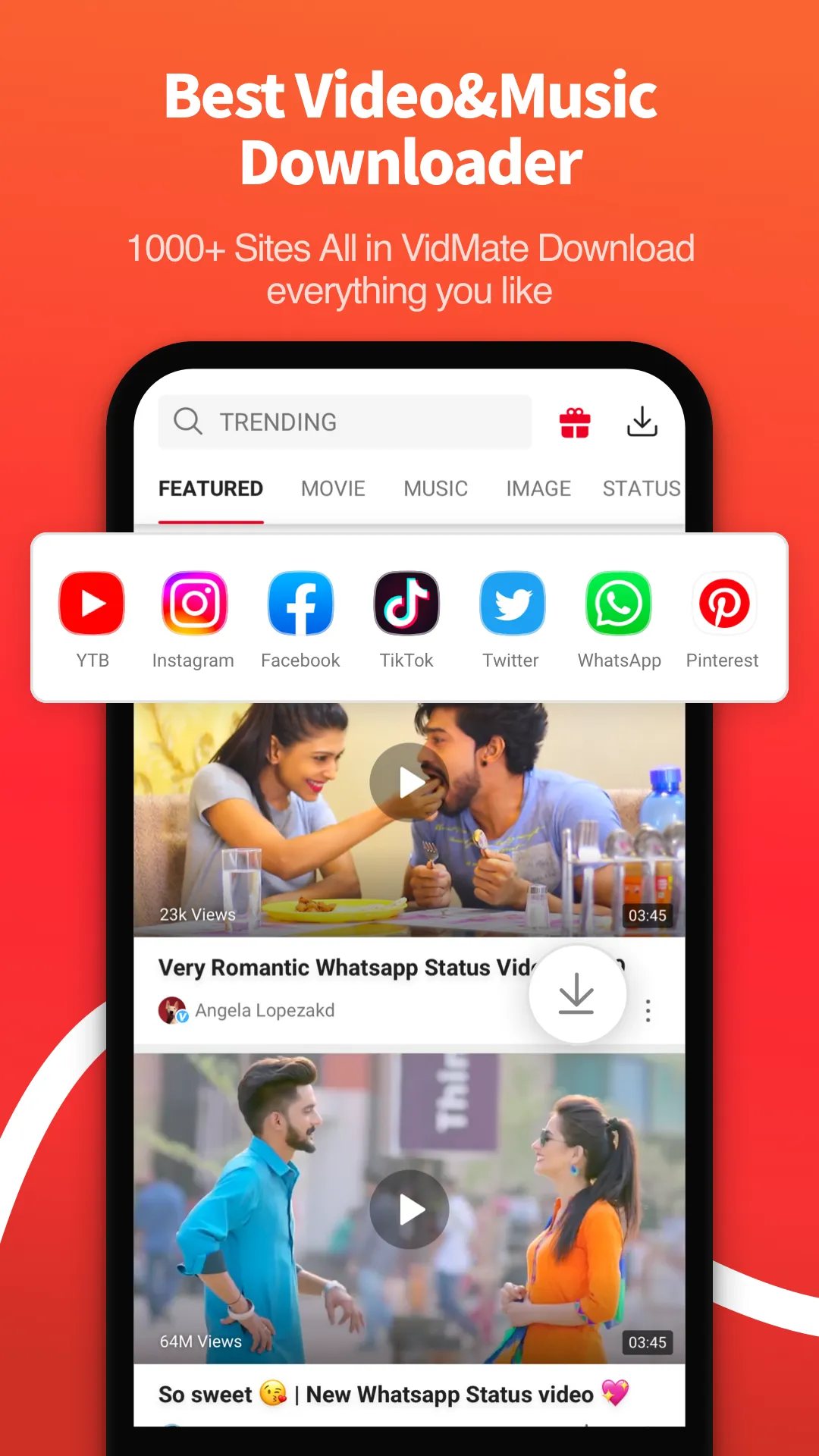
VidMate HD Video Downloader & Live TV is a video downloading tool designed for the Android operating system. It allows users to download videos, music, and photos from a wide range of websites, including content from popular social media platforms. The tool offers flexibility by letting users choose their preferred video quality and file format. It supports multiple simultaneous downloads and can run in the background, giving users full control over the status of their download tasks. Additionally, the app features a built-in media player, enabling users to enjoy downloaded videos, music, and photos offline. It also provides access to various live TV channels, entertainment news, and more.
Features
Download from Popular Platforms
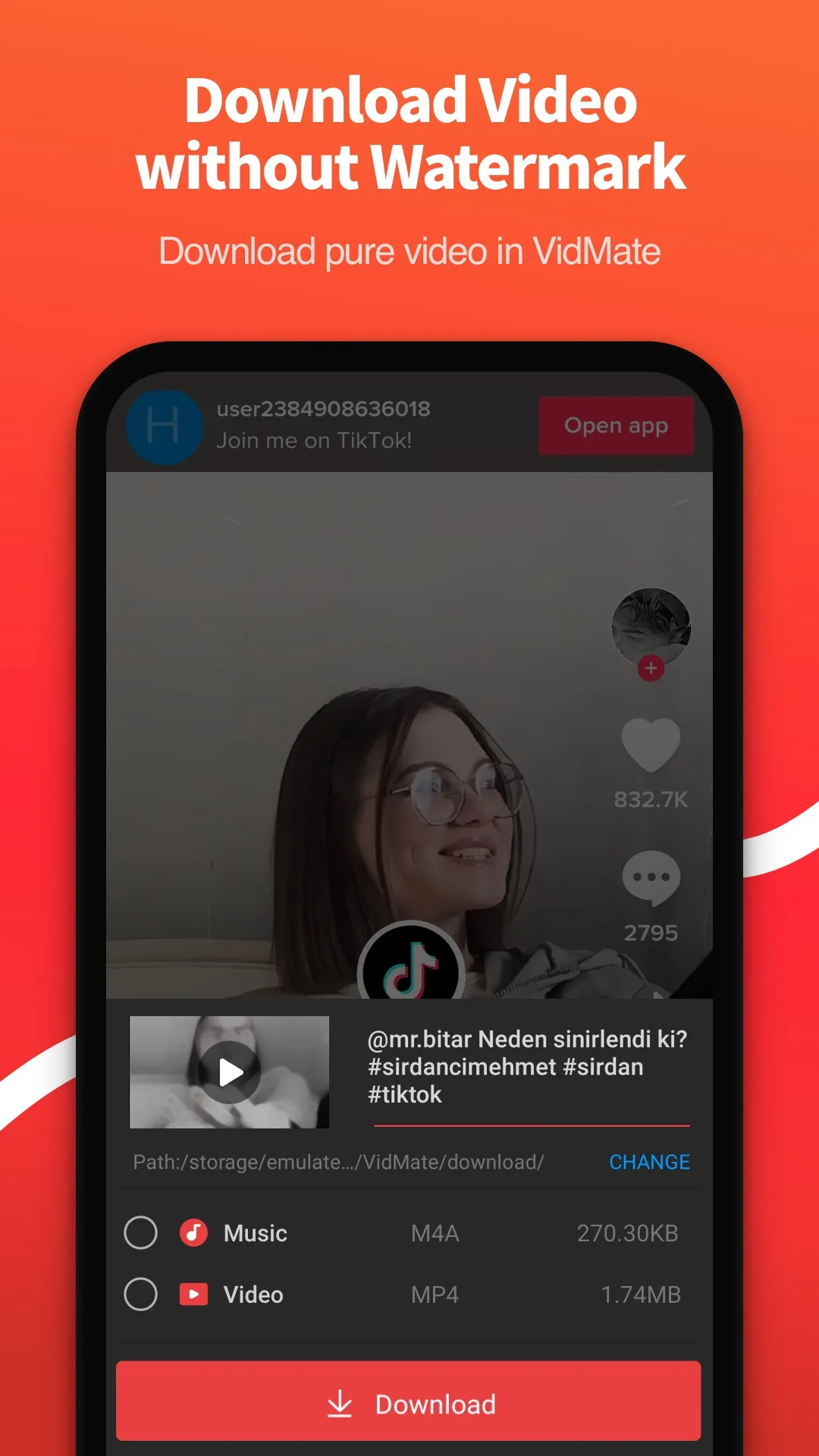
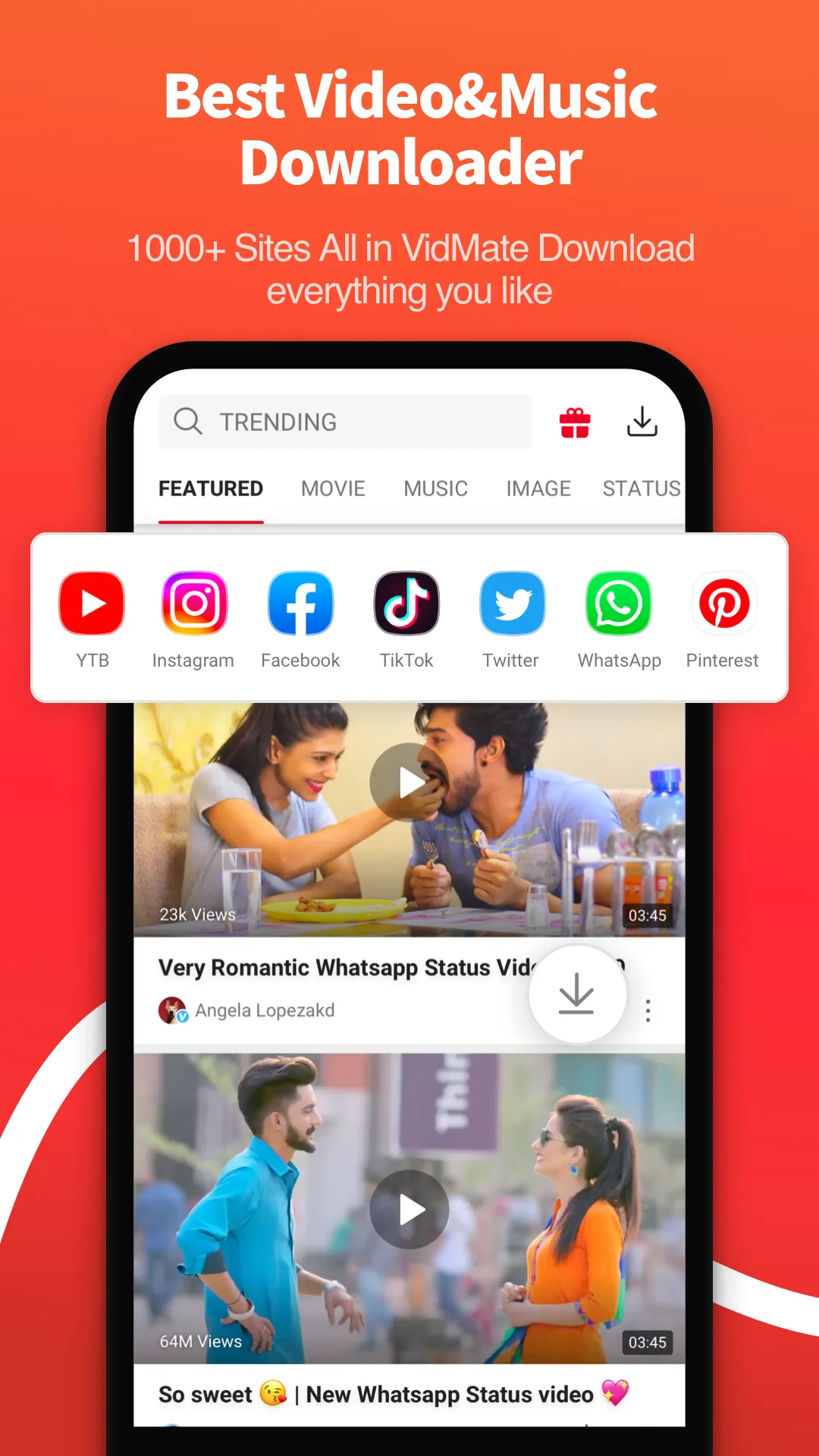
VidMate HD Video Downloader & Live TV enables you to download videos, music, and photos from a multitude of websites. Supported services include YouTube, Facebook, Instagram, TikTok, Twitter, Vimeo, Dailymotion, SoundCloud, and many others. You can preview content online before saving it for offline use—a great way to save on data usage and ensure your media library remains accessible even when you are offline.
Choose Your Preferred Quality and Format
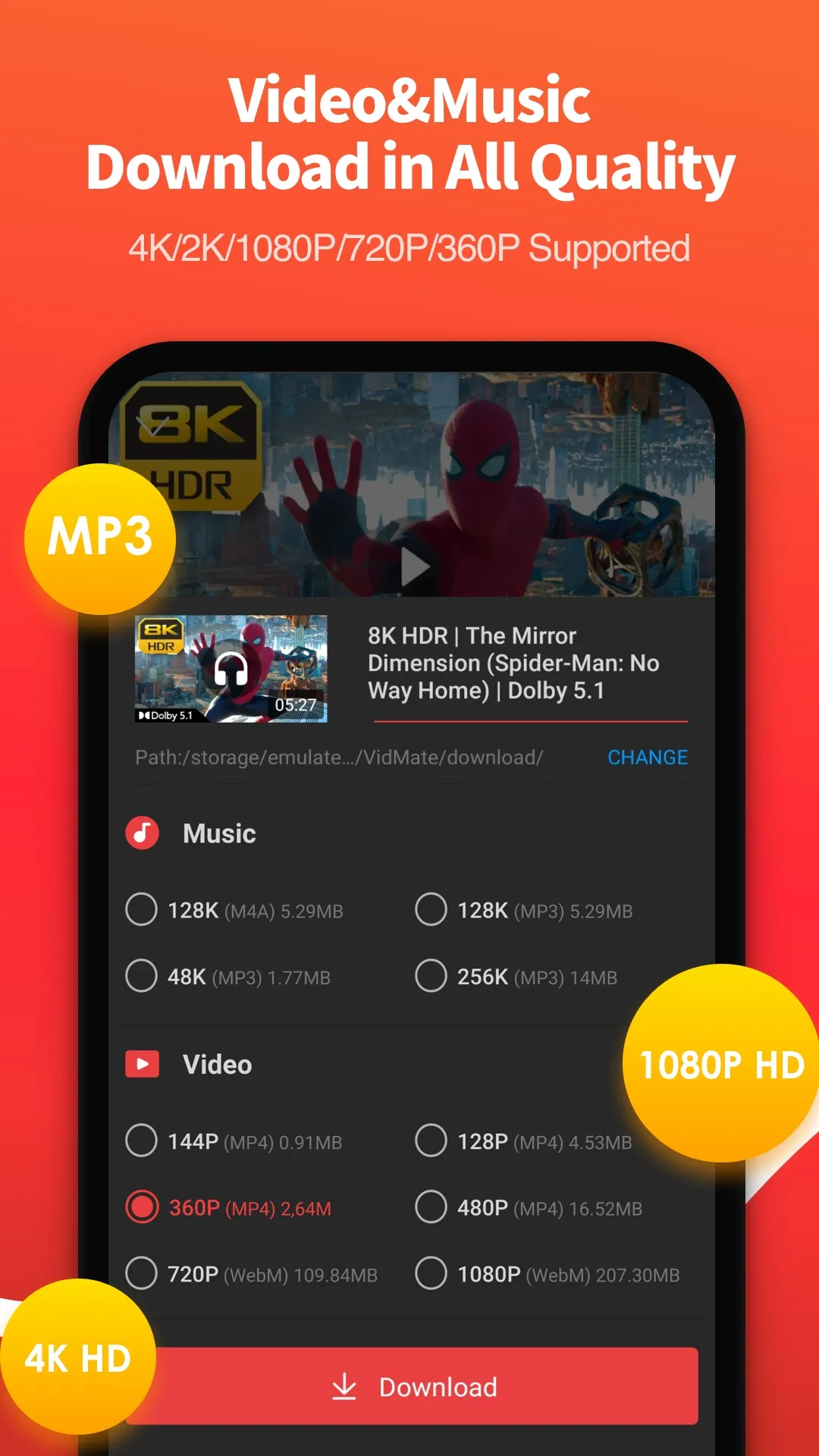
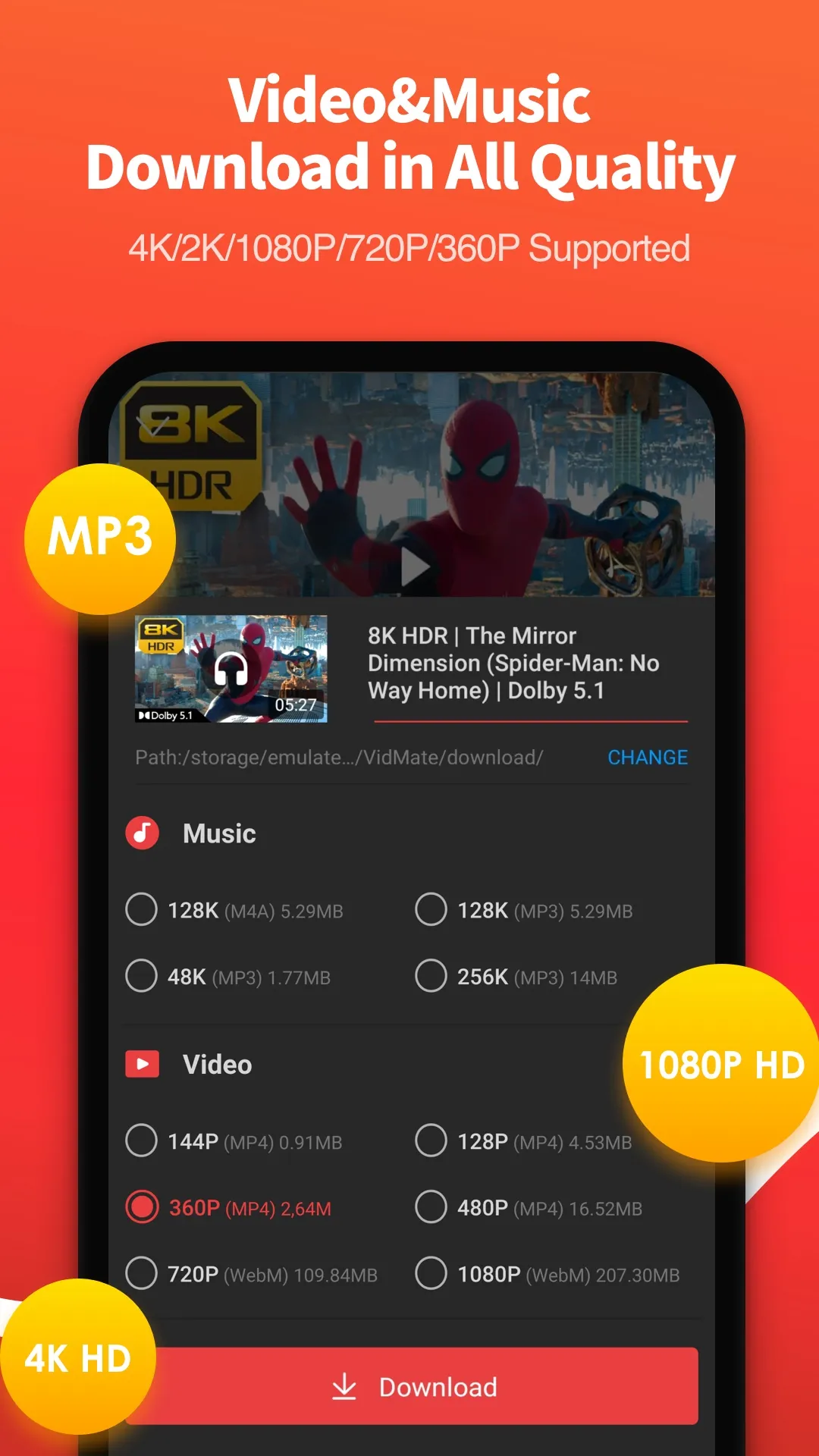
You can select video quality ranging from 144p up to 4K, depending on the source. The app supports various video formats, including MP4, MOV, WMV, WEBM, FLV, and 3GP. For audio, it offers MP3, M4A, and FLAC formats, with a quick-conversion option available if you only need the audio track. This flexibility helps you tailor files to your device’s storage and playback requirements without needing any additional software.
Take Control of Your Downloads
VidMate HD Video Downloader & Live TV handles multiple tasks simultaneously and can run in the background. You can pause or resume downloads, monitor download speeds and progress, and rely on the app’s auto-detection feature to identify media files on a webpage. For long playlists or entire channels, the batch-download feature allows you to save content in fewer steps, keeping large download queues organized and minimizing manual effort.
Offline Playback and Organization
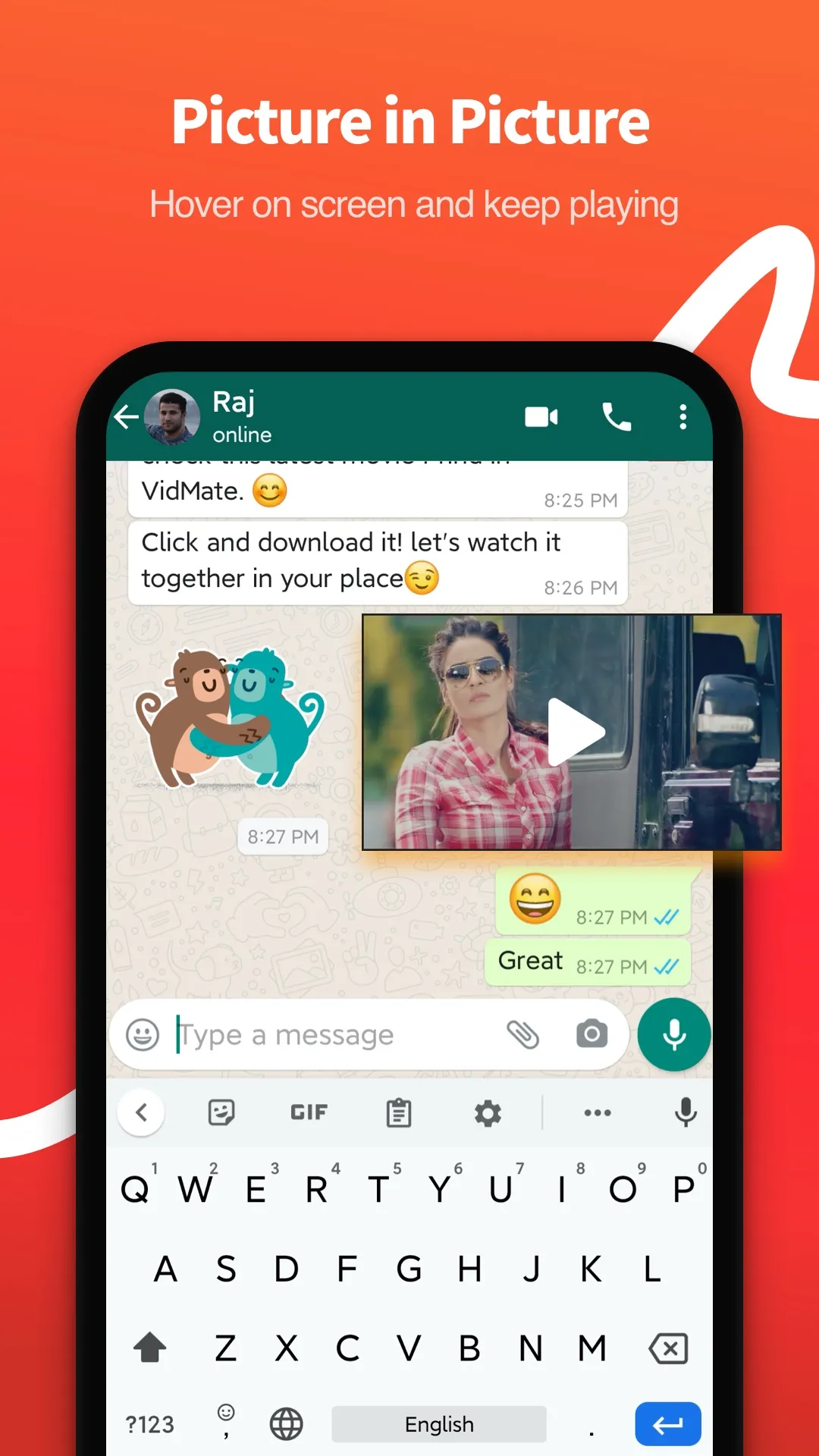
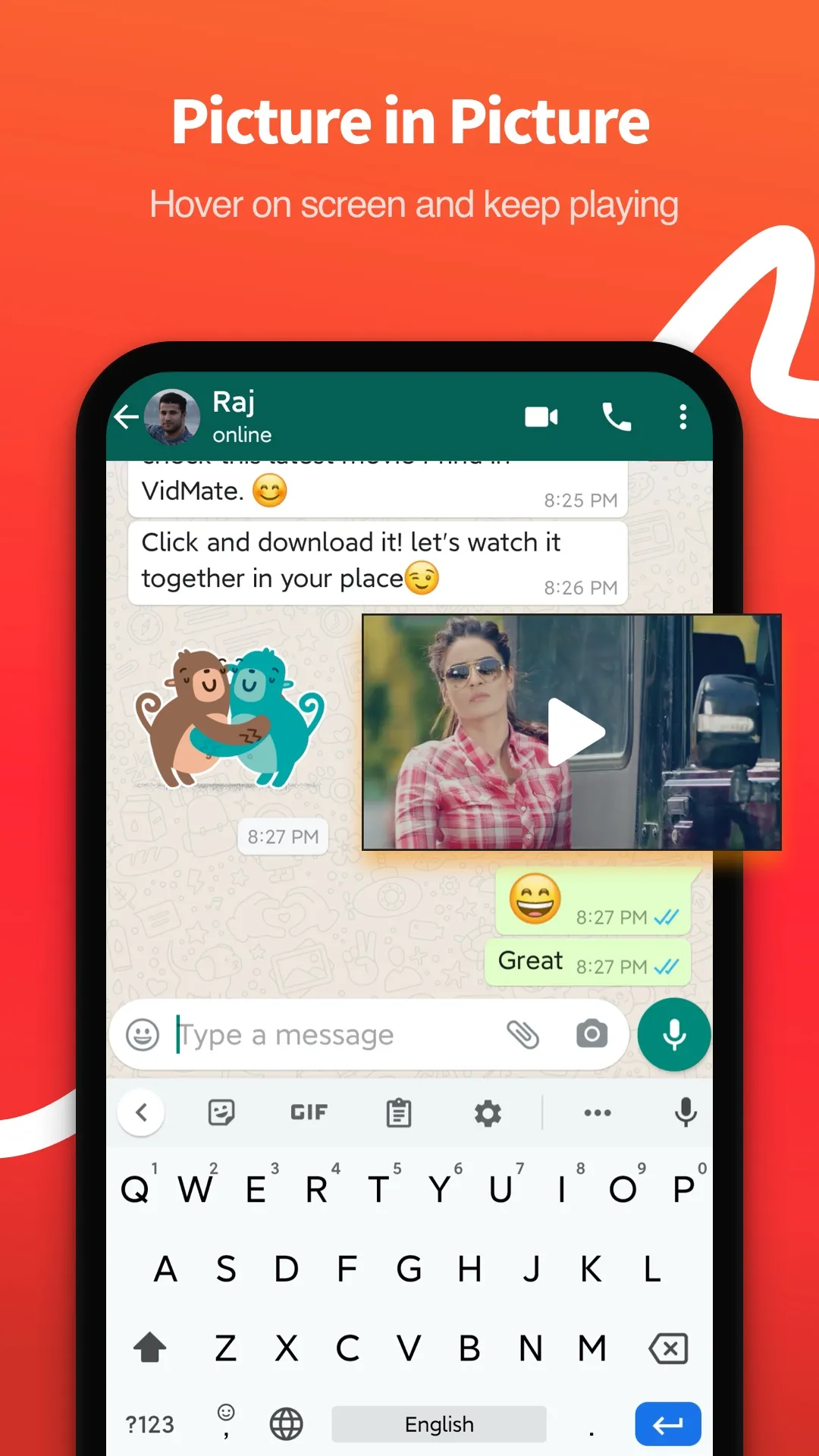
The built-in media player allows you to watch videos, listen to music, and view photos directly within the app—no need to switch to another program. It supports loop and playlist playback, subtitles, playback speed control, and picture-in-picture mode. You can organize your media library into custom folders for easy access later. These features allow the app to function as a standalone media player, even when you are offline.
Watch Live TV and Regional Content
VidMate HD Video Downloader & Live TV includes over 200 live channels, covering news, sports, and entertainment. Users can watch highlights of exciting sporting events—such as cricket matches—and browse popular programs from major media outlets. The platform offers multilingual content, with a particular focus on Indian audiences, featuring music and shows in languages including Hindi, Tamil, Telugu, Marathi, and Bengali. This enables users to easily stay updated and enjoy local or regional media content on their mobile devices, anytime and anywhere.
Usage
Open the app, grant storage permissions if prompted, and then use the built-in browser to navigate to supported websites or paste a media link.
Select the desired video or audio, then choose your preferred resolution and format. If you only need the audio, select an audio format such as MP3, M4A, or FLAC.
Tap "Download" to begin the process. You can monitor progress in the download manager, pause or resume downloads as needed, and allow tasks to continue running in the background.
Go to your library to watch or listen offline. You can utilize features like subtitles, playback speed adjustment, and picture-in-picture mode, as well as organize your files into custom folders.
Switch to the "Live TV" section to select a channel or view sports highlights. Log in if you wish to "like" content, leave comments, or sync your viewing history.
Pros and Cons
Pros:
Free software
High-definition (HD) video downloads
Live TV channels
Built-in MP3 and MP4 conversion
Cons:
Intrusive advertisements
FAQs
How do I download YouTube videos?
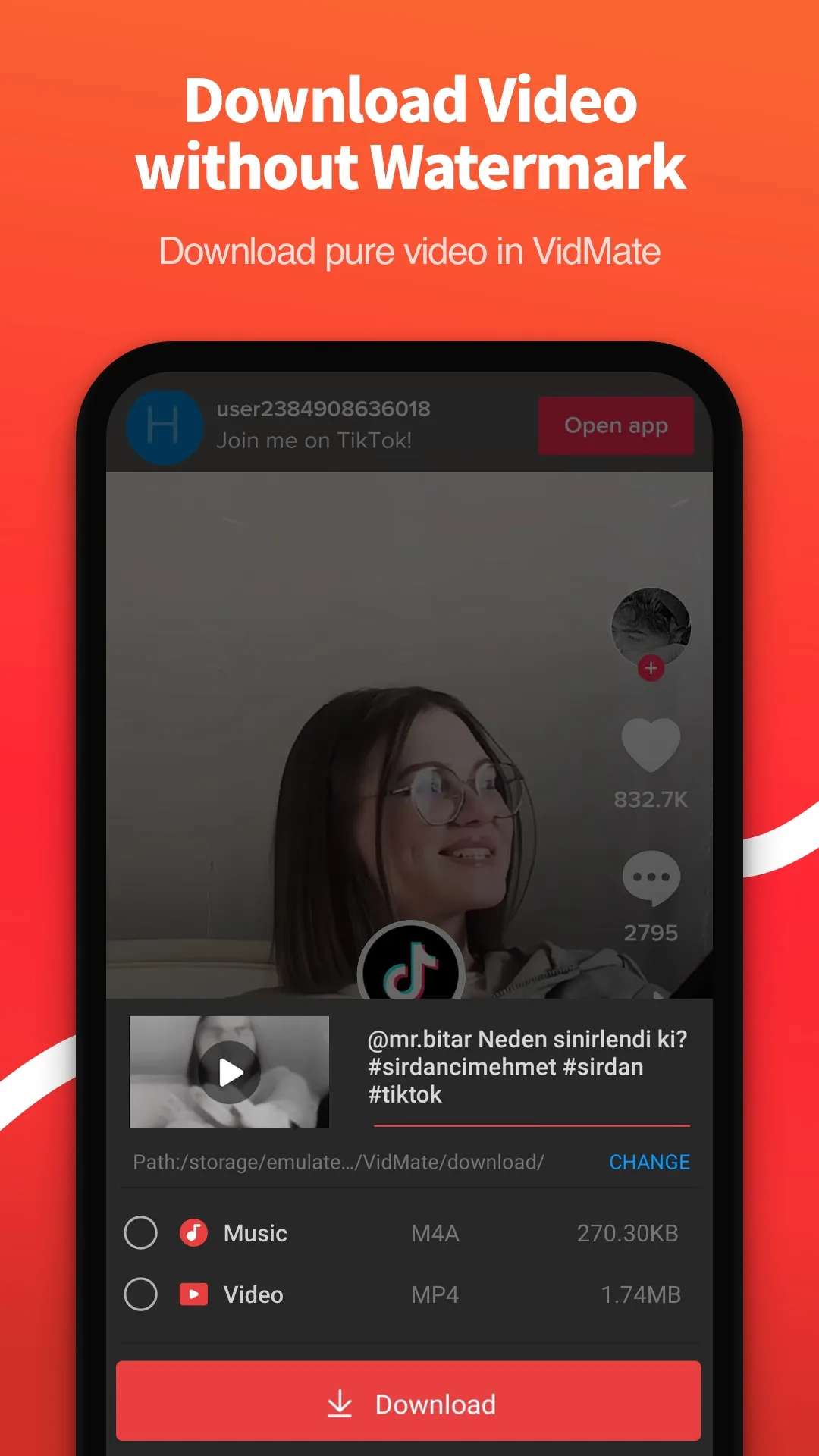
Open the app and navigate to YouTube via the "Site Navigation" section on the home screen. Find and open the YouTube video you wish to download, then tap the download button that appears. c. Select the format you wish to download (audio or video) and your preferred quality—such as 1080p or 720p HD. You can also download YouTube videos in MP3 format. d. Click the download button. Once the download is complete, you can access your saved YouTube videos by tapping the download icon in the top-right corner.
How to download movies?
Open the app and select the "Movies" tab from the top navigation bar. 2. Use the filters to search for the movie you want by title, popularity/release date, language, genre, year, or category (e.g., Bollywood, Hollywood, Tollywood, Kollywood, etc.). You can find both new releases and popular classic films here. 3. Tap on a movie to view its details page, where you will find a list of download sources from various streaming platforms. Select a source. 4. You can either tap the "Play" button to watch the movie online or the "Download" button to save it. 5. Choose your preferred video quality (e.g., HD). 6. Tap download. Once the movie has finished downloading, you can find it by tapping the download icon in the top-right corner.
How to download Facebook videos?
Launch the app and access the Facebook website via the navigation bar on the home screen. 2. Log in to Facebook, locate the video you wish to download, and tap the download button in the bottom-right corner. 3. Select "Download." Once the process is complete, you can find your saved Facebook video by tapping the download icon in the top-right corner.
Conclusion
VidMate HD Video Downloader & Live TV allows users to save media files for offline access and watch live TV channels—all in one place. By integrating browsing, downloading, and playback features, it enables you to find, organize, and enjoy content without ever needing to switch between different apps.
More Information
- Size:33.67MB
- Version:6.0302
- Requirements:Android
- Package Name:com.video.fun.app
- Signature:73c16a170d1b47ab622cda79d7282416
Related topics
-
In today’s so many social platforms have emerged, saving videos and photos for sharing content from one platform to another has someone become cumbersome. Then are some who still prefer to download music videos and funny videos for offline viewing to watch content without an internet connection, video downloaders offer a convenient solution. However, it’s crucial to be aware of the potential legal implications surrounding downloading copyrighted material. Always ensure you are downloading videos for personal use and respect copyright laws. This article explores 10 of the best free video downloaders currently available, designed to help you efficiently save videos from platforms like Instagram, YouTube, Facebook, X (formerly known as Twitter), and more.
-
![VidMate HD Video Downloader & Live TV]()
VidMate HD Video Downloader & Live TV
-
![Myflixer]()
Myflixer
-
![Moviebox - PlayShort Drama]()
Moviebox - PlayShort Drama
-
![Videhut]()
Videhut
-
![Dodo IPTV Player]()
Dodo IPTV Player
-
![Filmyhit Movies]()
Filmyhit Movies
-
![SUPER TV PLAYER]()
SUPER TV PLAYER
-
![Bflix]()
Bflix
-
-
With the advancement of technology, downloading videos on Android devices is no longer time-consuming. The Android universe is now infested with hundreds of apps for video download in Android that can download HD videos from a slew of video-sharing and streaming sites like YouTube with the swipe of a finger. However, the majority of these apps may contain adware and other unwanted software! As a result, if you’re looking for a good list of the best free Video Downloader Apps for Android. That is completely safe; this is the place to be!
-
![VidMate HD Video Downloader & Live TV]()
VidMate HD Video Downloader & Live TV
-
![Moviesnation]()
Moviesnation
-
![Watch HD Movies]()
Watch HD Movies
-
![Movie4Me]()
Movie4Me
-
![YouTube Kids]()
YouTube Kids
-
![Poop Downloader]()
Poop Downloader
-
![Filmyhit]()
Filmyhit
-
![K+ Live TV & VOD]()
K+ Live TV & VOD
-
-
Media player with multimedia capabilities is one of the important features in today’s smartphones. Most of the video content is consumed on smart devices and viewers continue their tasks like sending emails, surfing apps keeping the video playback on through Picture-in-Picture mode. Playing audio/video on an Android app has become a basic function with android video players becoming more and more customizable. Some of the best video players for Android offer multi format support, easy customizations, hardware acceleration, subtitle support and much more. In this blog, we have compared the best video player for Android based on speed, battery consumption, streaming capabilities, resource usage and more.
-
![VidMate HD Video Downloader & Live TV]()
VidMate HD Video Downloader & Live TV
-
![Flixtor]()
Flixtor
-
![Watch Wrestling]()
Watch Wrestling
-
![BollyFlix]()
BollyFlix
-
![MonPlayer]()
MonPlayer
-
![Moviesnation]()
Moviesnation
-
![CineB]()
CineB
-
![TepiCine]()
TepiCine
-


















Latest Updated







Popular Apps








Popular News
More+-
![Tomie Wants to Get Married Full Walkthrough, All Choices and Ending Guide]()
Tomie Wants to Get Married Full Walkthrough, All Choices and Ending Guide
2026-05-22
-
![Karryn’s Prison Gameplay Walkthrough & Strategy Guide]()
Karryn’s Prison Gameplay Walkthrough & Strategy Guide
2025-10-28
-
![Life in Santa County Game Guide & Complete Walkthrough]()
Life in Santa County Game Guide & Complete Walkthrough
2025-10-28
-
![Dreams of Desire Complete Walkthrough and Game Guide]()
Dreams of Desire Complete Walkthrough and Game Guide
2025-10-28
-
![Era Hunter Gameplay Guide & Full Walkthrough]()
Era Hunter Gameplay Guide & Full Walkthrough
2025-10-28




